
app lock - App security & access control
Protect your apps with customizable PINs & patterns for ultimate security. Keep unwanted users out effortlessly!
- 1.147 Version
- 3.0 Score
- 5M+ Downloads
- In-app purchases License
- 3+ Content Rating

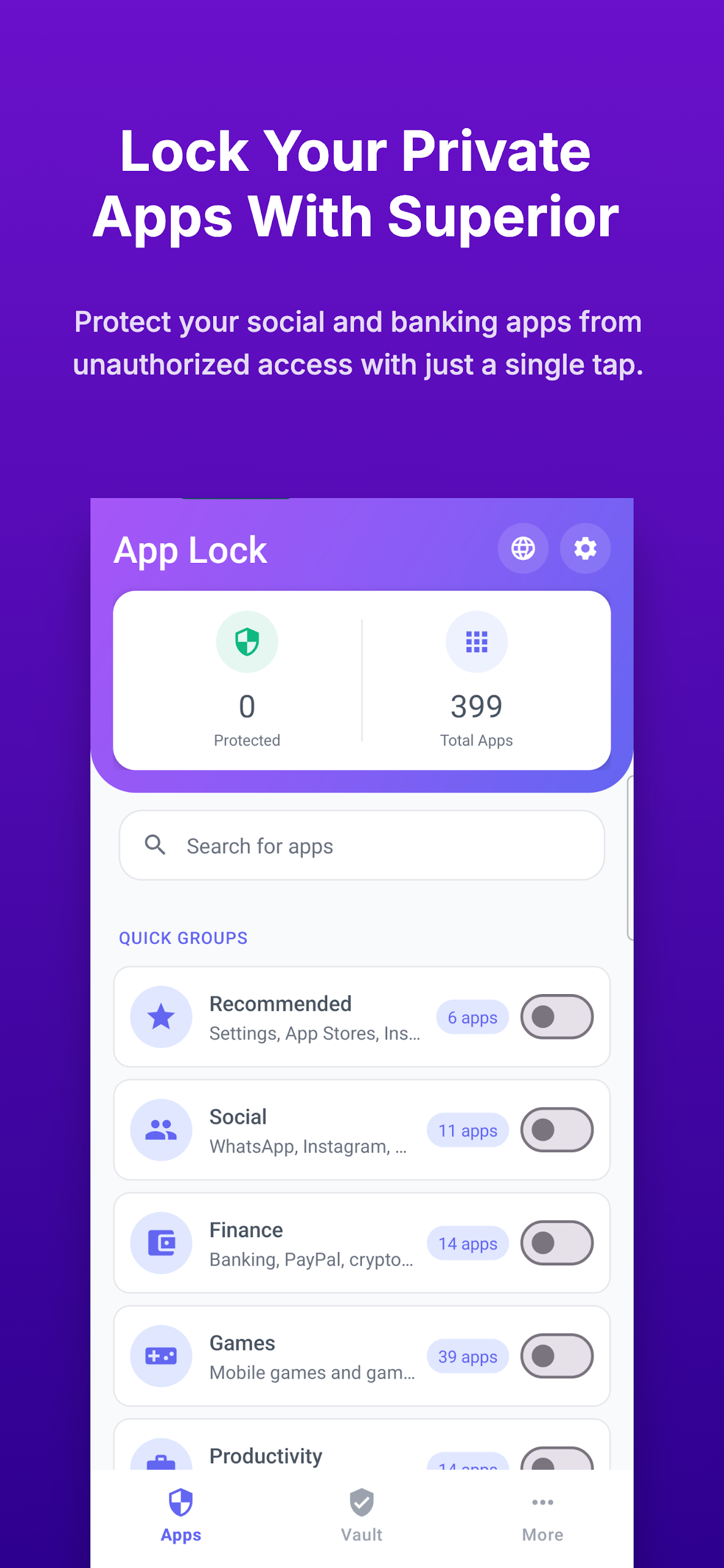
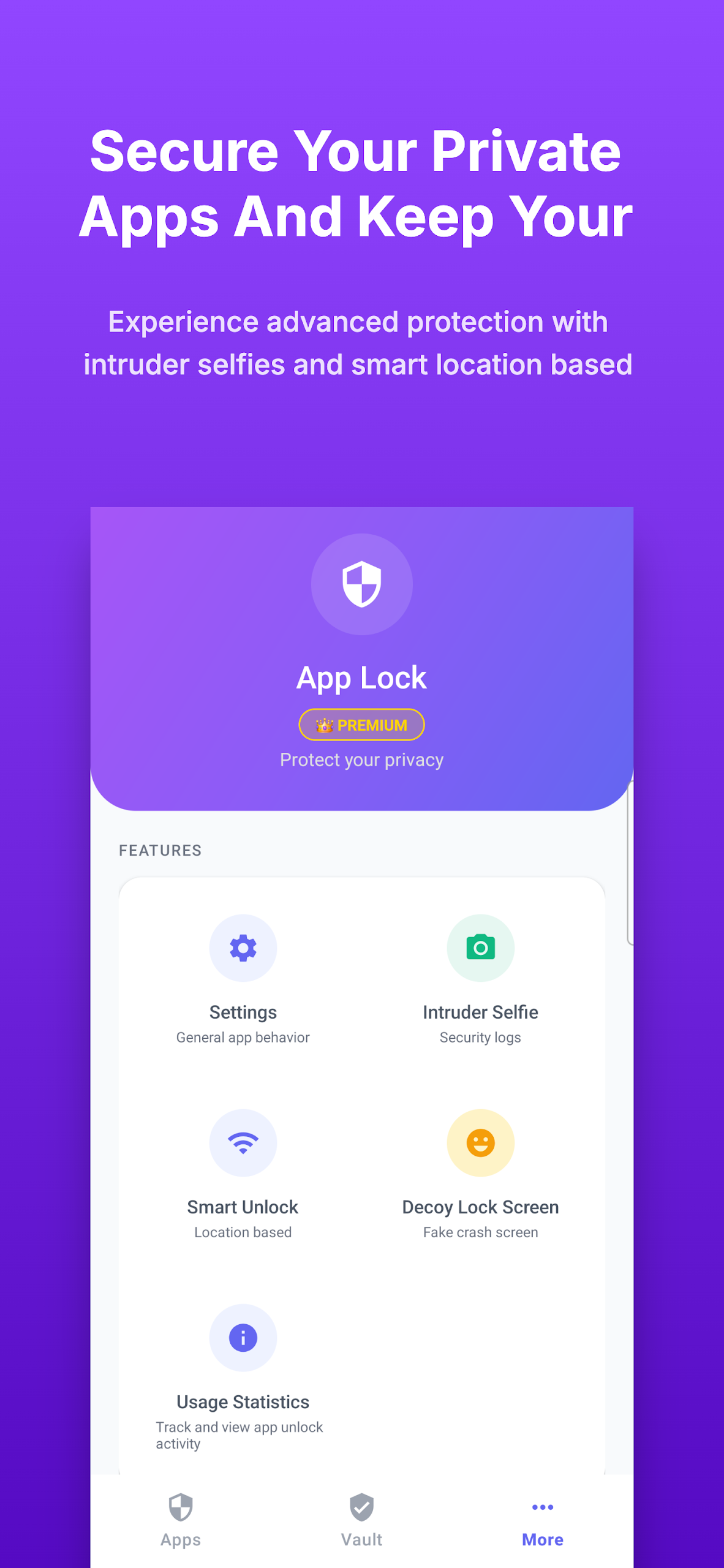
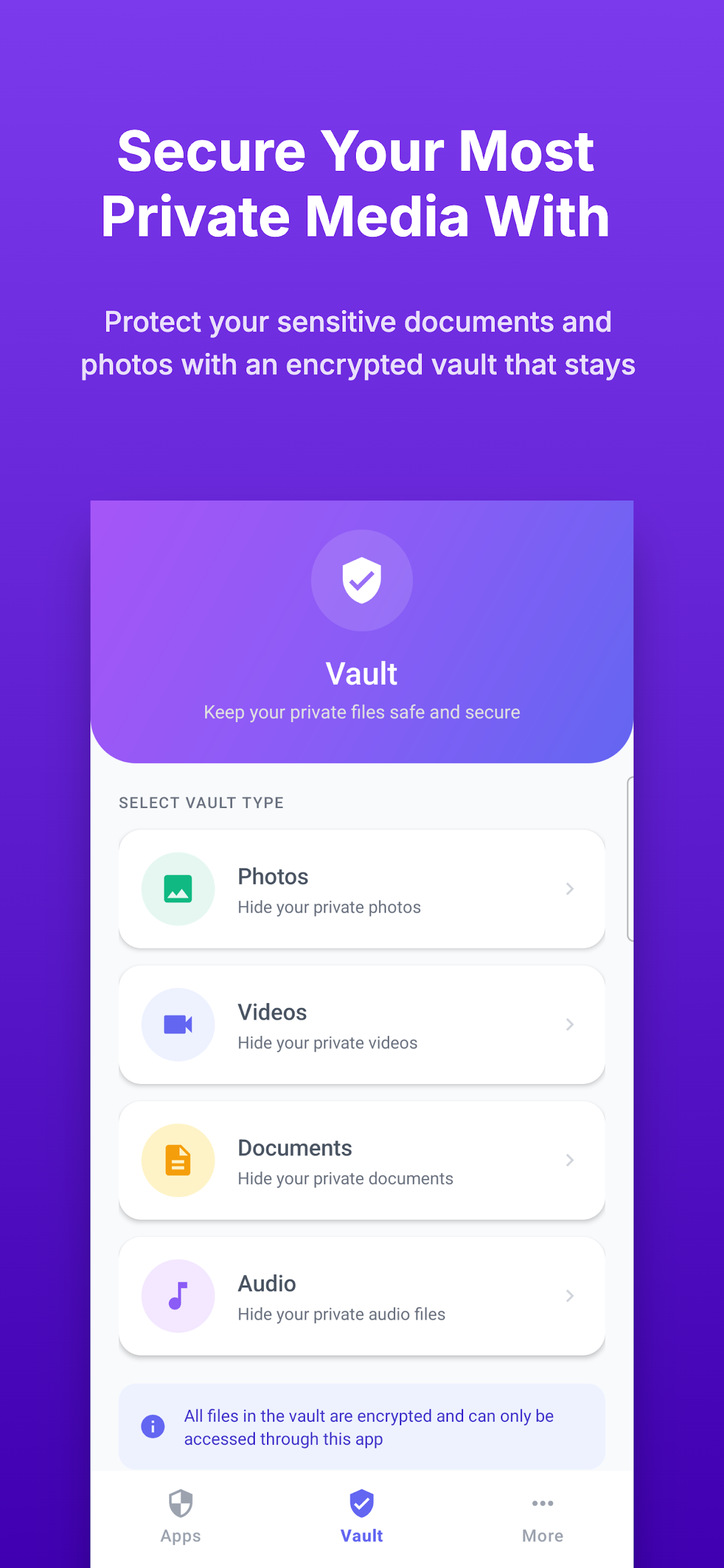
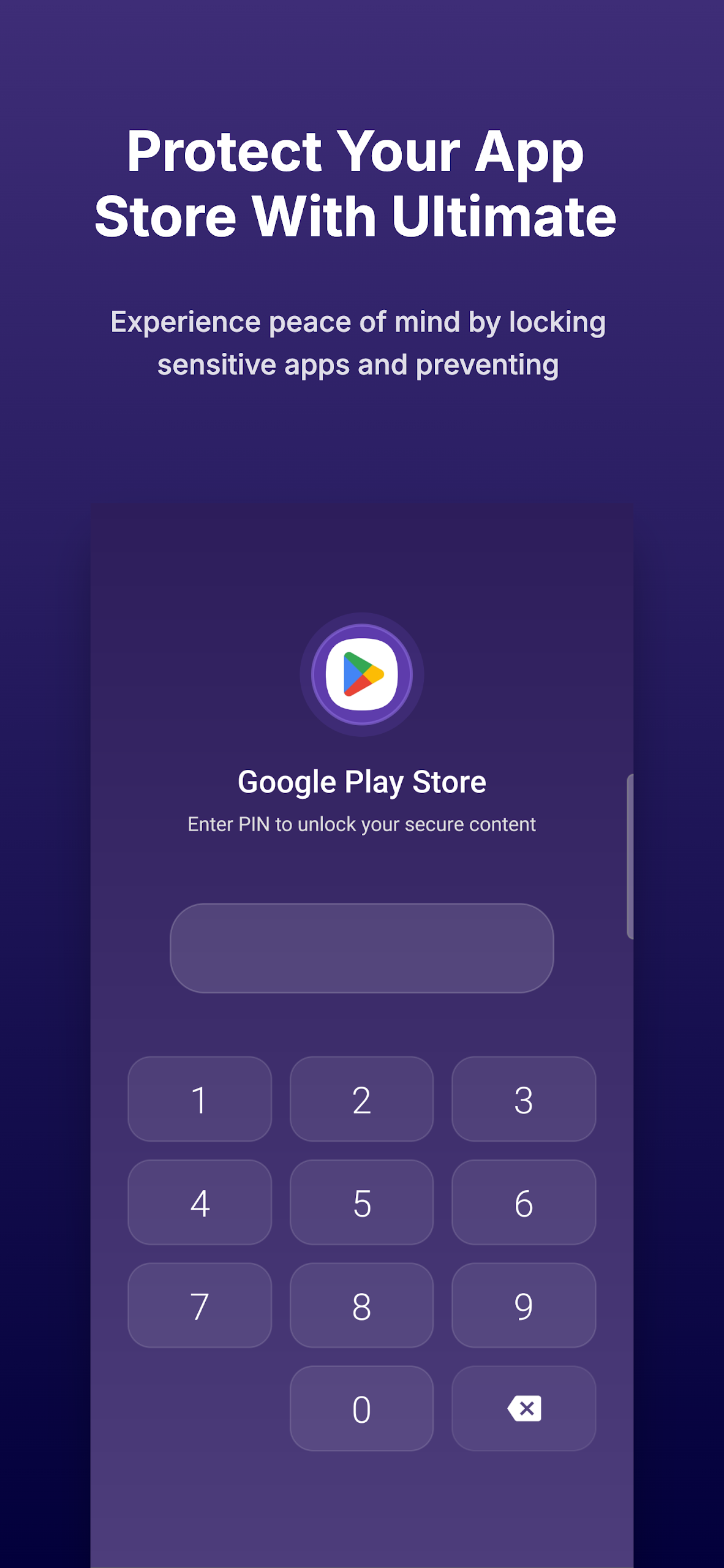
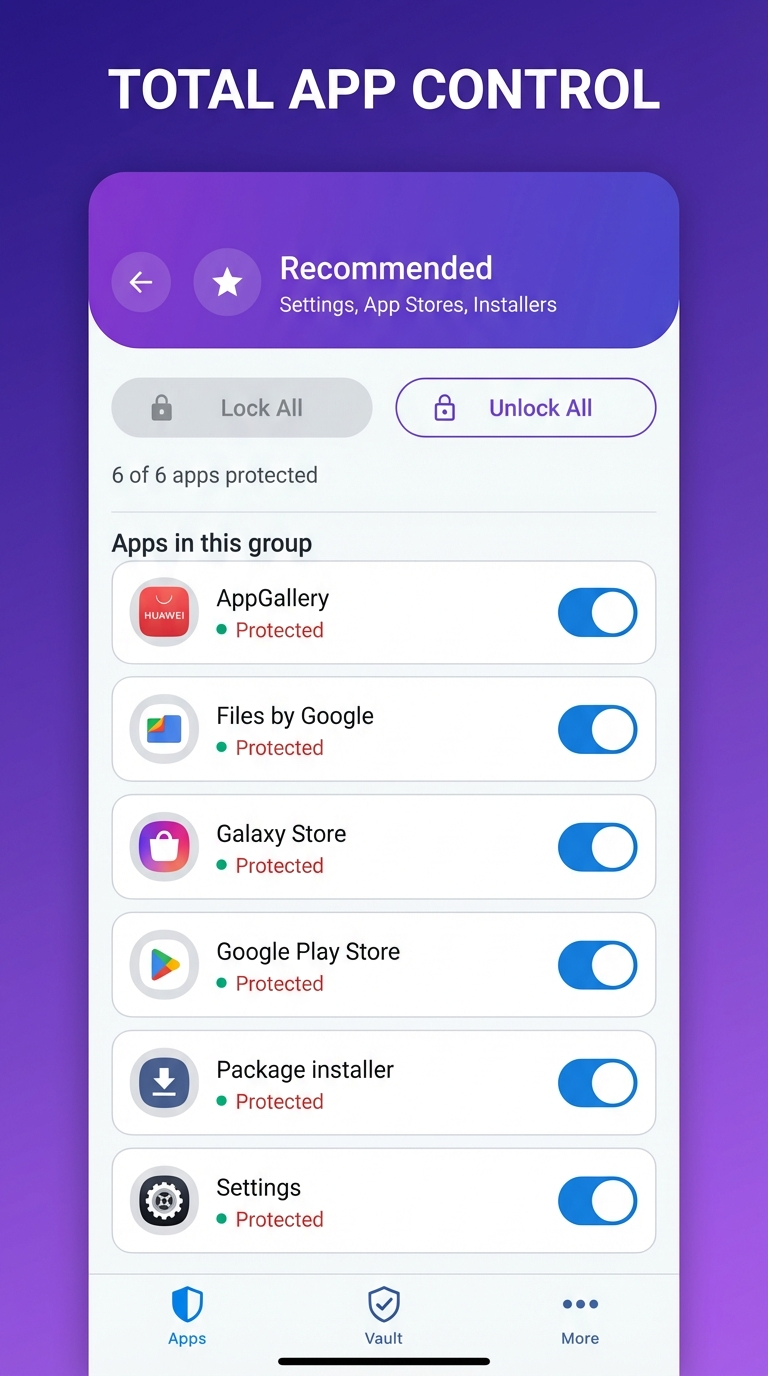
Are you looking to enhance the security of your applications and prevent unauthorized access on your device? App Lock is the perfect solution for you!
This application enables you to lock your software with either a PIN or a pattern instantly, ensuring you achieve outstanding results and an exceptional user experience. Our priority is not only to bolster the security of your apps but also to make it particularly challenging for those who should not have access to them.
App Lock serves as the ultimate instrument for safeguarding your applications, allowing you the flexibility to activate or deactivate the lock based on your preferences. You can effortlessly switch between a pattern lock and password mode whenever desired.
A key advantage of utilizing App Lock is that it grants you total control over your app usage while offering extensive customization and meticulous attention to detail.
You can modify your password through the Settings menu, and there's also an option to reset your password within the Menu, which can be quite useful! Don’t wait any longer—empower yourself with App Lock today, elevate your app security, and prevent unauthorized access to your device.
Features:
• Various protection modes
• Ability to toggle between protection modes as needed
• Extensive customization options
• Robust and highly effective application protection
★★This app requires Device Administrator permission★★
App Lock: Essential Privacy Control at Your Fingertips
App Lock transformed how I manage privacy on my shared device, offering genuinely useful control without complexity. Setting up PINs or patterns for sensitive apps like banking, messaging, and photos took seconds, and the flexibility to mix protection methods—using a pattern for social media while locking my gallery with a PIN—feels empowering. Unlike bulkier security suites, this app shines through focused simplicity: toggle locks on/off per app effortlessly, adjust settings intuitively, and trust it functions reliably. Seeing "Blocked" flashes when someone tries accessing my secured WhatsApp is deeply satisfying.
Though requiring Device Administrator permission (essential for security), the trade-off delivers robust protection that'd be hard to bypass casually. Minor ad presence is a fair trade for free use, and customization options appease control enthusiasts. For anyone sharing devices or guarding private content, App Lock is a must-have privacy layer that just works.
App Lock Mini-FAQ:
Q: Why does it need "Device Administrator" permission?
A: This allows App Lock to prevent its own settings from being easily uninstalled or bypassed by unauthorized users. It’s standard for serious app locks but means you must deactivate it in device settings before uninstalling.*
Q: Can I lock ANY app?
A: Mostly yes. Core apps (social, galleries, banking, settings) lock reliably. System-critical apps (Phone, Settings app) may have limitations due to Android restrictions.*
Q: How secure is it against tech-savvy users?
A: It prevents casual access well. Determined individuals could bypass it via Safe Mode, ADB, or factory resets – but it offers strong everyday privacy against friends/family.*
Q: Does locking apps increase battery drain?
A: Minimal impact. It runs lightweight background checks only when launching apps. No noticeable battery difference observed during daily use.*
Q: Can I recover/reset my PIN/pattern if forgotten?
A: Yes! Use the "Reset Password" option via the app’s menu (requires answering your security question). Otherwise, uninstall/reinstall (after deactivating Device Admin permission) is the nuclear option.*
Q: Are notifications hidden for locked apps?
A: Usually not. App Lock typically secures app access, not notifications. Sensitive previews may still show on your lock screen/latest Android versions.*
- Version1.147
- UpdateAug 02, 2025
- DeveloperGO Apps
- CategoryTools
- Requires AndroidAndroid 4.4+
- Downloads5M+
- Package Namecom.lock.appslocker
- Signature757c7419aa157f222767544bb9ed644a
- Available on
- ReportFlag as inappropriate
-
NameSizeDownload
-
9.65 MB
-
9.36 MB
-
12.33 MB









Effective app locking functionality
User-friendly interface
Provides options for app protection
Good for preventing unauthorized access
Impressive anti-delete feature
Useful for keeping children from accessing certain apps
Positive user experience reported by several users
Simple and straightforward operation
Apps sometimes unlock automatically
Frequent ads interrupt app usage
Issues with app locking after device reboot
Limited options for securing settings
Inability to lock certain critical system functions
Lack of features such as random keyboard or biometric support
Ineffective at times, leading to frustration
Poor customer support for resolving issues
Confusing instructions and user experience