
Xiaomi Earbuds - Xiaomi earphones management & customization
Effortlessly customize your Xiaomi earphones with noise control, updates, features & find them when lost!

- 1.30.0 Version
- 2.9 Score
- 11M+ Downloads
- Free License
- 3+ Content Rating

About Xiaomi Earbuds
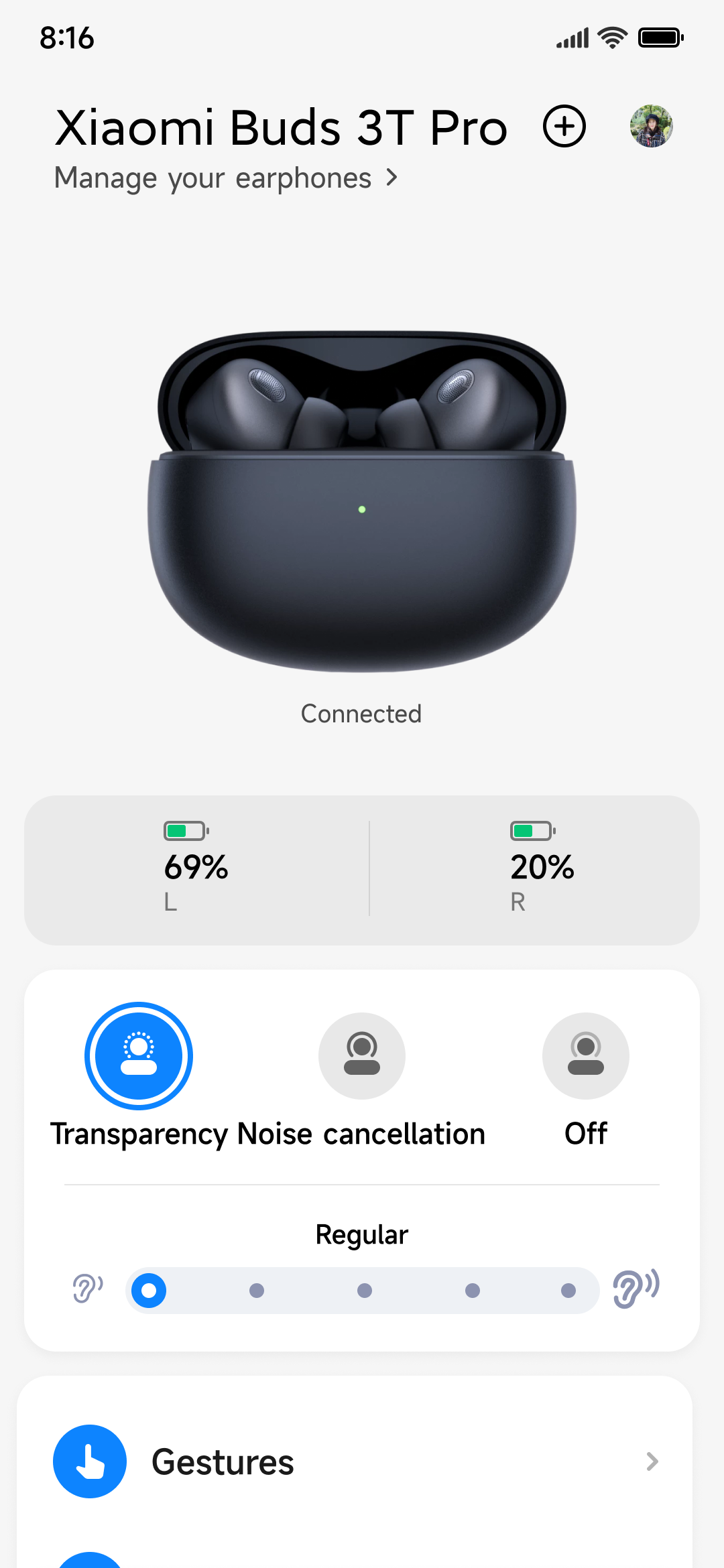
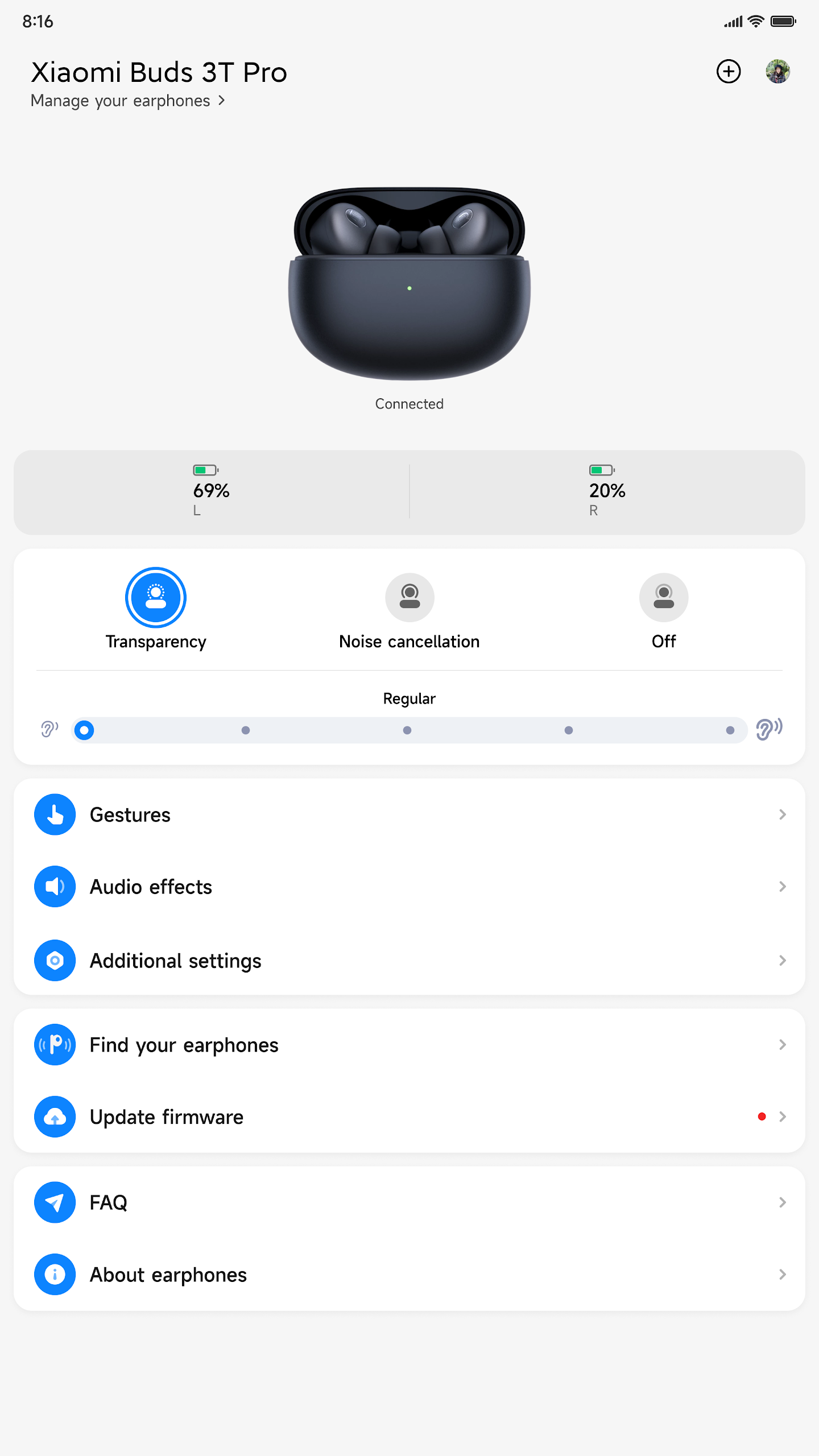
Xiaomi Earbuds is a companion app for managing compatible Xiaomi and Redmi wireless earphones. It provides controls for audio settings, touch gestures, battery monitoring, device location, and firmware updates.
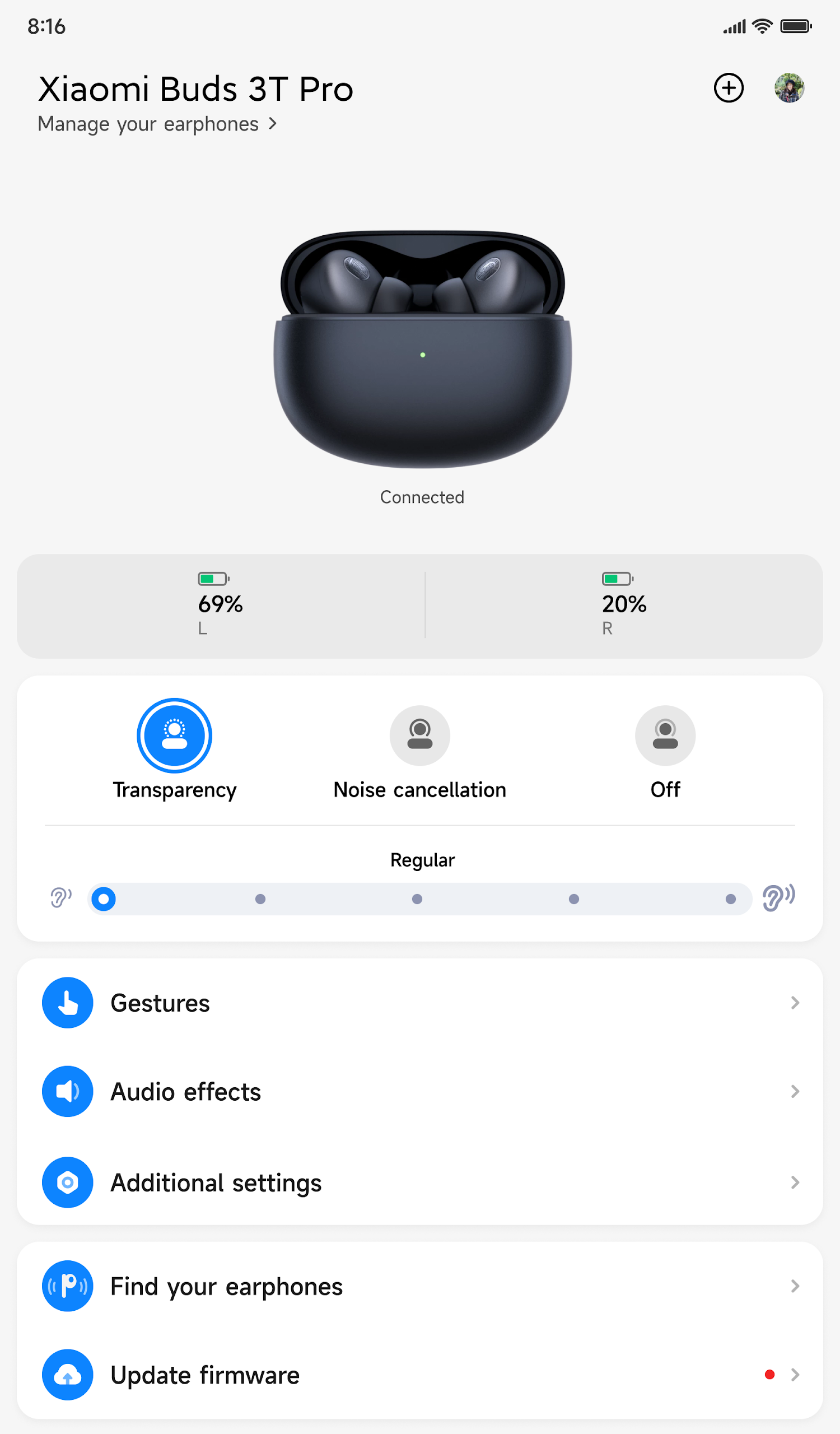
Depending on the connected model, users can adjust active noise cancellation and transparency modes, customize touch gestures, and enable in-ear detection. These settings allow supported earphones to be configured through the phone rather than relying entirely on built-in touch controls.
The app also displays earbud battery levels and, on supported models, charging case information. Its locator function plays an alert through a misplaced earbud to help find it nearby. Firmware updates can also be checked and installed through the app.
Available functions vary by earphone model, so some settings may not appear when using devices without the corresponding hardware support.
Key Features of Xiaomi Earbuds
Noise Control: Switch between active noise cancellation and transparency mode on compatible earphones.
Touch Gesture Customization: Assign actions to earphone touch controls, including playback operations and listening mode changes.
In-Ear Detection: Enable automatic playback responses when inserting or removing supported earphones.
Battery Monitoring: Check earbud charge levels and, on compatible models, charging case battery status.
Earphone Locator: Play an alert sound through a misplaced earbud to help locate it within hearing range.
Firmware Updates: Check for available firmware versions and install updates through the app.
How to Use Xiaomi Earbuds
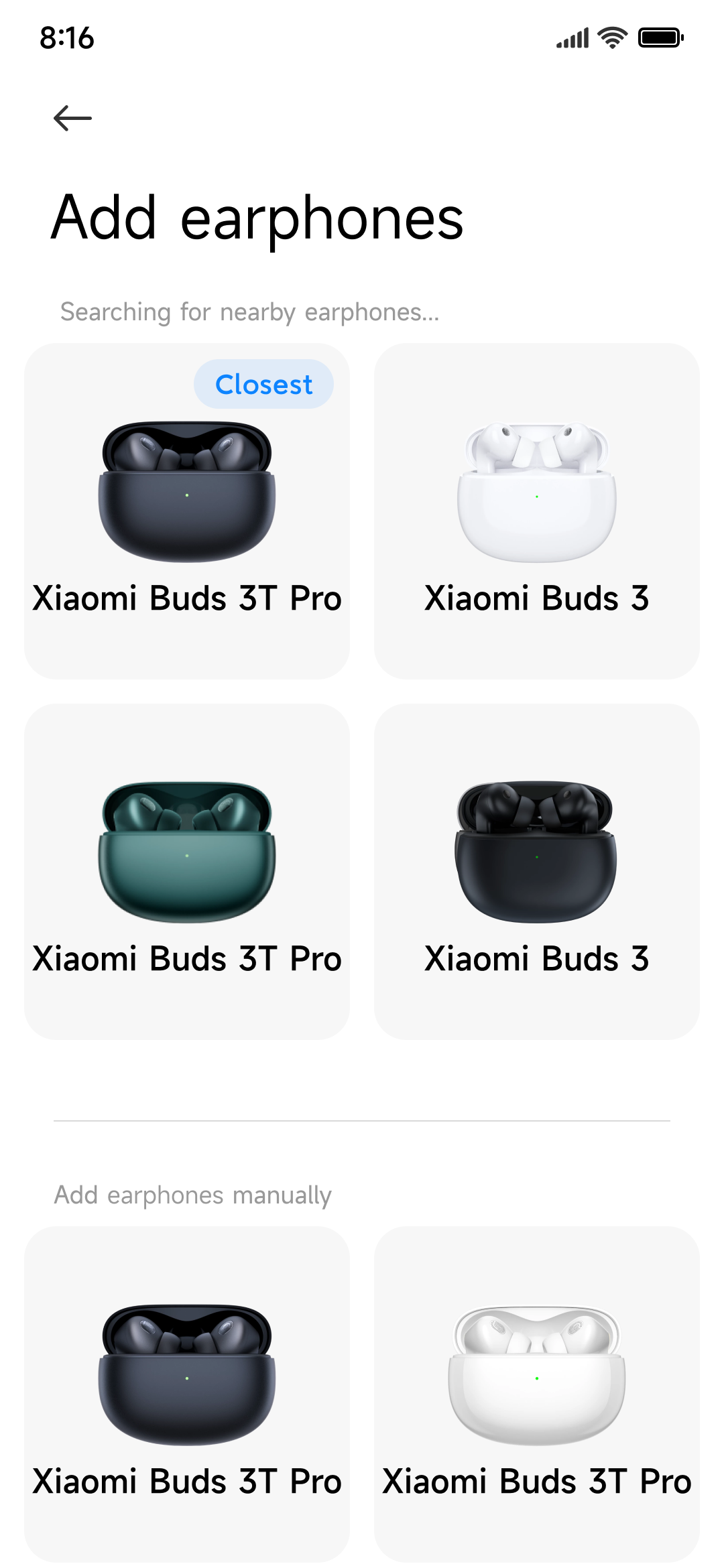
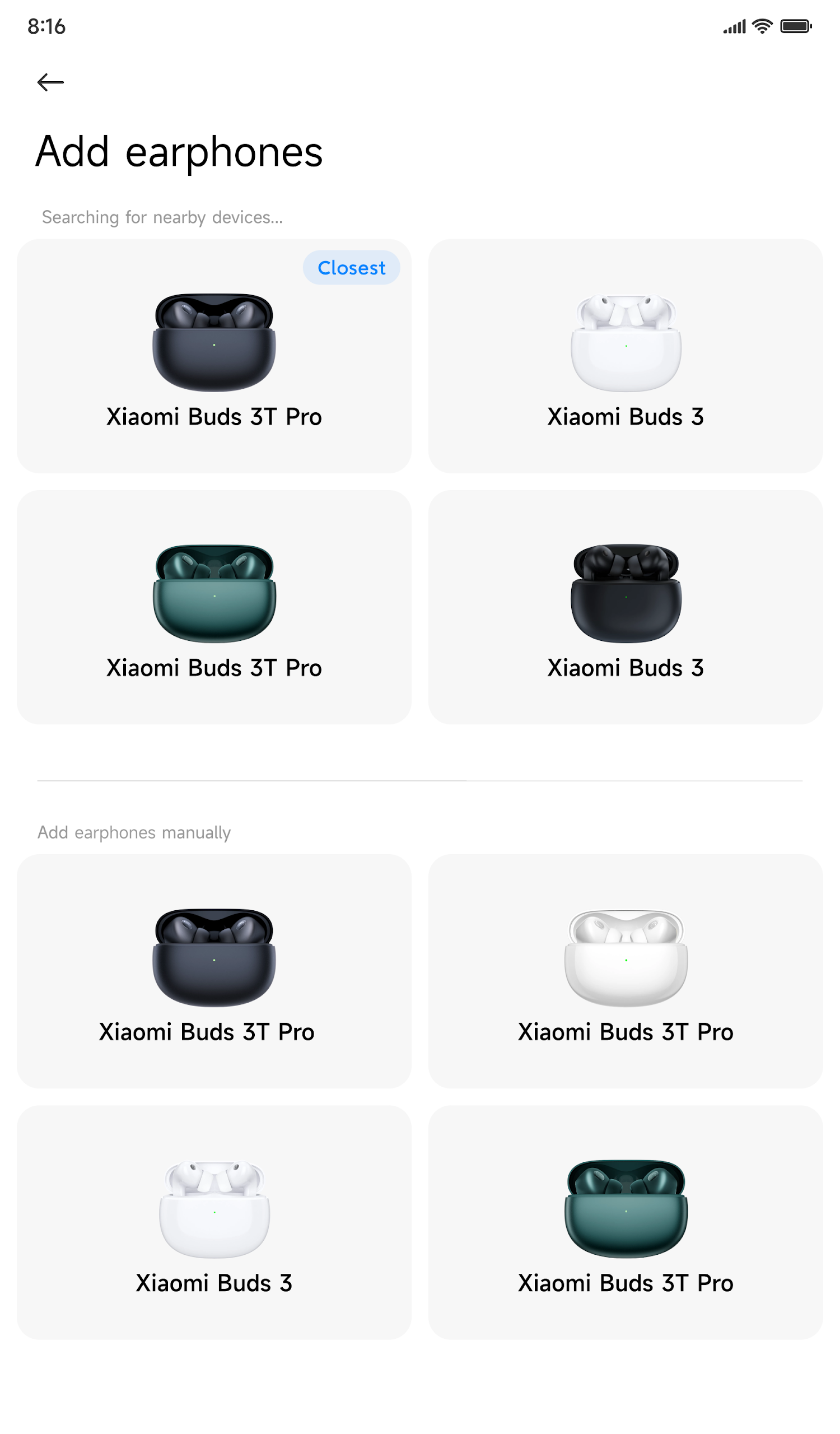
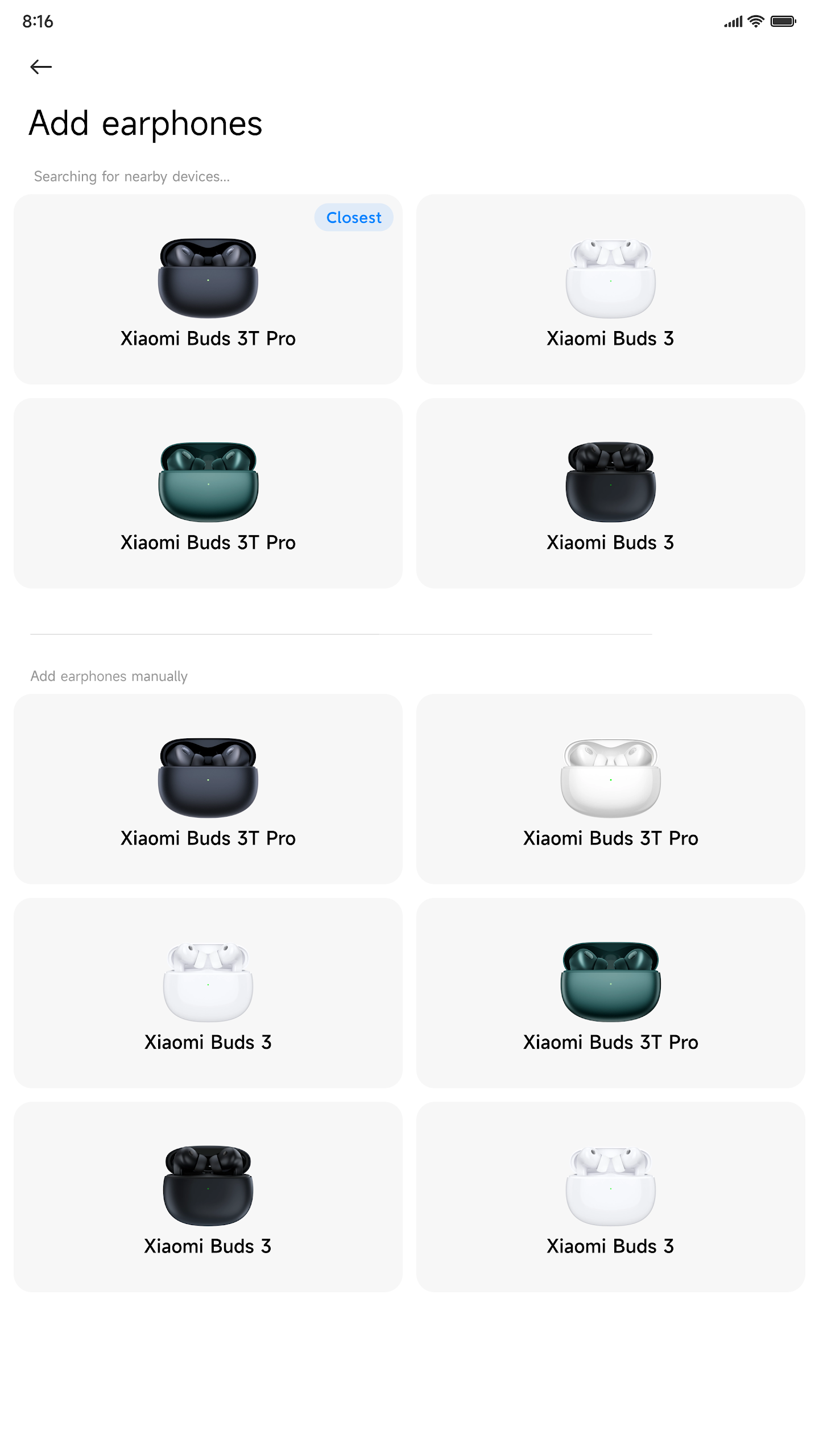
Pair your compatible Xiaomi or Redmi earphones with your phone, then open Xiaomi Earbuds to access the connected device's settings.
Select the device to adjust noise control, configure touch gestures, and manage other supported functions. Battery information is displayed in the device interface, while firmware updates are available through the update section.
If an earbud is misplaced, open the locator feature and activate its sound alert. Follow the sound to identify its approximate location, provided the earbud is within hearing range.
FAQs
1. Which earphones are compatible with Xiaomi Earbuds?
The app supports selected Xiaomi and Redmi wireless earphone models. Compatibility varies by model, so check the supported device list before installation.
2. Can I adjust noise cancellation through Xiaomi Earbuds?
Yes. Compatible models provide controls for active noise cancellation and transparency mode. The available options depend on the earphones.
3. Can I check the charging case battery level?
Yes, if your connected earphones support charging case battery reporting. Otherwise, only the earbud battery levels may be displayed.
4. Can Xiaomi Earbuds help me find misplaced earphones?
Selected models include a locator function that plays an alert through an earbud. The earbud must be within hearing range for this feature to be useful.
5. How do I update my Xiaomi earphones?
Connect your earphones to the app and open the firmware update section. If a newer version is available, follow the on-screen instructions to install it.
6. Why are some settings missing from Xiaomi Earbuds?
Not all Xiaomi and Redmi earphones support the same functions. Options such as noise cancellation, in-ear detection, and gesture customization appear only on compatible models.
- Version1.30.0
- UpdateNov 20, 2026
- DeveloperBeijing Xiaomi Mobile Software Co.,Ltd
- CategoryTools
- Requires AndroidAndroid 7.0+
- Downloads11M+
- Package Namecom.mi.earphone
- Signature4c96654a6eb4bc7ca01fe71084251951
- Available on
- ReportFlag as inappropriate
-
NameSizeDownload
-
23.02 MB
-
23.59 MB
-
23.17 MB

















Built-in features reduce the need for extra apps.
Simple connection with precise battery monitoring.
Good compatibility even with non-Xiaomi devices.
Minimalistic design enhances user experience.
Ability to manage audio effects and noise cancellation settings.
Helpful features for finding lost earbuds.
Quick pairing and reconnection functionality.
User-friendly interface for easy navigation.
Frequent connectivity issues with various device models.
Lack of support for certain earbud models in the app.
Inability to disable or customize gesture controls.
Poor performance documented in terms of battery life and software bugs.
Requirement to create an account may cause privacy concerns.
Missing advanced features like a graphic equalizer or Bluetooth pop-up animation.
Frustrating firmware updates that can lead to further problems.
Limited functionality in troubleshooting connections.