
Nepali Keyboard - Nepali typing made easy
Experience seamless Nepali typing with trendy themes & instant transliteration - chat effortlessly in your native language!
- 12.0.1 Version
- 3.2 Score
- 241K+ Downloads
- In-app purchases License
- 3+ Content Rating

About Nepali Keyboard
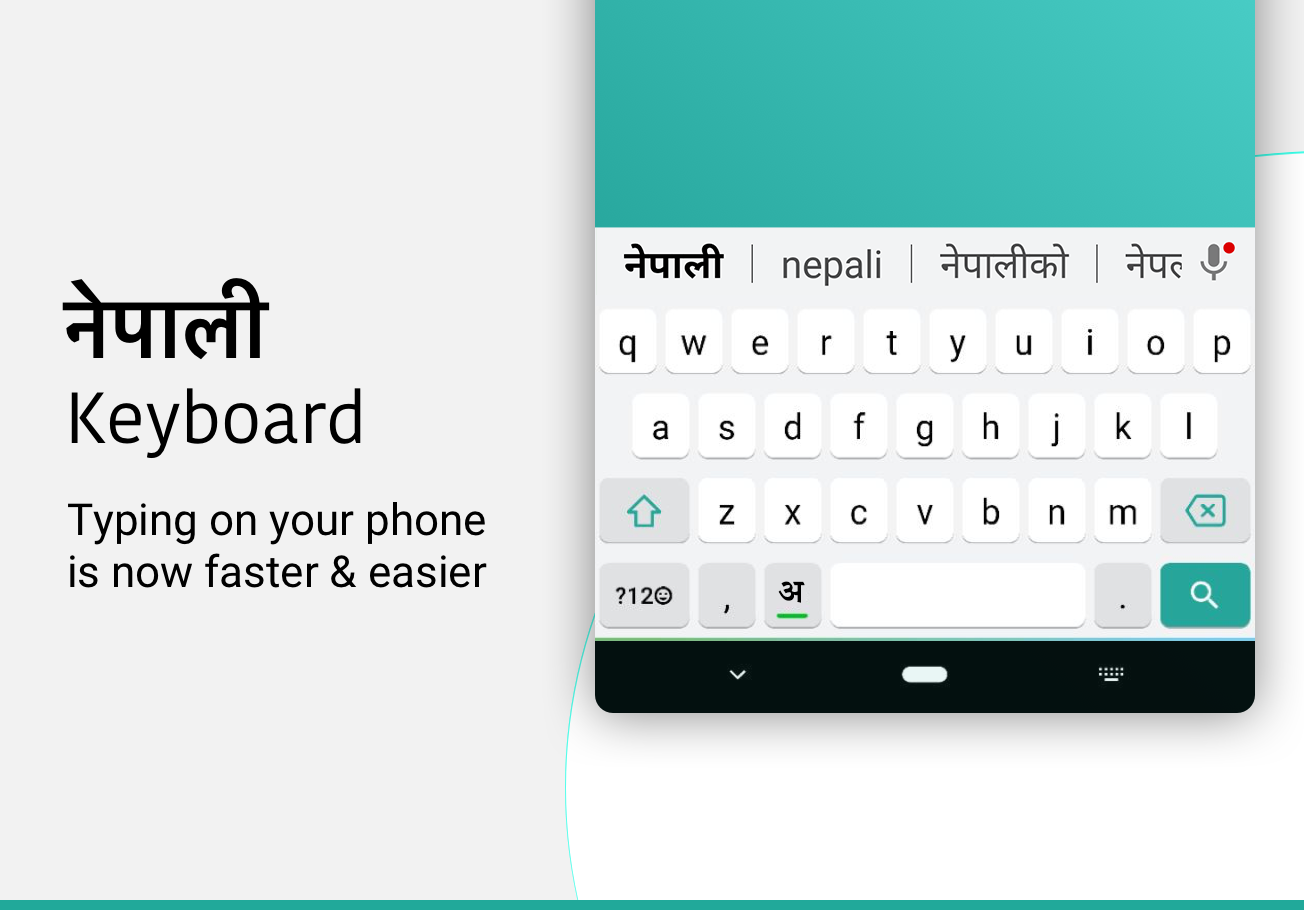
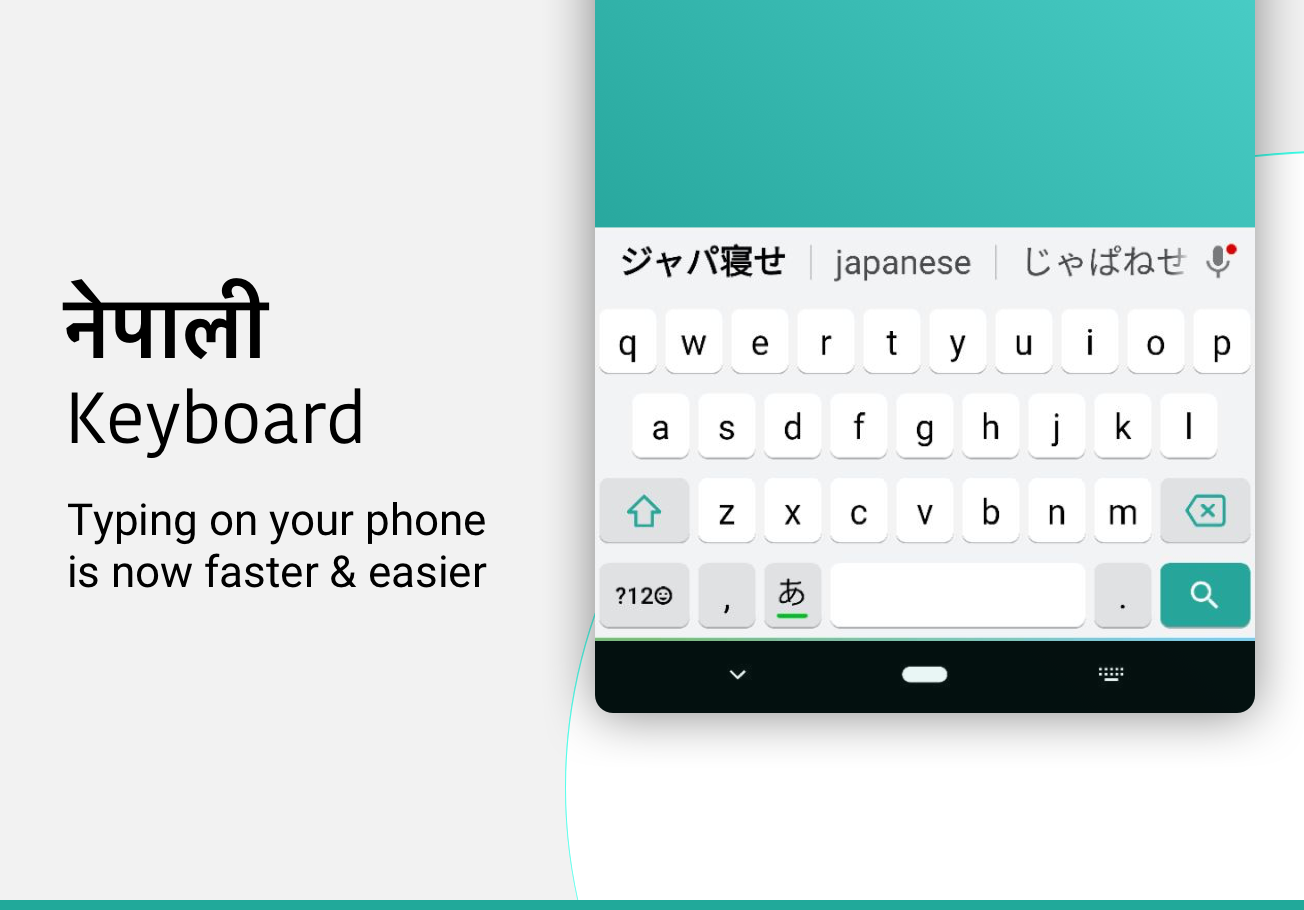
Nepali Keyboard is an Android input app that lets users type in Nepali using English letters. It uses phonetic transliteration to convert Roman characters into Nepali script, displaying matching word suggestions as users type. This removes the need to learn a traditional Nepali keyboard layout.
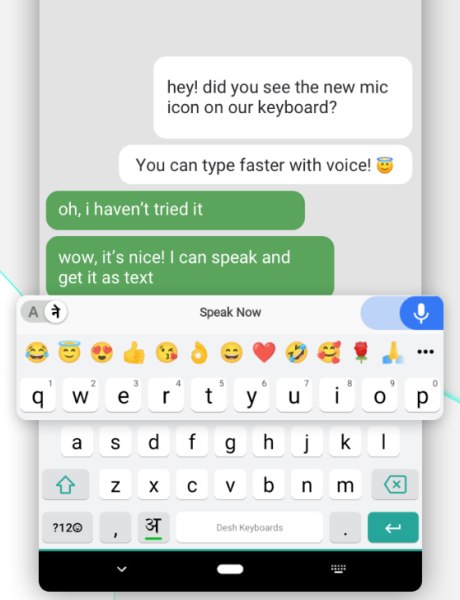
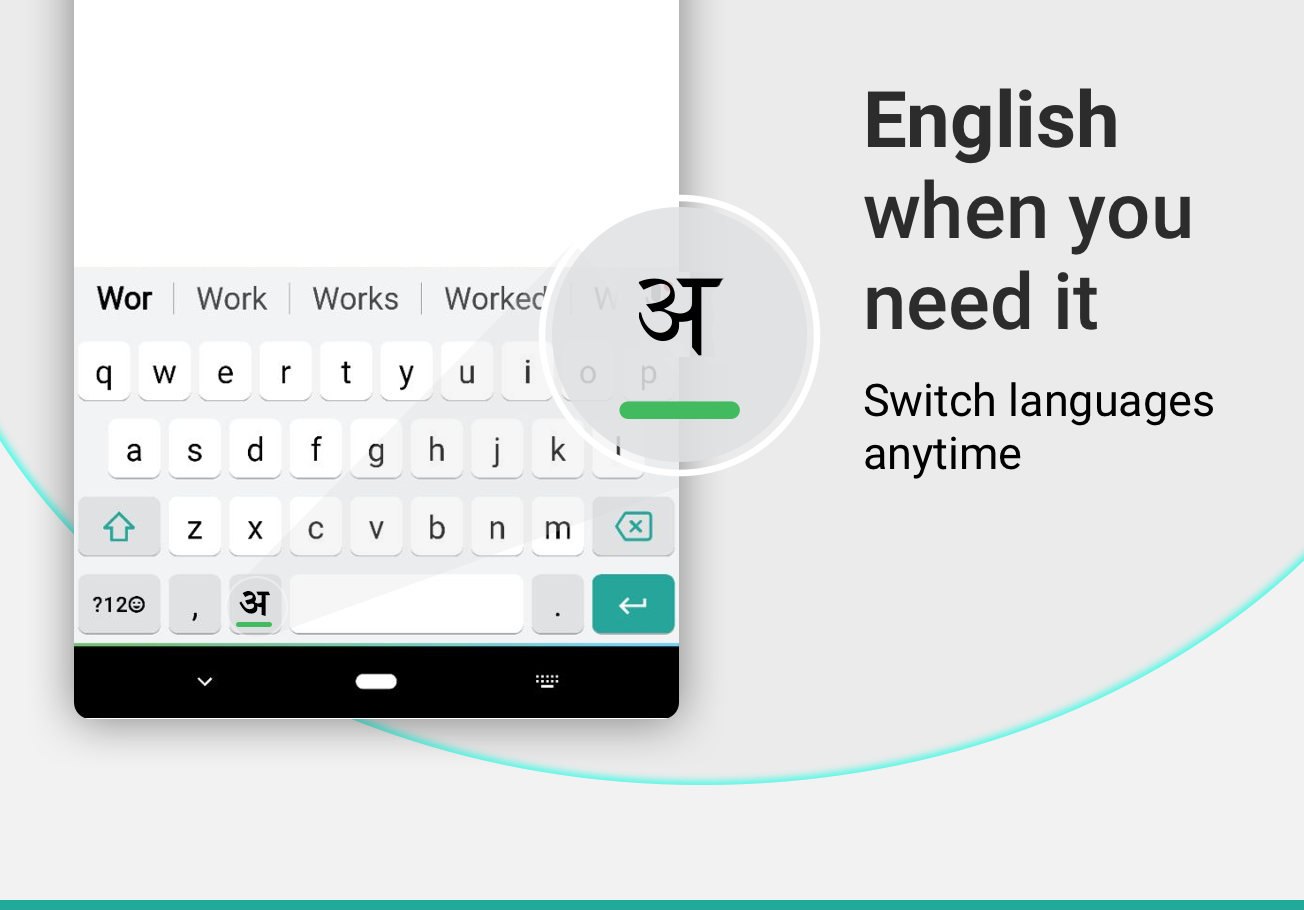
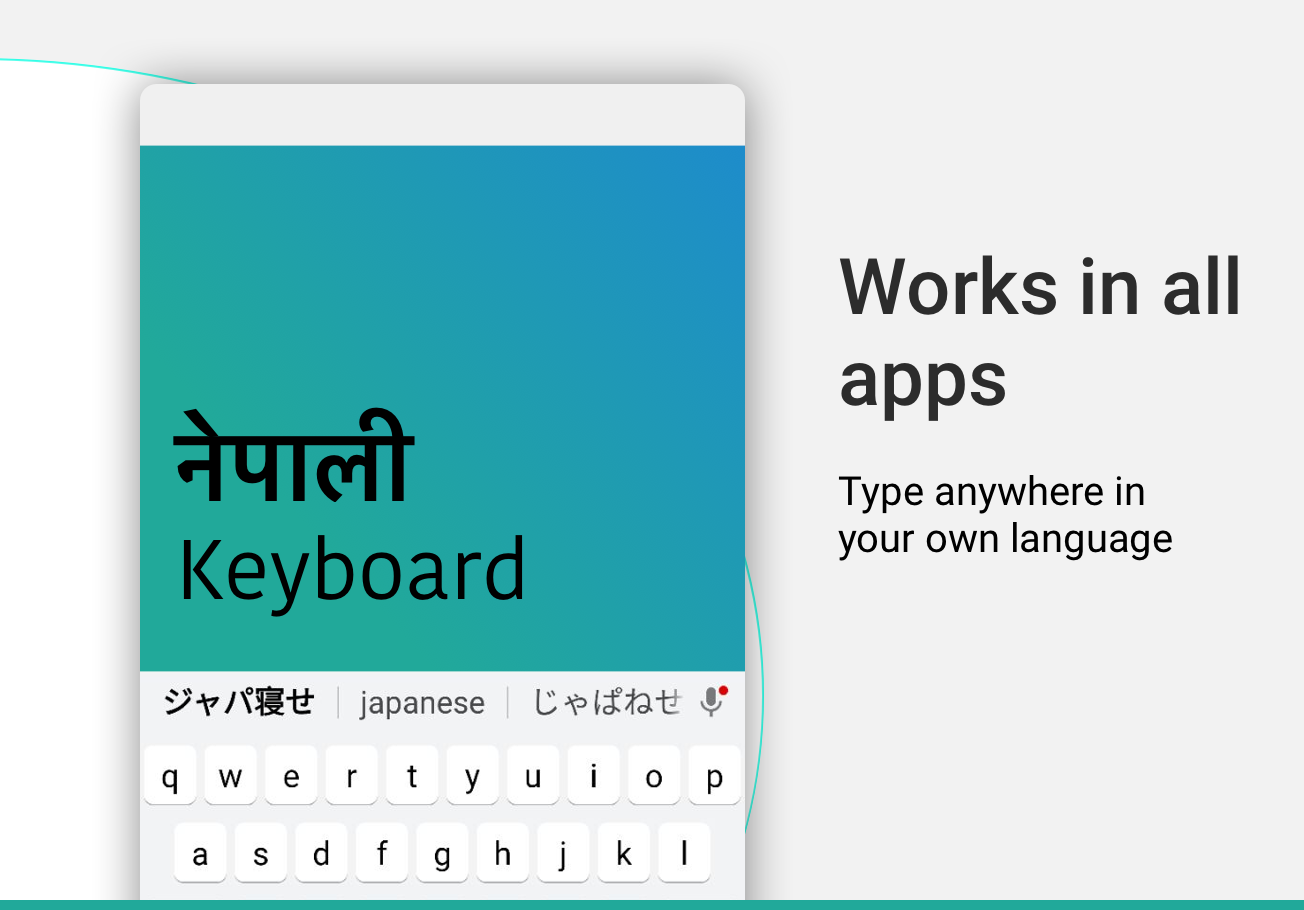
Once enabled through Android's input settings, the keyboard can be used in messaging apps, social media platforms, and other applications with compatible text fields. It supports both Nepali and English input, allowing users to switch languages while composing messages.
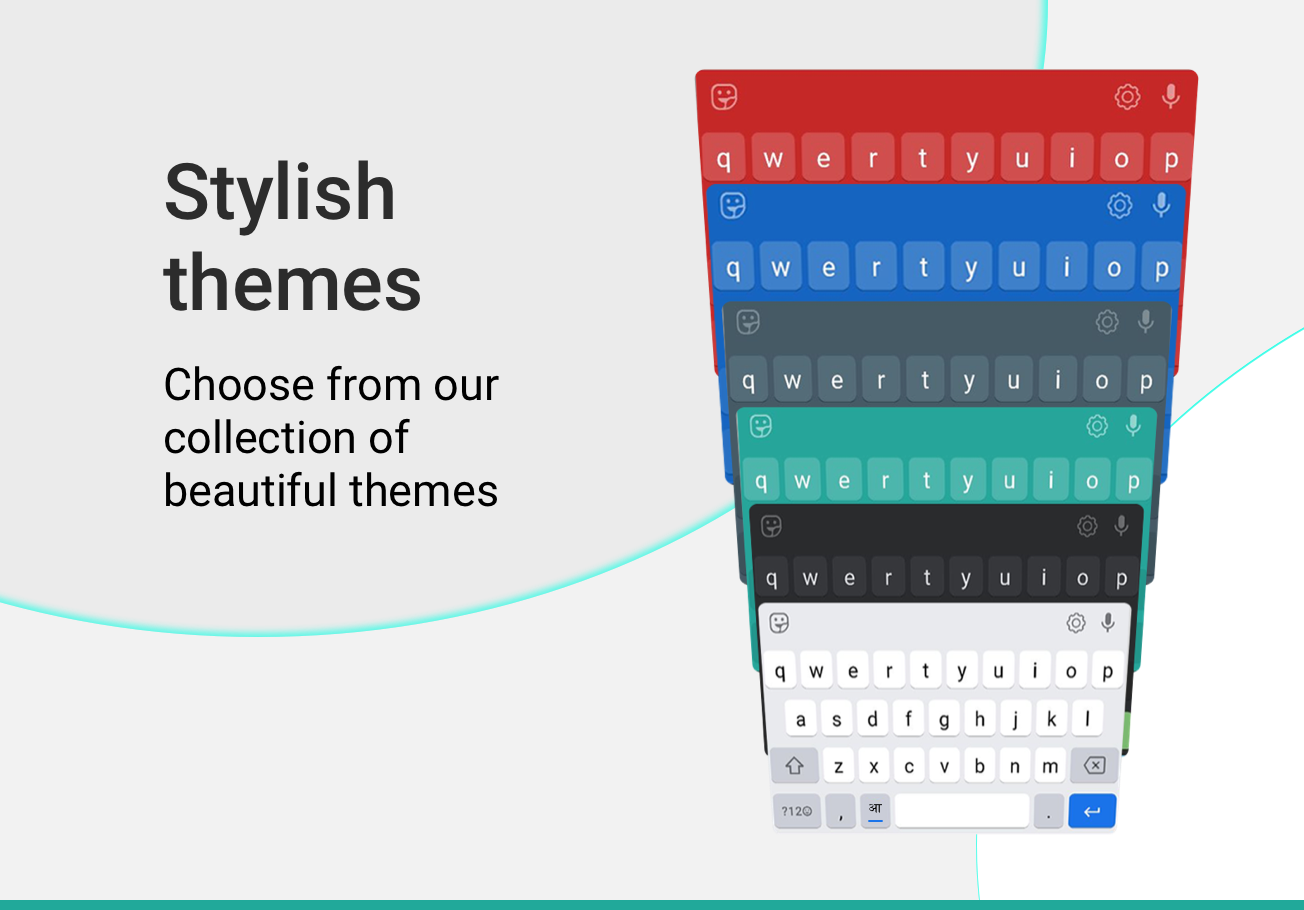
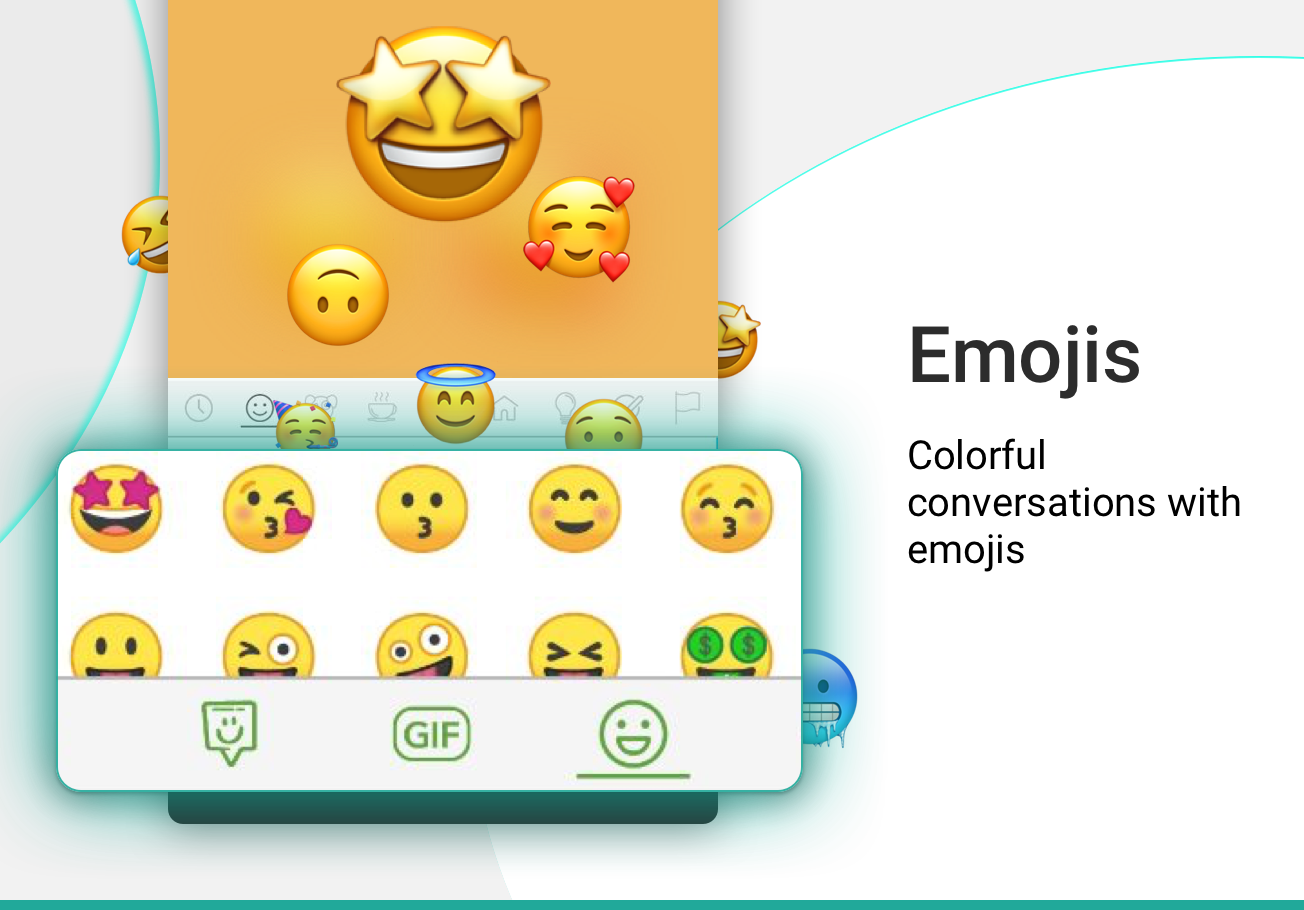
The app also includes more than 21 color themes and built-in emoji support. Its touchscreen interface is designed for Android phones and tablets.
Key Features
Phonetic Transliteration: Enter Nepali words using English letters and select the corresponding Nepali-script suggestions.
Bilingual Input: Switch between Nepali and English using the language button beside the space bar.
21+ Color Themes: Choose from different color schemes to customize the keyboard's appearance.
Emoji Support: Browse smileys across three pages by pressing and holding the 123 key.
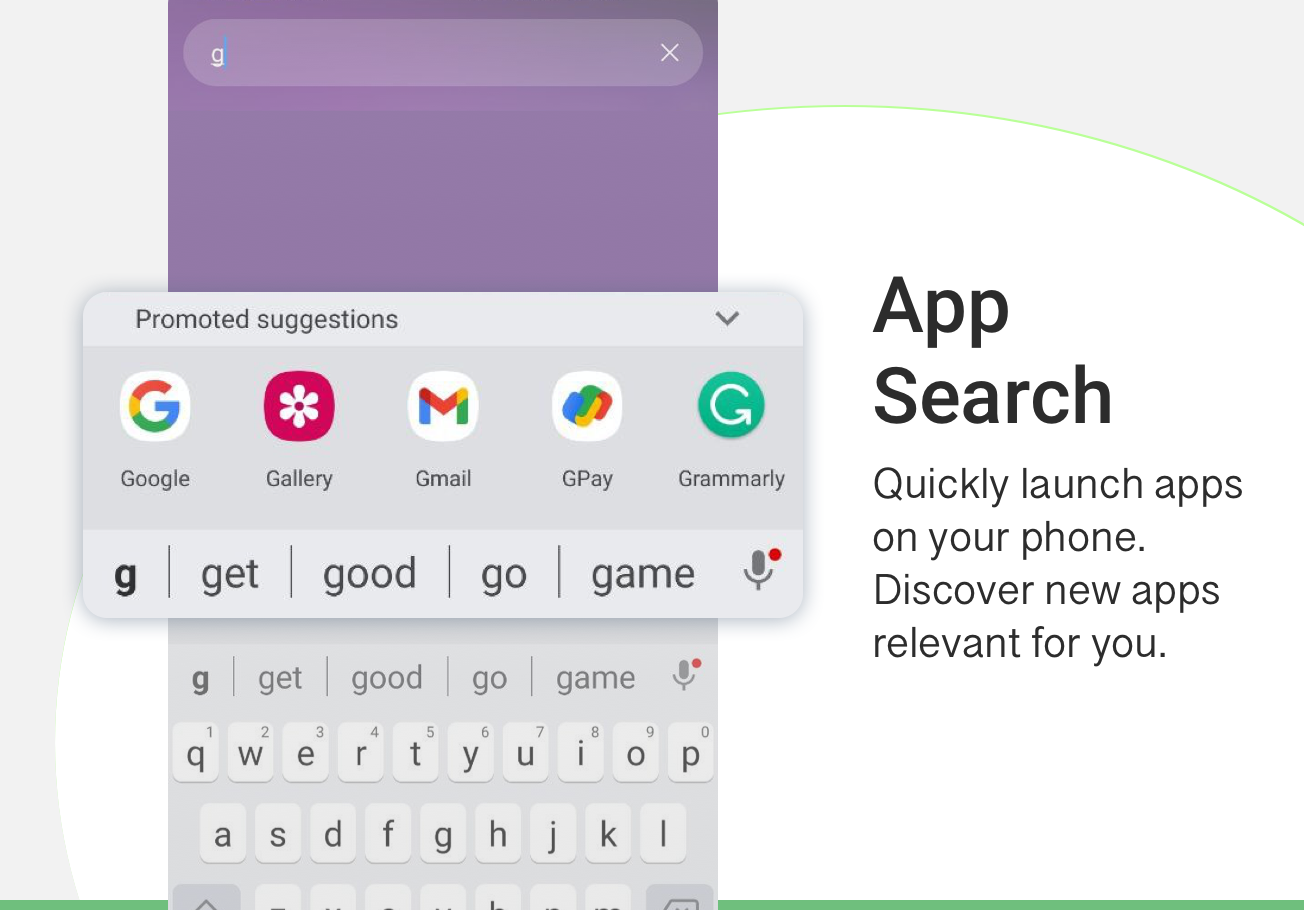
App Search: Search installed applications or discover other apps through the built-in App Search feature.
Phone and Tablet Compatibility: Designed for touchscreen typing on supported Android devices.
How to Use Nepali Keyboard
After installation, open the app and enable Nepali Keyboard in Android's input settings. Set it as the default keyboard to access it when typing in other applications.
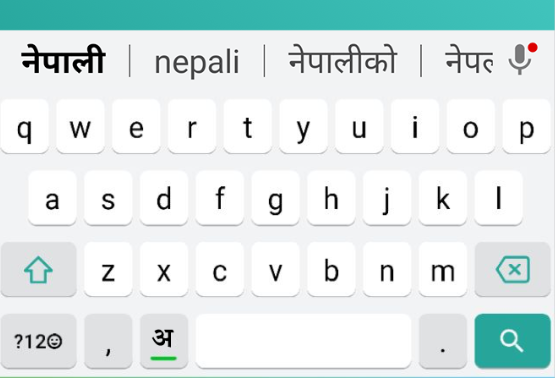
To enter Nepali, type words using English letters and select the appropriate Nepali suggestions. Tap the language button beside the space bar to switch to English. You can change the keyboard's appearance through its theme settings.
Frequently Asked Questions
Q: Do I need to learn the Nepali keyboard layout?
A: No. The app uses phonetic transliteration, so you can type Nepali words with English letters and select their Nepali-script equivalents.
Q: Can I use Nepali Keyboard in WhatsApp and other applications?
A: Yes. Once enabled as the default input method, it can be used in WhatsApp, messaging apps, social media, and other applications that support third-party keyboards.
Q: How do I switch between Nepali and English?
A: Tap the language button beside the space bar to change the input language.
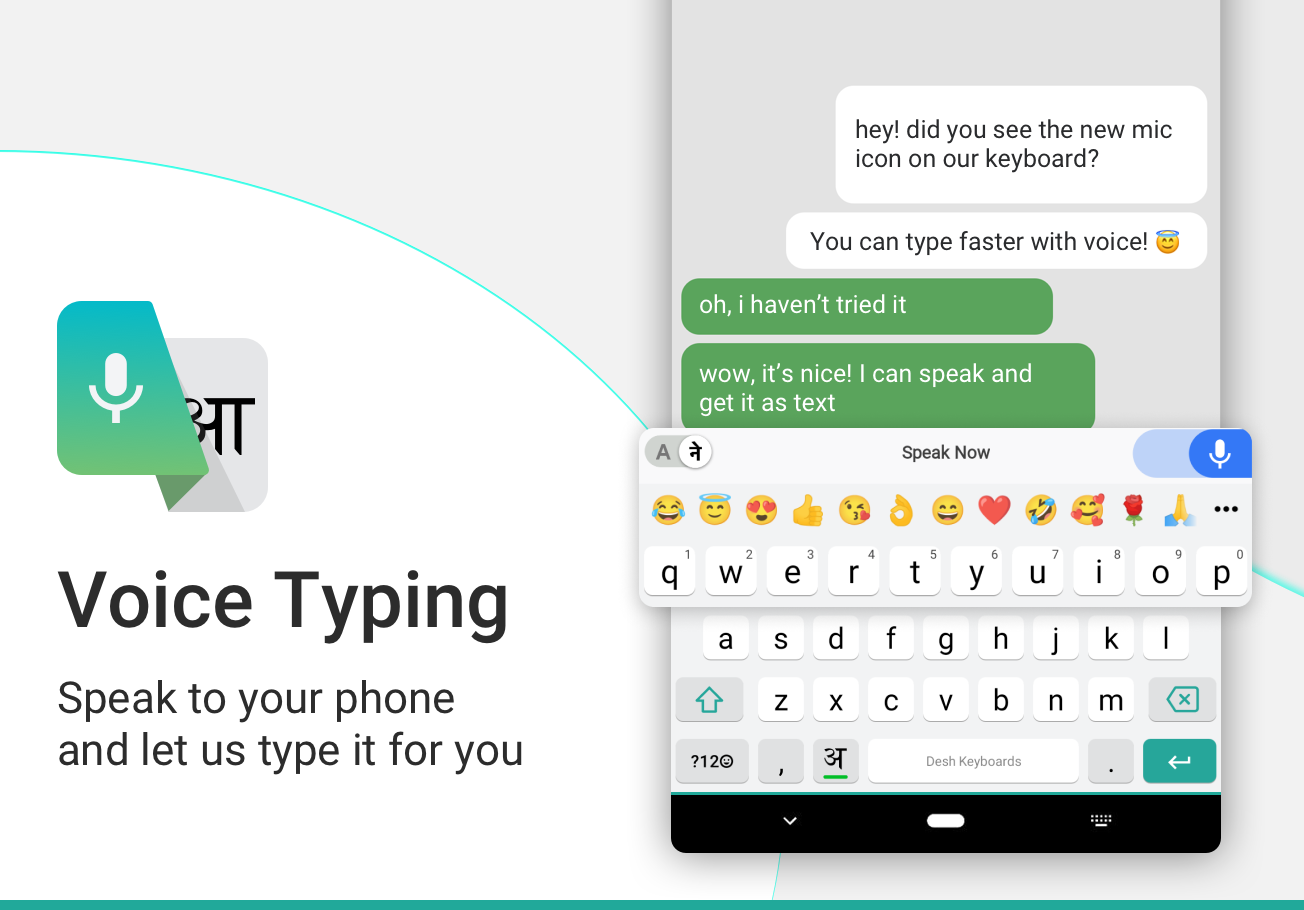
Q: Does Nepali Keyboard support voice typing or handwriting?
A: Voice typing and handwriting support are not confirmed in the available app information. The documented input method is phonetic typing with English letters.
Q: Does Nepali Keyboard collect personal information?
A: According to the app description, it does not collect personal details or payment information. Anonymous usage statistics may be shared to improve the service. Refer to the app's privacy policy for the latest data-handling information.
Q: Can I use Nepali Keyboard offline?
A: Offline functionality is not confirmed. Although the original app listing mentioned offline support as a planned feature, this does not establish whether it is included in the current version.
- Version12.0.1
- UpdateNov 20, 2026
- DeveloperDesh Global
- CategoryTools
- Requires AndroidAndroid 5.0+
- Downloads241K+
- Package Namecom.nepali.keyboard.for.android
- Signaturef48433942c9bf2bcdfe2b0ca5e75079e
- Available on
- ReportFlag as inappropriate
-
NameSizeDownload
-
32.73 MB
-
23.20 MB
-
21.24 MB















User-friendly interface
Fast and reliable performance
Multiple language support
Easy integration with both virtual and physical keyboards
Variety of fonts available
Voice recognition feature
Customizable keyboard themes
Efficient word prediction and suggestion
Missing Nepali numeric input
Lack of full stop (पूर्ण विराम) option
Slow loading times
Privacy concerns regarding data handling
Inconsistent microphone functionality
Limited emoji options
Suggestions not always relevant or useful
Bugs after recent updates