
WorkingHours - Time Tracking - Track work hours & analyze
Effortlessly track your work hours across devices, analyze data, and boost productivity with innovative features at your fingertips.

- 2.10.26 Version
- 1.9 Score
- 238K+ Downloads
- In-app purchases License
- 3+ Content Rating

About WorkingHours - Time Tracking:
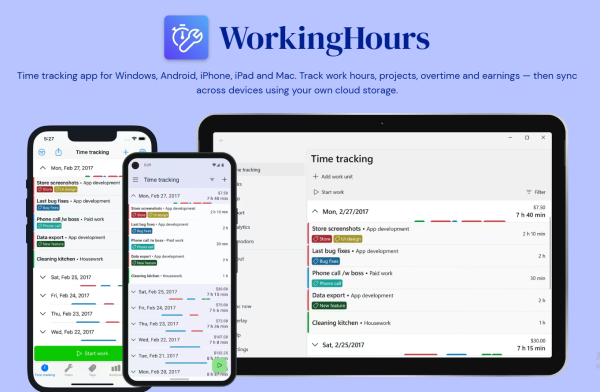
WorkingHours - Time Tracking is the cross-platform time tracker by Timo Partl, built for freelancers, contractors, employees, and hourly workers who need accurate timesheets without turning the day into admin work. The WorkingHours app is not a project-management suite — it focuses on one thing: recording work time, organizing it by project, and turning it into reports, exports, and invoices.
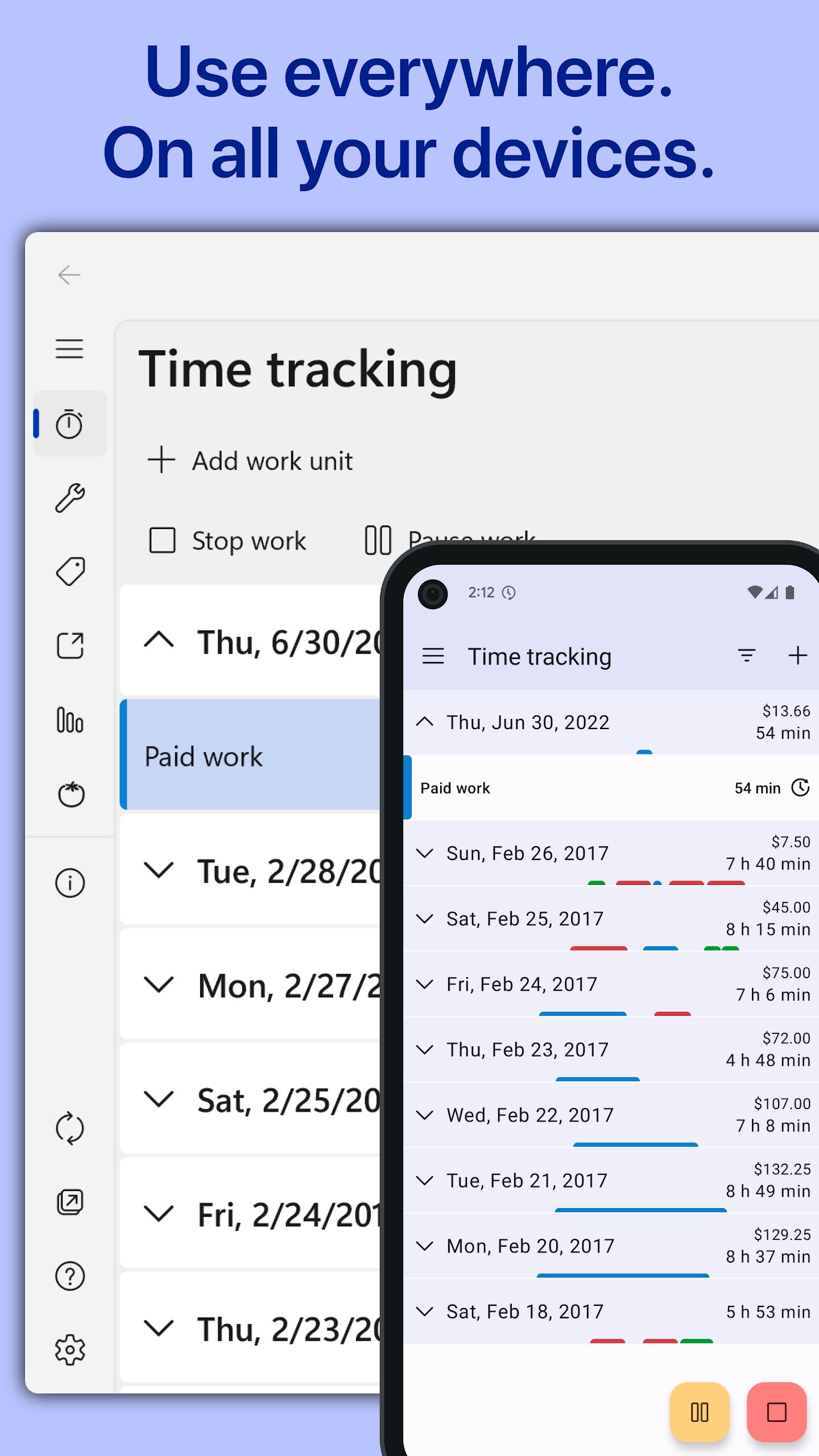
Inside WorkingHours - Time Tracking, users start or pause a timer in one tap, log breaks, manually fix forgotten entries, and track hours across multiple clients. The app works on Android, iOS, macOS, and Windows, with optional sync through the user’s own cloud storage — no WorkingHours account required.
Store-ready features:
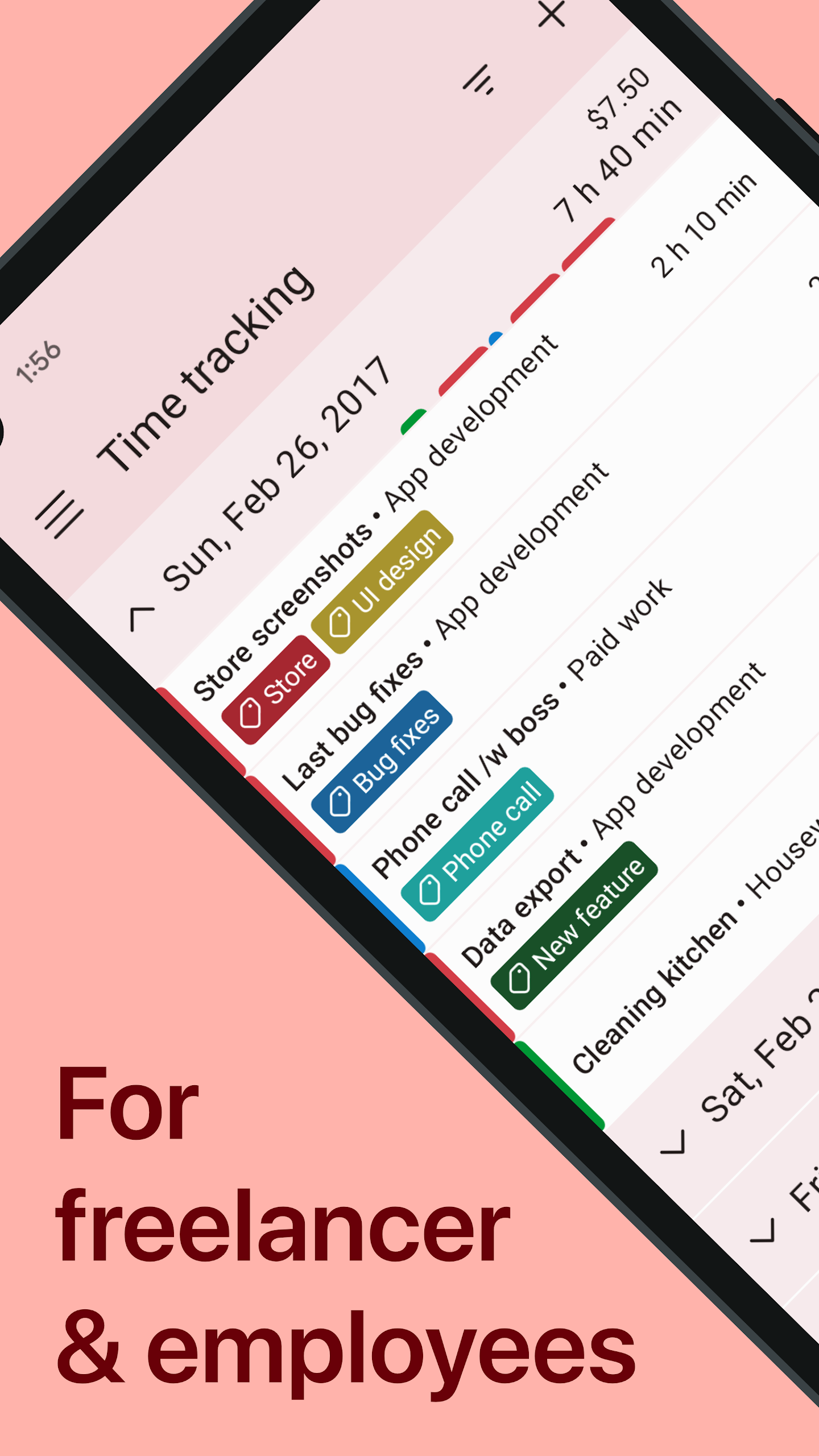
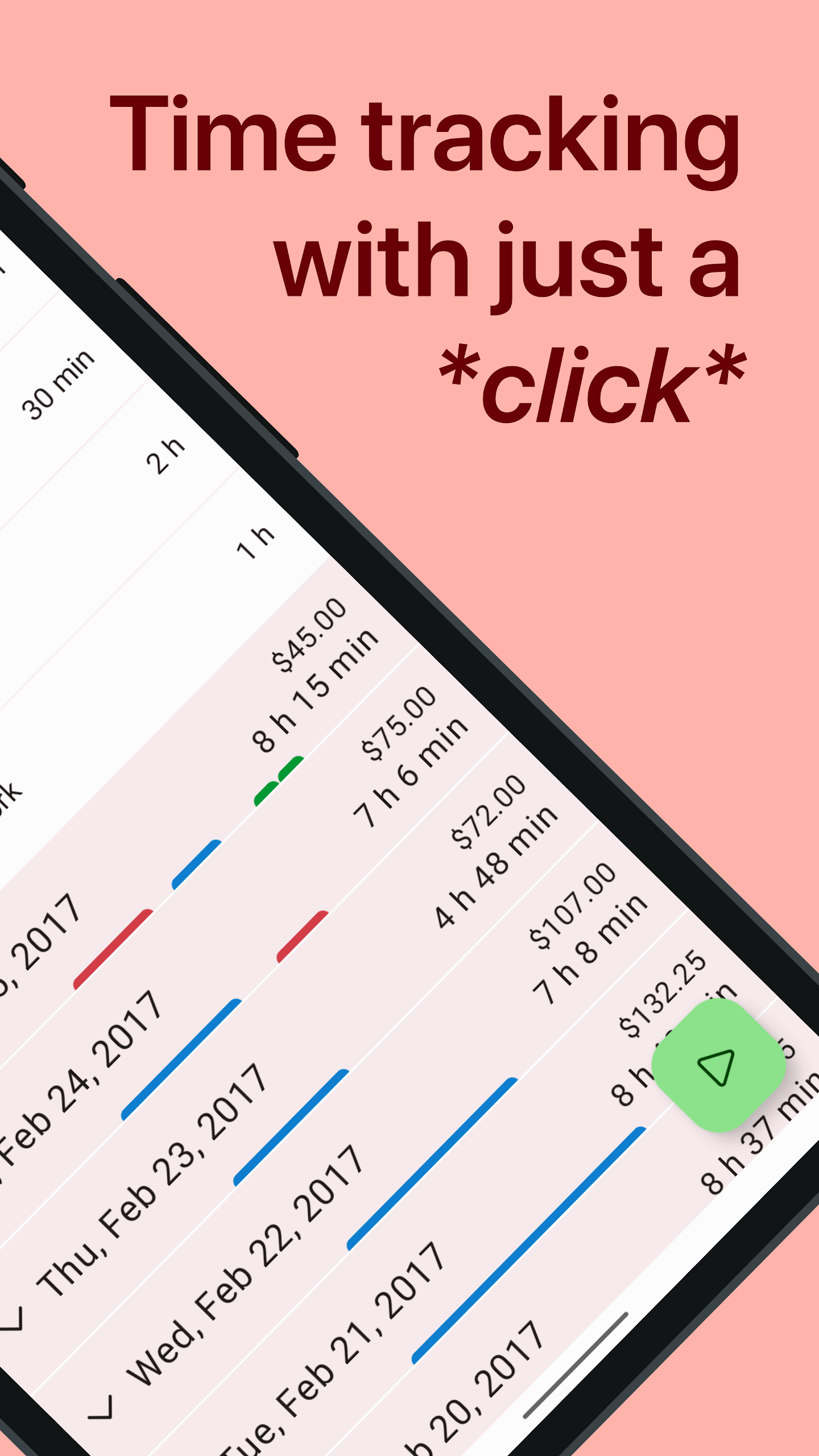
One-tap timer — start, pause, resume, and stop work sessions
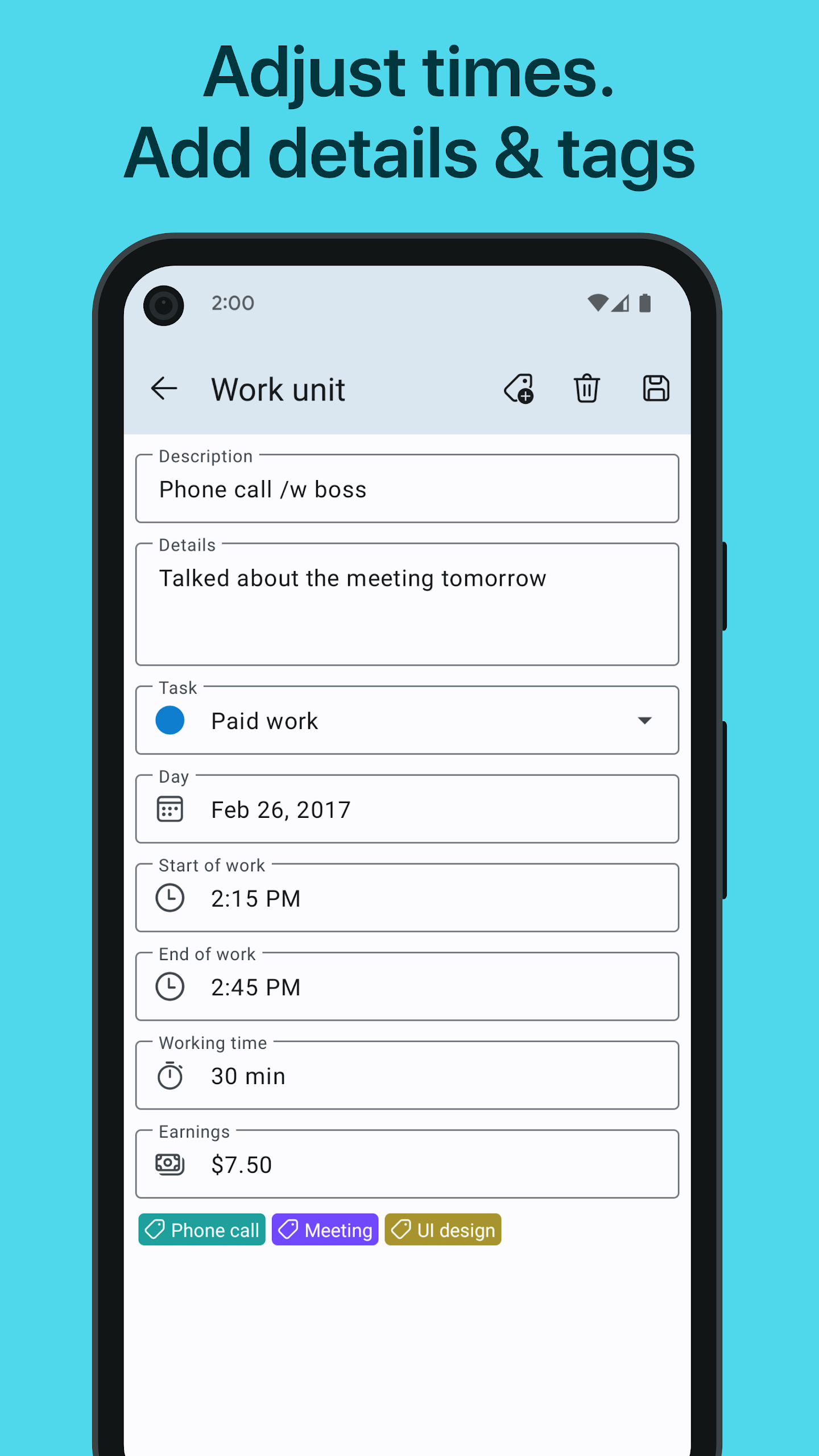
Manual time editing — add or correct forgotten entries anytime
Tasks, projects, and tags for clean categorization
Hourly rates and lump sums to track earnings and billable hours
Overtime tracking with standard-hours tags and balances
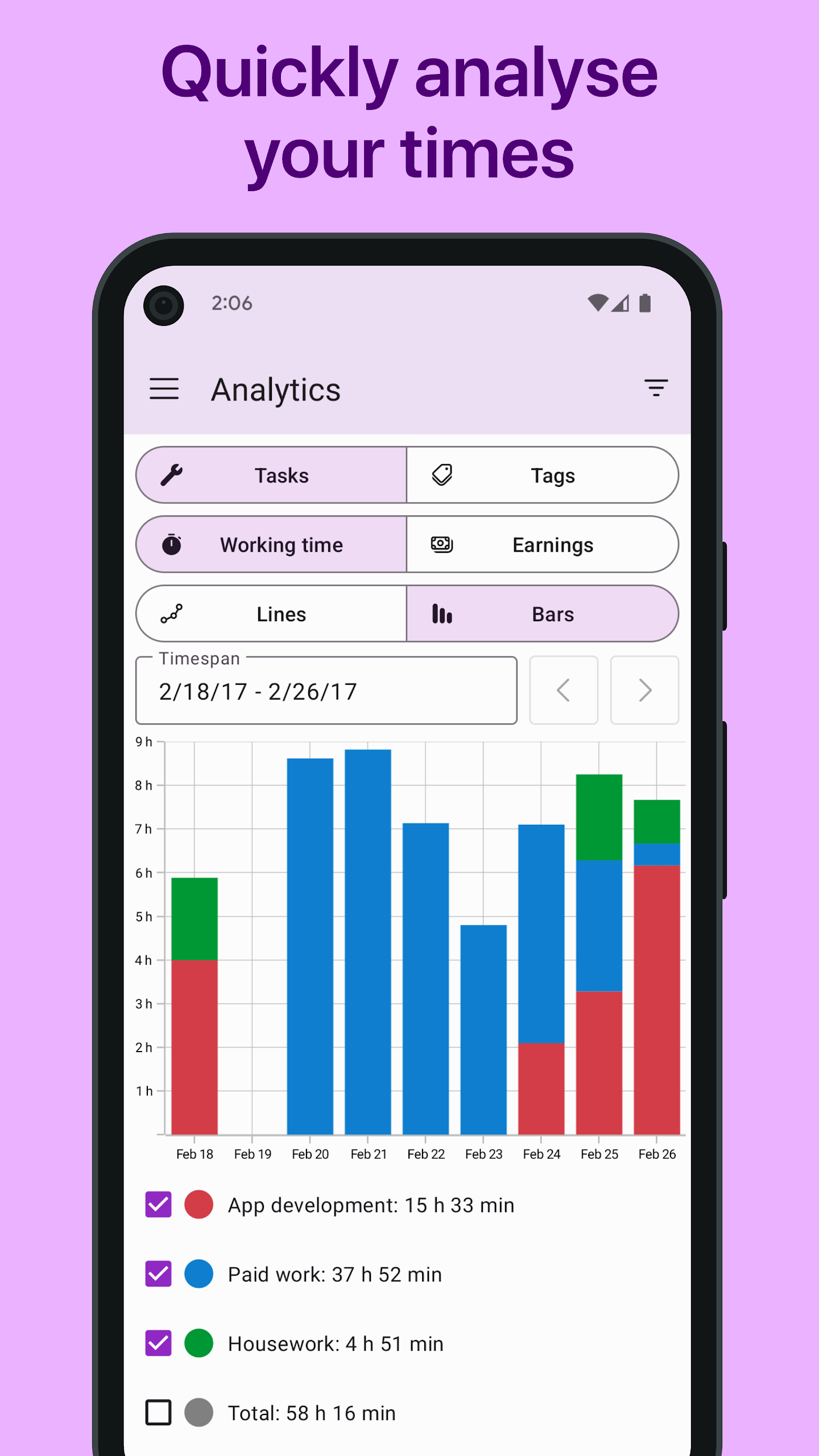
Visual reports switching between duration and revenue views
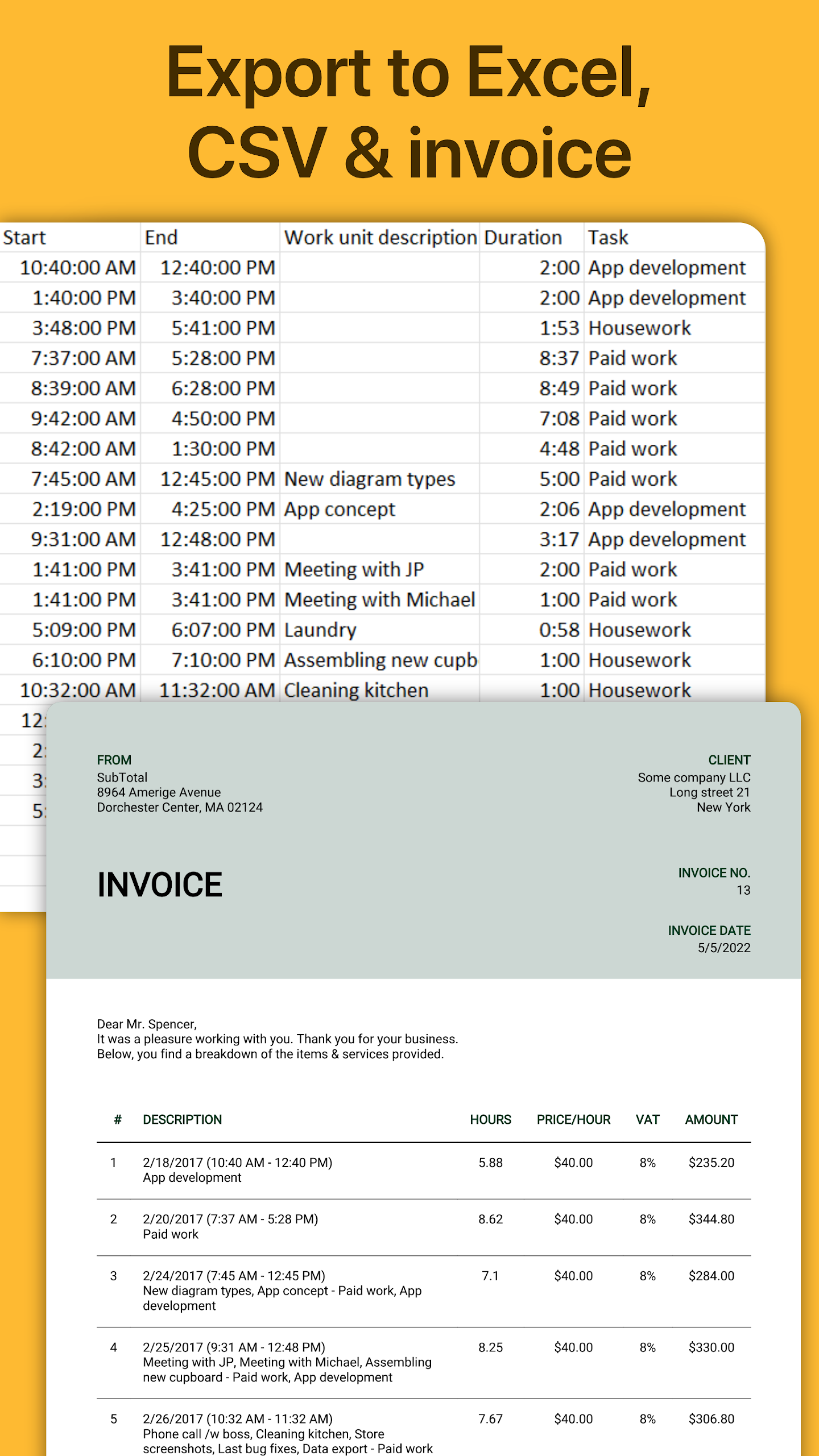
Excel and CSV export with custom columns and grouping
PDF invoices through SubTotal using tracked WorkingHours data
Cross-device sync via OneDrive, Google Drive, Dropbox, iCloud, or WebDAV
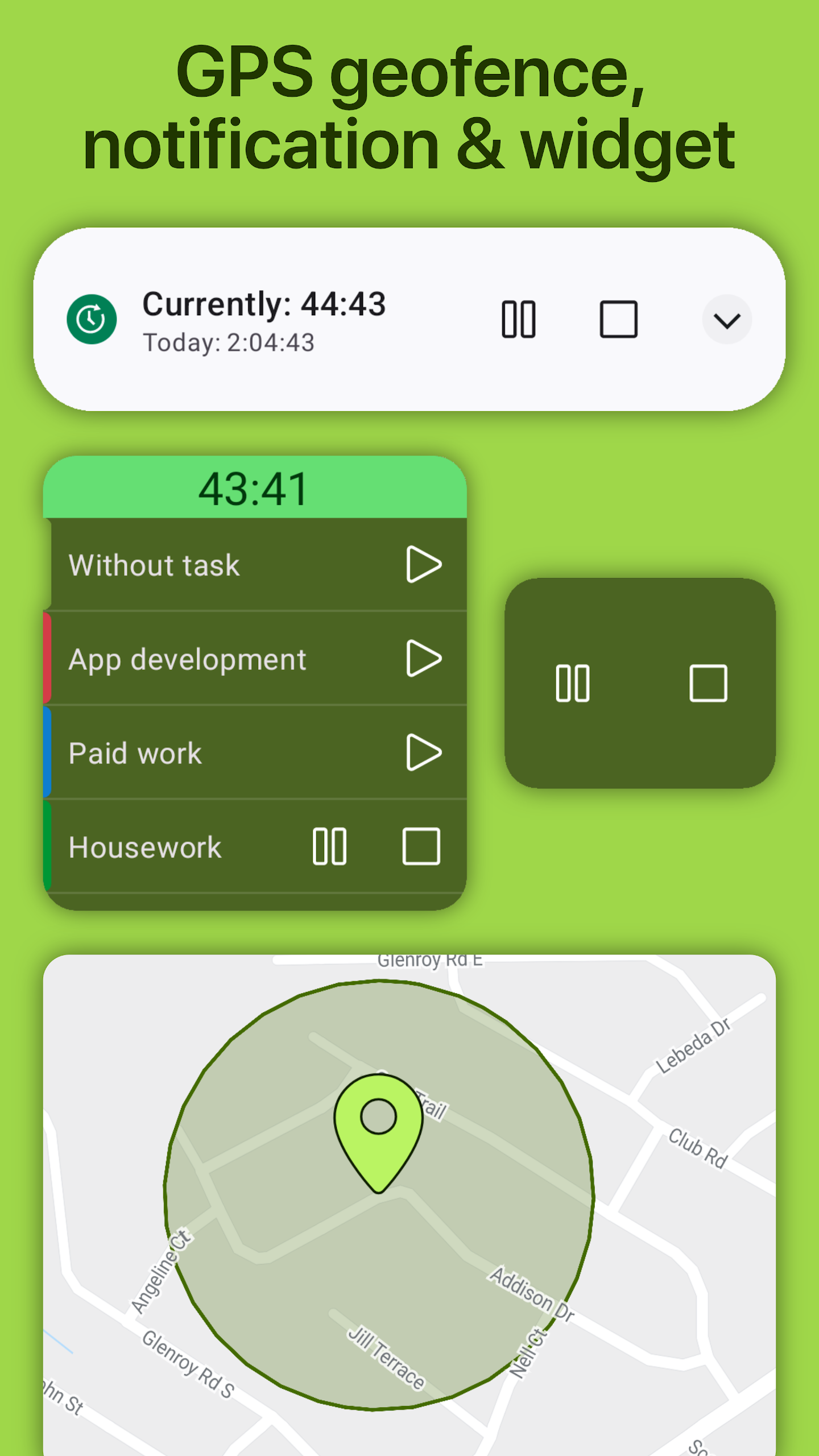
Smart controls — widgets, notifications, geofencing, NFC tags, idle detection
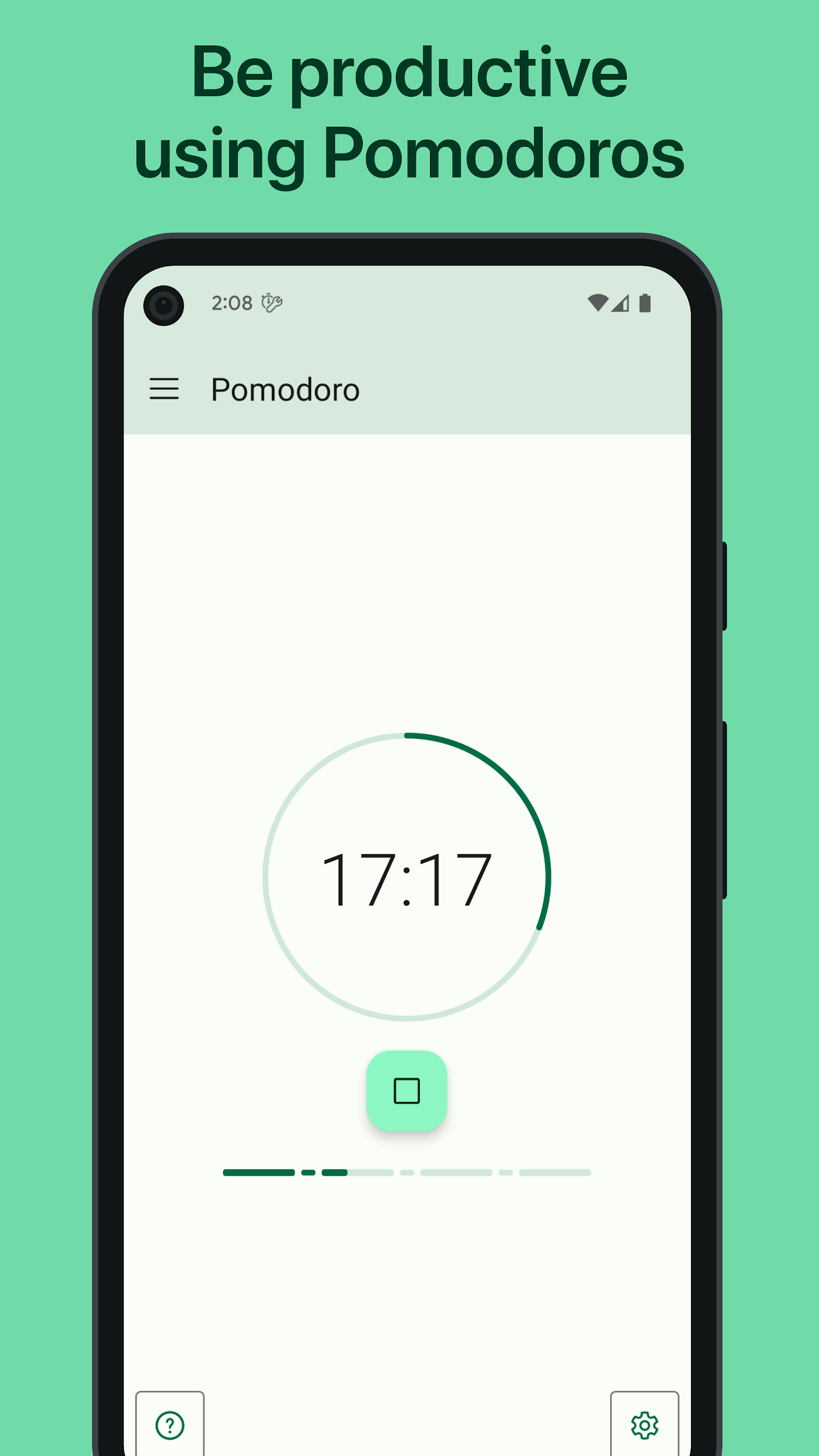
Focus sessions for Pomodoro-style work intervals
Calendar integration with system and Outlook appointments
Break handling — pause/resume or automatic deduction
Past-midnight splitting for overnight work sessions
How to Use WorkingHours:
The WorkingHours app runs on a simple loop: start timer → organize by task → review reports → export or invoice.
Quick guide:
Install WorkingHours - Time Tracking from Google Play.
Open the WorkingHours app and press Play — no sign-up required.
Create tasks for clients or projects, such as “Website redesign”.
Start the timer; pause for breaks or let WorkingHours deduct them automatically.
Add descriptions, tags, and hourly rates to each work unit.
Review Analytics to compare time and earnings by project.
Use filters to focus on one client, tag, or date range.
Enable Cloud Sync with your own OneDrive, Google Drive, Dropbox, iCloud, or WebDAV.
Upgrade to Pro to export Excel/CSV, run focus sessions, and remove ads.
Send tracked hours to SubTotal to generate PDF invoices.
Recent updates in WorkingHours:
Invoice exports to SubTotal now support up to 100 line items
Improved timeline and analytics performance
Better navigation-bar behavior on three-button Android devices
FAQ:
Is WorkingHours free?
Yes. Core tracking is free. Pro unlocks cloud sync, Excel/CSV export, focus sessions, unlimited tasks, geofencing, widgets, and ad removal.
Do I need an account?
No. The WorkingHours app works without login; sync uses your own cloud storage.
Can I track overtime and earnings?
Yes. Set hourly rates or lump sums, then use standard-working-hours tags to track overtime balances.
Where does my data go?
Data stays on device or syncs through your chosen cloud provider. Google Play notes location and app-activity data may be collected, with encryption in transit.
Which platforms are supported?
Android, iOS, iPadOS, macOS, and Windows — all sharing the same WorkingHours database format.
Why Install WorkingHours - Time Tracking:
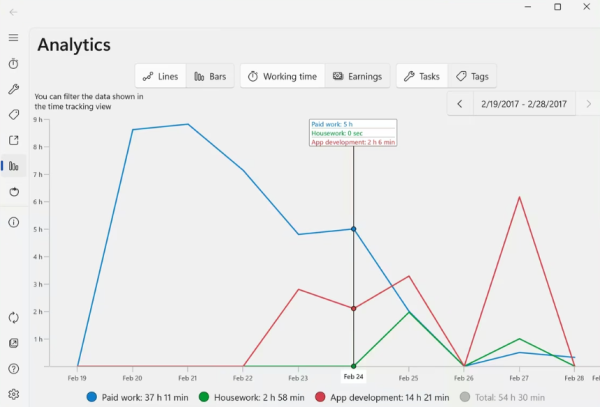
Install WorkingHours - Time Tracking if you want a fast, private, and export-ready way to log billable hours without subscriptions or complicated setup.
Best-fit users:
Freelancers billing clients by the hour
Contractors preparing timesheets and invoices
Employees tracking overtime and shifts
Consultants managing multiple projects
Remote workers measuring focus and output
Small studios needing simple billing records
Anyone who wants a lightweight digital punch clock
- Version2.10.26
- UpdateOct 22, 2026
- DeveloperTimo Partl
- CategoryBusiness
- Requires AndroidAndroid 7.0+
- Downloads238K+
- Package Namepartl.workinghours
- Signature872c392b2c379db62bc7c3a5ac67e0f6
- Available on
- ReportFlag as inappropriate
-
NameSizeDownload
-
48.22 MB
-
22.08 MB
-
39.10 MB

















Simple and easy tracking for multiple jobs
Quick response from developer for support
Customization options for tasks and tags
Cloud syncing between devices
One-time payment without subscriptions
Excellent for tracking productivity both professionally and personally
Helpful analytics and reporting features
Learning curve for new users due to habits from other apps
Limited features in free version before needing pro upgrade
Manual input bugs and crashes reported
Difficulty exporting detailed logs or comments
Lack of flexible pomodoro session settings
Limitations on simultaneous timers for different tasks
Geofencing issues with multiple locations not supported