
Cashier & Stock IREAP POS LITE - Free POS & Inventory Tracker
Streamline sales & inventory with a free, easy-to-use POS app perfect for any shop needing offline capabilities.

- 3.21 Version
- 4.7 Score
- 205K+ Downloads
- Free License
- 3+ Content Rating

About the app:
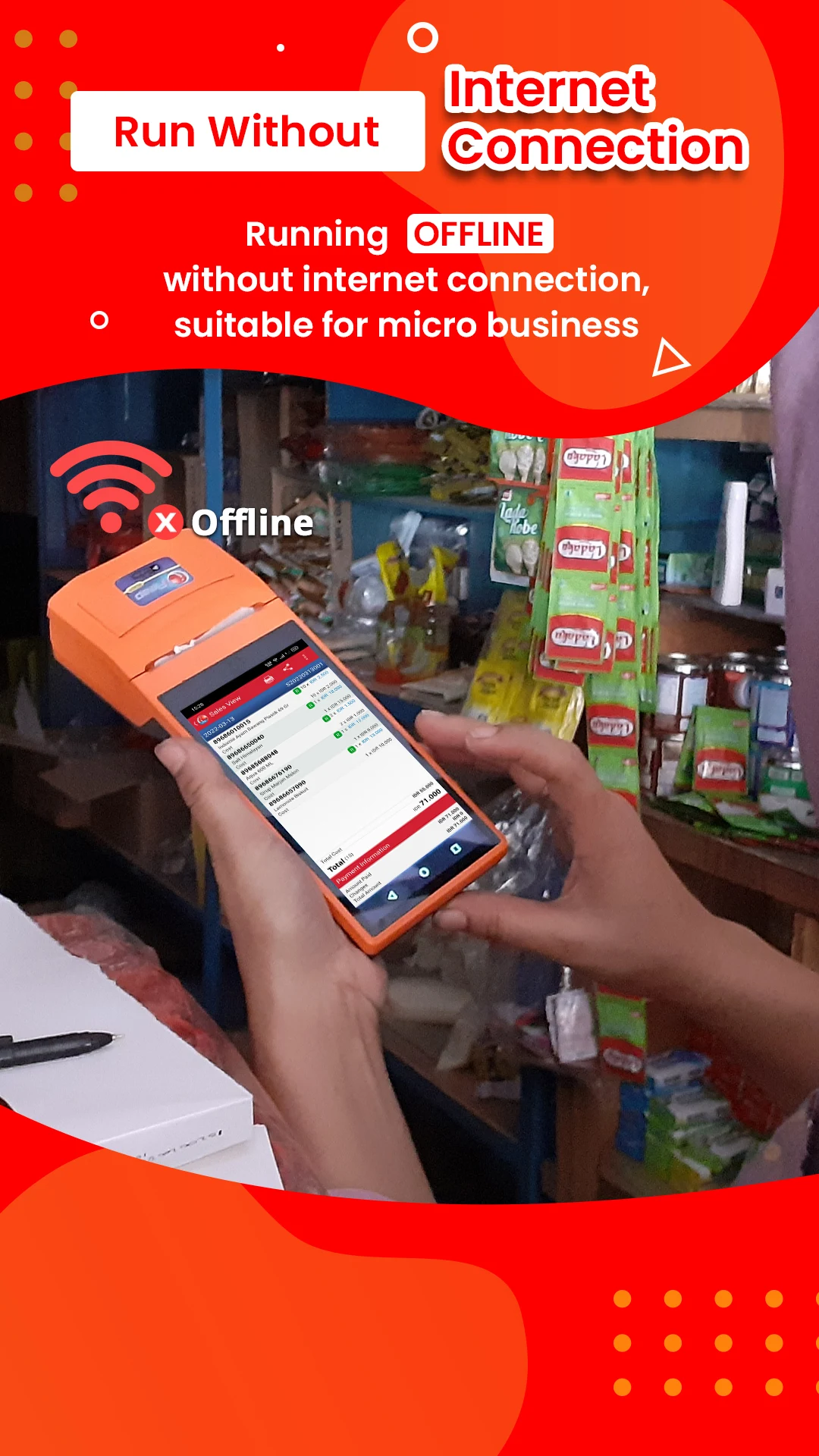
IREAP LITE POS is a complimentary cashier application designed for retail establishments. It assists in monitoring sales, inventory levels, and overall profits. This mobile POS operates without data limitations or transactions fees, and it is completely ad-free. It works offline, only requiring an internet connection for backing up sales information.
Are you struggling with manual invoicing or managing your shop's inventory?
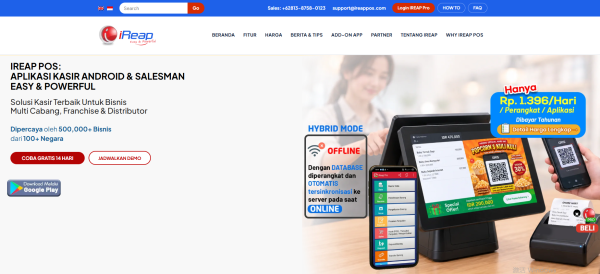
This application is ideal for various businesses including food stalls, coffee shops, cafes, restaurants, salons, barbershops, workshops, mini markets, grocery stores, fashion boutiques, clothing shops, shoe retailers, eyewear stores, clinics, spas, and service providers such as automotive services.
The IREAP LITE cash register app is designed to be extremely user-friendly, so there's no need to consult instructions or manuals.
This application supports multiple stores and users through the iREAP PRO version.
Features:
🛒 BOOST PROFITS WITH IREAP MOBILE CASHIER / POINT OF SALE
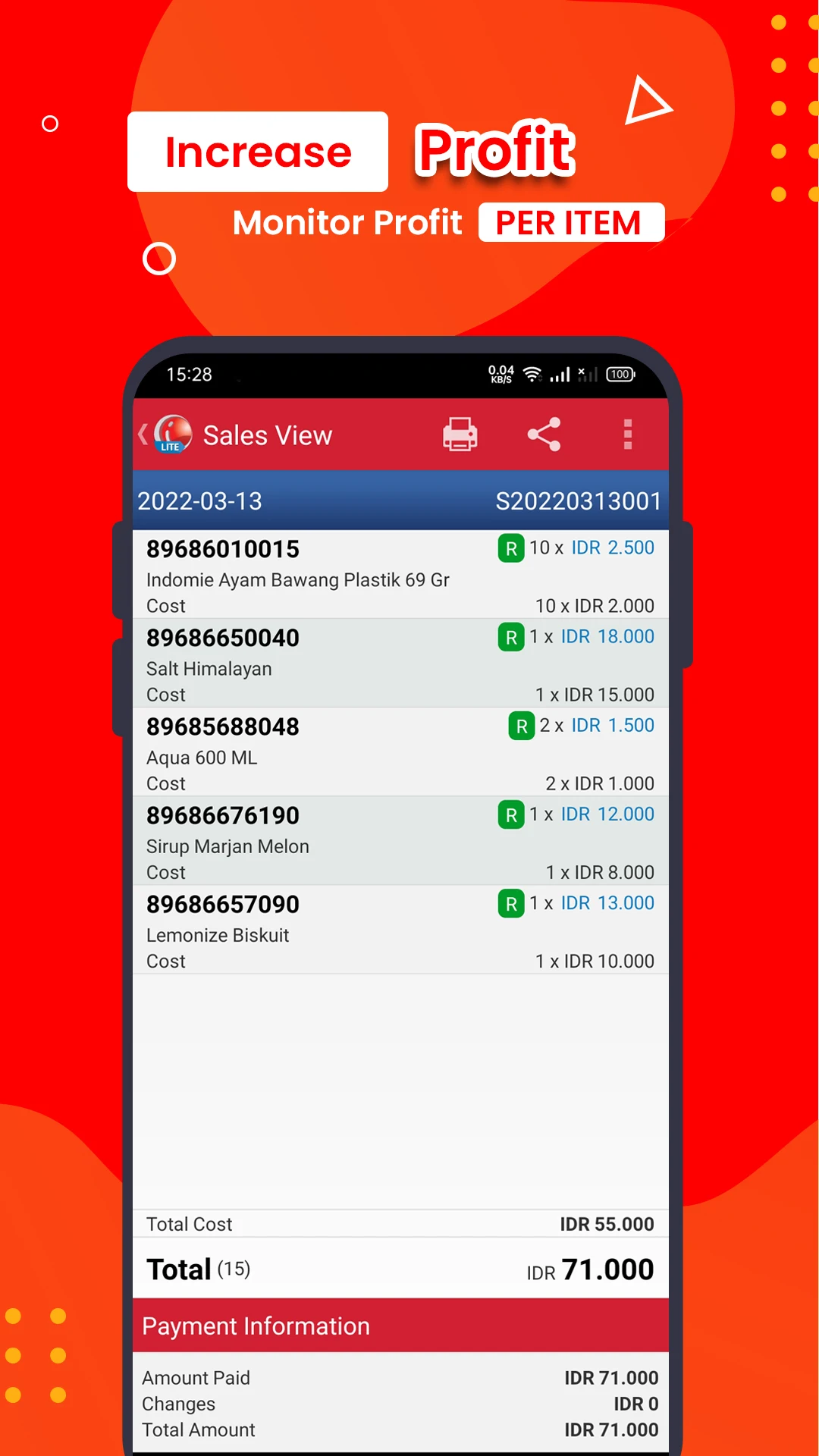
- Access real-time profit data per item.
- Automatically calculates HPP (Cost of Goods Sold) utilizing either average or standard methods.
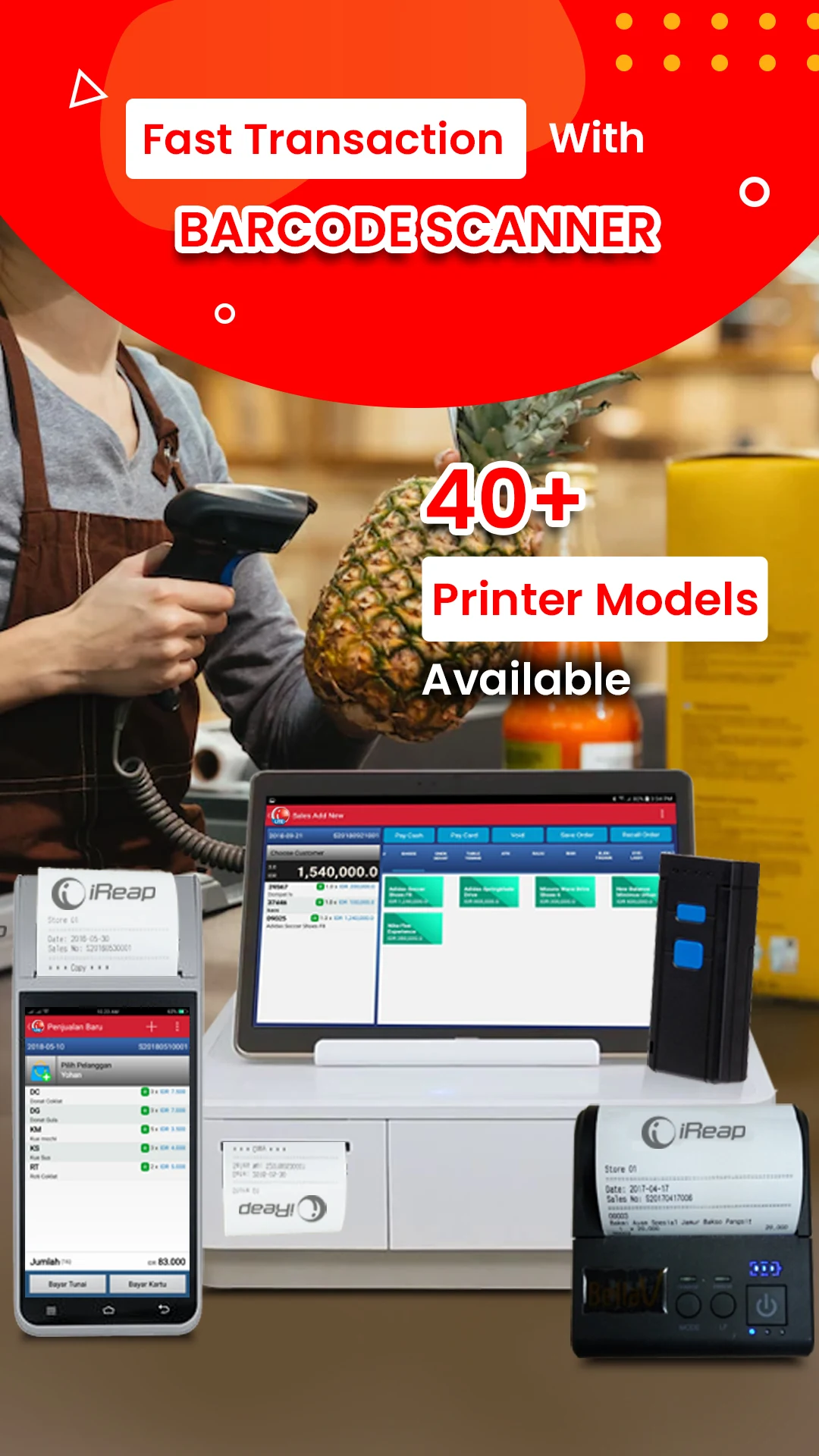
- Facilitate swift and precise sales transactions by scanning barcodes using a camera or barcode scanner.
- Keep records of customers and generate customer-based transaction reports.
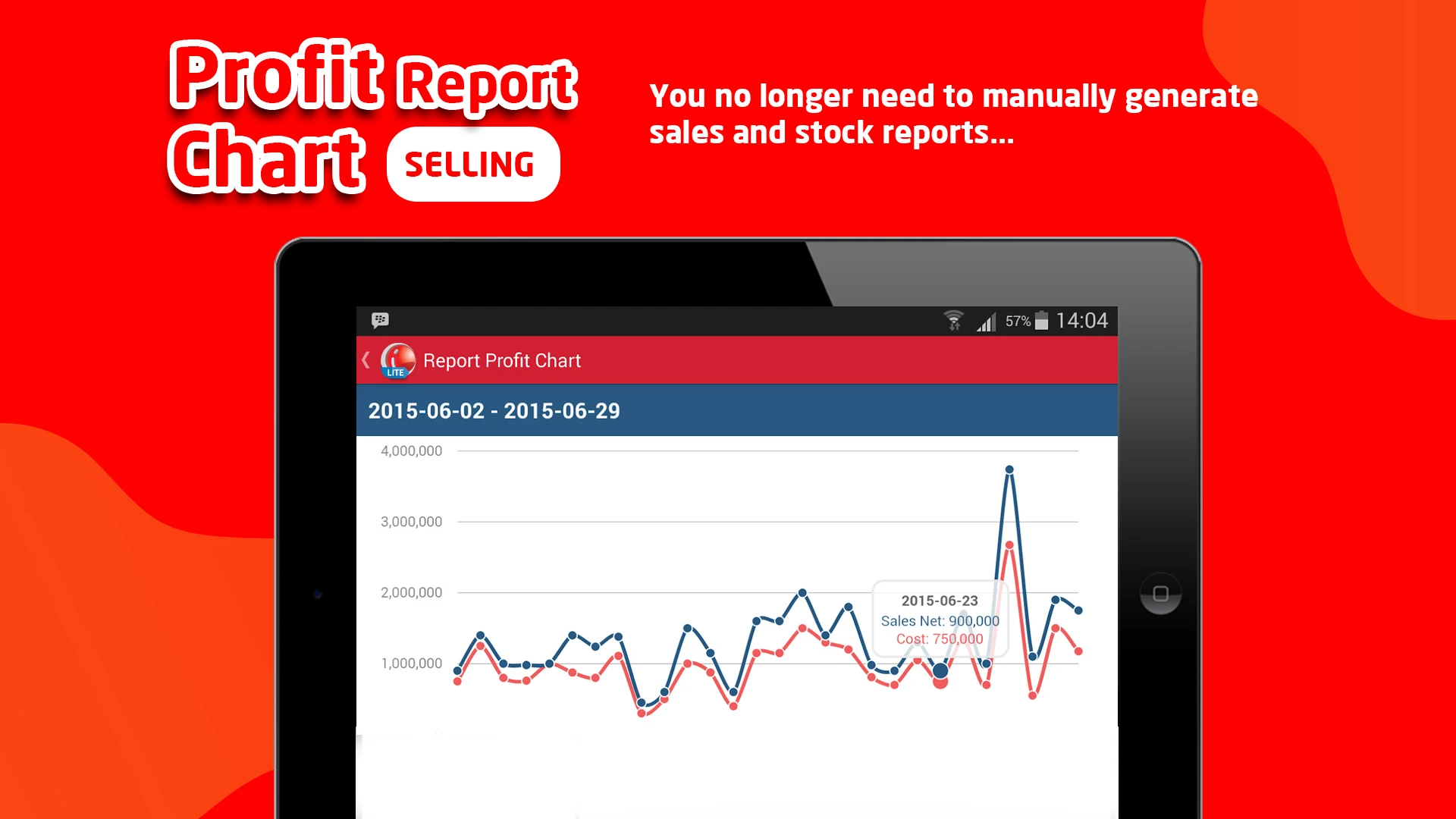
- Profit from sales is calculated automatically.
- Receipt printing is possible with over 30 compatible wifi and bluetooth printers.
📦 MANAGE STOCK QUANTITIES AND VALUES
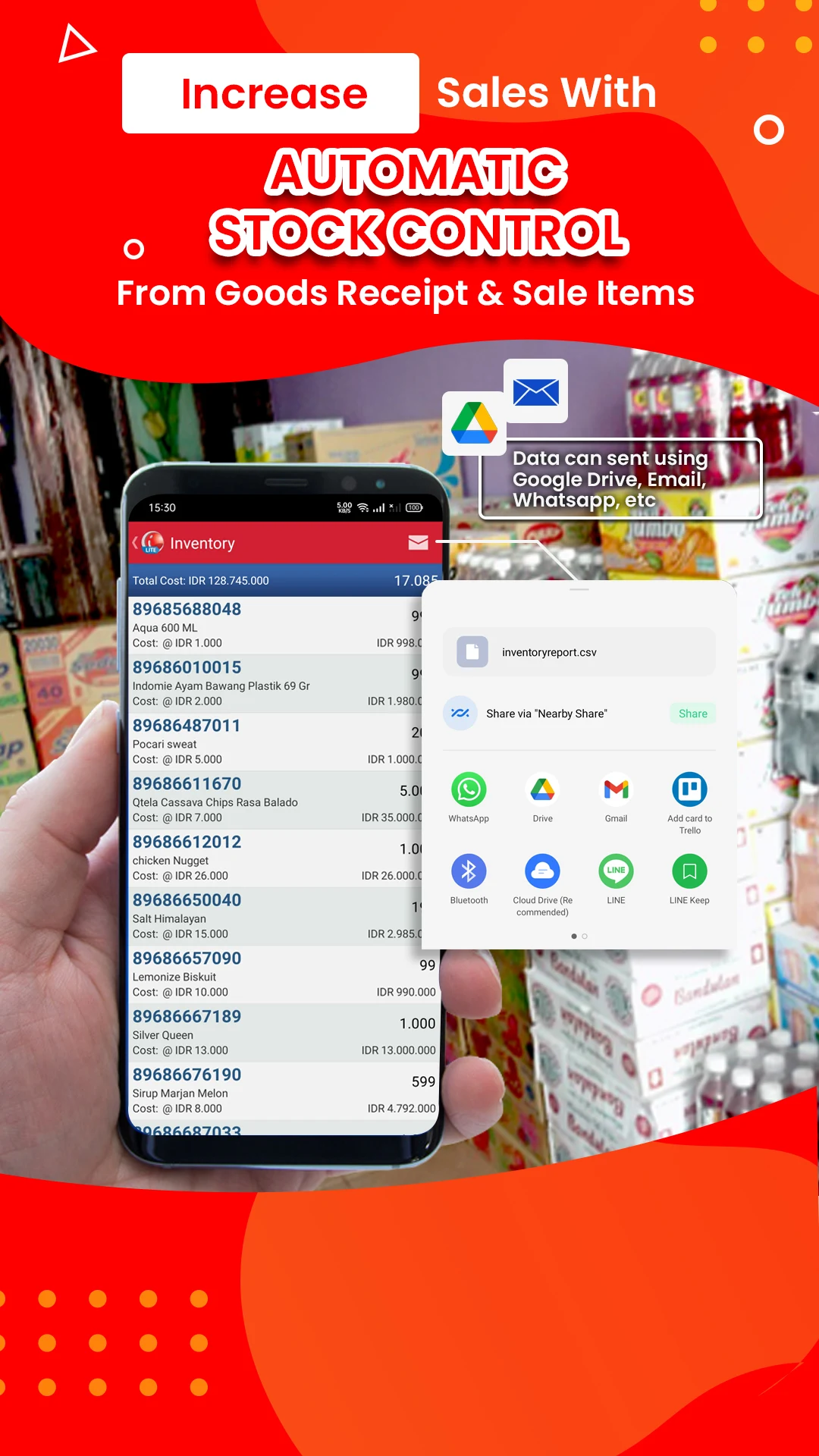
- Inventory management includes goods receipt, goods issue, and stock balance tracking.
- Inventory costing can be calculated using the Moving Average or Standard Costing methods.
📈 MANAGEMENT & REPORTING
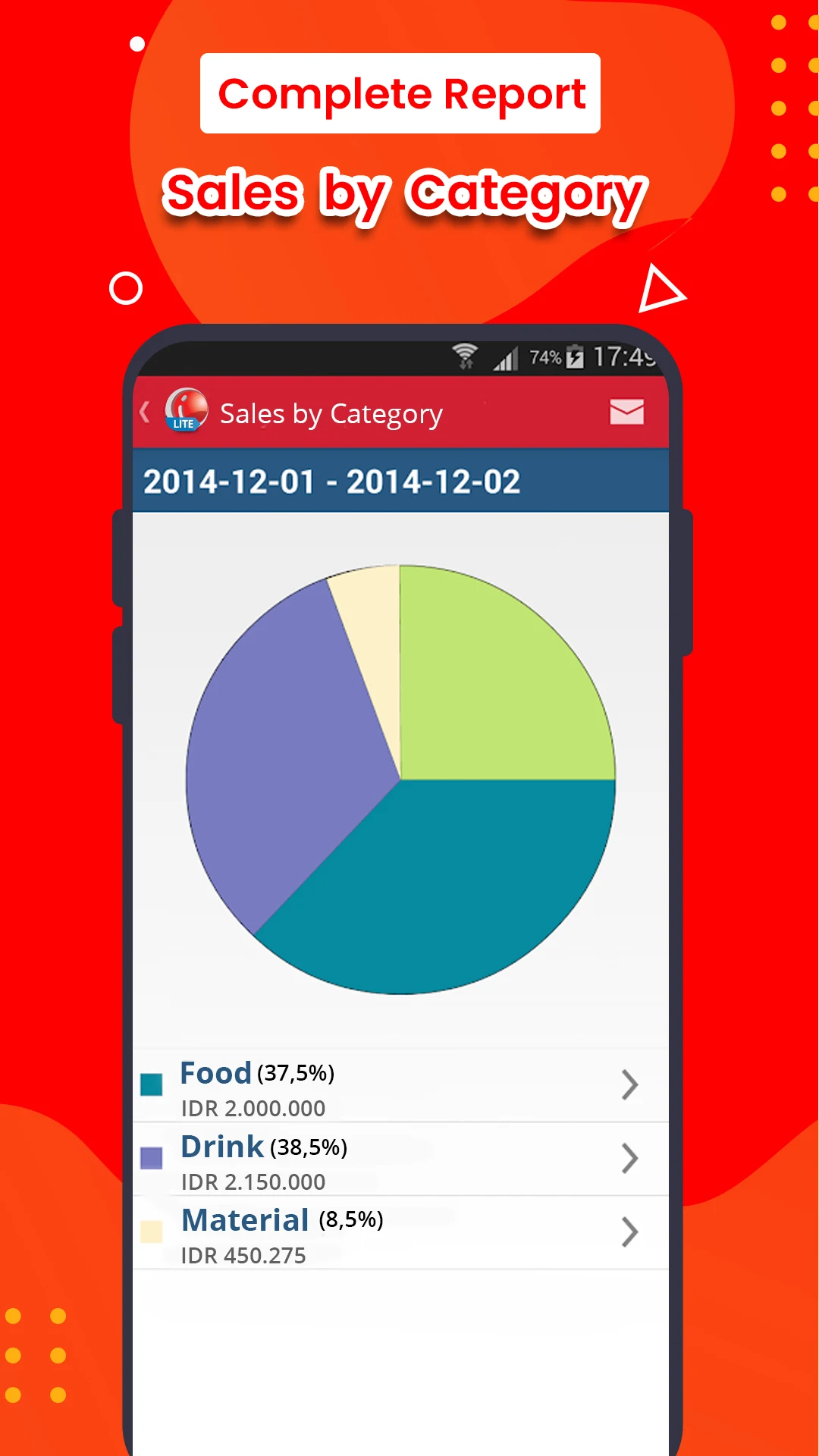
- Sales reports detail profits by product, top-selling items, and inventory audits.
- Reports are presented graphically.
- Share or export reports in CSV format via chat or social media, and these files can be viewed in Excel.
- The cashier module is optimized for tablets.
- Includes options for backing up and restoring databases to Google Drive or a local drive.
Applicable Scenarios:
It covers a wide range of business formats, covering the needs of various small and medium-sized businesses, and is particularly suitable for:
- **Retail**: convenience stores, clothing stores, optical shops, and cosmetics stores;
- **Food and Beverage**: snack stalls, cafes, and restaurants;
- **Service**: barber shops, beauty salons, clinics, and repair shops;
- **Wholesale and Trade**: distributors, wholesalers, and small trading companies;
- **Chain**: multi-store franchise brands.
Quick Start Process (5-step Start):
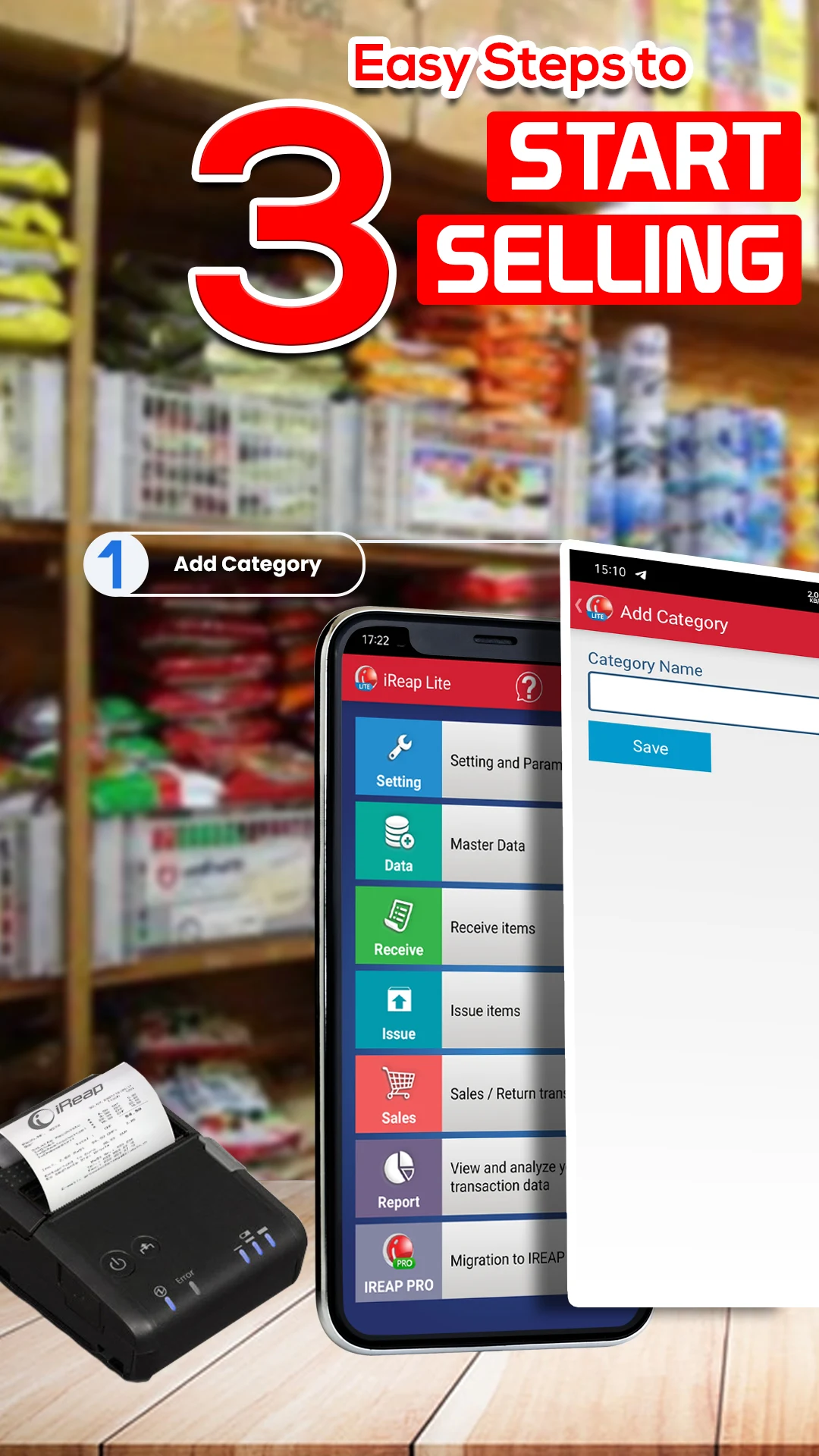
1. **Download and Install**: Search for "iREAP POS Pro/Lite" in the Google Play Store, download, and install on your Android device.
2. **Register and Bind**: Open the app and follow the prompts to register your business information (such as company name and business type). The Pro version requires setting up an administrator account, while the Lite version allows you to create a single user account directly.
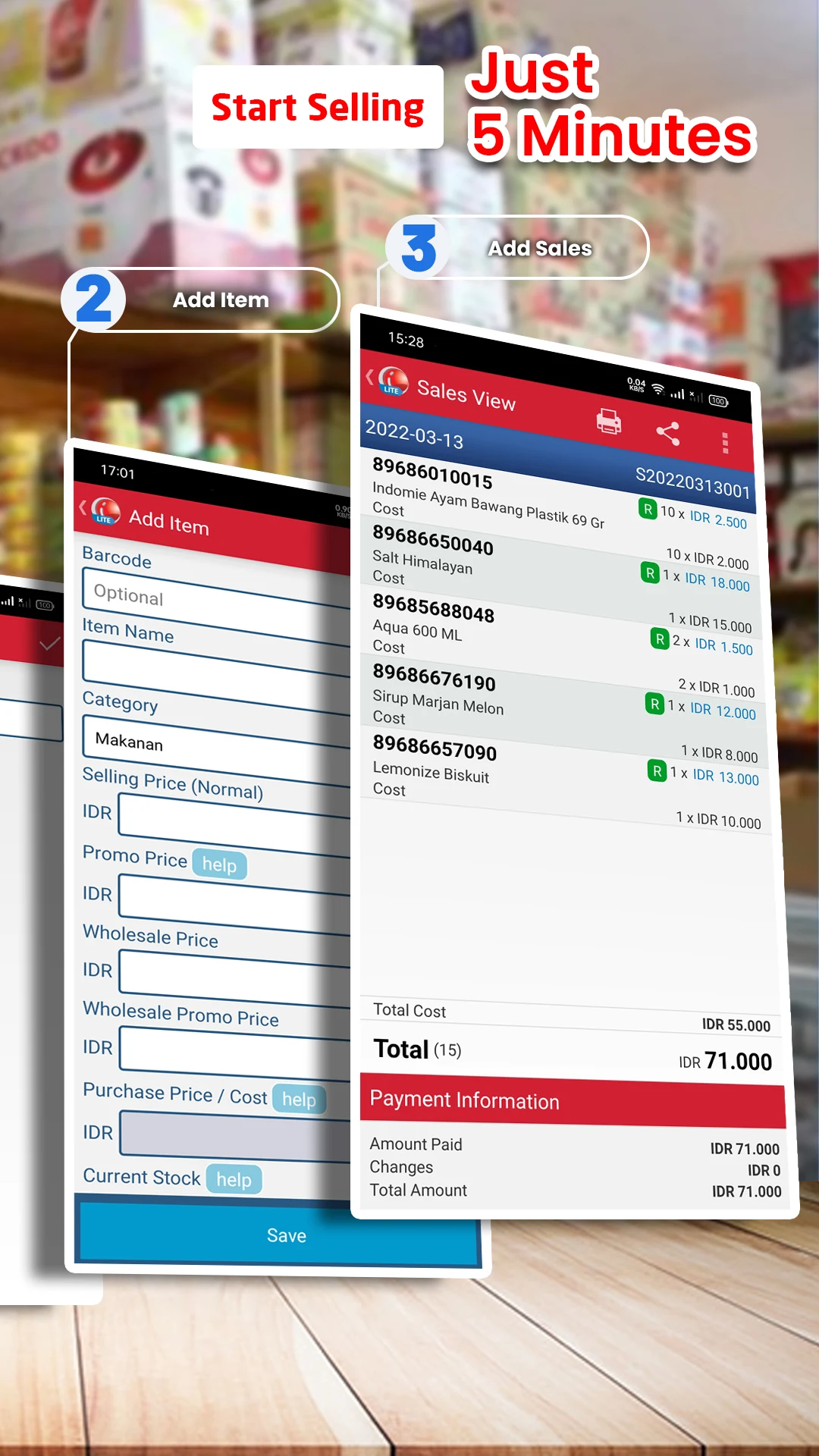
3. **Enter Basic Data**: Enter product information (name, price, inventory), supplier, and customer (optional) in the app or the Pro version website. The Pro version supports batch import.
4. **Start Cashier**: Use the device as a cash register, select the product and payment method, and complete the transaction (the Pro version supports QR code payment and member points redemption).
5. **View Data**: The Pro version allows you to view real-time reports on the website or app, while the Lite version allows you to view local transaction records on the device.
User Reviews and Advantages:
### 1. Key Highlights from User Feedback
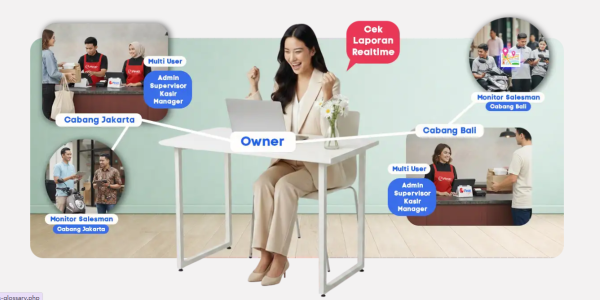
- **Lightweight and Easy to Use**: No training required, even beginners can quickly get started, eliminating the complex setup of traditional POS machines;
- **Efficient Multi-Store Management**: Merchants with multiple stores can monitor each store's activity in real time and adjust strategies without having to visit each store (e.g., transferring goods across stores when one store is out of stock);
- **Low Cost**: No need to purchase expensive cash register hardware; all you need is a phone/tablet. The Pro version's annual fee is highly cost-effective;
- **Practical Offline Function**: No internet connection required, making cash register operation unaffected, making it particularly suitable for small stores with unstable internet connections.
FAQs:
1. **Q:** What type of application is IREAP LITE POS? Which merchants is it suitable for?
**A:** This is a free retail POS application with no data restrictions, no transaction fees, and no ads. It supports offline use. It is suitable for various small and medium-sized merchants, including retail stores, food stalls, beauty salons, clinics, wholesale traders, and many other business types.
2. **Q:** Does this application require an internet connection to use?
**A:** No, it does not require a constant internet connection. Core functions such as POS and inventory management can be operated offline. An internet connection is only required when backing up sales data.
3. **Q:** What are the core functions of IREAP LITE POS?
**A:** It supports real-time viewing of single-item profits, automatic calculation of sales costs, barcode payment, customer management and transaction record generation, inventory inflow and outflow and balance tracking, graphical report viewing and export, and can also connect to WiFi/Bluetooth printers to print receipts.
4. **Q:** Can I use IREAP LITE POS to manage multiple stores?
**A:** No. Multi-store and multi-user management features require upgrading to the **IREAP PRO** version to use.
5. **Q: Are the hardware requirements for using this app high? Do I need to buy additional POS equipment?**
**A:** Hardware requirements are low. A regular Android phone or tablet can be used; there's no need to purchase an expensive professional POS machine. For scanning and printing receipts, a barcode scanner and a compatible printer are sufficient.
- Version3.21
- UpdateOct 21, 2026
- DeveloperSterling Tulus Cemerlang, PT (Sterling Team)
- CategoryBusiness
- Requires AndroidAndroid 5.0+
- Downloads205K+
- Package Namecom.sterling.ireap
- Signaturea35174f743ca6b56d17571a7b4551c63
- Available on
- ReportFlag as inappropriate
-
NameSizeDownload
-
17.24 MB
-
17.24 MB
-
17.24 MB














User-friendly interface
Easily navigable for beginners
Excellent features for small businesses
No advertisements in the app
Helps manage inventory efficiently
Supports multiple payment methods
Free version available for testing
Good customer support from developers
Real-time transaction tracking
Limited features in the free version
Occasional bugs with automatic discount application
Difficulty in importing/exploring data
Lack of preview before printing receipts
Limited customization options for invoices
Missing advanced reporting features
Some users find it challenging to navigate without tutorials
Occasional logical errors in profit calculations
Needs more thorough guidance updates in-app