
Fulcrum GIS field data capture - Field data collection & management
Transform your field operations with intuitive mobile GIS tools for seamless data collection & real-time tracking.

- 4.19.0 Version
- 2.9 Score
- 181K+ Downloads
- Free License
- 3+ Content Rating

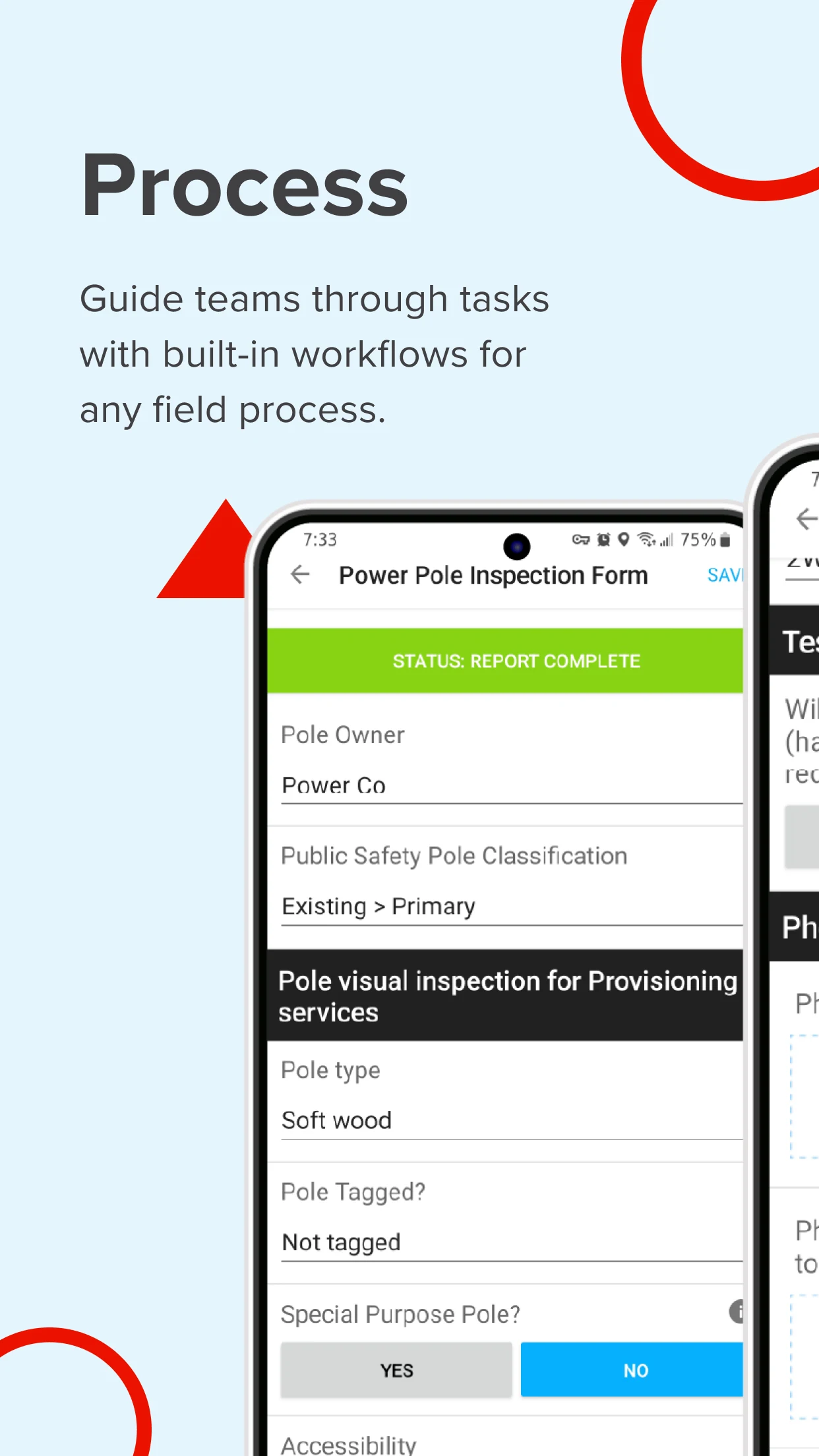
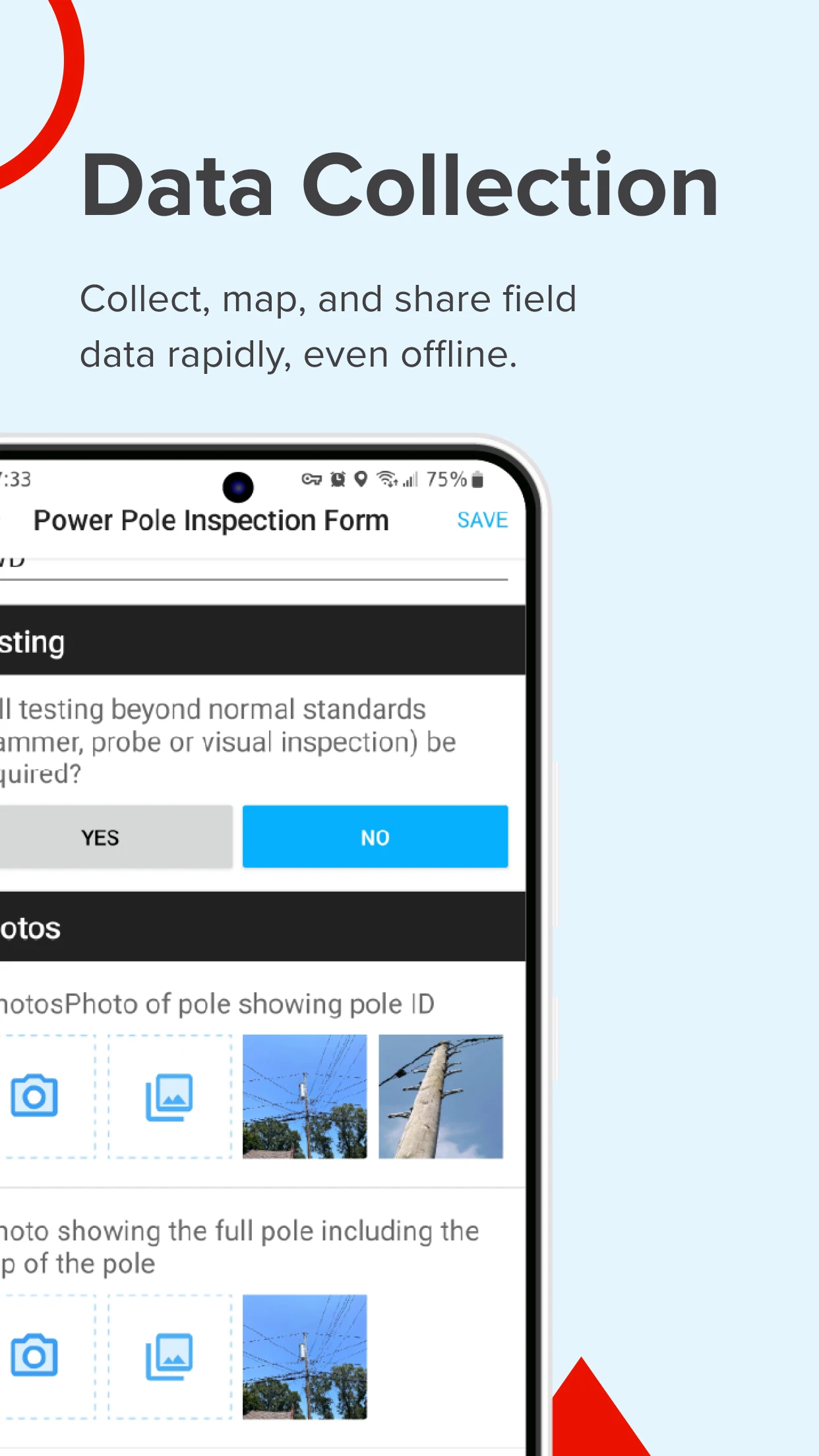
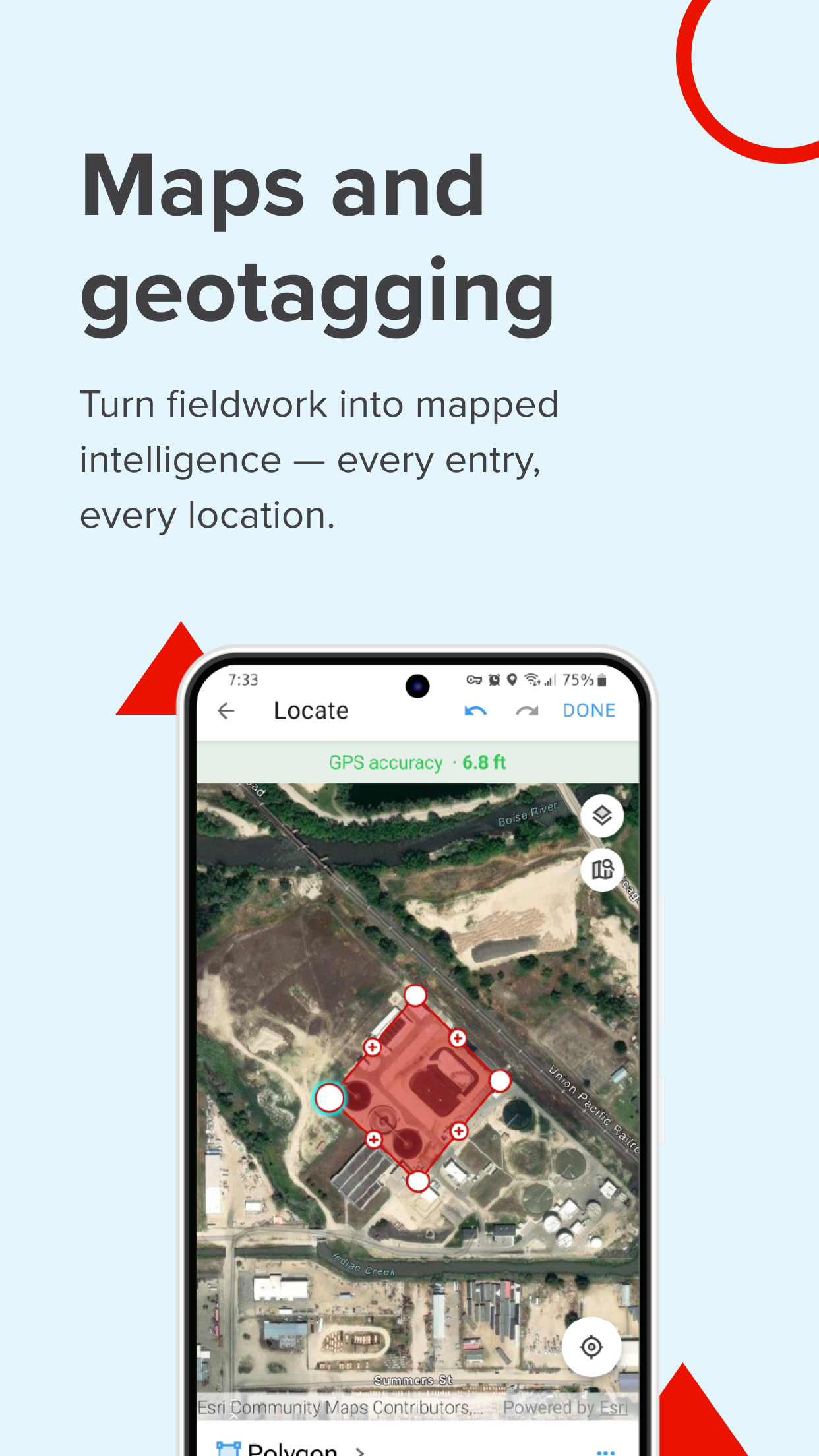
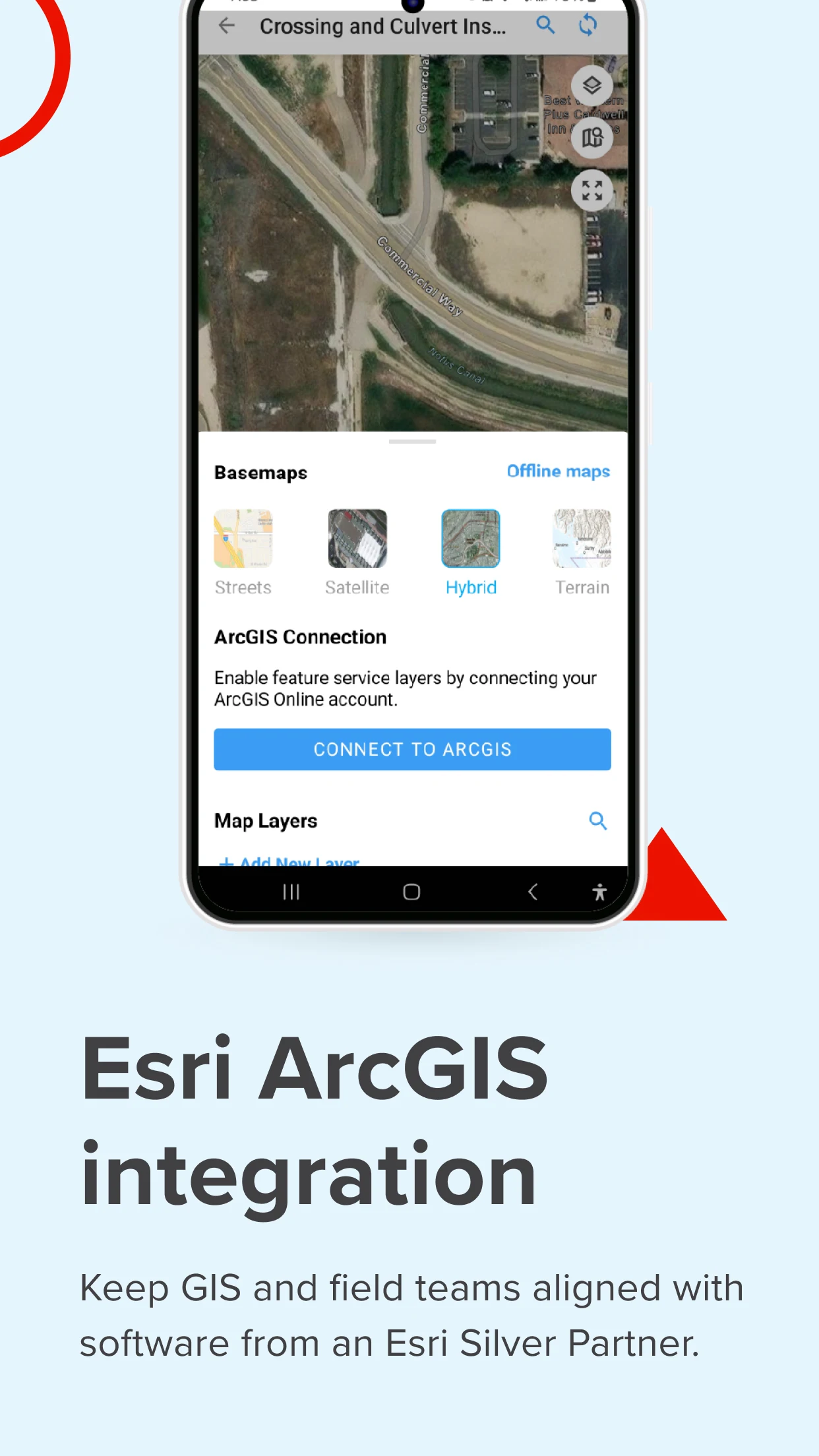
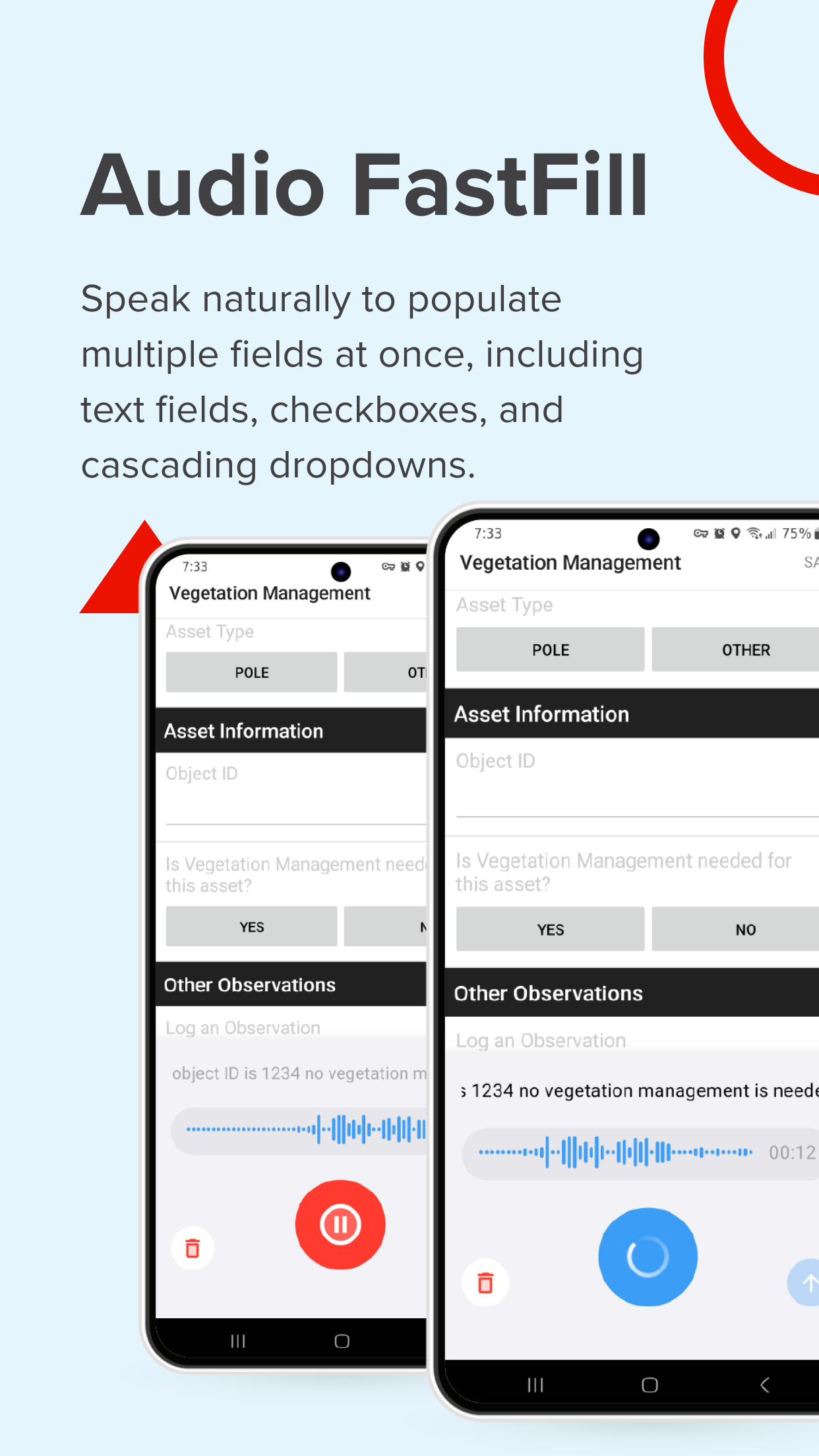
Fulcrum revolutionizes field workflows by providing intuitive, AI-driven mobile GIS software designed for efficient data collection, geospatial tracking on mobile devices, and process automation.
In contrast to conventional GIS mobile applications that necessitate specialized training and are limited to office environments, Fulcrum serves as a field-focused solution that enables both GIS professionals and non-GIS personnel to easily gather and disseminate geospatial information.
Fulcrum is designed for teams requiring robust, adaptable tools for field data collection, asset management, and automated processes.
It offers:
- Management of field processes through real-time GIS mobile data collection for quicker, more accurate data acquisition.
- Mobile applications for data collection to simplify surveys, inspections, and compliance monitoring.
- Software applications for asset data collection, allowing precise tracking and management of infrastructure, utilities, and field equipment.
- Geospatial mobile applications that utilize GPS for field data collection, providing teams with precise location information for mapping, reporting, and informed decision-making.
Reasons to select Fulcrum:
Nearly 3,000 companies and over 50,000 users globally rely on Fulcrum to digitize tasks related to inspections, surveys, field data collection, and asset management across various sectors such as construction, utilities, and environmental services. As an Esri Silver Partner, Fulcrum integrates seamlessly with ArcGIS, enabling teams to align field data with their GIS workflows. Furthermore, being a platform specifically designed for field processes, Fulcrum assists teams in customizing their field procedures, minimizing manual tasks, and obtaining more accurate, actionable insights.
Highlighted features:
- Drag-and-drop form builder – Design and personalize inspection checklists, surveys, and asset tracking forms without needing any coding skills.
- AI-supported voice data entry – Utilize Audio FastFill for hands-free data gathering, reducing manual input and enhancing fieldwork efficiency.
- Integrated GIS features – Sync with Esri ArcGIS, export geospatial data in formats like GeoJSON or Shapefiles, and improve mobile GIS data collection.
- Real-time data synchronization – Share collected information instantly with your team and integrate it within enterprise systems.
- Offline data collection – Gather and save data even when disconnected, then sync once connectivity is restored.
- Enhanced security – Safeguard sensitive data with SOC 2 Type 2 compliance, SSO, SCIM for streamlined onboarding, and customizable user roles.
- Native mobile applications – Access complete functionality on Android devices, built for rigorous field usage.
- Dedicated assistance – Receive expert help through various support channels.
Tailored for industries dependent on field data
Fulcrum’s field-centric design positions it as the optimal application for land surveying, field inspections, and asset management tasks. Teams from construction, utilities, environmental services, and other industries leverage Fulcrum to enhance field workflows and boost data accuracy.
Industries and applications include:
- Land surveying & field inspections – Employ Fulcrum’s GPS data collection software to capture exact location data and synchronize in real time.
- Utility & infrastructure management – Enhance asset tracking and upkeep with GIS mobile data collection and automated reporting features.
- Environmental monitoring & compliance – Execute site assessments, collect geolocation data, and produce reports using easy-to-use GIS cloud mobile applications.
- Construction & engineering projects – Oversee site audits, inspections, and progress tracking via mobile data collection applications specifically tailored for field use.
Start now to develop your own GIS mobile app and optimize field data collection and process management utilizing Fulcrum.
User Experience Evaluation:

Fulcrum is an **AI-driven mobile GIS software** designed specifically for field teams. It completely solves the pain points of traditional tools, such as low efficiency, inaccurate data, and reliance on professional training. Whether you are a GIS professional or a non-professional field worker, you can easily get started. With field operations at its core, it supports drag-and-drop form creation (no coding required), AI voice input to free your hands, and offline data collection with automatic synchronization after connecting to the internet. Combined with GPS positioning, it achieves accurate geospatial data collection, perfectly adapting to field scenarios such as inspection, surveying, and asset management.
### FAQ:
1. Can non-GIS professionals quickly get started with Fulcrum?
Yes. Fulcrum features an intuitive interface and support for drag-and-drop form creation (no code required), allowing even non-GIS professionals to easily create checklists and surveys. Features like AI voice input and offline data collection are simple to use, allowing data collection without complex learning curves, lowering the barrier to entry.
2. What data is saved during Fulcrum's offline data collection function? Will it automatically synchronize after the network is restored?
During a network outage, you can still collect geospatial data (such as GPS locations, point, line, and surface information), fill out forms, and upload field photos. All data will be saved locally to prevent loss. Once the network is restored, the system will automatically detect and synchronize all data collected during the offline period, eliminating manual work and ensuring consistent data between the field and the office.
3. What specific scenarios can be achieved with the integration of Fulcrum and Esri ArcGIS? **
After integration, field data collected by Fulcrum (such as equipment locations and inspection results) can be directly synchronized with ArcGIS GIS workflows. For example, asset locations can be updated in real time on ArcGIS maps and spatial analysis reports can be generated. Basic geographic data (such as area boundaries) can also be exported from ArcGIS to Fulcrum to serve as a reference template for field data collection, allowing data interoperability between the two and eliminating duplication of data.
4. **Enterprises are concerned about data security. What safeguards does Fulcrum have? **
Fulcrum has achieved SOC 2 Type 2 compliance, ensuring that data storage and processing meet security standards. It supports single sign-on (SSO) and SCIM user management, facilitating unified account management for enterprises. It also allows for customized user role permissions (for example, restricting access to sensitive data to certain personnel), ensuring data security from access, storage, and management.
5. **What specific field problems can Fulcrum solve in the construction industry? **
This feature can address issues like "disorganized data recording" and "slow progress synchronization." For example, it uses custom forms to record site inspection issues and uses GPS to mark the locations of problems. AI voice input frees up hands, eliminating the need for on-site workers to write down notes. Real-time synchronization allows office teams to instantly view inspection results and quickly implement corrective actions, preventing information lags that could impact construction progress.
- Version4.19.0
- UpdateOct 20, 2026
- DeveloperSpatial Networks, Inc
- CategoryBusiness
- Requires AndroidAndroid 8.0+
- Downloads181K+
- Package Namecom.spatialnetworks.fulcrum
- Signature7c08943e15249c6734518778fe96b0b1
- Available on
- ReportFlag as inappropriate
-
NameSizeDownload
-
401.38 MB
-
36.16 MB
-
27.63 MB


















Efficient for companies and NGOs saving time on surveys
Environmentally friendly by reducing paper usage
Easy to design custom forms for various requirements
Useful mapping tool for field projects
Ability to function without cell service
Customer service praised as best in class
Good integration of technological features for data collection
Extremely slow and laggy performance
Forced use of subpar in-app camera system
Frequent crashes across multiple devices
Poor handling of data retrieval processes
Secretly a paid app with limited export options
Ineffective updates leading to user frustration
Lack of flexibility and usability in interface design
Inconsistent support response from customer service