
SentriKey Real Estate - Manage lockboxes & access
Unlock real estate efficiency with instant lockbox management, Bluetooth connectivity, & seamless access notifications.

- 5.105.0 Version
- 2.6 Score
- 153K+ Downloads
- Free License
- 3+ Content Rating

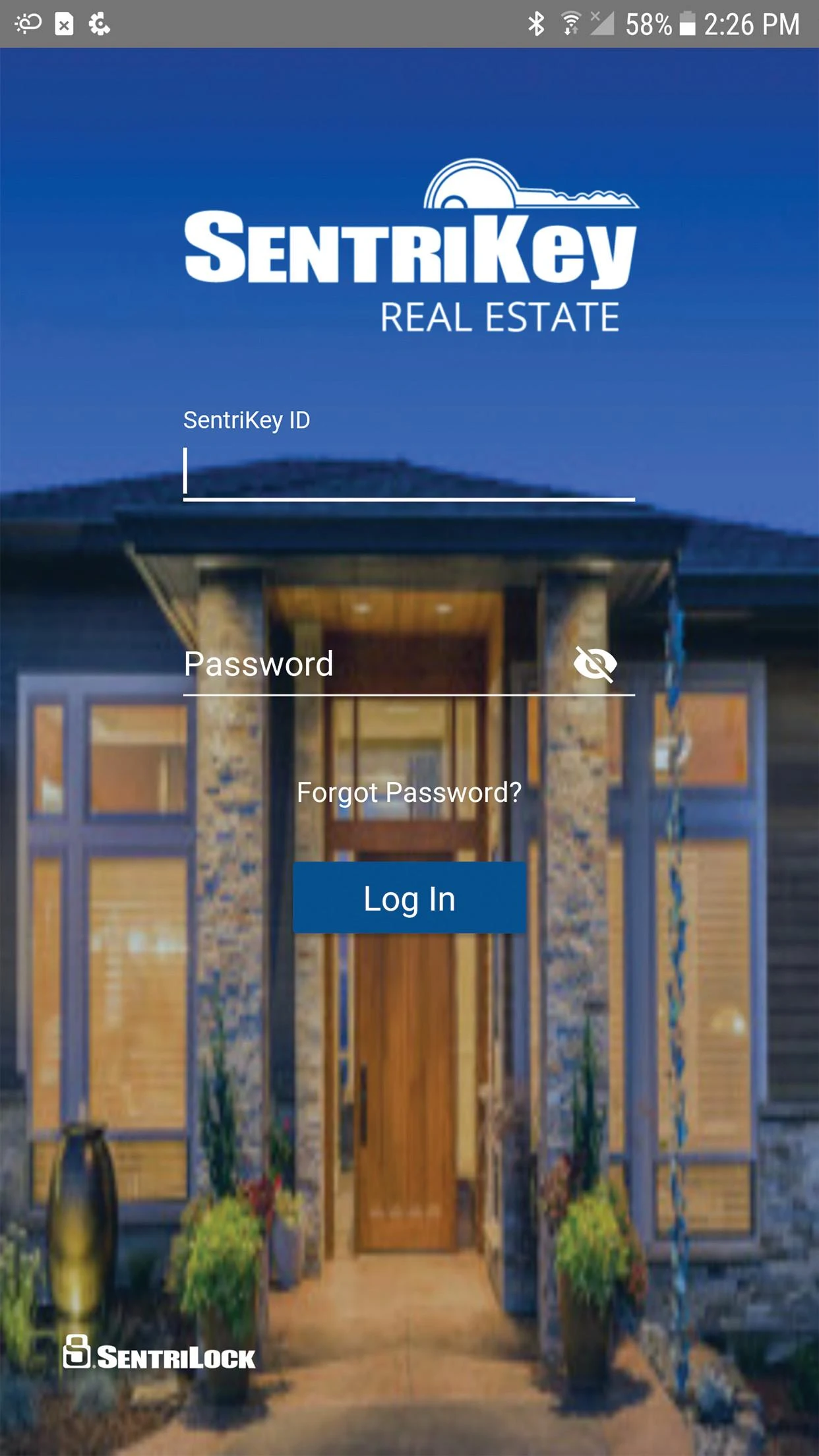
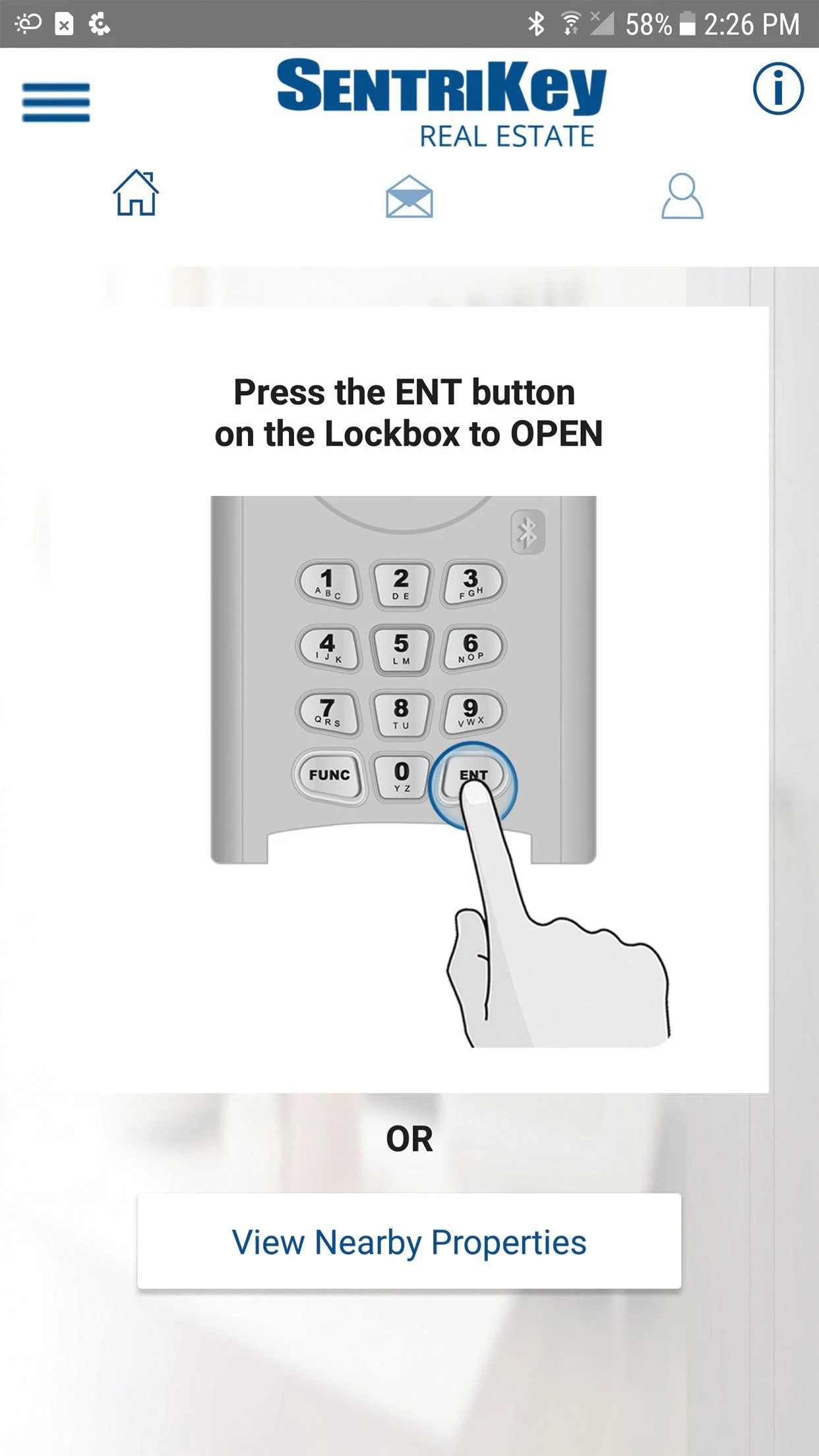
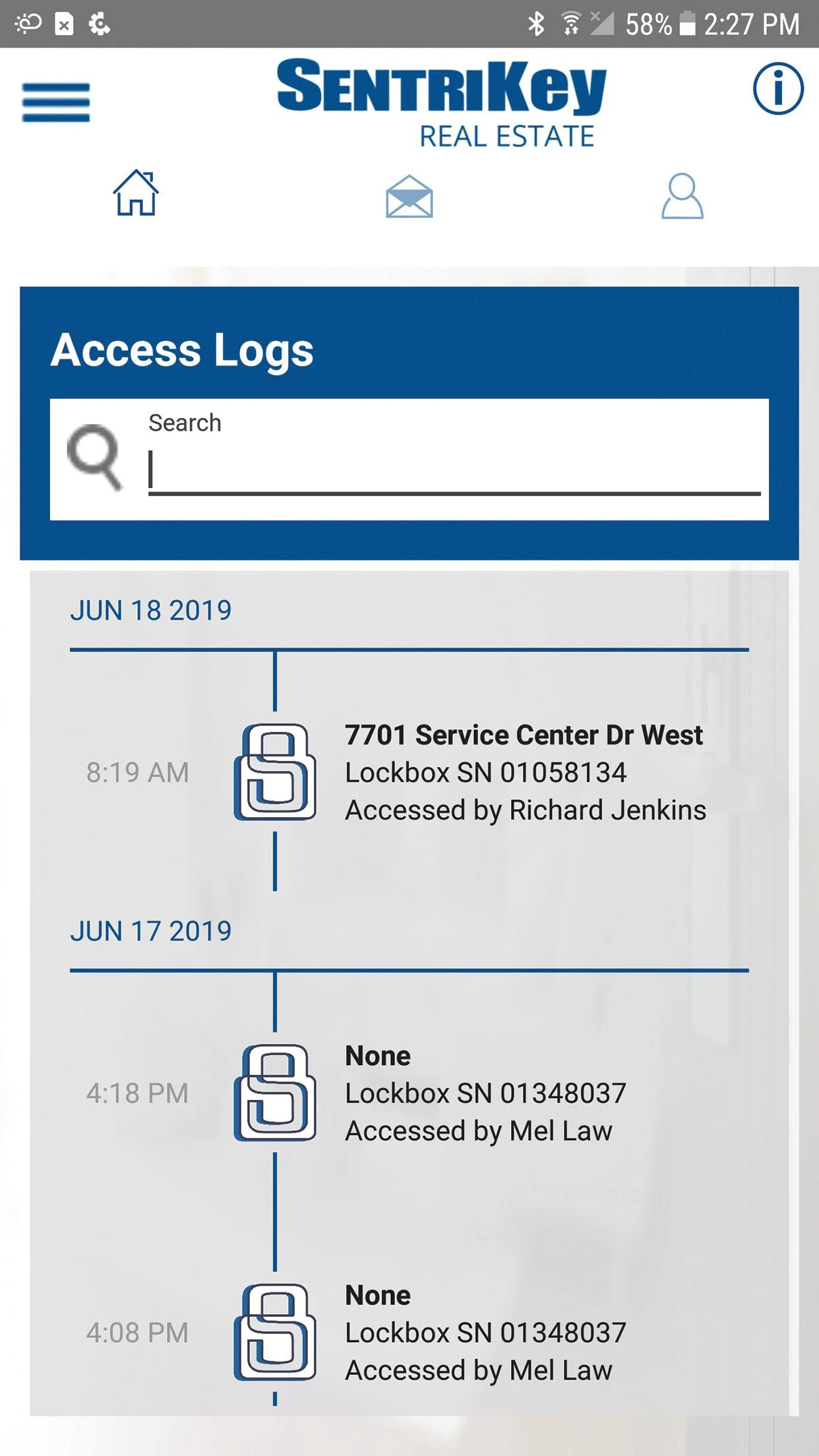
SentriLock has significantly simplified the work for REALTORS®.
The revamped SentriKey™ Real Estate app comes with an updated design, more intuitive prompts, improved Bluetooth® connectivity, and an action-oriented layout, allowing you to complete key tasks in mere seconds.
Features:
- Directly open and manage SentriLock lockboxes through the SentriKey™ Real Estate app
- Release the shackle
- Claim ownership of lockboxes
- Assign or remove lockbox ownership
- Access Bluetooth® lockboxes using the SentriKey™ app via Bluetooth®, even without internet access
Other features include:
- Immediate access and showing alerts when connected to the Internet
- Utilizes your current location for easy identification of lockboxes tied to a listing
- Obtain one-day codes, where applicable
- Review access logs
- Add to or remove a lockbox from a listing
- The Property Data Integration function enables you to retrieve all essential listing details.
Core Products and Features:
1. SentriGuard® Electronic Smart Lockbox System
- **Core Value**: The industry's most secure and reliable lockbox solution, ensuring property key security while enhancing convenient access.
- **Key Function**: Supports flexible temporary authorization and appointment-based access, and paired with professional customer service to resolve unexpected access issues.
2. Showing Service
- **Core Value**: Serving as a "smart assistant" for real estate agents, it optimizes the entire property showing process, improving customer experience and closing efficiency.
- **Key Function**: Automated management of showing appointments, real-time schedule confirmations, and synchronized customer feedback helps real estate agents focus on their core sales tasks.
3. Property Management System (SentriKey®)
- **Core Value**: The industry's first integrated solution integrating "lock box access + showing management + customer experience," covering the entire property management scenario.
- **Format**: Includes a mobile app and desktop software, supporting quick unlocking methods like facial recognition (Face ID) and a PIN code, reducing operational complexity.
4. Temporary Authorization Service (SentriConnect®)
- **Core Value**: Simplifies lock box access for temporary personnel (such as decorators and potential clients), balancing security and convenience.
- **How to Use**: SentriKey® users can grant secure temporary lock box access to others through the SentriConnect® mobile app, eliminating the need for in-person key exchange.
Target Customers and Suitable Scenarios:
1. Real Estate Agents
- **Core Needs Satisfied**: Safe property showings, convenient client schedule management, simplified third-party authorization for decorators, and enhanced customer trust through professional tools (e.g., secure lock boxes provide peace of mind for landlords).
2. Brokerages
- **Core Needs Satisfied**: Provide brokerages with high-quality lockbox and showing tools, unify team processes, and enhance overall service efficiency and professional image.
3. Industry Associations and MLSs (MLSs & Associations)
- **Core Needs Satisfied**: Provide brokerages and brokers within the association with a unified, top-tier lockbox and showing technology suite, enabling cross-regional resource sharing and promoting standardized industry operations.
# SentriLock FAQs:
1. **Q**: Can the SentriKey™ Real Estate App directly operate the lockbox? Can it be used without internet?
**A**: Yes, you can directly open and manage SentriLock lockboxes through the app, supporting operations such as releasing the latch and claiming/assigning lockbox ownership; even without internet, it can be used via Bluetooth to connect to the lockbox without affecting the core unlocking function.
2. **Q**: How can this tool simplify the work of real estate agents?
**A**: It can quickly unlock lockboxes to complete viewings, quickly locate properties and associated lockboxes using location services; automatically receive viewing reminders, manage viewing appointments, and synchronize client feedback; it can also generate daily access codes and view access records, simplifying the temporary authorization process for third parties (such as renovation workers) without requiring in-person key handover.
3. **Q**: How do I use the SentriConnect® temporary authorization service? What scenarios is it suitable for?
**A**: SentriKey® users can grant secure temporary access to lockboxes to temporary personnel (such as potential clients or construction workers) via the SentriConnect® mobile app; suitable for scenarios where in-person key exchange is not required, balancing property key security with the convenience of temporary access.
4. **Q**: Besides the mobile app, are there other user platforms for SentriLock? What are the unlocking methods?
**A**: In addition to the mobile app, there is also a desktop application, forming a comprehensive usage system; unlocking methods support Face ID and PIN codes, which are simple to operate and reduce cumbersome steps.
- Version5.105.0
- UpdateOct 22, 2026
- DeveloperSentriLock
- CategoryBusiness
- Requires AndroidAndroid 10+
- Downloads153K+
- Package Namecom.sentrilock.sentrismart
- Signaturef073bf13fea79050f2744e978170452b
- Available on
- ReportFlag as inappropriate
-
NameSizeDownload
-
70.37 MB
-
70.37 MB
-
70.37 MB
















Convenient mobile access to lockboxes
Safety features that allow alerts to contacts
Eliminates the need to handle physical keys or codes
Streamlined showing process for realtors
User interface offers some useful shortcuts
Integration with MLS systems for property information
Remote management of lockbox settings
Frequent app freezes and crashes
Buggy performance leads to usability issues
Poor customer service response times
Inconsistent GPS functionality
Complicated user interface especially for new users
Lack of offline functionality making it hard without data
Automatic updates can disrupt app functionality
High frustration levels impacting professional image
No option to revert to older, functioning versions