
US Calendar with Holidays - Organize year & plan effectively
Simplify your planning with an intuitive calendar, featuring holidays, weather updates, reminders & personalization options.
- 9.92 Version
- 1.6 Score
- 182K+ Downloads
- In-app purchases License
- 3+ Content Rating

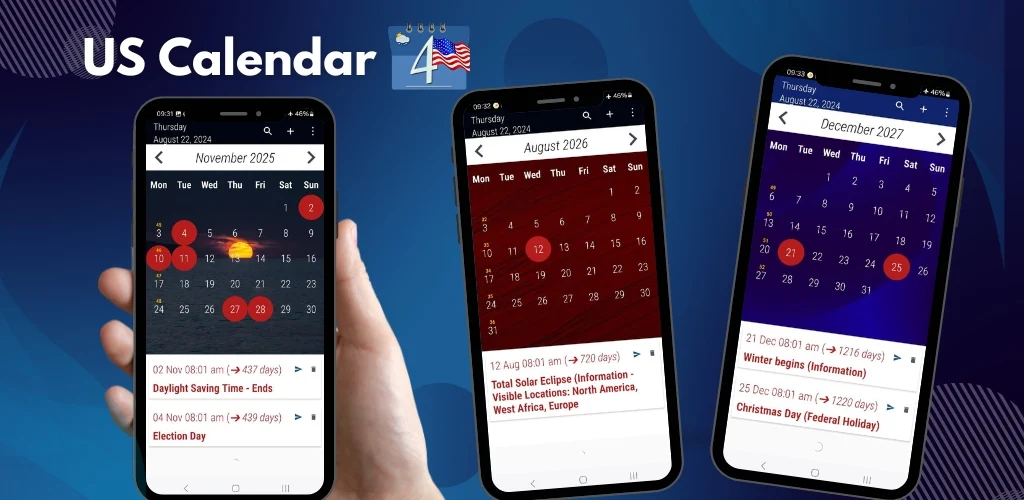
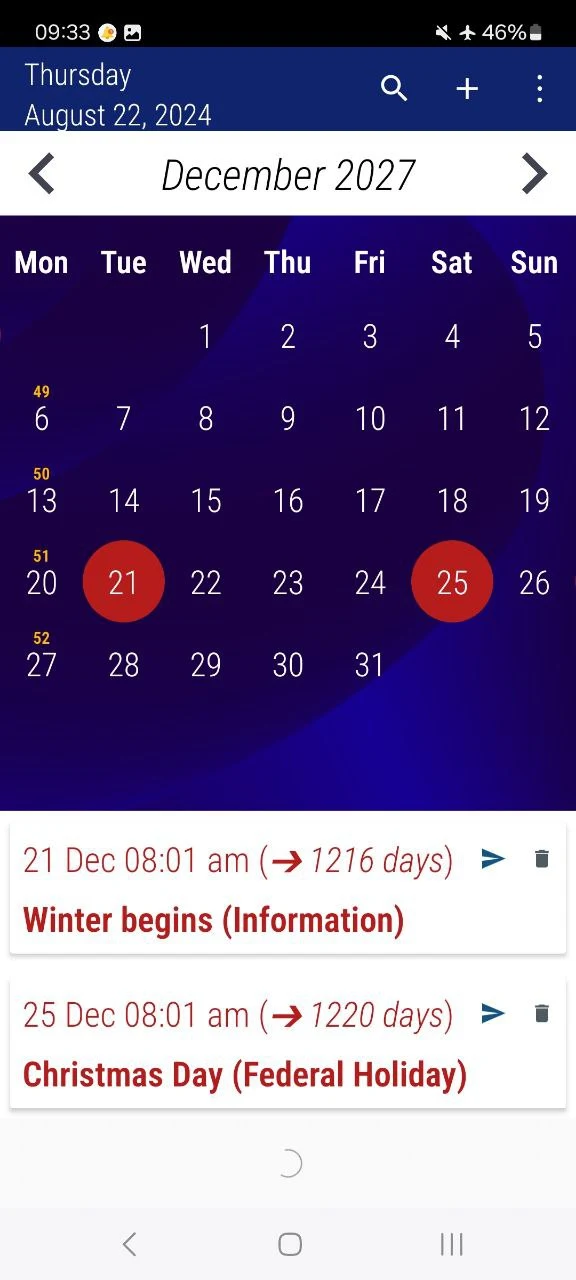
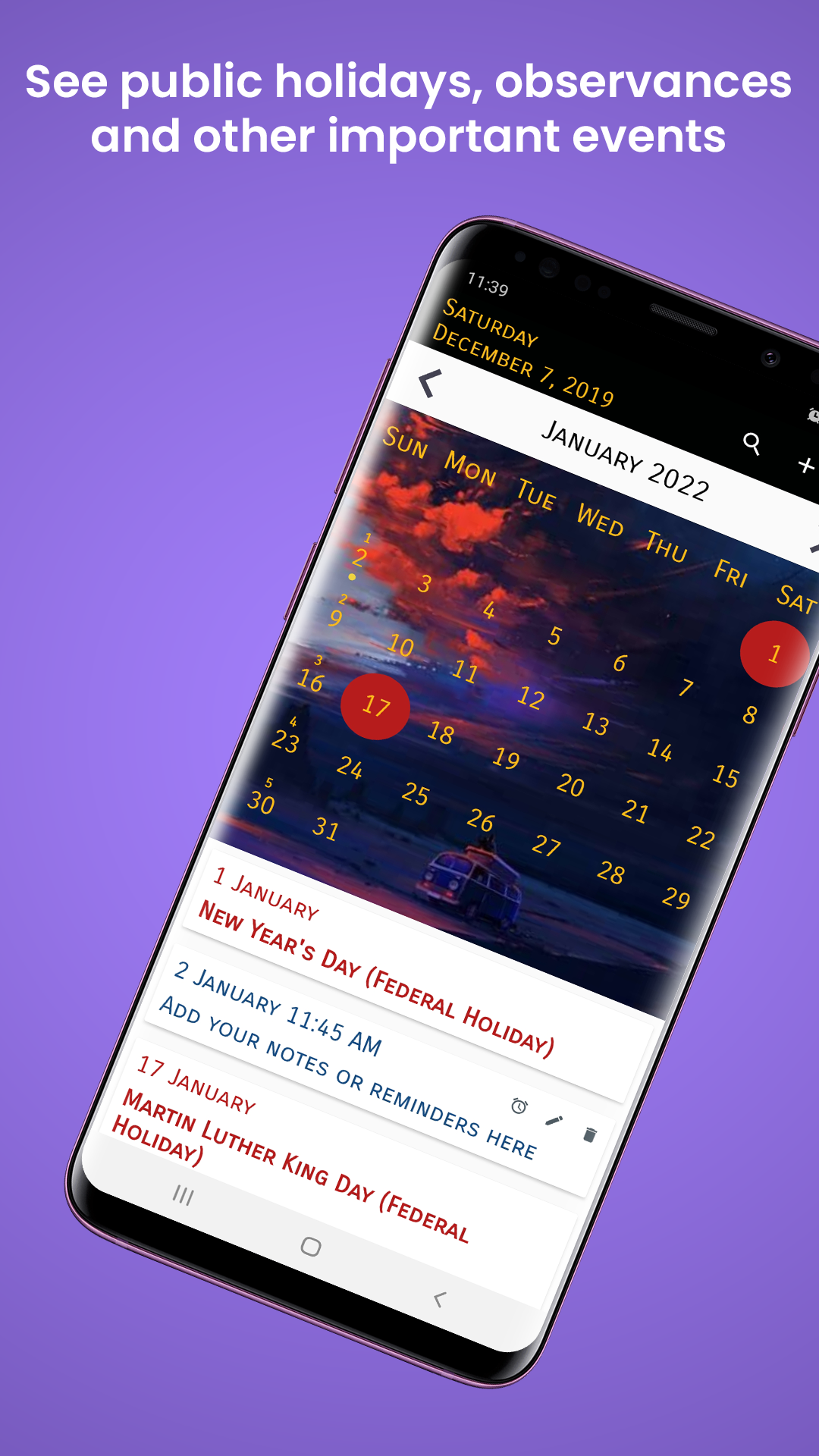
Effortlessly organize your year with the US Calendar 2026 featuring Holidays app!
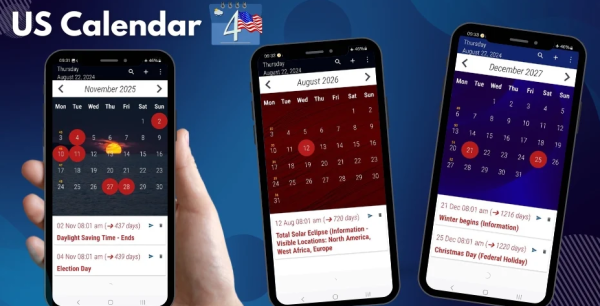
This app is finely crafted with essential functionalities that help you stay organized and informed every day. It’s ideal for monitoring public holidays, seasonal activities, and personal agendas all at once.
🌟 Key Features:
✅ Federal, Public Holidays, and Observances: Be ready for important dates in 2026, 2027, and 2028.
✅ Seasonal Weather Schedule: Be prepared for each season with precise weather information.
✅ Seasonal Weather Schedule: Be prepared for each season with precise weather information.
✅ Daylight Saving Time (DST), Eclipse & Supermoon Updates: Don’t miss out on astronomical events or changes in time.
✅ Noteworthy Observances & Event Dates: Keep an eye on prominent US holidays and cultural happenings.
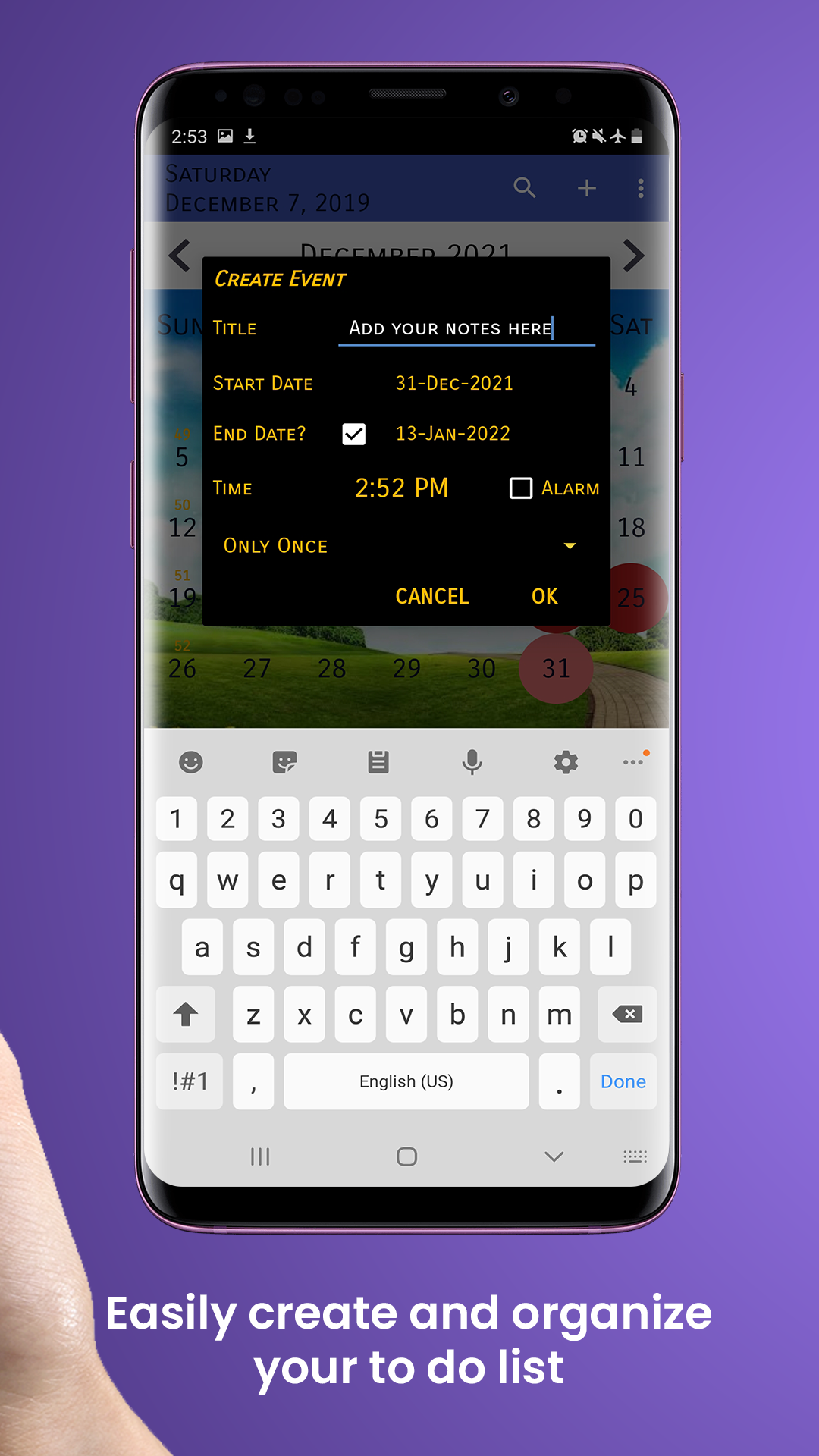
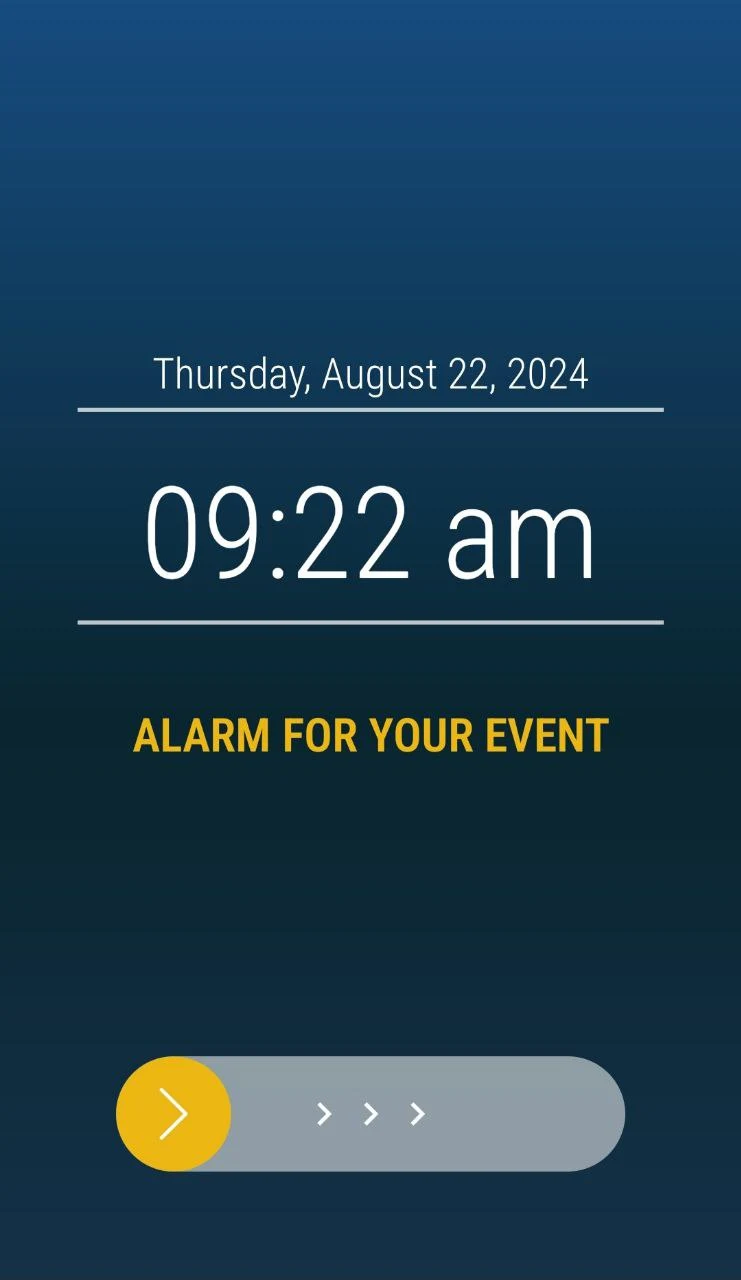
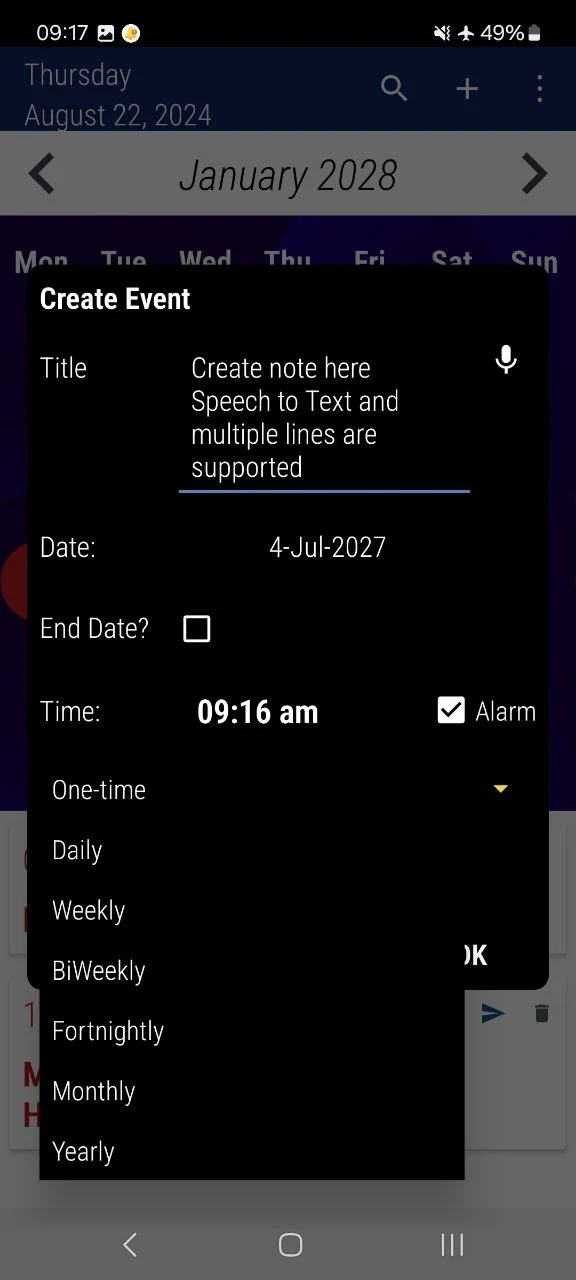
✅ Alarms & Reminders: Create alerts and reminders for special occasions or daily tasks.
✅ Week Number Display: Effortlessly view week numbers on your calendar.
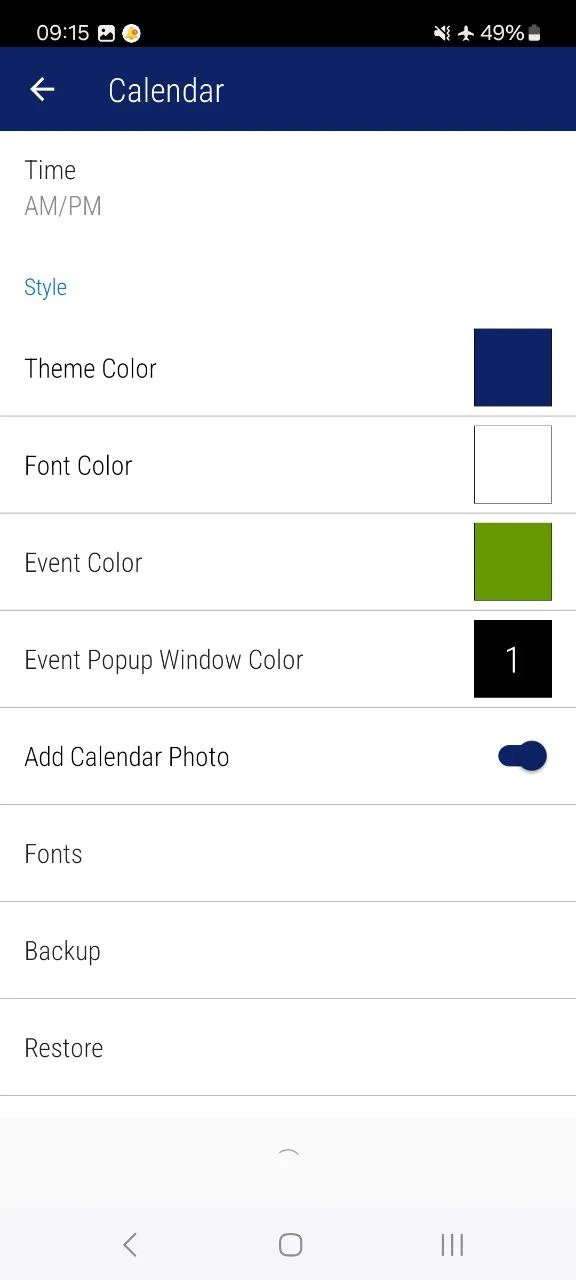
✅ Custom Backgrounds: Tailor your calendar with your favorite images.
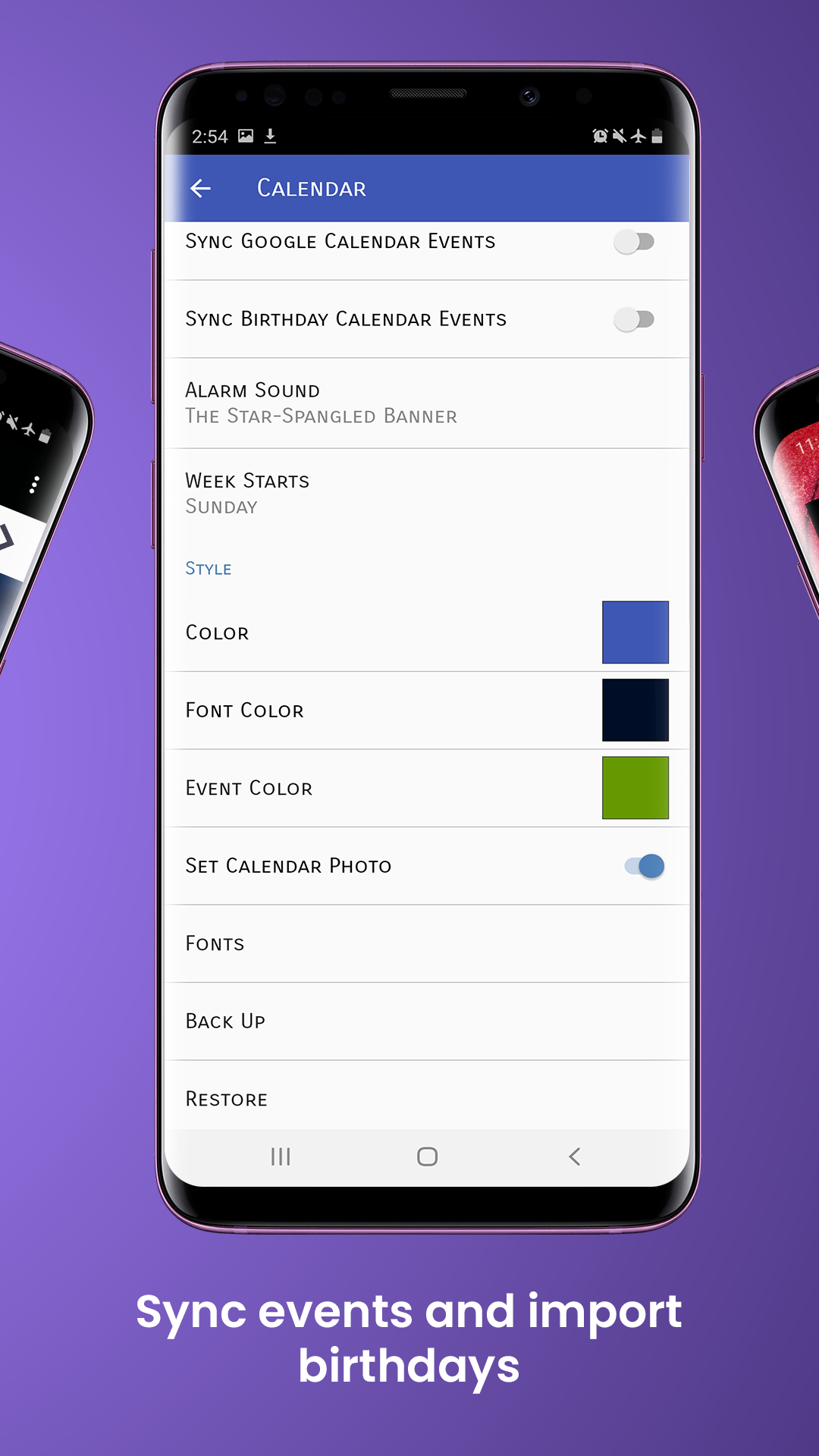
✅ Backup & Restore Functionality: Ensure your data is secure and easily retrievable on any device.
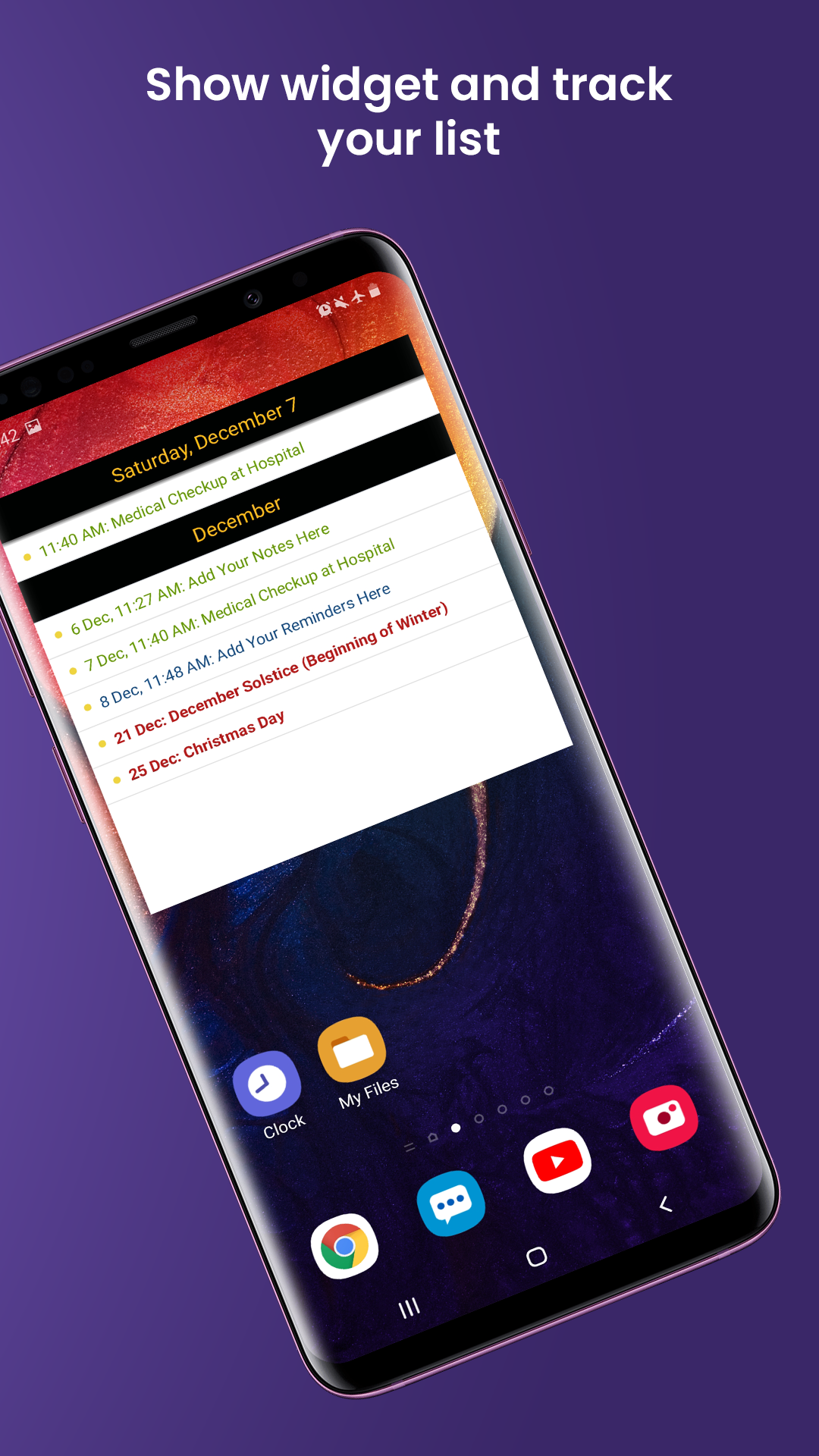
✅ Calendar Widget: Access your calendar directly from your home screen.
📅 Why Opt for US Calendar 2026?
✔ User-Friendly Interface: Clean and straightforward design that’s easy to navigate.
✔ Customization Features: Adapt your calendar to match your preferences and requirements.
✔ Suitable for Everyone: Whether it’s for work, family needs, or personal organization, this app is designed for you.
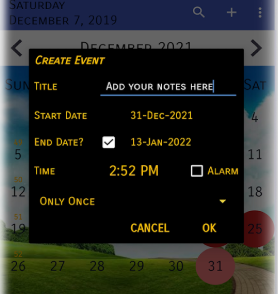
Start planning your year like never before by downloading now! Stay organized, prepared, and turn 2026 into your most productive year yet.
✨ Experience the ultimate calendar functionality on your Android device today! ✨
Usage Tips:
1. **Date Lookup**
View US holidays, daylight saving time, eclipses, and other events from 2025-2028 with one click; week number display is supported.
2. **Reminder Settings**
Add schedule/holiday reminders and use the desktop widget to view your itinerary without opening the app.
3. **Personalization and Backup**
Customize your calendar background; back up your data regularly, and restore with one click when logging into the same account on a different Android device.
4. **Useful Tips**
Weather forecasts are for seasonal trend reference only; for accurate forecasts, use a dedicated weather app. Schedules can be exported as .ics/.csv files and synced to Google Calendar.
5. **Astronomical Event Monitoring**
Eclipse and supermoon dates are updated 3-6 months in advance; enable notifications to receive timely reminders.
Related Questions and Answers:
1. **Q: Is this app only compatible with Android devices? Can iPhone users use it? **
A: Currently, it's primarily compatible with Android devices, with no clear iPhone support yet. Publicly available information indicates that the app's promotion specifically mentions "Android devices," and no US holiday calendar app with the same name can be found in the App Store. iPhone users can choose other iOS calendar tools with similar functionality.
2. **Q: Can I restore my schedule reminders and personalized backgrounds after changing phones? **
A: You can restore them through the backup function. The app has a built-in "Backup and Restore" feature. After backing up your data in advance, you can log in to the same account on your new phone and use the restore function to restore your previously set reminders, customized backgrounds, and other items without having to reconfigure them.
3. **Q: Does the weather information update in real time? How does its accuracy compare to professional weather apps? **
A: Weather information is updated seasonally, and its accuracy is focused on basic reference. It primarily provides seasonal weather trends (such as rainy summers and cold winters), rather than real-time, minute-by-minute forecasts. While it's sufficient for simple daily planning, for more accurate forecasts, it's recommended to use a professional weather app.
4. **Q: Can I sync holidays or personal schedules in the app to Google Calendar? How do I do this? **
A: Syncing can usually be done by importing files. First, export your schedule in the app as an .ics or .csv file. Then, on your computer, open Google Calendar, go to "Settings > Import & Export," upload the file, and select the calendar to sync. This will complete the data migration.
5. **Q: How long in advance will the specific dates of the 2026 solar eclipse and supermoon be displayed in the app? **
A: They are generally updated several months in advance. The dates of these astronomical events are fixed astronomical data, and the app typically records them 3-6 months in advance. Users will receive notifications after the update, allowing them to plan their observations in advance.
- Version9.92
- UpdateOct 23, 2026
- DeveloperAksa Networks
- CategoryProductivity
- Requires AndroidAndroid 5.0+
- Downloads182K+
- Package Namecom.calendarus
- Signaturebddd0a8d14f69f97b8c4fd8c2dc4eafb
- Available on
- ReportFlag as inappropriate
-
NameSizeDownload
-
10.17 MB
-
10.17 MB
-
10.27 MB











Helps keep track of important appointments
User-friendly interface and layout
Customization options for notifications and backgrounds
Includes US holidays prominently
Effective customer service and responsiveness
Provides reminders for events and important dates
Lightweight app with no unnecessary permissions
Easy to navigate between months and events
Retains important information like daily temperatures (in some versions)
Calendar may not open without rebooting the phone
Notification issues with alarms sounding unexpectedly
Difficult to add or manage recurring events
Lacks option to customize event colors and significant dates
Unwanted ads interrupt user experience
Background photo feature is inconsistent
Notifications are hard to dismiss once read or after an event
Confusing interface post-updates
Lacks option to set reminders in advance of an event