
Grammar Check AI, Spell: Fixy - Grammar & Spell Check
Transform your writing with AI-driven grammar & spell check tools for precision, clarity & confidence in every sentence.

- 1.80 Version
- 1.5 Score
- 552K+ Downloads
- In-app purchases License
- 3+ Content Rating

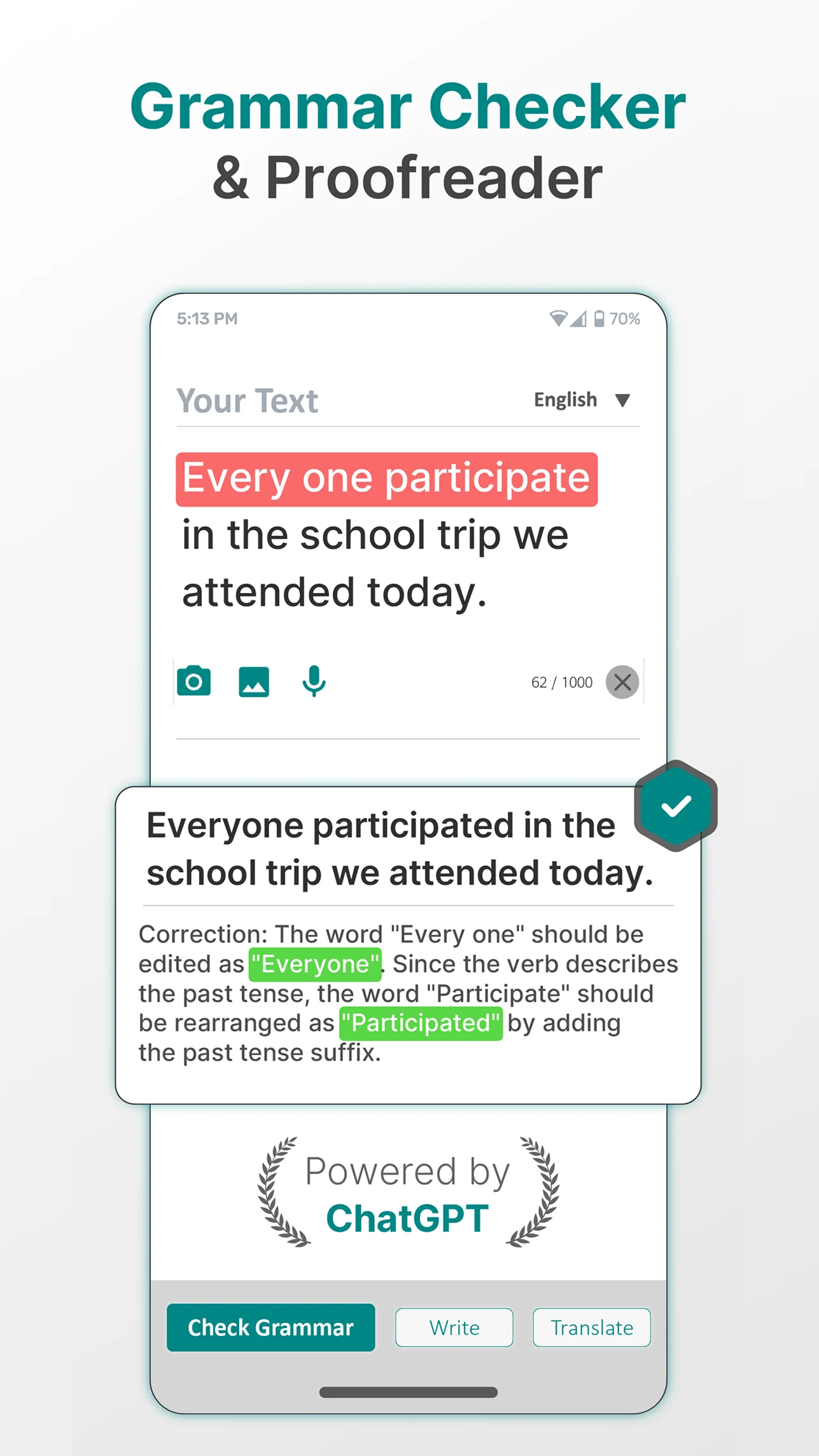
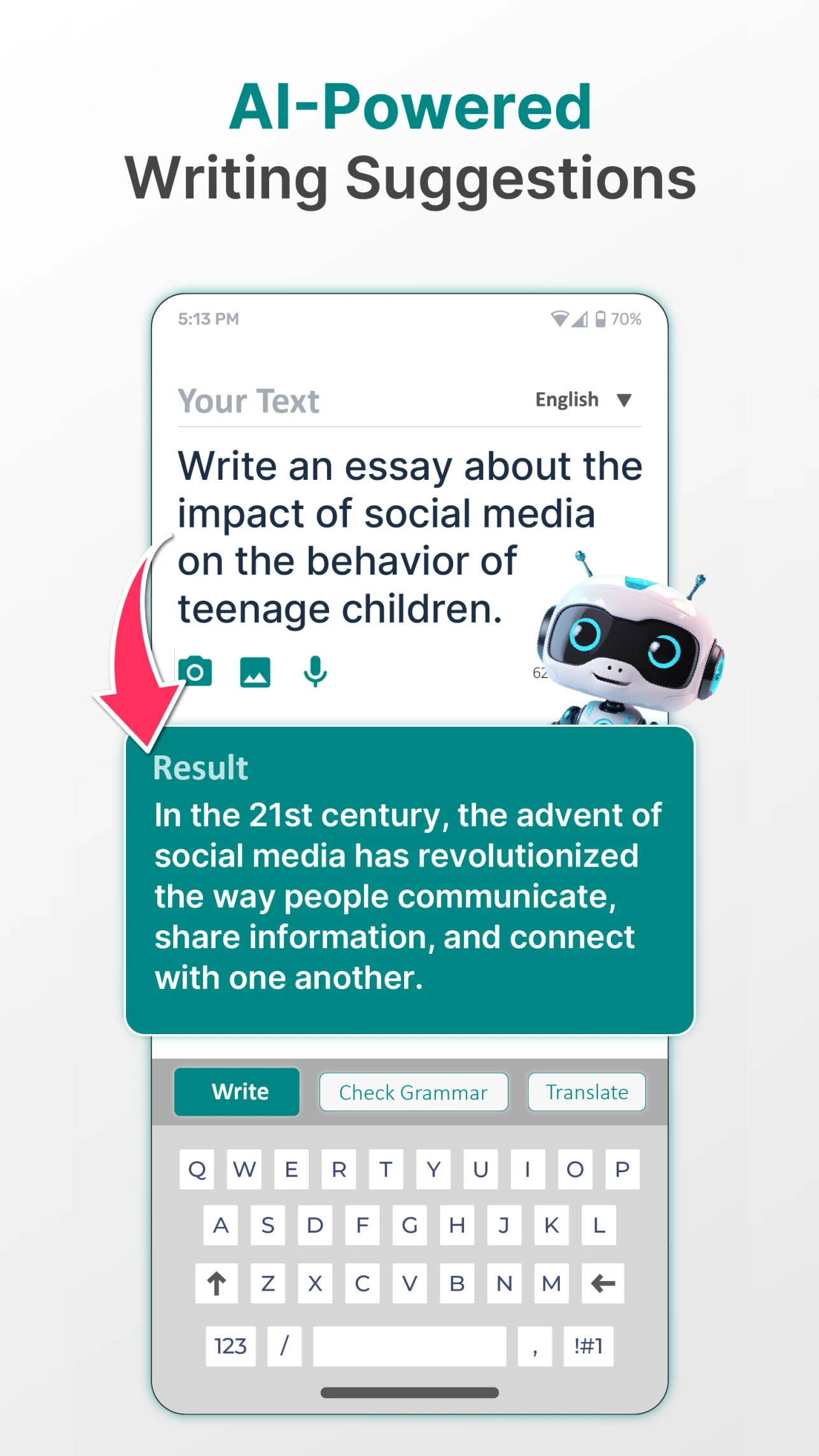
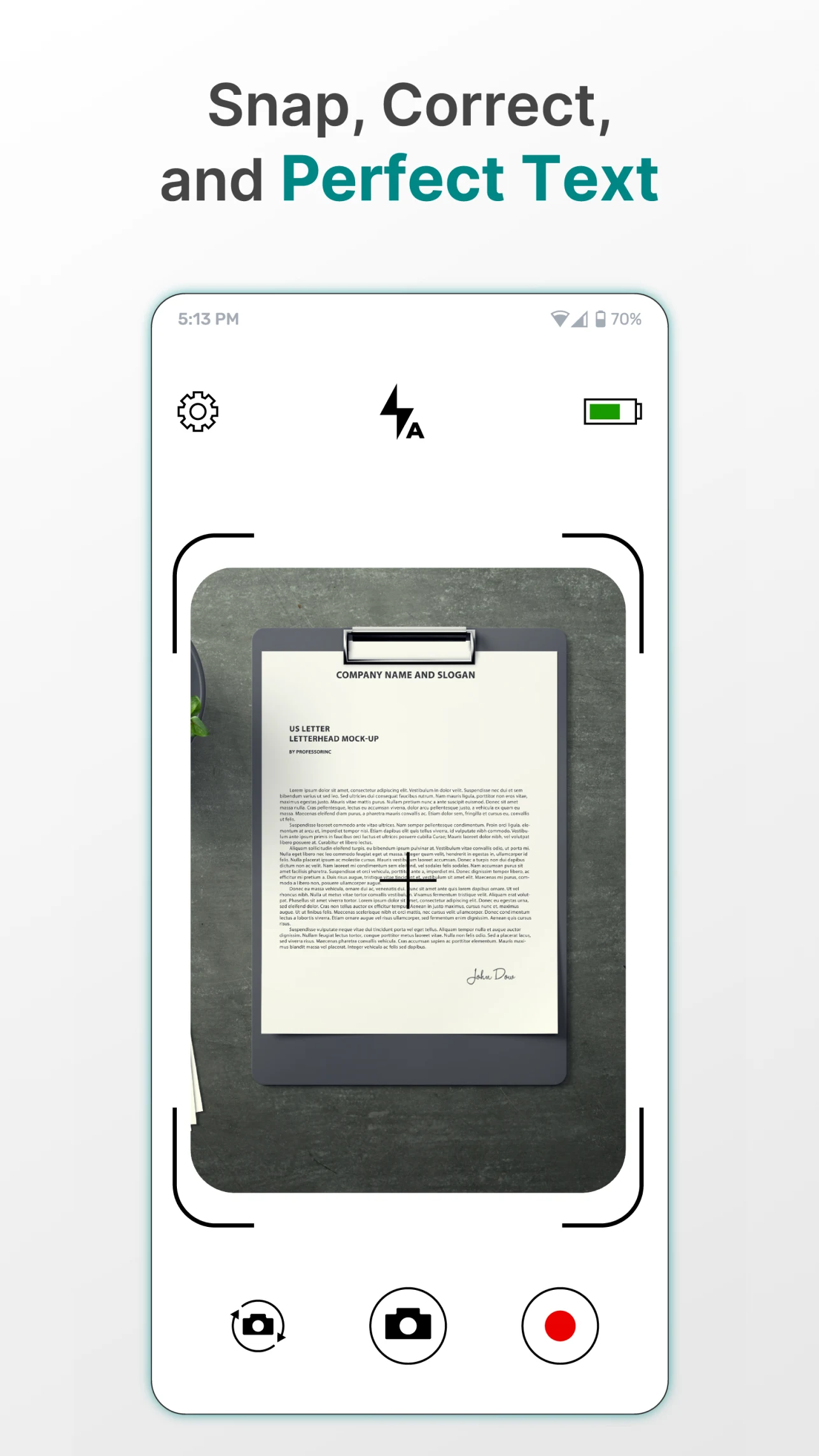
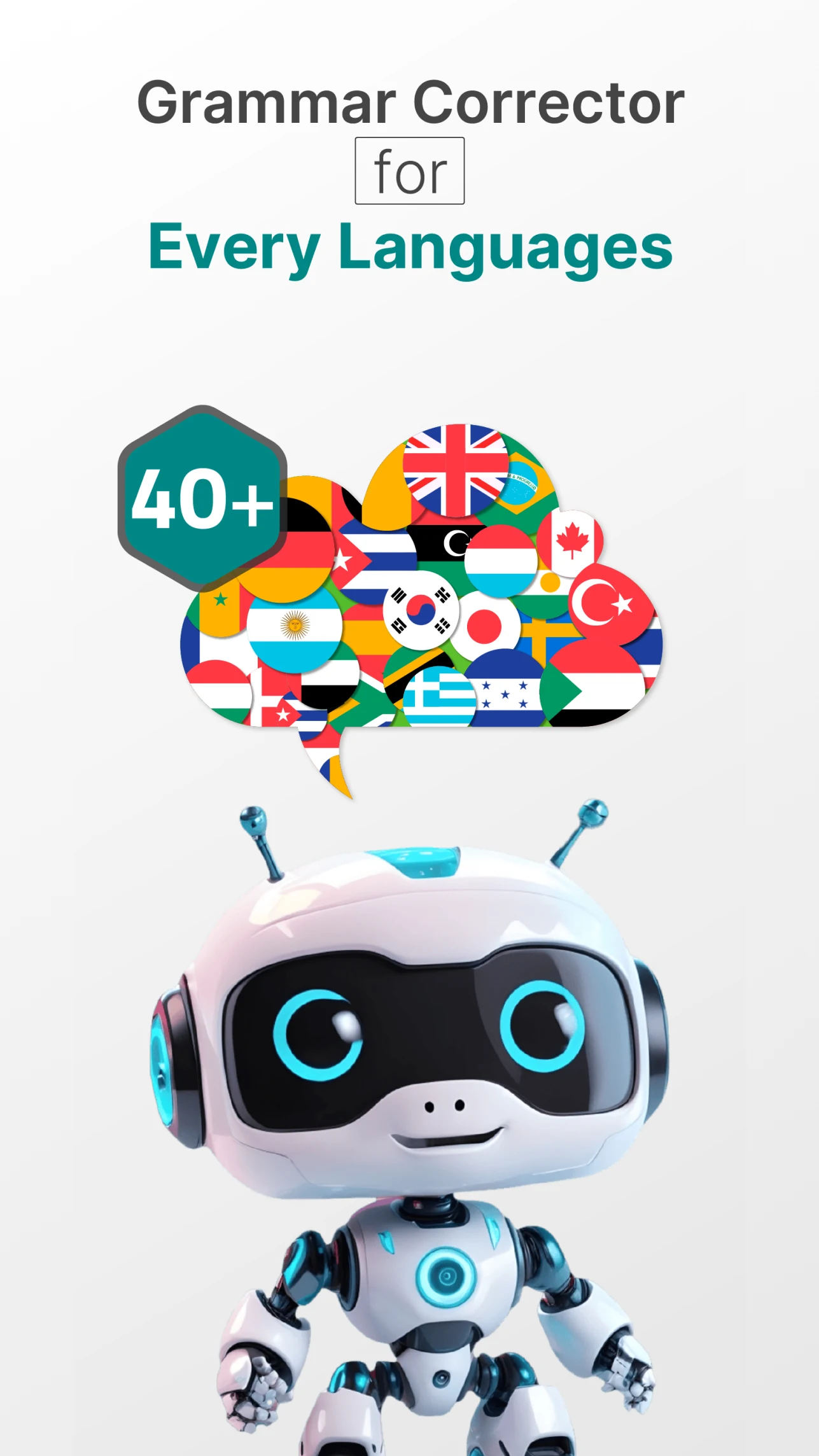
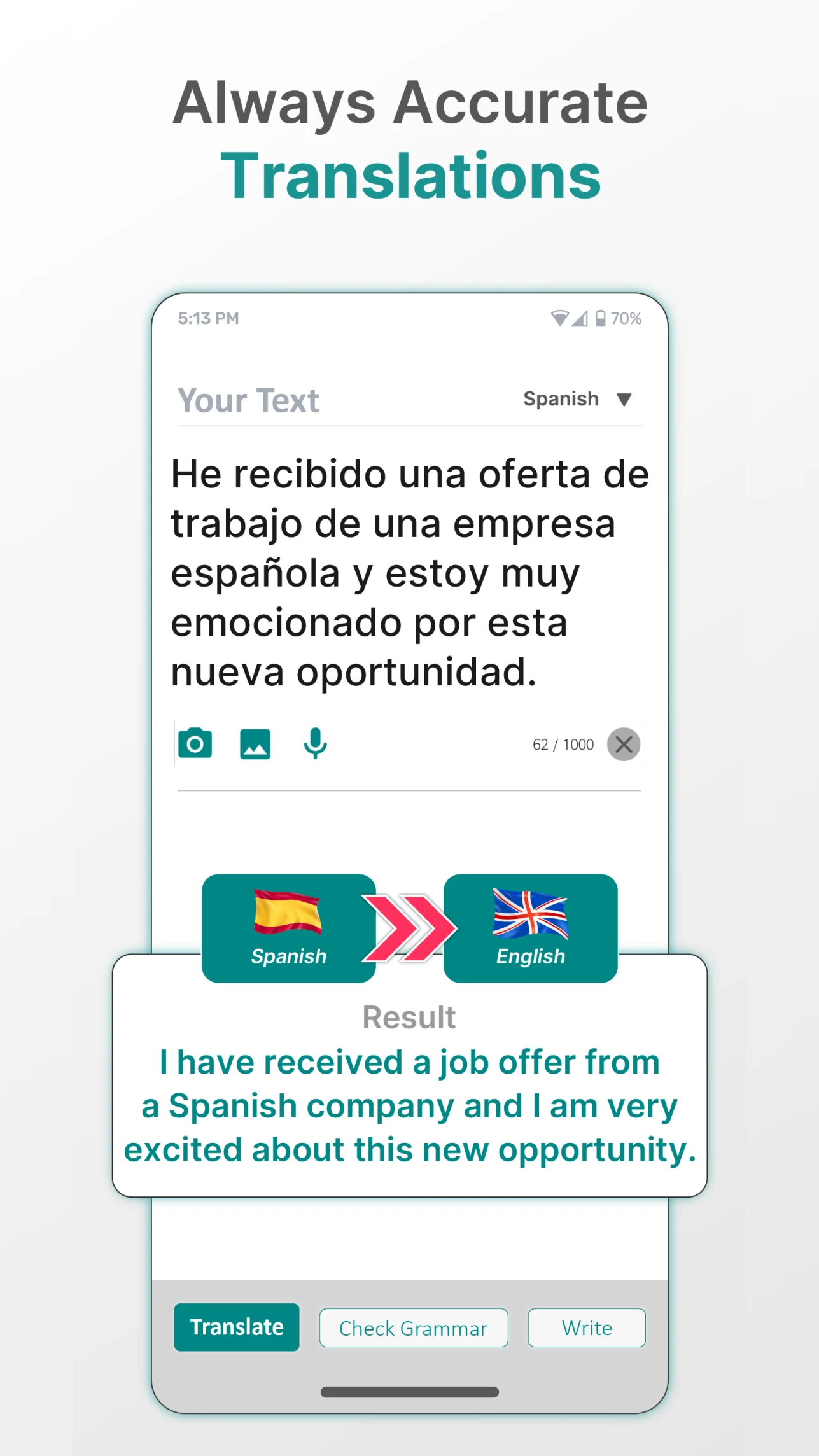
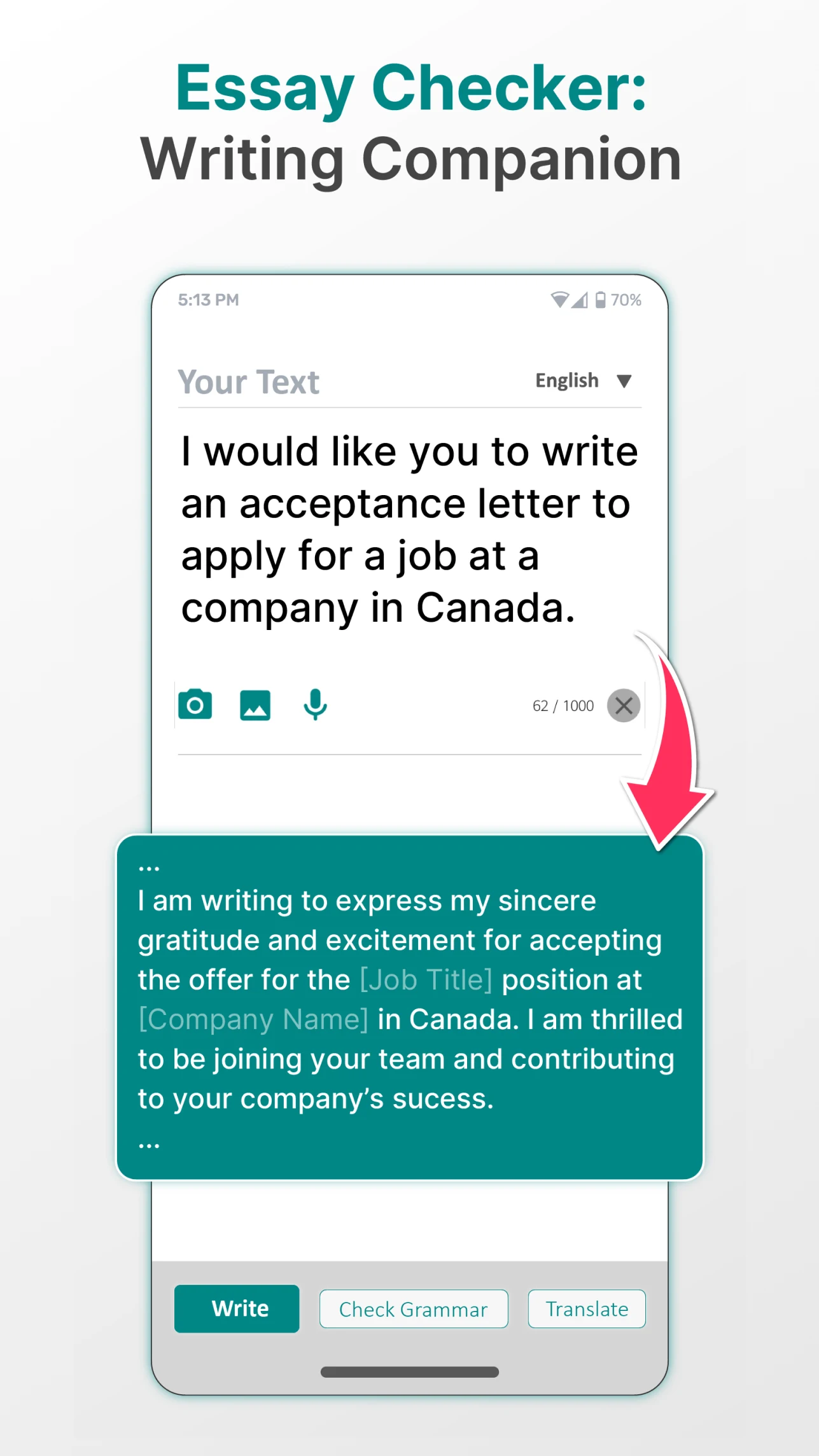
Enhance your writing with Fixy: the AI Grammar Checker and Spell tool designed to provide you with flawless grammar and spelling accuracy.
Whether you want to paraphrase text for originality, quickly rephrase sentences for better clarity, or utilize an AI checker for precision, Fixy is here to assist.
Our proofreading feature carefully refines each word, while the sentence corrector guarantees that your writing adheres to top-quality standards. Suitable for everyone from students to professionals, this app's AI-driven grammar tools cater to your proofreading and editing requirements, making it the perfect ally for effective communication across various scenarios.
Exceptional capabilities in Grammar Checking, Writing Correction, and Spell Checking
How the App Operates:
The application conducts a thorough grammar check on every word, as well as identifies errors related to spelling, punctuation, and style. You can effortlessly and confidently improve your communication by utilizing our extensive AI grammar checker, sentence corrector, and spell-check features.
All-in-One Writing Corrector at Your Fingertips:
Regardless of the context—be it professional correspondence, lively social media posts, or informal texting—the product’s grammar check, sentence correcting, and spelling tools are always accessible. The spell check function guarantees error-free writing, and the paraphrasing tool enriches your language. Our AI capabilities provide on-the-spot corrections and suggestions, allowing you to express yourself accurately and creatively.
Harnessing AI to Enhance Your Writing Correction:
With cutting-edge AI technology, the app goes beyond mere corrections. Our unique rewriting feature presents numerous options to rephrase your sentences, helping you make them more descriptive, assertive, or formal as per your requirements. The combination of the AI sentence checker, grammar check, sentence correction, and our proofreading service significantly enhances your writing quality, ensuring that each submission is polished to perfection.
Highlighted Features Include:
- Grammar and Spell Check: Ensure impeccable grammar and spelling in any situation through the app's stringent grammar checking process.
- Advanced Punctuation Accuracy: Gain mastery over punctuation without uncertainty.
- Vocabulary Improvement and Synonyms: Uncover superior word choices as you type and check your grammar.
AI-Driven Rewriting: Revamp your text with alternative phrases that elevate your messages, thanks to our paraphrasing and rephrasing features.
- Paraphrase: Amplify your writing confidence using the paraphrase tool! It diversifies your expression and gives real-time feedback, letting you create impactful writing.
- Spell Check: No more overlooked typos! Our integrated spell checker detects mistakes while you write, ensuring your content remains polished and professional.
- Proofreading: Our proofreading feature meticulously reviews your text for grammatical errors, punctuation problems, and awkward phrasing, delivering a refined final version. The proofreader also assists with sentence correction tasks.
Other features:
Develop Your Abilities with Every Correction:
Each modification made by our proofreader includes a brief explanation, aiding you in understanding and learning from your errors. Alongside the sentence corrector, our proofreading tool not only rectifies mistakes but also enhances sentence structure and flow.
Elevate Your Experience with Premium:
For users looking to advance their writing skills, the Premium option provides sophisticated recommendations on tone adjustments, vocabulary enhancement, style refinement, proofreading, and much more. Unlock the full potential of your communication with Premium.
Your Privacy and Trust are Essential:
We place great importance on your privacy. Fixy prioritizes your data security and ensures confidentiality during each interaction.
Suitable for:
- Students: Use this tool to correct grammar and punctuation errors in essays, assignments, and reports to avoid basic mistakes that could affect your grades. You can also use the paraphrase function to optimize your writing and improve fluency.
- Professionals: Suitable for professional scenarios like business emails, work documents, and proposals, ensuring precise and error-free text. Social media posts and informal communications (such as work group messages) can also be quickly optimized to improve communication efficiency.
- Regular Users: Use spell check to avoid typos when posting to Moments, writing comments, and composing text messages, and use the paraphrase function to enhance your expression. This tool is suitable for those who value accuracy but lack grammatical proficiency.
Application Experience:
Fixy, an AI-powered grammar and spell checker, offers a convenient and efficient user experience. It accurately corrects grammar, spelling, and punctuation errors, and also supports rewriting and interpreting text to optimize its meaning. It's suitable for various scenarios, including academic papers, business emails, and social media posts. Each correction comes with an explanation to help you learn and improve.
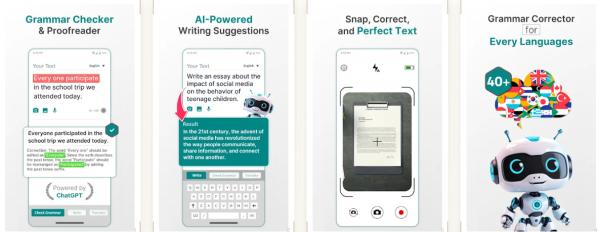
The free version already meets basic daily needs and prioritizes data security and privacy protection. It's simple and easy to use, allowing students, professionals, and ordinary users alike to quickly improve their writing accuracy and fluency.
FAQs:
Q: If I use Fixy to rewrite a paragraph in my paper, will it be flagged as plagiarism by the plagiarism check system?
A: Most likely not. Fixy's rewriting function retains the original text's core ideas while rearranging sentence structure and replacing synonyms. Essentially, it's "optimizing expression" rather than "copying others' content." However, please note that if the original text itself carries the risk of plagiarism, rewriting with the tool alone won't completely circumvent plagiarism checks. We recommend first ensuring the original material complies with regulations before using the tool to optimize the language. This will both enhance originality and adhere to academic standards.
Q: Can non-native English speakers use it to correct "Chinglish" expressions when checking English emails?
A: Targeted optimization is possible. Fixy's AI can identify expressions that don't conform to native English language conventions, correcting not only grammatical errors but also adjusting sentence structure and logic. However, in complex contexts, you may need to combine your own professional knowledge with verification to ensure that the tool's recommended common expressions don't conflict with industry practices.
Q: Is there a significant difference between the free and premium versions? Is the free version sufficient for ordinary professionals writing business copy?
A: The free version is sufficient for basic needs, while the Premium version is recommended for advanced requirements. The free version covers "grammar correction, spelling check, and basic rewriting," helping you avoid common mistakes and optimize basic expressions when writing business emails and work documents. The Premium version's "tone adjustment" and "style refinement" features are more suitable for situations where high-quality copywriting is crucial. The free version is generally sufficient for everyday professionals.
Q: When I upload sensitive company documents to Fixy for review, is data security guaranteed? Will the content be leaked?
A: Based on the tool's promises, data security is generally guaranteed. Fixy explicitly states that it "prioritizes privacy protection and ensures data confidentiality." Such tools typically use encryption technology to process user text and do not store unnecessary sensitive content. However, to be on the safe side, you can remove core confidential information from the document before uploading it, retaining only the text that needs to be reviewed to further reduce risk.
Q: After using Fixy to review the document, do I need to read it again myself? Will the tool miss or make incorrect changes?
A: I recommend rereading your text. Tools aren't 100% perfect. While Fixy accurately identifies most grammatical and spelling errors, it may misunderstand the context and miss subtle logical connections. Rereading your text can help confirm the tool's corrections are accurate and avoid awkward interpretations caused by overcorrection.
- Version1.80
- UpdateOct 23, 2026
- DeveloperDictionaryAndTranslator
- CategoryProductivity
- Requires AndroidAndroid 6+
- Downloads552K+
- Package Namecom.neogpt.english.grammar
- Signaturef2b2933a64684ba7b38c9fcadc4d4ceb
- Available on
- ReportFlag as inappropriate
-
NameSizeDownload
-
67.84 MB
-
63.93 MB
-
64.00 MB















Comprehensive features
Learning support
Privacy protection
Limited use cases
Relies on manual review
Fees for advanced features