
Office NX: Presentations - PowerPoint editing & presenting
Create, edit & present PowerPoint slides effortlessly on-the-go with powerful tools right in your pocket.

- 2024.1216.0809.0 Version
- 3.2 Score
- 316K+ Downloads
- In-app purchases License
- 3+ Content Rating

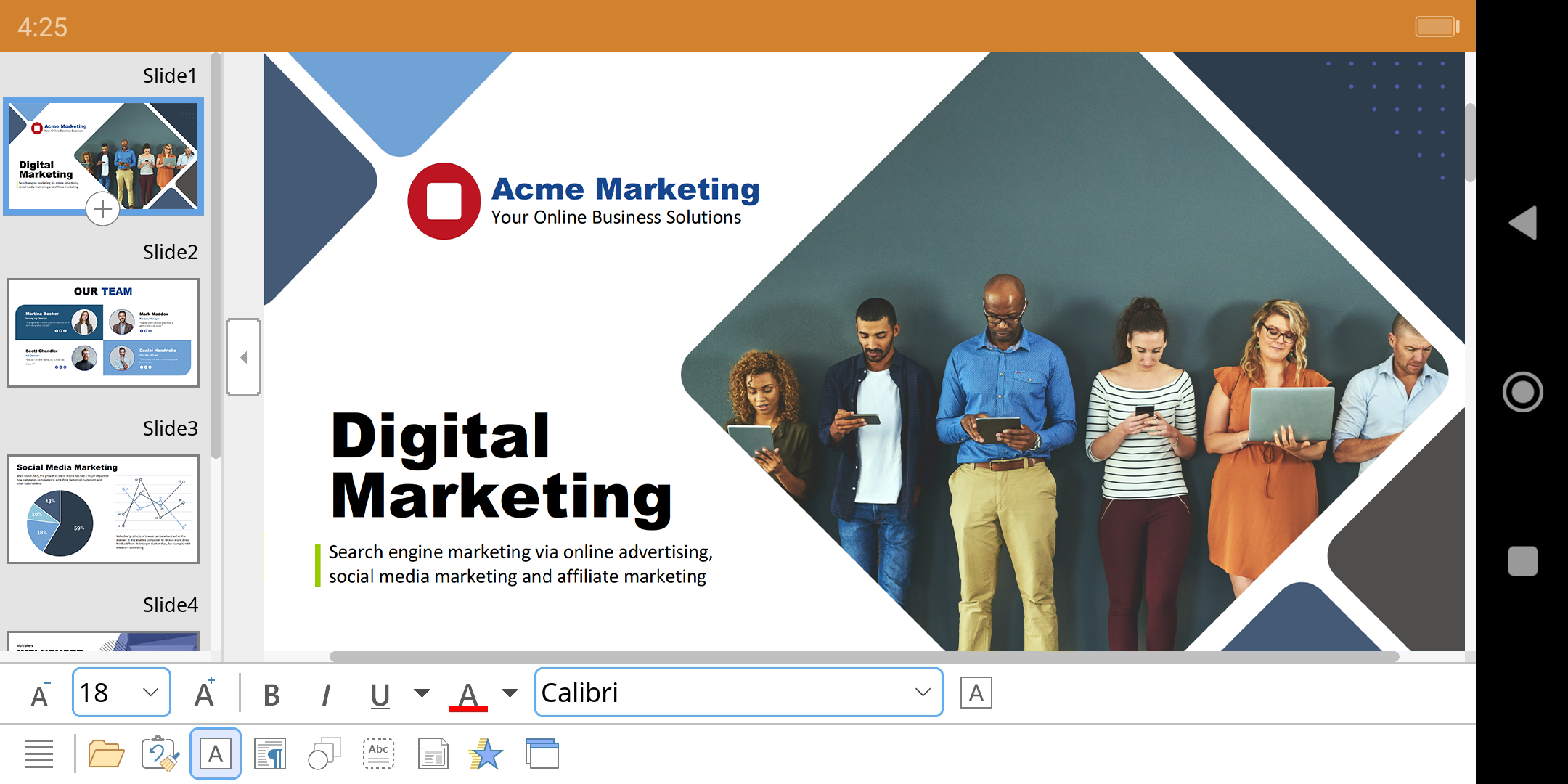
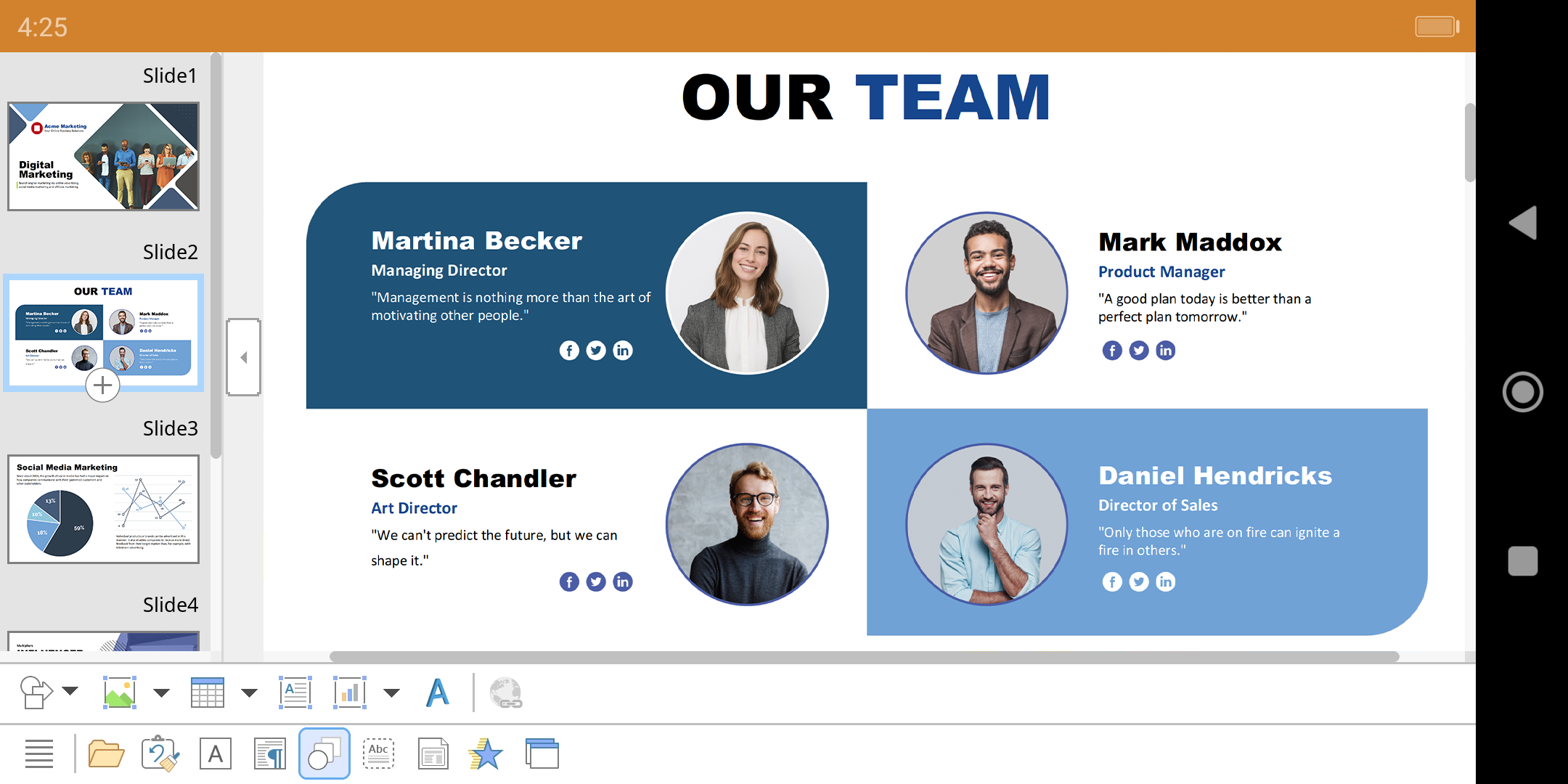
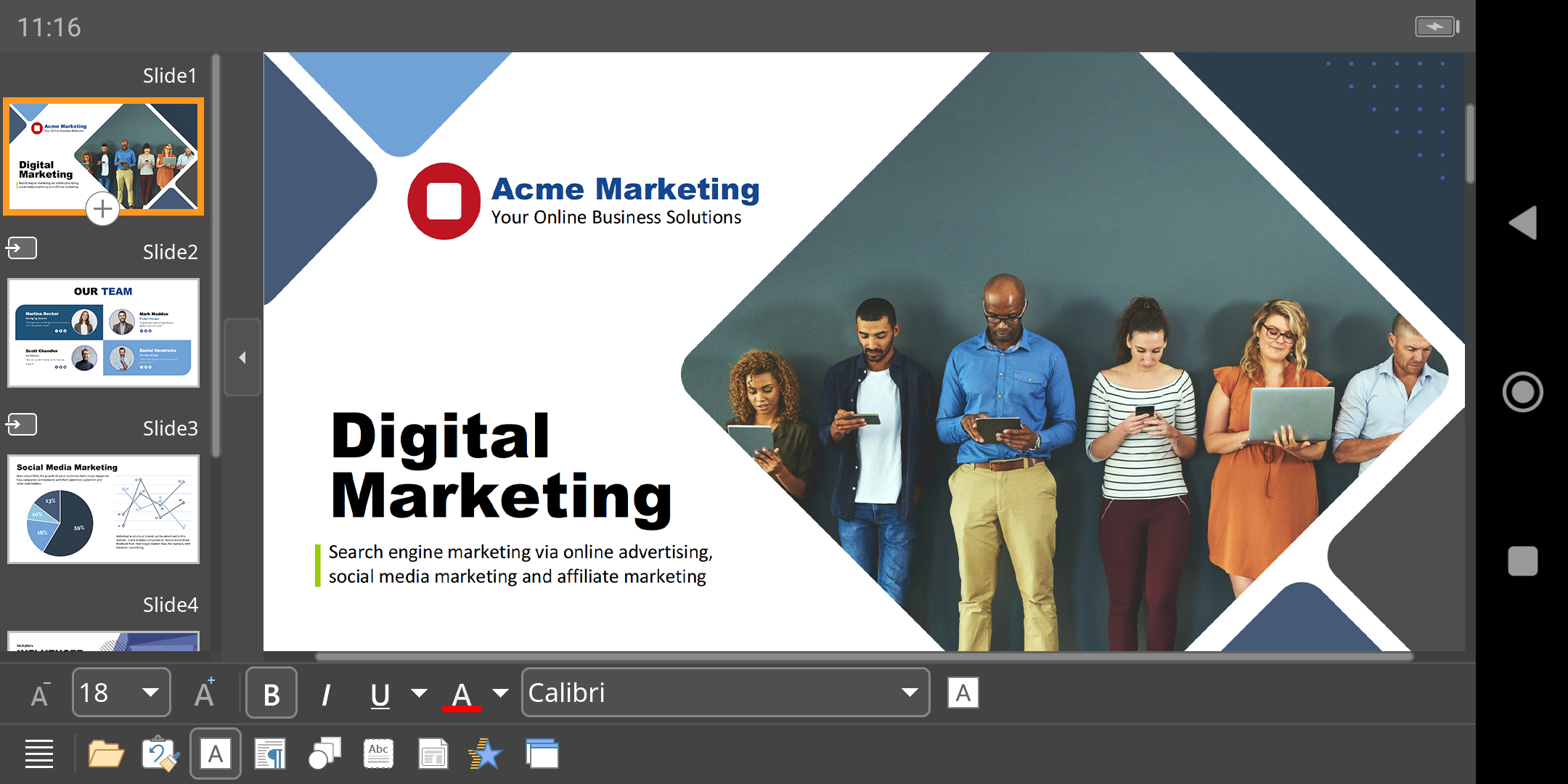
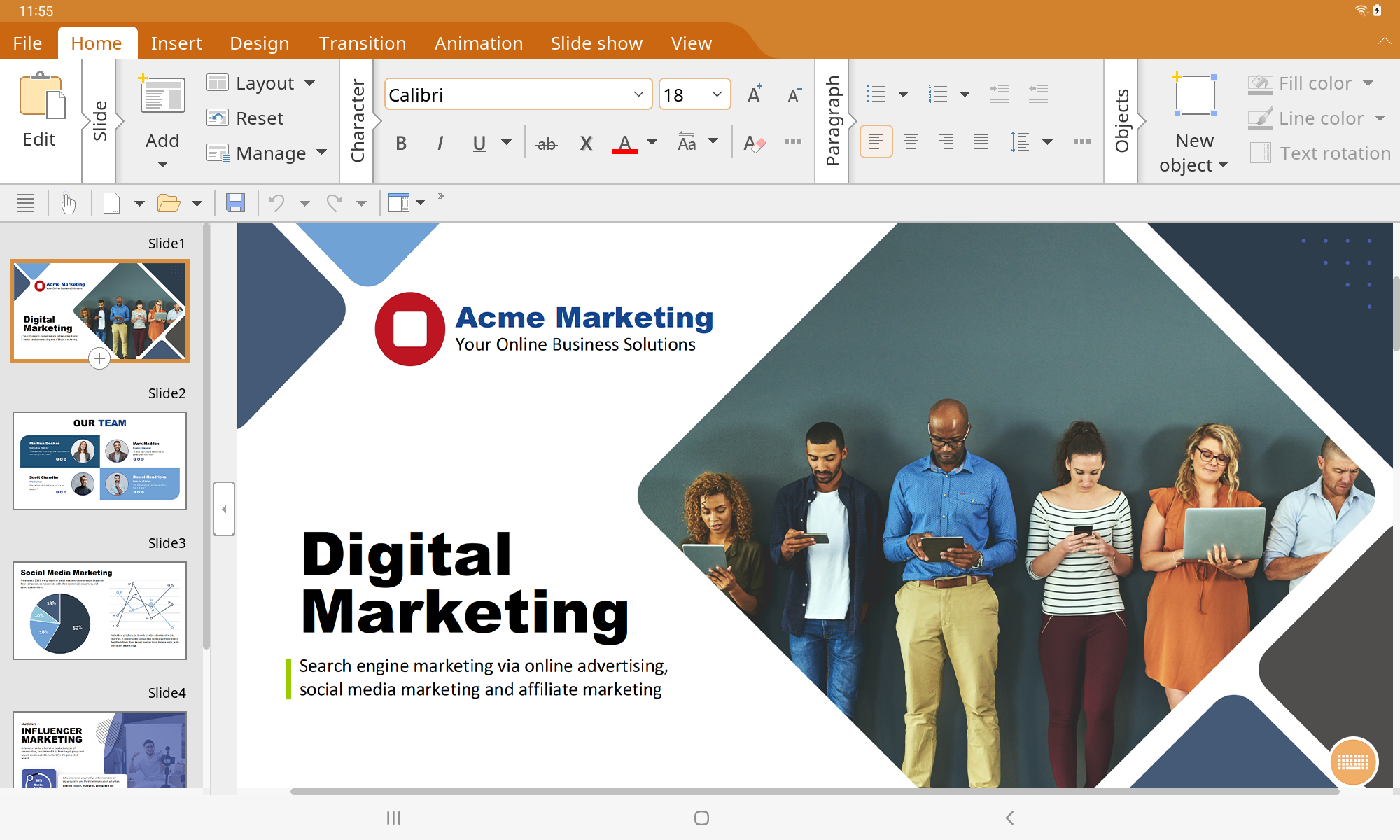
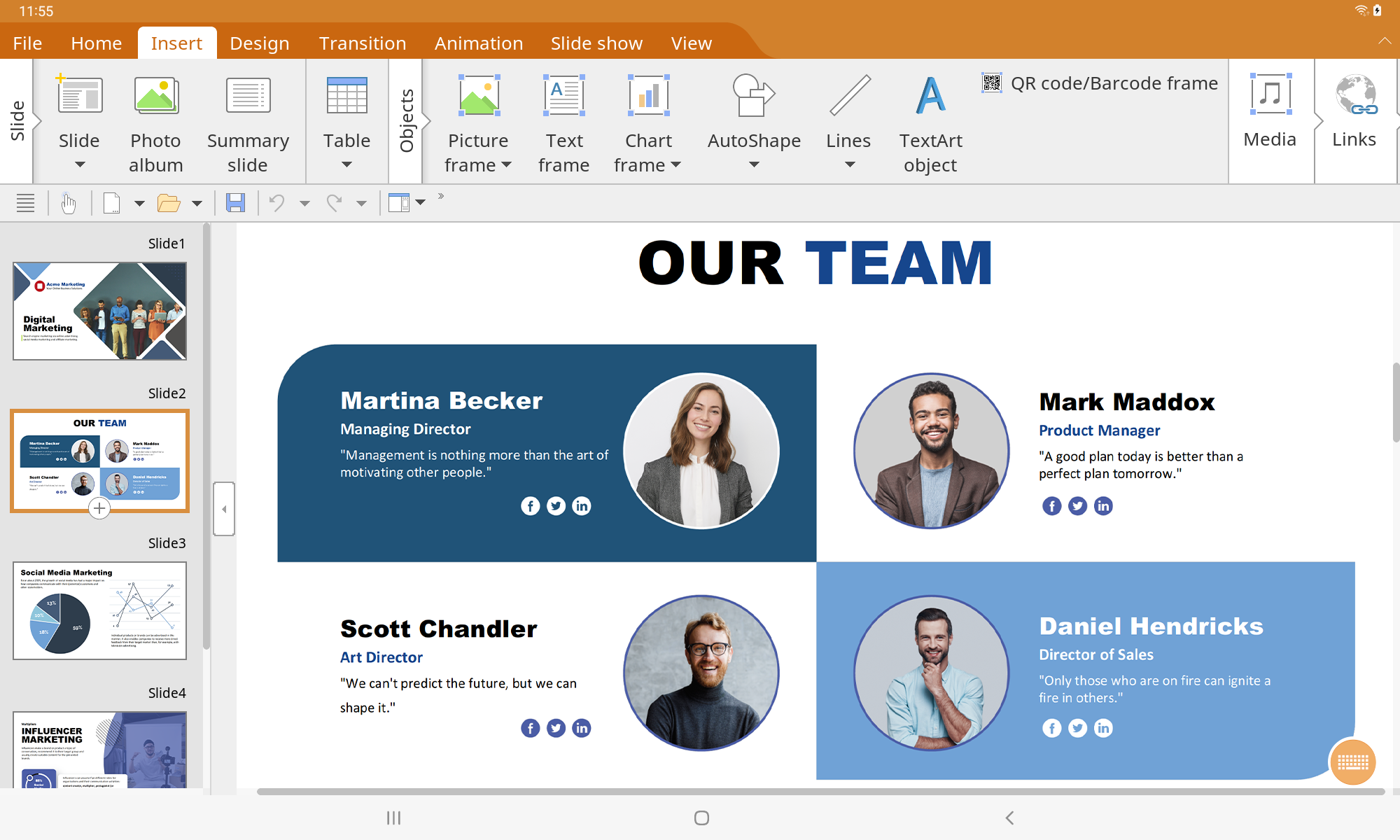
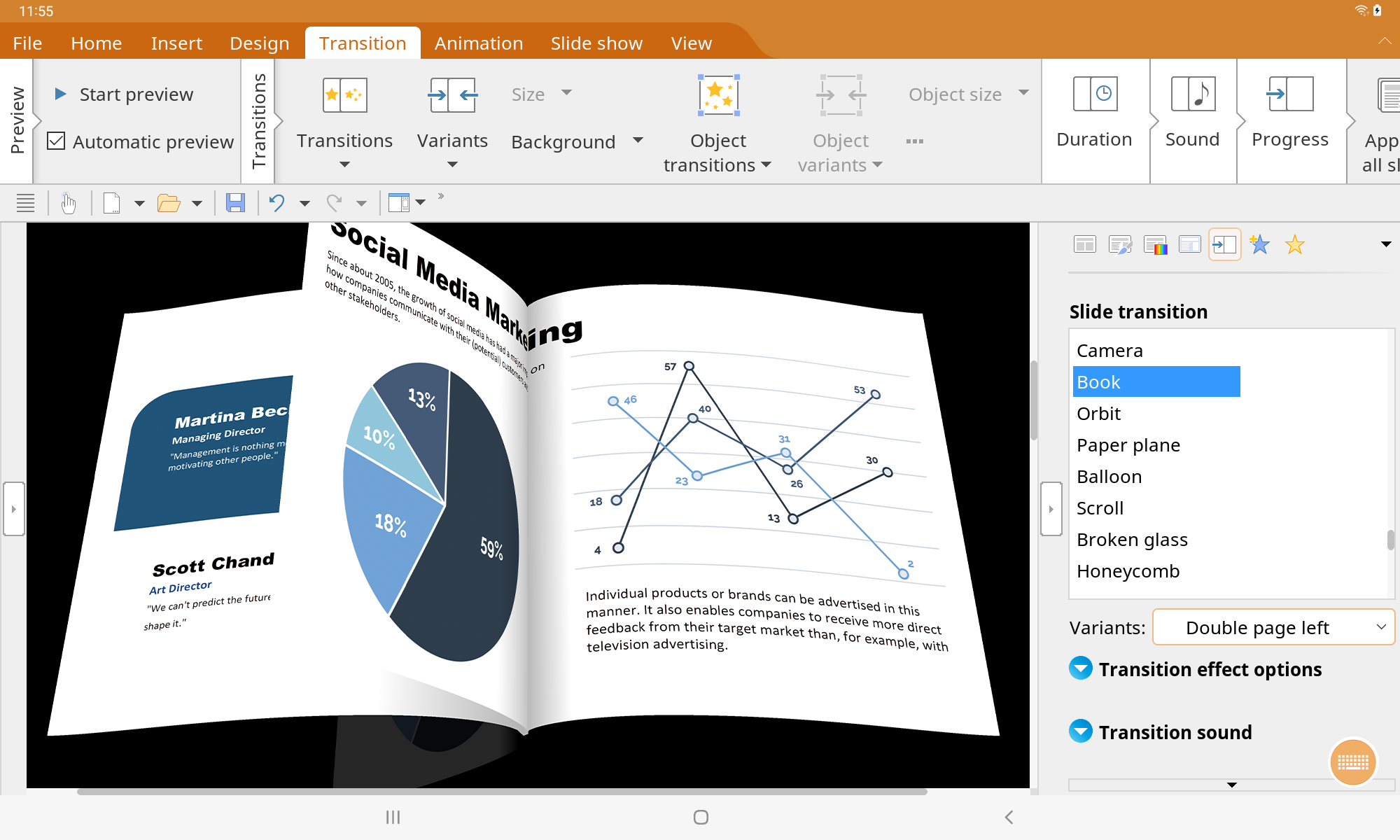
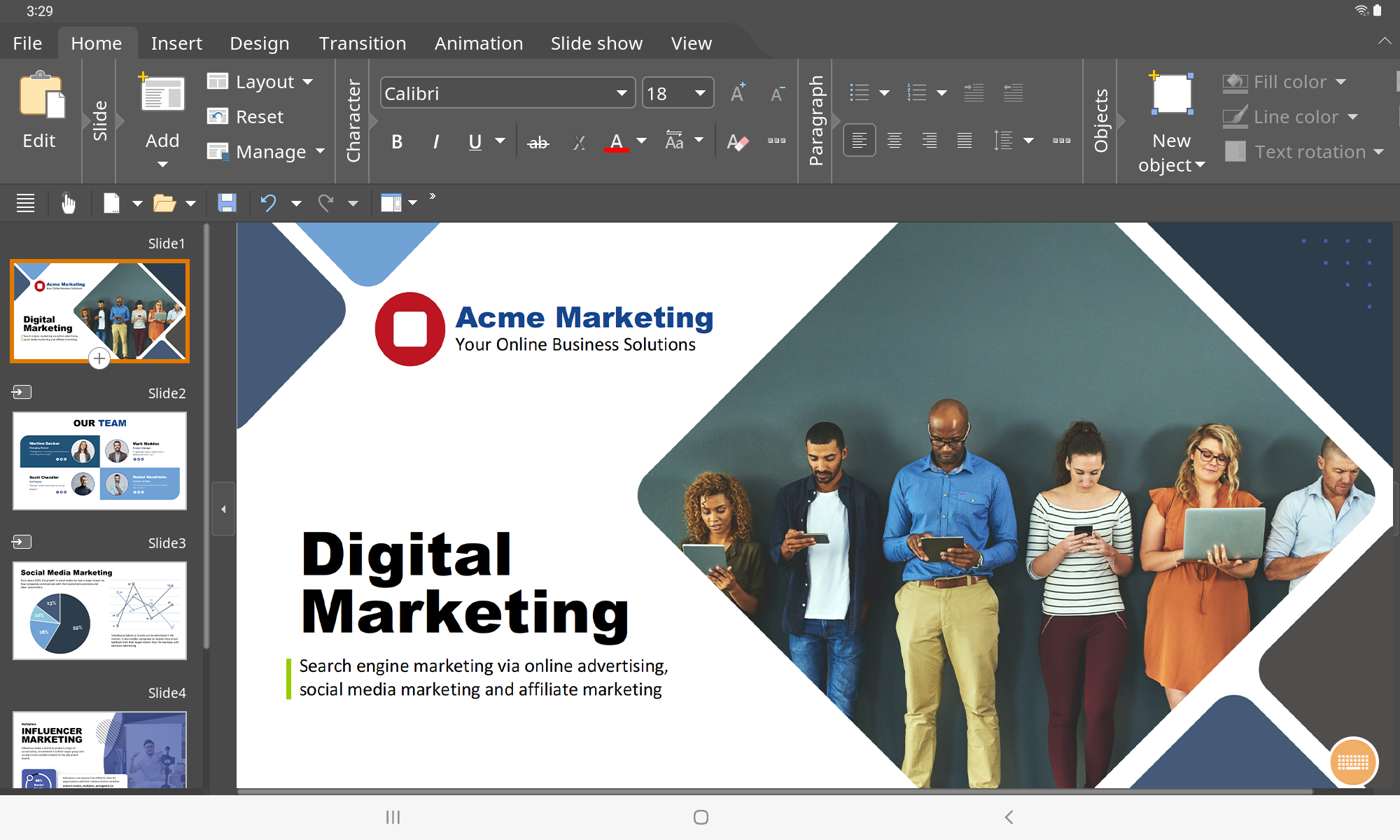
■ Presentations:
► The complete Office presentation software designed specifically for your PowerPoint files.
► Create and modify your PowerPoint presentations anytime and anywhere.
► Enjoy a set of features that resemble what you would typically find on your PC or Mac, tailored for on-the-go use.
► Nearly all functionalities are available to you free of charge.
■ Highlights:
► Presentations mirrors the comprehensive feature set from Microsoft PowerPoint and desktop Presentations, now enhanced for your smartphone and tablet.
► Enjoy flawless compatibility: Presentations adopts the Microsoft Office PPTX format as its main format, ensuring effortless data transfer. You can directly access your presentations in Microsoft PowerPoint without the need for any conversion.
► Designed for easy use on smartphones and tablets: Presentations guarantees an optimal user experience, be it on a smartphone or a tablet device. With just one finger, you can access practical toolbars on your phone, while on your tablet, you will work with ribbon-style menus reminiscent of those found on PCs.
► Store locally or online: Presentations allows you not only to open and save documents from your device but also to connect with files stored in Google Drive, Dropbox, Nextcloud, and a variety of other cloud platforms.
► The user interface for Presentations is accessible in English, German, French, Spanish, Italian, and over 20 additional languages.
► Presentations brings the capabilities of desktop presentation tools to your Android device—don’t settle for anything less.
■ Working with files:
► Presentation files can seamlessly be exchanged with Presentations for Windows, Mac, and Linux.
► Open and save PPTX and PPT files with complete fidelity from PowerPoint 97 to 2021 and PowerPoint 365.
► Export full presentations as image files or HTML web pages.
■ Designing:
► A variety of design templates simplify your design process.
► Includes color schemes, slide layouts, and slide masters.
■ Comprehensive graphics functions:
► Create and edit directly within the presentation.
► AutoShapes compatible with PowerPoint.
► Add images in multiple file formats.
► Advanced graphic features such as mirror effects and soft shadows.
► Adjust brightness and contrast, as well as crop images.
► Illustrations can be filled with colors, patterns, images, and gradients.
► TextArt enables various font effects.
► Charts.
► Photo albums.
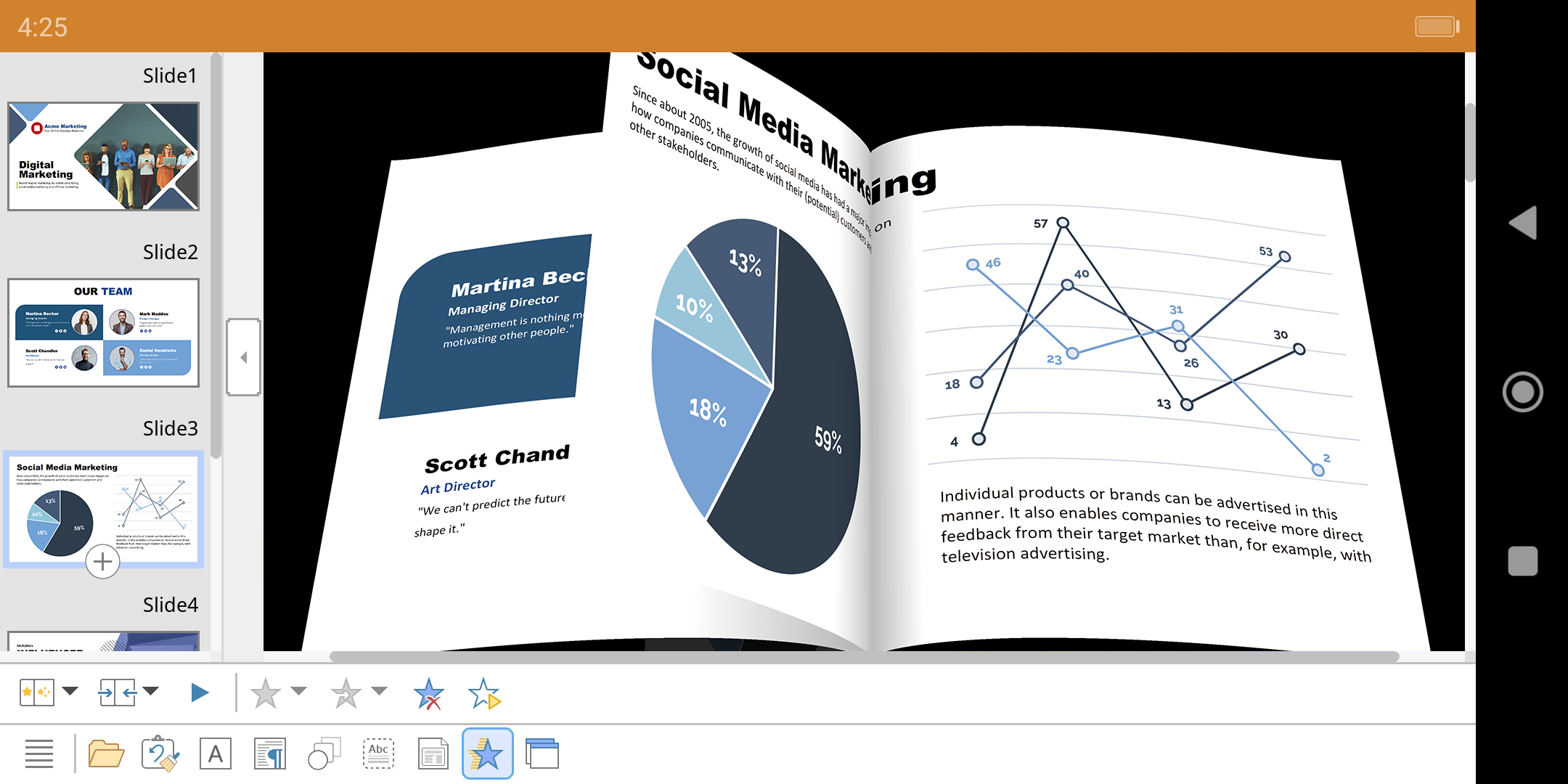
■ Animations and slide transitions
► A wide array of object and text animations.
► Stunning animations and slide transitions powered by OpenGL.
■ Flexible slide shows:
► Enables both user-led and automatic slide presentations without a presenter.
► Interact with the presentation using a virtual pen and highlighter.
► Handouts available for audience distribution.
► Slide sorter for effective slide management.
■ Other features:
Most features in Presentations for Android are available at no cost. An affordable subscription grants access to these additional functionalities:
► Printing options.
► Export to PDF and PDF/A formats.
► Direct document sharing from Presentations.
► Complimentary customer support.
A single subscription provides simultaneous access to these features across Presentations, TextMaker, and PlanMaker on Android.
■ Target Audience:
1. **Mobile Workers**
Professionals who need to edit and modify PPTs anytime, anywhere, and efficiently handle documents even while commuting.
2. **Cross-Device Collaboration Users**
Users who frequently switch between mobile phones, tablets, and computers to work with PPTs and require seamless file format compatibility.
3. **Multilingual Workers**
Users working in international environments or as members of multinational teams who require multilingual interface support.
4. **PPT Creation Users**
Beginners and experienced users who rely on templates, graphics, and animation features; the free version meets their daily creation needs.
5. **Presenters**
Teachers, trainers, speakers, and others who need features such as virtual pen annotations and automatic playback to assist with presentations.
FAQs:
Q: Can I open and edit a PPT created with this app directly in the desktop version of PowerPoint? Will the formatting be messed up?
A: Absolutely! It offers strong format compatibility. It uses PPTX as the default format and fully supports all versions of PowerPoint from 97 to 2021, as well as 365. Text, layout, charts, animations, and other content edited on your phone can be transferred to PowerPoint on your computer without any issues or format conversion, allowing for smooth cross-device collaboration.
Q: Are there significant operational differences between using it on a phone and tablet? Will editing be difficult due to the smaller screens?
A: It's optimized for different devices and works very smoothly. The mobile app features a streamlined toolbar that can be accessed with one finger, providing easy access to core functions, making it ideal for smaller screens. The tablet app uses a ribbon menu similar to the desktop app, with similar function categorization to the desktop. Layout and inserting elements are more efficient on larger screens, and there's no awkward operation on either device.
Q: Does the free version meet my daily PPT needs? Which features require a subscription?
A: The basic features are fully sufficient. The free version allows you to create, edit, and present PowerPoint presentations from start to finish. Features like applying templates, inserting graphics, adding animations, local/cloud storage, and exporting to images, HTML, and other formats are all free. Subscriptions are required for advanced features like printing, exporting to PDF/PDF/A files, sharing files directly, and dedicated customer support.
Q: Can I open previously saved PowerPoint presentations when I'm away from home and don't have an internet connection? Can I make temporary changes?
A: Offline use is supported, allowing for smooth operation even without an internet connection. By saving files locally or caching them in the cloud, you can view the entire presentation even when disconnected from the internet. You can also modify text, adjust layouts, and add annotations at any time. Once you reconnect, changes are automatically synced to the cloud, making it ideal for commuting, traveling, and other offline scenarios.
Q: I want to add images and charts to my PowerPoint presentations. Is it difficult to do? Can I achieve results comparable to desktop presentations?
A: It's easy to use, and the results are close to desktop-level. You can directly insert pictures in various formats, crop them, adjust the brightness, and even add special effects such as mirroring and soft shadows; charts and text art (TextArt) can also be created directly, and the graphic styles are compatible with PowerPoint, so novices can quickly create PPTs with both pictures and text.
- Version2024.1216.0809.0
- UpdateOct 23, 2026
- DeveloperSoftMaker Software GmbH
- CategoryProductivity
- Requires AndroidAndroid 9+
- Downloads316K+
- Package Namesoftmaker.applications.office.presentations
- Signature671545d6944b057bd979e38842eb0454
- Available on
- ReportFlag as inappropriate
-
NameSizeDownload
-
91.69 MB
-
97.48 MB
-
97.73 MB

















Mobile-friendly and easy to use
Supports opening newer document formats
Comprehensive features comparable to Microsoft Office
Excellent performance on tablets
Free with minimal premium features locked
Allows multiple presentations to be opened simultaneously
User-friendly interface with no ads
Offline functionality available
Seamless integration with desktop Softmaker Office suite
Requires subscription for full functionality
Bugs causing lost progress during usage
Limited cloud service options
Issues with fonts not displaying correctly
Difficulty in saving presentations as PDF
Problems with file sharing via email or Google Drive
Lack of comprehensive tutorials for mobile users
Formatting issues when transferring files to PC
Occasional crashes and freezing problems