
Switcher - Smart Home - Boiler control & scheduling
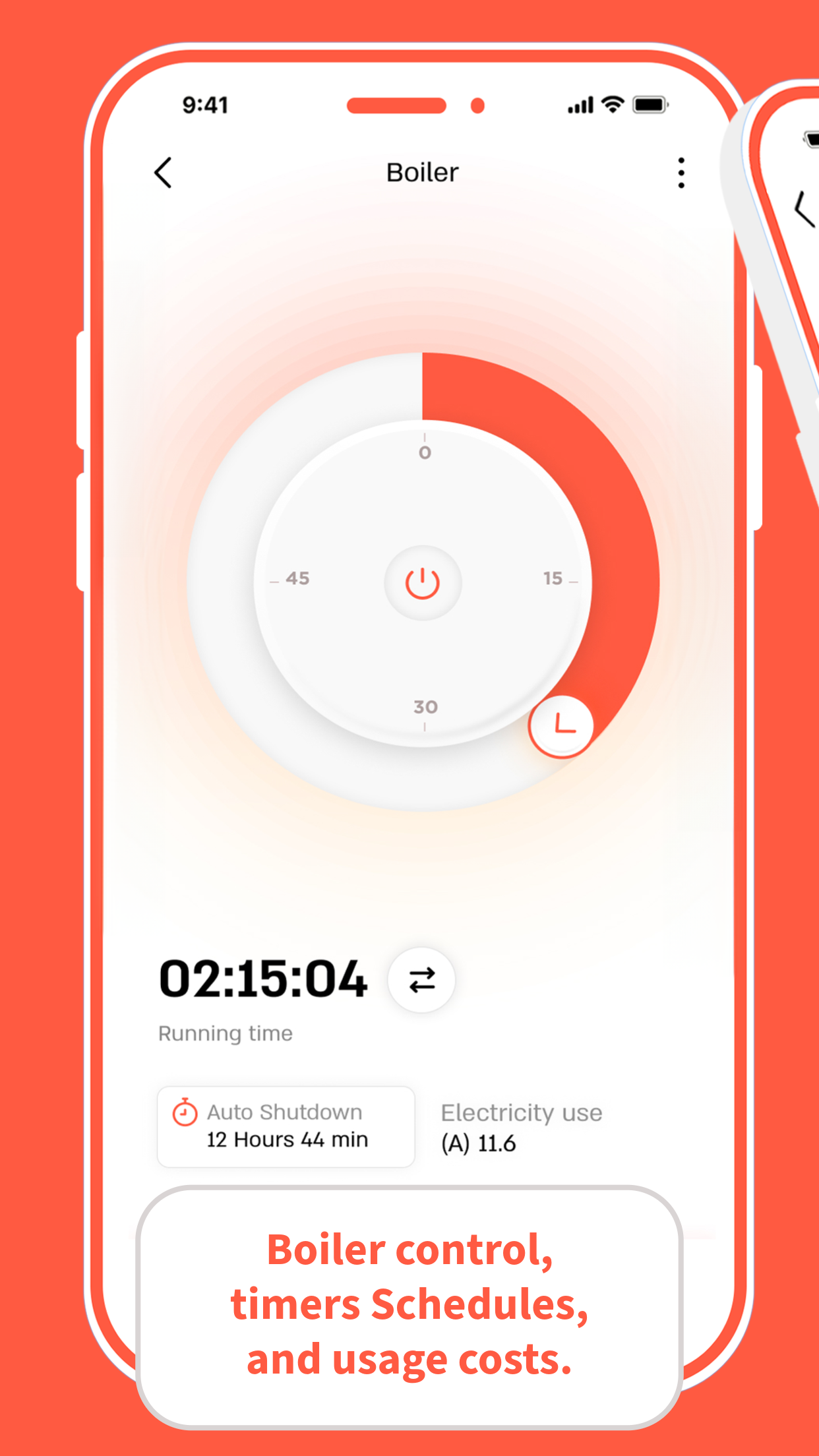
Take command of your boiler anytime, anywhere & save both time & money with effortless scheduling!
- 7.20 Version
- 2.7 Score
- 210K+ Downloads
- Free License
- 3+ Content Rating


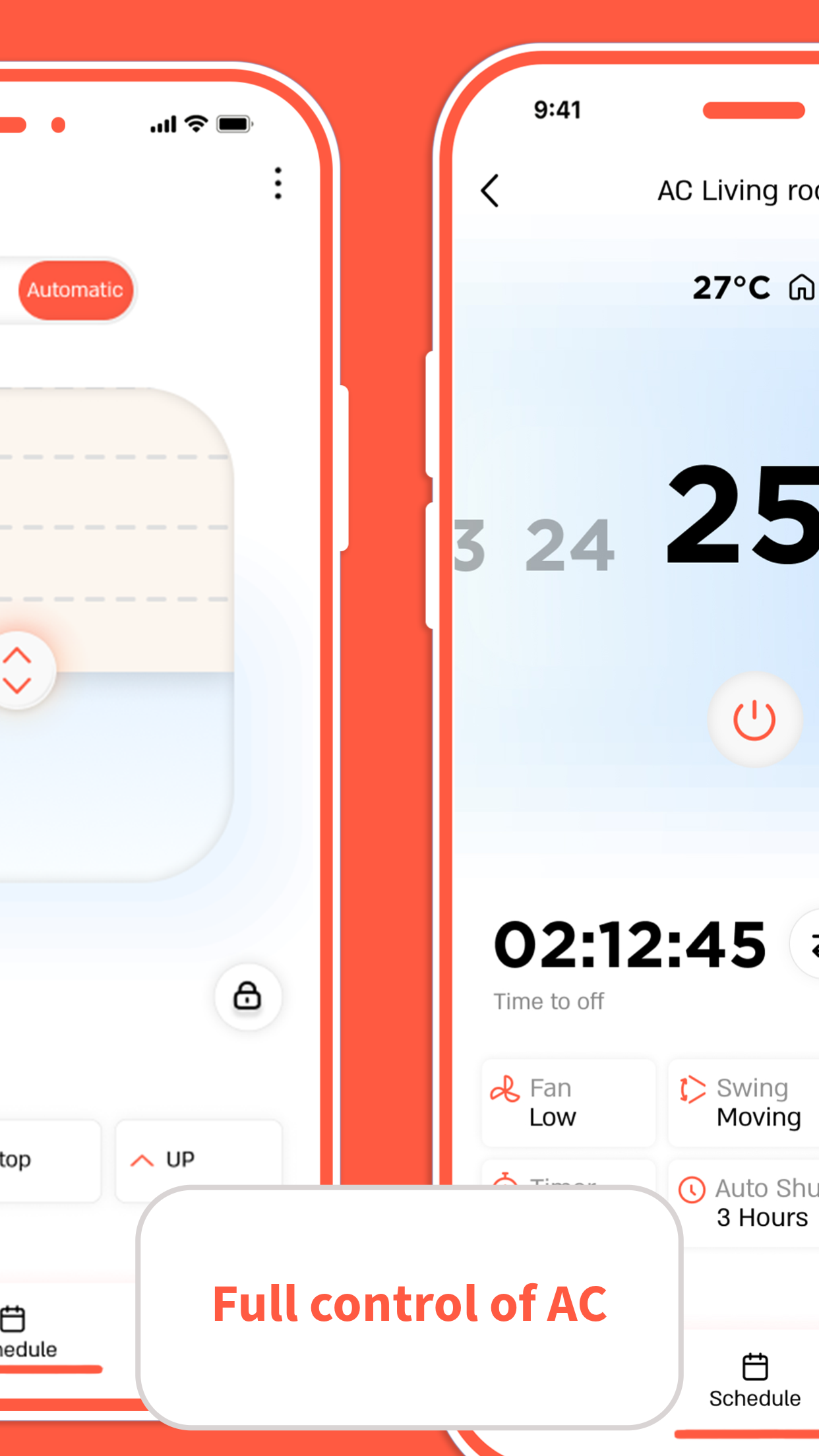
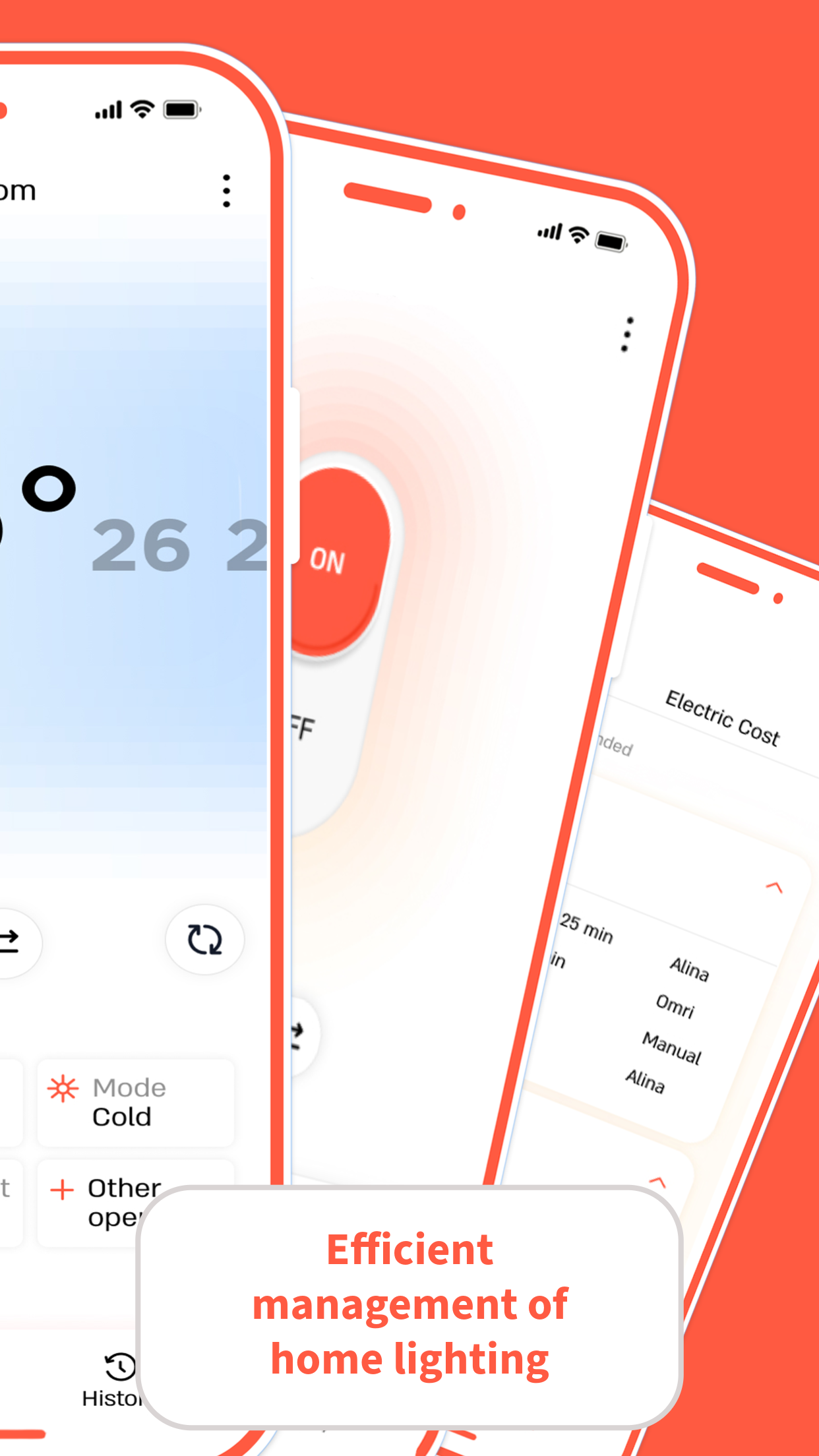
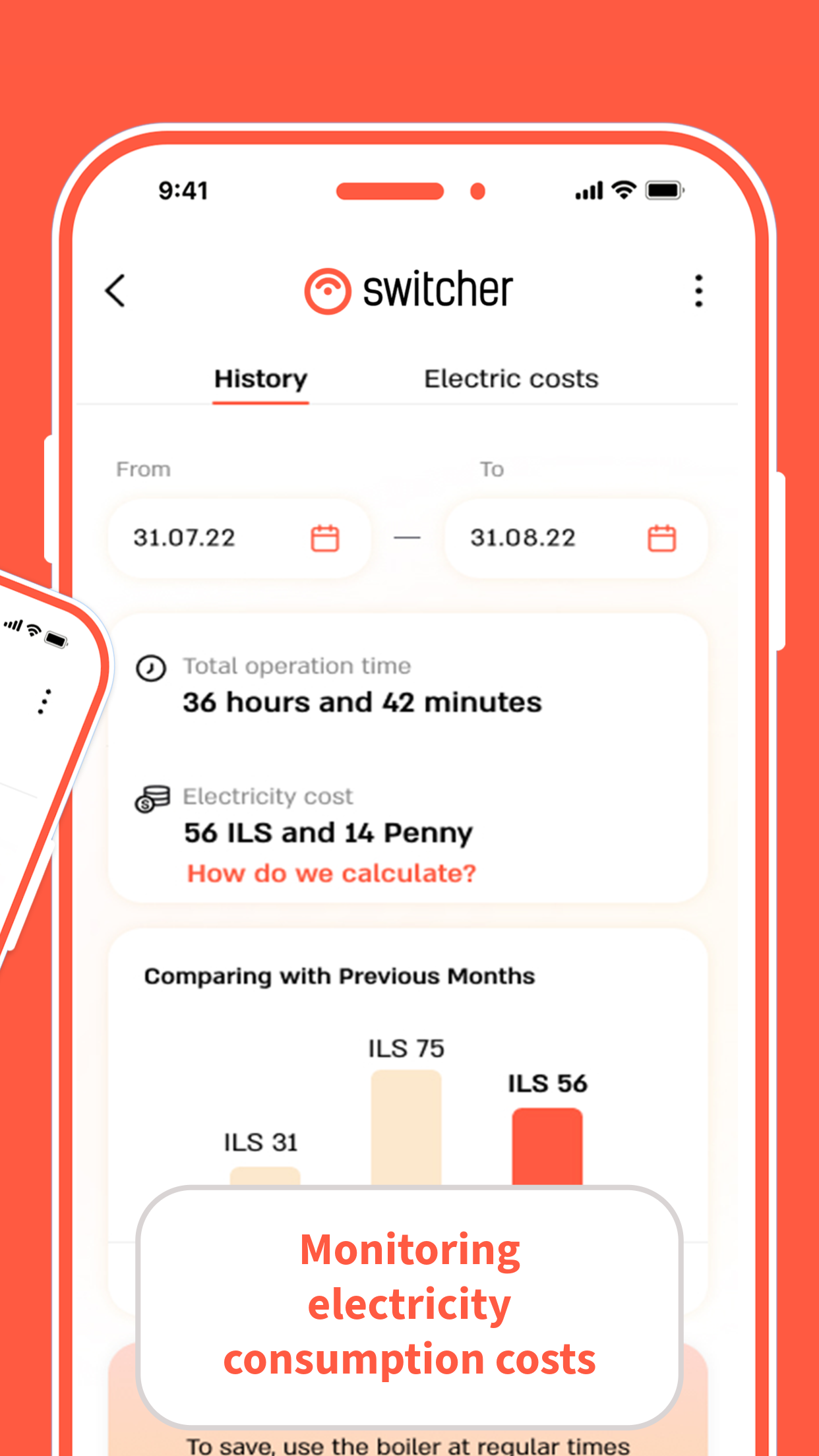
About Switcher - Smart Home:
Switcher - Smart Home is the official smart-home control app by M.D.S Wireless Technologies Ltd, built to manage Switcher’s connected devices across the house. The Switcher app is not a generic IoT hub — it focuses on boilers, water heaters, air conditioners, blinds, lighting switches, smart plugs, and related Switcher hardware from one mobile dashboard.
With the Switcher - Smart Home app, users can add new devices, control them from anywhere, check live status and power consumption, set heating or appliance schedules, and get alerts when a device turns on, shuts off, or stops drawing power. It is designed for everyday energy-saving control rather than pro automation scripting.
Store-ready features:
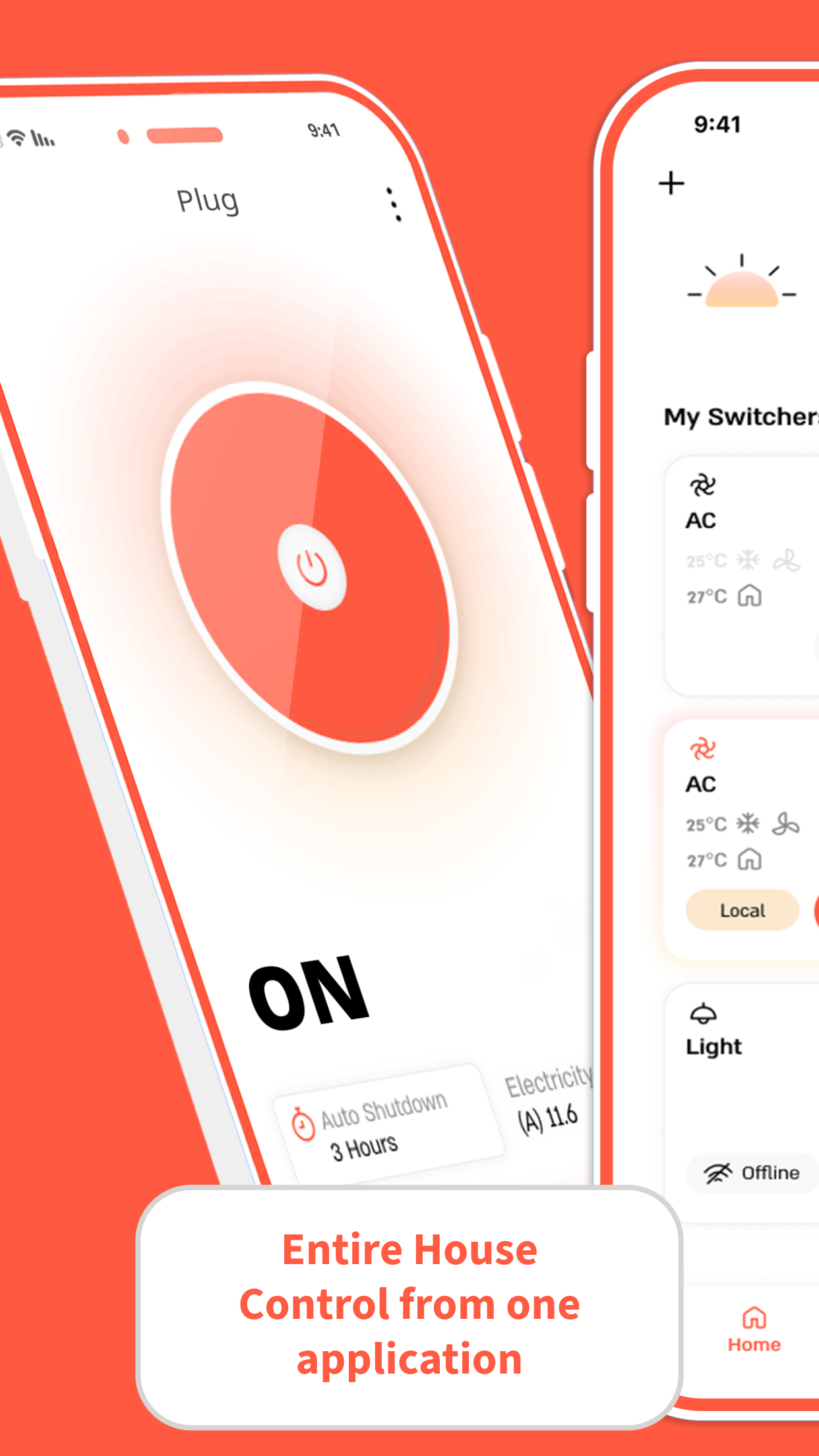
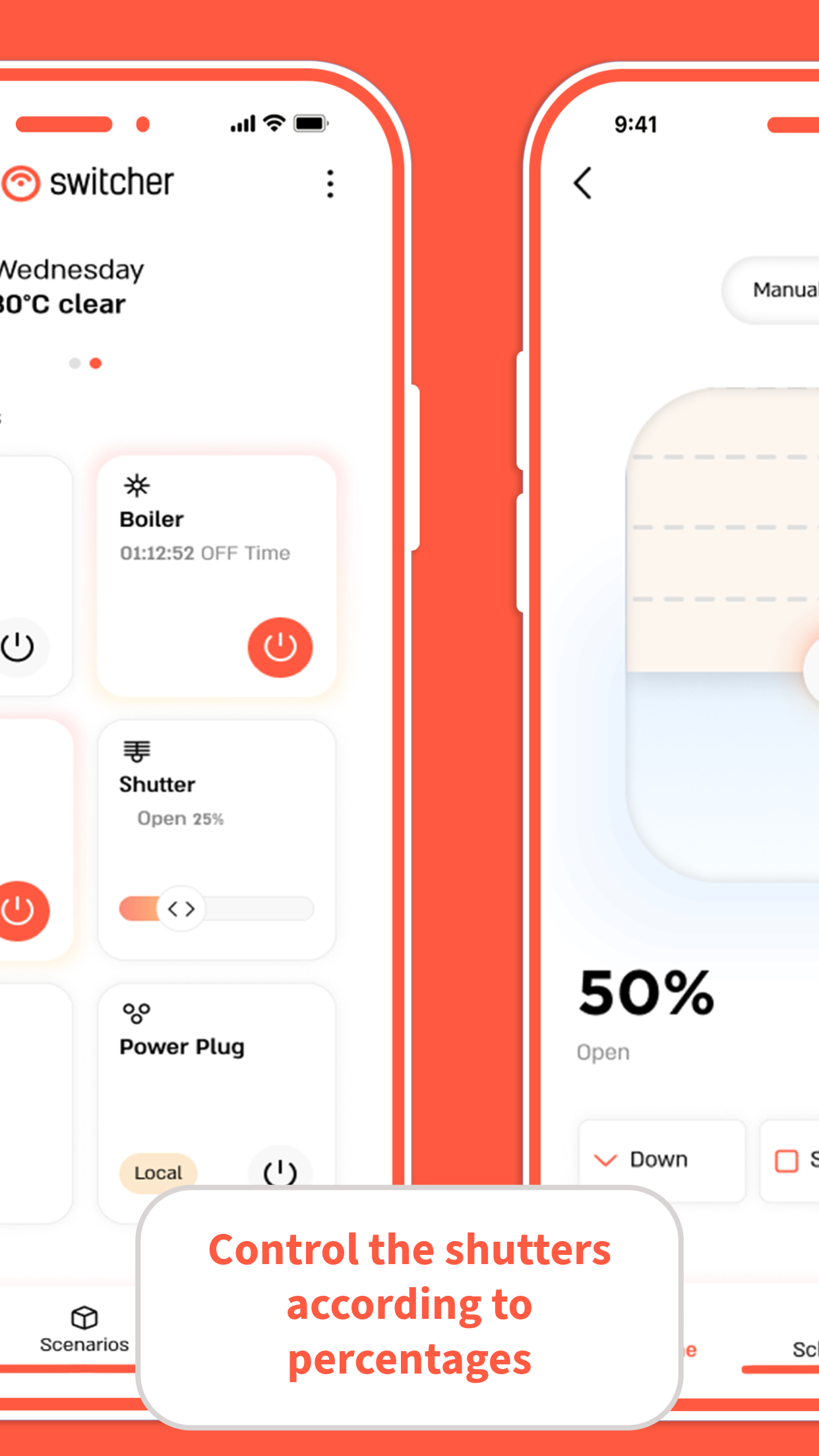
Remote control of boiler, AC, blinds, lights, and smart plugs
Real-time device status inside the Switcher - Smart Home app
Live electricity consumption monitoring per device
Daily and weekly schedules for heating and appliances
Timers and auto-shutdown to avoid wasted energy
Product groups to control multiple devices together
Device sharing with family or housemates
Push notifications for status changes and power-stop alerts
Usage history and monthly email reports
Fast pairing for plugs and blinds in recent versions
Switcher Breeze air-conditioner control support
How to Use Switcher - Smart Home:
The Switcher - Smart Home app runs on a simple control loop: add device → connect → control remotely → schedule → monitor energy → share access.
Quick guide:
Install Switcher - Smart Home from Google Play.
Create or log into your Switcher account.
Add a device — boiler, plug, blind, light switch, or Breeze AC controller.
Connect the device to Wi-Fi using the in-app fast-pair flow.
Control the device remotely from the Switcher app dashboard.
Check real-time status and live electricity consumption.
Set daily or weekly schedules for heating and appliances.
Add timers or auto-shutdown rules for safety and savings.
Group devices by room and share control with family members.
Review usage history and monthly email reports to cut waste.
Tips:
Name devices clearly — “Boiler”, “Living Room AC”, “Hall Light” — so schedules are easier to manage.
If Wi-Fi resets, reopen the Switcher app and re-run pairing instead of assuming the schedule survived.
Use auto-shutdown timers for heaters, irons, and bathroom boilers to avoid standby drain.
Switcher App FAQ and Status:
Who develops the app?
M.D.S Wireless Technologies Ltd. Package ID iscom.ogemary.smarthome.
What devices does it control?
Boilers, water heaters, air conditioners, blinds, lighting switches, and smart plugs in the Switcher ecosystem.
Can I see power usage?
Yes. The Switcher app shows real-time consumption, usage history, and monthly reports by email.
Does it work remotely?
Yes, when the device and phone have network access. Some users report local-mode limits after power or router restarts.
Why Install Switcher - Smart Home:
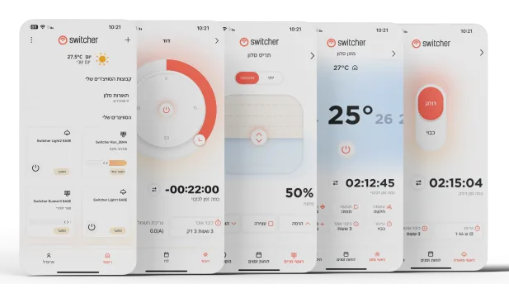
Install the Switcher - Smart Home app if you already use Switcher hardware and want one place to control heating, cooling, lighting, and plugs while tracking energy use.
Best-fit users:
Israeli households using Switcher boilers or smart plugs
Renters and homeowners automating heating schedules
Families sharing control of lights, AC, and blinds
Users who forget to turn off appliances
Energy-conscious residents tracking electricity use
People wanting boiler-ready showers without waiting
Switcher Breeze AC owners needing mobile control
- Version7.20
- UpdateOct 22, 2026
- DeveloperM.D.S Wireless Technologies Ltd
- CategoryProductivity
- Requires AndroidAndroid 6+
- Downloads210K+
- Package Namecom.ogemary.smarthome
- Signature59b60090fa34f1a91dc662be6a646f2b
- Available on
- ReportFlag as inappropriate
-
NameSizeDownload
-
70.13 MB
-
68.00 MB
-
68.00 MB













Excellent technical support responsiveness
Smooth control of the device with voice commands
Feature-rich with timers, scheduling, and statistics
Great physical hardware performance
Application now works much more reliably post-update
Intuitive user experience for basic functionalities
Buggy application with frequent disconnects
Cumbersome pairing process with consistent failures
Limited auto shutdown timer settings; minimum one hour
Lack of integration with Google Home and Alexa
Annoying and complex user interface
Inability to change device names and other customization options
Unstable performance requiring app restarts for functionality