
Pantone Connect - Color palette creation & matching
Discover endless color possibilities & create stunning palettes with innovative tools for all your design dreams
- 1.7.15 Version
- 2.7 Score
- 222K+ Downloads
- Free License
- 3+ Content Rating

About the app:
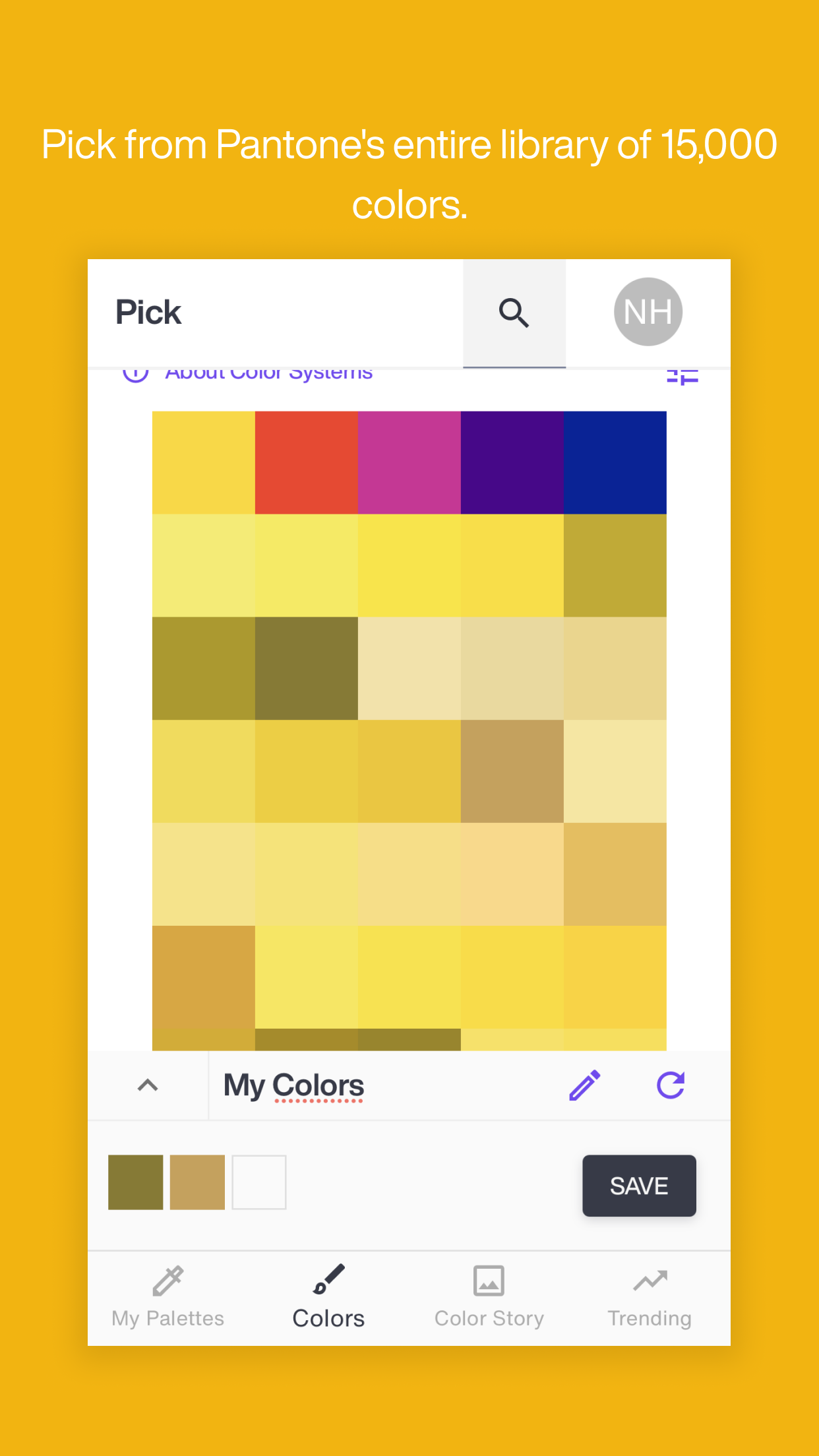
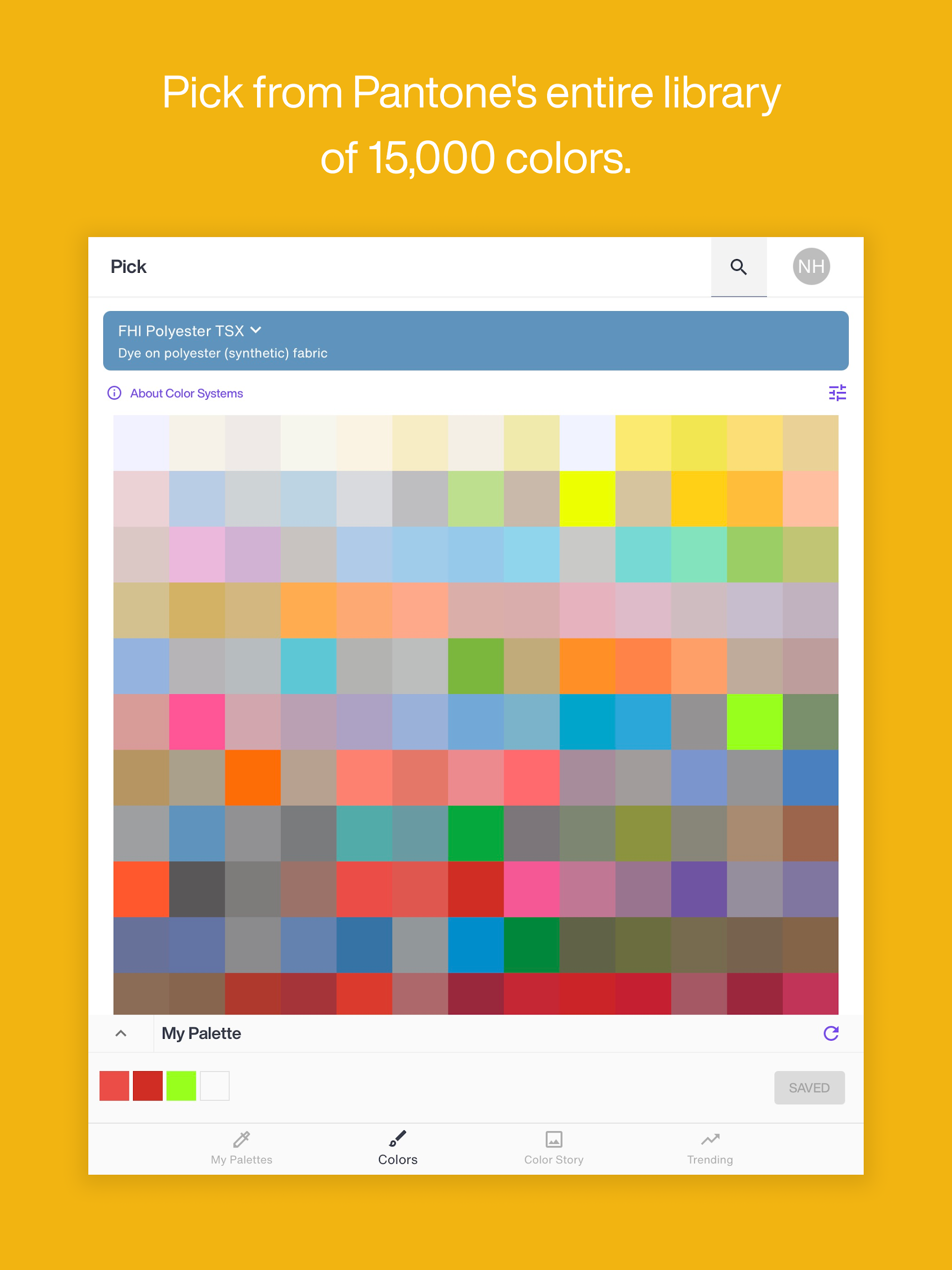
Pantone Connect is the exclusive platform that offers over 15,000 vital colors for branding, printing, fashion, and packaging, which can be utilized in your digital design tasks. It comes equipped with intuitive tools for inspiration, color extraction, matching, safe storage, and sharing of personalized palettes, and it is now the only method to integrate dynamic Pantone colors into your Adobe® design applications.
Creating an account grants you free access to Pantone Connect Basic, which provides entry to more than 15,000 Pantone Colors, search capabilities, pick and measure tools along with Pantone Reference Numbers, and allows the saving and sharing of up to 10 palettes across web, mobile, or Adobe® Extension platforms.
You can enhance your experience by upgrading to Pantone Connect Premium within the app. This version includes everything from Basic, plus additional tools for crafting more intelligent and impactful palettes. With Premium, you have the liberty to save and share an unlimited number of palettes across all your Adobe® design software.
An upgrade to Premium is available in-app at a cost of $7.99* per month or $59.99* annually. You can also try Premium at no cost for the first 30 days after subscribing, with the option to cancel anytime.
*Prices may vary.
Highlighted Features:
Pantone Connect showcases various key features and tools, including:
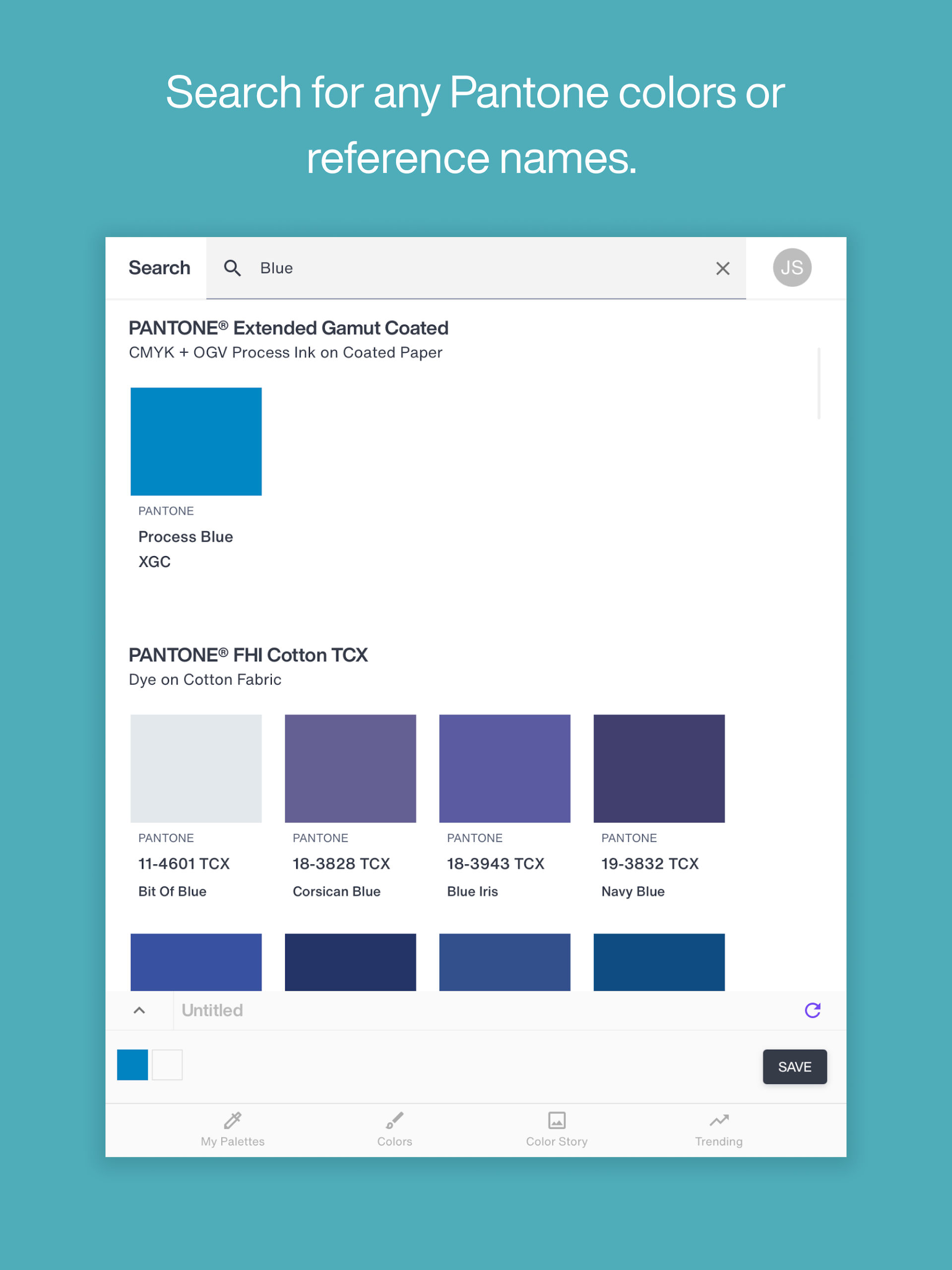
• Search/Finder – Explore thousands of colors across numerous Pantone libraries to locate your desired shades.
• Pick – Choose colors for your projects while viewing their corresponding Pantone Reference Numbers.
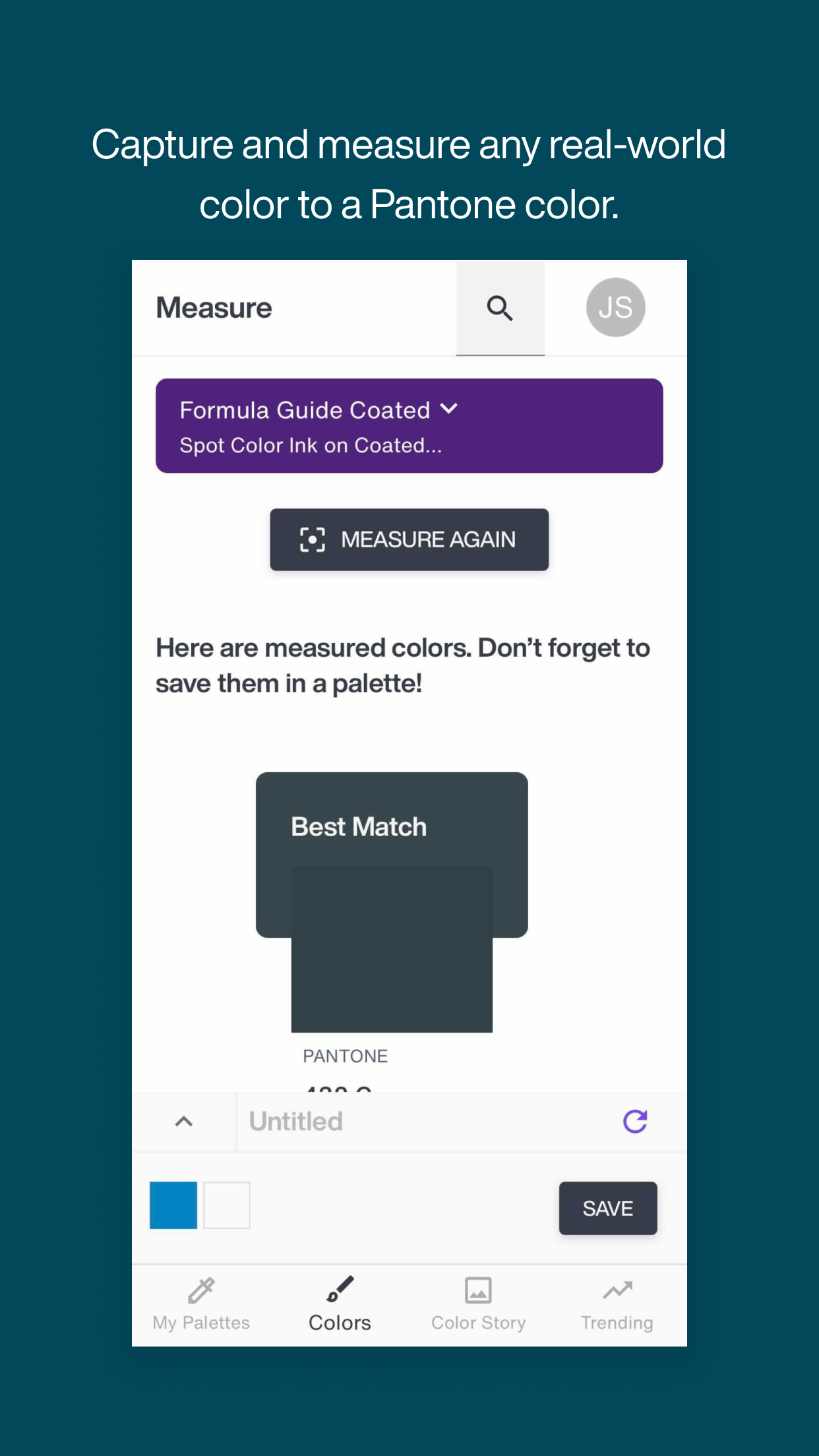
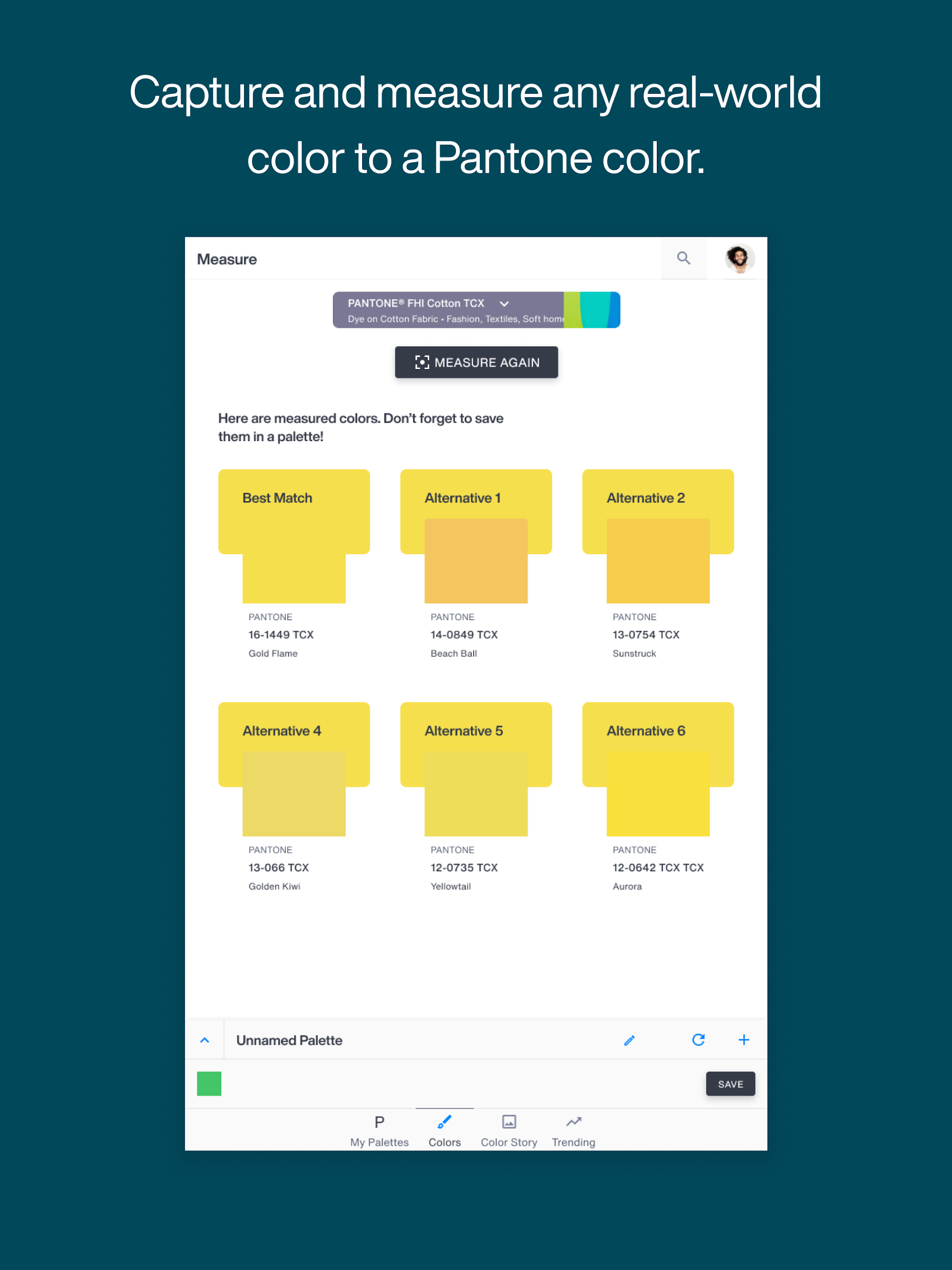
• Measure – Utilize the Pantone Color Match Card alongside the Pantone Connect Mobile App to capture real-world color inspirations.
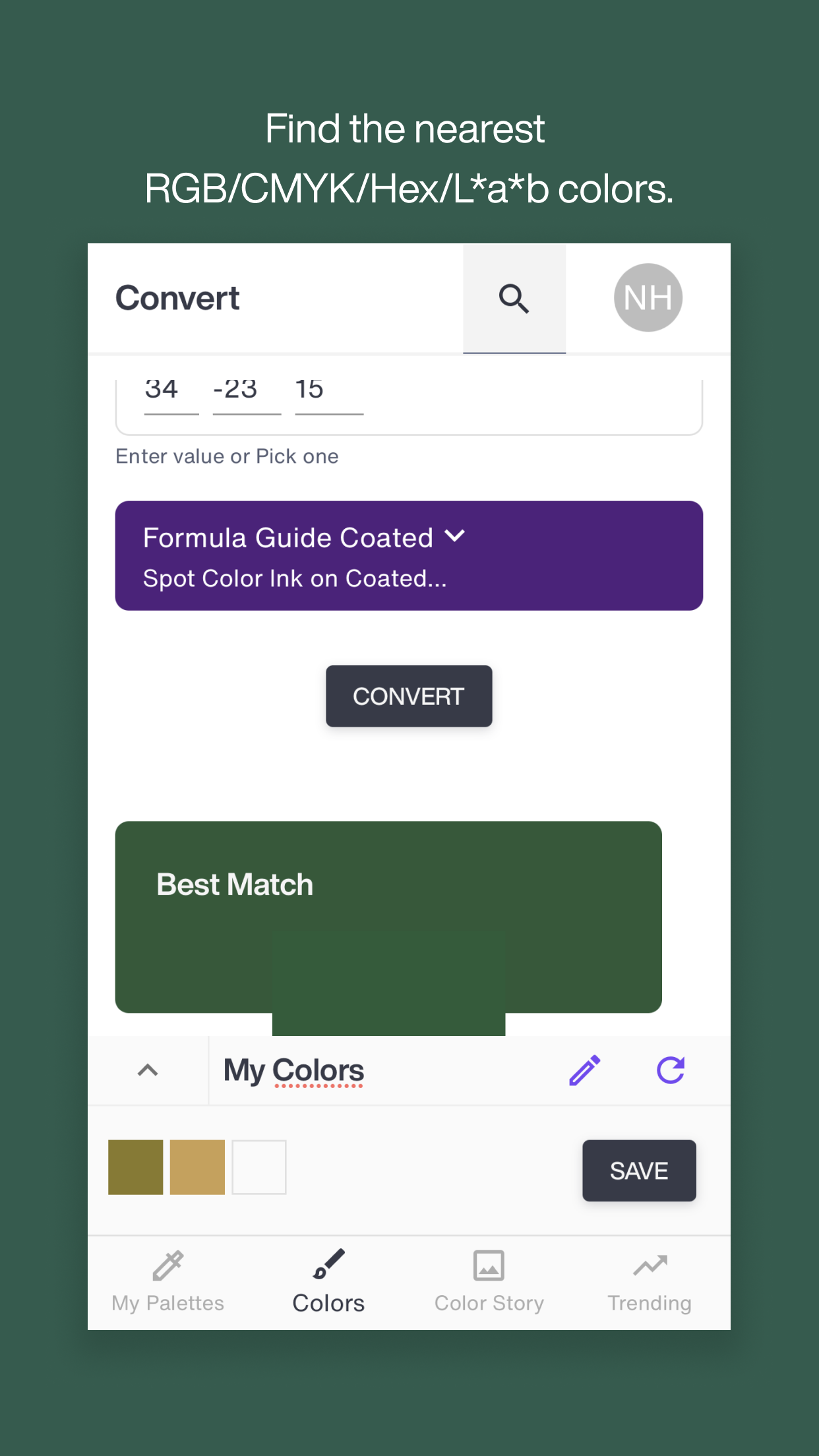
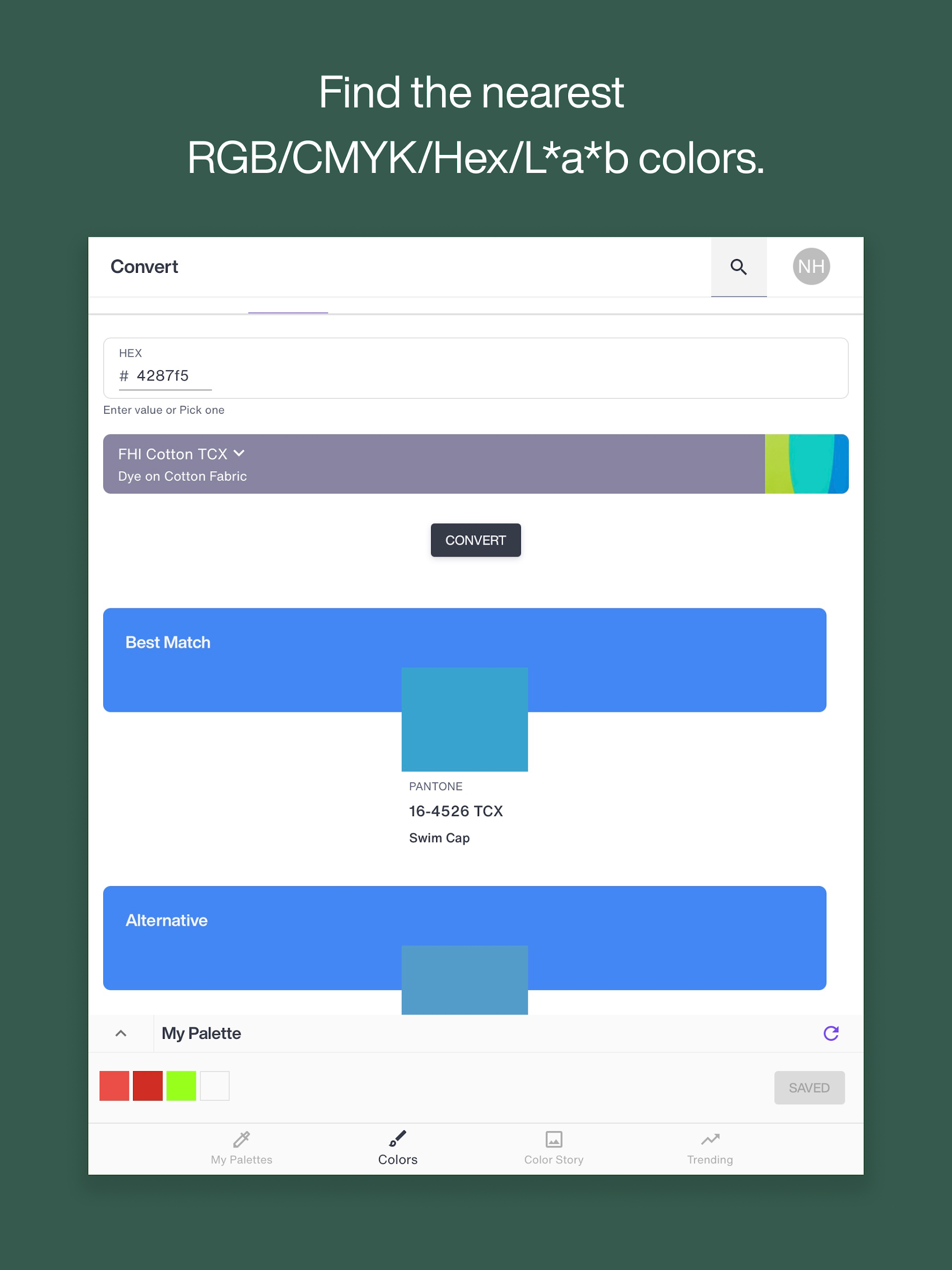
• Convert – Identify the closest RGB/CMYK/Hex/L*a*b* color equivalents to Pantone shades or convert between different Pantone libraries.
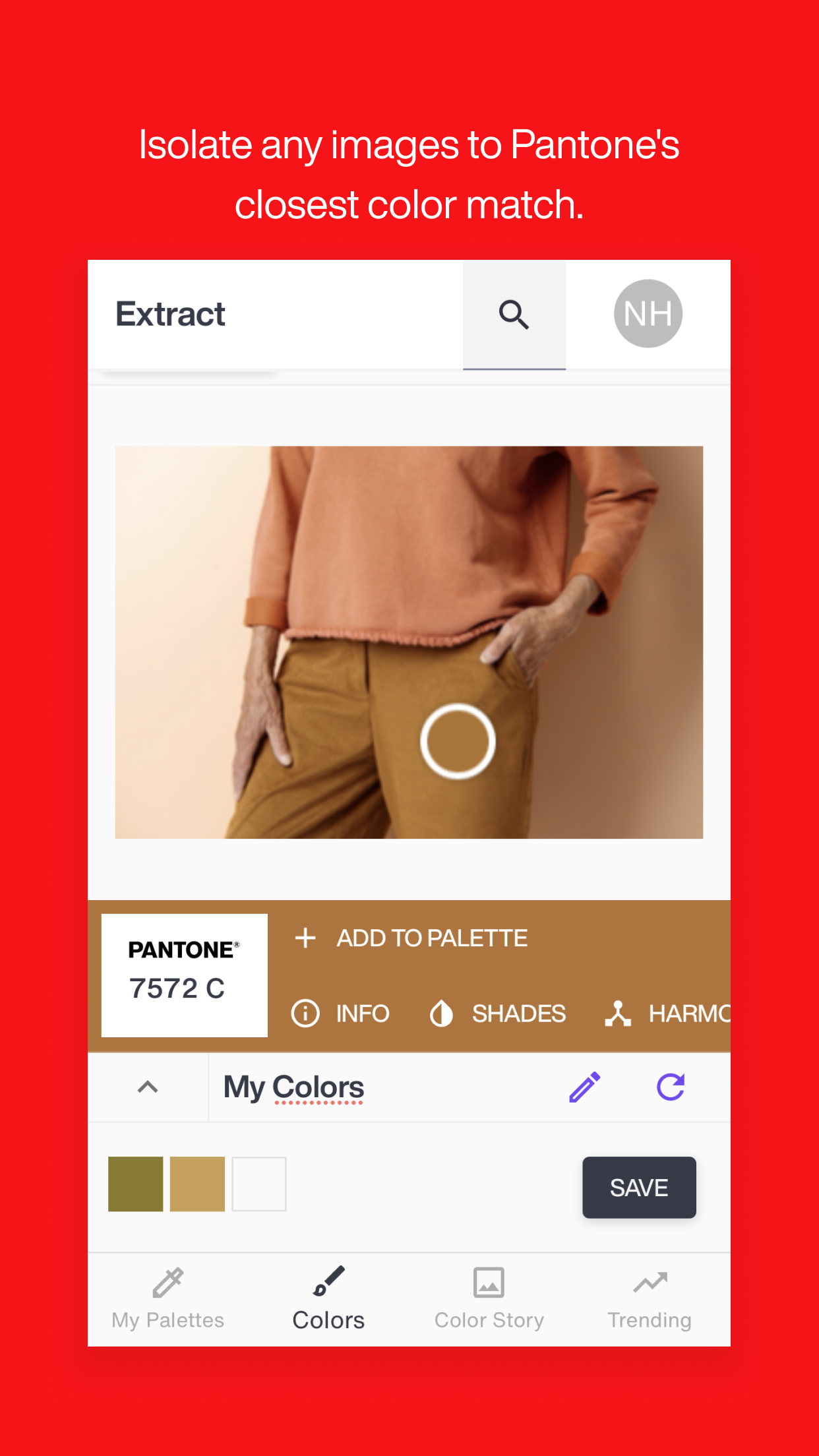
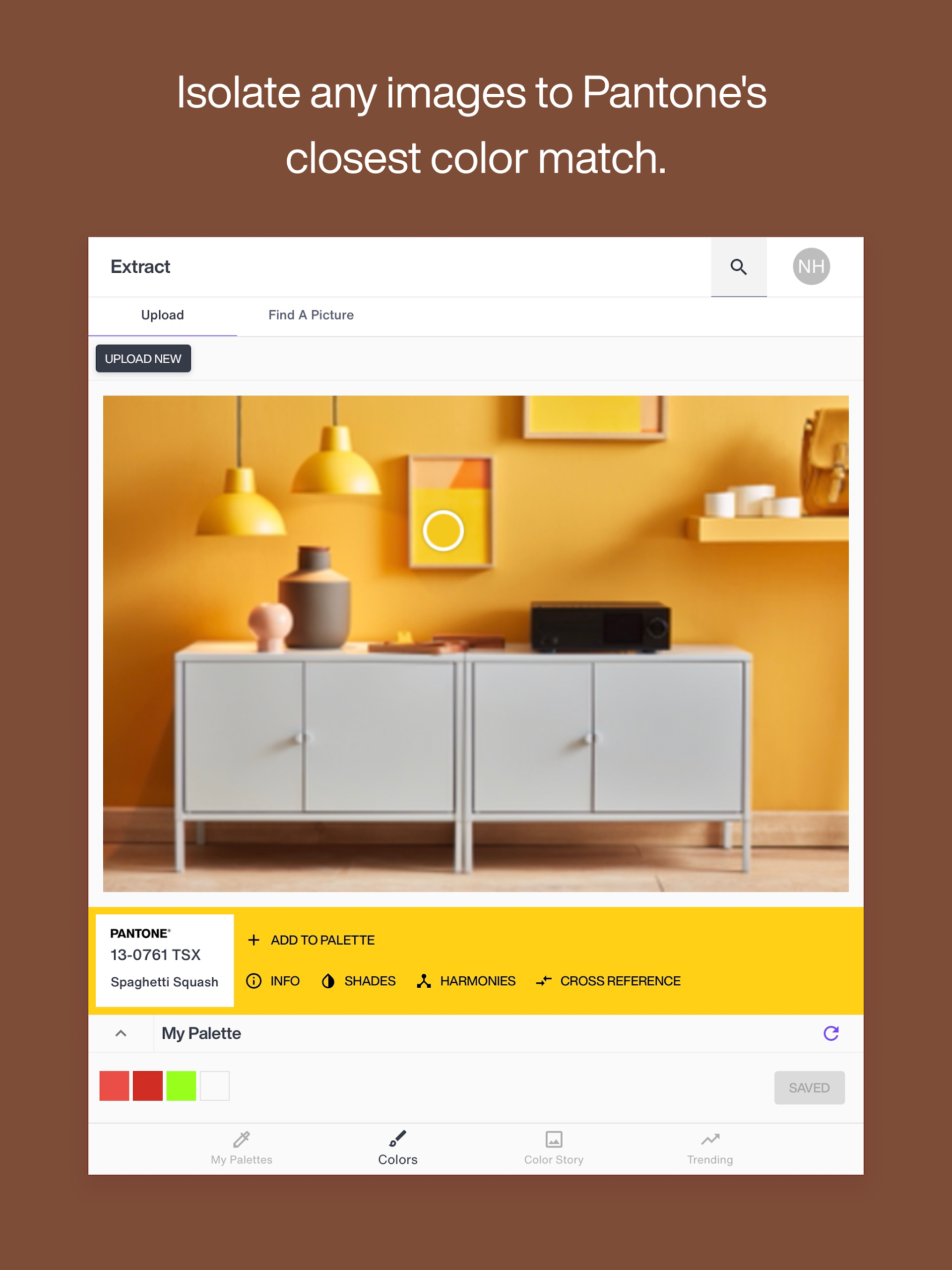
• Extract – Pinpoint colors from digital files and identify their nearest Pantone counterparts.
• View Color Data – Access essential color information such as RGB/CMYK/Hex/L*a*b* values.
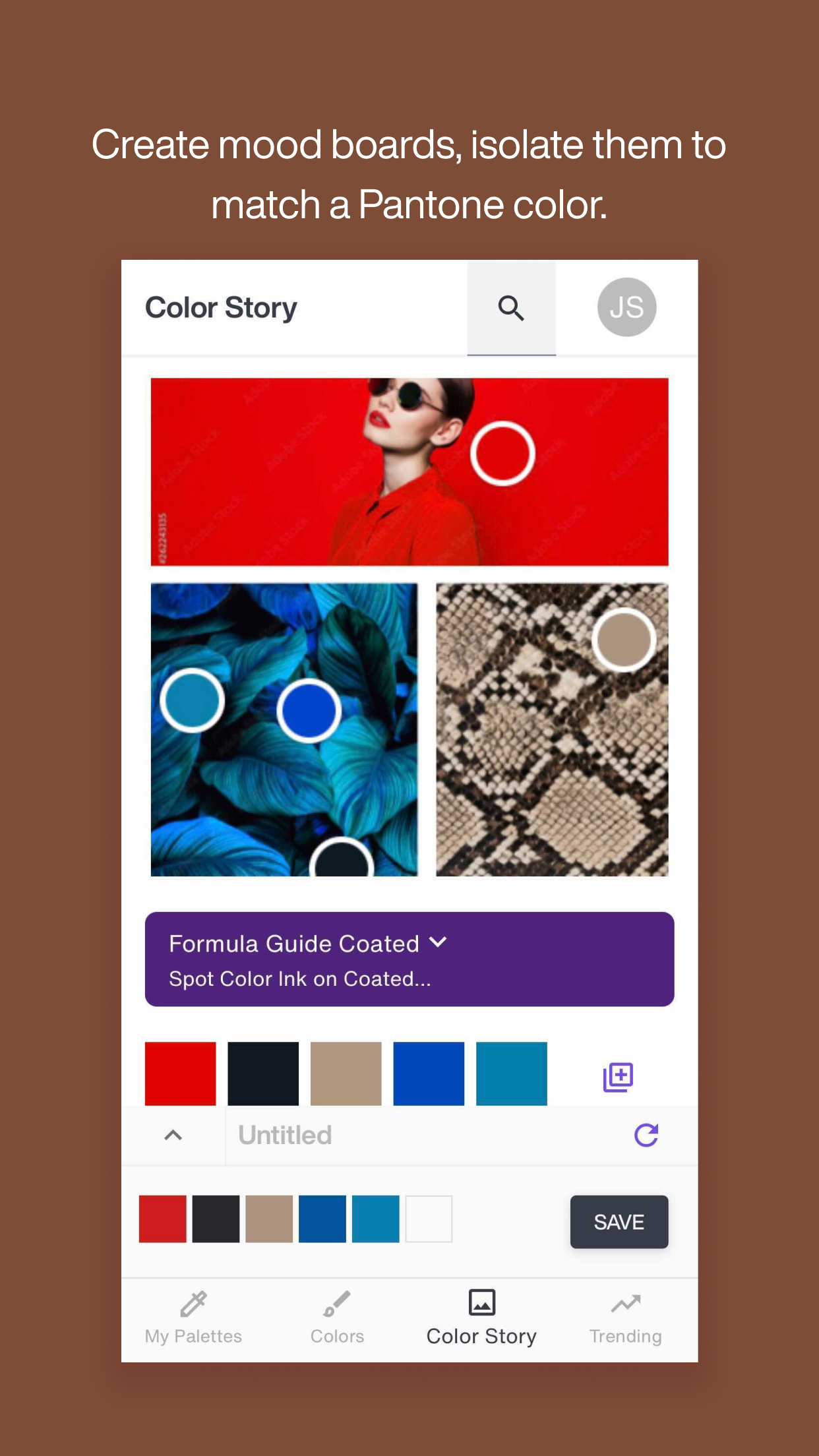
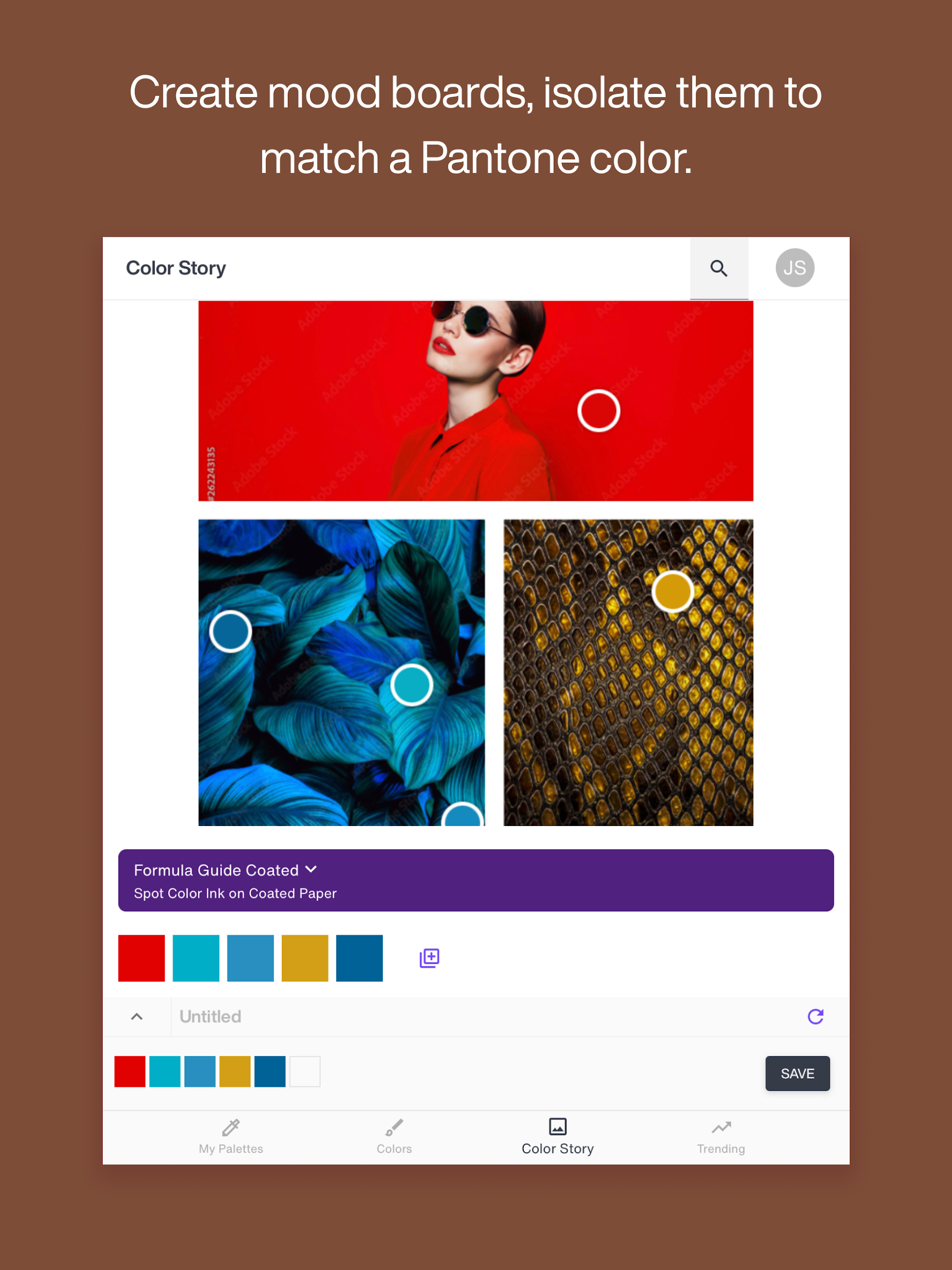
• Color Story – A newly introduced mood board feature enables you to use one, three, or five images to create a color collage and isolate relevant hues for developing your unique color narrative.
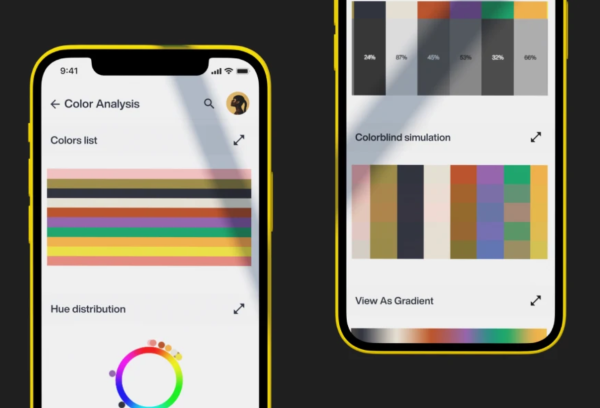
• Color Harmonies and Shades – Craft thoughtful palettes that leverage Pantone's extensive knowledge of color psychology and theory for ideal color combinations.
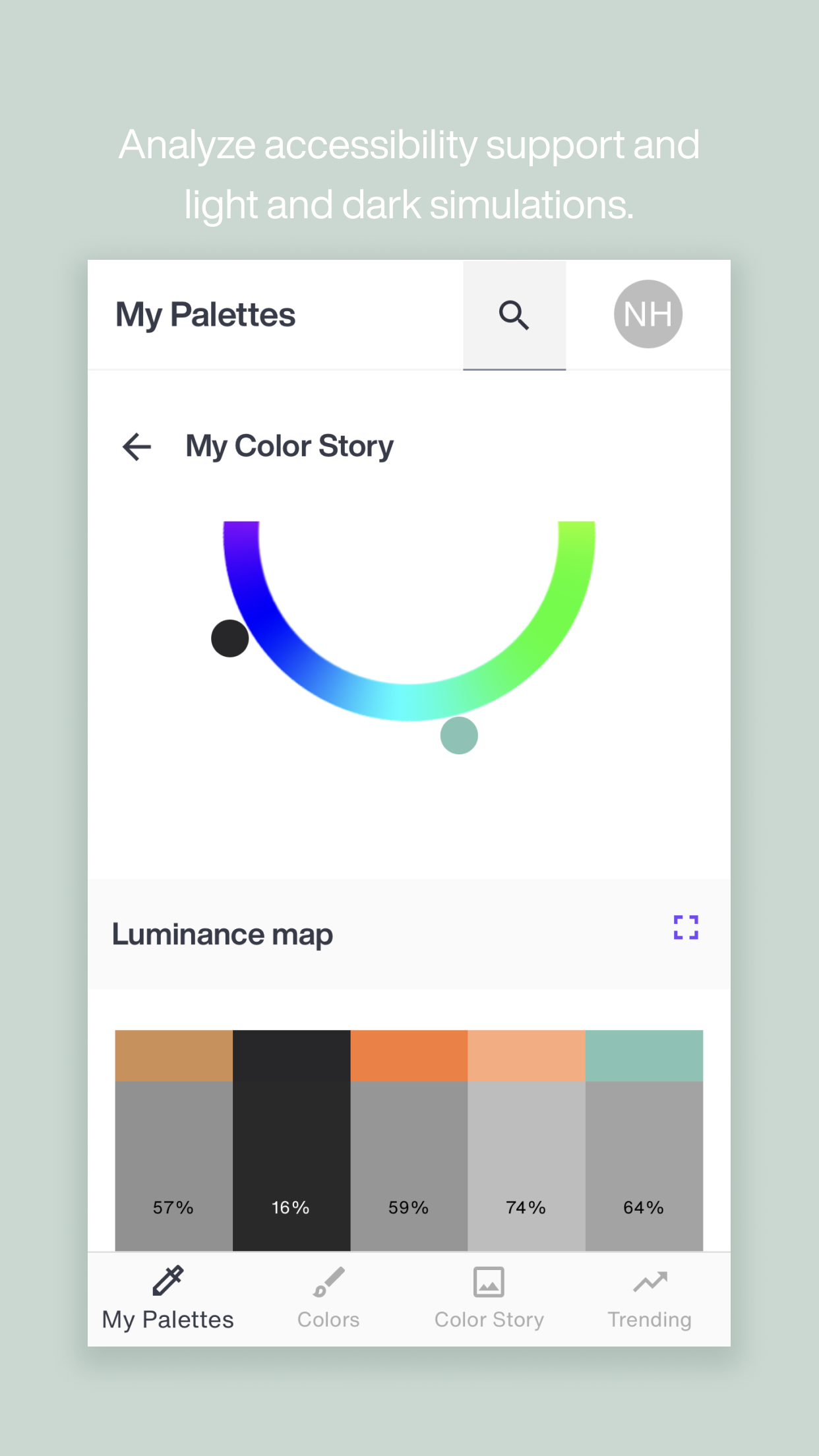
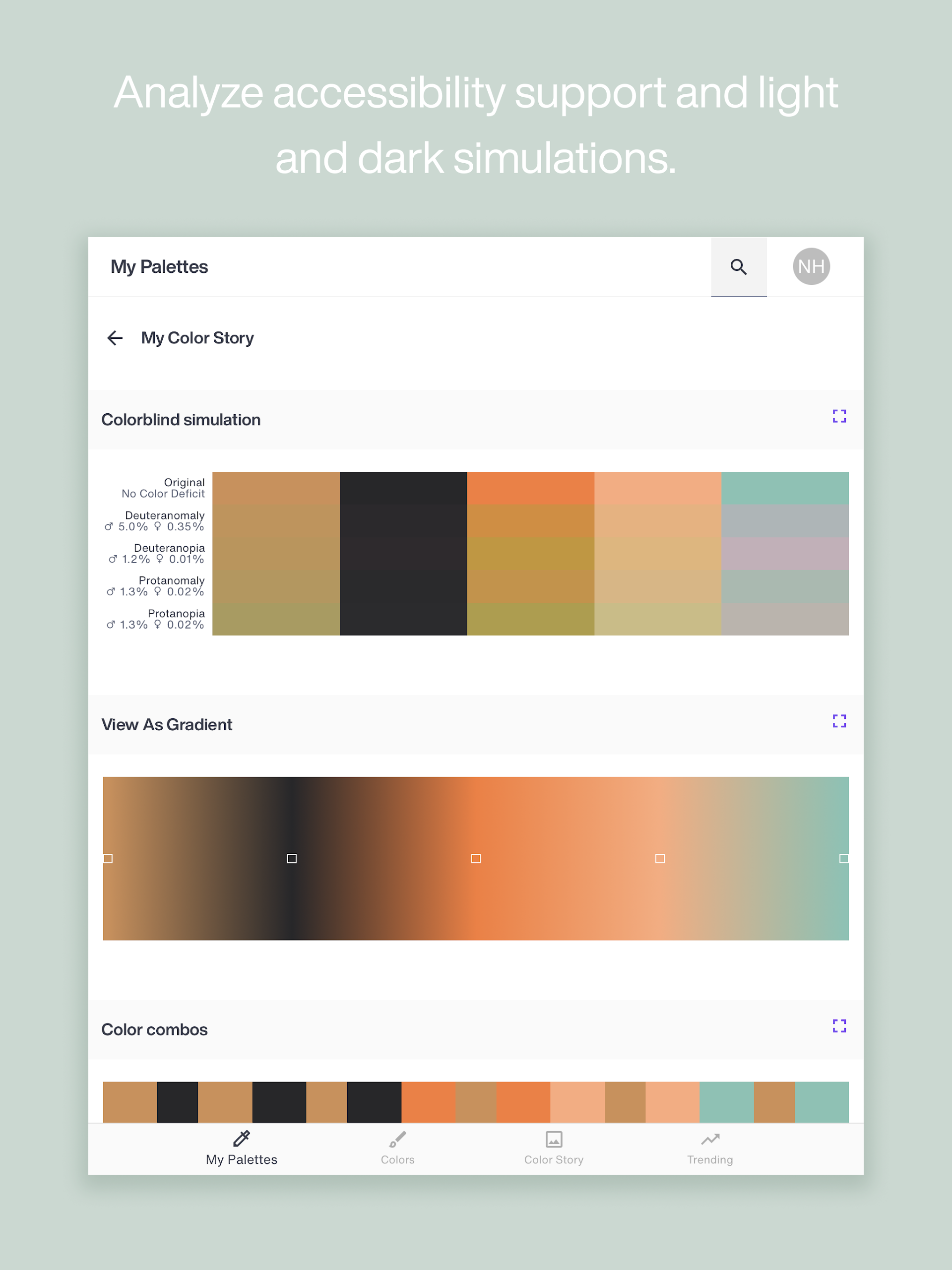
• Accessibility Support – Evaluate how your palettes might be perceived by individuals with common color vision deficiencies.
• Light & Dark Simulations – Assess your color selections against both light and dark backgrounds.
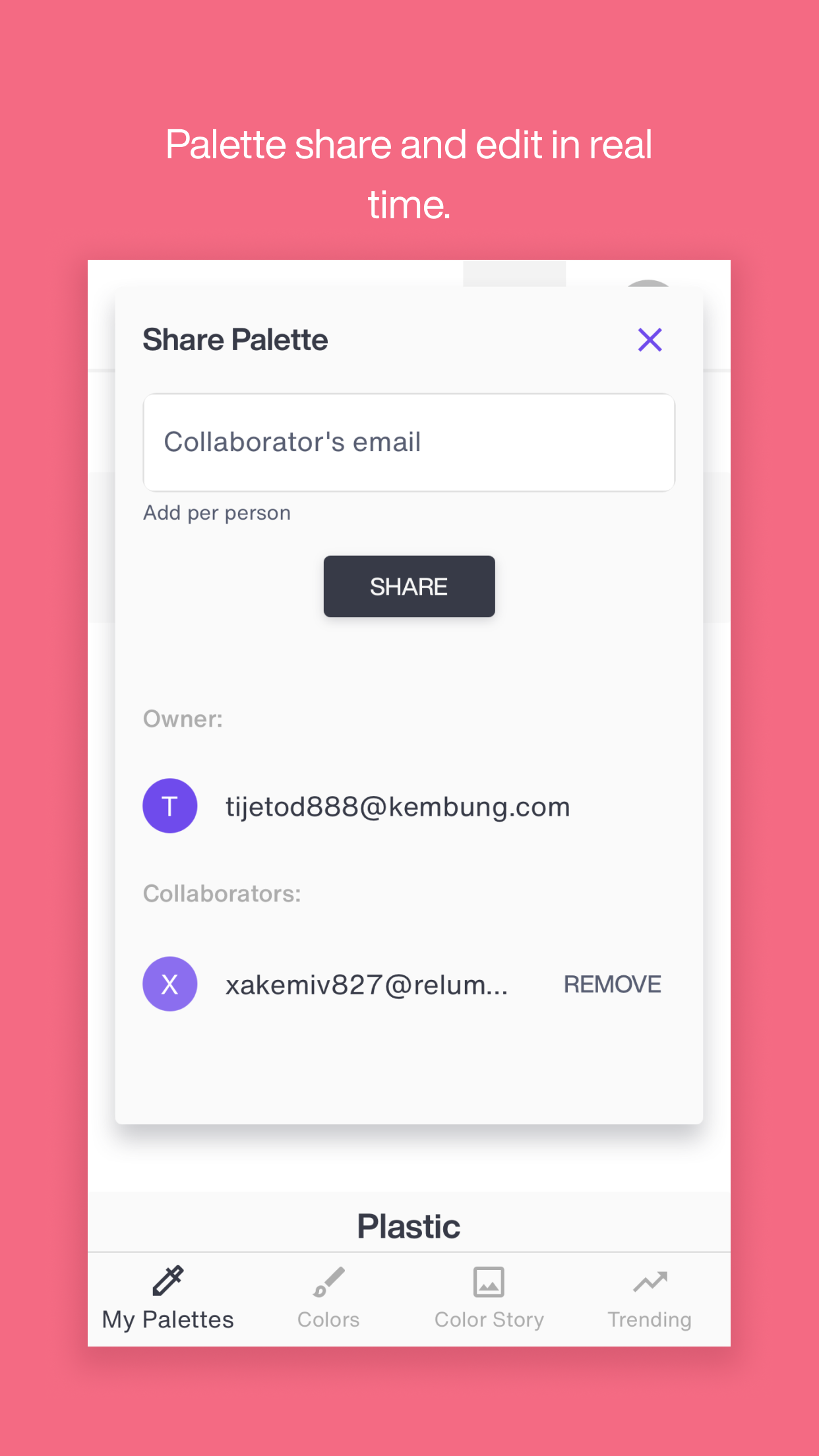
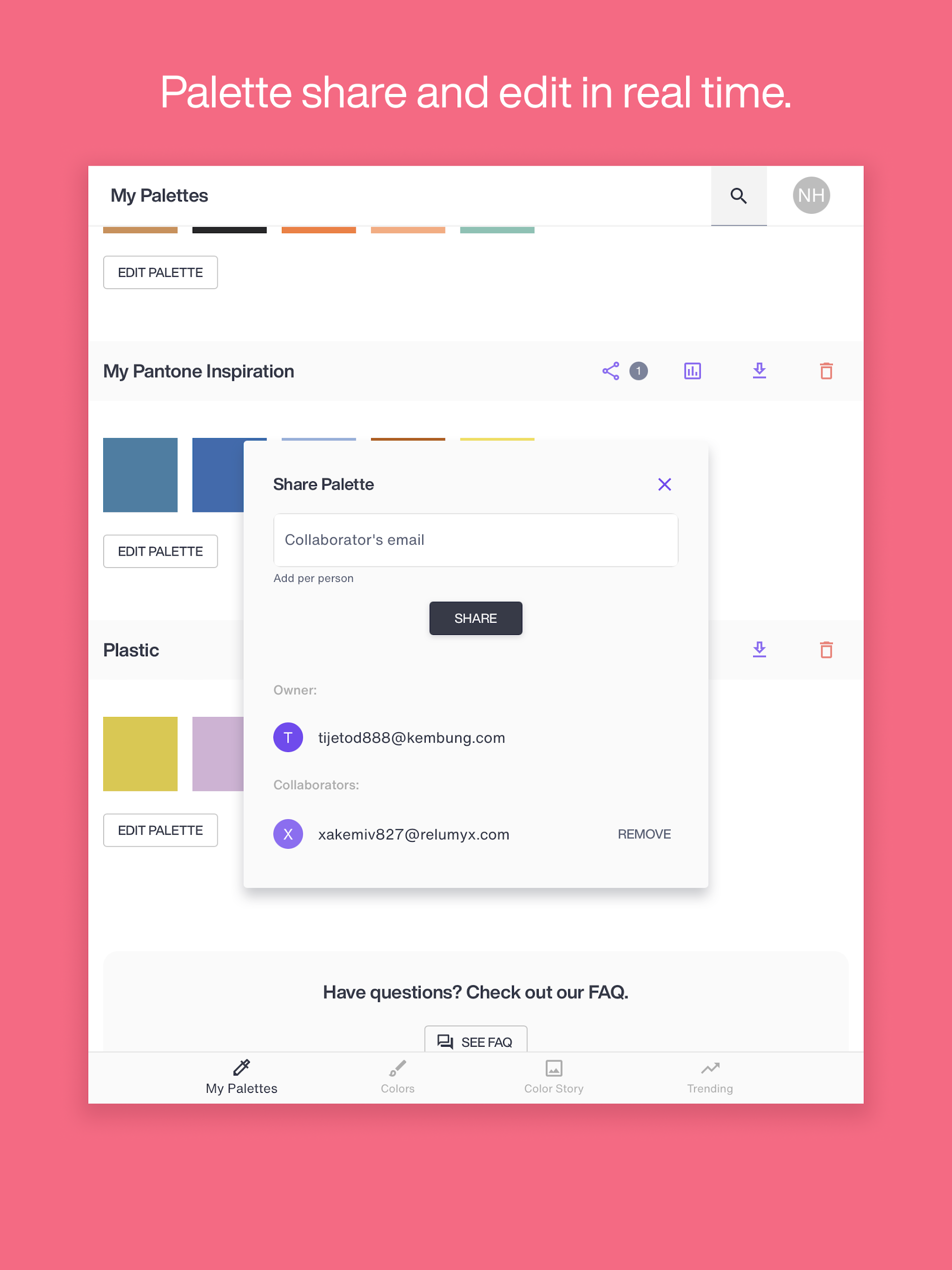
• Share – Distribute palettes to anyone who requires access to your color schemes.
• Collaborate – Foster agreement and maintain quality control throughout your entire design process.
How to Use the Features:
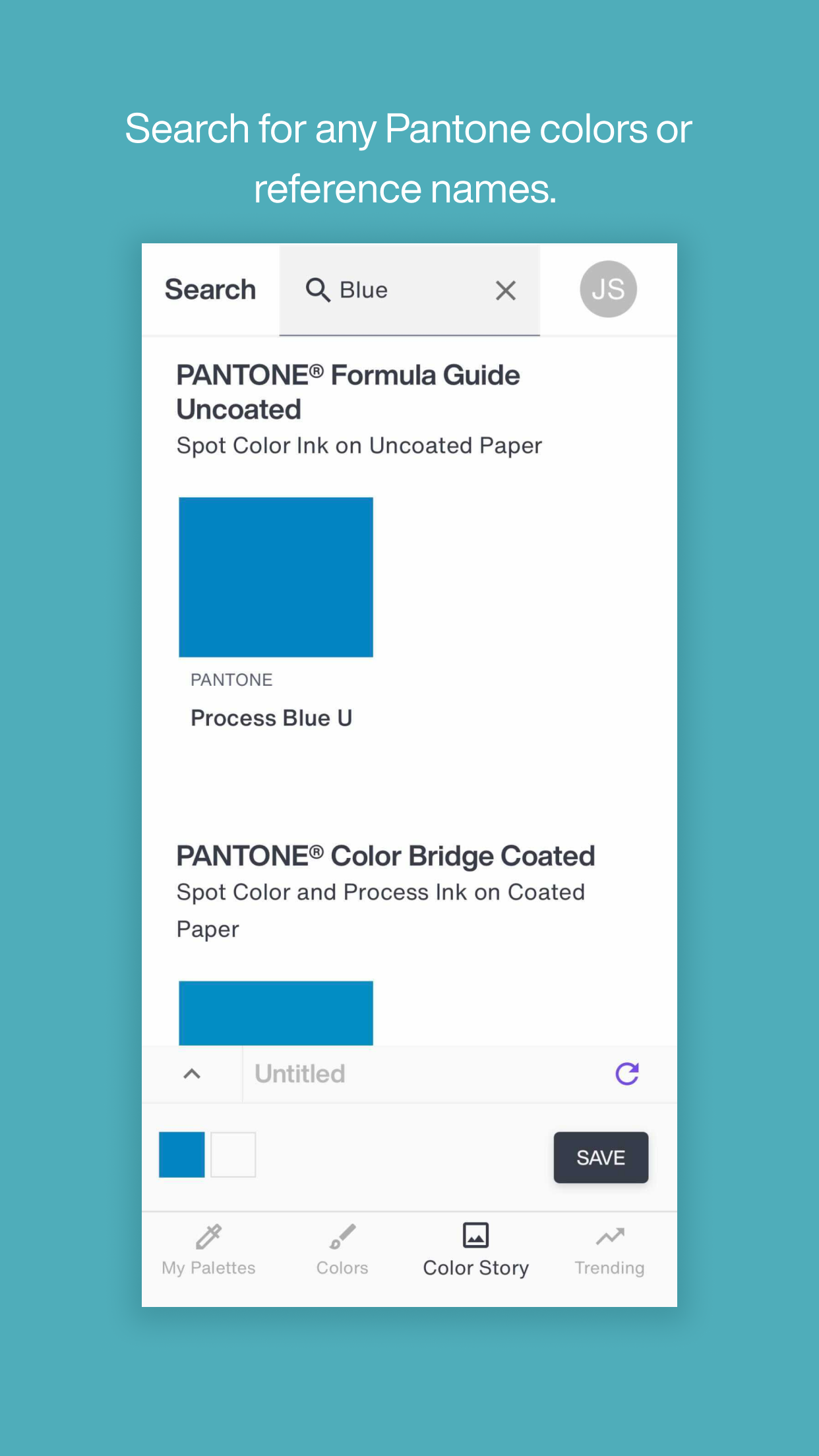
- Search for Colors: Enter a color name or Pantone reference number, such as "blue" or "205 C," in the Pantone Connect search bar to quickly find related colors.
- Select and Add Colors: Browse the color book until you find the color you want. Tap the three dots next to the color and select "Add to Style" to add it to the Styles panel and name it.
- Extract Colors: Tap "Extract" to upload a JPEG photo. The system will automatically try to match the colors in the photo and add it to the Styles panel.
- Convert Colors: Use the "Convert" option to convert a color to its closest Pantone color by entering an RGB, hexadecimal, or other color code.
- Measure Colors: This requires the Pantone Color Match Card. Download the Pantone Connect mobile app and point your phone's camera at the color sample on the color match card to retrieve the corresponding Pantone color.
- Create Color Stories: Tap "Color Stories" to create a color collage by uploading one, three, or five images and then select related colors to create your own color story.
- Sharing and Collaboration: Created color palettes can be shared through Pantone Connect. Click the "Share" button and enter the email address or link of the relevant person to share the palette with team members, clients, etc. You can also use the collaboration function to reach a consensus on colors with your team, clients, printers, etc.
Color Match Card and Measurement Tool:
The Pantone Connect app, when used with Pantone’s Color Match Card, can calibrate your mobile device's camera to serve as a precise color measuring tool. The colors captured are quickly matched to related Pantone Colors for application in your designs. Please note, the Pantone Color Match Card is sold separately.
Technical Requirements:
To utilize Pantone Connect, installing a Chrome browser on your Android device is necessary.
When employing the Measure function on a tablet, ensure that the screen orientation is locked to prevent rotation when tilting the device.
Application Experience:
Pantone Connect is a professional color matching tool designed for designers and brand professionals, serving as a powerful tool for bridging the color gap between digital design and physical printing. It offers over 15,000 official Pantone color libraries, supporting color extraction, matching, conversion, storage, and collaboration. It also seamlessly integrates with Adobe design software, making it the only platform currently capable of integrating dynamic Pantone colors into Adobe. The free version meets basic needs, allowing users to search for color codes, extract colors from images, and save 10 color swatches. Upgrading to the Premium version ($7.99 per month or $59.99 per year, first month free) unlocks unlimited color swatch storage, advanced color matching tools, and seamless color simulation, helping to create more accurate color schemes. When used with the separately sold Pantone color matching cards, it turns your phone's camera into a professional colorimeter, accurately capturing real-world colors and matching them with Pantone color codes. The only drawback is that the free version has limited functionality, currently does not support PNG image extraction and ASE file export, and the Android version requires the Chrome browser to run. However, overall, it can efficiently solve the pain point of inconsistent color standards in design. Whether it is for brand visual specifications or color matching in printing, fashion, and packaging, it is a highly practical tool.
Questions and Answers:
- **What is the difference between Pantone Connect and Pantone Color Manager?
Pantone Color Manager is no longer available for sale. Pantone Connect is the new universal color platform. Through a single user account in Pantone Connect, users can access all colors and share them seamlessly across mobile devices, the web, and Adobe Creative Cloud extensions.
- **I purchased a Pantone color swatch/guide. Can I use Pantone Connect for free?
No, purchasing a Pantone color swatch or guide does not include free access to Pantone Connect.
- **What devices and software can I use with Pantone Connect?
Pantone Connect can be used on the web, on mobile devices, and can also be integrated into Adobe design software such as Adobe Photoshop, Illustrator, and InDesign via extensions.
- **How do I cancel my Pantone Connect subscription?
The specific cancellation method may vary depending on the subscription platform, but you can usually find the cancellation option in the account management page or the settings of the relevant app you used when subscribing.
- **Does Pantone Connect support extracting PNG images?
Currently, Pantone Connect only supports uploading JPEG photos.
- **Can I download color schemes as ASE files when using Pantone Connect?
No, Pantone Connect does not support downloading valid ASE files.
- **Who should I contact if I encounter technical issues with Pantone Connect?
You can email support@pantone.com for technical support.
- Version1.7.15
- UpdateOct 20, 2026
- DeveloperX-Rite Pantone
- CategoryProductivity
- Requires AndroidAndroid 6+
- Downloads222K+
- Package Namecom.pantone.xrite.pantoneconnect
- Signaturece40c026298350b3e228904055f91cb8
- Available on
- ReportFlag as inappropriate
-
NameSizeDownload
-
200.79 MB
-
62.60 MB
-
62.49 MB











Easy access to Pantone color library
Handy tools for color harmony checks
Useful for professional artists and designers
Effective color matching when functional
User-friendly design for basic features
Offers a free version with limited functionality
Ability to perform color blindness checks
Frequent technical issues and app crashes
Limited support for many phone models
Most useful features locked behind a paywall
Complicated login process and account creation required
Poor user interface and experience
Frequent updates lead to reduced functionality
Unreliable color extraction from images
Frustratingly slow customer support response
Requires frequent device compatibility checks