
Nozbe Classic - Task management & organization
Unlock your productivity potential with intuitive task management, automated templates, & seamless collaboration features.

- 3.26.1 Version
- 3.1 Score
- 167K+ Downloads
- Free License
- 3+ Content Rating


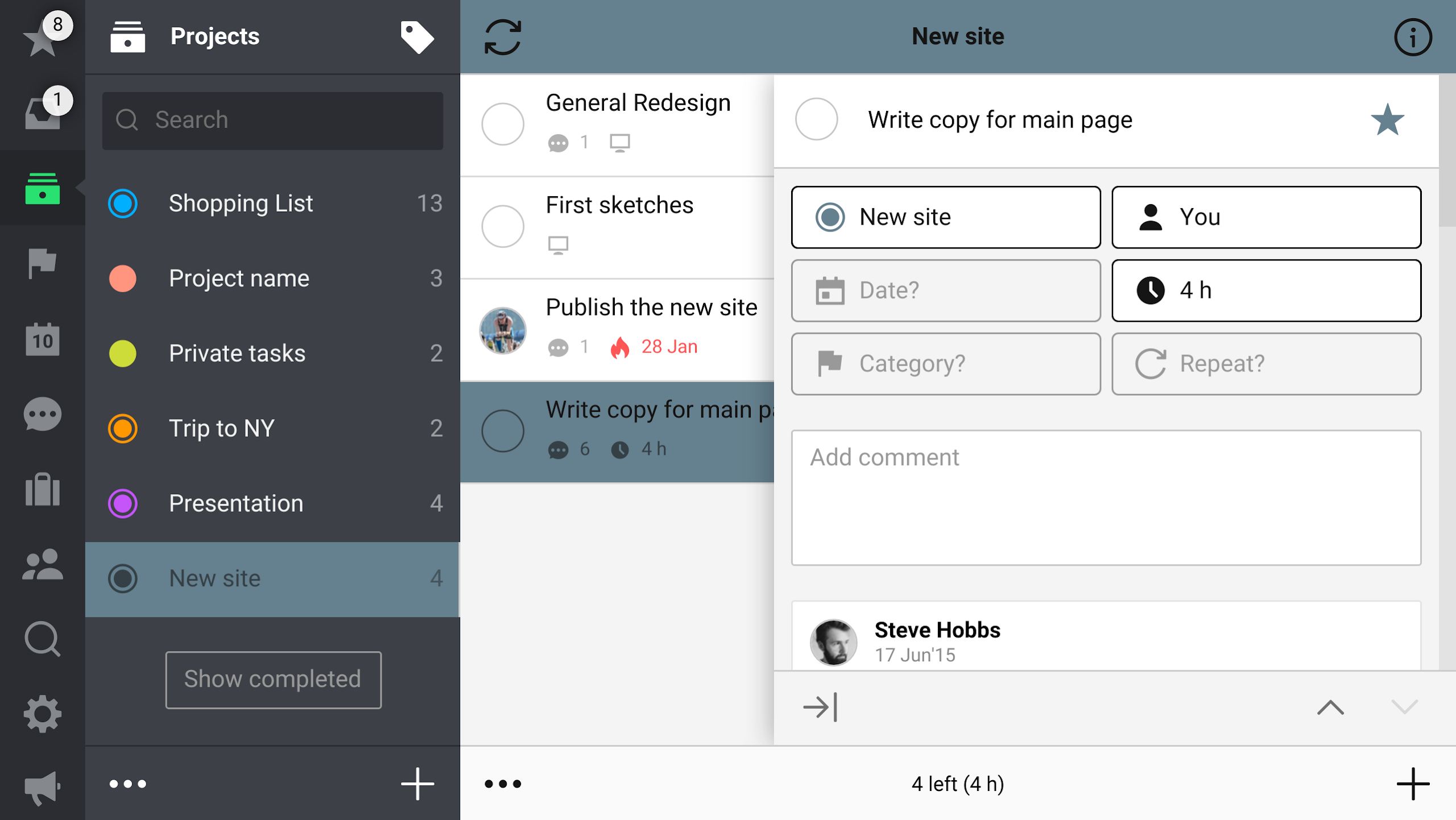
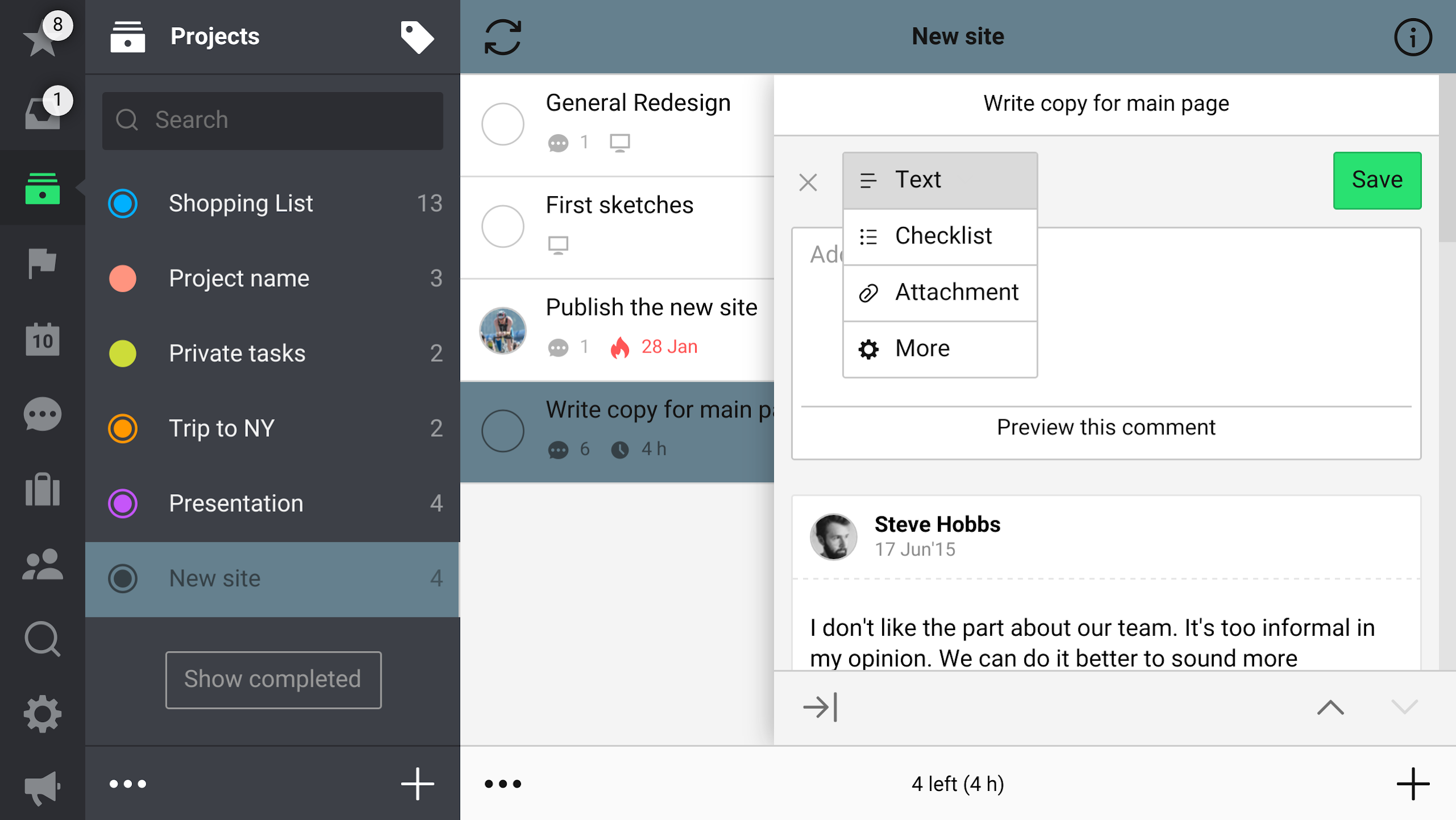
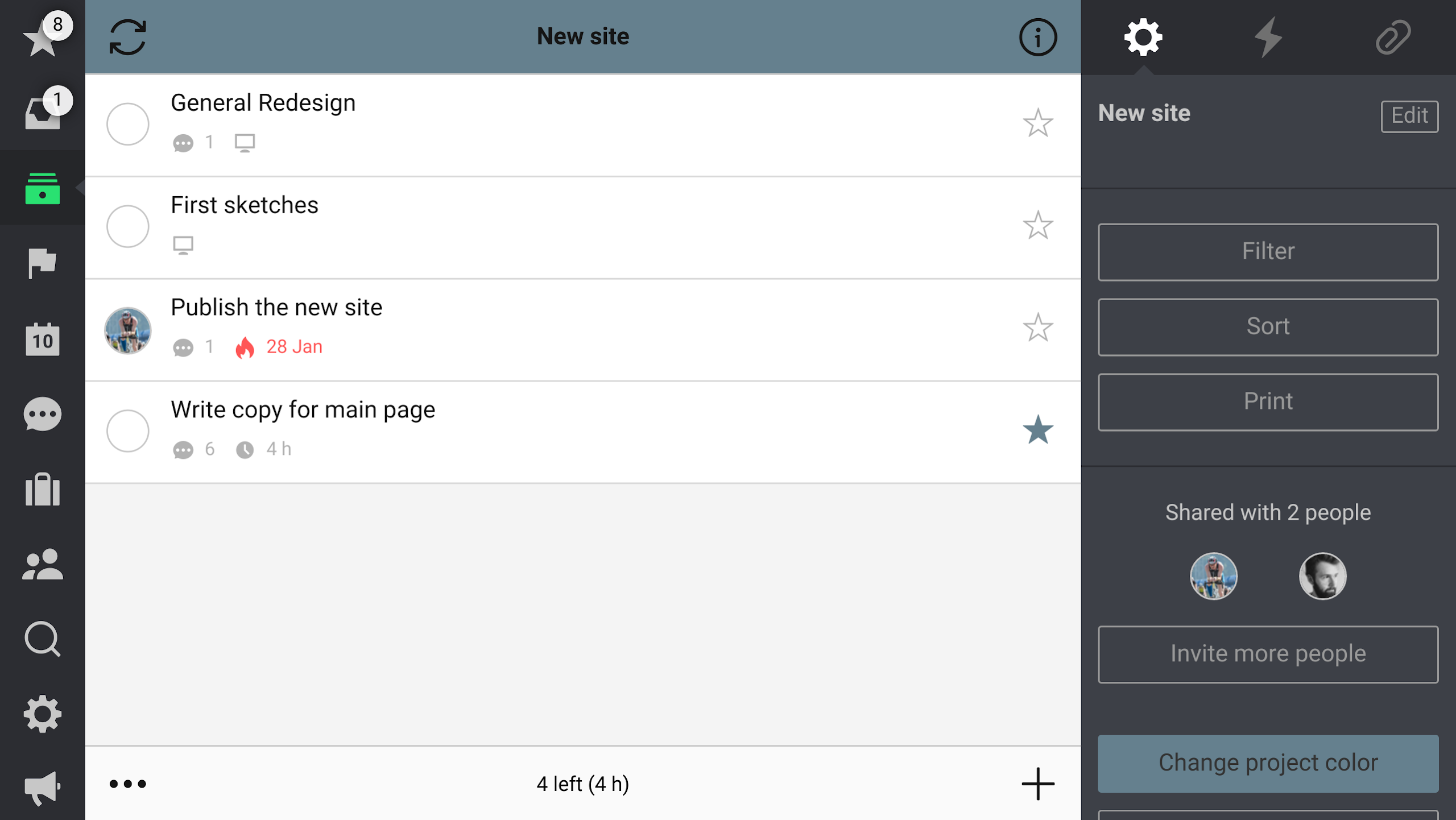
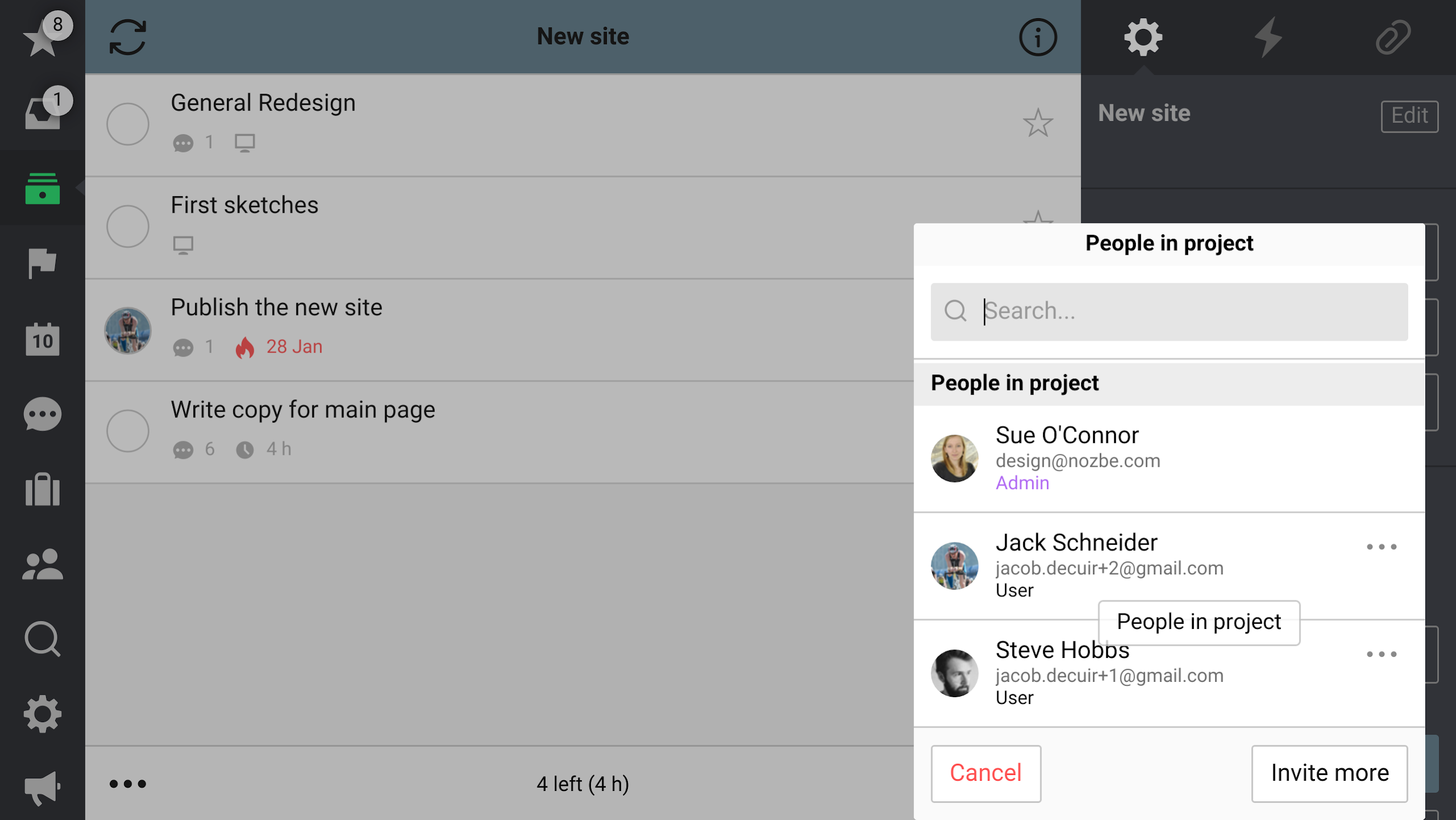
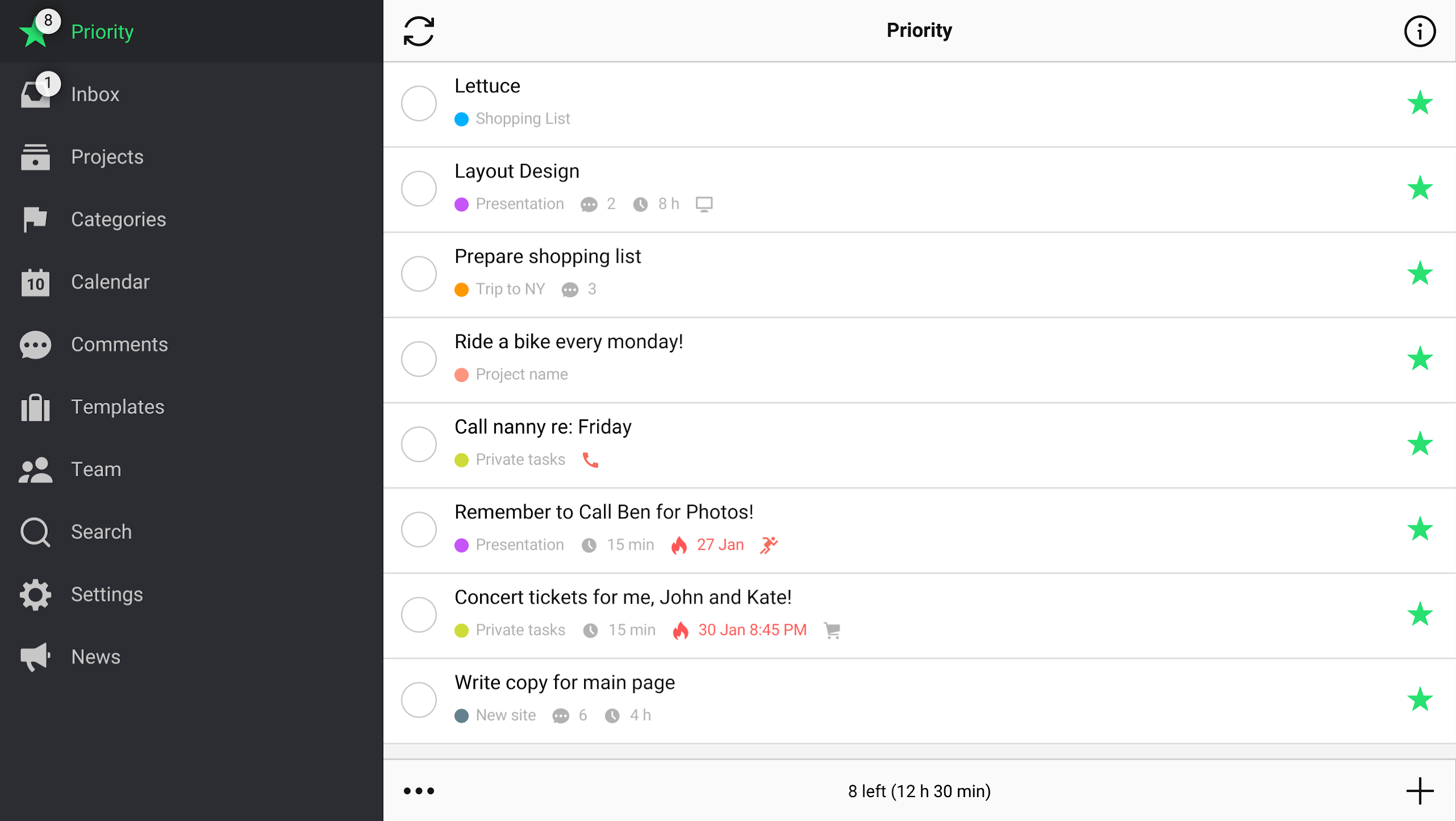
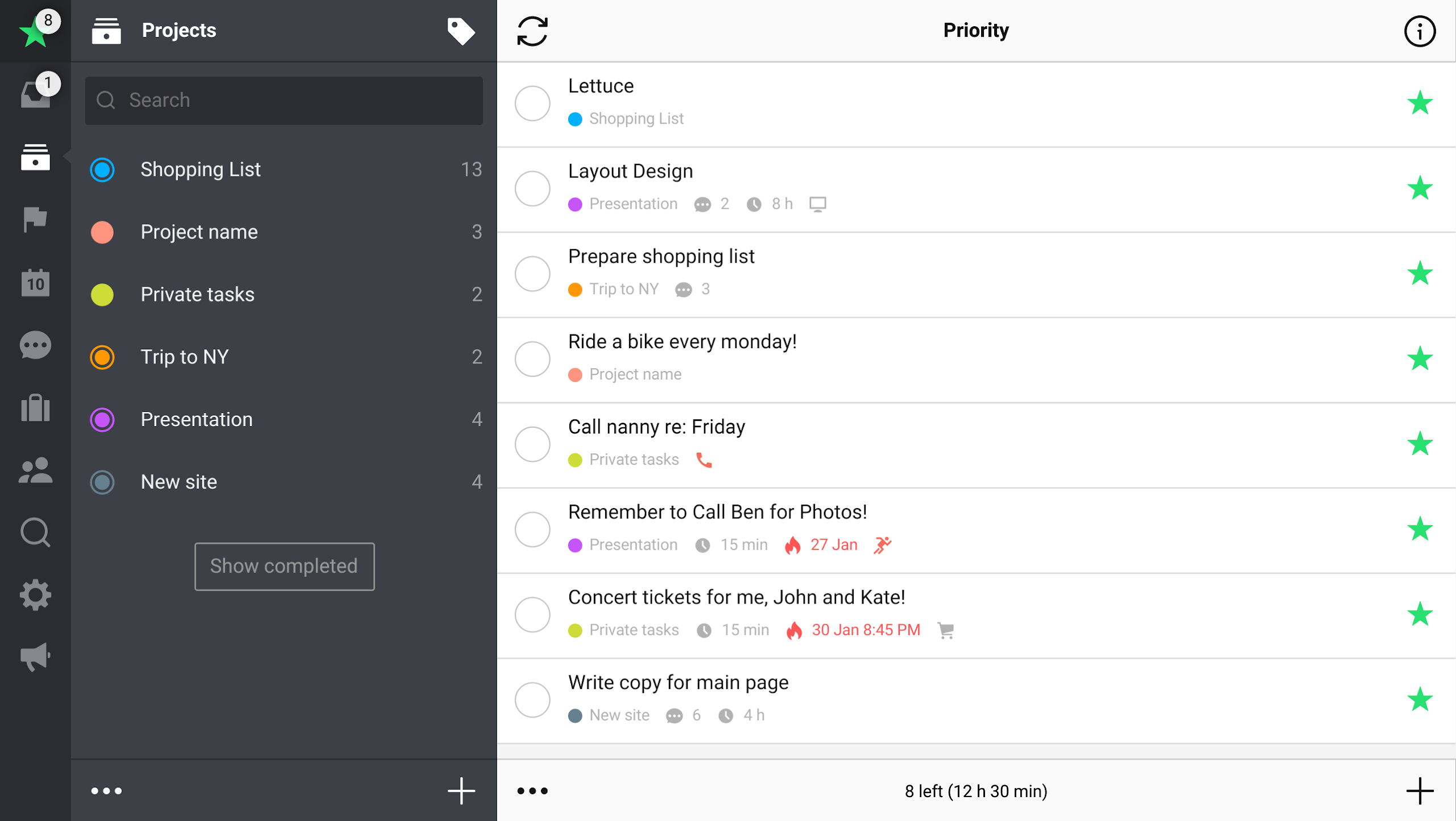
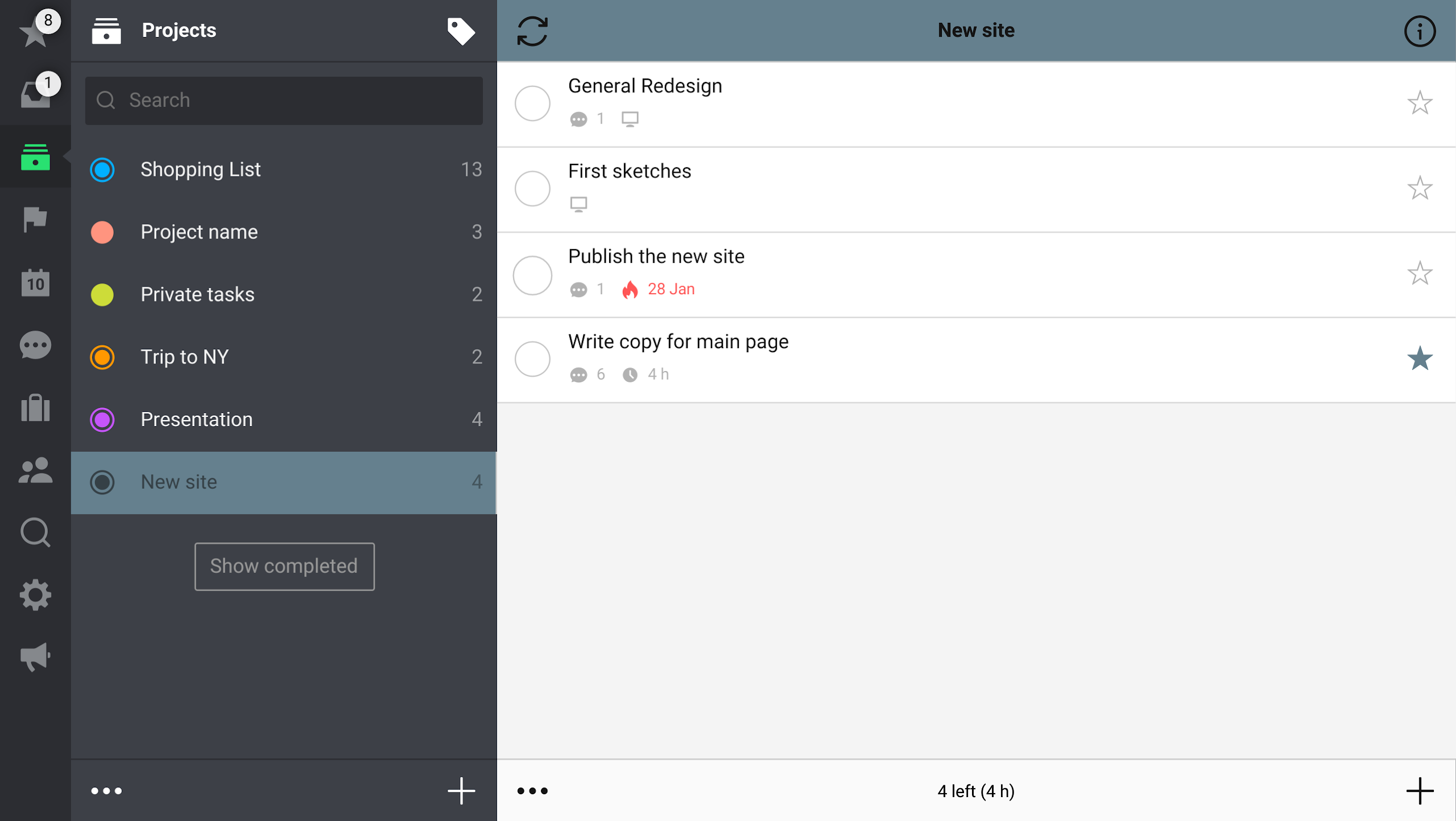
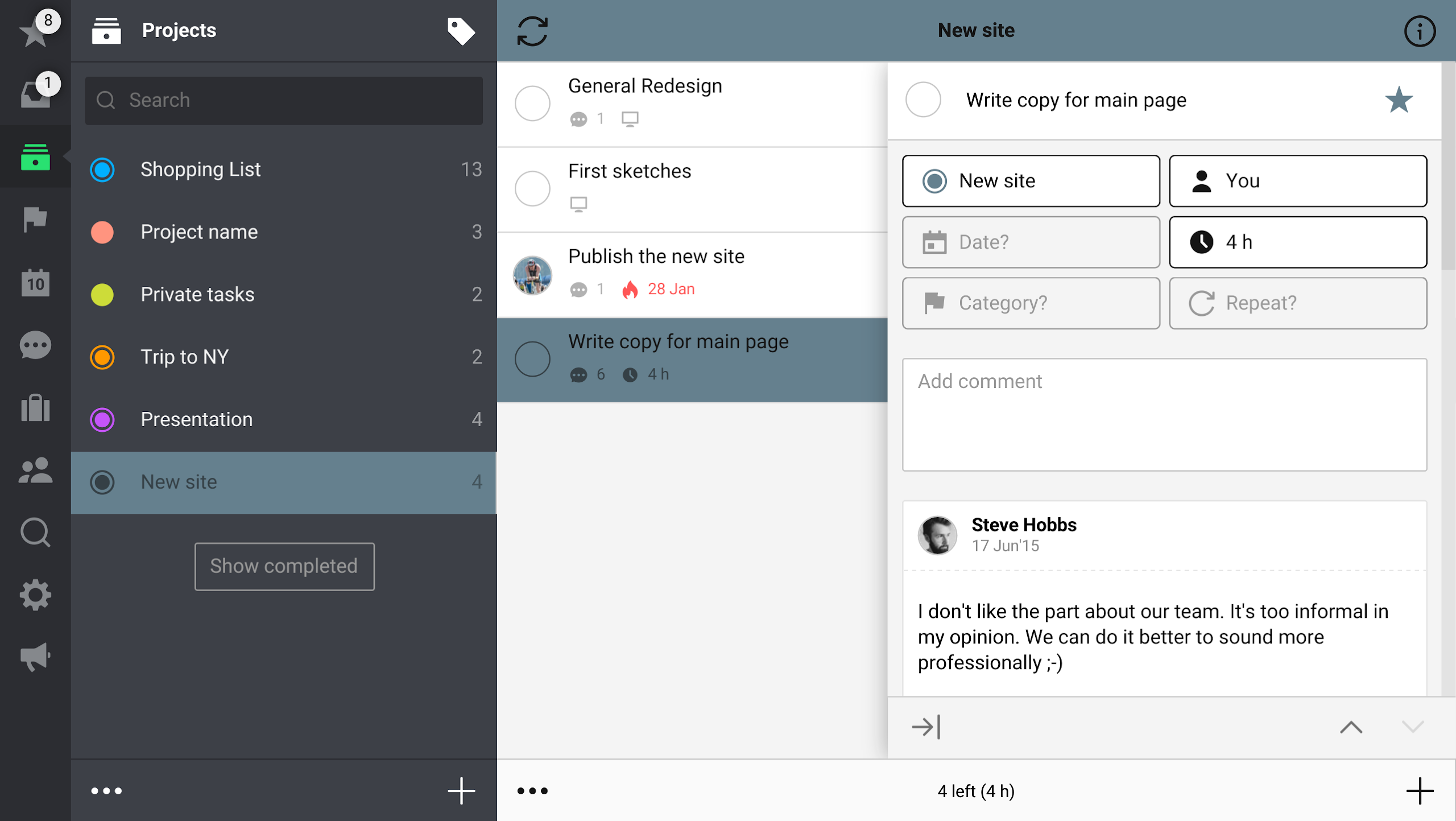
For over 16 years, we have assisted more than 500,000 satisfied users and their teams in completing projects using the Nozbe Classic system and applications compatible with all major software platforms.
Why Nozbe?
### 1. Say goodbye to communication chaos and focus on real work
- Consolidate scattered information: Tasks, documents, and discussions from email and chat apps (like Slack and WeChat) are organized into a unified "Project-Task-Comment" system, eliminating the need to search across platforms.
- Reduce ineffective meetings: Daily communication is conducted in task comments, requiring only necessary meetings, which are more efficient (core topics are organized in Nozbe in advance).
- Avoid lengthy email chains: Task assignments, deadlines, and attached documents are directly linked, ensuring team members clearly understand their responsibilities without repeated email confirmations.
### 2. Flexible adaptation to individual and team needs
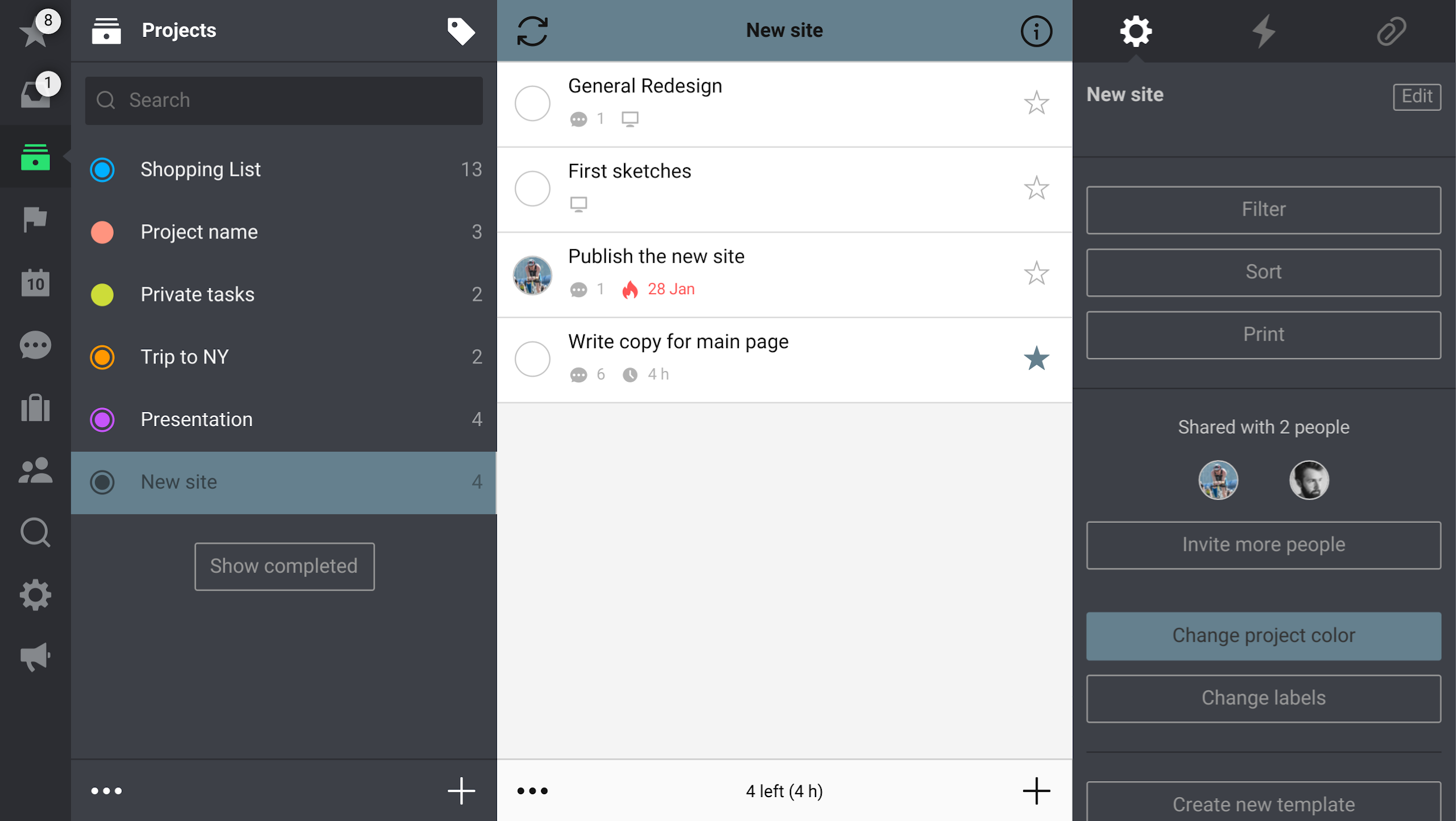
- **Individual users**: Manage private projects (such as personal goals and family matters). Use "priority tags" and "to-do list" features to quickly focus on important tasks and save time.
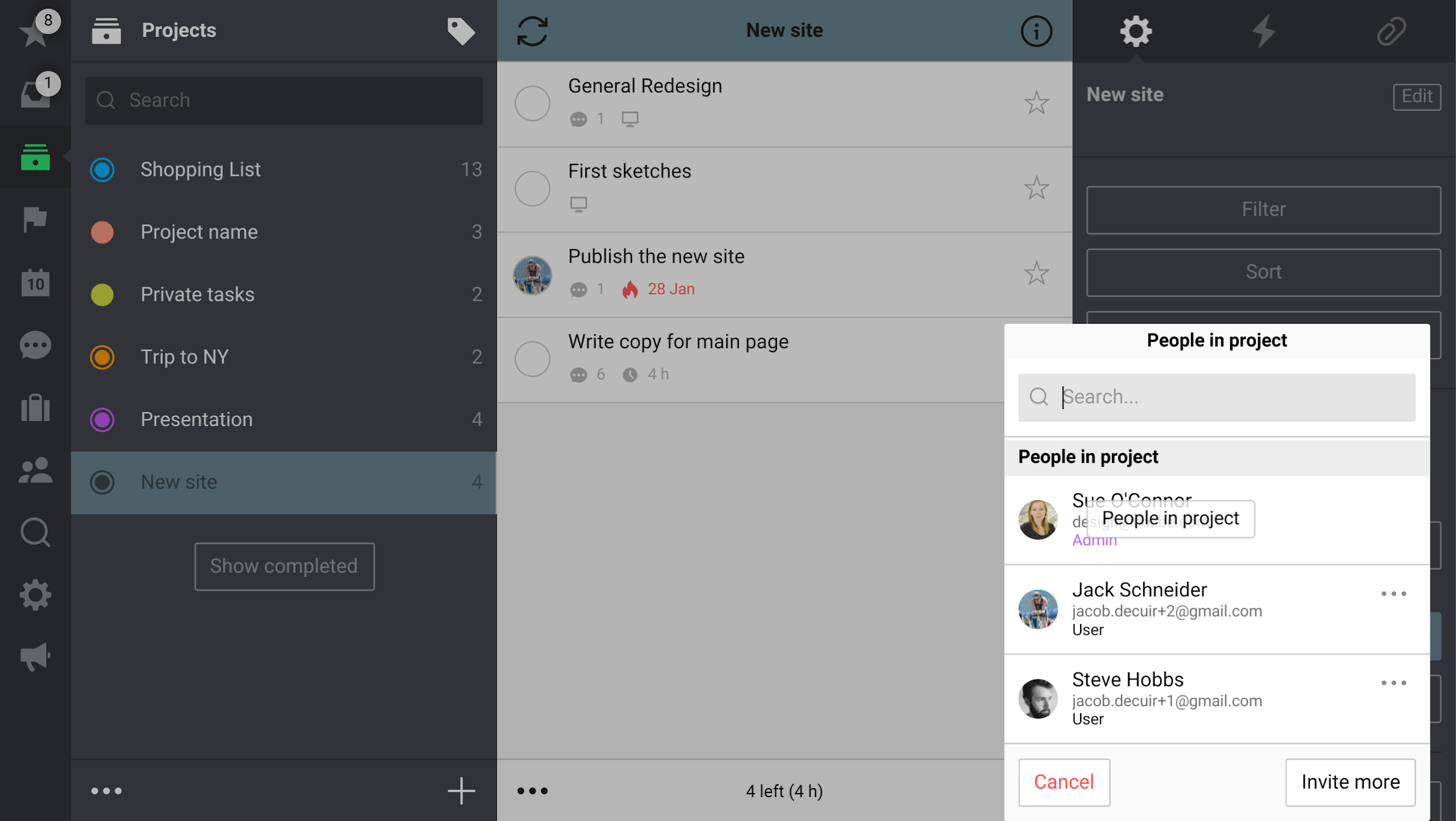
- **Team users**: Support multi-person collaboration. Members can share projects, delegate tasks, and view progress. With clear permissions, everyone can focus on their priorities while staying informed about team dynamics.
### 3. Full device coverage, no scenario restrictions
- Multi-device sync: Supports web, Android, iPhone, and iPad, and works even offline (automatically syncs when connected to the internet), making it ideal for commuting, business trips, and other fragmented scenarios.
- Easy to use: Simple installation, intuitive project creation, task addition, and comment posting, making it easy for beginners to get started without any learning curve.
Suitable scenarios:
- Remote teams: Solve cross-regional communication challenges and enable efficient collaboration among dispersed teams.
- Small and medium-sized businesses: Replace the traditional email and meeting model, reducing communication costs and improving task completion efficiency.
- Individual users: Manage work and personal life, avoid to-do list clutter, and enhance personal productivity.
To try it out, log in directly with your email, Google, or Apple account to start efficient work mode for free. You can also take free official courses to learn remote team collaboration techniques.
Features:
✔️👍 ACHIEVE MORE EFFICIENTLY
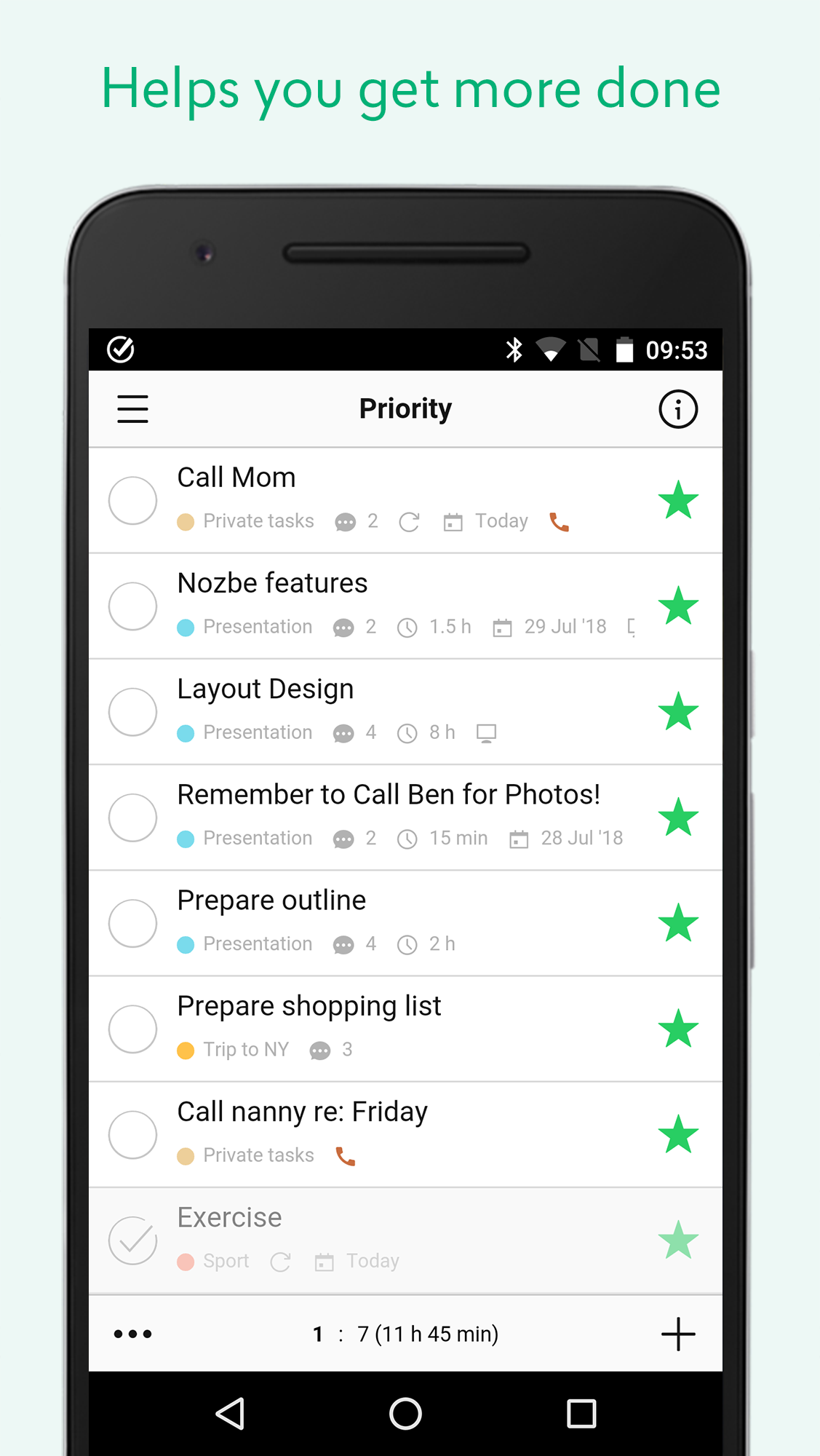
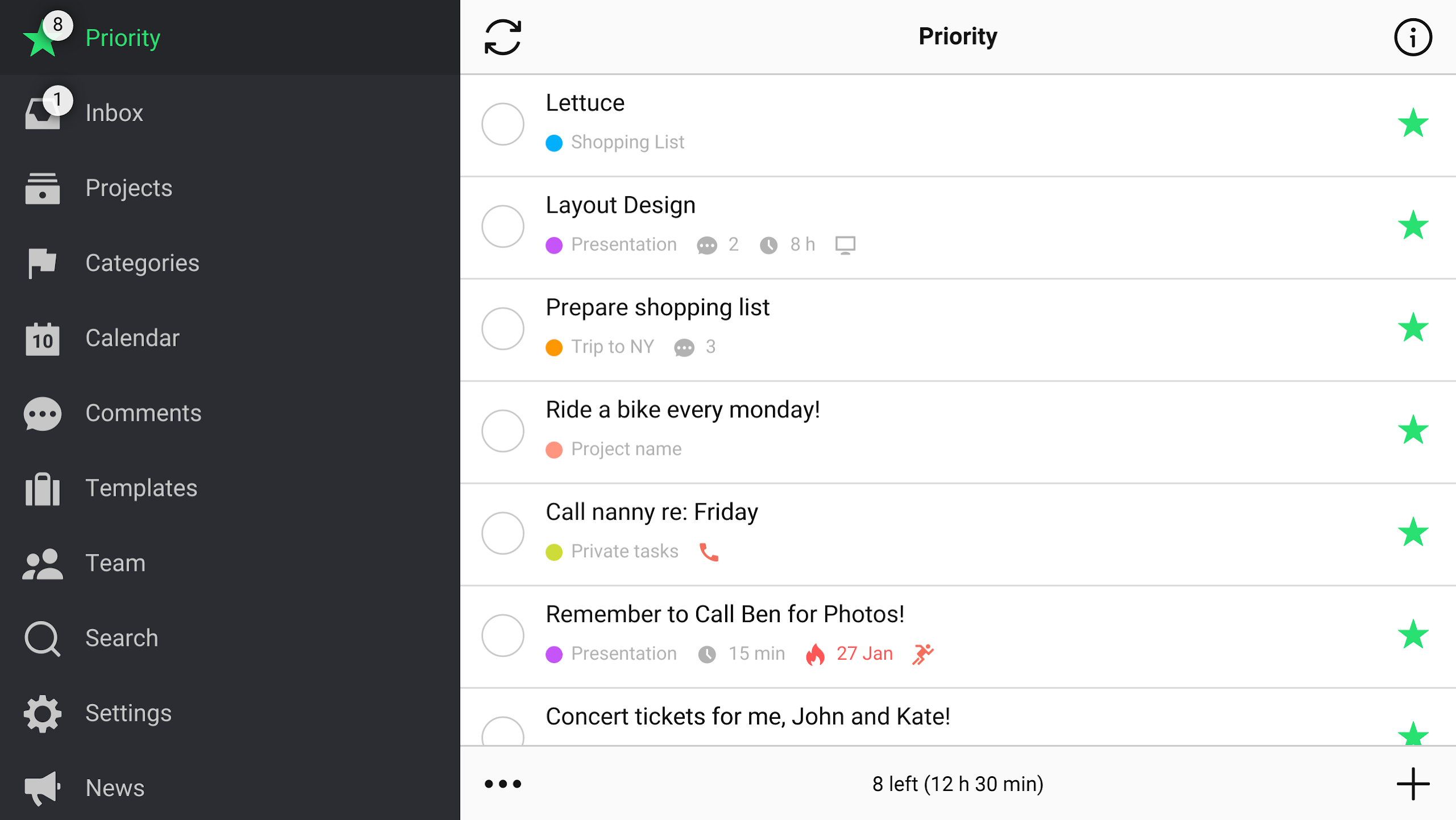
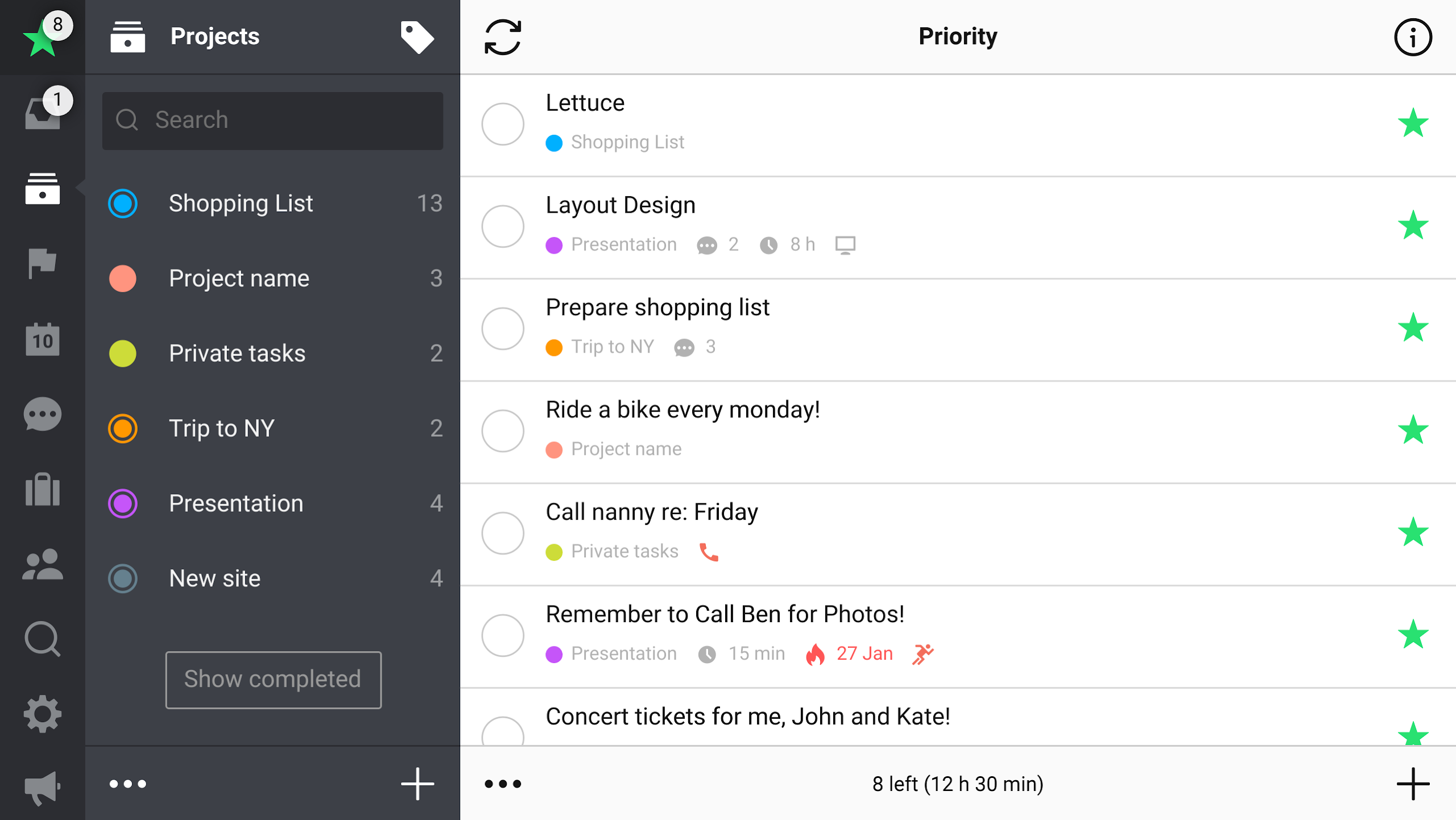
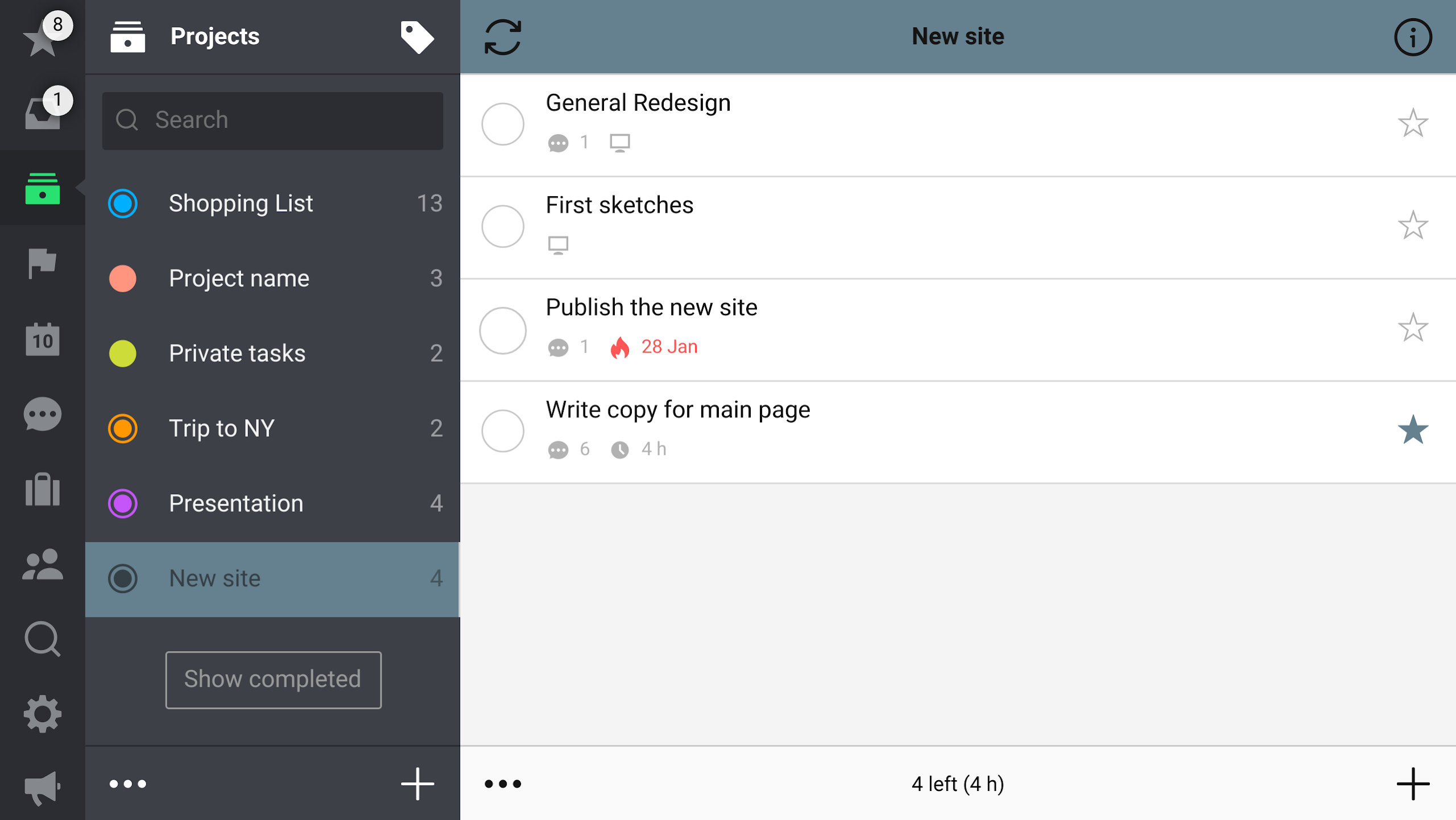
Don't allow tasks to clutter your mind; entrust them to the reliable Nozbe Classic system. You can add tasks from any location, arrange them into projects, prioritize essential tasks with a star, and schedule activities for later completion. Utilize categories or contexts to group tasks together and boost your productivity.
✔️📗 TRACK YOUR PRODUCTIVITY
With Nozbe Classic’s Ratio and Productivity Reports, you can monitor, evaluate, and “gamify” both your personal and team productivity. Our highly regarded 10-Steps Productivity video course provides valuable insights and strategies.
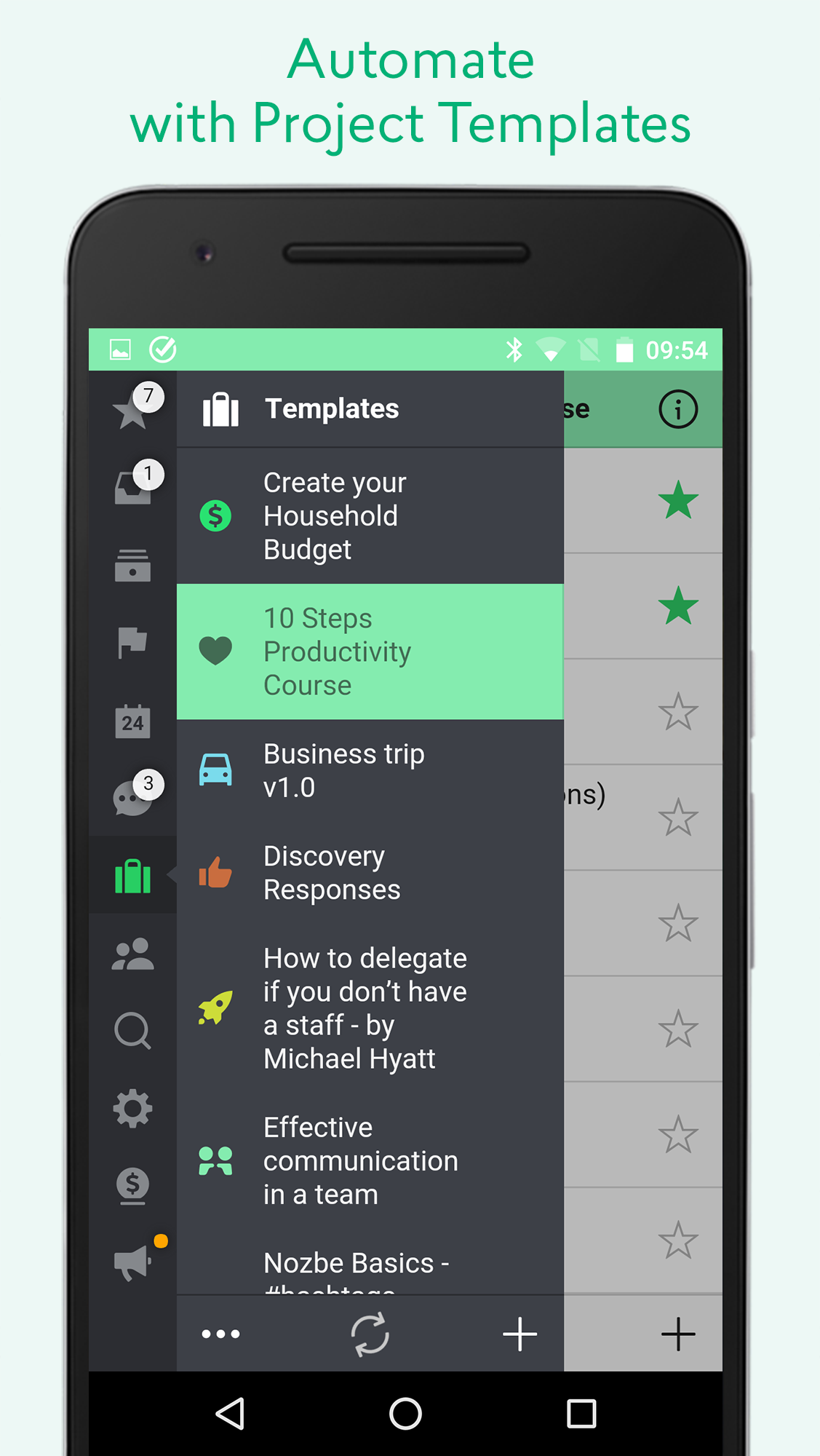
✔️🤖 STREAMLINE WITH PROJECT TEMPLATES
Document your workflows in Nozbe Classic as project templates. Initiate a new project seamlessly when a new opportunity arises. You also have the option to share your templates or explore those shared by the community of Nozbe Classic users.
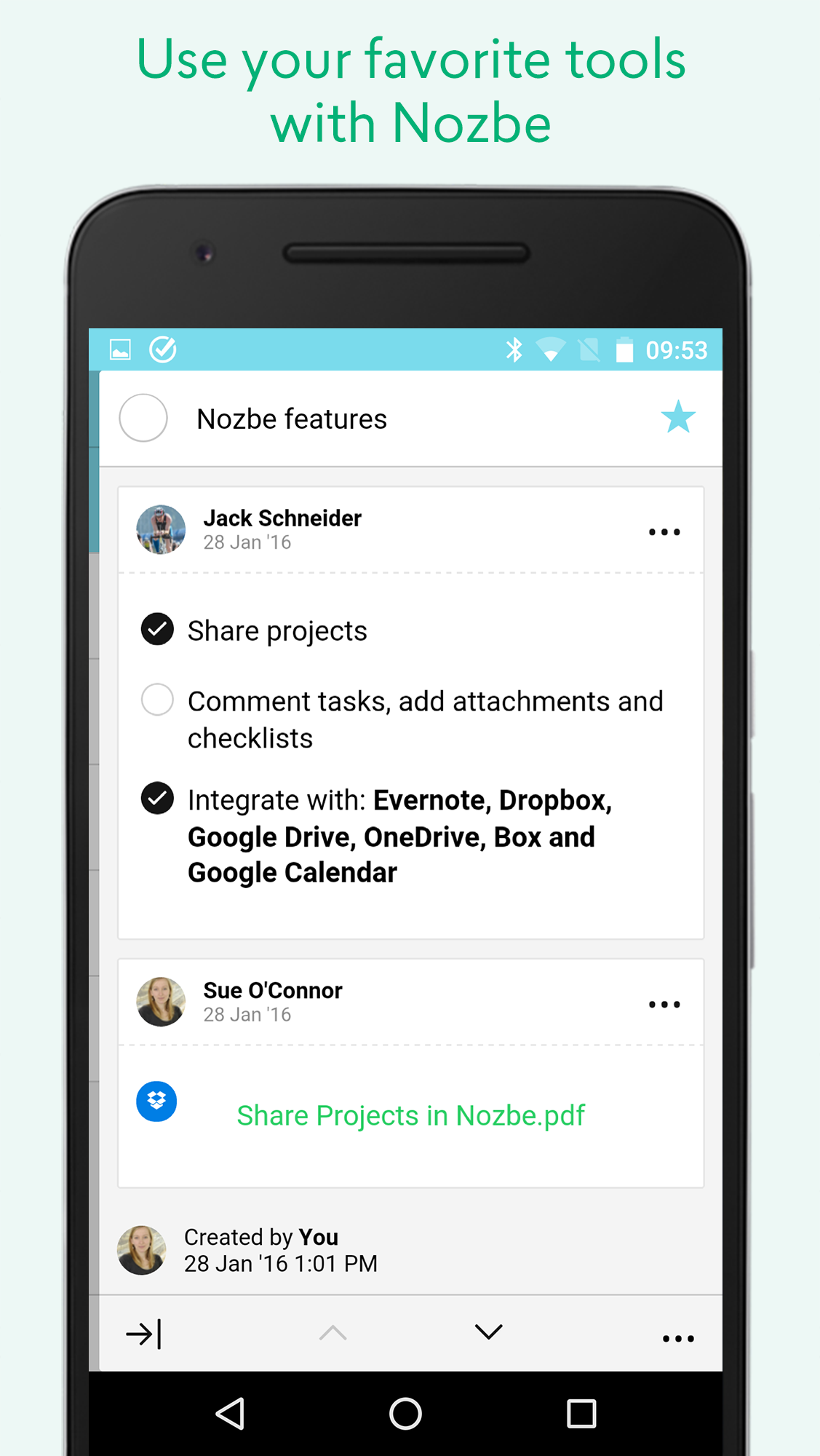
✔️🛠 INTEGRATE YOUR FAVORITE TOOLS WITH Nozbe Classic
Nozbe Classic enables bi-directional synchronization of task due dates with:
📆 Google Calendar.
You can comment on tasks using:
🗒 Evernote notes
📂 Dropbox files
📂 Google Drive files
📂 OneDrive files
📂 Box files
✔️📥 CAPTURE TASKS WITH EASE ANYWHERE
- Quickly add tasks using #hashtags
- Make emails actionable by adding tasks with parameters and comments directly via email
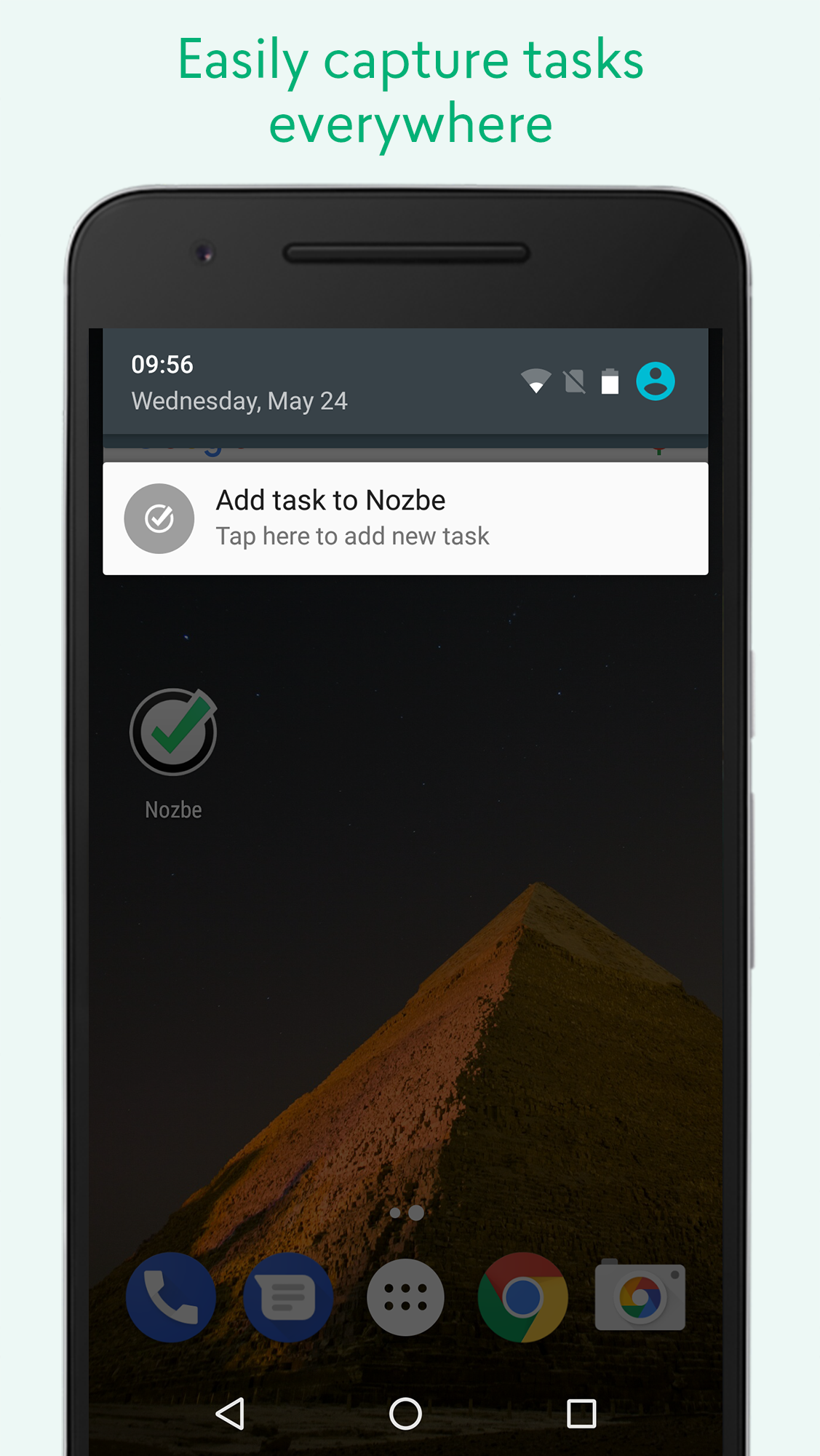
- Use the persistent “Quick Add” notification from the notification panel or quick settings tile
- Access from a widget
- Share from other applications through the Share menu
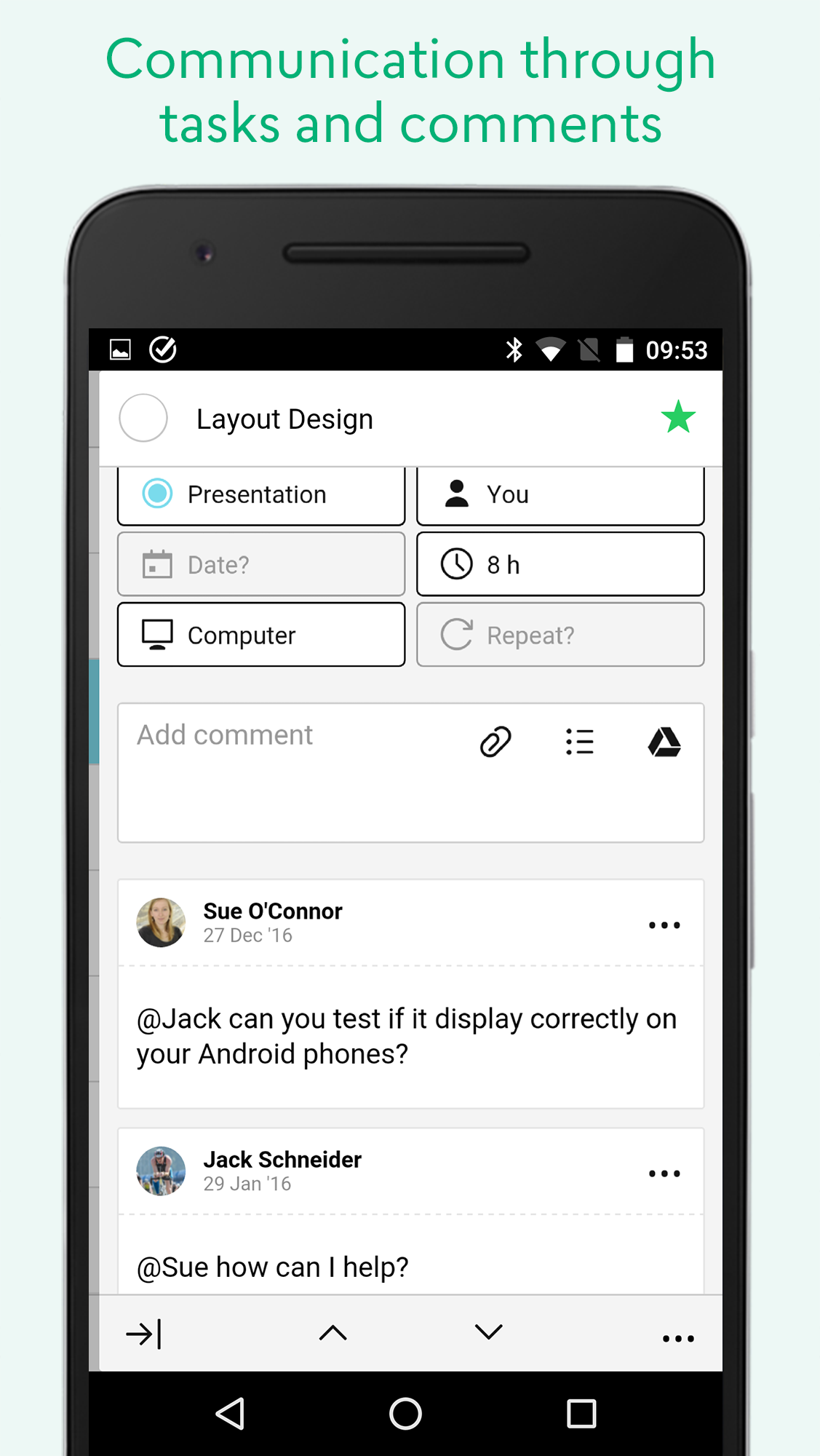
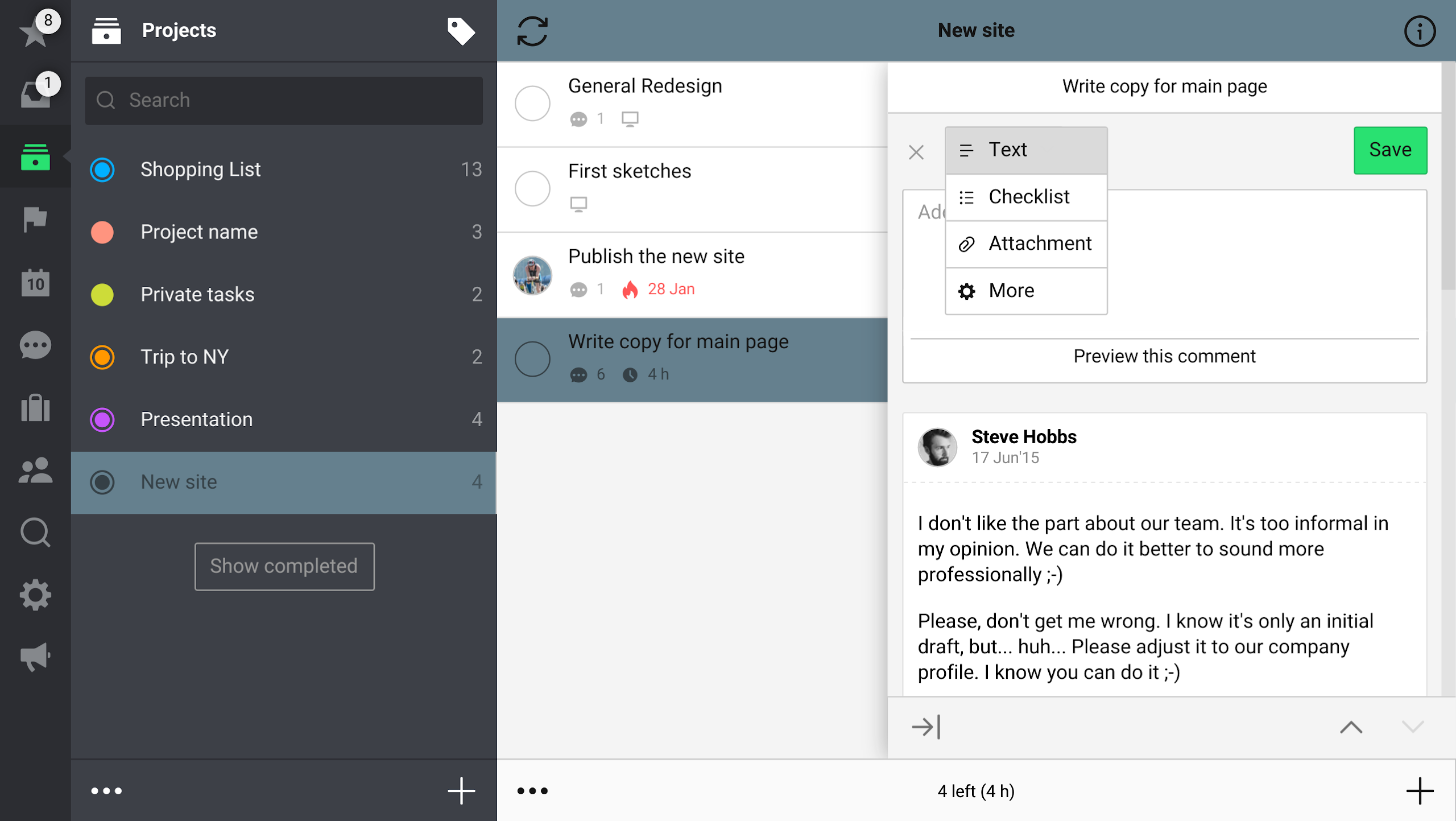
✔️🗣 ENHANCED COMMUNICATION THROUGH TASKS AND COMMENTS
You are not alone! Collaborate on projects and engage in effective communication through tasks.
Eliminate the hassle of emails, CCs, and forgotten attachments. With Nozbe Classic's shared project feature, your team's communication and accountability will be straightforward and less distracting. Focus more on completing tasks rather than managing them.
Easily add comments to each task in various formats - including text, checklists, photos, and documents - while utilizing Google Drive and popular cloud storage services.
“I want to share that I’ve been using Nozbe Classic with my virtual team since starting my new job. The ability to comment, share project features, and the syncing speed are excellent! It has greatly benefited team collaboration… one team member even mentioned: Nozbe Classic works so effectively that I’m trying to persuade my other employer to adopt it.” - Mike StPierre
Nozbe Classic is available for free download and use for up to 5 active projects. To unlock Nozbe Classic Premium with unlimited project capacity or a version for 10+ users with enhanced collaboration features, navigate to Settings→Account.
Nozbe Classic Subscription Options:

• Nozbe Classic PREMIUM - Designed for busy professionals, offering unlimited projects, shared project capabilities, and unlimited storage.
• Nozbe Classic PREMIUM for teams of 10 or more - Tailored for expanding teams and businesses, featuring additional shared project functionalities, comprehensive productivity reports, and dedicated premium support.
FAQs
1. **Q: What is Nozbe Classic mainly used for?**
**A:** A project and task management tool that helps individuals and teams integrate information, manage tasks, and collaborate, eliminating communication chaos and improving work efficiency.
2. **Q:** Who is it suitable for?
**A:** Remote teams, small and medium-sized enterprises, and independent users who need to manage work and personal affairs.
3. **Q:** Does it support multiple devices? Can it be used offline?
**A:** Supports web browsers, Android phones, Apple phones, and tablets. It can be used offline and automatically syncs data when connected to the internet.
4. **Q:** Can it integrate with other tools?
**A:** Yes, it can sync Google Calendar task deadlines bidirectionally and can also connect to Evernote and various cloud storage files to facilitate task collaboration.
5. **Q:** What are the limitations of the free version?
**A:** The free version supports a maximum of 5 active projects. Unlocking unlimited projects, team collaboration, and other features requires upgrading to the paid version.
6. **Q:** What types of paid versions are available? **
**A:** There are two versions: a Premium version for professionals and a dedicated Premium version for teams of 10 or more, which includes more comprehensive collaboration and support services.
- Version3.26.1
- UpdateOct 21, 2026
- DeveloperNozbe.com
- CategoryProductivity
- Requires AndroidAndroid 7.0+
- Downloads167K+
- Package Namecom.nozbe.mobile
- Signatureeac28fb634a641830b654409094b5ca9
- Available on
- ReportFlag as inappropriate
-
NameSizeDownload
-
6.70 MB
-
6.67 MB
-
6.67 MB

















Improved scheduling and monitoring
Helps stay productive with the GTD method
Streamlined organization process in one place
Highly customizable with integrations
Strong cross-platform functionality
Excellent customer service support
Increases productivity and decreases stress
Regular updates and new features added
Slow app launch times
High battery consumption
Limited free version features
Occasional sync issues and app freezing
Lack of advanced visualization tools
UI glitches and bugs reported
Restrictions on project management for free users
Difficulty accessing premium features after trial period