
Book Cover Maker Pro / Wattpad - Book cover creation & design
Unleash your creativity with a user-friendly app for designing beautiful, professional book covers in minutes!

- 3.0.3 Version
- 3.9 Score
- 141K+ Downloads
- Free License
- 3+ Content Rating

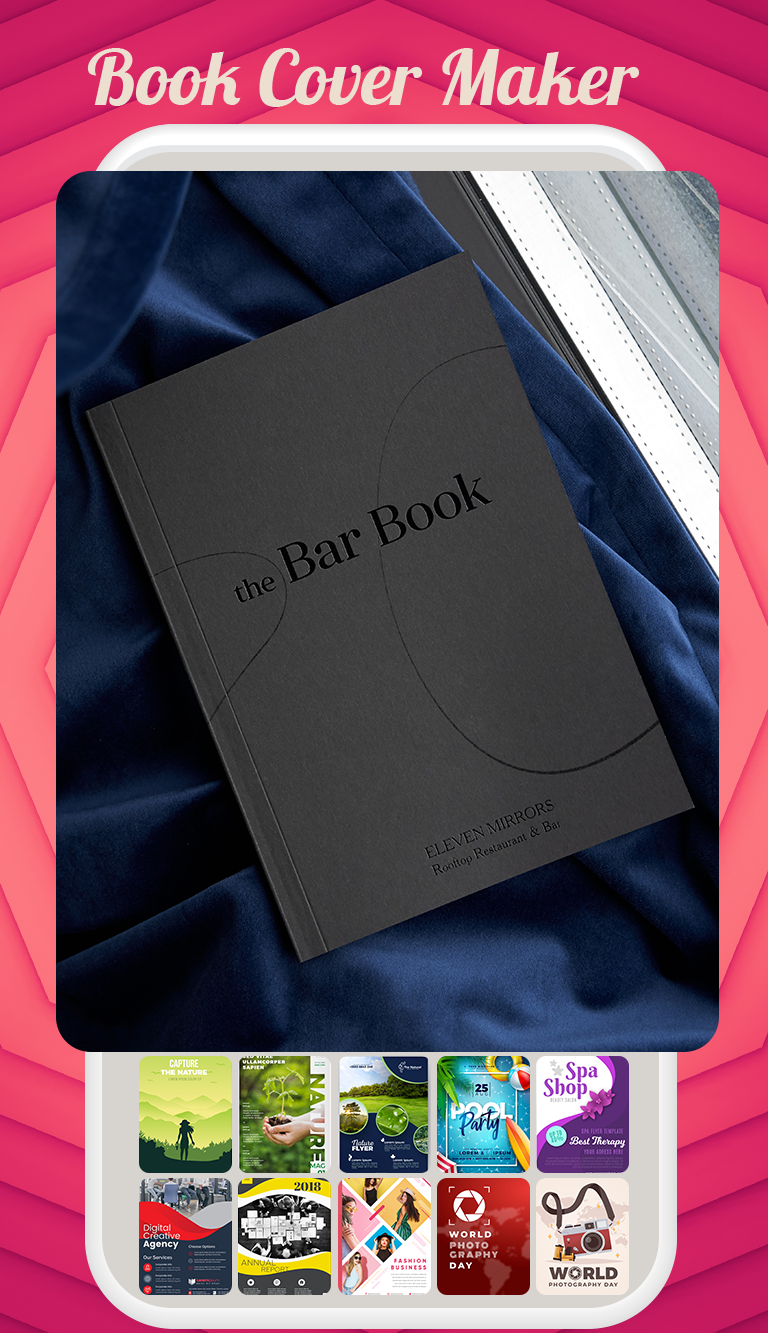
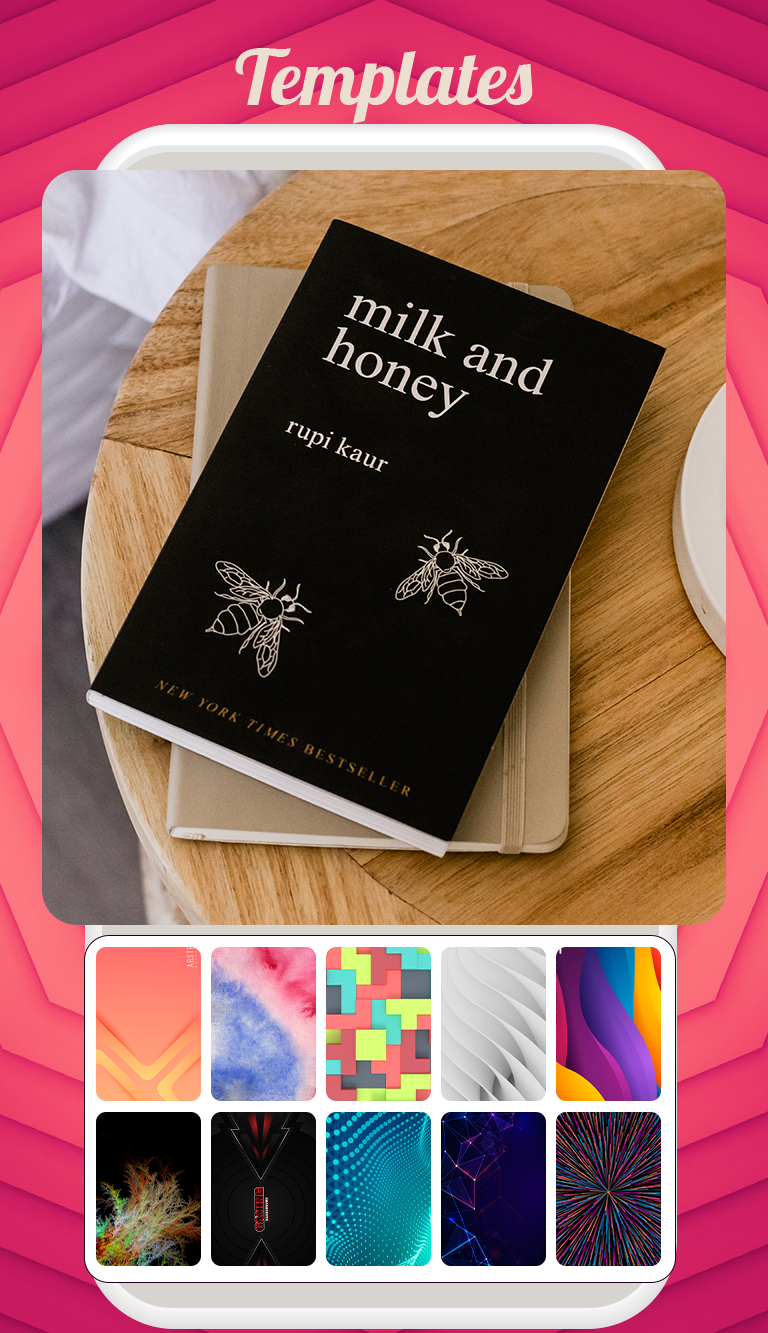
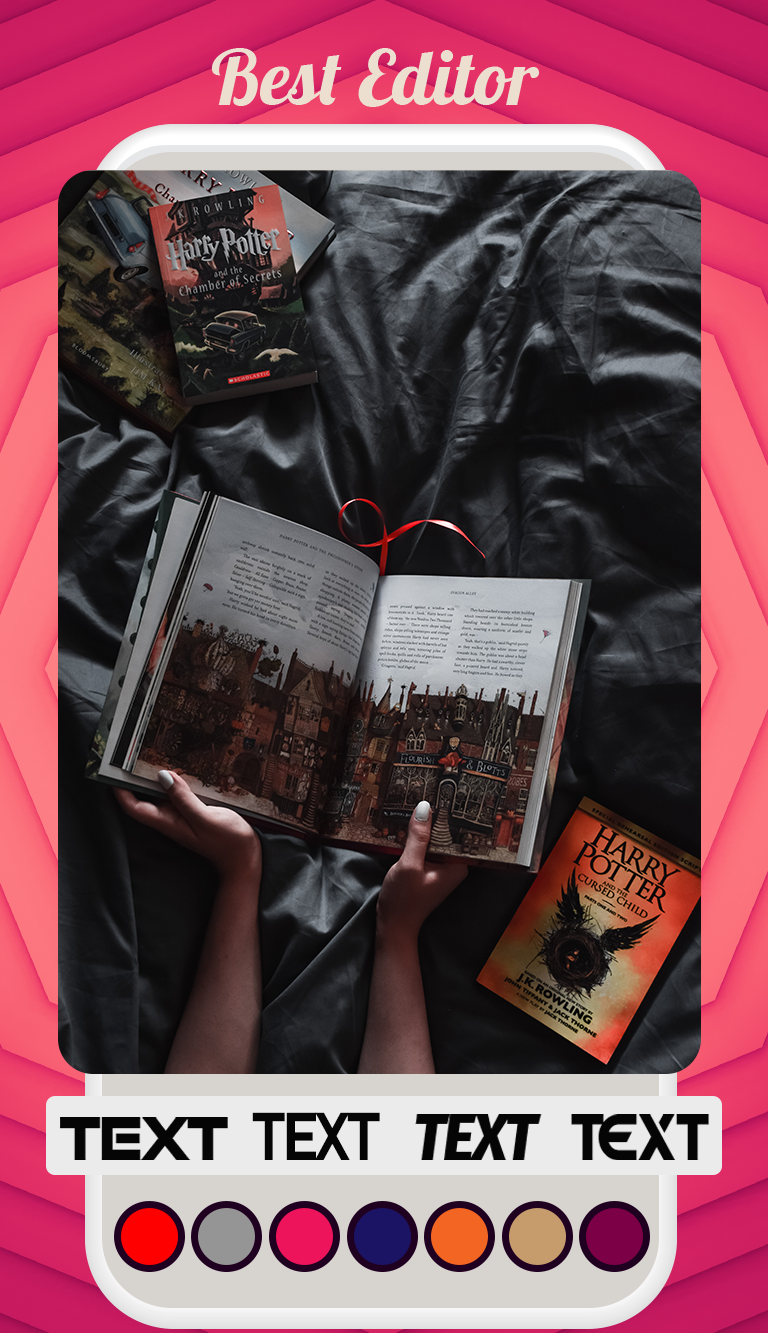
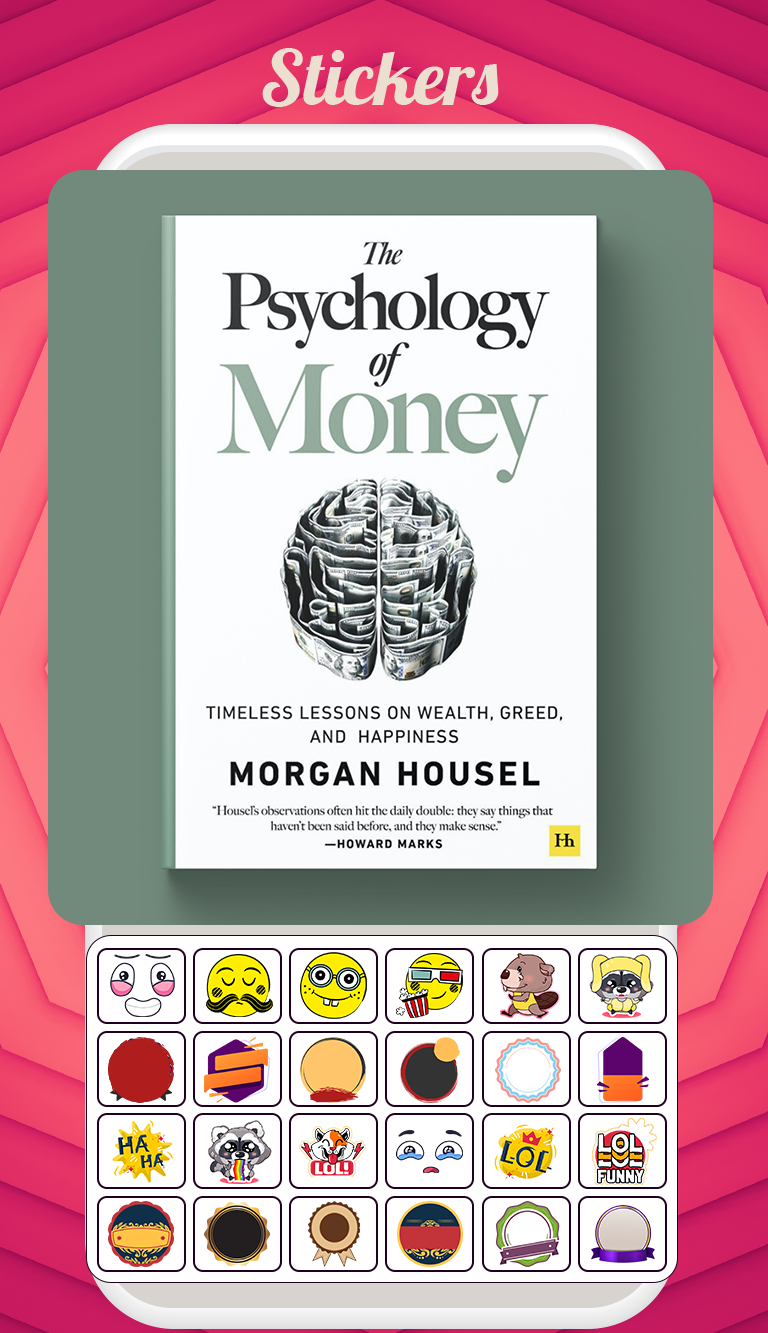
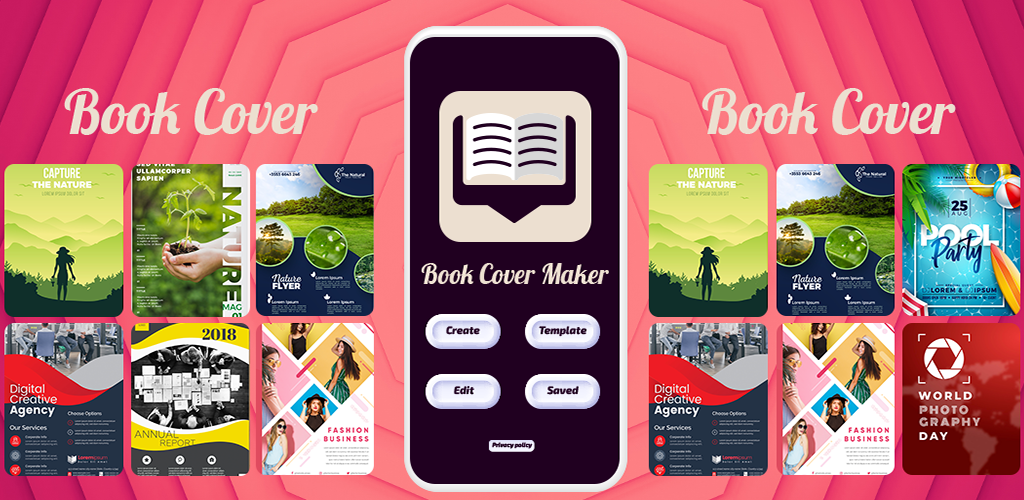
If you're in search of a book cover creation tool, look no further – this application is perfect for you.
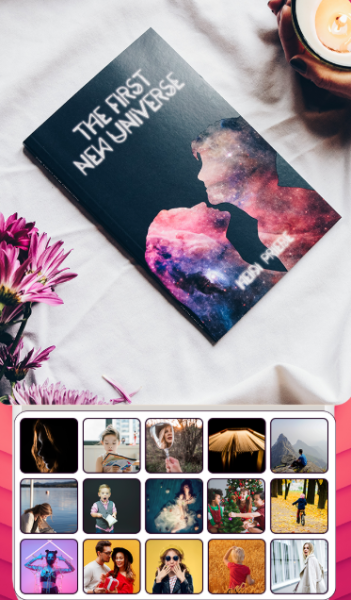
Features:
- Completely free of charge
- this app allows you to design covers without any in-app purchases. You can craft highly professional-looking covers with remarkable ease.
- No specialized design abilities are required; simply select your preferred background template, add elements,and type your text. In just moments, you'll have a beautifully designed book cover. The Book Cover Maker app is
- loaded with a wealth of free resources, featuring over 300 templates, a vast collection of complimentary items, and much more.
- Whether you need a cover for fantasy, mystery, horror, or romance, you’ll find it all here.
- The covers are organized into 17 categories, each offering high-resolution background options.
- Select your desired category and create your cover within minutes.
- “Magazine Cover Studio” features an innovative photo editing tool that includes various exciting effects.
- You can place magazine cover stickers on your photos, making it feel like a magazine has featured your picture on its cover, turning you into a local celebrity. These edited images can also serve as profile pictures on your social media accounts.
Cover Background Categories:
• Abstract
• Animal
• Art
• Beach
• Birds
• Flowers
• Green
• Happy
• Kids
• Landscape
• Lights
• Love
• Old
• Party
• Pattern
• Sky
• Space
• Travel
With the Book Cover Maker App, you can design:
• Wattpad Covers (fully compatible with Wattpad)
• Kindle eBook Covers
• Other eBook Covers
• Print-Ready Book Covers
• eMagazine Covers
• Over 600 free items
• Eye-catching background templates
• More than 500 free logos
Highlights:
- EASILY CREATE: All the necessary powerful and user-friendly editing tools are at your disposal, including resize, font modification,color adjustments, alignment, layer organization, and more. Modify images, text, and icons however you prefer.
- FREE IMAGES, ICONS, & FONTS: Say goodbye to spending money on packs like other applications, where costs can soar up to $10 per image or icon.The Book Cover Maker app provides stunning royalty-free content that is available for you to use freely without any licensing concerns!
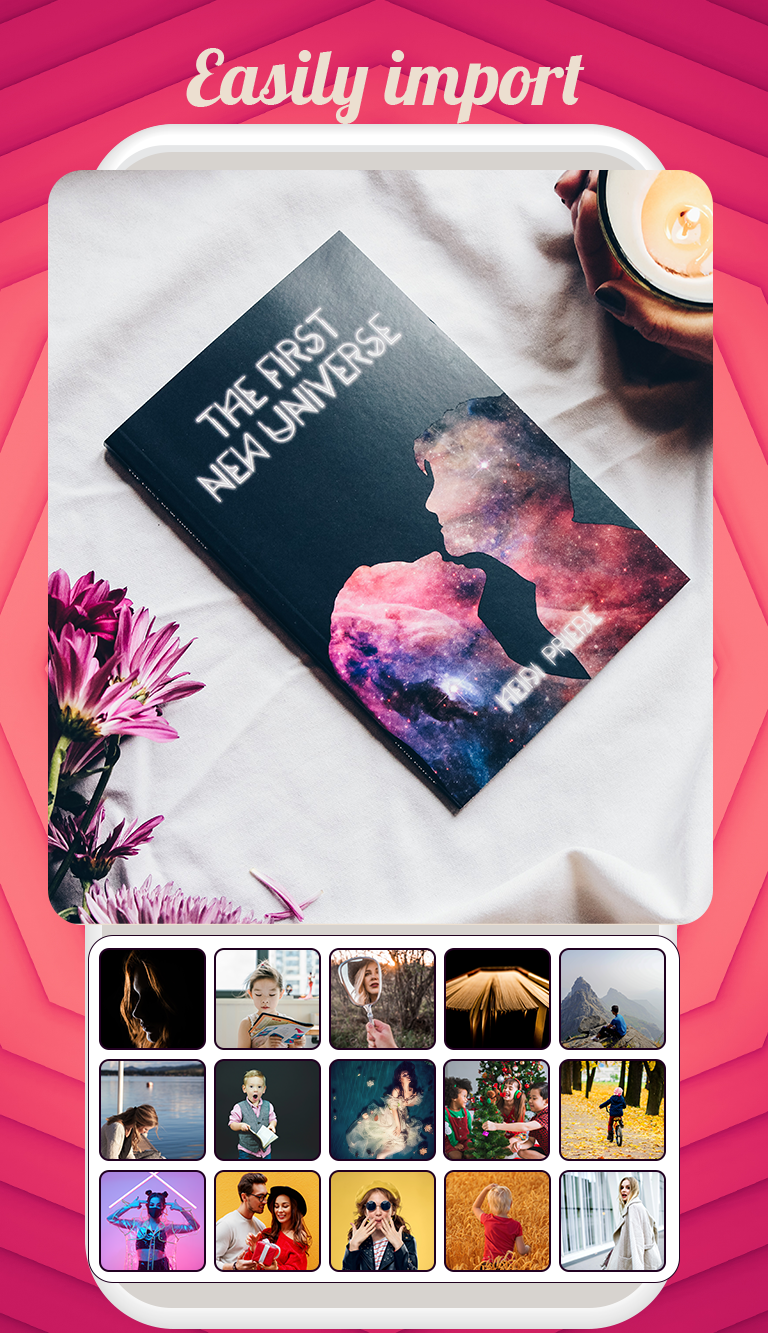
- UPLOAD YOUR OWN IMAGES: Import content directly from your camera roll, social media platforms, and storage devices.
- DOWNLOAD & SHARE FREE OF CHARGE WITHOUT WATERMARKS: There are no hidden fees! Everything you create with the Book Cover Maker
app is yours to utilize as you desire.
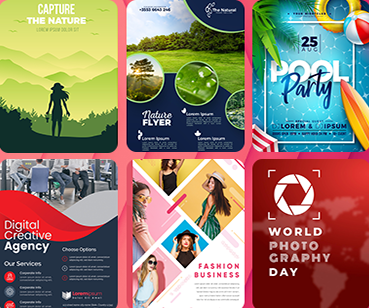
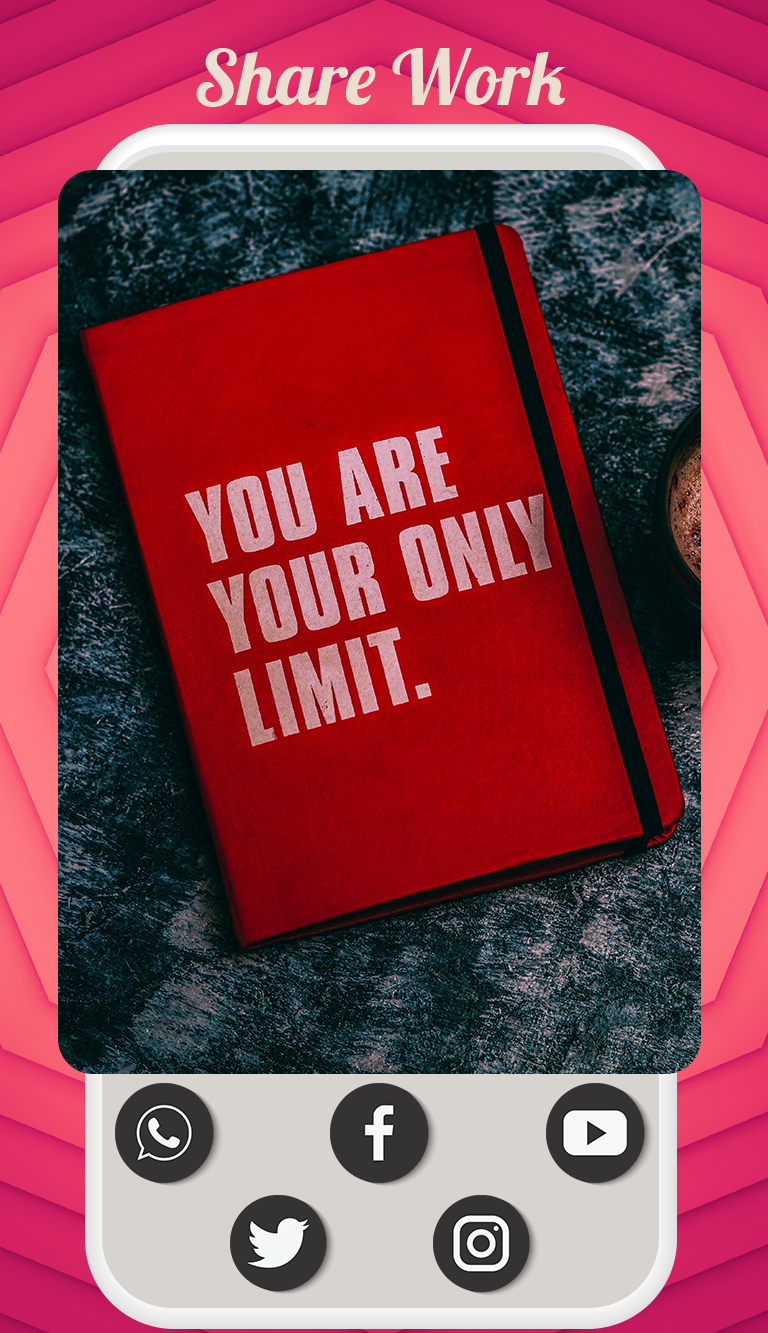
– Share designs via email, Instagram, Facebook, Twitter, and more.
– Download in JPEG or PNG formats.
– Print from your phone in just seconds.
Target Audience:
1. **Creators with Zero Design Experience:** Individuals who want to quickly create novel or ebook covers but lack professional design skills.
2. **Platform Content Creators:** Cover creators who need to adapt covers to the screen sizes of platforms like Wattpad and Kindle.
3. **Users Seeking Free and Copyright-Free Covers:** Creators who want to use free materials and commercially exploit them without copyright risks.
4. **Users with Personalized Needs:** Individuals who enjoy using their own photos as cover backgrounds to create custom designs.
5. **Users with Multi-Scene Design Needs:** Users who need to create book or magazine covers, or social media profile pictures.
Related Questions and Answers:
1. **Can I use this app to create a professional-looking book cover with no design experience? **
Yes. The app doesn't require professional design skills. The core operation is "select a template, add elements, and enter text"—first, choose a background that suits your style from over 300 high-resolution templates, then add a free icon and adjust the font and color of the text—all in a few steps. The templates themselves have been optimized, so even beginners can use ready-made resources to create a professional-looking cover.
2. **I want to create a cover for a Wattpad novel. Will the app adapt to the platform's size requirements? **
Yes. The app explicitly supports "Wattpad cover" design. The templates and editing tools provided will default to the Wattpad platform's size specifications, eliminating the need for manual proportion adjustment. Similarly, there are corresponding adaptation options for Kindle e-book covers and printed book covers, avoiding the issue of "covers being cropped after uploading."
3. **Will covers designed using the app be watermarked when downloaded or shared? **
No. The app supports "free download and sharing without watermarks." Whether you export to JPEG/PNG format and save it to your phone, or share it directly to platforms like Instagram and Facebook, the finished product will not have the app logo or watermark, making it suitable for direct publishing or printing.
4. **I want to use my own photos as cover backgrounds. Can I upload them to the app? **
Yes. The app has an "Import Your Own Images" feature, allowing you to directly select photos from your phone's camera roll, social media, or storage devices to use as cover backgrounds or elements. For example, you could use a landscape photo you took as a background for a novel cover, giving the design a more personalized feel.
5. **Will there be any copyright issues if the images and icons in the app are used commercially (such as publishing a paid e-book)? **
There are no copyright risks. All images, icons, and fonts provided by the app are "royalty-free," explicitly allowing users to use them for a variety of purposes, including commercial purposes (such as publishing a paid e-book or creating a paid magazine cover), without having to purchase additional copyrights or worry about copyright infringement.
6. **Besides book covers, can I use them for magazine covers or social media profile pictures? **
Yes. The app not only allows you to design book/e-book covers, but also supports creating digital magazine covers. Furthermore, its "Magazine Cover Studio" feature lets you add magazine cover stickers to photos, creating a magazine cover-like effect. This makes it suitable for social media profile pictures or promotional images, offering a wide range of uses.
- Version3.0.3
- UpdateOct 22, 2026
- DeveloperDesign Matrix
- CategoryProductivity
- Requires AndroidAndroid 4.4+
- Downloads141K+
- Package Namedesignmatrix.bookcovermakerpro
- Signature13ebdf121630286267edfae8039822e0
- Available on
- ReportFlag as inappropriate
-
NameSizeDownload
-
44.59 MB
-
36.28 MB
-
41.74 MB













Easy to use with a user-friendly interface.
Wide variety of fonts and design templates.
Enables customization of colors, sizes, and images.
Offers free icons and pictures for cover creation.
Allows for quick edits and modifications to covers.
Smooth installation process.
Has unique photo editing tools and effects.
Useful for both casual users and professional authors.
No in-app purchases required, making it completely free.
Limited options for uploading personal images as backgrounds.
Frequent ads that disrupt the user experience.
No option to save or edit previously created projects.
Glitches that can lead to loss of work.
Inability to customize the cropping shape of images.
Lack of more advanced features for professional design work.
Restrictive color customization options in certain features.
Occasional app crashes and loading issues.
No tutorial provided for new users to learn how to navigate effectively.