
QuickScan: Document Scanner - Scan & digitize documents
Transform your mobile into a powerful scanner with editing tools & seamless cloud integration for effortless document management
- 2.9 Version
- 1.3 Score
- 208K+ Downloads
- In-app purchases License
- 3+ Content Rating

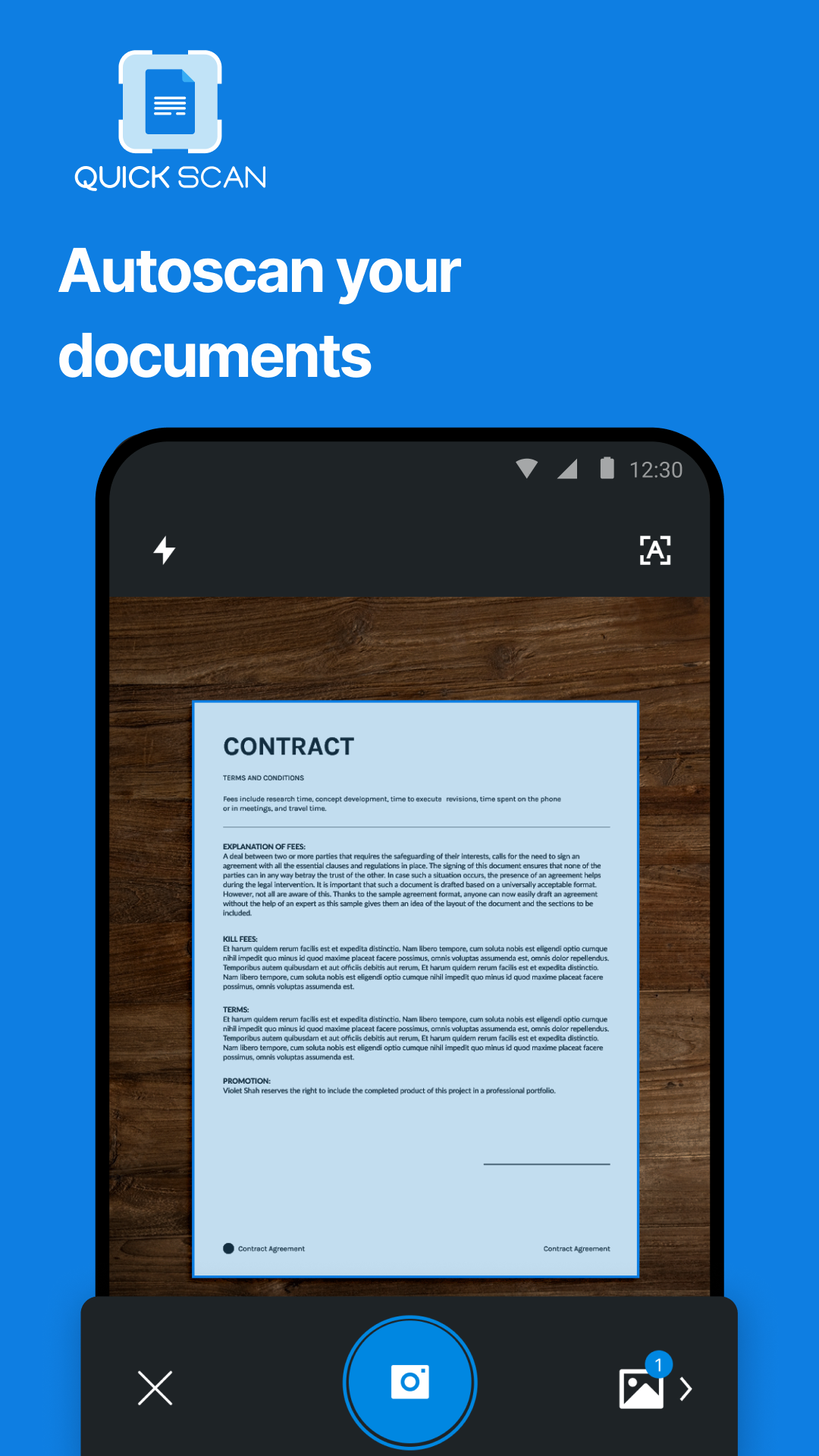
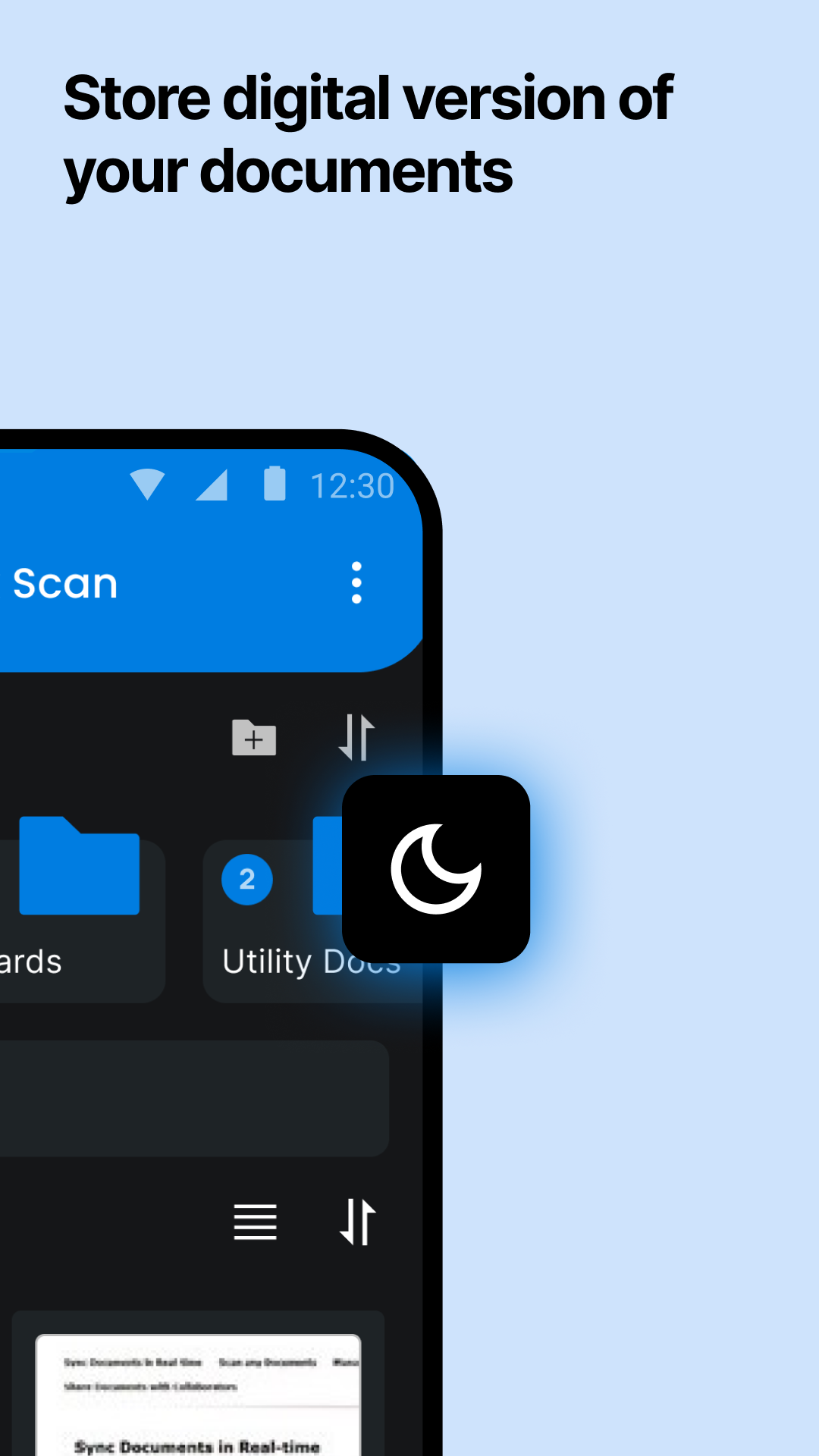
The Quickscan App available on Google Play is an efficient tool for scanning documents, enabling users to swiftly digitize them with their mobile devices.
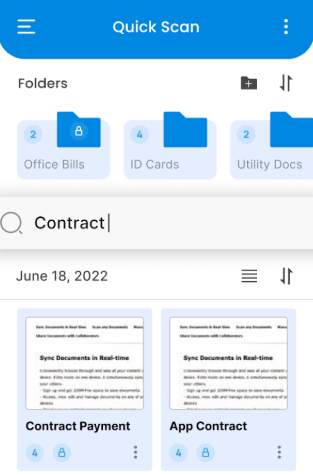
Thanks to its intuitive design and sophisticated functionality, the Quickscan App serves as an excellent choice for individuals seeking to streamline their document management tasks.
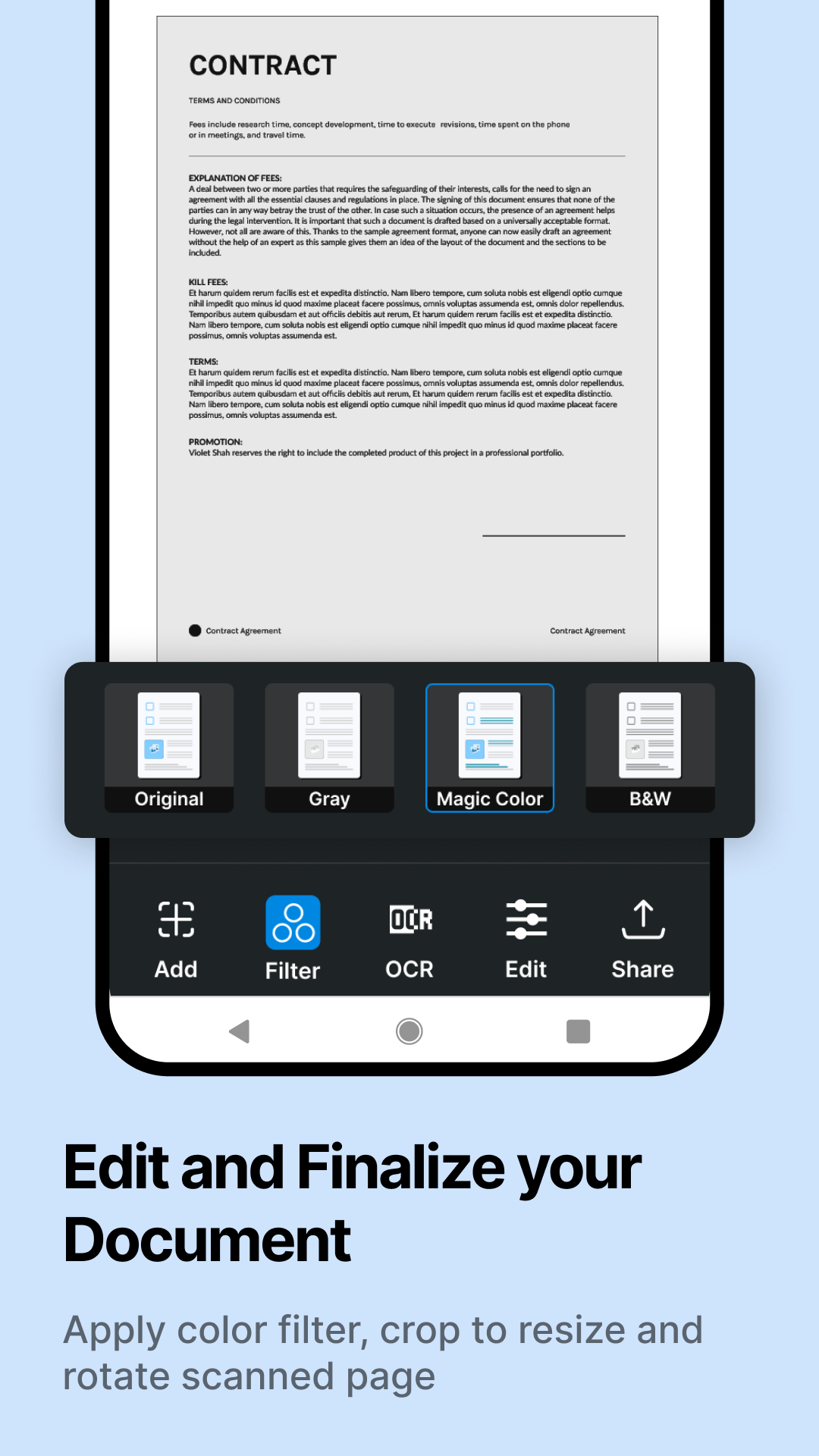
This app comes equipped with various editing features, allowing users to crop, rotate, and modify color settings of their scans. Additionally, it supports cloud storage options, making it easy for users to save and access their scanned files from virtually anywhere.
Whether you require a mobile scanner application, a PDF scanner, or a document scanning solution, Quickscan App on Google Play meets your needs. Its robust features paired with an easy-to-navigate interface make it an ideal companion for managing documents while on the move.
What we offer:
Document Scanning:
Quickscan is an effective and user-friendly PDF scanner app that will impress you, suggesting that it's the top free PDF scanner for documents. With fantastic functionalities, you can scan quickly anytime and save your outputs in image or PDF format utilizing our application.
Book Scanning:
Utilize this Document scanner app to scan books, novels, and magazines. The page scanning feature allows you to convert pages into PDFs and save your work in either image or PDF formats using the Android Doc scanner app.
ID Photo Scanning:
The photo scanning feature, along with the PDF document scanning capability including OCR, enables you to digitize and save your cherished photos effectively. This app facilitates converting images to PDF or JPG files seamlessly.
User-Friendly:
• Scan - Position the camera to scan the document
• Edit - Choose the relevant section of the document for conversion
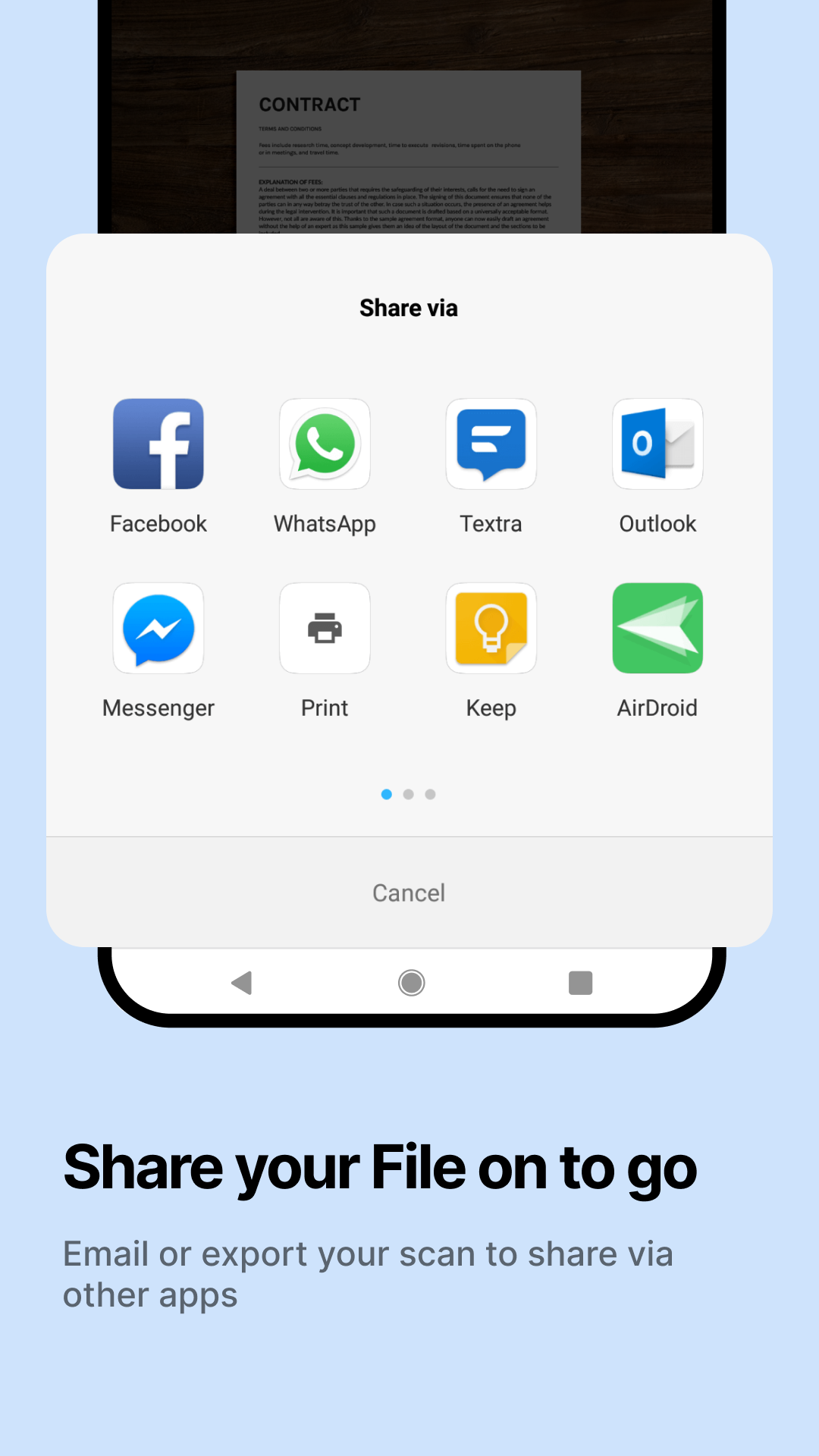
• Save & Share - Store your files as PDF or JPEG and easily share them with peers through email or save them in cloud storage.
Key Features of the PDF Scanner App - Document Scanner & PDF Scan:
• Automatically detects document edges and adjusts perspective accordingly.
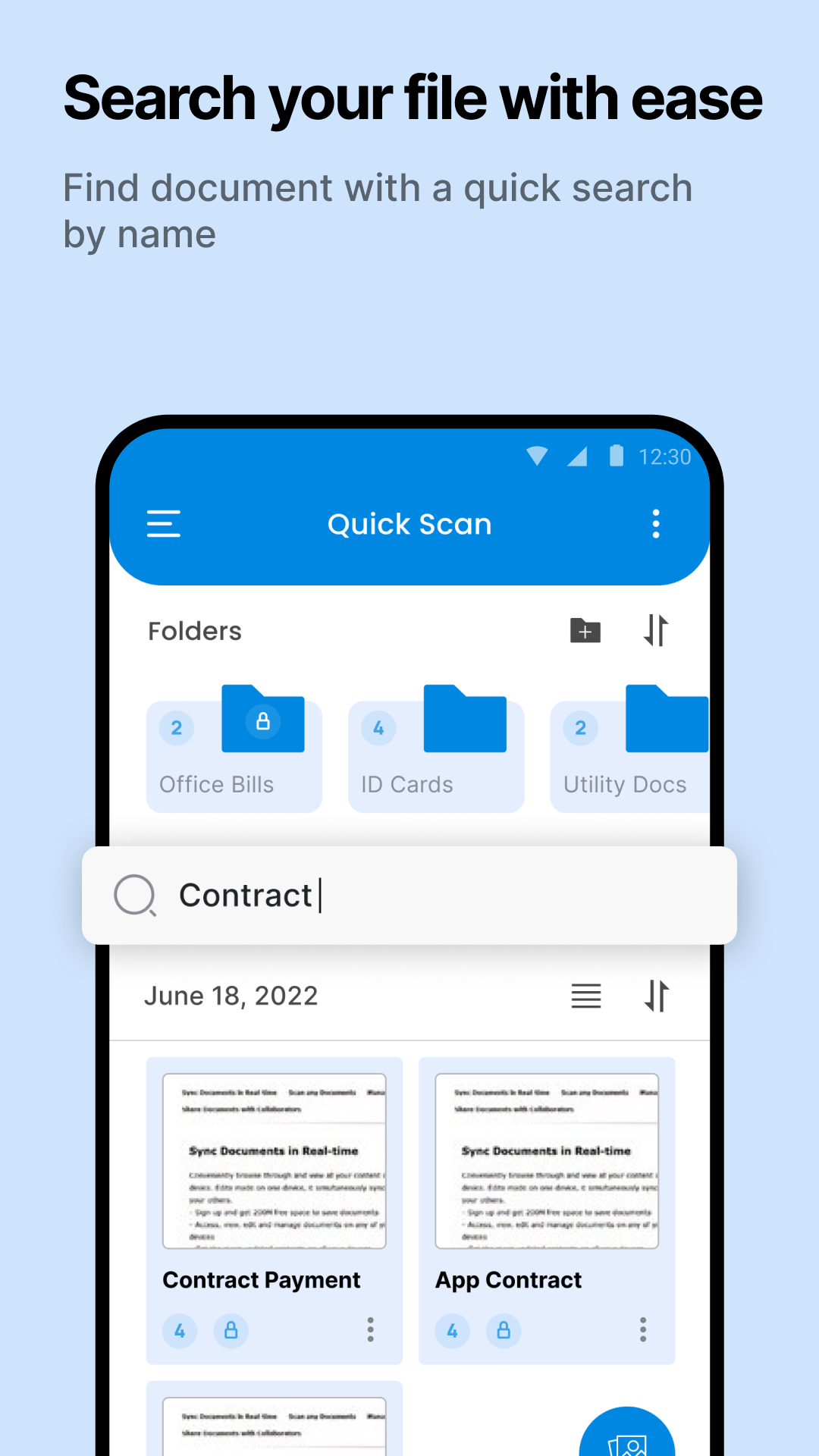
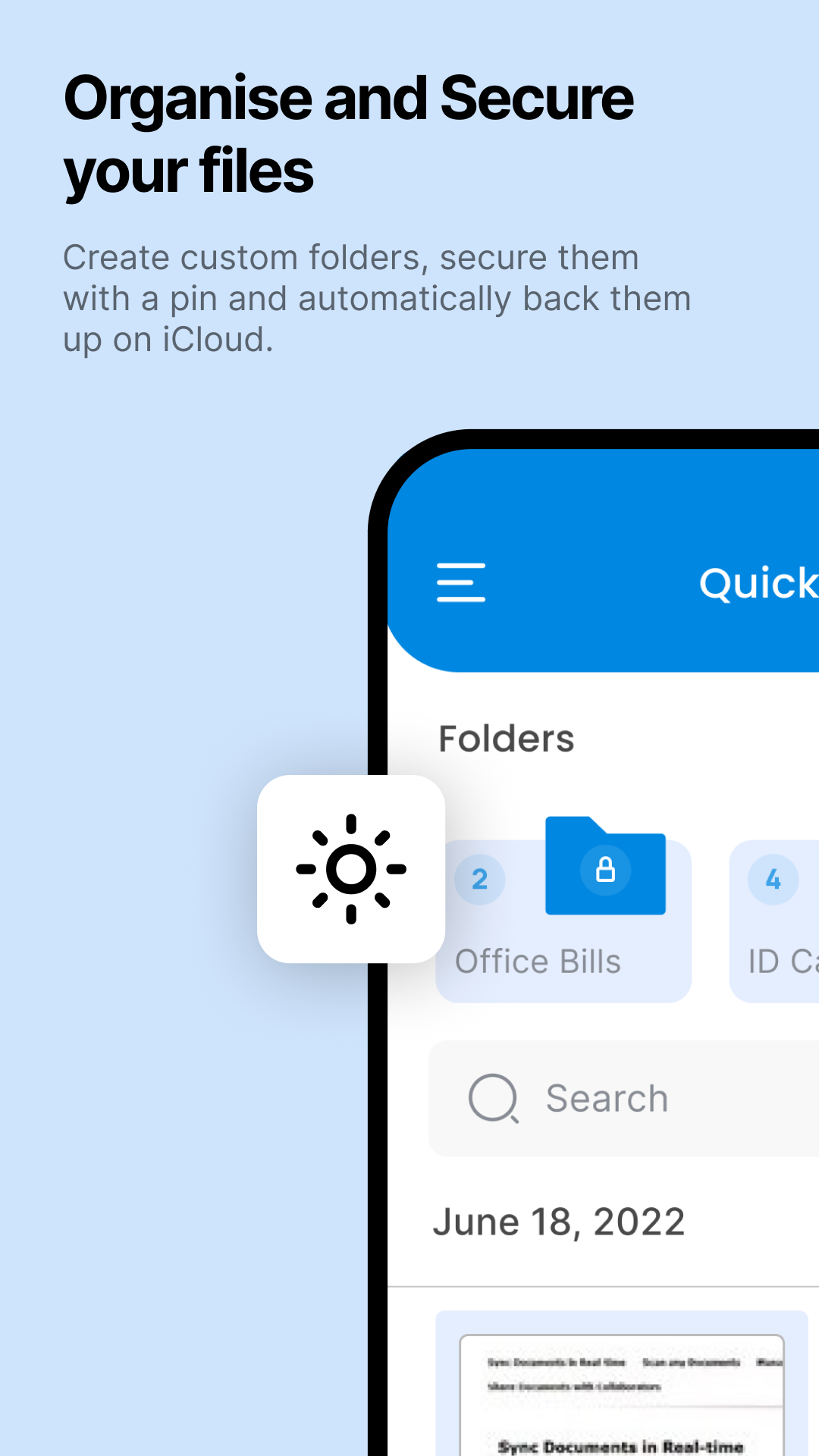
• Organize your files into folders and subfolders using the Document scanning application.
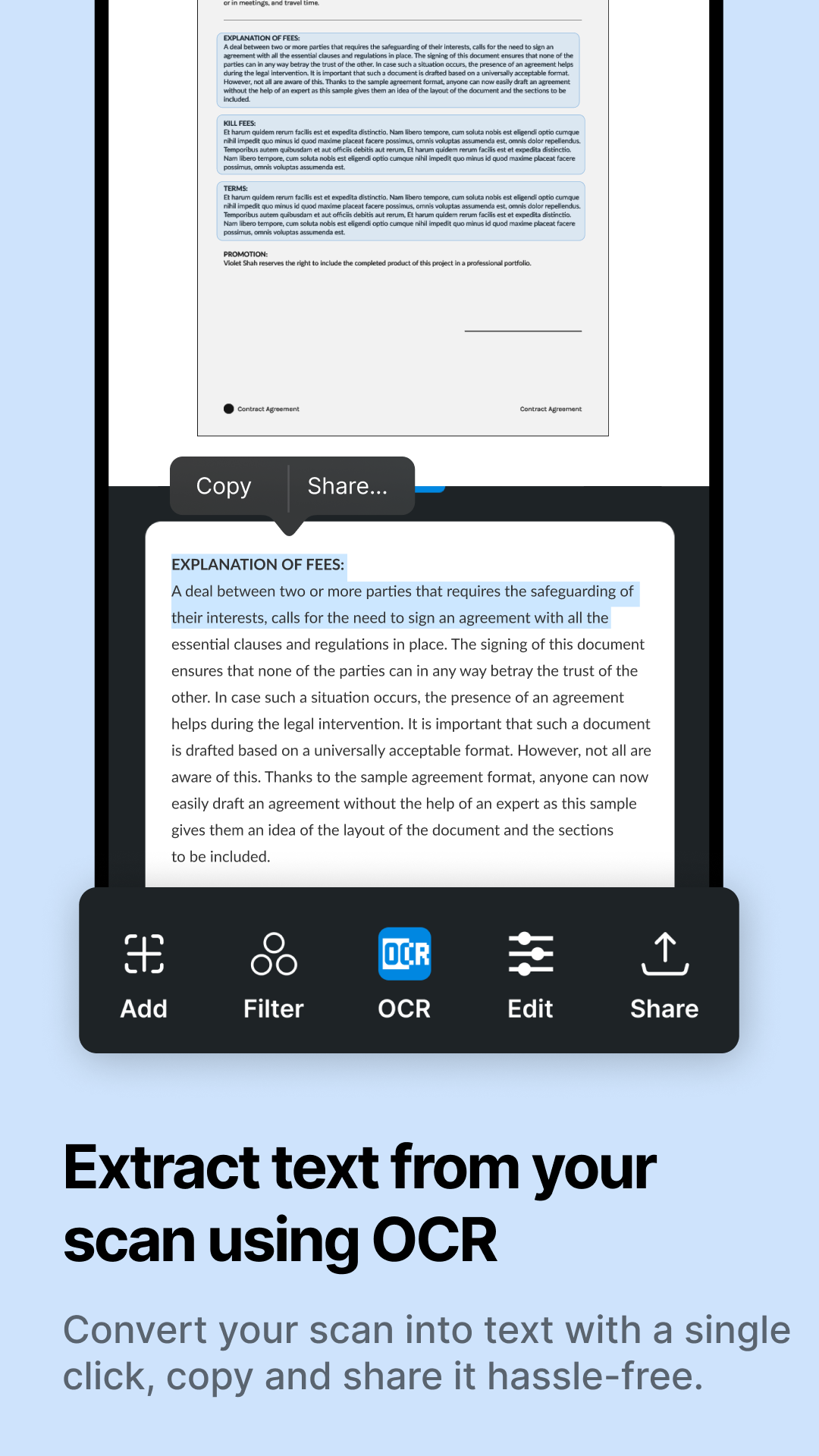
• Utilize OCR to extract text from images and convert these visuals into editable text.
• Create multi-page PDFs and scan directly to PDF via the PDF document scanner application.
• Efficiently manage and sort your files using the rapid scanner and digital scanning capabilities.
• Transform images to PDF files with the picture-to-PDF converter.
• Share your scanned files in PDF or JPEG formats easily with others using Quickscan App.
IN-APP SUBSCRIPTION:
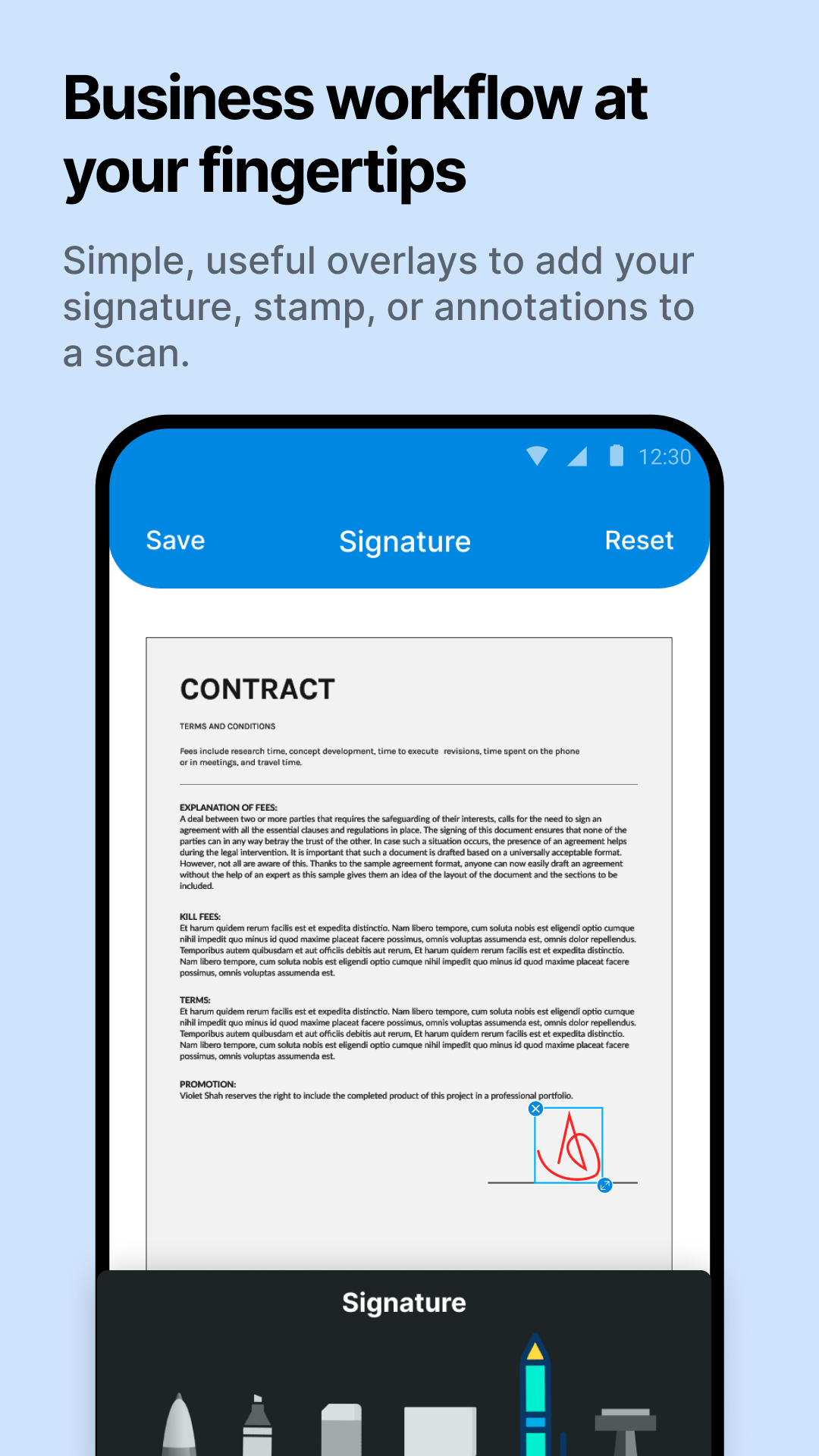
Enhance your scanning functionalities by subscribing to premium features. This subscription is compatible across numerous devices. By subscribing, you gain the ability to combine multiple scans into one file, utilize OCR for text extraction, sign and edit documents readily, and back up your scans on your device.
No matter where you are, effortlessly convert images and documents into high-quality PDF and JPEG formats with the finest free mobile scanning application available for download. Leveraging OCR technology, this scanner simplifies the digitization of books, business cards, and receipts while ensuring accessibility through the server. Trusted by millions worldwide, Quickscan is the preferred PDF converter that enables seamless sharing of your scanned documents.
App Experience:
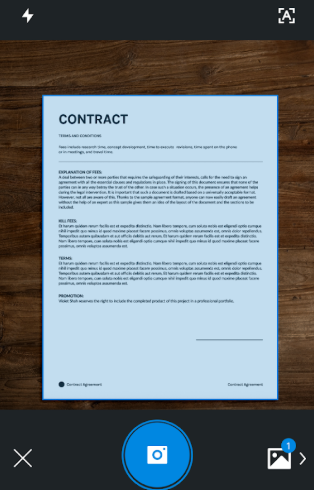
The Quickscan App is simple to use and practical in function. Simply open your camera to quickly scan various materials such as documents, books, and ID photos, and it automatically corrects document edges and angles. It supports editing such as cropping and color adjustment, and can also extract text through OCR to generate editable content. Scanned files can be saved in PDF/JPEG format for easy classification, cloud storage, and email sharing. Digitizing documents on your mobile device is efficient and worry-free.
FAQs:
Q: What can the Quickscan app scan? Besides regular documents, what else can it do?
A: It can scan a wide range of types. Basic documents are no problem, as are books, novels, and magazines (with page-by-page PDF scanning). It can even scan ID photos, business cards, and receipts. It can even digitize books.
Q: Can scanned files be edited? What can be modified?
A: Yes. It can perform basic cropping (e.g., trimming excess edges), rotate images, and adjust color settings. It also supports OCR for extracting text from images, converting scans into editable text, and can combine multiple scanned pages into a single PDF.
Q: How do I save and share scanned files?
A: For storage, it can be saved in PDF or JPEG format, with folders and subfolders for categorization. It also supports cloud storage for easy access. Sharing is simple, so you can email it directly.
Q: Does it automatically adjust the scan? For example, if the document is crooked or the edges are misaligned?
A: It will automatically adjust. It has the function of automatically detecting the edges of the document and correcting the perspective angle. Even if the document is a little crooked when it is photographed, or the edges are not aligned, it will automatically optimize it to a regular effect after scanning, without having to spend a lot of time manually adjusting it.
- Version2.9
- UpdateOct 23, 2026
- DeveloperTechnostacks Infotech Private Limited
- CategoryProductivity
- Requires AndroidAndroid 5.0+
- Downloads208K+
- Package Namecom.techno.quick_scan
- Signature59c08671f452e908c335a2e7fa0f794b
- Available on
- ReportFlag as inappropriate
-
NameSizeDownload
-
94.37 MB
-
88.78 MB












Free and easy to use
Convenient for quick signatures and dates
Fast and efficient document scanning
User-friendly interface
No watermark in the free version
Helps organize paperwork effectively
Allows signing documents on-the-go
Lightweight app with useful features
Provides a paperless solution
Issues with camera functionality
Subscription prompts upon first use without trial
Limited editing capabilities compared to other apps
Occasional force-closing problems
Can be frustrating to crop documents
Customer service complaints
Not suitable for all types of document filtering
May require additional features not provided by the app