
TwoNav 6: Routes and Maps - Smart navigation & tracking
Transform your smartphone into a dynamic navigation system for outdoor adventures, tailored to your favorite sports!

- 5.8.2 Version
- 2.6 Score
- 154K+ Downloads
- In-app purchases License
- 3+ Content Rating


About the TwoNav 6 App:
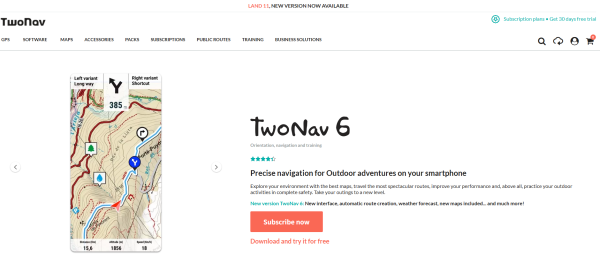
TwoNav 6: Routes and Maps is the official outdoor navigation app from TwoNav (CompeGPS Team S.L.). It turns a smartphone into a GPS navigation system for hiking, cycling, motor, water sports, and free-flight activities.
The TwoNav 6 app is not a simple city navigator — it is built for route planning, track recording, topographic/offline maps, roadbooks, live location sharing, and performance analysis.
Store-ready features:
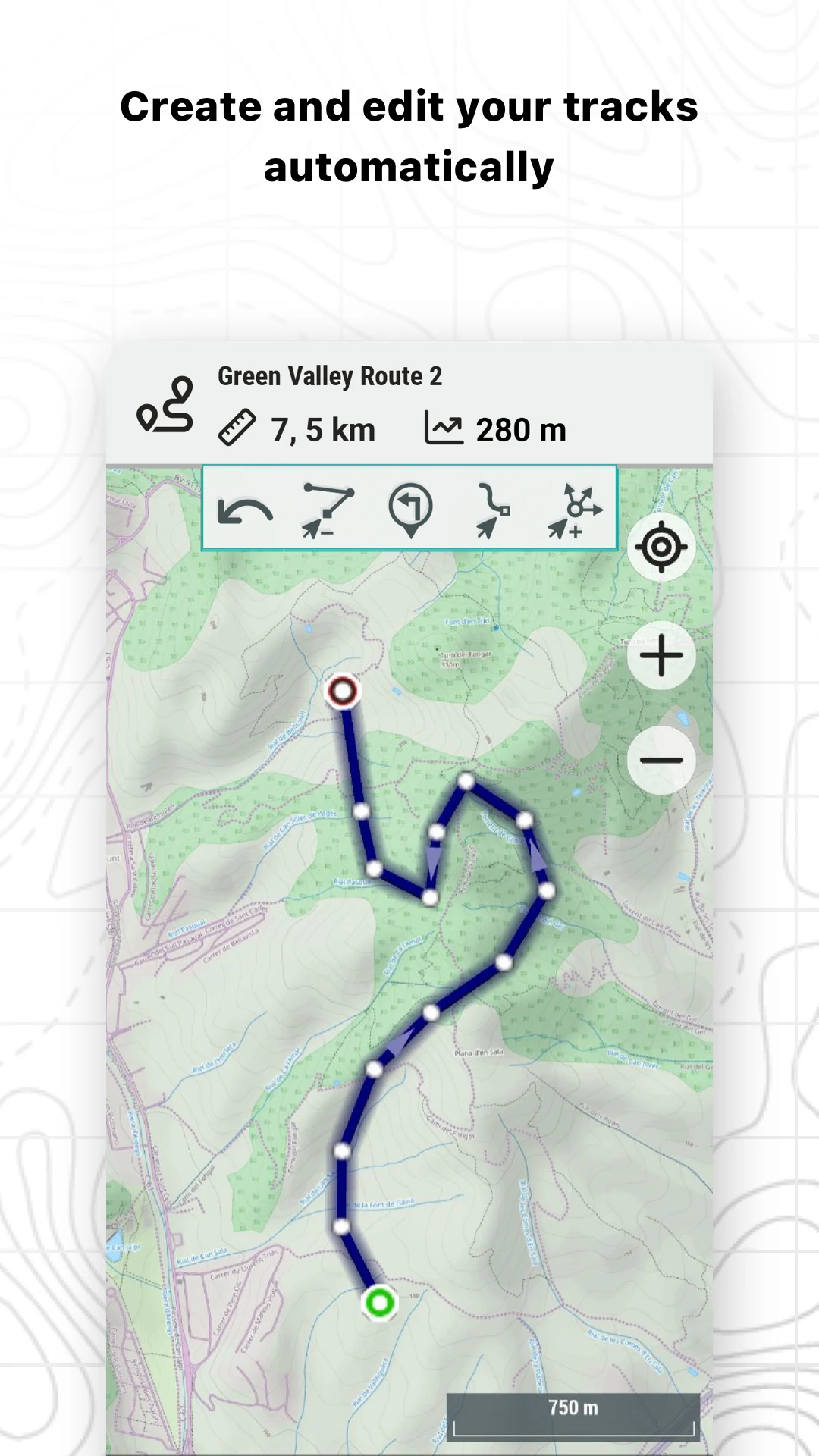
Route editor — FastTrack auto-routing, freehand drawing, point-to-point editing
Waypoints & roadbook points — name, icon, description, photos/videos
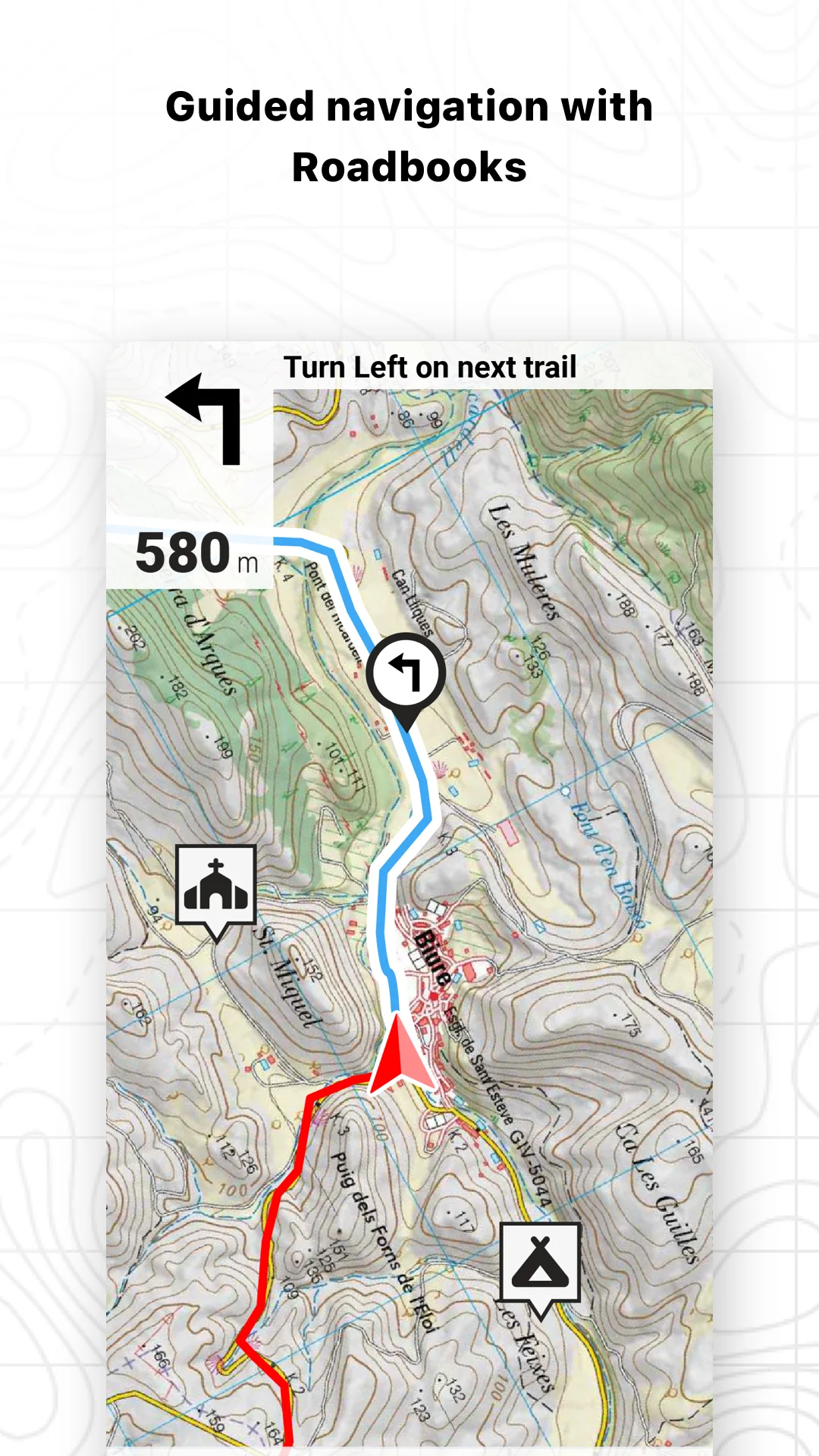
Navigation modes — follow track, free navigation, go-to-coordinates, compass
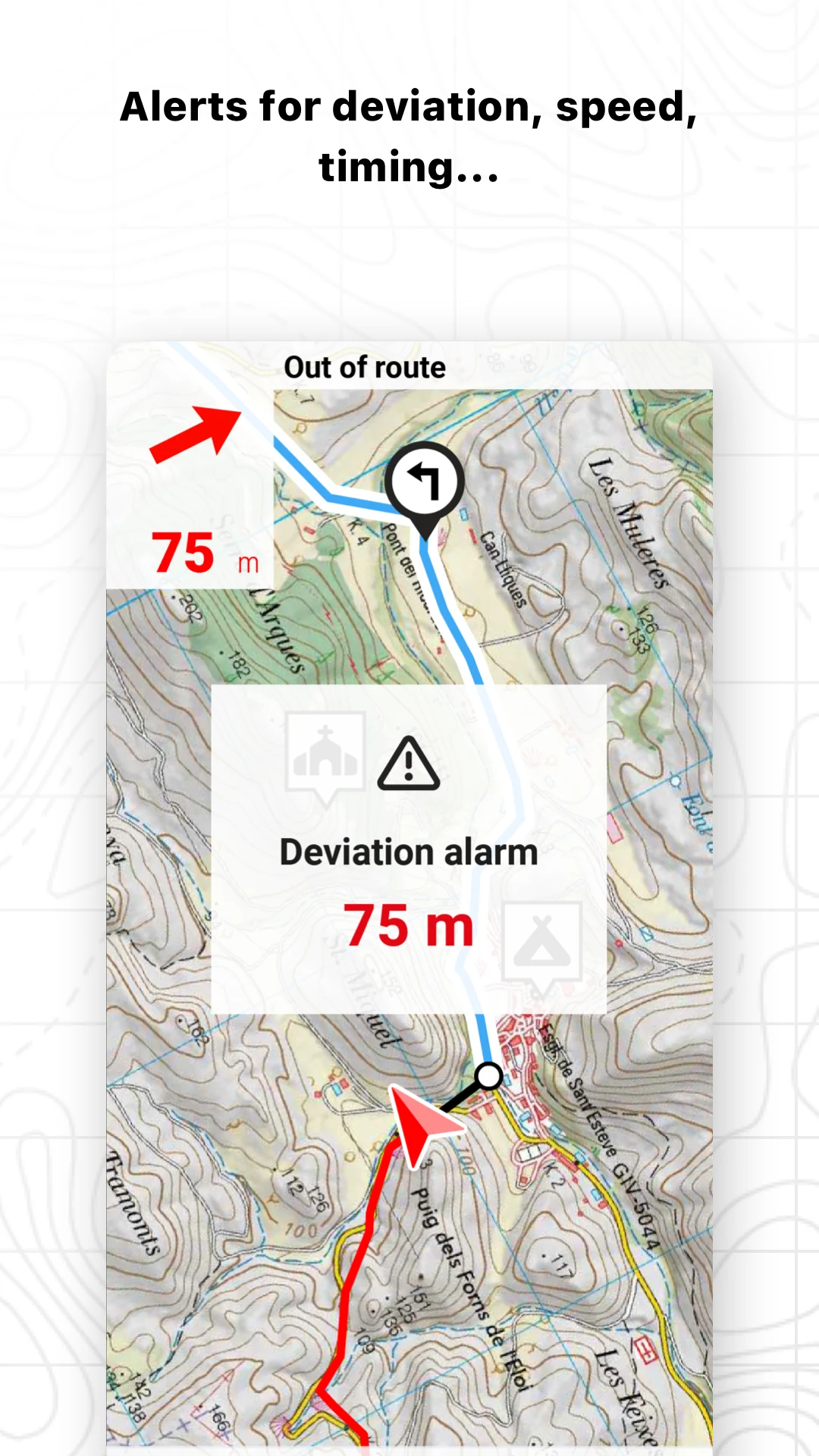
Off-route alerts — visual/audible alarms for deviation, speed, HR, altitude
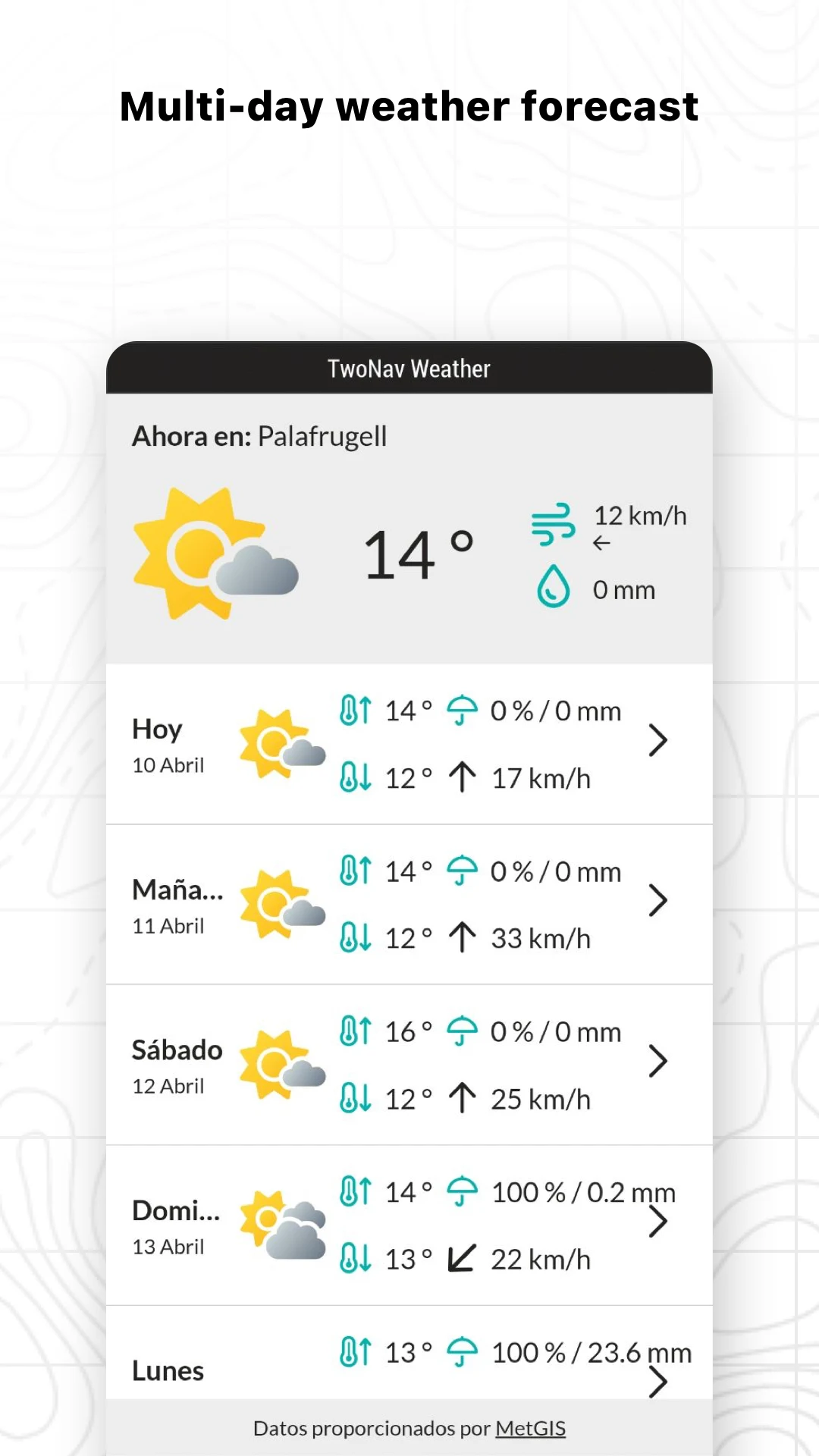
Weather forecast by location — temperature, wind, rain, snow, storm probability (subscription)
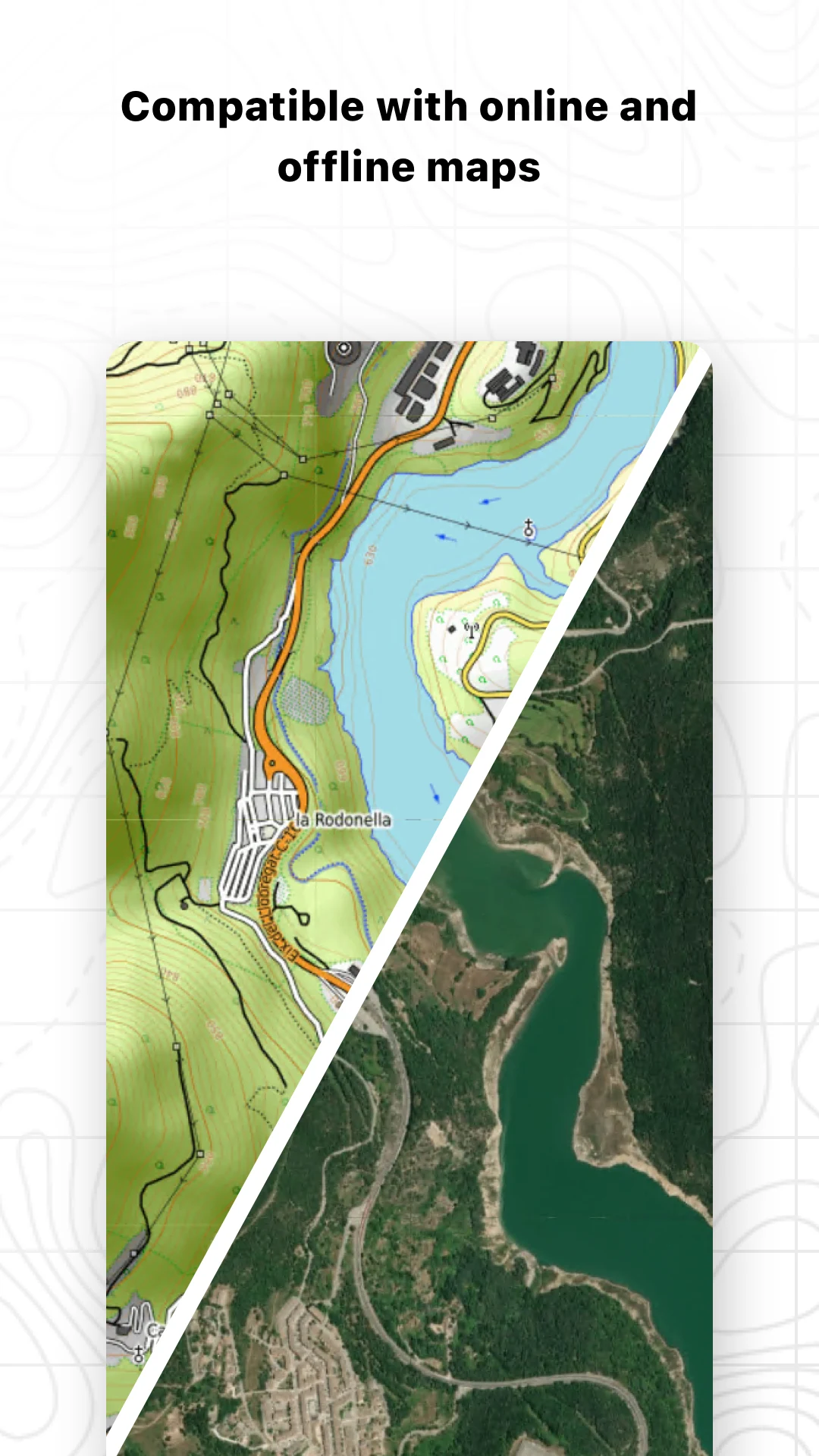
Maps Plus — sport-themed online maps for cycling/hiking (Premium/Pro)
Map shop — buy topographic, road, orthophoto maps and sync via myTwoNav
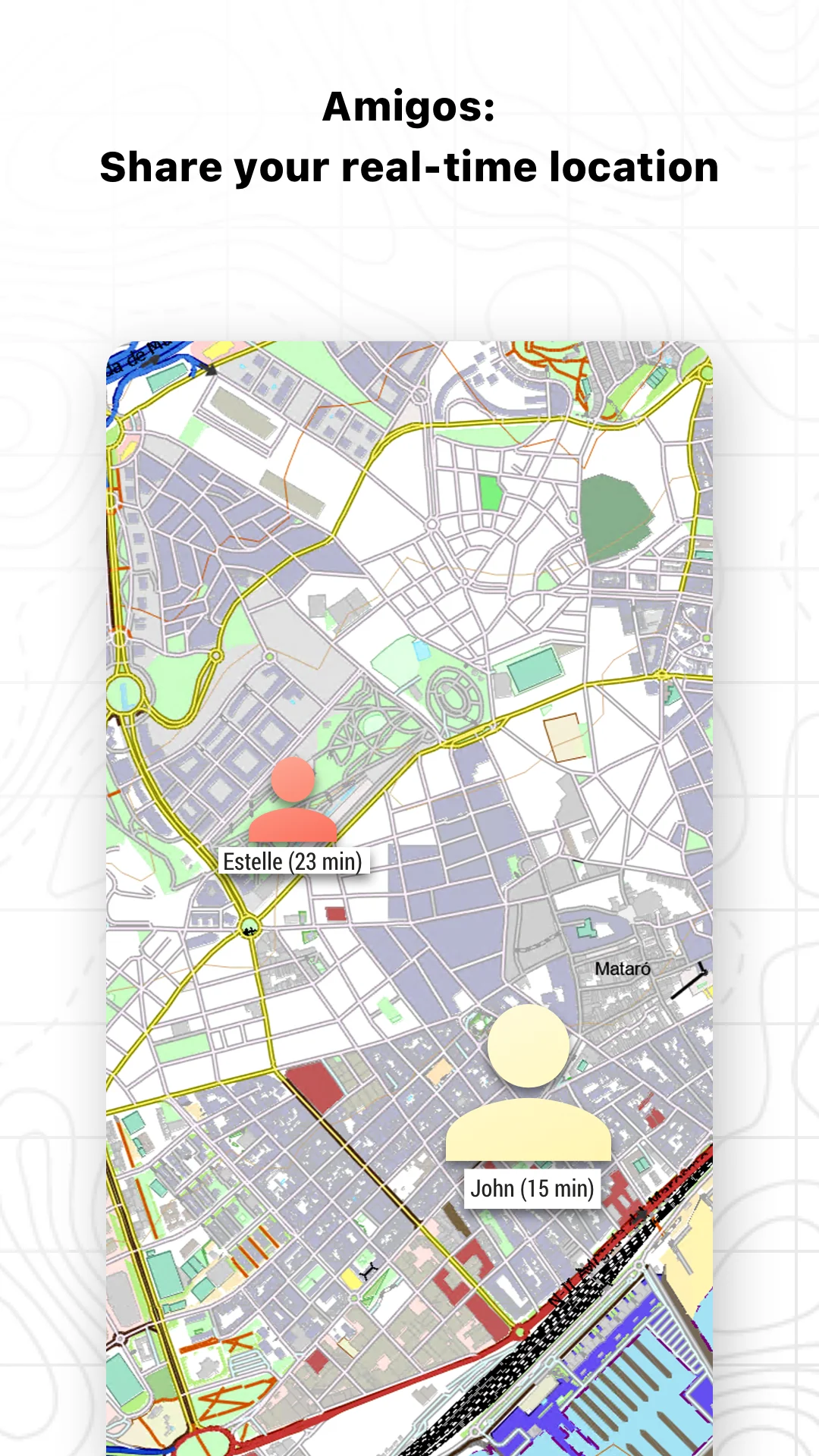
Live location sharing with Amigos™
TrackAttack™ training — compete against past activities
TwoNav Cloud / GO — sync with Strava, Komoot, Dropbox, Google Drive
Route formats: GPX, KML, KMZ, FIT, TRK
Google Play lists the TwoNav 6 app as developer TwoNav, packagecom.compegps.twonav, Maps & Navigation, free with ads and in-app subscriptions.
How to Use the TwoNav 6 App:
The TwoNav 6 app runs on a loop: pick sport profile → load/create route → navigate → record → analyze.
Quick guide:
Install TwoNav 6: Routes and Maps from Google Play.
Create an activity profile — hiking, bike, motor, water, flight. The TwoNav 6 app adapts data fields and calculations per sport.
Tap Start and choose Follow a Route, Free Activity, Go to Point, or Training.
Load a route from your files, TwoNav Cloud, or providers like Komoot / OpenRunner.
Use the route editor to adjust the track:
FastTrack → mark start/end, auto-calculate
Draw track → drag on screen
Add roadbook point → add maneuver notes/photos
Undo/Redo → revert edits
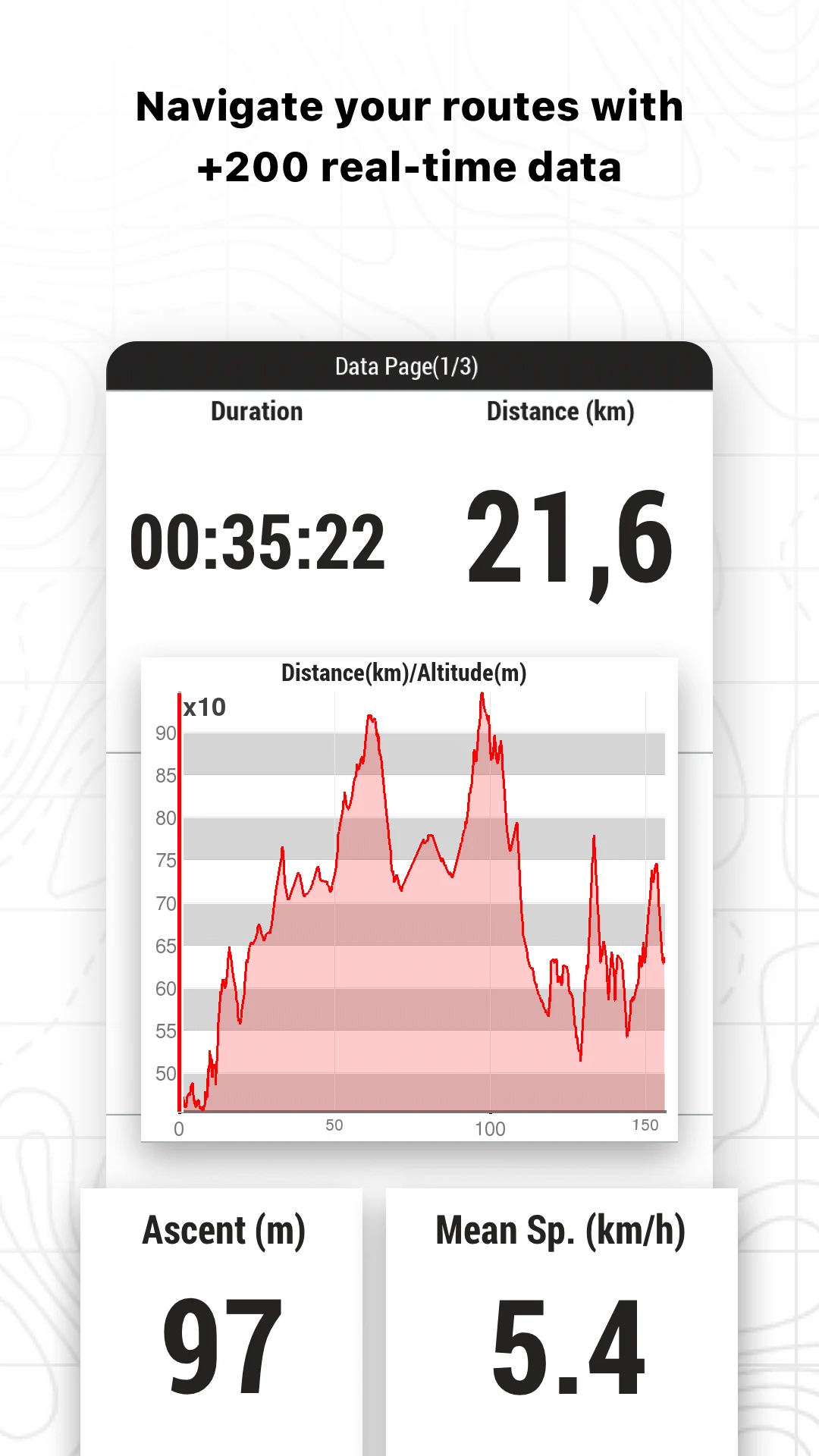
During navigation, watch the data bar for distance, time, ascent, speed, HR.
Enable weather forecast for a location if you are on Premium/Pro.
Share live position with Amigos™ or SeeMe™ for safety.
After the activity, open graphs and data fields to analyze the track.
Map tips:
Load more than one map and use the Toggle maps button in the toolbar to switch quickly.
Vector maps stay on top by default; change it in Activity Profiles > Map View.
Free users get basic online maps; offline/topographic maps come from the map shop or purchased licenses.
TwoNav 6 App FAQ:
Who develops the TwoNav 6 app?
Published by TwoNav (CompeGPS Team S.L.); Play package iscom.compegps.twonav.
Is the app free?
Yes, free to install with ads. Mobile/Premium/Pro subscriptions unlock route tools, weather, Maps Plus, offline maps, and cloud storage.
What is FastTrack?
A route-editor tool in the TwoNav 6 app that auto-calculates a route between start and end points and adds waypoints at key maneuvers.
Does weather forecast work for free users?
The location weather tool is listed under TwoNav 6.0 app features but requires Premium/Pro in the plan table.
Which map formats are supported?
Standard GPX/KML/KMZ/FIT/TRK. Advanced formats GPKG, MBTiles, TIF(COG) need Pro; ECW is Android-only / pending iOS.
Can I restore old TwoNav Premium purchases?
Yes — the TwoNav 6 app has Restore Purchases under Settings > Activation Info, syncing maps/licenses to your twonav.com account.
Is data shared?
Google Play says “no data shared with third parties,” but the app may collect location and personal info.
Why Install TwoNav 6:
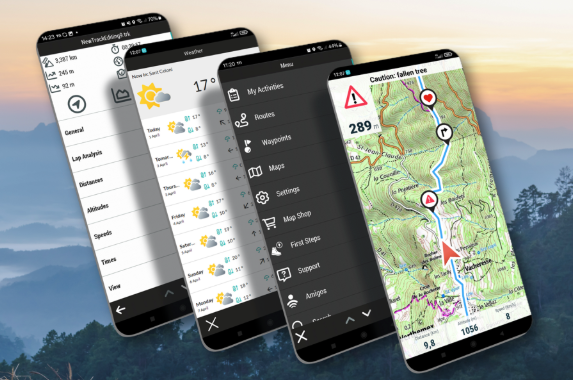
Install the TwoNav 6 app if you plan outdoor routes on phone and want GPS-grade navigation instead of a consumer maps app.
Best-fit users:
Hikers building GPX routes with roadbook points
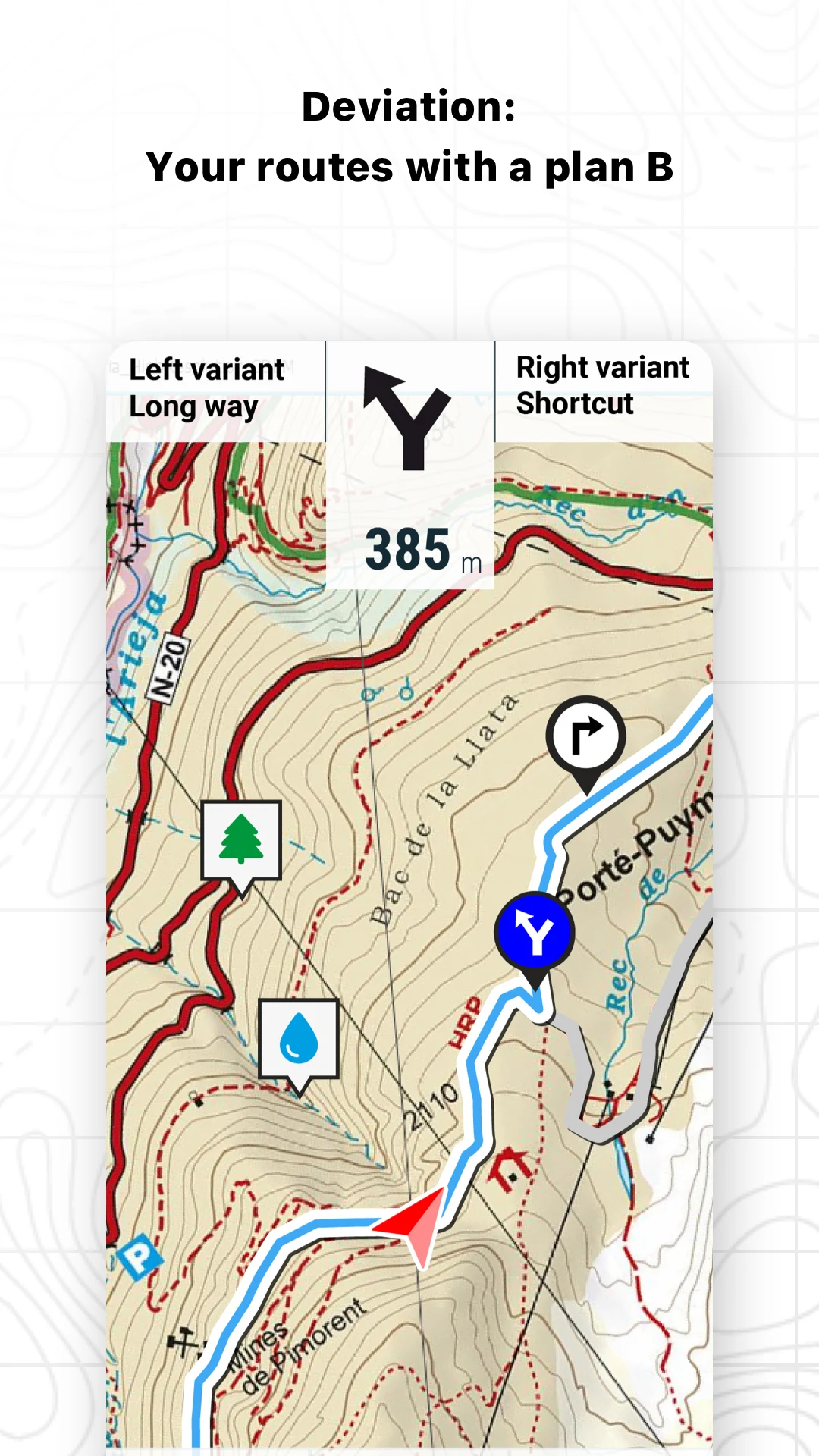
Cyclists/motor riders needing topo maps + variants
Mountaineers checking weather by coordinate
Trail runners using TrackAttack™ training
TwoNav GPS or Land users syncing tracks via TwoNav Cloud
- Version5.8.2
- UpdateOct 19, 2026
- DeveloperTwoNav
- CategoryMaps & Navigation
- Requires AndroidAndroid 7.0+
- Downloads154K+
- Package Namecom.compegps.twonav
- Signature70a82f4cffc98352a93ab410a84df3ab
- Available on
- ReportFlag as inappropriate
-
NameSizeDownload
-
81.47 MB
-
61.55 MB
-
60.27 MB











Compatibility with maps on different devices
Strong navigation features
Excellent topo map layers availability
Fast zoom and panning capability
Multi-platform license options
Ability to convert and use custom maps
Access to high-quality open street topo maps
Poor user interface, non-intuitive
Difficulties in using maps from other sources
High cost for the full version
Frequent crashes on specific devices
Confusing file permissions requirement
Non-responsive and poorly organized customer support
Restrictions on using purchased maps with new devices
Battery drain issues even when the app is closed