
FindShip - Track vessels & fleet
Discover real-time ship tracking, fleet management, and essential maritime info with ease and precision!

- 5.2.28 Version
- 3.8 Score
- 2M+ Downloads
- Free License
- 3+ Content Rating

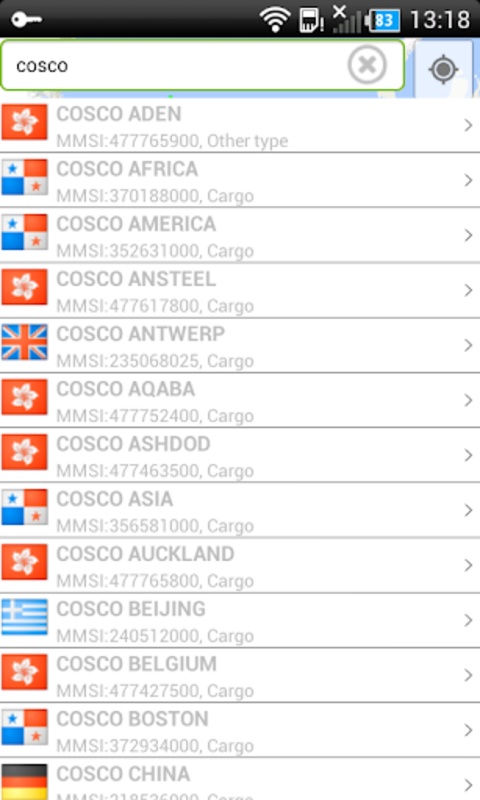
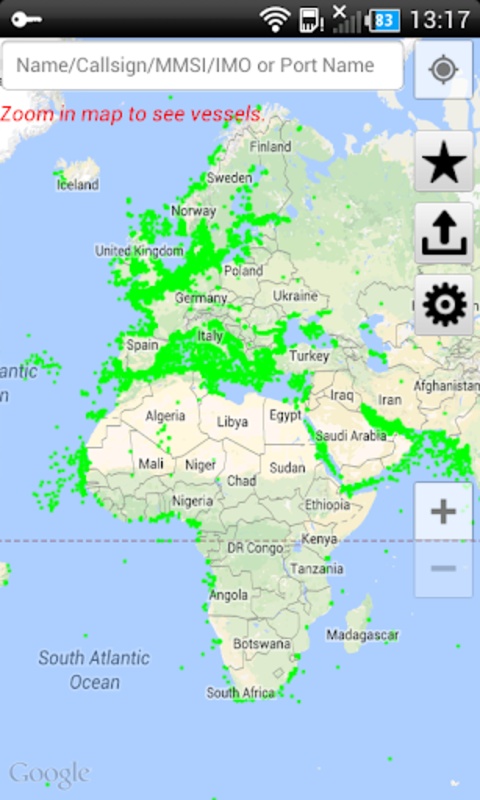
About the FindShip App:
FindShip is a mobile AIS vessel-tracking app for maritime professionals, fleet managers, and ship watchers. Per store listings and APK archives, the Android app co.findship.FindShip2 has been published under MarineToolbox, while the iOS App Store currently lists a different developer name — so store copy should say MarineToolbox only when referring to the Android/Play archive context.
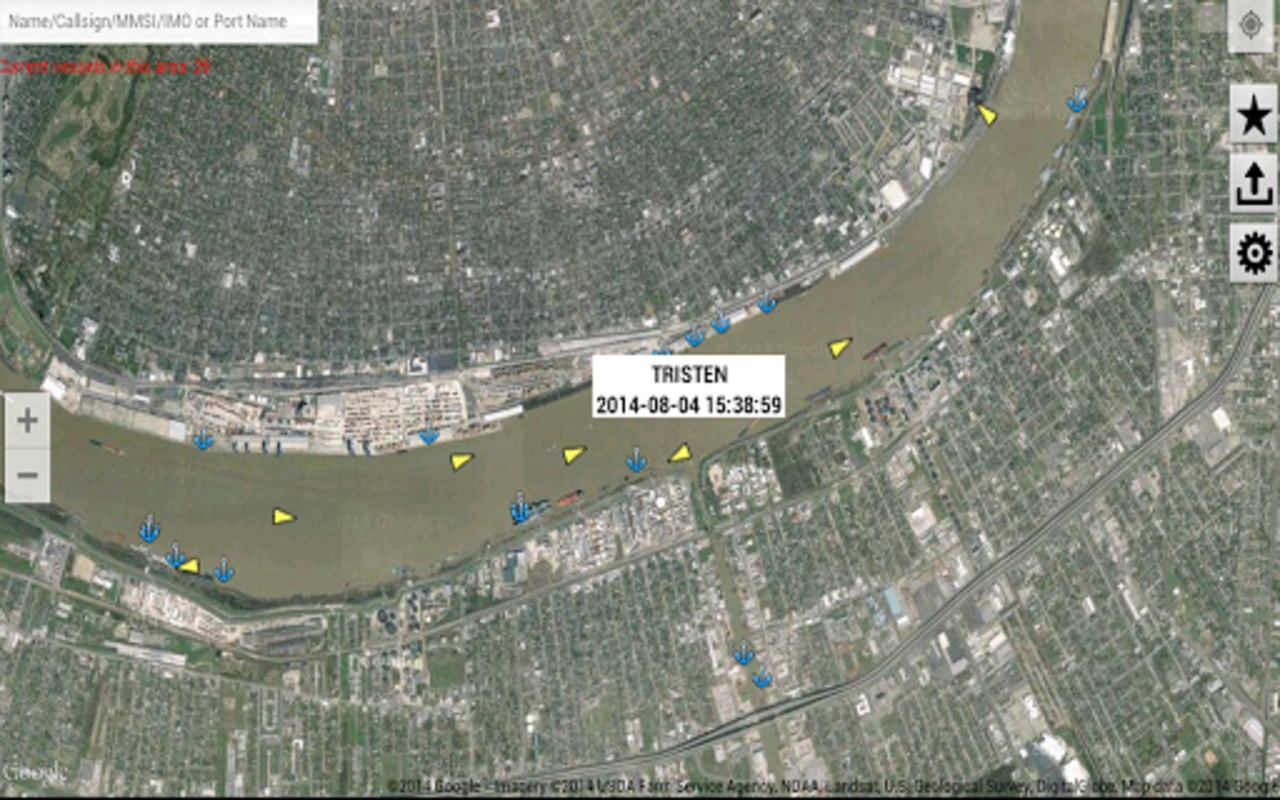
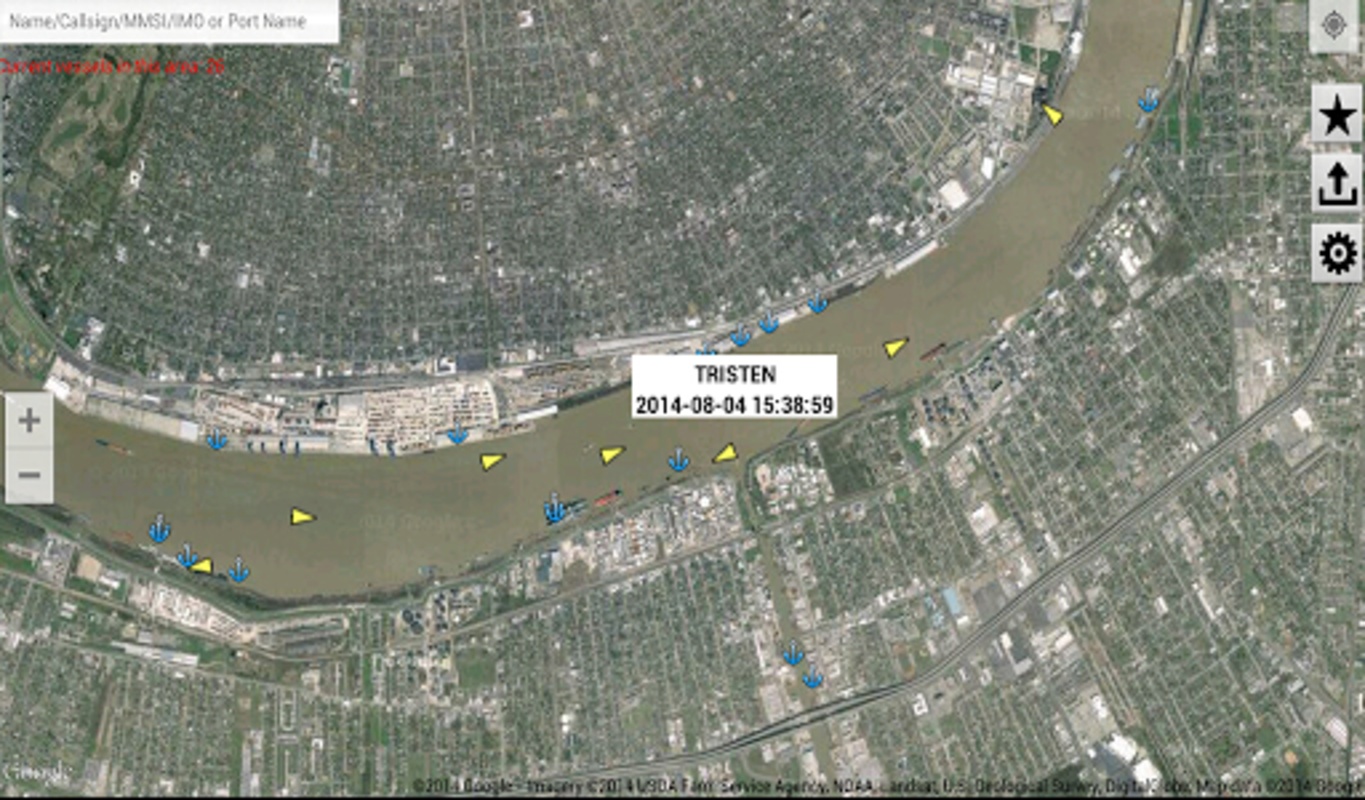
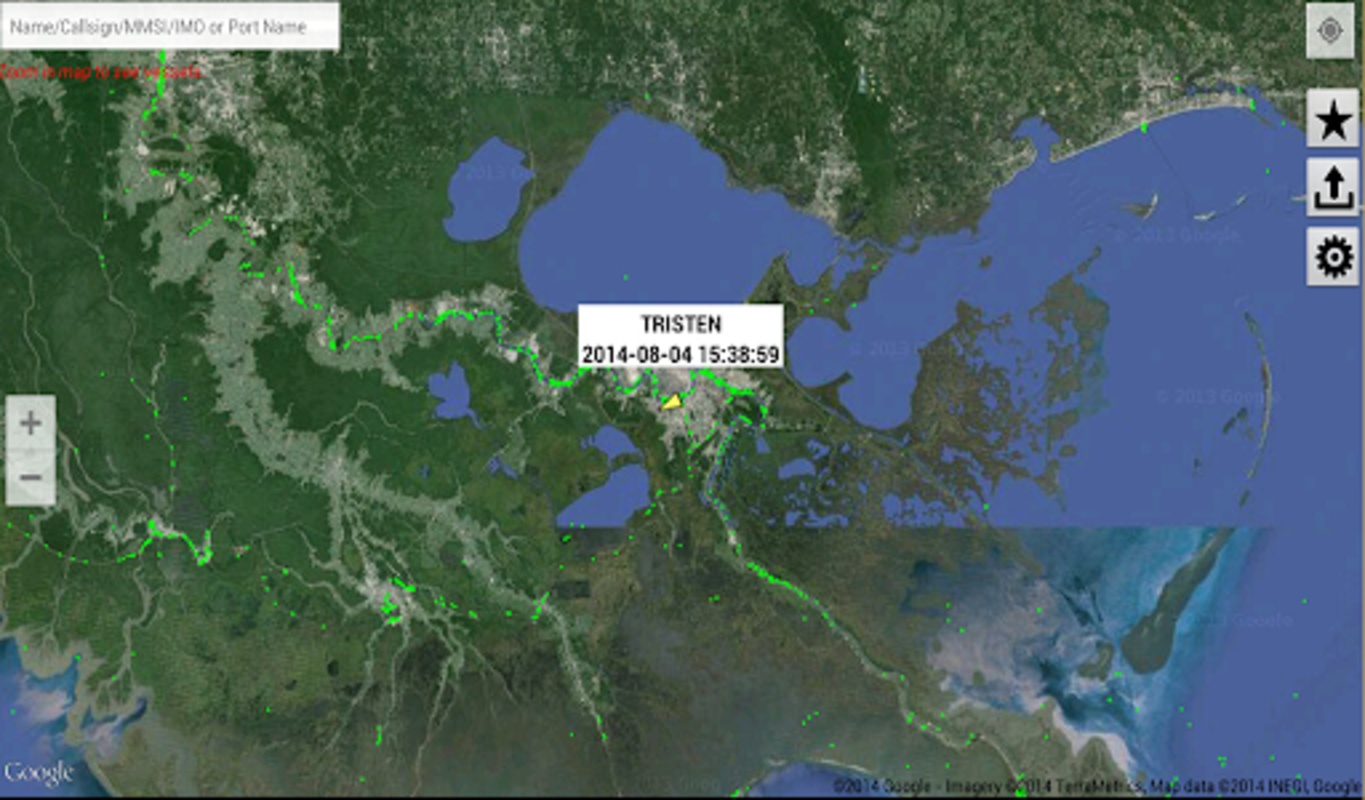
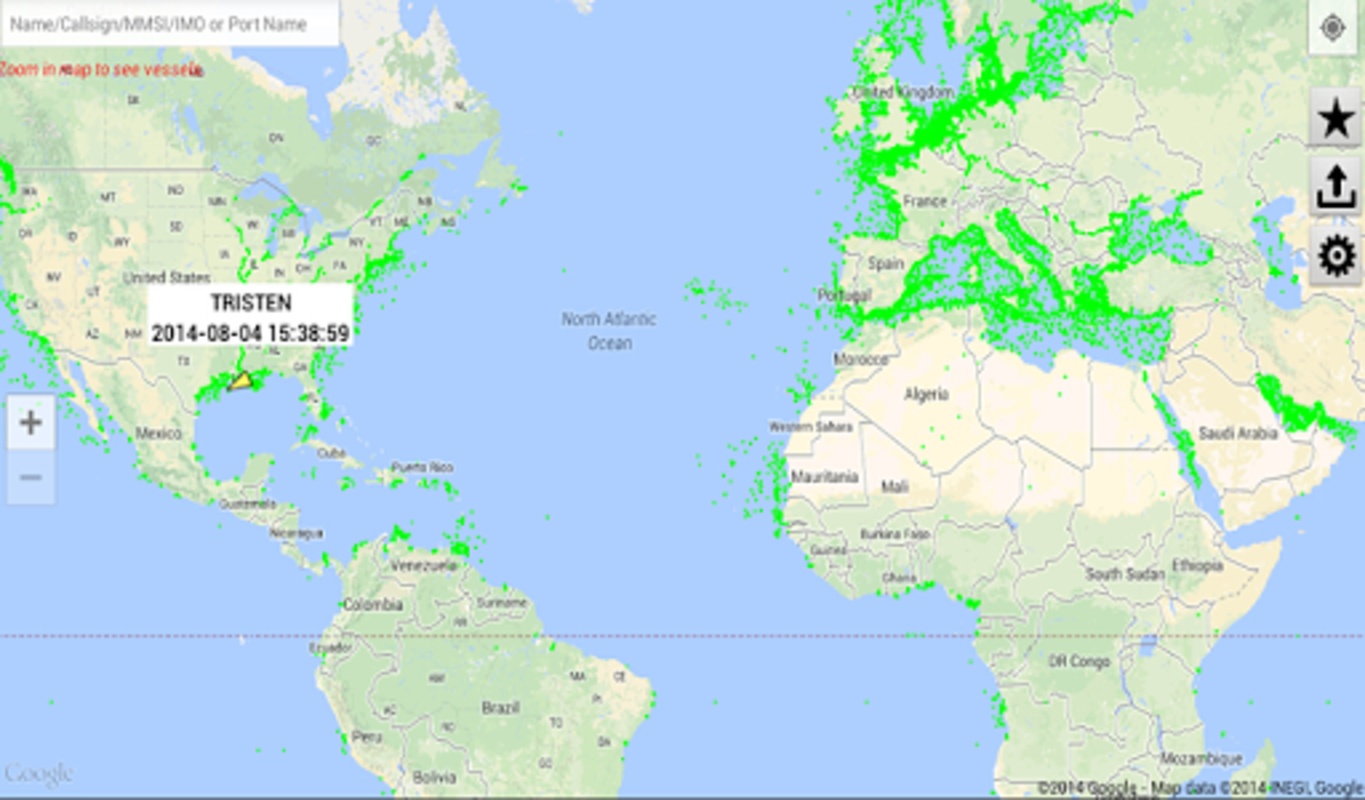
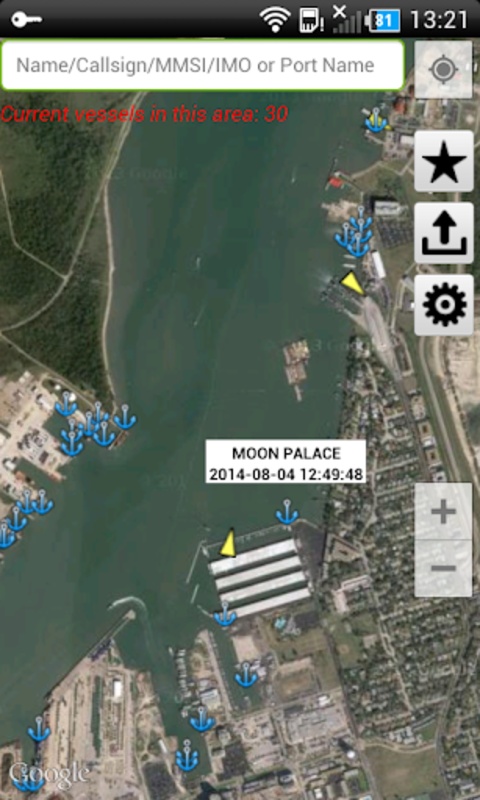
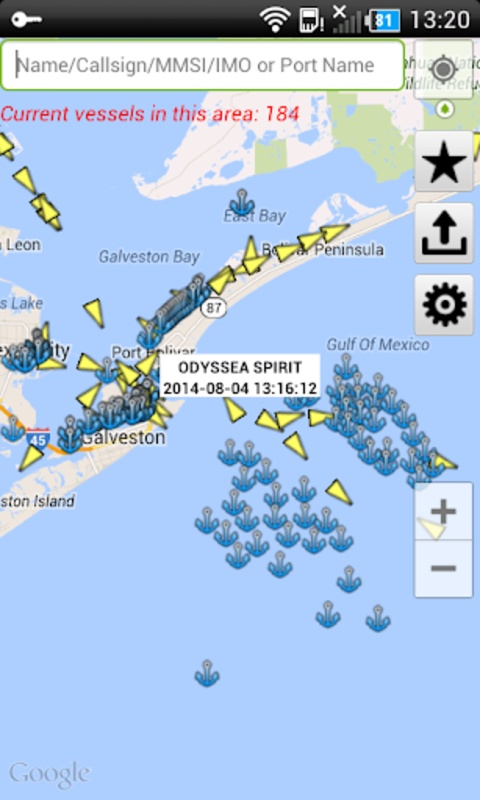
The FindShip app shows vessel movements on a live map instead of making users dig through port websites.
Store-ready features:
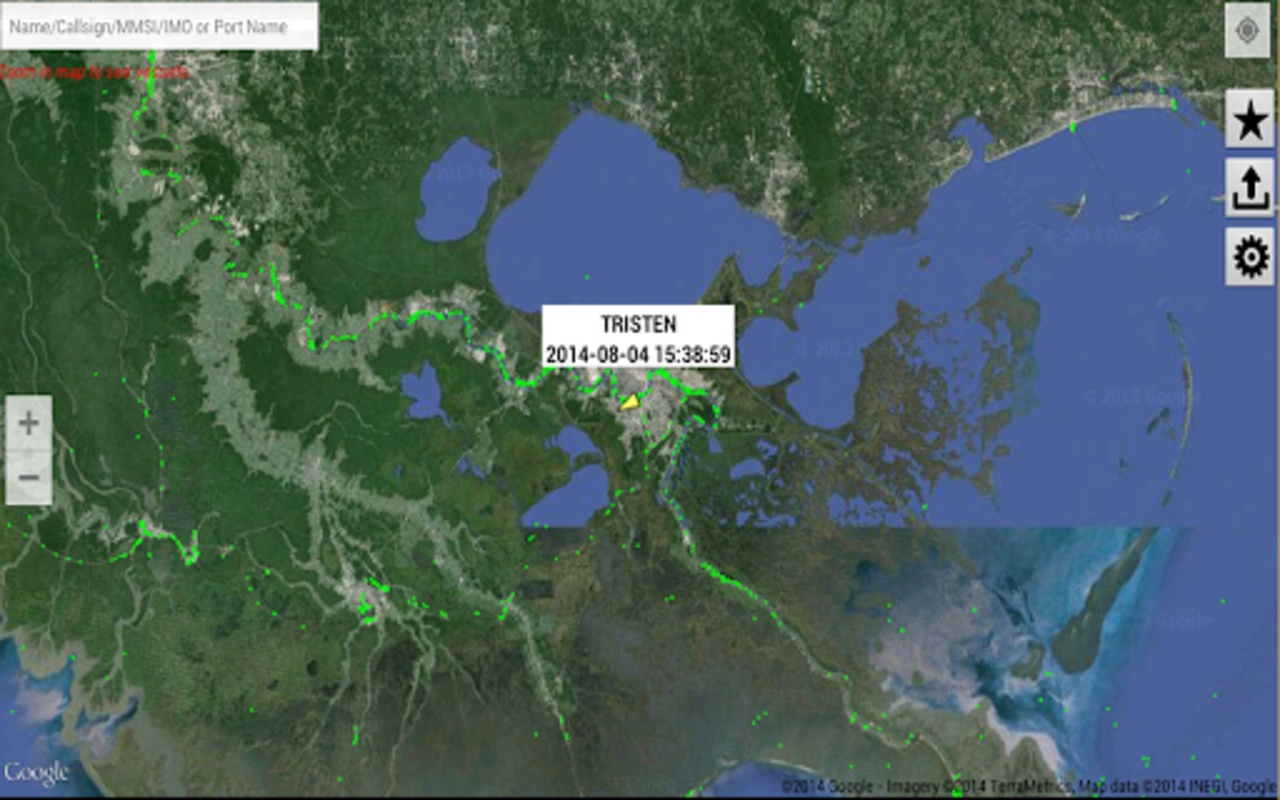
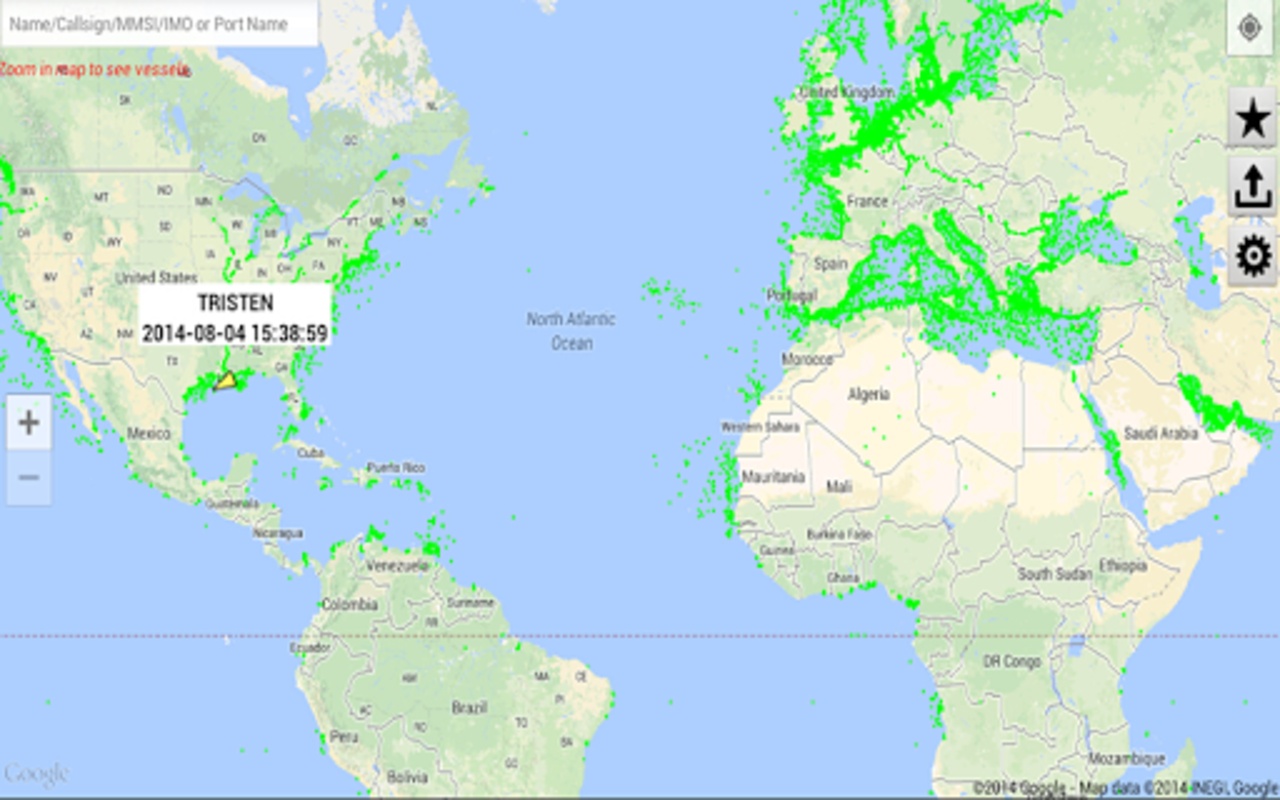
Track nearly 100,000 ships worldwide in real time
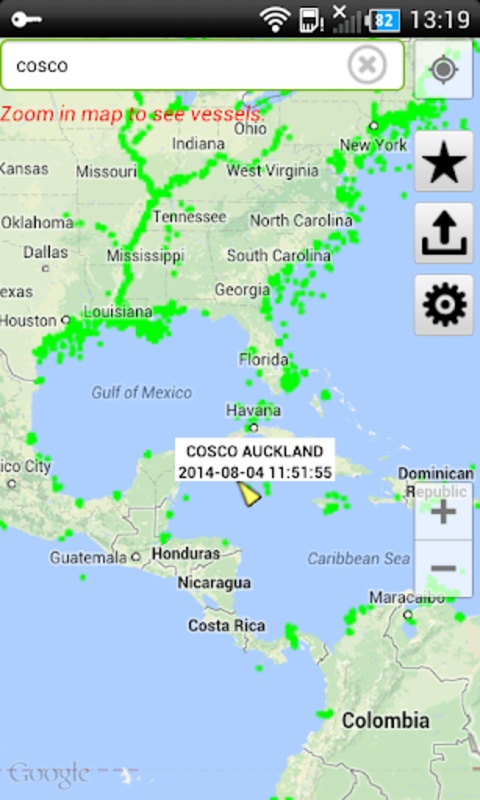
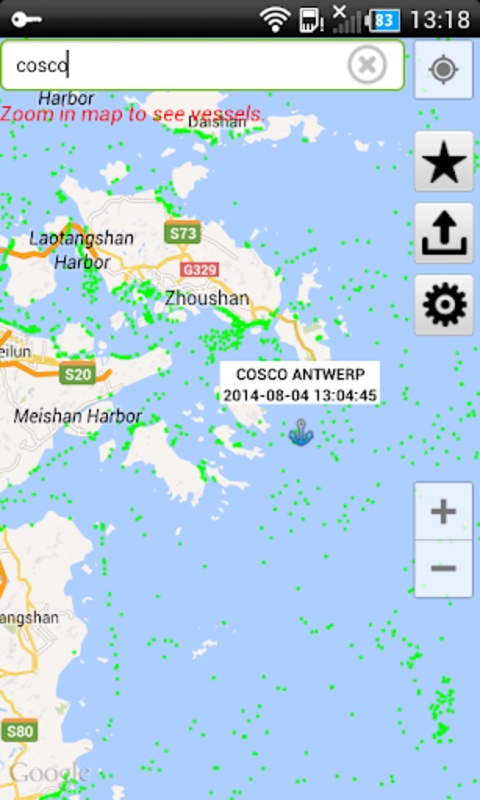
Search by vessel name, MMSI, callsign, or IMO
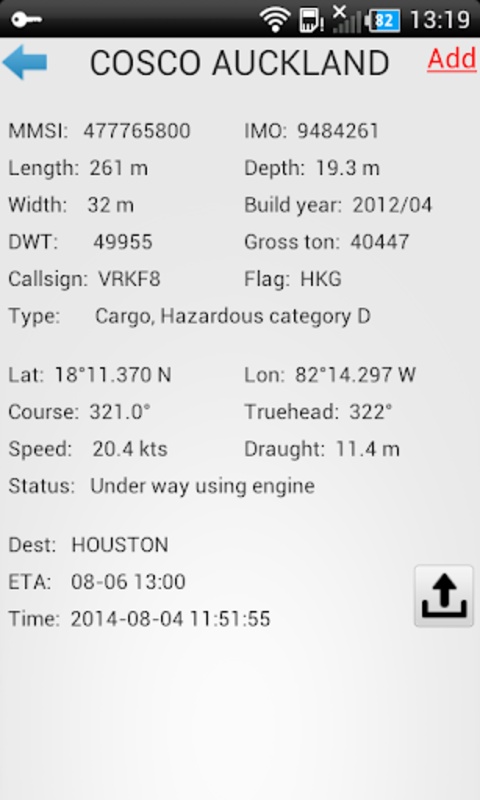
View ship particulars: AIS data, tonnage, build year, type, flag
Owner / manager details per vessel
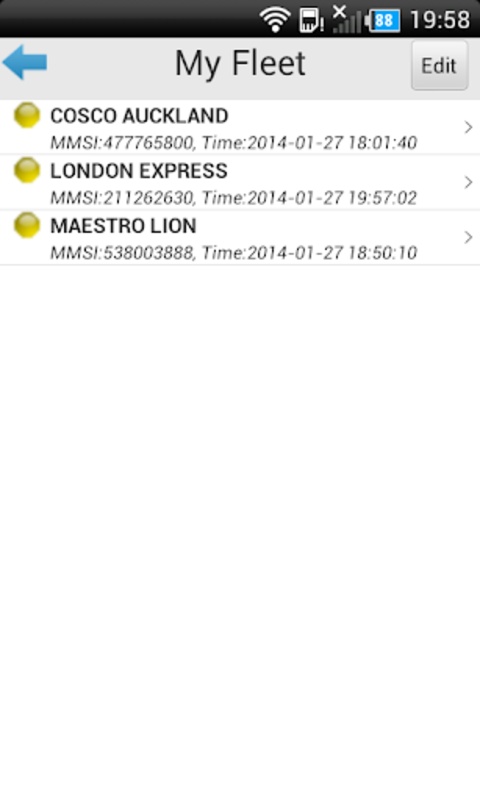
Fleet management for saving and monitoring multiple ships
ETA calculator with measurement tool
1,000+ NOAA nautical charts
Tracking history and port-level vessel activity
How to Use the FindShip App:
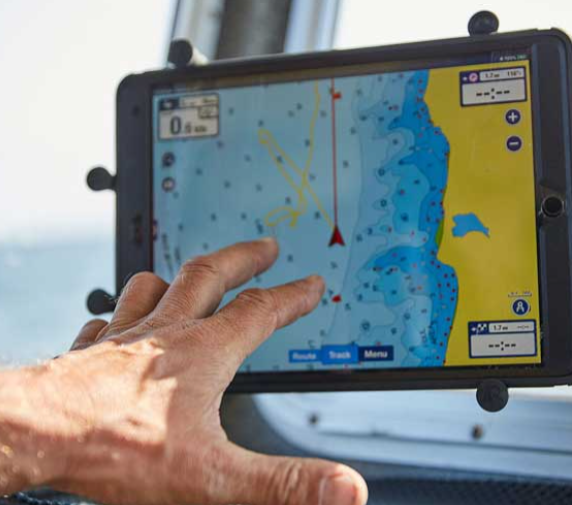
The FindShip app is search-first: you look up a vessel, then read position + particulars on the map.
Quick guide:
Open FindShip and allow map/location if prompted.
Type a ship name, MMSI, or IMO number in the search bar.
Tap the vessel to see live position, speed, heading, AIS type.
Open particulars to check tonnage, build year, owner/manager.
Add the vessel to My Fleet to track it across sessions.
Use the measurement tool to estimate ETA between points.
Switch on NOAA charts for coastal/navigation context.
Tip for store copy: the FindShip app is not a messaging or social app — its core loop is search → map position → vessel data → fleet list.
FindShip App FAQ
Do I need an account?
Basic tracking in the FindShip app does not require an account; fleet saving and extras may depend on platform/in-app purchase.
Can I search by IMO or MMSI?
Yes. The FindShip app supports vessel name, MMSI, callsign, and IMO lookup.
Does it show owner and manager?
Yes. Vessel particulars include registered owner/manager where AIS/public data provides it.
What is the ETA tool?
A measurement tool inside the FindShip app lets users draw distance and estimate arrival time.
Why are positions sometimes delayed?
AIS data depends on shore stations/satellite feeds; the FindShip app may show lag if the source has not refreshed.
Why Install FindShip:
Install the FindShip app if you want AIS vessel positions without opening a desktop maritime portal.
Best-fit users:
Families tracking crew/vessels at sea
Dispatchers checking ETA before berthing
Hobbyists following cruise ships, carriers, tankers
Fleet managers monitoring a saved vessel list
Users who want NOAA charts + AIS in one screen
- Version5.2.28
- UpdateOct 16, 2026
- DeveloperMarinetoolbox
- CategoryMaps & Navigation
- Requires AndroidAndroid 8.0+
- Downloads2M+
- Package Nameco.findship.FindShip2
- Signature98227118dde7676397b6cfc250b4b459
- ReportFlag as inappropriate
-
NameSizeDownload
-
20.09 MB
-
7.62 MB
-
8.18 MB










Accurate real-time tracking
Rich data and information
User-friendly interface
Various functions
Data update delays
Poor ad experience
Function usage issues