
Fake GPS Location- LocaEdit - Fake GPS Location & Pranks
Unlock global adventures with precise location changes, enhancing games & protecting your privacy easily.

- 1.0.25 Version
- 3.0 Score
- 967K+ Downloads
- In-app purchases License
- 3+ Content Rating

LocaEdit is a handy application for altering your GPS location.
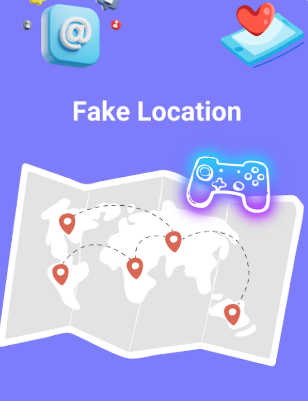
You can easily perform location change pranks by simply tapping to modify your phone's GPS settings.
This app will replace your current location, allowing any application you want to evaluate to think that you are situated in New York, London, or anywhere else across the globe!
Key Features:
Teleport Mode
With just one click, you can change your GPS position and effortlessly teleport your device to any location worldwide. This application sets a fake GPS location so that all other apps on your device think you are there!
Joystick Mode
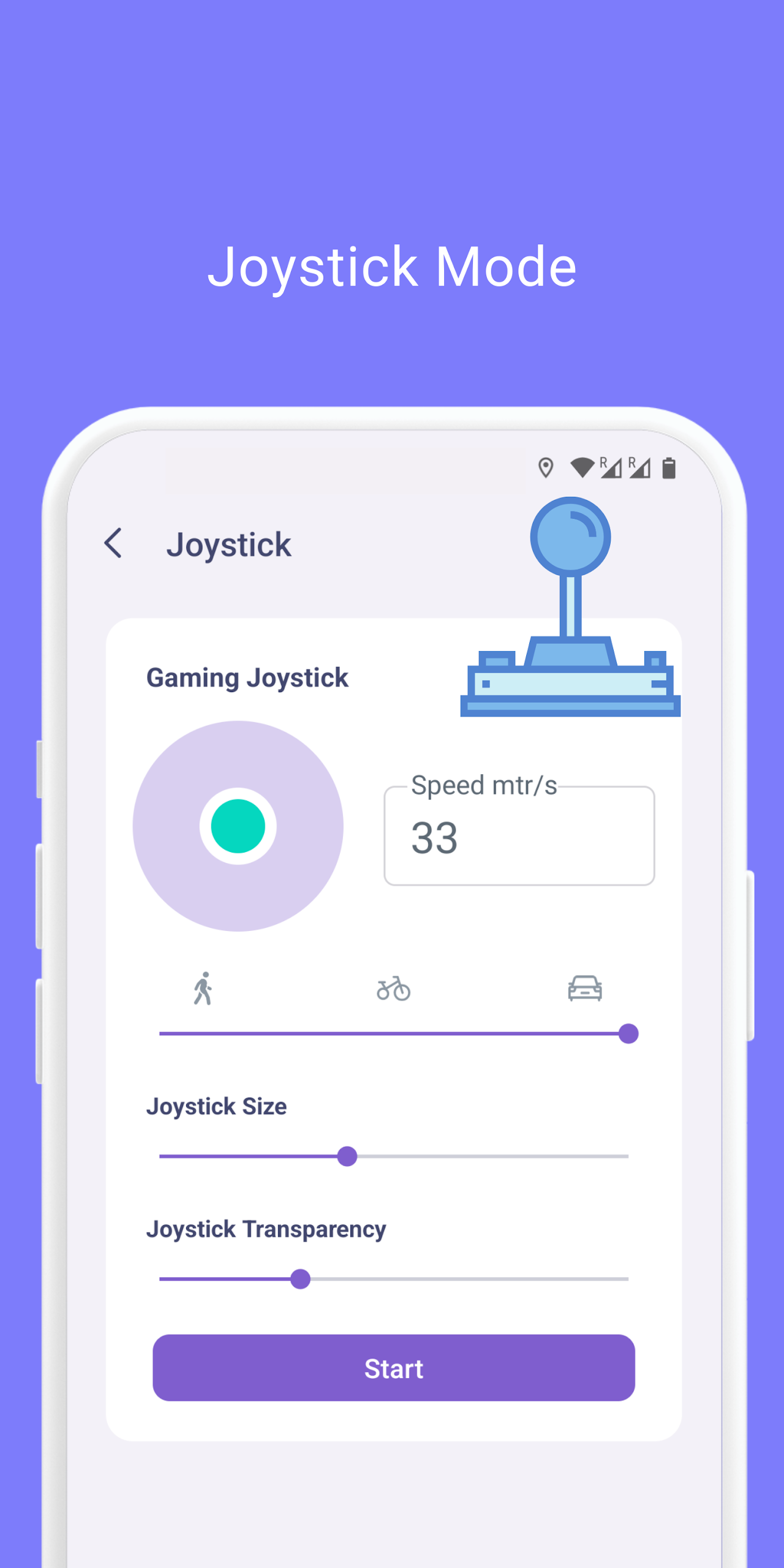
This mode offers 360° joystick navigation, enabling you to easily adjust the speed of walking, cycling, or driving with the press of a button. Additionally, you can tailor the speed unit and value to your preference, providing smooth controls that enhance your gaming experience.
Simulated Navigation Mode
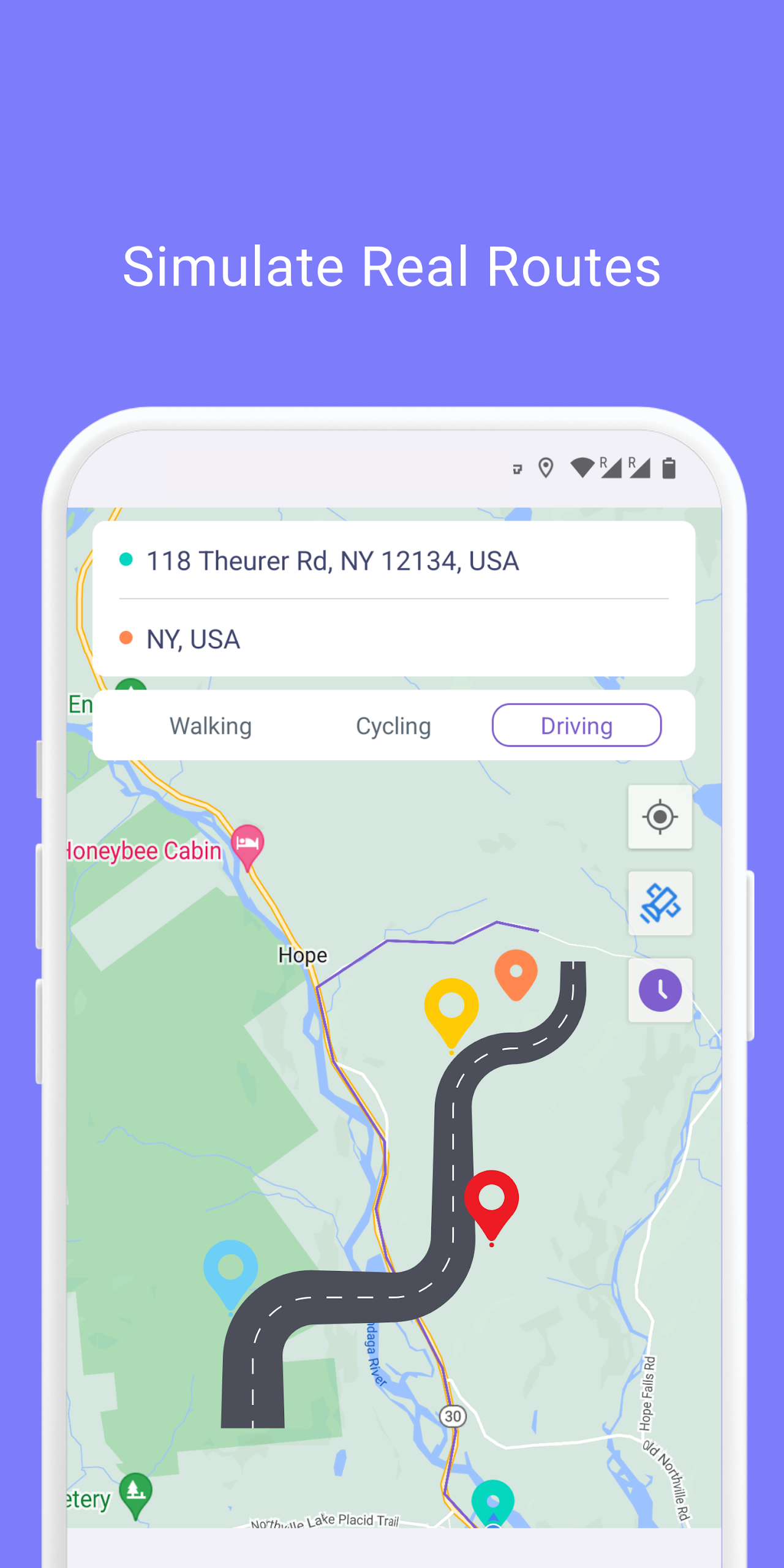
Plan simulated navigation routes for walking, biking, or driving.
Simulate Multi-Point Route Mode
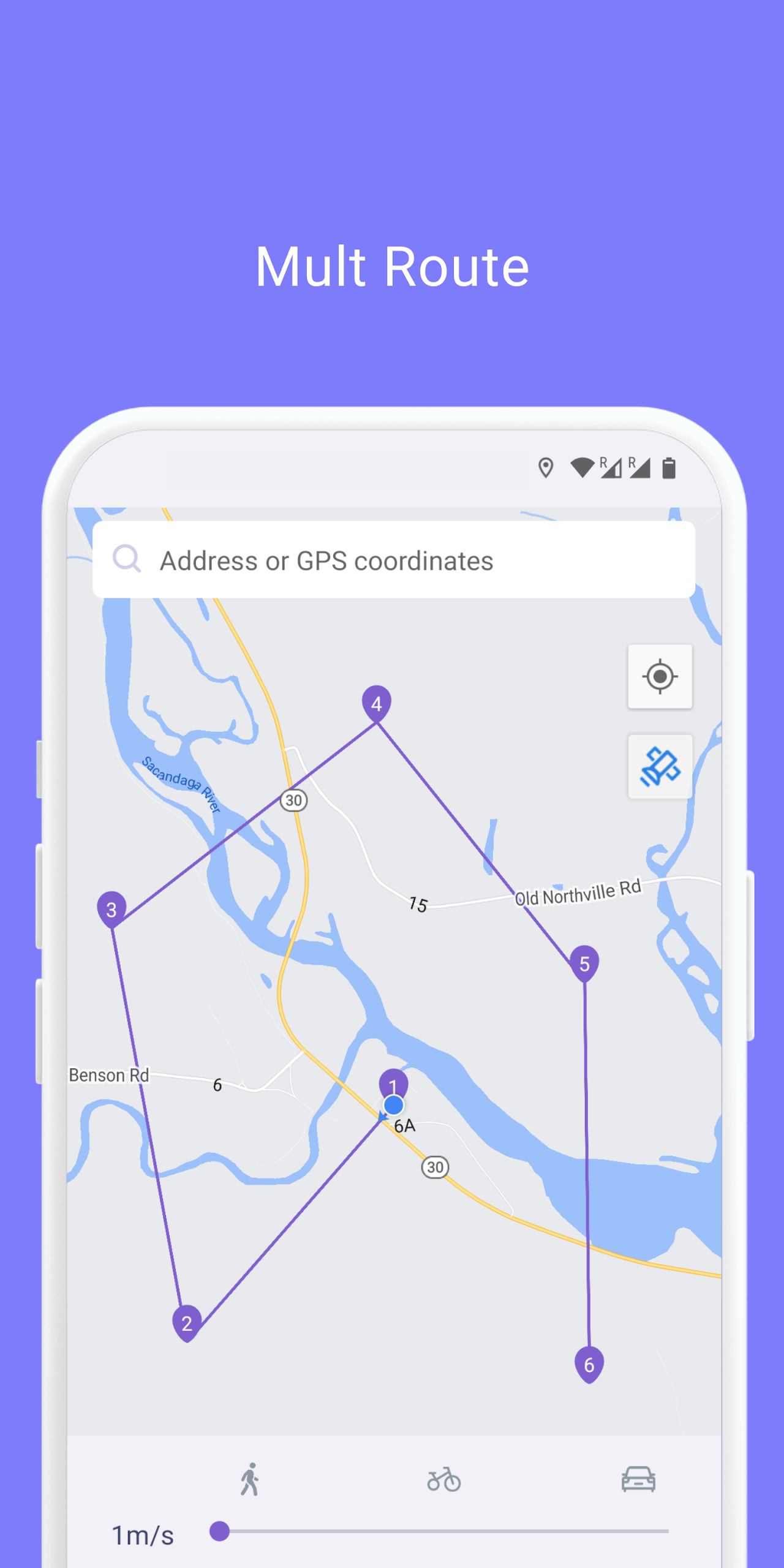
Create simulated multi-point routes, with options for traveling on foot, by bike, or by car.
Game Mode
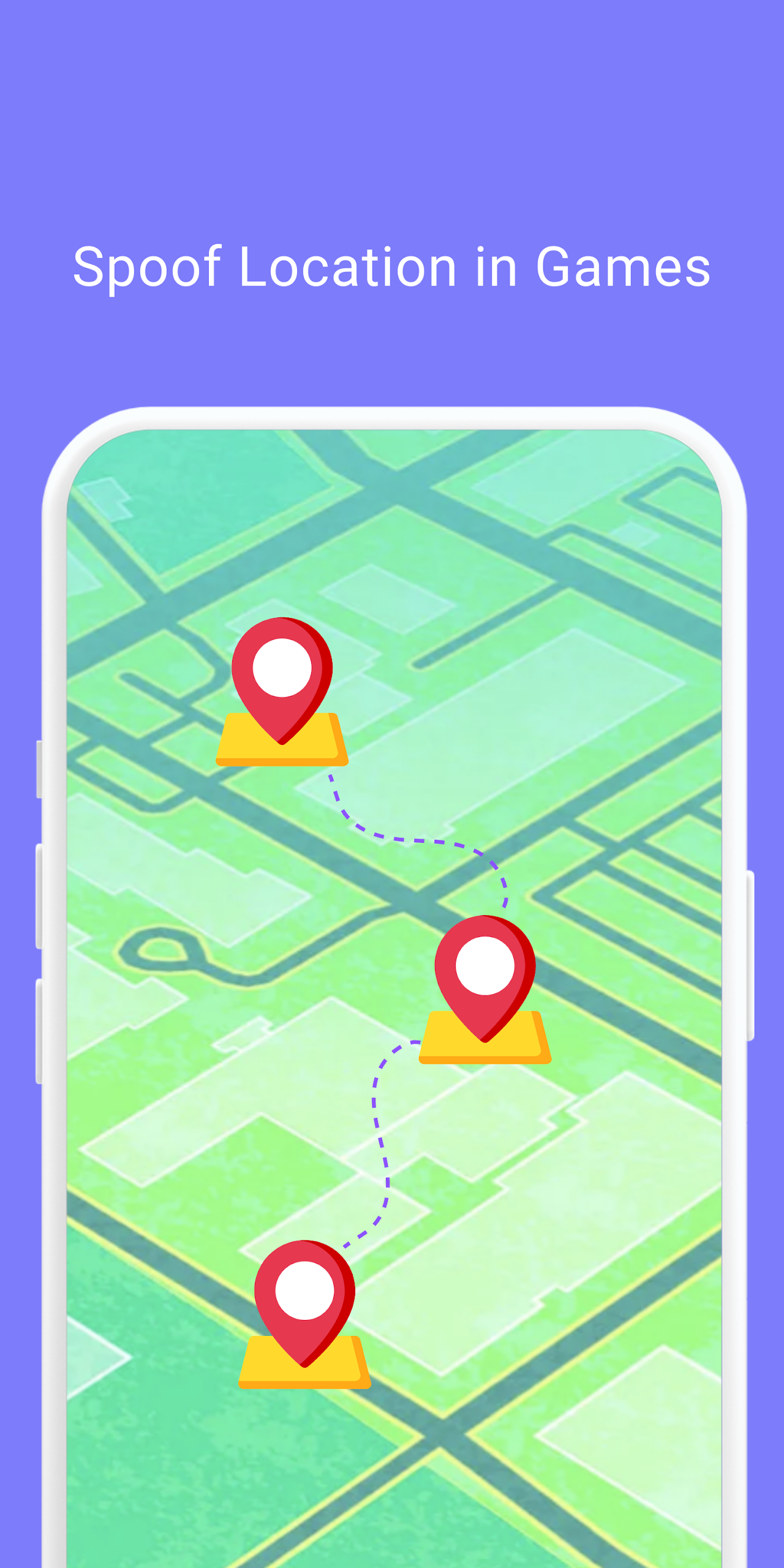
This feature is especially beneficial for AR games, assisting individuals who may face challenges while playing location-based AR games due to physical restrictions, social guidelines, or weather conditions.
Privacy Protection
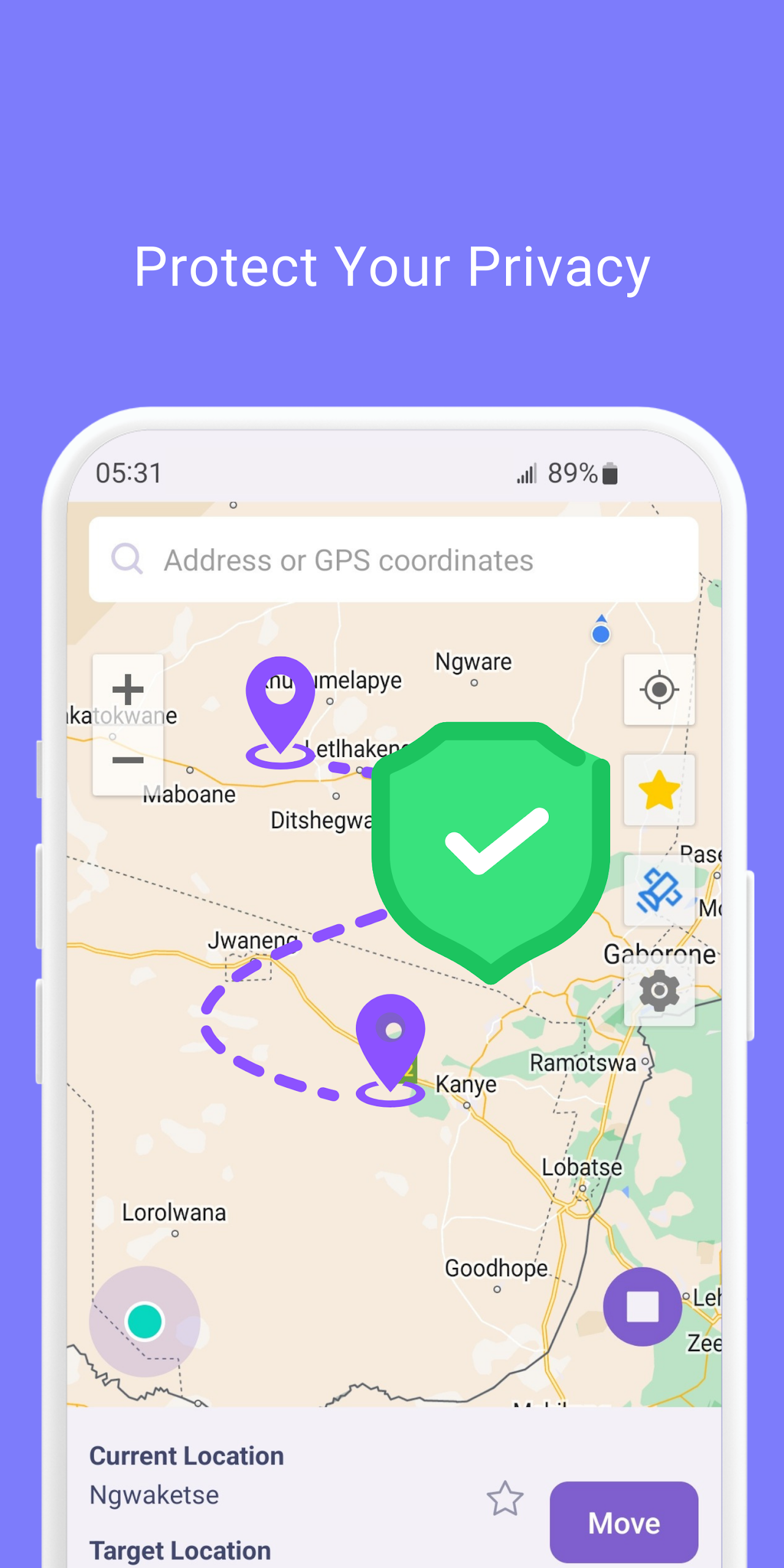
This app effectively secures your true location details, ensuring the protection of your personal privacy and security.
Suitable for Most Apps
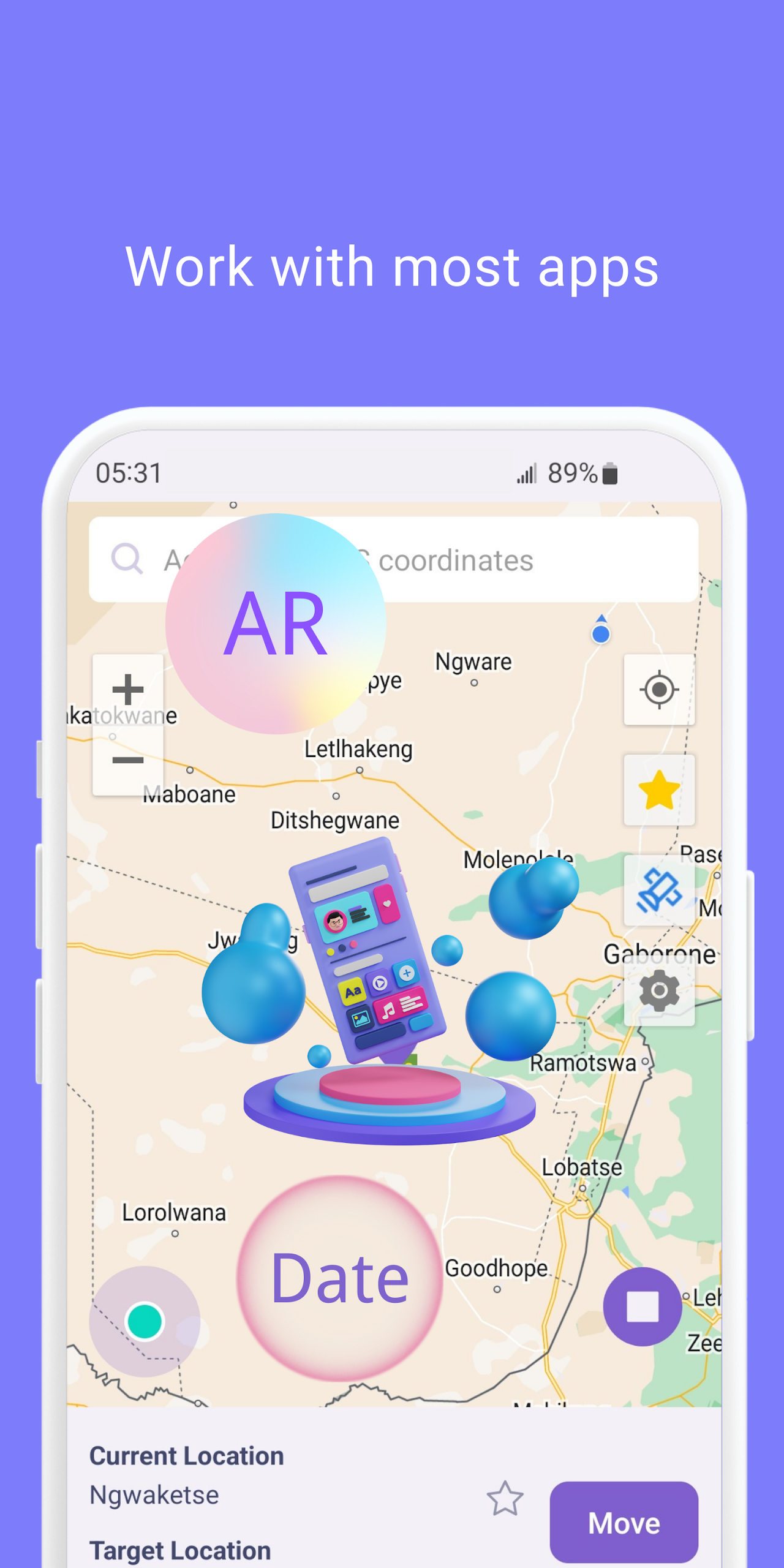
It supports a wide range of location-dependent social media platforms, AR games, navigation tools, and location service applications to fully cater to your needs.
Using this GPS changer and location faker, spoofing your device’s GPS coordinates has never been simpler!
How to Use
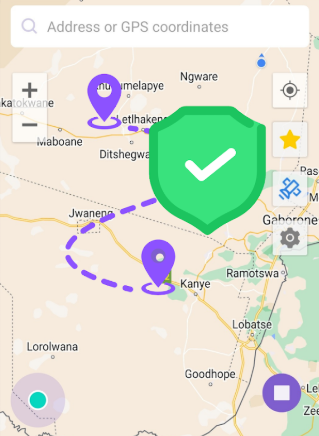
1. Teleport Mode: Switch to any location with one click, disguising your location.
2. Joystick Mode: 360° movement control, customizable speed, compatible with AR games.
3. Simulated Navigation: Plan single-point/multi-point routes for walking/cycling/driving.
4. Privacy Protection: Disguise your GPS to hide your real location.
Use Cases
1. Entertainment and Social Pranks
Quickly change your location to any location around the world, such as New York or London, and "pretend" to be in a different place on social media apps to joke with friends or create surprises.
2. AR Game Assist
For AR games that rely on real-world locations (such as Pokémon GO), simulated locations can be used to overcome physical limitations (such as being unable to go out or experiencing bad weather), or to flexibly control the movement of game characters using joystick mode, enhancing the gaming experience.
3. Testing and Development
Helps developers or users test location-dependent apps (such as navigation apps and food delivery platforms) by simulating usage scenarios in different regions and verifying their functionality.
4. Privacy Protection
When you don't want to reveal your real location, spoof GPS information to prevent other apps from accessing your real location and protect your privacy.
5. Simulated Route Planning
Pre-plan simulated walking, cycling, or driving routes to demonstrate navigation, rehearse itineraries, or test the functionality of route planning apps.
6. Unlocking Regionally Restricted Content
For some location-dependent services (such as certain social features and local event recommendations), simulate a specific location to experience content or services in that region.
Related Questions and Answers
- **What operating systems does LocaEdit support?
**: LocaEdit primarily supports Android.
- **Will LocaEdit disclose the user's real location?
**: No. LocaEdit effectively protects the user's real location details by setting a fake GPS location to ensure user privacy and security.
- **Will using LocaEdit affect the normal operation of other apps?
**: Generally not. LocaEdit supports a variety of location-dependent apps, including social media platforms, AR games, and navigation tools, but some apps may be incompatible.
- **How do I use LocaEdit's simulated navigation mode?
**: Users can select simulated navigation mode in LocaEdit and plan simulated navigation routes based on their needs, whether walking, biking, or driving.
- **Is LocaEdit paid?
**: LocaEdit is free.
- Version1.0.25
- UpdateOct 16, 2026
- DeveloperVDL Tech
- CategoryMaps & Navigation
- Requires AndroidAndroid 6+
- Downloads967K+
- Package Namecom.mobile.fakelocation
- Signatureb23ef0a4986006cde4a1ca6474d7346d
- Available on
- ReportFlag as inappropriate
-
NameSizeDownload
-
4.53 MB
-
4.29 MB

















Convenient for clocking in at work
Provides features typically found in paid apps for free
Enables location simulation for practical pranks
Allows users to change locations quickly and easily
Can simulate driving with estimated arrival times
Useful for privacy in location-based games
Offers some reliable functionality when it works
Often used for dishonest purposes (cheating, deception)
Premium service requires payment for full access
Limited trial version only allows one-time use
Frequently experiences glitches and inaccuracies
Poor user interface and confusing navigation
Subscription cancellation process is unclear
Does not work effectively with popular apps like Pokémon Go
Customer support responses can be slow or nonexistent
Users have reported security concerns regarding app usage