
천안버스 - Real-time bus info & favorite routes
Discover your city's bus routes with real-time updates & save favorites for quick access anytime, anywhere!
- 7.0.15 Version
- 2.0 Score
- 150K+ Downloads
- Free License
- 3+ Content Rating




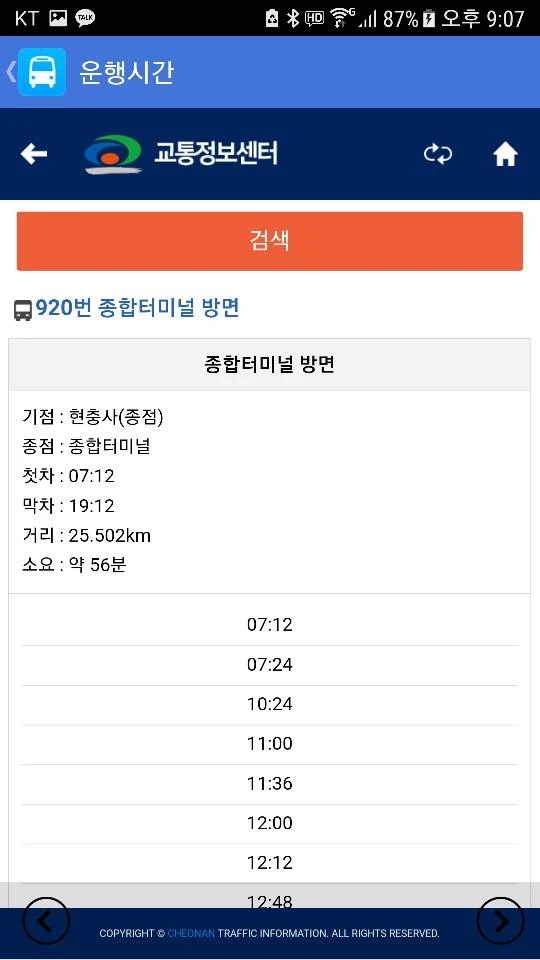
Source of real-time arrival information
* The development and service of this app are not affiliated with Cheonan City.
Features
1. **Practical Functions**
2. **Convenient Location**
3. **Real-Time Information**
4. **Transparent Permissions**:
5. **Clear Responsibilities**
Functions
[Favorites]
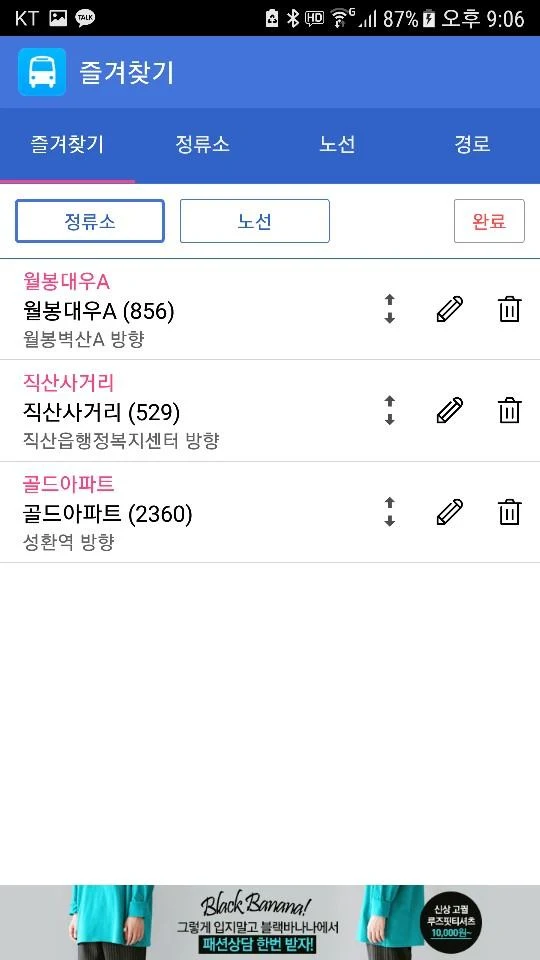
- Save commonly used stops and routes as favorites
- Memo feature for favorites
[Stop Search]
- Look up stops and view bus arrival times along with current locations
- Locate nearby stops using GPS technology
[Route Search]
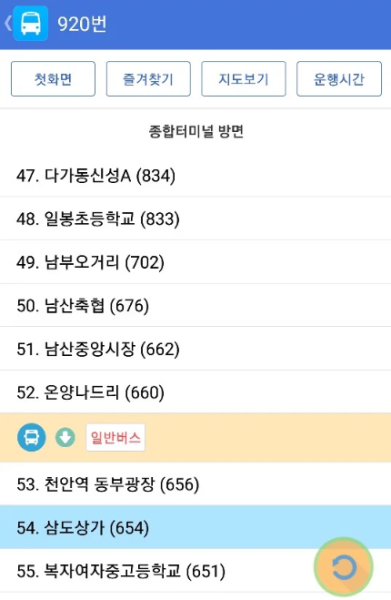
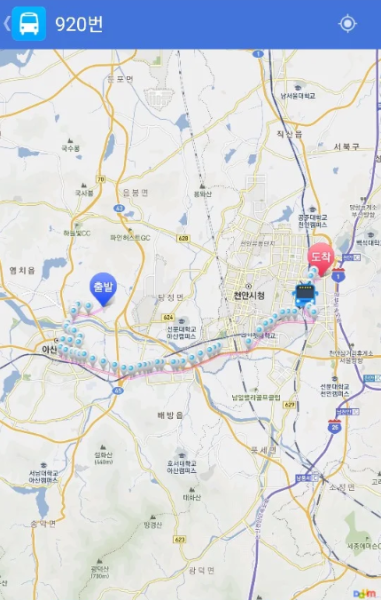
- Offers bus routes and displays the current location of buses.
- Provides complete information on the entire route.
[Route Search]
- Find routes from departure points to destinations.
# Required access permission information
# Location permission: Accessing location information is necessary for finding nearby stops.
# If rejected: The function to search for nearby bus stops will be unavailable.
How to Use
1. Enable location services on your phone, download and open the app.
2. **Search Stations**: Use the "Site Search" function to check real-time arrival information or directly locate nearby stations.
3. **Search Routes**: Use "Route Search" to view the real-time location of buses and all stops along the route. You can also enter your origin and destination to plan your route.
4. **Convenient Operations**: Save frequently used stations/routes and add notes for easy access.
Related Questions and Answers
1. **Q: Does this app's real-time bus arrival information come from the Cheonan City Government? **
A: No. The app's development and services are not affiliated with the Cheonan City Government. It's important to distinguish between third-party services and official services.
2. **Q: Can I quickly find frequently used bus stops and routes within the app? **
A: Yes, the app has a "Favorites" feature that allows you to save frequently used stops and routes, and you can add notes to favorites for easy access later.
3. **Q: How can I find nearby bus stops in an unfamiliar area? **
A: After turning on your phone's GPS, use the app's "Stop Finder" feature. It will automatically locate nearby bus stops based on your location. If you deny location permission, this feature will be unavailable.
4. **Q: Can I find the current arrival location of a bus and all stops along its route within the app? **
A: Yes, the "Route Finder" feature displays the bus's real-time location and provides complete route information, including all stops.
5. **Q: I don't know which bus to take from home to work. Can the app help me plan a route? **
A: Yes, use the "Route Lookup" function. Enter your departure and destination points, and the app will find the corresponding bus route.
- Version7.0.15
- UpdateOct 19, 2026
- DeveloperHi App's
- CategoryMaps & Navigation
- Requires AndroidAndroid 7.0+
- Downloads150K+
- Package Namecom.HiApps.CheonanBus
- Signature0aa323703bb3760ee88f748d66bef942
- Available on
- ReportFlag as inappropriate
-
NameSizeDownload
-
8.57 MB
-
8.57 MB
-
6.06 MB










Feature Post Request
Easy to Use
Transparent Information
Basic functionality
Location-dependent
No official affiliation