
Total Adblock for Samsung - Ad blocker & privacy tool
Transform your browsing with ad blocking, faster speeds, and enhanced privacy for a seamless online experience.

- 1.3.61 Version
- 2.6 Score
- 377K+ Downloads
- In-app purchases License
- 3+ Content Rating

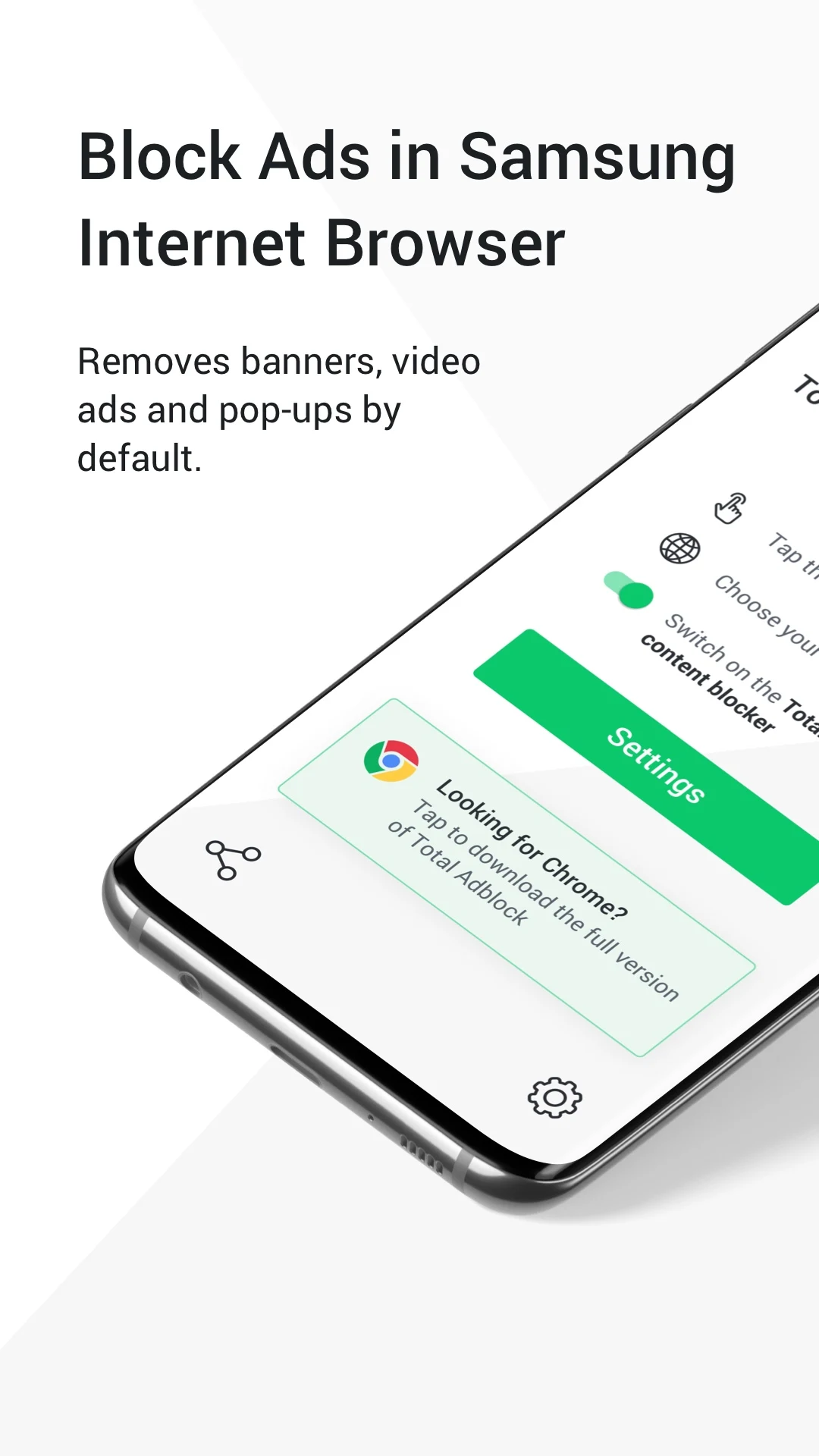
Total Adblock allows you to enjoy a more streamlined internet experience by eliminating bothersome advertisements on Samsung and Yandex browsers.
Apart from creating a less cluttered web environment, ad blocking enhances browsing speed and privacy by preventing trackers from following your online activities.
Here is an overview of the features offered by Total Adblock:
Ad blocking for Samsung & Yandex browsers
No more endlessly scrolling past ads; Total Adblock automatically removes banners, video advertisements, and pop-ups. Additionally, you can whitelist certain websites if you prefer to disable ad blocking for them.
Reduced data consumption
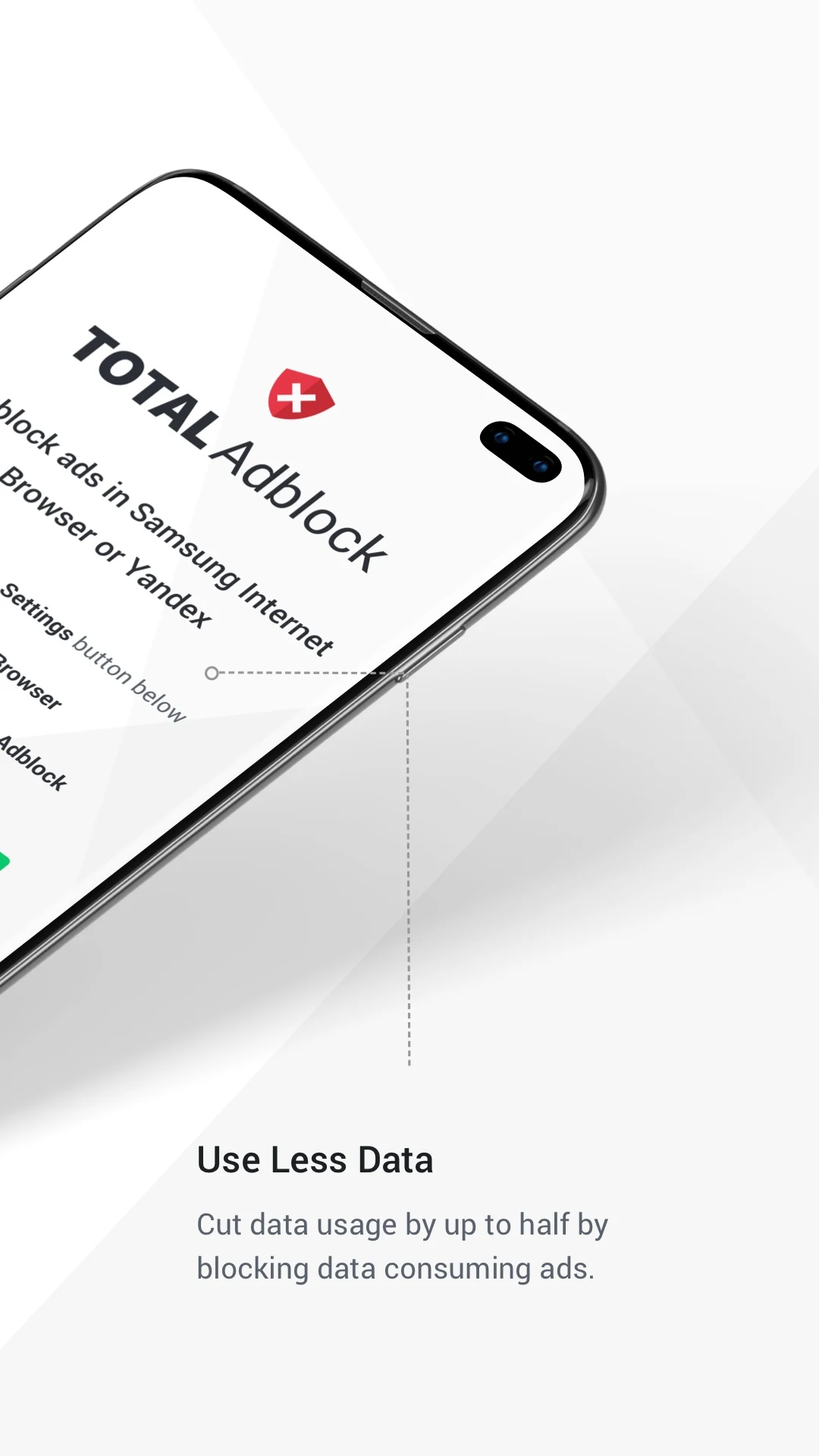
Advertisements use a significant amount of data, and by blocking them, you not only enhance your browsing speed but can also significantly decrease your data consumption.
Extended battery life
Loading pages filled with ads requires more memory, putting additional strain on your device's battery, especially due to high-quality video advertisements.
Blocking annoying website elements
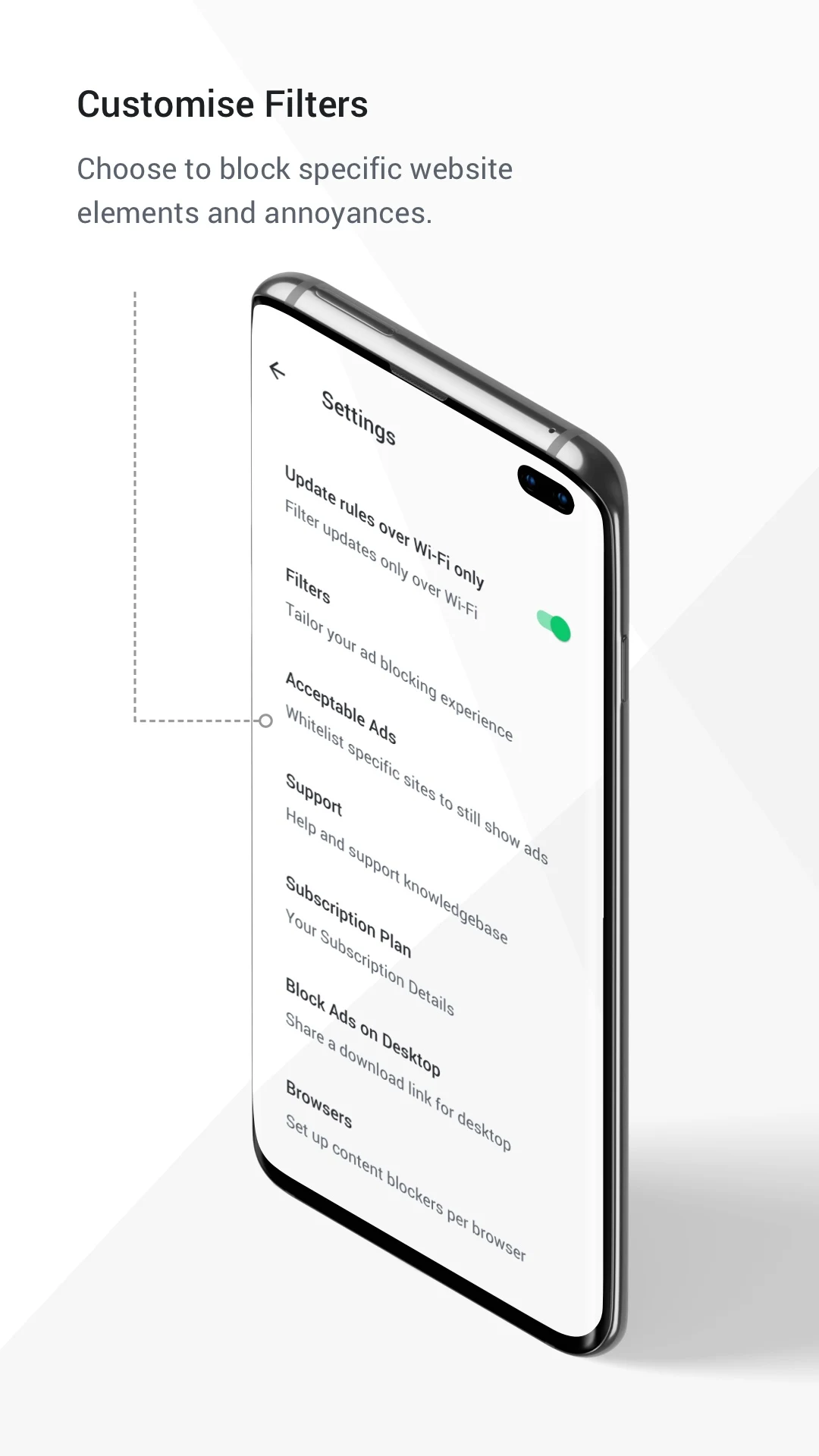
A personalized filter that targets irritating web components, which may not solely be advertisements but other elements that occupy valuable screen space.
Prevention of social media tracking
A filter designed to stop social media sites from tracking your online movement. This feature eliminates the appearance of major platform ‘like’ and ‘share’ buttons on various websites.
Removal of cookie notifications
This feature eliminates cookie consent and privacy notifications that can hinder and slow down page loading.
Blocking hazardous websites
Total Adblock blocks access to websites and pages known to distribute malware, keeping users safe while browsing.
Try Total Adblock now to enhance your browsing experience on Samsung and Yandex browsers—it's a quick and straightforward process!
Total Adblock is part of the TotalAV suite focused on cybersecurity and protection, helping millions worldwide enjoy safer and cleaner internet use.
Subscription fees may apply.
User Guide:

1. **Installation and Activation**:
- Samsung/Yandex browser users can automatically activate the ad-blocking function after downloading and installing the plugin.
2. **Core Operations**:
- Automatically blocks ads, tracking, and malicious websites; add domains to the whitelist in the plugin settings if needed.
3. **Important Notes**:
- Requires a subscription; only supports Samsung/Yandex browsers. Check permissions or update filtering rules if the function fails.
FAQs:
1. **Q**: What is the core function of Total Adblock?
**A**: Its core function is to block all types of ads on Samsung and Yandex browsers. It also reduces data usage, extends device battery life, blocks annoying website elements, prevents social media tracking, removes cookie notifications, and blocks dangerous websites, optimizing the browsing experience and improving online security.
2. **Q**: What types of ads does it block?
**A**: It automatically blocks common ad types such as banner ads, video ads, and pop-up ads. Users can also whitelist specific websites to exclude them from ad blocking.
3. **Q**: Which browsers does Total Adblock support?
**A**: Currently, it's primarily compatible with Samsung and Yandex browsers. Support for other browsers has not yet been mentioned.
4. **Q**: Does the app require payment?
**A**: The app may involve a subscription fee. Please refer to the actual subscription page for details.
5. **Q**: Besides blocking ads, what other useful additional features does it have? **A**: Additional features include reducing mobile data usage and extending device battery life; preventing social media platforms from tracking users' online behavior and removing "Like" and "Share" buttons on websites; clearing cookie permissions and privacy notices to speed up page loading; and blocking dangerous websites containing malware to ensure safe browsing.
6. **Q**: How does it help conserve device battery?
**A**: Loading pages filled with ads takes up more device memory, especially high-definition video ads, which put an extra strain on the battery. Blocking ads reduces device resource consumption and thus extends battery life.
7. **Q**: What is the brand background of Total Adblock?
**A**: It is part of the TotalAV suite, a suite of web security products that has helped millions of users worldwide achieve a safer and cleaner online experience.
8. **Q**: What privacy measures does the app take?
**A**: By preventing social media from tracking users' online behavior, blocking malicious websites, and removing privacy notices that may affect browsing, it reduces the risk of user information leakage and improves privacy protection.
- Version1.3.61
- UpdateOct 29, 2026
- DeveloperProtected.net Group Limited T/A Total Security
- CategoryTools
- Requires AndroidAndroid 5.0+
- Downloads377K+
- Package Namecom.totaladblock.contentblock
- Signatureb64c64039e3955749a489701b4eff543
- Available on
- ReportFlag as inappropriate
-
NameSizeDownload
-
87.76 MB
-
87.76 MB
-
26.93 MB


















Enhanced browsing experience without interruptions
Customizable ad-blocking options
Potentially faster page loading times
Increased privacy from intrusive ads
User-friendly interface
Multi-browser support availability
Efficient removal of annoying pop-ups
Intrusive ads persist despite subscriptions
Difficulty in canceling subscriptions and obtaining refunds
Misleading subscription pricing and payment structures
Poor customer support responsiveness
Technical issues leading to app malfunction
Risk of malware and personal information exposure
Frequent billing despite uninstallation
Unclear instructions and complicated setup process