
Phone Battery Temperature ℃ - Battery temperature monitor
Easily track your smartphone's battery temperature & get tips to cool it down when needed for better performance.

- 20250518 Version
- 1.3 Score
- 210K+ Downloads
- Free License
- 16+ Content Rating

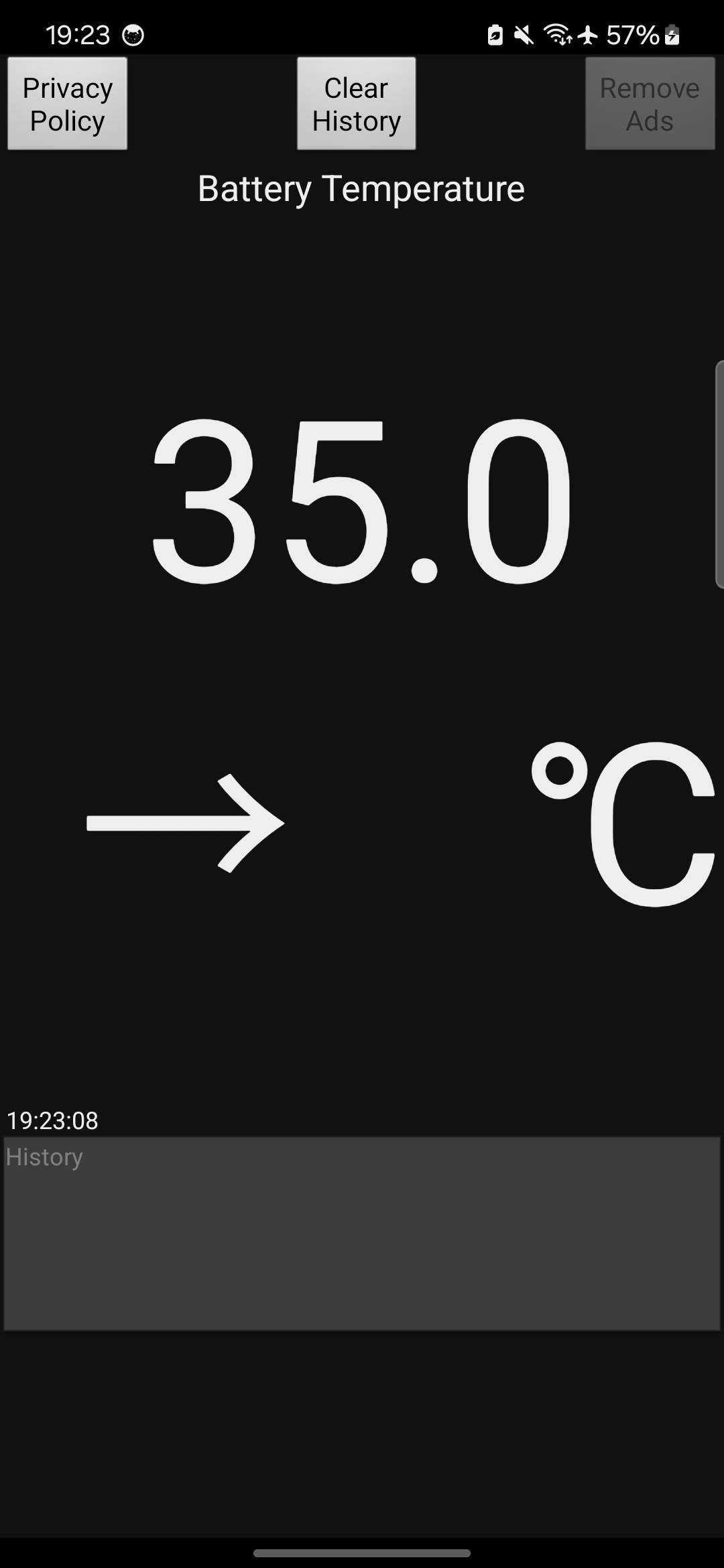
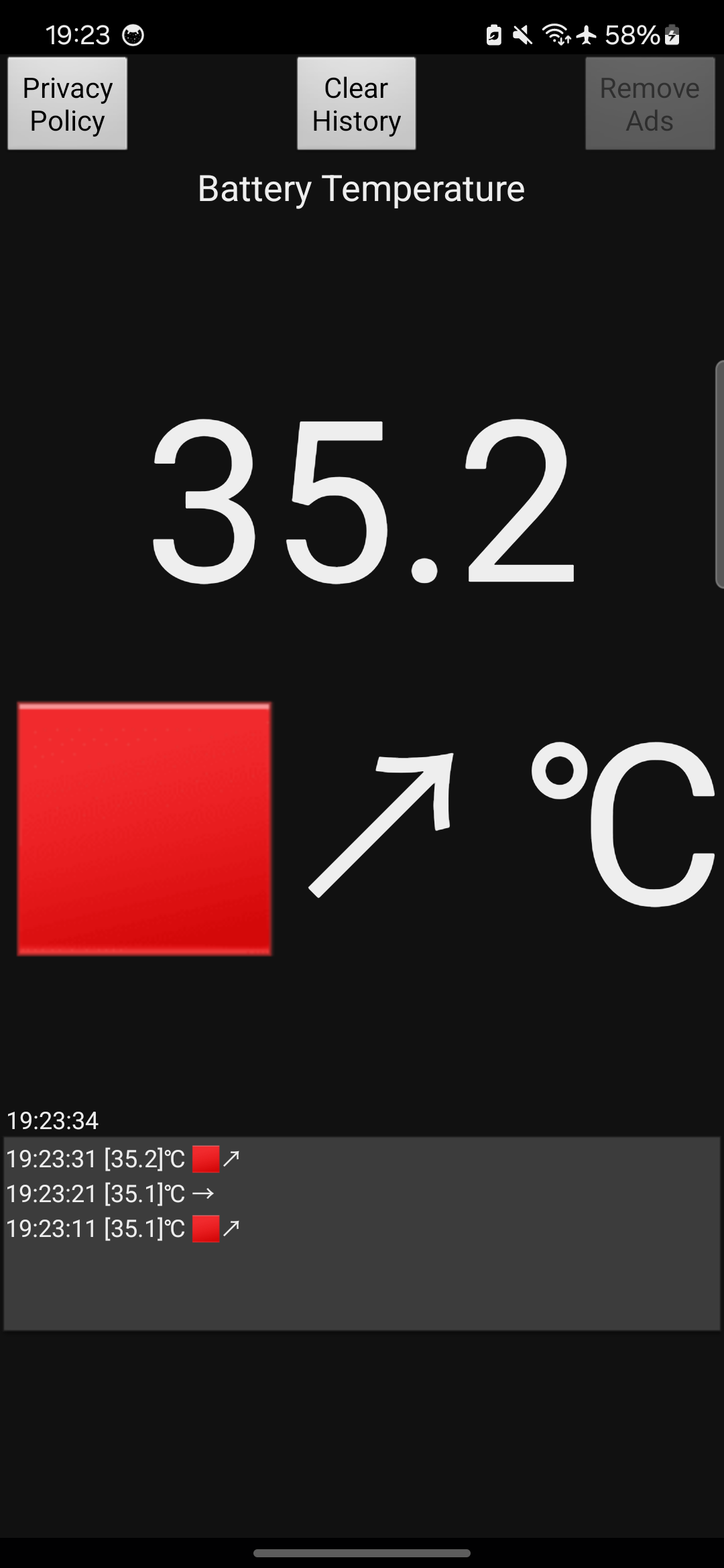
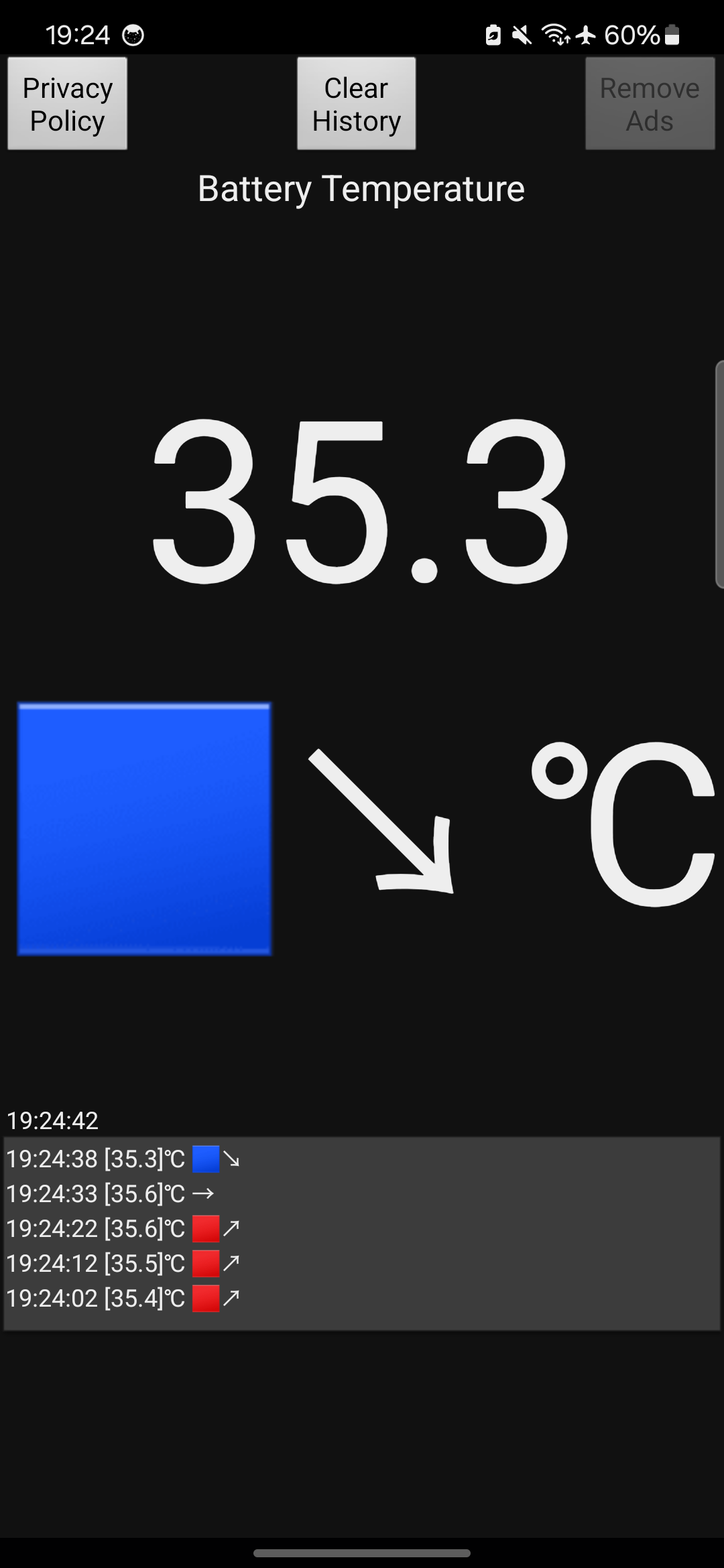
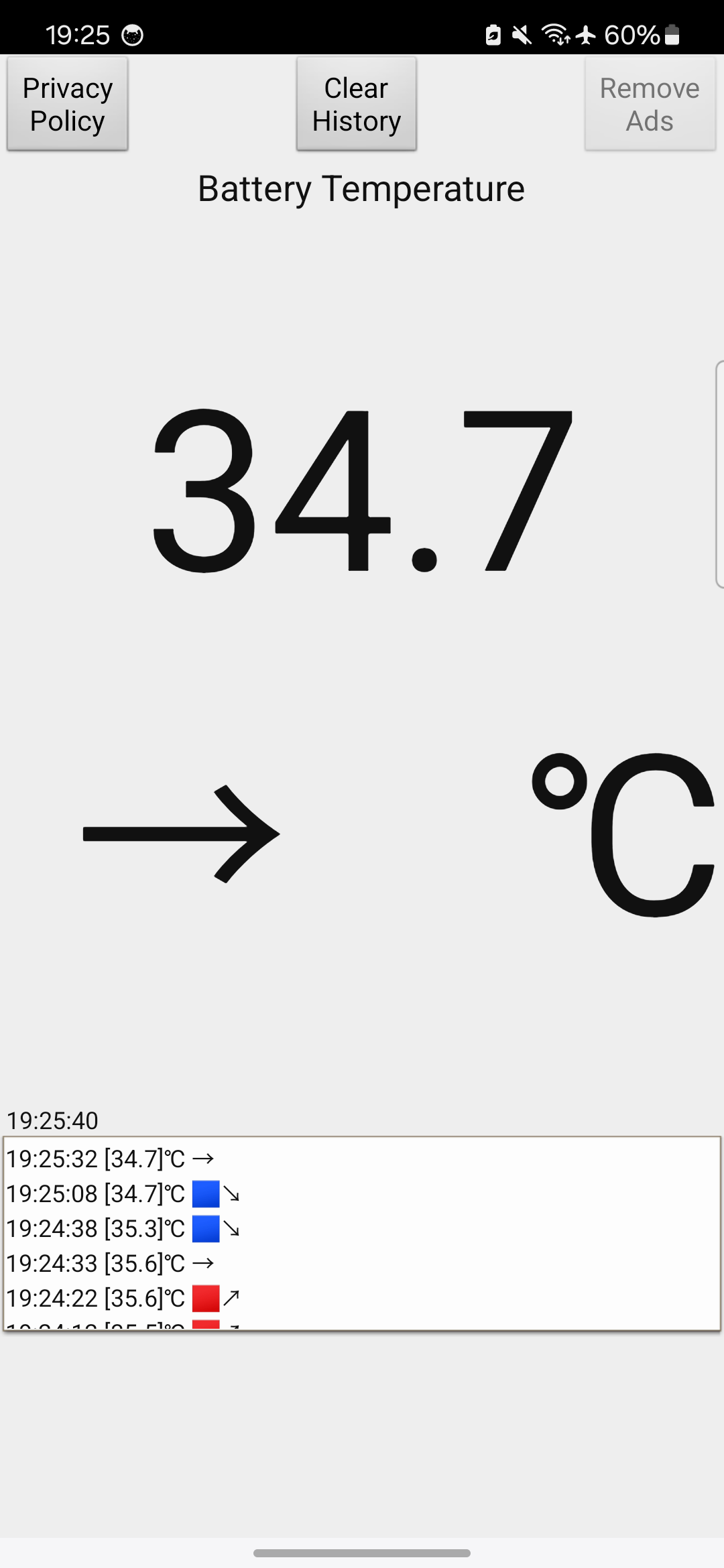
This straightforward, no-cost application allows you to measure the temperature of your smartphone battery in degrees Celsius (°C).
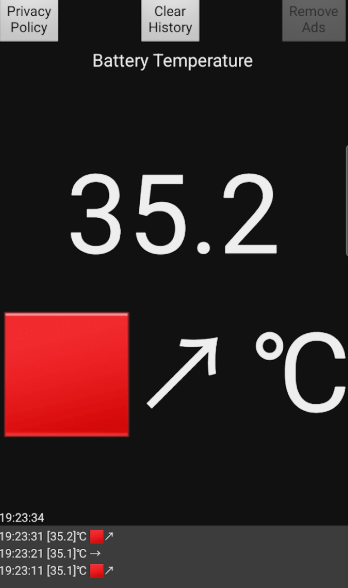
To help lower the temperature of your smartphone, consider ceasing charging, closing applications, allowing it to ventilate, or resting it on a metal surface.
Features:
- **Temperature Measurement**: Accurately measures the battery temperature of your phone and displays it in degrees Celsius (°C), allowing users to intuitively understand the battery's real-time temperature.
- **Cooling Suggestions**: When the battery temperature is detected to be high, the app provides practical cooling suggestions, such as stopping charging, closing background apps, airing the phone, or placing it on a metal surface, to help users cool down and protect the battery.
Advantages:
- **Easy to Use**: The app features a simple interface and easy operation, eliminating complex setup and operation procedures. Users can simply open the app to check the battery temperature, making it easy even for users unfamiliar with mobile apps.
- **Free Use**: The app is free to download and use, providing battery temperature measurement and basic cooling guidance without any additional costs.
Use Scenarios:
- **Daily Use**: During daily use, users can open the app to check the battery temperature at any time to understand the heating status of their phone. This is especially important when using the phone for extended periods of time for high-energy activities like gaming and video playback, allowing users to keep abreast of battery temperature changes.
- **Charging process**: The battery tends to heat up during charging. Through this application, users can monitor the battery temperature in real time during the charging process to avoid damage to the battery due to excessively high charging temperature, ensuring the safety of the charging process and the battery life.
Related Questions:
1. **Q**: What is the core function of this app?
**A**:** It measures smartphone battery temperature (in degrees Celsius) for free and provides practical cooling suggestions when the battery is overheating to help protect it.
2. **Q**: How does the app display battery temperature?
**A**:** By accurately detecting battery temperature, it presents the value directly in degrees Celsius (°C), allowing users to intuitively understand the real-time battery temperature status.
3. **Q**: What cooling suggestions does the app provide when the battery is overheating?
**A**:** Specific suggestions include stopping charging, closing background apps, allowing the phone to ventilate and dissipate heat, or placing it on a metal surface to assist in cooling.
4. **Q**: What are the main advantages of this app?
**A**:** First, it's easy to use; the interface is simple and has no complicated settings. You can view the temperature as soon as you open it, making it easy for beginners to use. Second, it's completely free, with no download or usage costs, providing core temperature detection and cooling guidance.
- Version20250518
- UpdateOct 29, 2026
- Developeroxdb.net
- CategoryTools
- Requires AndroidAndroid 6+
- Downloads210K+
- Package Namenet.oxdb.Celsius2
- Signature43e59042bafd99ee31ac4101bfb4bbd5
- Available on
- ReportFlag as inappropriate
-
NameSizeDownload
-
5.77 MB
-
5.15 MB
-
4.57 MB



















Accurate temperature readings
Useful for monitoring phone temperature
Helps prevent overheating
Suggestion for Excel conversion feature
Request for notification alerts on temperature thresholds
Widget functionality requested for quick access
High reliability in most cases (95% accuracy)
Comparison to other apps shows superior performance
Occasionally inaccurate readings at lower temperatures
Concerns about occasional wrong temperature display
Widget functionality disappeared for some users
Aesthetic simplicity may not appeal to everyone
No built-in battery drainage prediction feature
Initial release perceived as hastily thrown together
Lack of a comprehensive history of temperature readings
Negative experiences leading to skepticism despite positive ratings