
Bitvelo - internet speed meter - Internet speed monitoring & usage tracking
Take charge of your network with real-time speed tracking & detailed app usage insights in one powerful tool.

- 1.4.3 Version
- 3.2 Score
- 363K+ Downloads
- In-app purchases License
- 3+ Content Rating

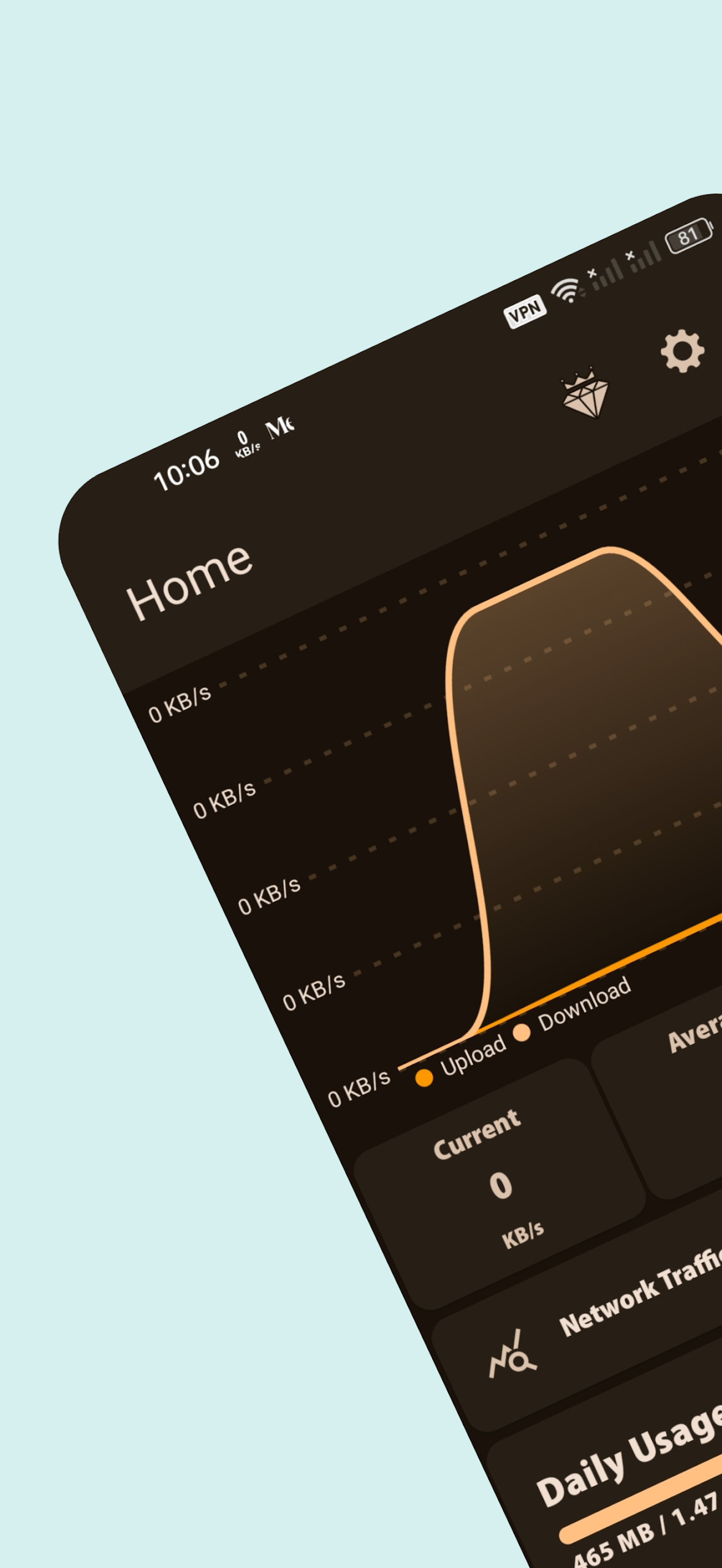
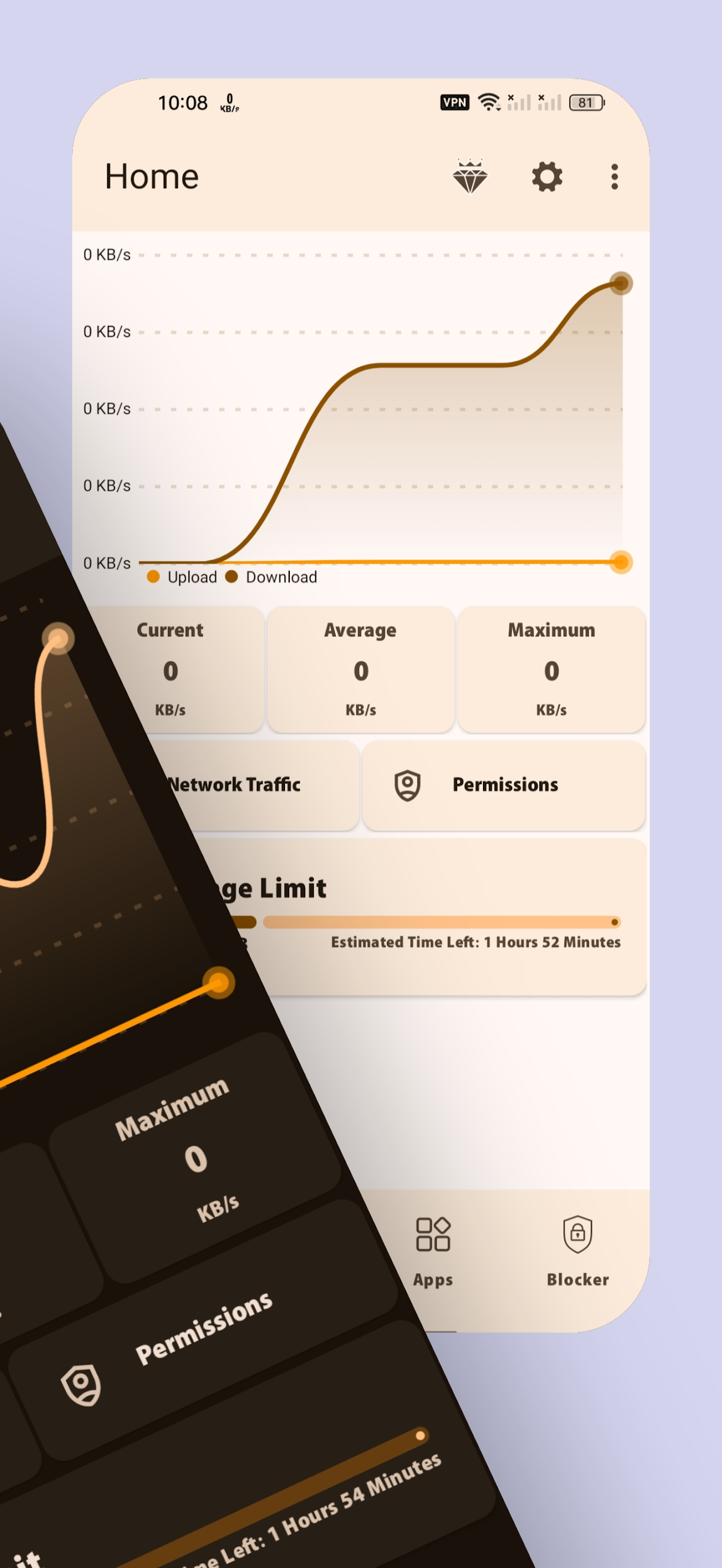
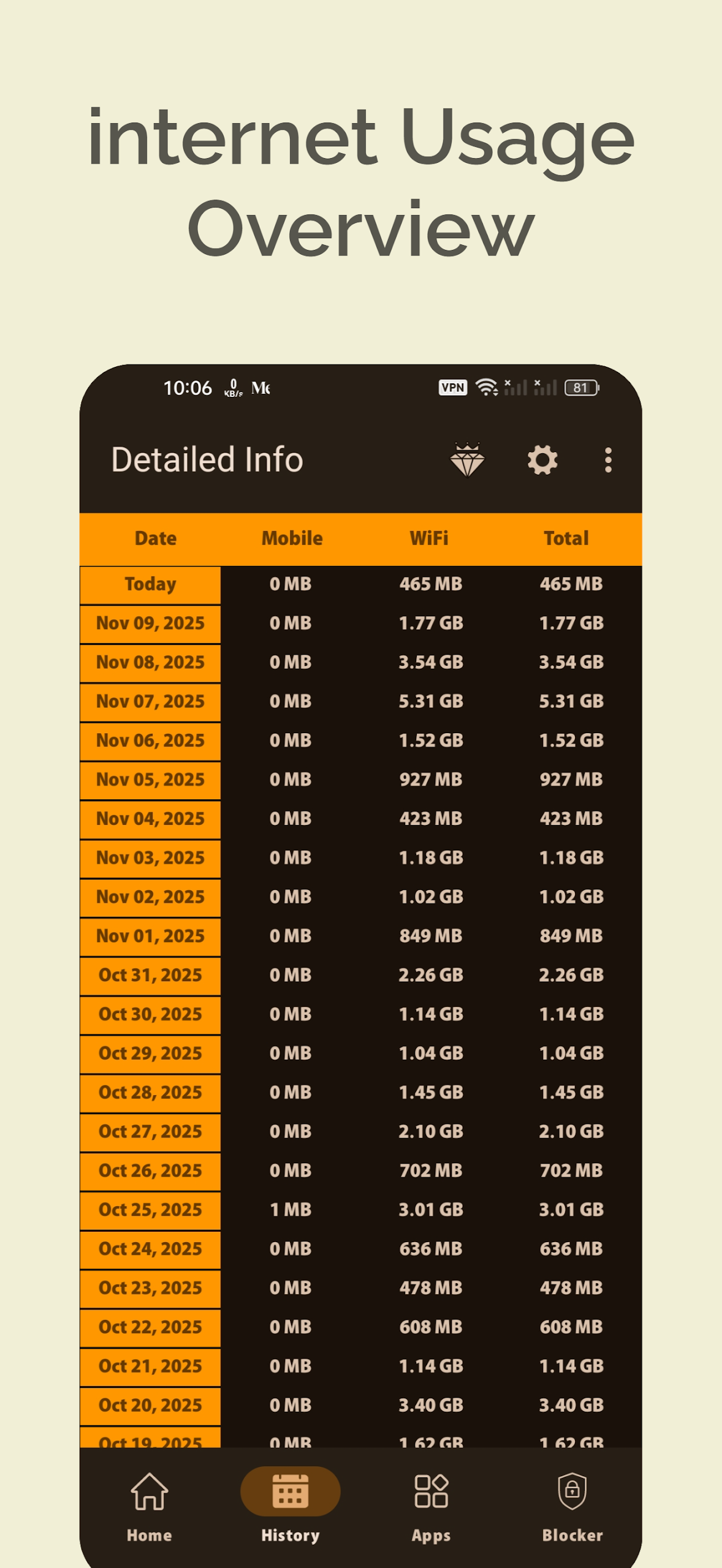
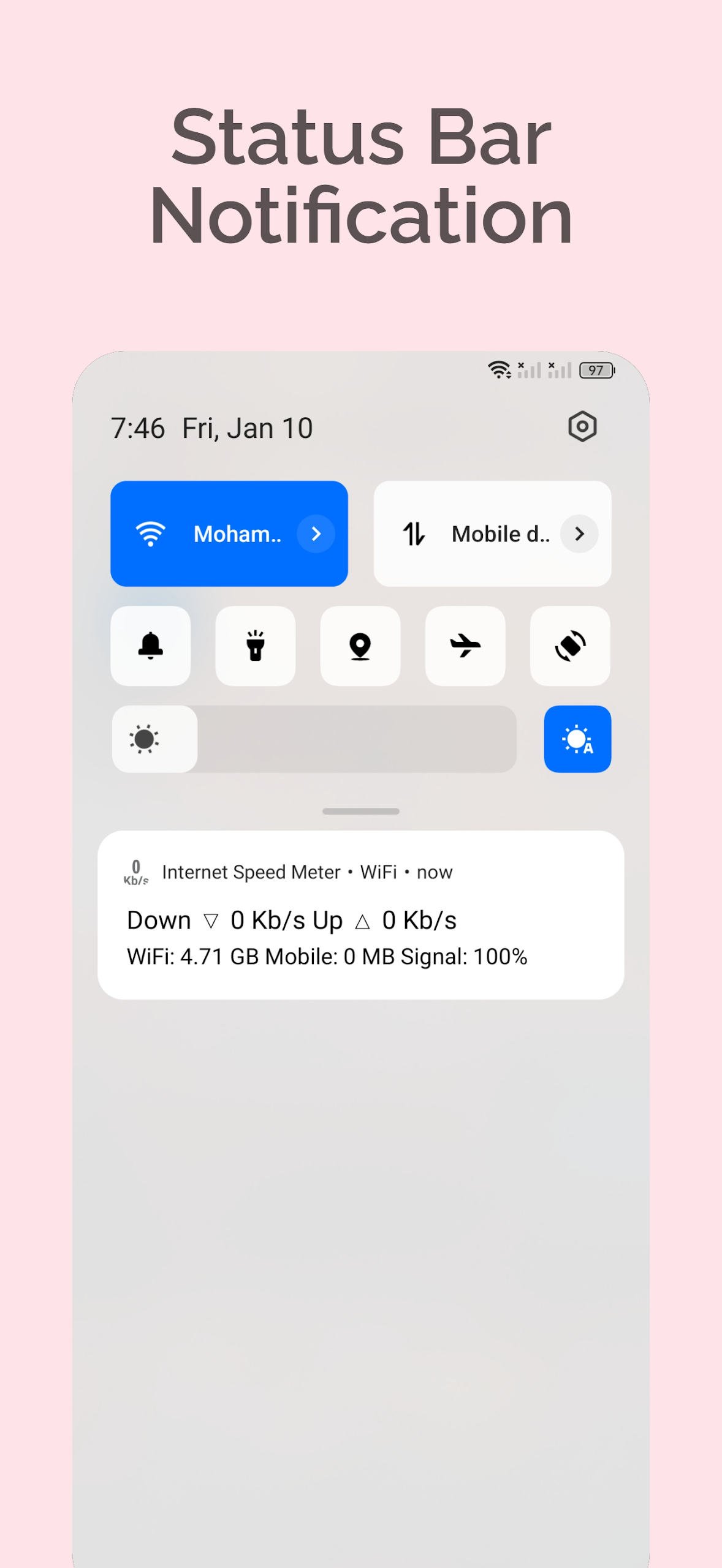
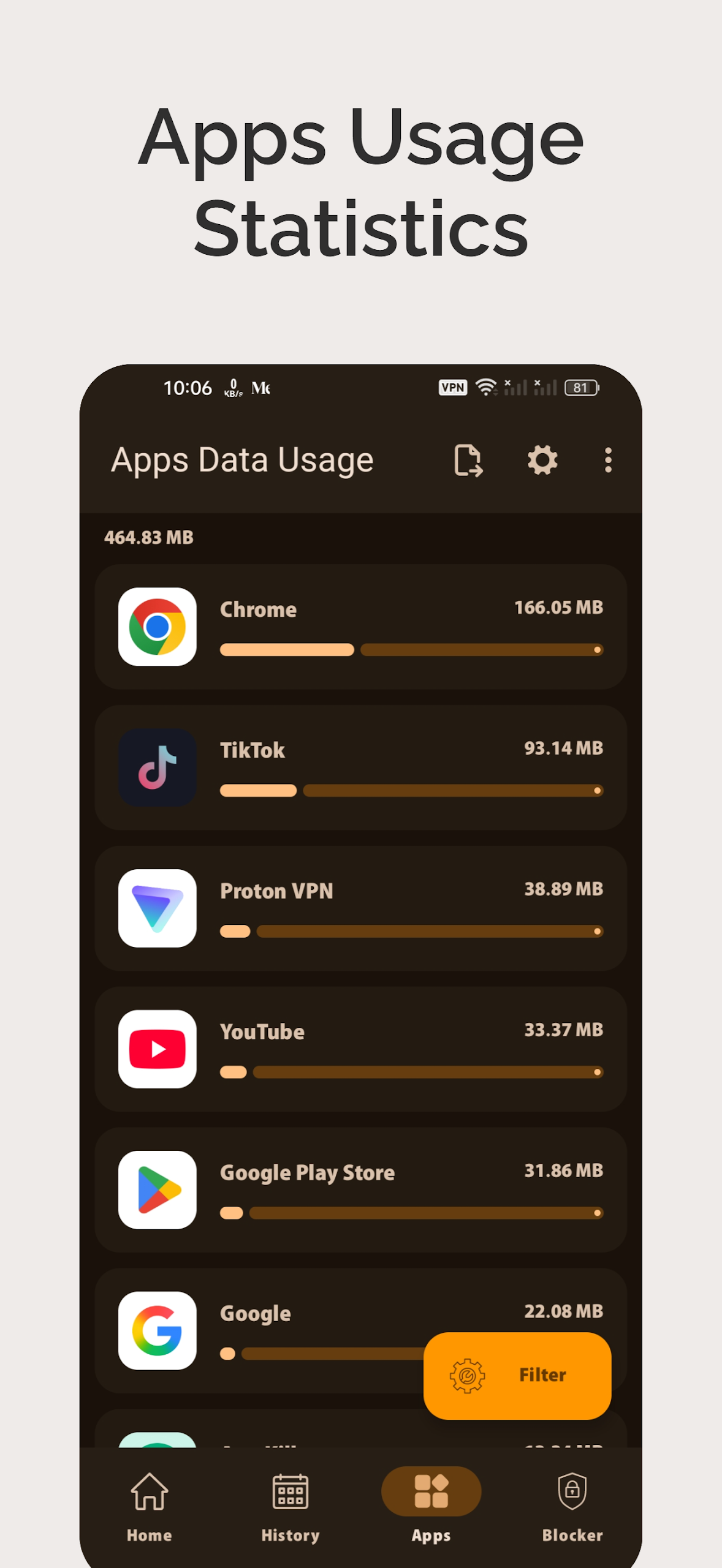
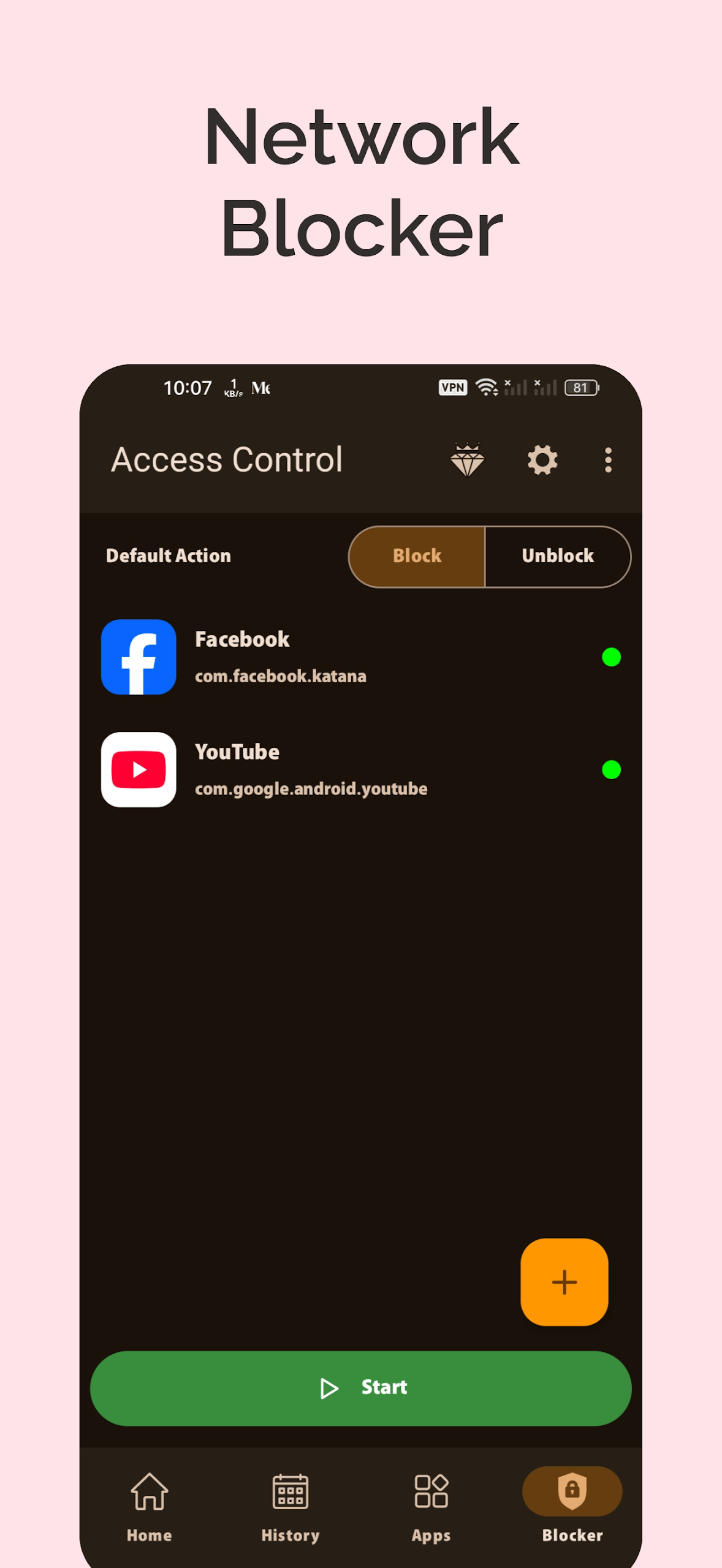
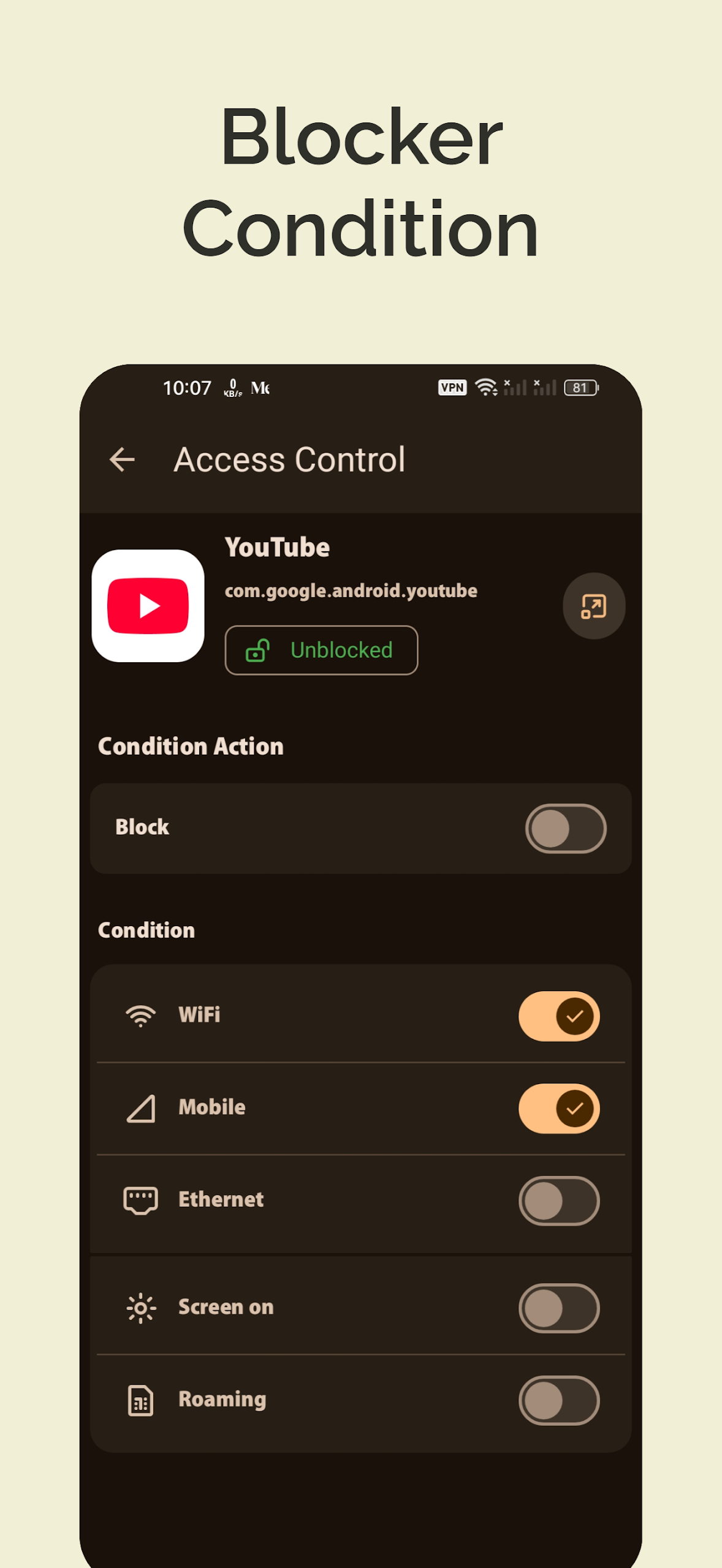
BitVelo – Internet Speed Meter & Usage Monitor
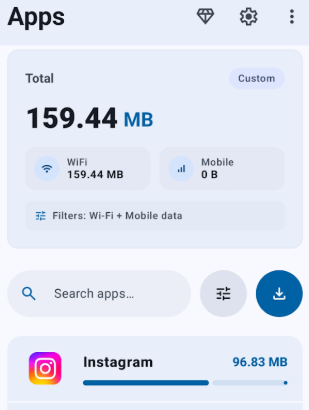
Take command of your network with BitVelo, the all-in-one application for monitoring real-time internet speed, data usage by application, and historical data — all within a single user-friendly and powerful tool.
Key Features:
• Real-time Speed Monitoring – Instantly see your download and upload speeds displayed on your status bar and through a floating window.
• Per-App Network Usage – Monitor how much data individual apps consume in real-time or over a specified timeframe.
• Usage History – Keep track of your daily, weekly, and monthly data consumption.
• Advanced Floating Monitor – Continuously identify which application is utilizing your internet with the floating speed display.
• Supports All Networks – Compatible with WiFi, 4G, 5G, and mobile data connections.
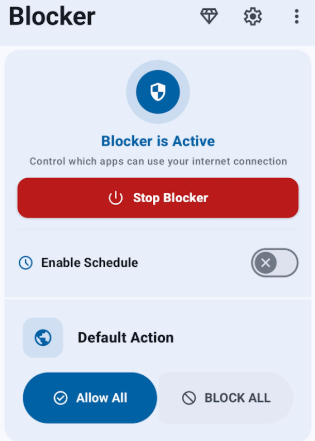
• App Network Blocking – Prevent selected applications from accessing the internet to conserve mobile data, stop unwanted background usage, and enhance your privacy.
BitVelo utilizes the Android VPNService to manage traffic directly on the device rather than through a remote server. Due to an Android limitation, only one application can use this service at any given time.
Why Opt for BitVelo?
Stay updated and avoid exceeding limits. Whether you're a frequent streamer, mobile gamer, or simply want heightened control over your internet performance, BitVelo provides clarity, control, and efficiency.
Usage Instructions:
1. After installation, enable accessibility permissions to adapt to phones/tablets with damaged buttons;
2. Customize the button bar (position, color, hide/transparent), and toggle the back button position;
3. When the keyboard pops up, the button bar automatically moves up/can be hidden;
4. Disable it within the app when not in use.
Related Questions and Answers:
1. **Q**: Can BitVelo show real-time network speed? Where is it displayed?
A: Yes, it displays download and upload speeds in real time, visible in the status bar or in a pop-up window, making it easy to monitor at any time.
2. **Q**: Can I see how much data a single app is using?
A: Yes, you can monitor data usage by app in real time or over a specified time period, giving you a clearer picture of where your data is going.
3. **Q**: Can I check past data usage?
A: It records daily, weekly, and monthly data usage history, making it easy to review usage trends and avoid overages.
4. **Q**: Besides checking network speed, what other uses does the pop-up window have?
A: The pop-up window continuously displays apps currently using the network, allowing you to intuitively see which apps are hogging the network.
5. **Q**: What network types are supported? Can both WiFi and mobile data be monitored?
A: All are supported. It's compatible with WiFi, 4G, 5G, and mobile data, and can monitor the speed and data usage of different networks.
- Version1.4.3
- UpdateOct 28, 2026
- DeveloperGliese Studio
- CategoryTools
- Requires AndroidAndroid 6+
- Downloads363K+
- Package Namecom.AFG.internetspeedmeter
- Signature18dff5344c922c65d2cc747579b8b28b
- Available on
- ReportFlag as inappropriate
-
NameSizeDownload
-
4.90 MB
-
4.59 MB
-
4.55 MB
















User-friendly interface and design
Accurate data usage tracking
Real-time internet speed monitoring
Ad-free experience for paid users
Customizable notifications and display settings
Works seamlessly across various Android devices
Useful for Samsung users with limited inbuilt features
Provides detailed statistics and historical data
No battery drain observed during use
Notifications fail to show or update properly
Issues with app crashing or freezing
Presence of unsolicited ads despite payment
Limited options for filtering data usage by network type
Inconsistent performance across different devices
Difficulty setting monthly data resets based on carrier billing cycles
Background functionality can be unreliable
Visibility issues with displayed speed values
Lack of clear disclosure about advertisements in the Play Store listing