
Authenticator: 2FA, Password - Secure & simple authentication
Unlock ultimate security with real-time access monitoring & instant password generation for peace of mind online.

- 1.1.1 Version
- 1.5 Score
- 222K+ Downloads
- In-app purchases License
- 3+ Content Rating


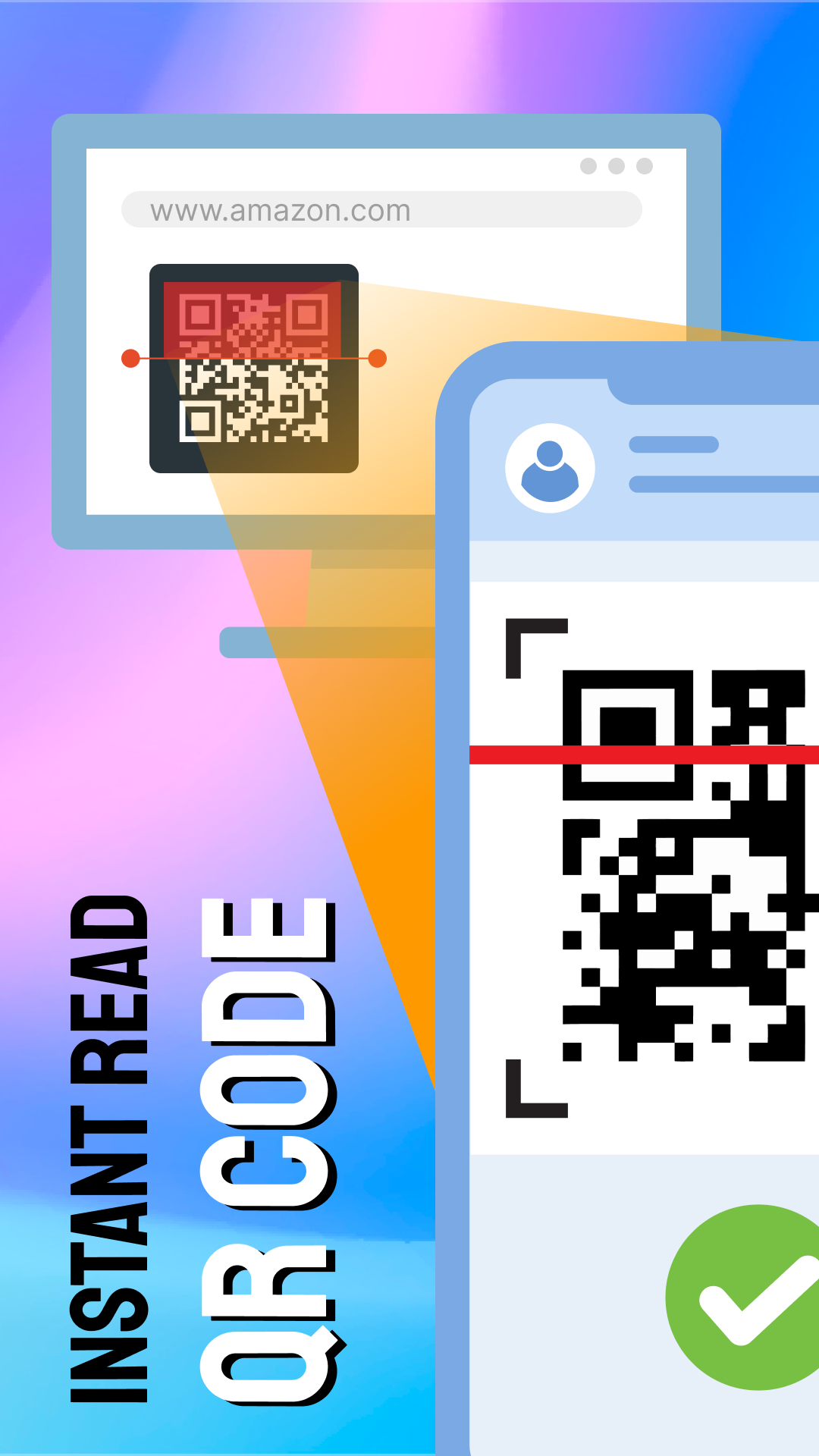
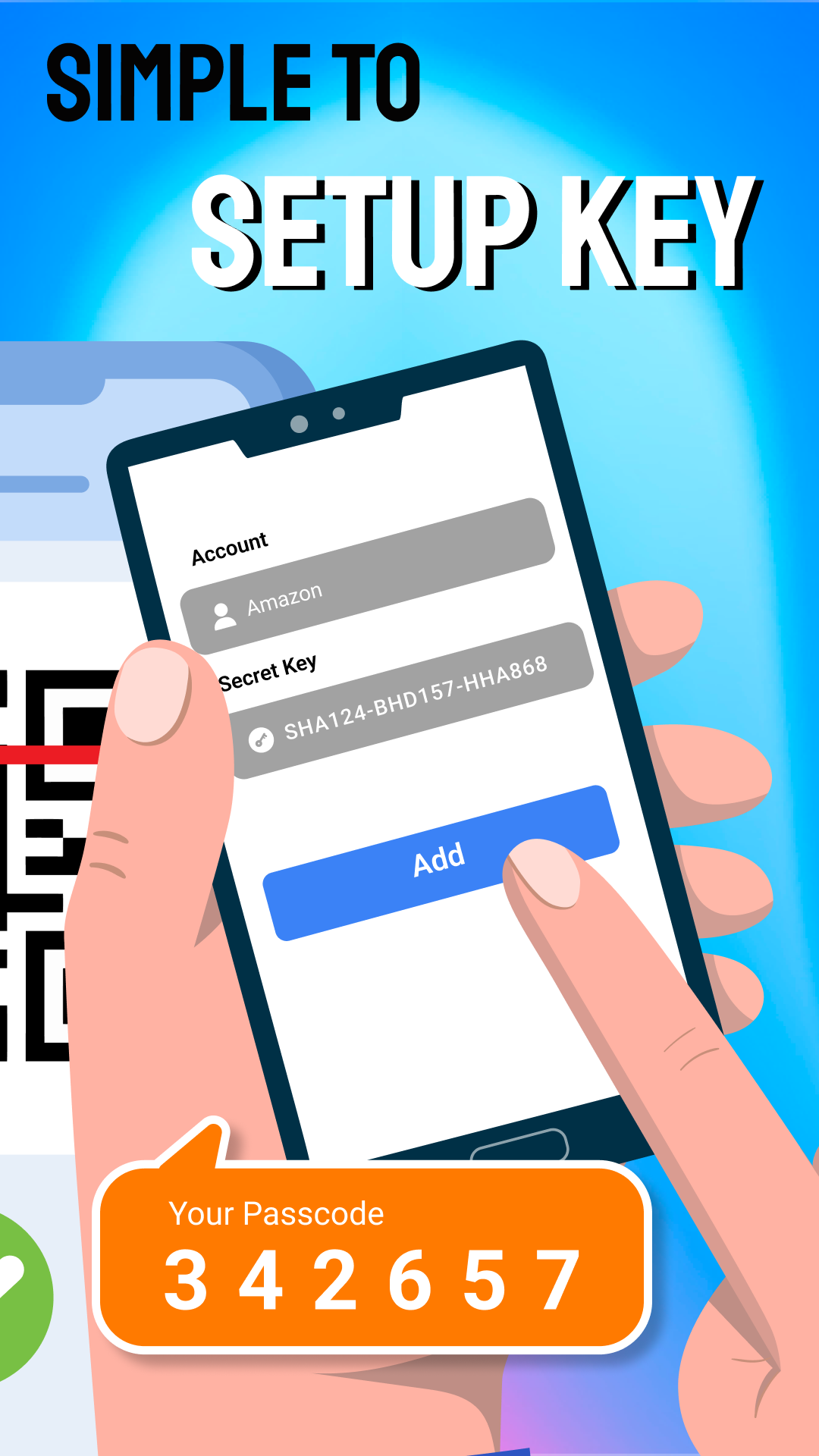
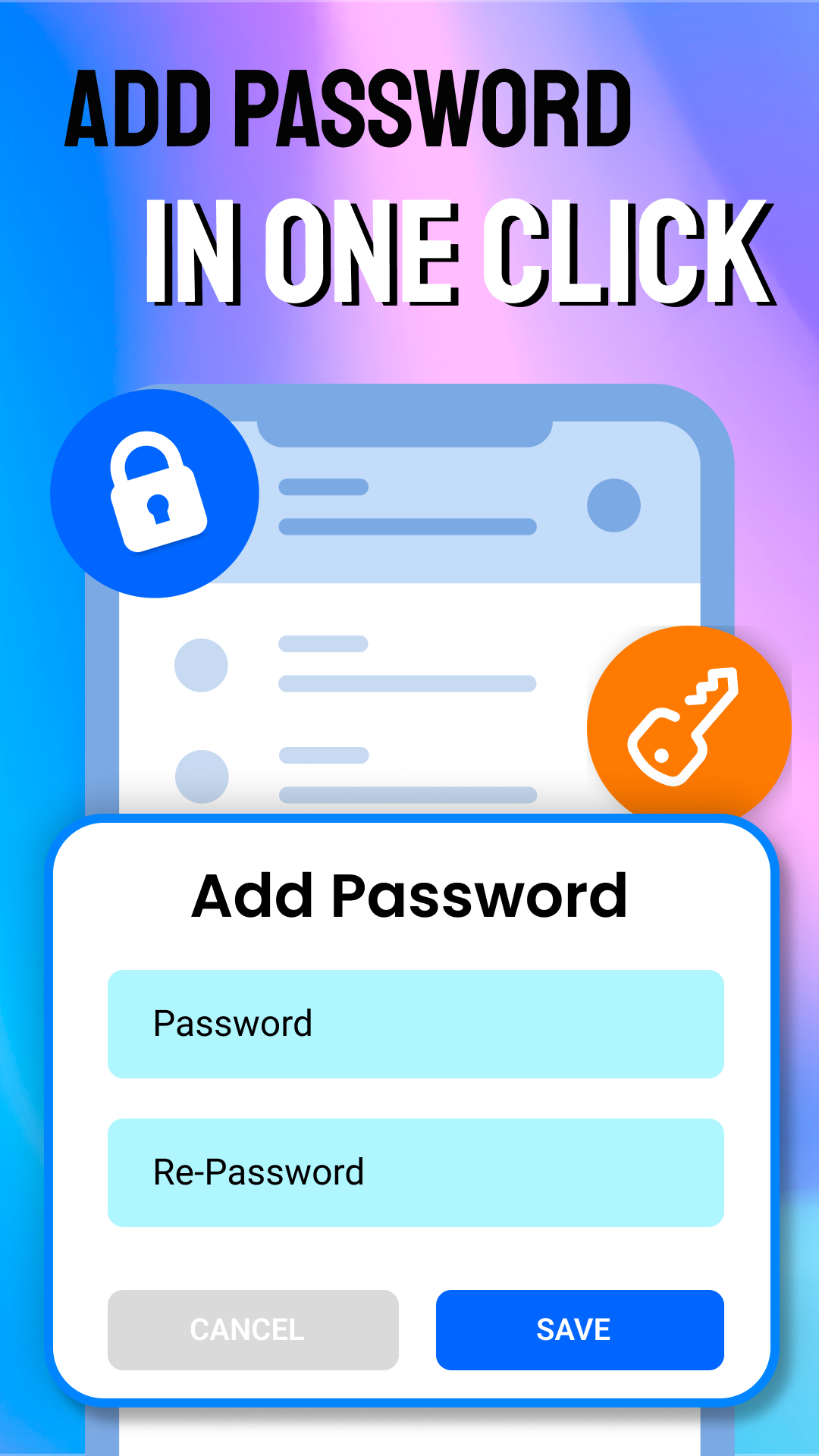
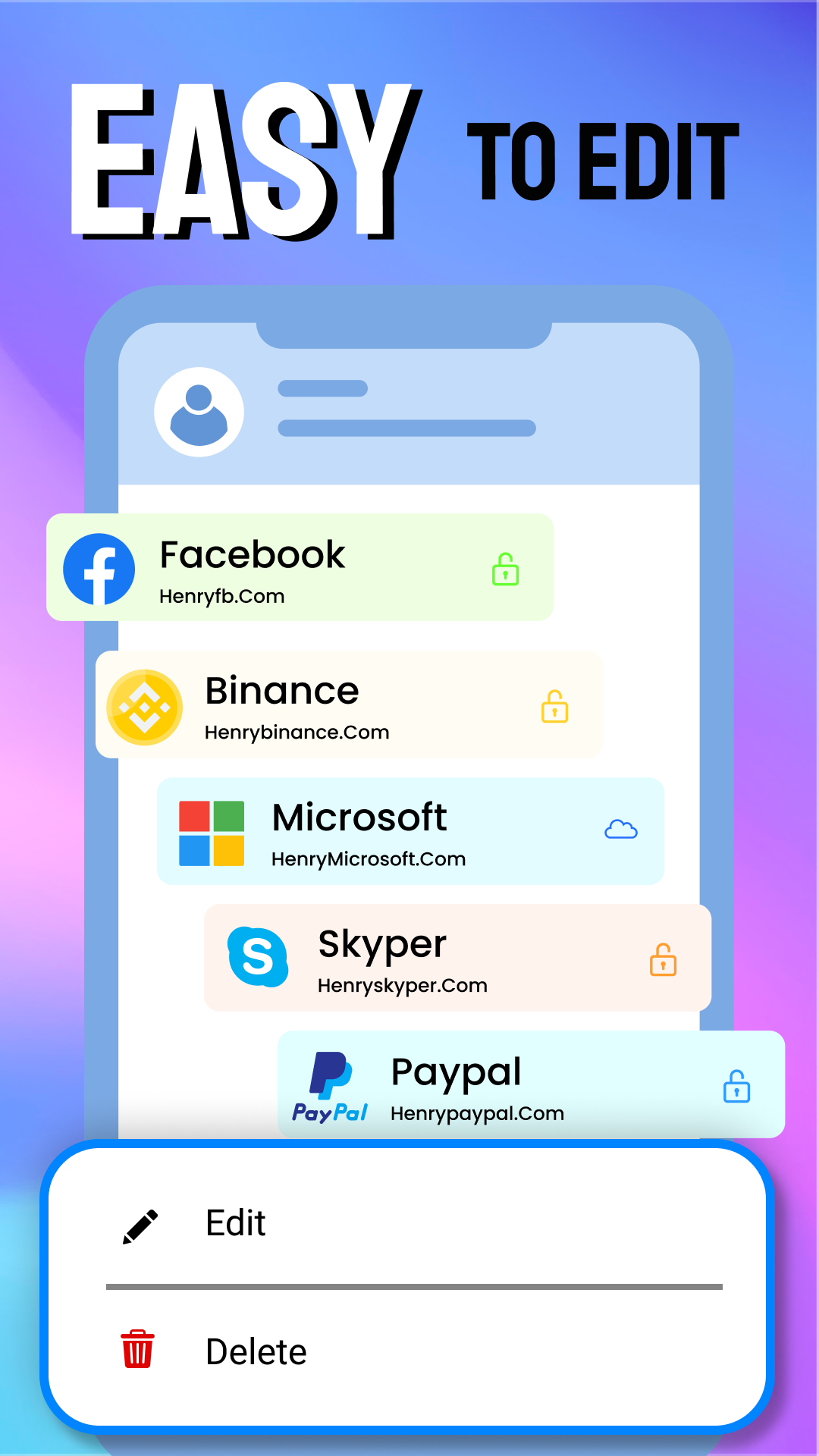
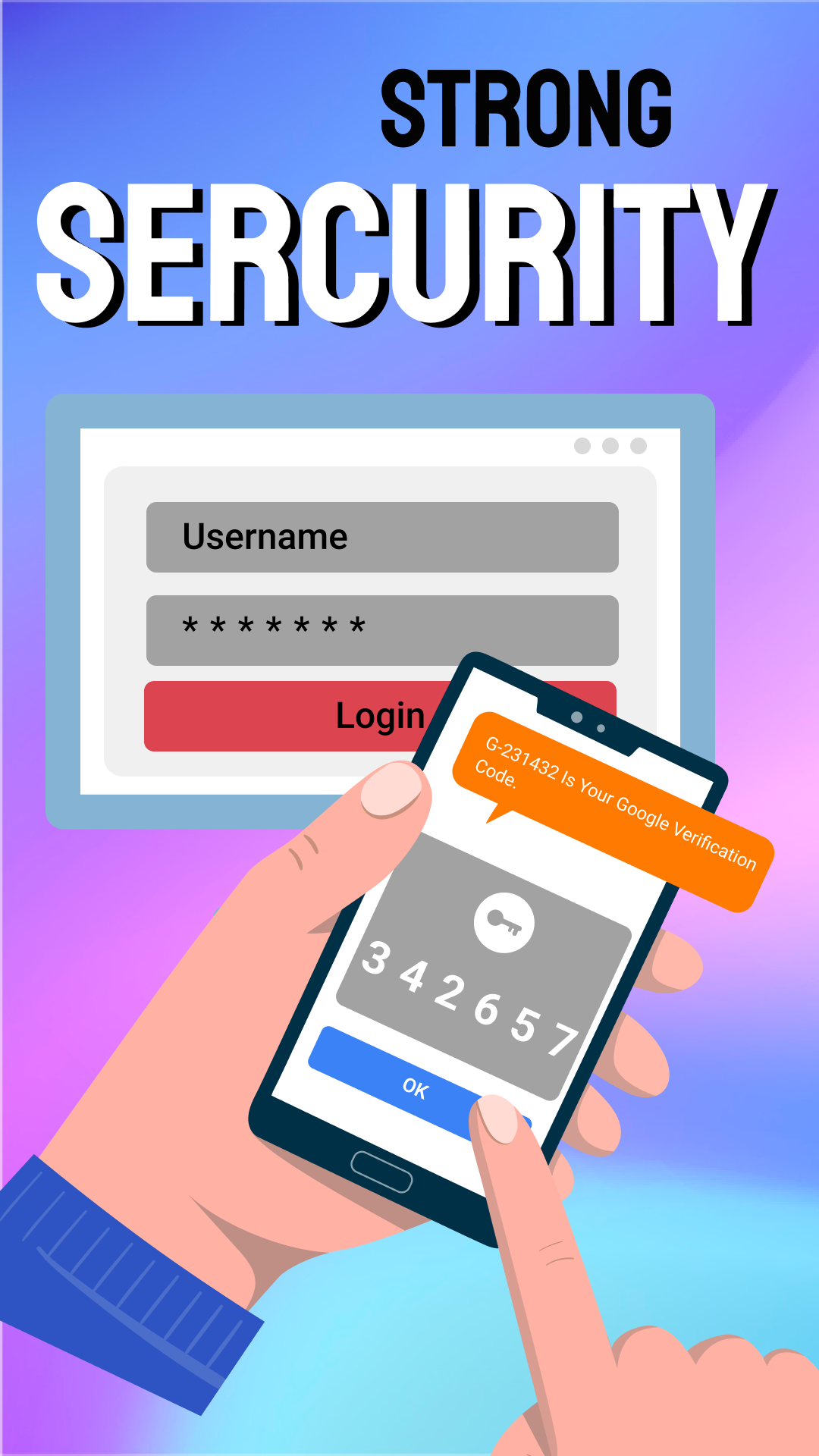

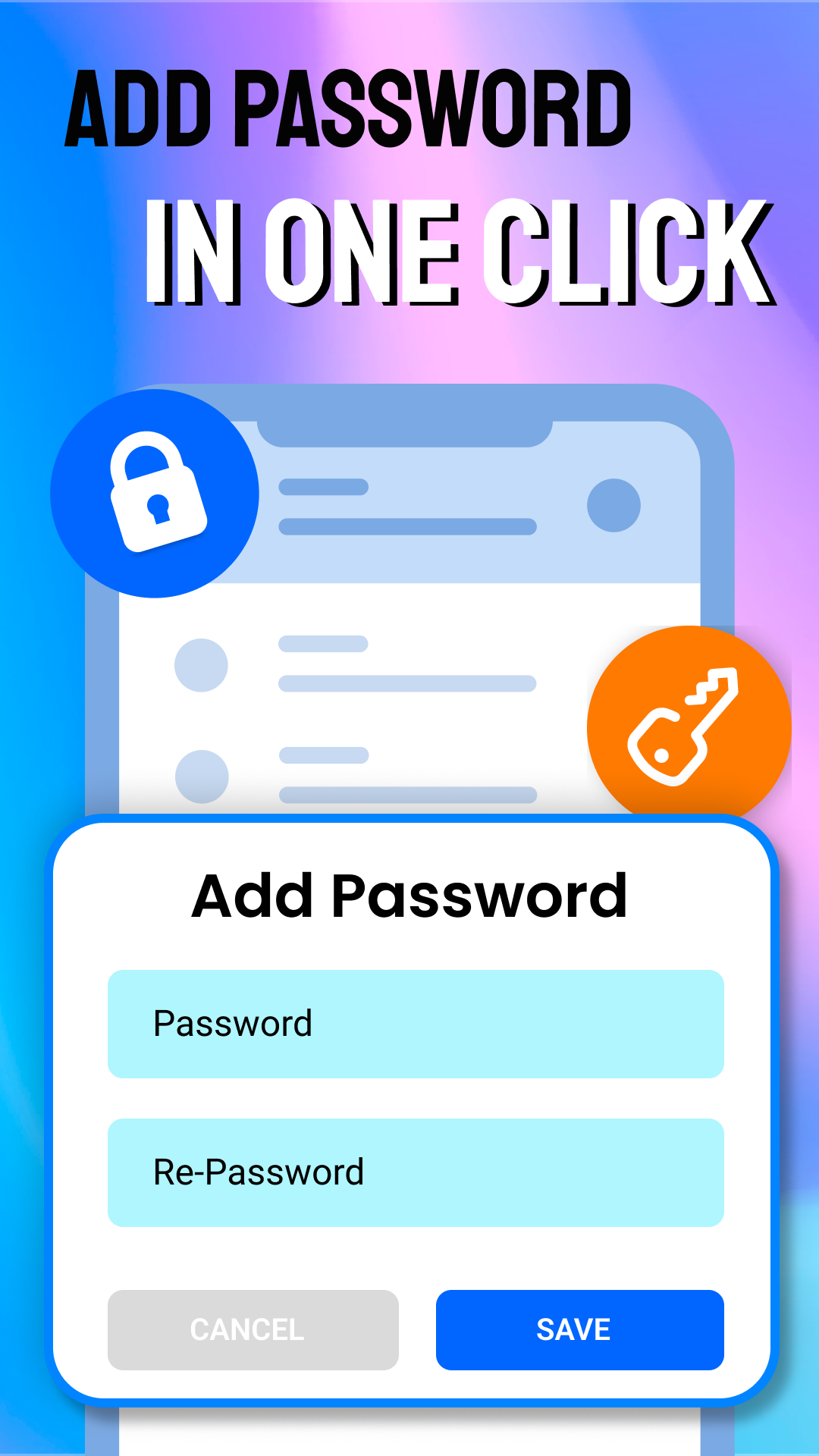
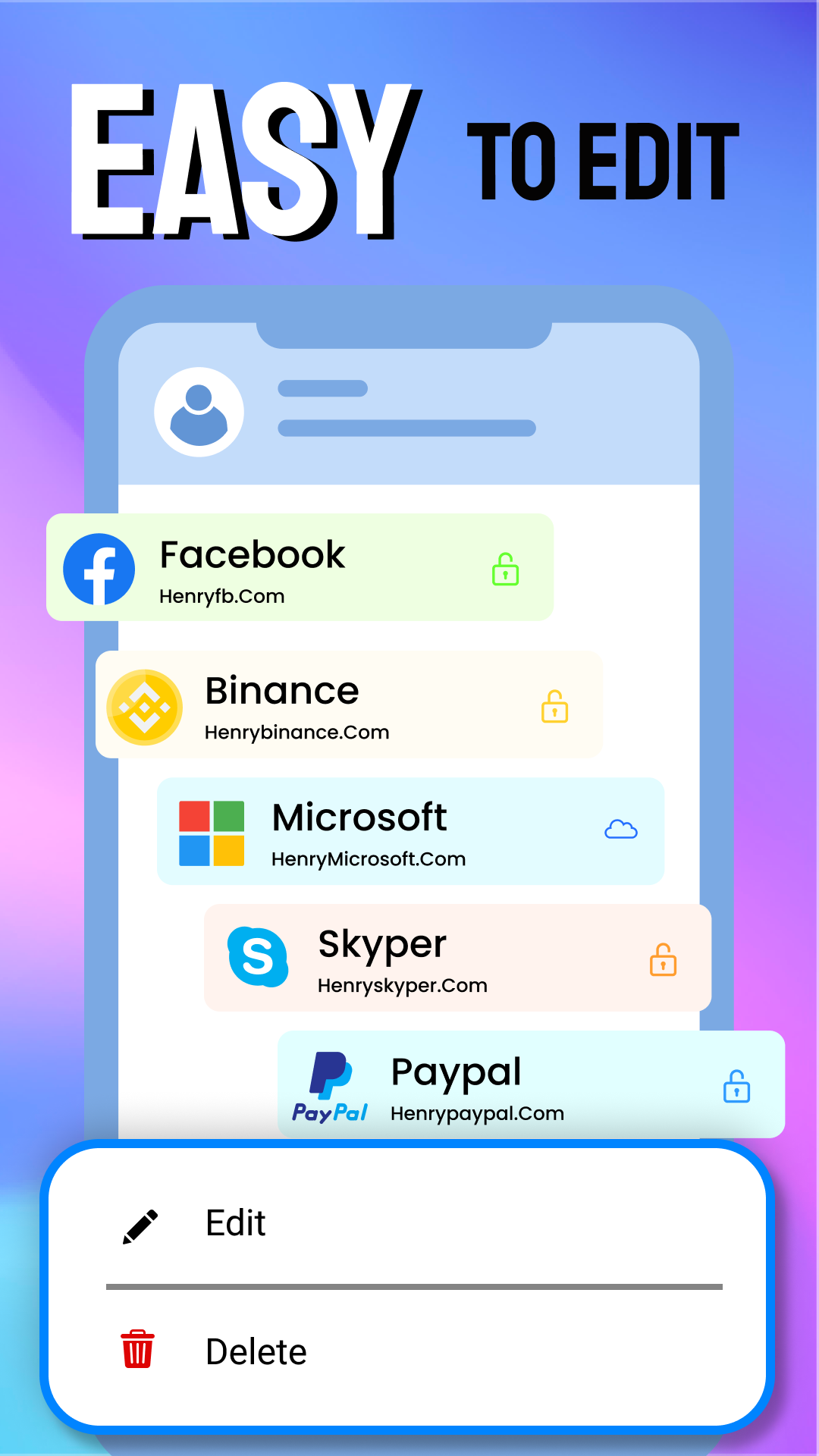
By implementing two-factor authentication (2FA) or multi-factor authentication together with a time-based one-time passwords algorithm (TOTP), this authenticator application offers the highest level of security for your online accounts.
With this security application, recognized as one of the most secure, private, and user-friendly options globally, you can effectively access and protect your accounts on platforms such as Facebook, Amazon, Dropbox, Google, LinkedIn, GitHub, and many others, regardless of whether you are an individual user or a business entity.
⭐ Key advantages of two-step verification include:
- Authenticator applications significantly enhance security by making unauthorized access more challenging for cybercriminals.
- Easily regain control of your data through options for multi-factor or two-factor authentication.
- Quickly recover access to your account within minutes following a breach using the authenticator app.
- Log in seamlessly without needing to recall or manually enter your password thanks to the password manager feature.
- Monitor access from multiple devices while limiting network permissions through this account management tool.
- Instantly detect if someone else is attempting to access your account via real-time alerts provided by the security management system.
- Safeguard against account breaches and empower businesses to counteract fraudsters using account management solutions.
⭐ Features you will benefit from:
- Generates authentication codes for your online accounts via this management tool.
- Automatically reads and displays codes along with relevant details.
- Creates robust passwords using two-factor authentication.
- Displays generated password QR codes alongside two-step verification.
- The app generates a new code every 30 seconds.
- Supports SHA256, SHA1, and SHA512 algorithms for multi-factor authentication.
- Provides two-step verification capabilities for Android.
- Manages multiple passwords comparable to top password managers under two-step verification.
- Assists users in getting started with multi-factor authentication.
Keep your primary password confidential.
⭐ The authenticator app features assist you in:
1️⃣ Securing your passwords against theft.
- Effectively prevent others from discovering your passwords.
- Two-factor authentication (2FA) verifies the user through a second device after entering their password.
2️⃣ Offering anti-phishing protection.
- Block emails containing harmful web links.
- A secondary validation step following the password entry helps combat phishing attempts.
3️⃣ Guarding against social engineering attacks.
- Prevent hackers from posing as IT professionals to steal your credentials.
- Validate the location and IP address for every login attempt post password entry.
4️⃣ Averting brute-force attacks.
- Stop hackers from randomly generating passwords intended for a specific device.
- The additional layer of protection within the two-step verification (2FA) requires login attempts to be validated before access is granted.
5️⃣ Eliminating keylogging threats.
- Protect users from malicious actors who track and capture passwords during typing.
- Prevent hackers from recording each input to capture passwords for future exploitation.
- Multi-factor authentication allows users to verify that a login attempt is genuinely theirs, even if their password has been compromised.
6️⃣ Enhanced access to information.
- Generate a QR code that creates a unique passcode.
- Utilize it across different devices.
- Provides greater flexibility for users to access their information.
7️⃣ Improved accessibility.
- Remember the accounts a user is trying to log into.
- Access your passcodes anytime as needed.
Application Experience:
This highly secure identity verification application supports account protection on multiple platforms such as Facebook and Amazon. It integrates two-step verification and password management functions: automatic CAPTCHA updates every 30 seconds (compatible with algorithms such as SHA256), real-time login alerts, and multi-device permission control can prevent phishing, brute-force attacks, and quickly recover stolen accounts.

It is easy to use, automatically reading and displaying CAPTCHA information, generating strong passwords and QR codes. It has excellent Android compatibility, is user-friendly, and suitable for both individual and enterprise users.
Frequently Asked Questions:
1. **Q**: What are the core security advantages of this authentication tool?
**A**: It combines two-factor authentication (2FA) with the TOTP algorithm to significantly enhance account security, effectively defending against various attacks such as phishing, brute force attacks, and keylogging. It also supports real-time login alerts and multi-device permission management, making it easy for users to quickly recover compromised accounts.
2. **Q**: Which platforms can it protect accounts on?
**A**: It has a wide range of applications, protecting accounts on many major online platforms, including Facebook, Amazon, Dropbox, Google, LinkedIn, and GitHub. It is compatible with both individual users and corporate entities.
3. **Q**: What are the features of the authentication codes generated by the tool?
**A**: The authentication codes automatically update every 30 seconds and support multiple algorithms, including SHA256, SHA1, and SHA512. The authentication code details are displayed simultaneously, and a QR code containing the password information can be generated for easy cross-device use.
4. **Q**: Besides authentication, what other practical features does it have?
**A**: The built-in password manager allows for seamless login without having to remember or enter passwords manually. It supports strong password generation and manages multiple passwords like a top-tier password manager. It also offers two-step verification for Android and a user onboarding guide.
5. **Q**: How can I prevent social engineering attacks and logins using spoofed IP addresses?
**A**: The tool will additionally verify the login location and IP address after entering the password, effectively preventing hackers from posing as IT personnel and stealing credentials. This mitigates the risks of social engineering attacks and spoofed IP logins at the source.
- Version1.1.1
- UpdateOct 28, 2026
- DeveloperInstant Digital Technology Information LLC
- CategoryTools
- Requires AndroidAndroid 8.0+
- Downloads222K+
- Package Nametwofa.account.authenticator
- Signature168376bfc515730106c8f117bf8b1750
- Available on
- ReportFlag as inappropriate















Extremely secure
Comprehensive functionality
Easy to use
Widely adaptable
Device dependency
Learning cost
Compatibility limitations