
OraVPN - Privacy & speed assured
Experience online freedom & security with fast connections & unlimited access to global content at your fingertips.

- 1.1.9 Version
- 1.3 Score
- 1M+ Downloads
- Free License
- 3+ Content Rating

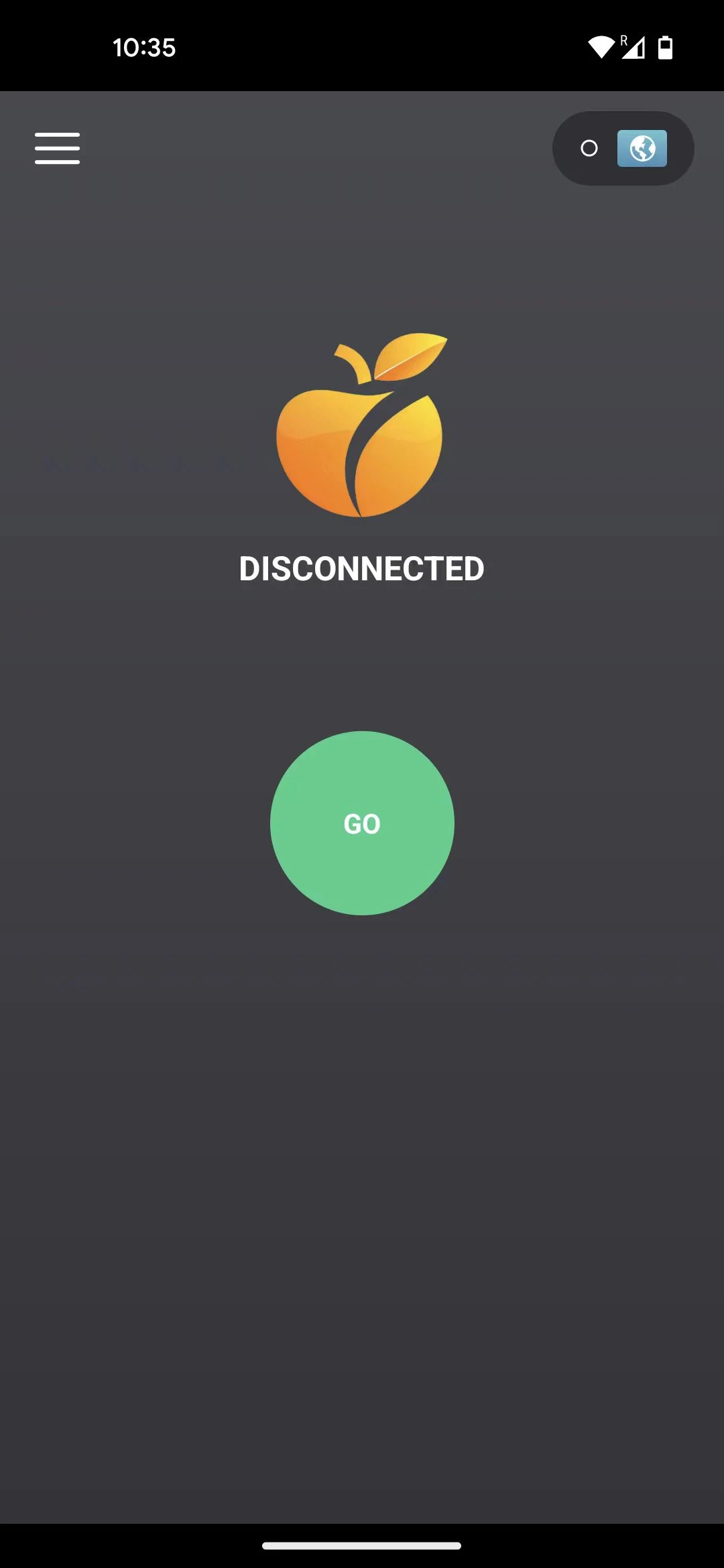
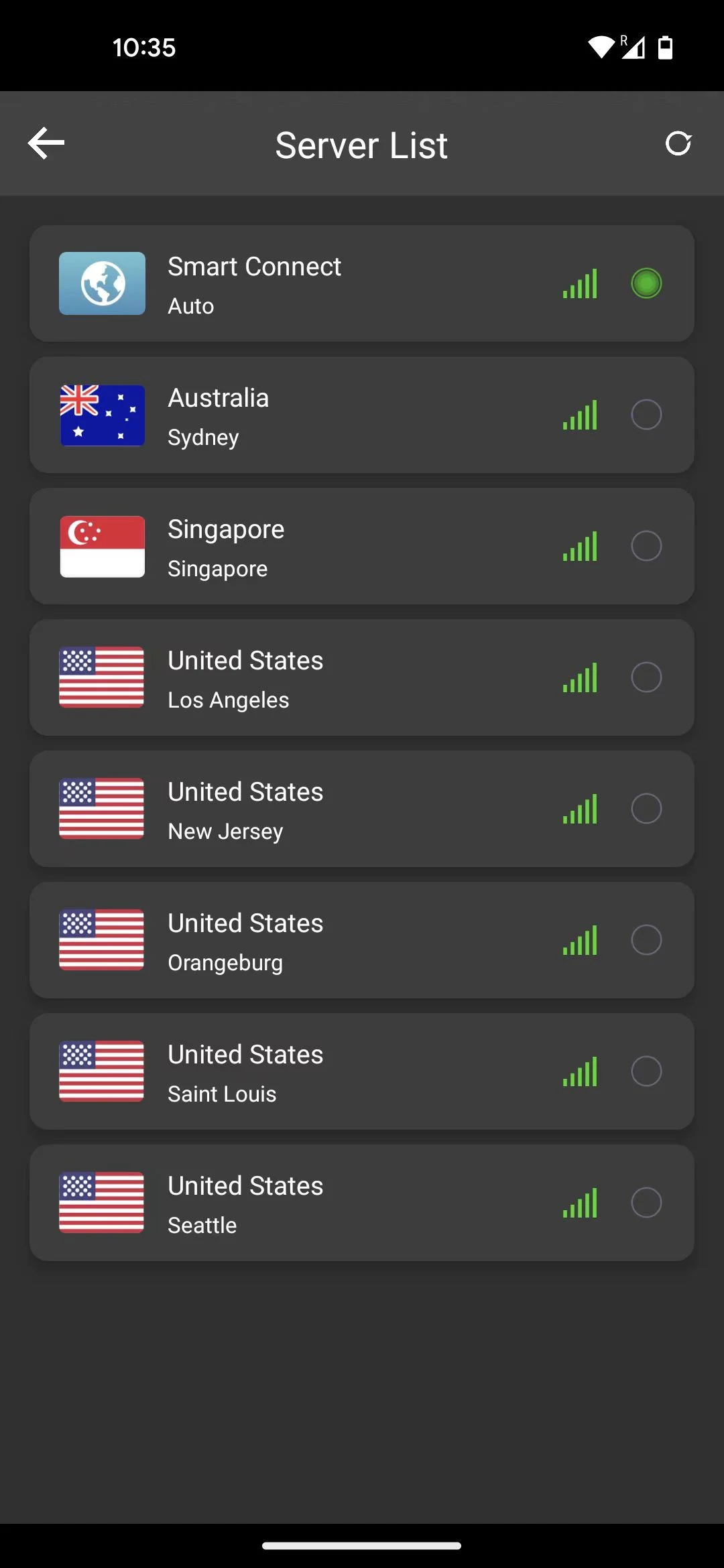
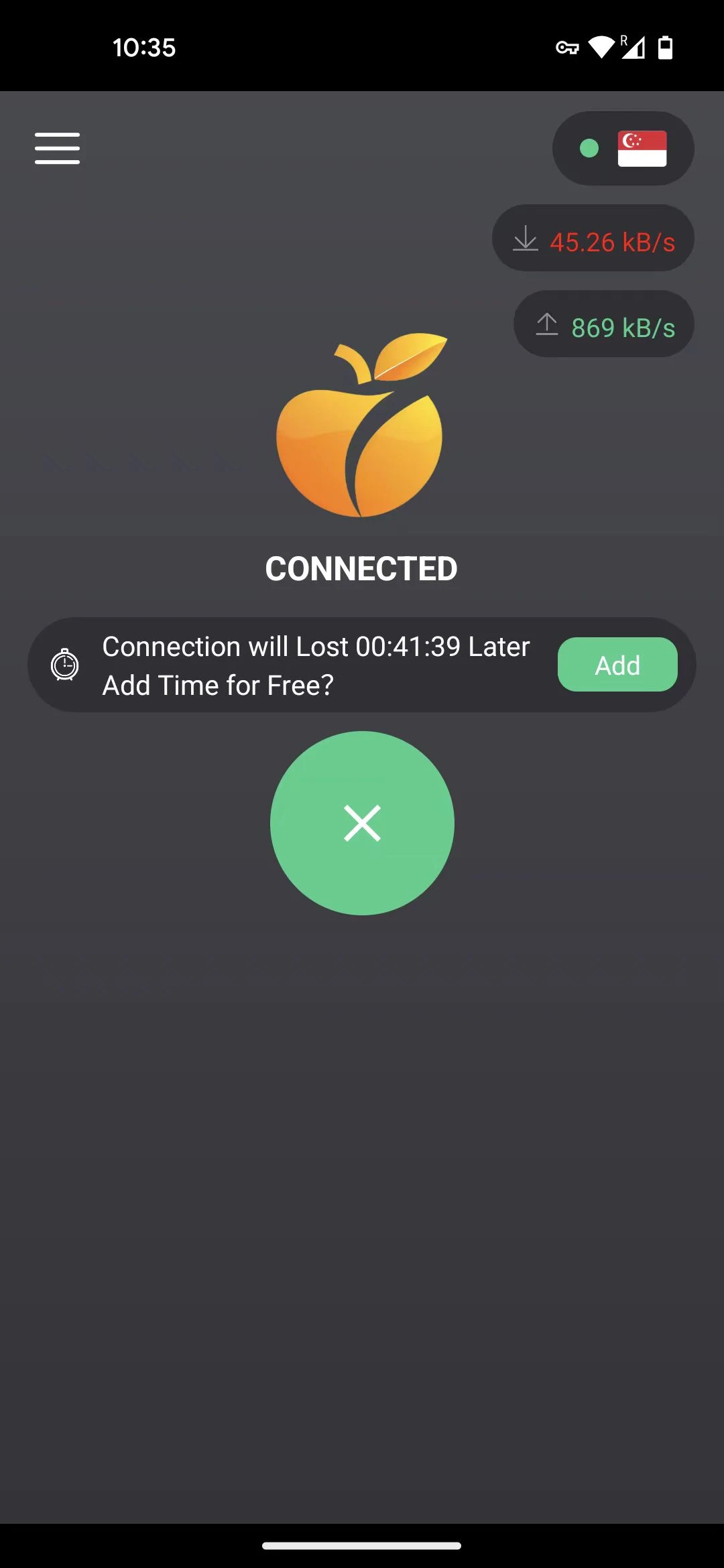
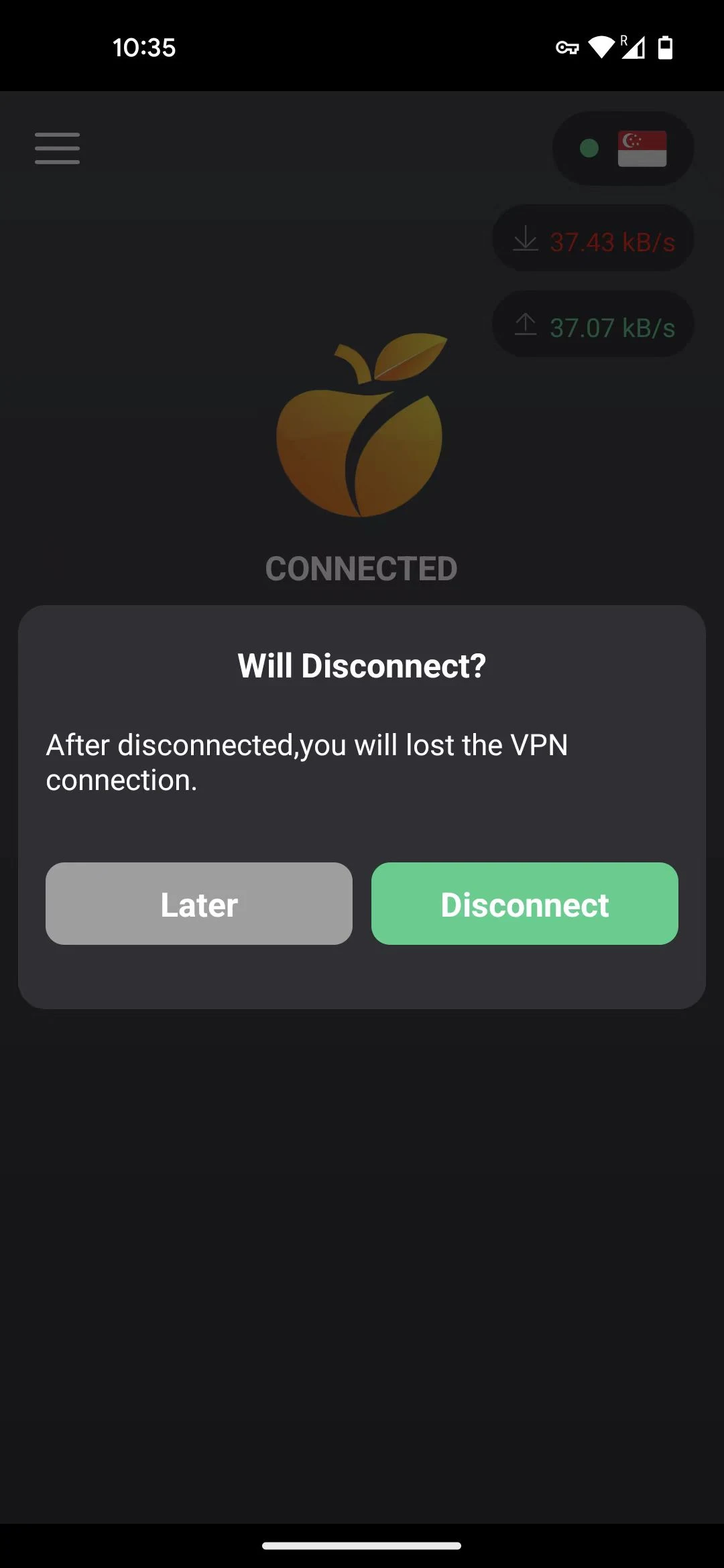
OraVPN (X-AI Development) – App Overview
OraVPN is a mobile application developed by X-AI Development, designed to help users manage and configure VPN connections. It appears on app stores with a focus on providing flexible network access options.
Features:
- Confidential: At OraVPN, safeguarding your online privacy is our main focus. Our strong encryption methods protect your information, guaranteeing that your internet actions stay private.
- Quick: Eliminate lag and sluggish connections. OraVPN provides high-speed servers across the globe, enabling a seamless and fast browsing experience.
- No Restrictions: Navigate the web without constraints. OraVPN eliminates geographical limitations, granting you the liberty to access any content from anywhere at any time.
Target Audience:
- Individuals who value online privacy and security and require encrypted protection for their online activities (e.g., office workers, public Wi-Fi users)
- Users who need cross-border access and require access to content from specific regions by overcoming geographical restrictions
- General internet users who seek high-speed, stable network connections and want to avoid lag
How to Use OraVPN – Quick Guide:
To get started with OraVPN, follow these steps:
Download and Install – Get the app from your device’s app store or trusted source.
Import Configuration – Use the built-in importer to load OpenVPN or L2TP profiles.
Configure Connection – Enter server address, port, and authentication details.
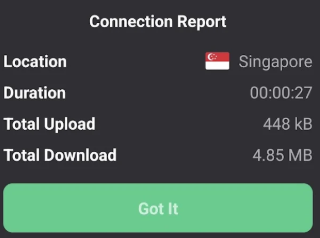
Connect and Verify – Tap to connect and check your IP address to confirm the VPN is active.
Manage Connections – Use the app to switch between servers or save favorite configurations.
Frequently Asked Questions:
1. **Q**: Does OraVPN protect your privacy after connecting?
**A**: Yes, it uses high-strength encryption technology to protect your online activities and ensure your privacy is protected.
2. **Q**: Are there any key considerations when choosing a server?
**A**: Yes. If you want to access content in a certain region, choose a server in that region. For daily use, choose a nearby server to maintain speed.
3. **Q**: Will there be any lag while connected?
**A**: Generally not. OraVPN has high-speed servers worldwide, which reduces latency and provides a smooth experience.
4. **Q**: Do I need to manually disconnect when not in use?
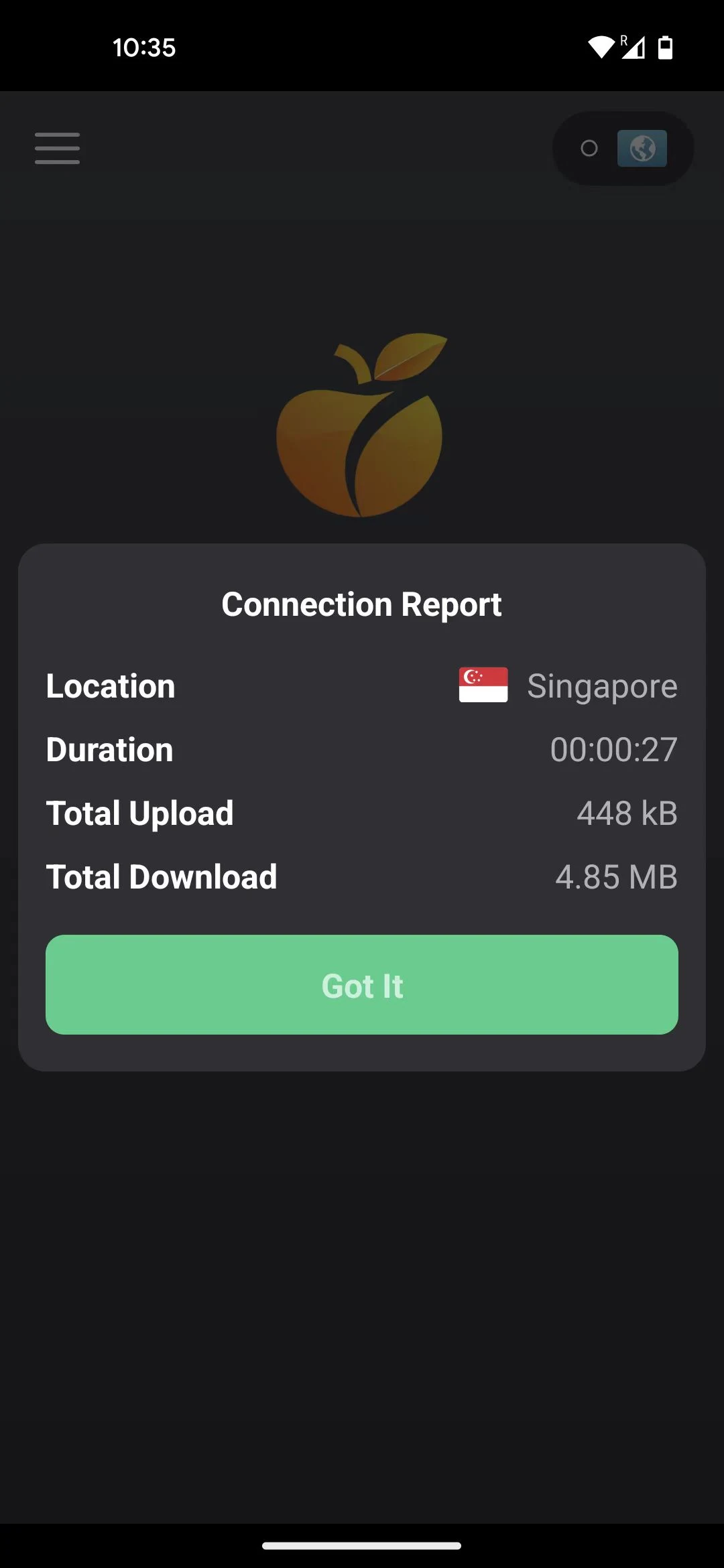
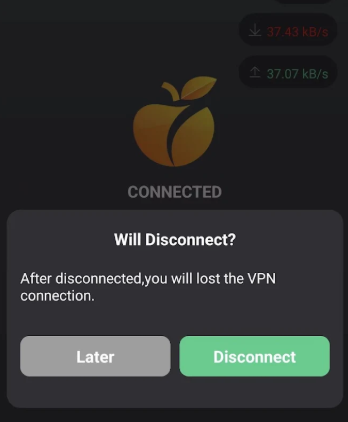
**A**: Manual disconnection is recommended. Click "Disconnect" in the app to avoid unnecessary resource usage.
5. **Q**: Can it be used on multiple devices?
**A**: Generally, you need to download the device-specific version from the corresponding app store (or official website) and log in with the same account.
- Version1.1.9
- UpdateOct 28, 2026
- DeveloperX-AI
- CategoryTools
- Requires AndroidAndroid 5.0+
- Downloads1M+
- Package Namecom.xaitech.orange
- Signaturedc76c00c2b528929283a4757ce051cec
- Available on
- ReportFlag as inappropriate


















Supports multiple VPN protocols including OpenVPN and L2TP/IPSec
Offers a user-friendly interface for connection management
Allows custom configuration of server settings and ports
Provides detailed logs for connection debugging
Lightweight app with low system resource usage
May not comply with local internet regulations in some regions
Server availability can be inconsistent depending on the region
Some users report occasional connection drops or slow speeds
Limited official support documentation
Potential privacy concerns if servers are not properly audited