
Box Remote: Pop compatible - Freebox remote control
Easily control your Freebox TV from your phone with this simple & ergonomic remote app that connects seamlessly.
- 1.7.4 Version
- 2.9 Score
- 239K+ Downloads
- In-app purchases License
- 3+ Content Rating

This application is not an officially recognized Free app.
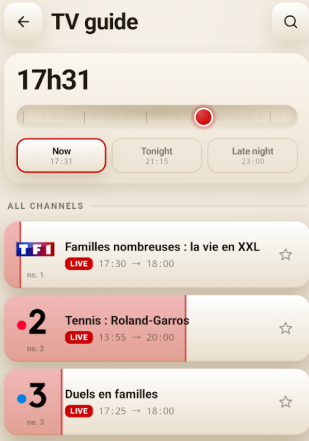
Features:
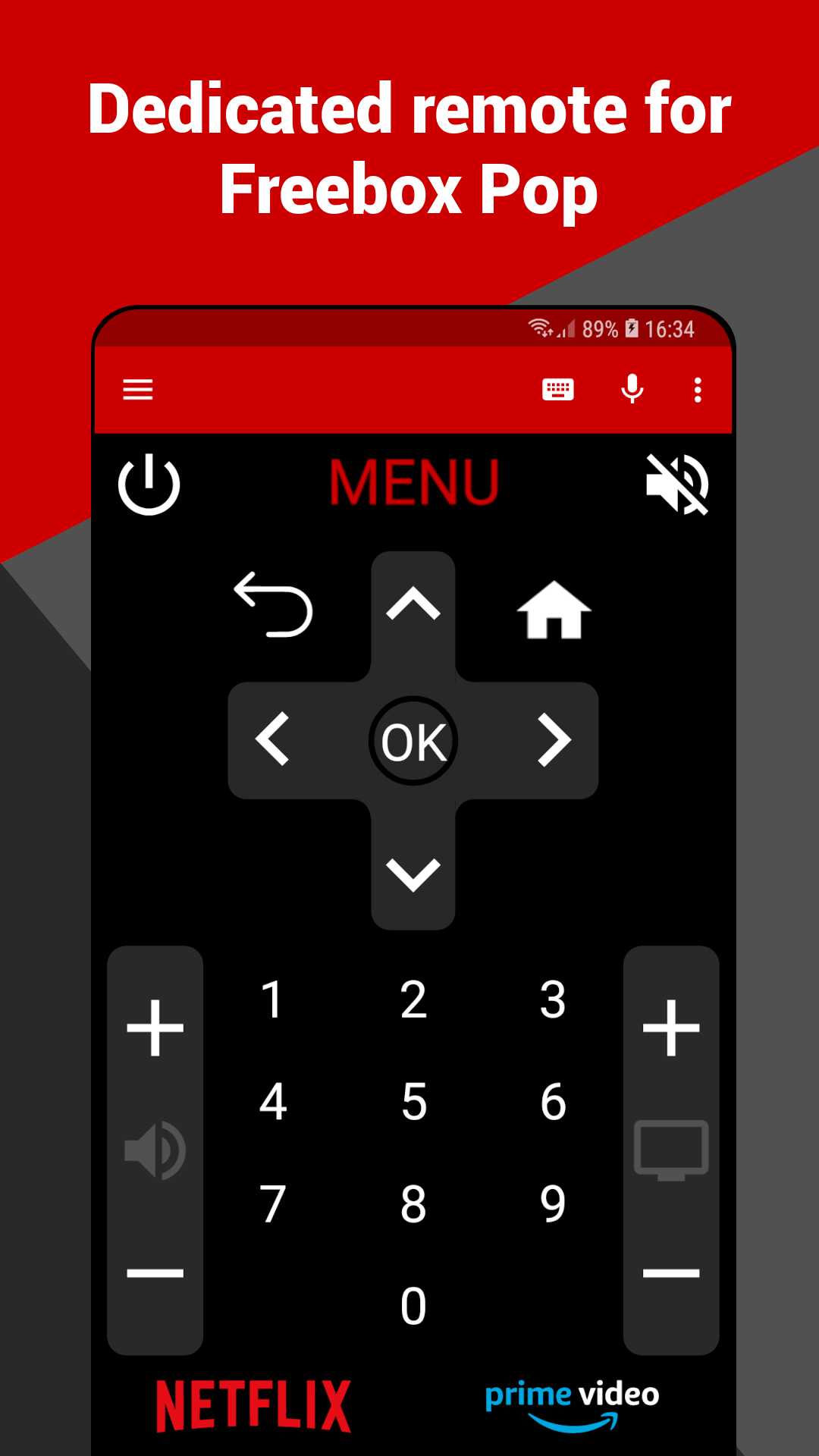
- It works with all Freebox models, including Pop, Mini 4K, One, Revolution, Delta, Crystal, and V5.
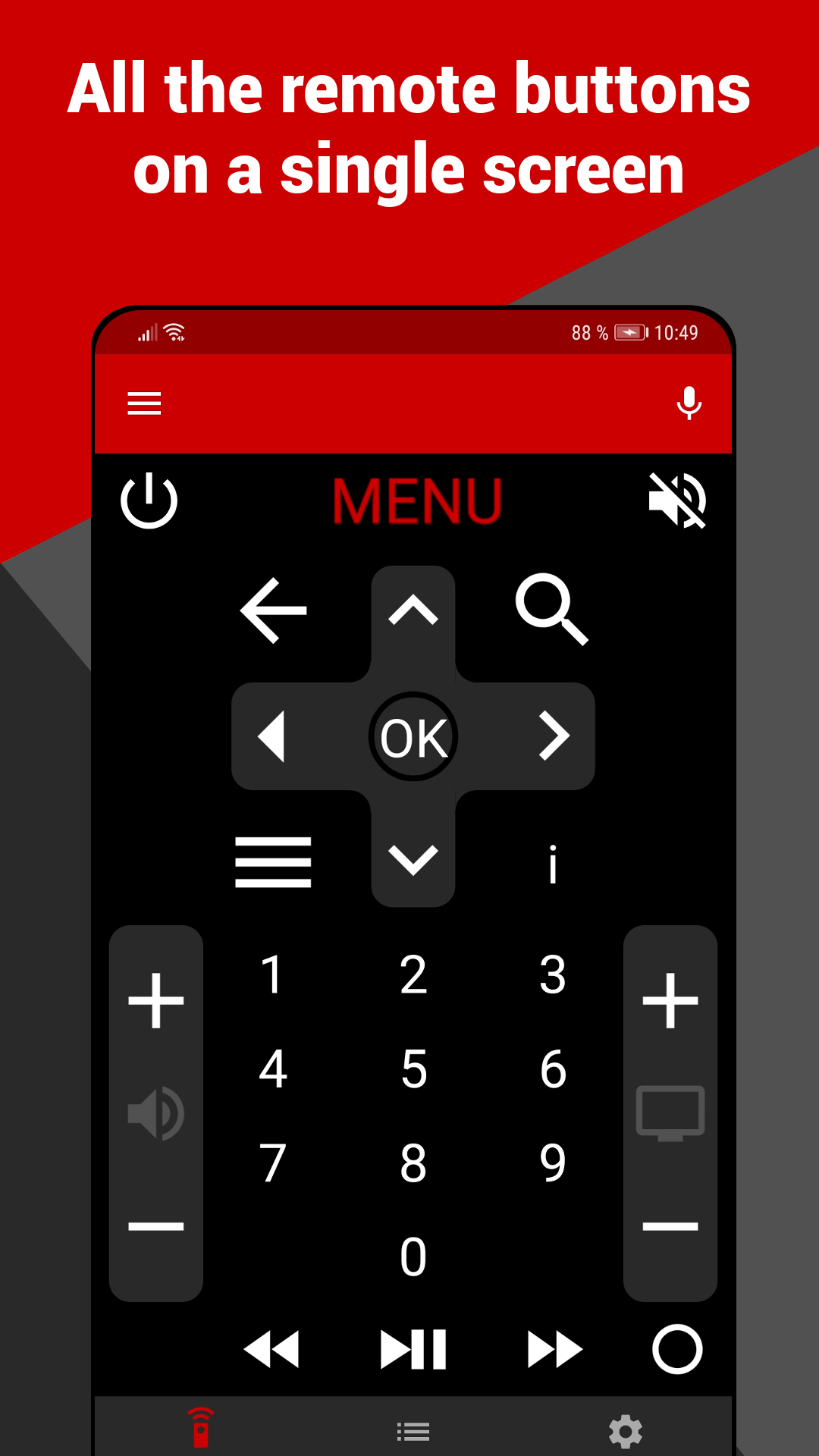
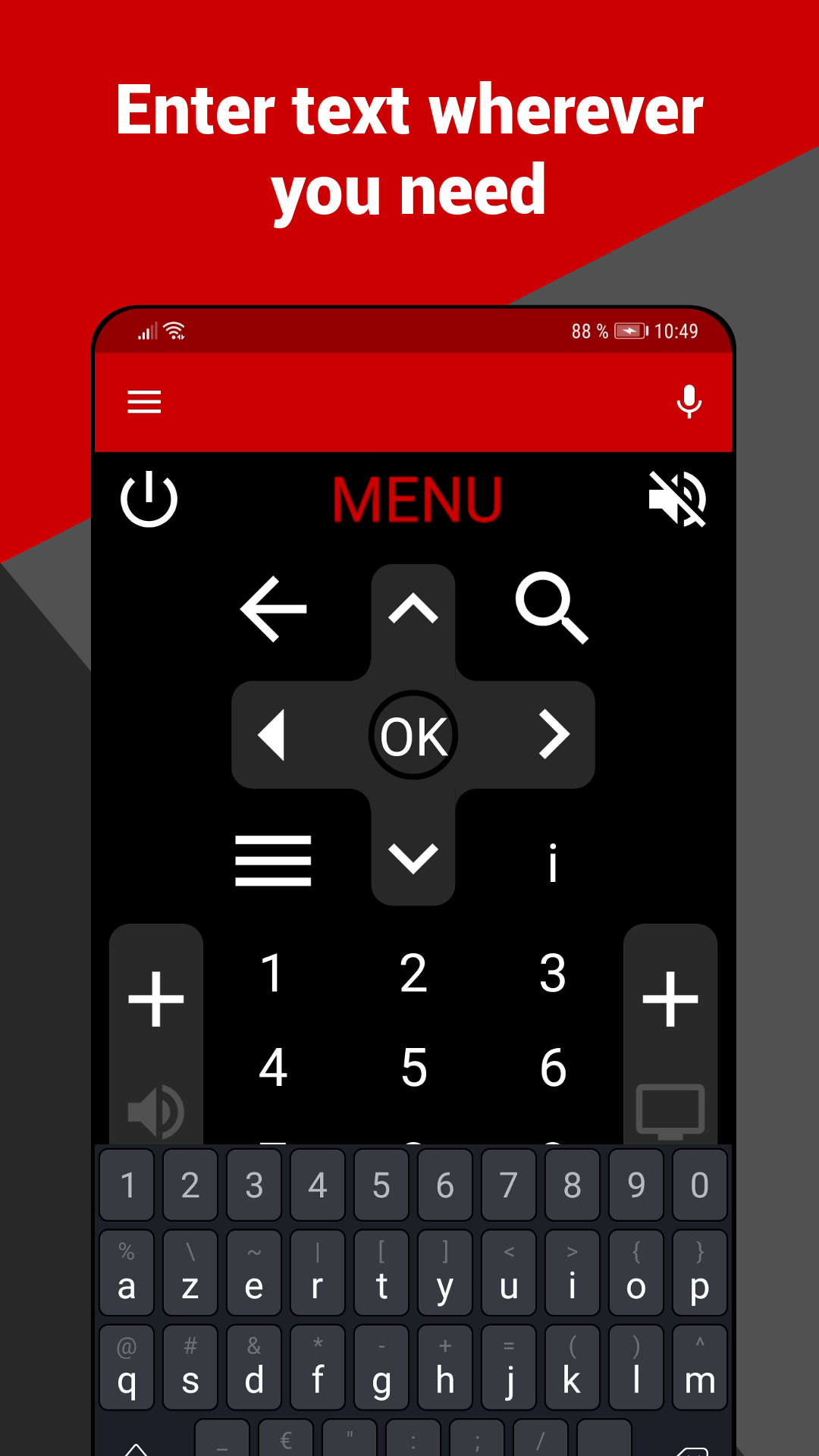
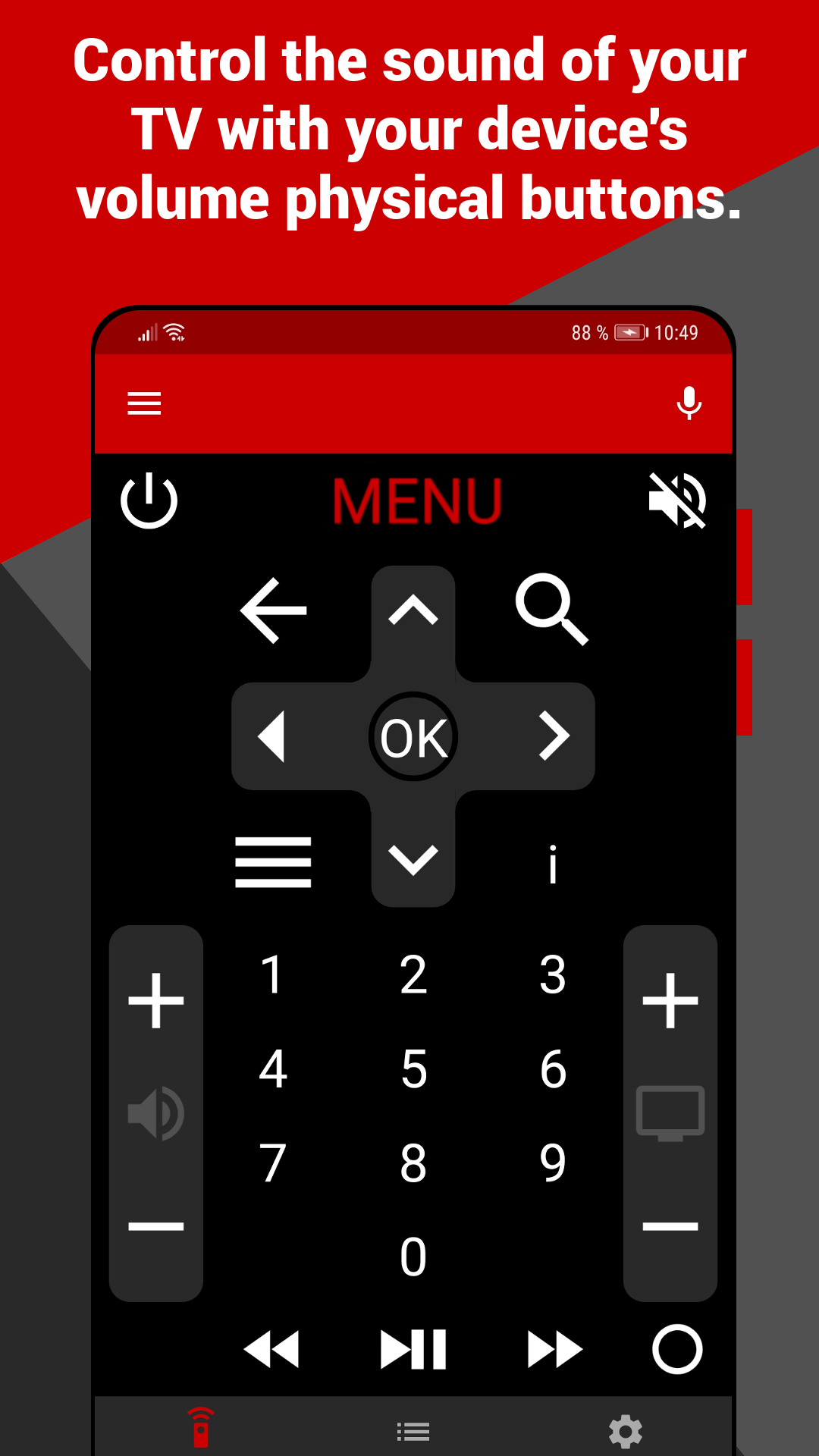
- Control your Freebox TV directly from your smartphone. This remote control for Freebox is user-friendly, comprehensive, and designed for comfort.
- The application locates your Freebox TV on your Wi-Fi network.
Usage Instructions:
1. Preparation: Connect your phone to Freebox's Wi-Fi network.
2. Connection: Open the app, which automatically recognizes Freebox devices within the Wi-Fi network (supports all models).
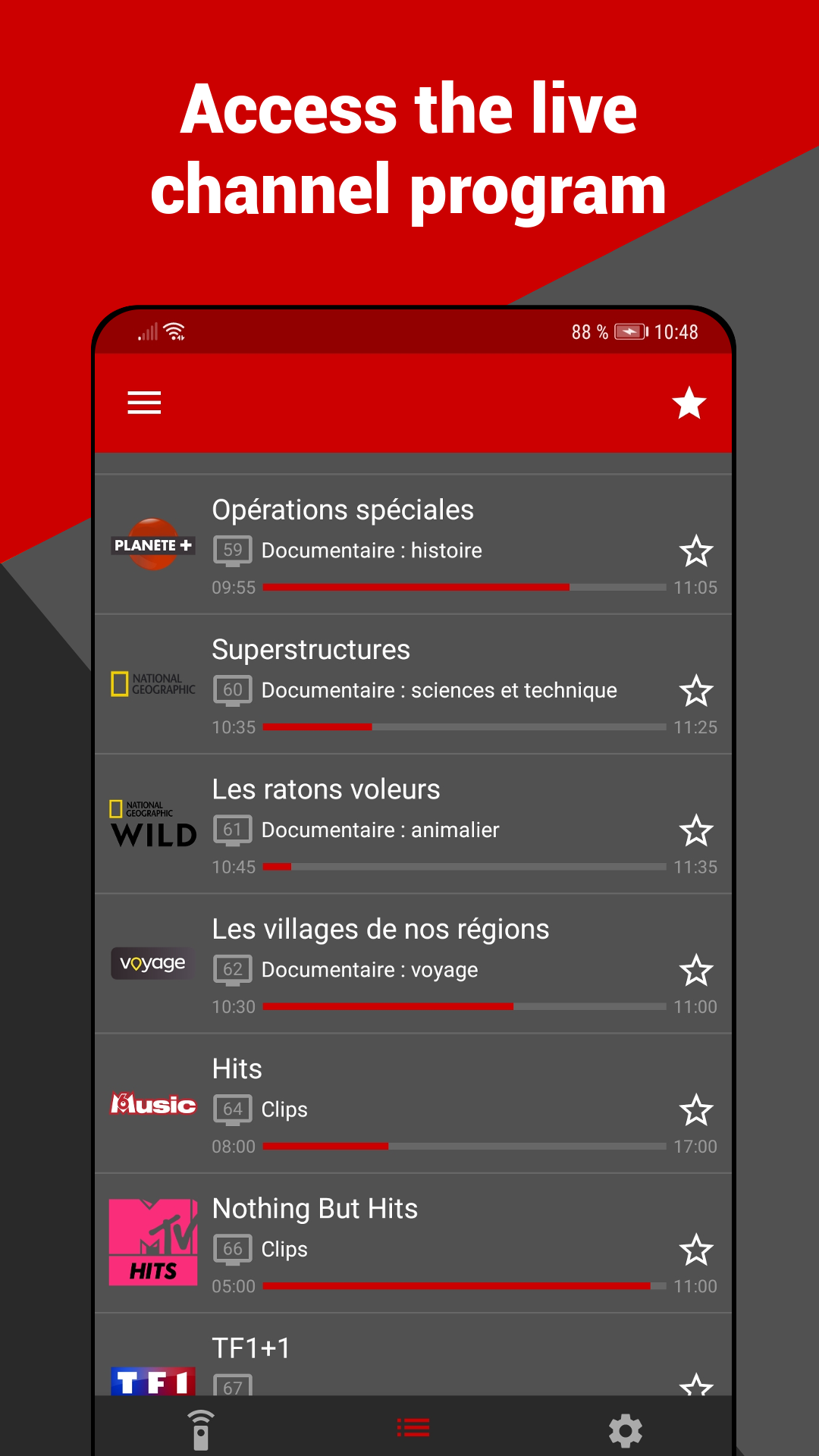
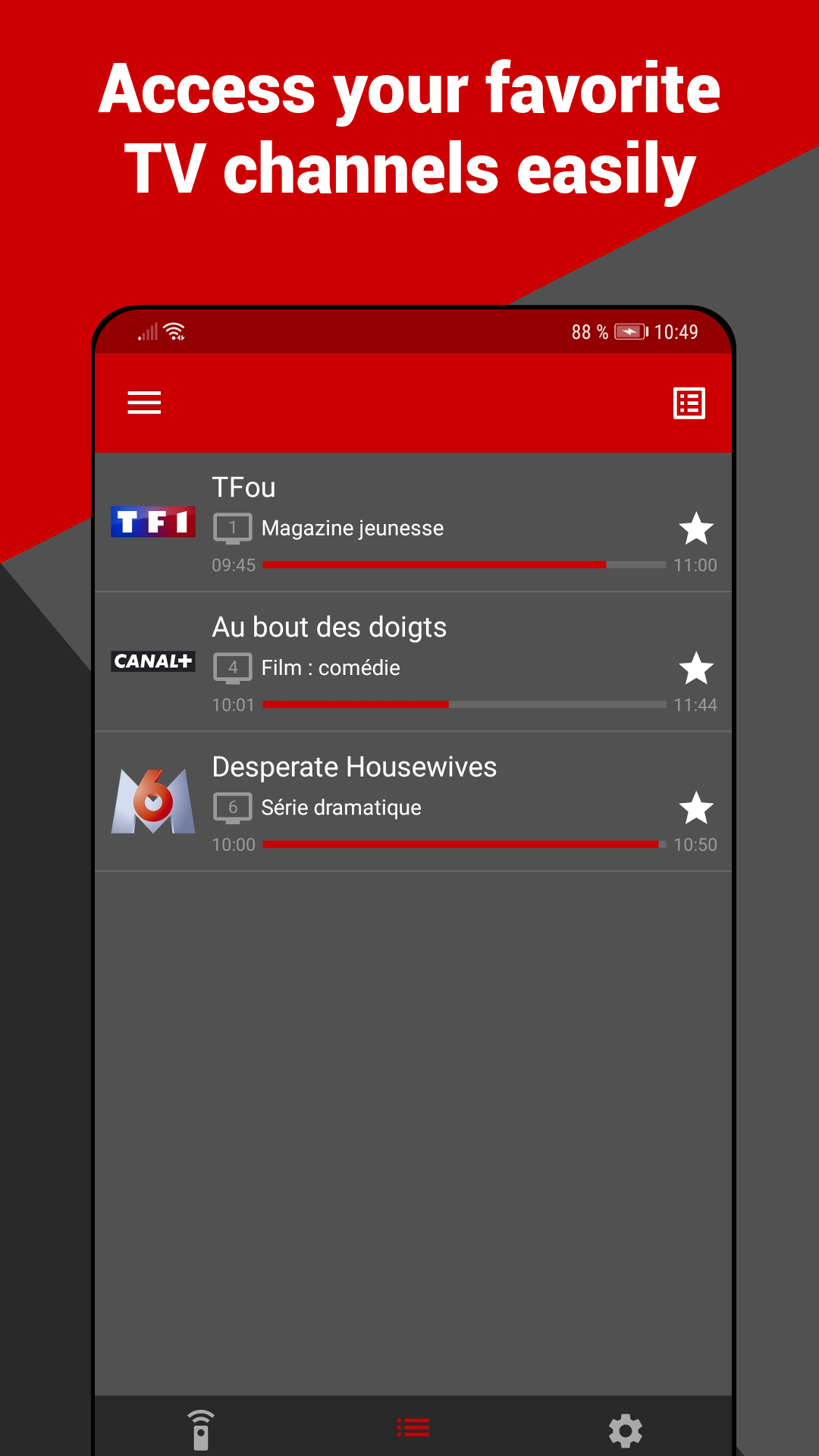
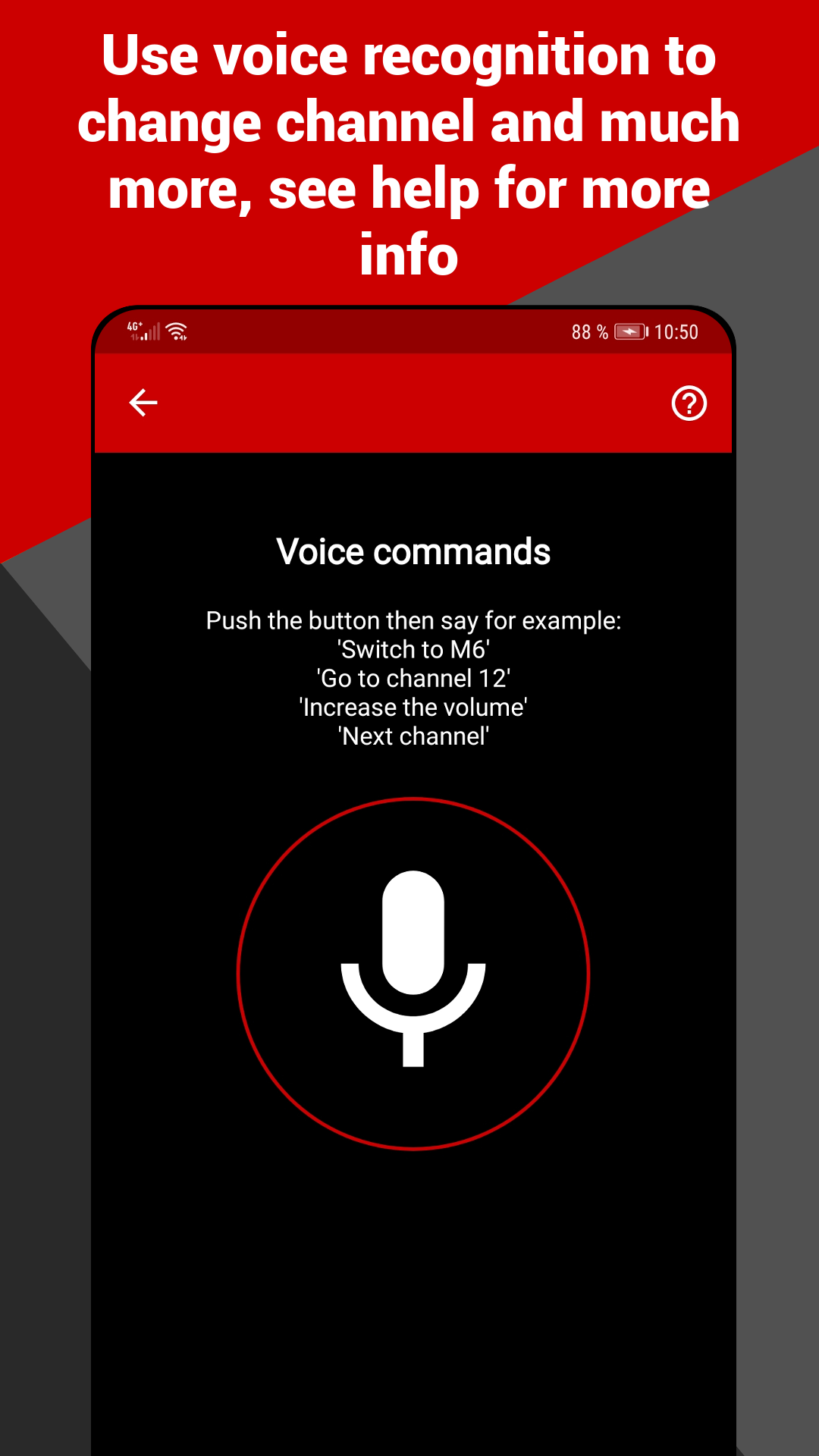
3. Control: Use your phone directly instead of a physical remote to switch channels and control the screen; multiple devices can be managed and switched within the app.
Suitable for:
1. **Daily Home Control**: If your physical remote is lost or malfunctioning, you can instantly use your phone as a replacement for everyday needs like changing channels and watching videos.
2. **Unified Management of Multiple Devices**: If you have multiple Freebox devices at home, you no longer need to carry multiple remotes. Use a single app to manage them all, streamlining management.
3. **Emergency Use**: If your Freebox TV doesn't have a remote at home or at work, you can quickly download the app and connect to Wi-Fi for temporary control.
4. **Convenient Operation**: Ideal for users who prefer integrated mobile operation. No need to carry a separate remote; you can control your TV with your favorite smartphone.
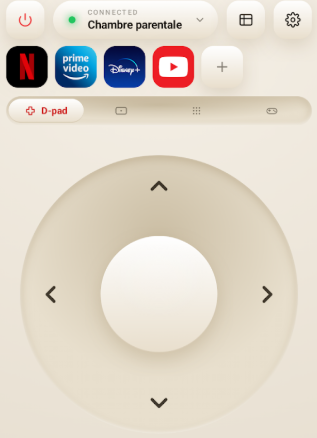
Please ensure that your phone is connected to the Wi-Fi network of your Freebox.
Suggestions: if the app fails to function, consider restarting your Freebox TV decoder completely and attempt again.
Frequently Asked Questions:
1. **Q**: Which Freebox models does this app support?
**A**: All Freebox models are supported, including the Pop, Mini 4K, One, Revolution, Delta, Crystal, and V5, making it highly compatible.
2. **Q**: What are the phone requirements for connecting to the app?
**A**: The key requirement is that the phone must be connected to the Freebox Wi-Fi network. The app will automatically locate the Freebox TV on that network, without any additional device configuration.
3. **Q**: What should I do if the app isn't working properly?
**A**: We recommend fully restarting the Freebox TV decoder and then retrying the connection. This resolves most connection issues.
4. **Q**: Besides Android devices, can this app be used on Apple devices?
**A**: Yes, it supports iPhones and iPod touches running iOS 13.0 and above, iPads running iOS 13.0 and above, and certain Macs and Apple Vision devices.
5. **Q**: Is the app free? Are there any additional paid features?
**A**: The core remote control functionality is free, but in-app purchases are available to unlock additional features based on your needs.
6. **Q**: What languages does the app support?
**A**: Currently, the app supports English and French, making it suitable for users with different language preferences.
- Version1.7.4
- UpdateOct 28, 2026
- DeveloperNiamordev
- CategoryTools
- Requires AndroidAndroid 5.0+
- Downloads239K+
- Package Namedev.niamor.freeboxremote
- Signature2211d111927bbc7366a2d0493540345d
- Available on
- ReportFlag as inappropriate
-
NameSizeDownload
-
20.95 MB
-
20.83 MB
-
18.99 MB













Strong compatibility
Easy to use
Free to use
Unofficial app
Contains ads and in-app purchases
Reliant on internet