
Button Bar - Button replacement & customization
Transform your device experience with effortless button replacement & stylish navigation bar customization today!

- 7.5.8.2 Version
- 1.4 Score
- 310K+ Downloads
- In-app purchases License
- 3+ Content Rating

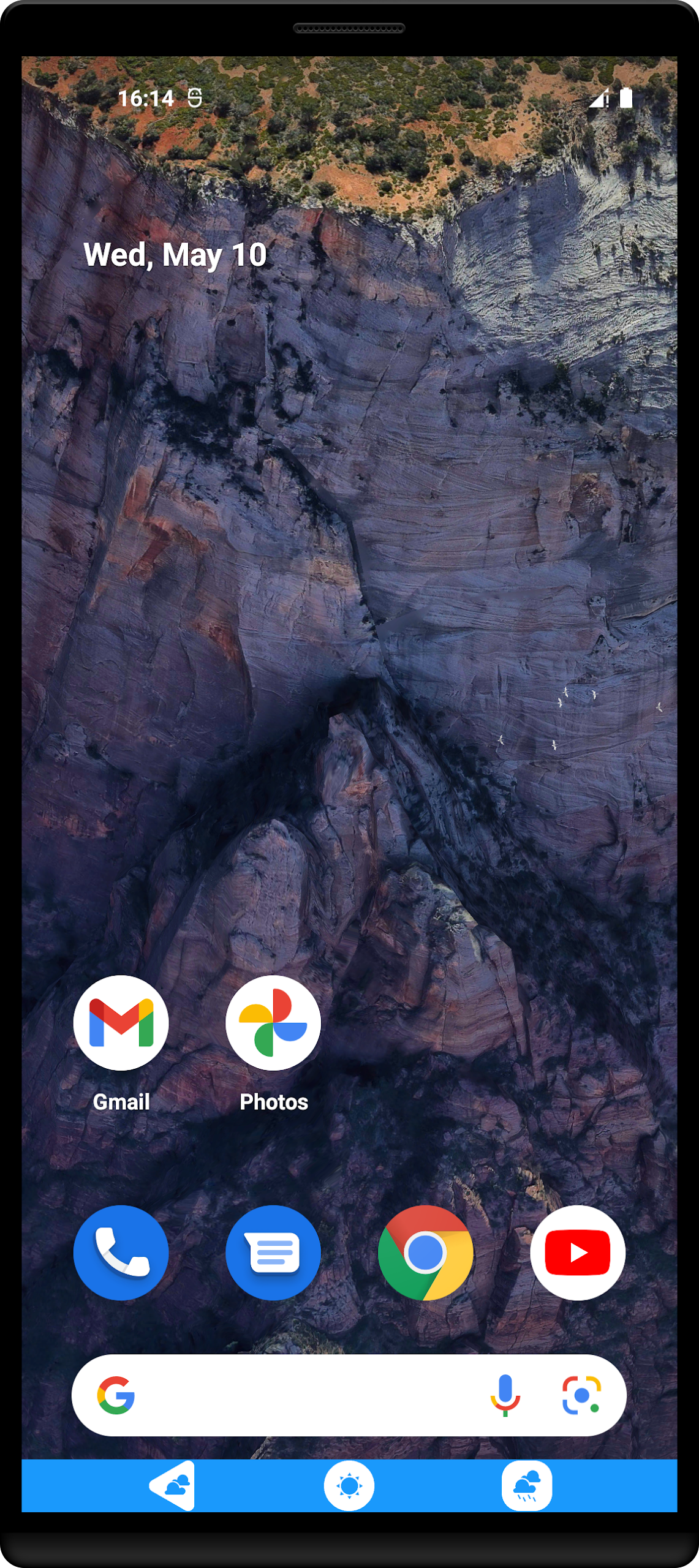
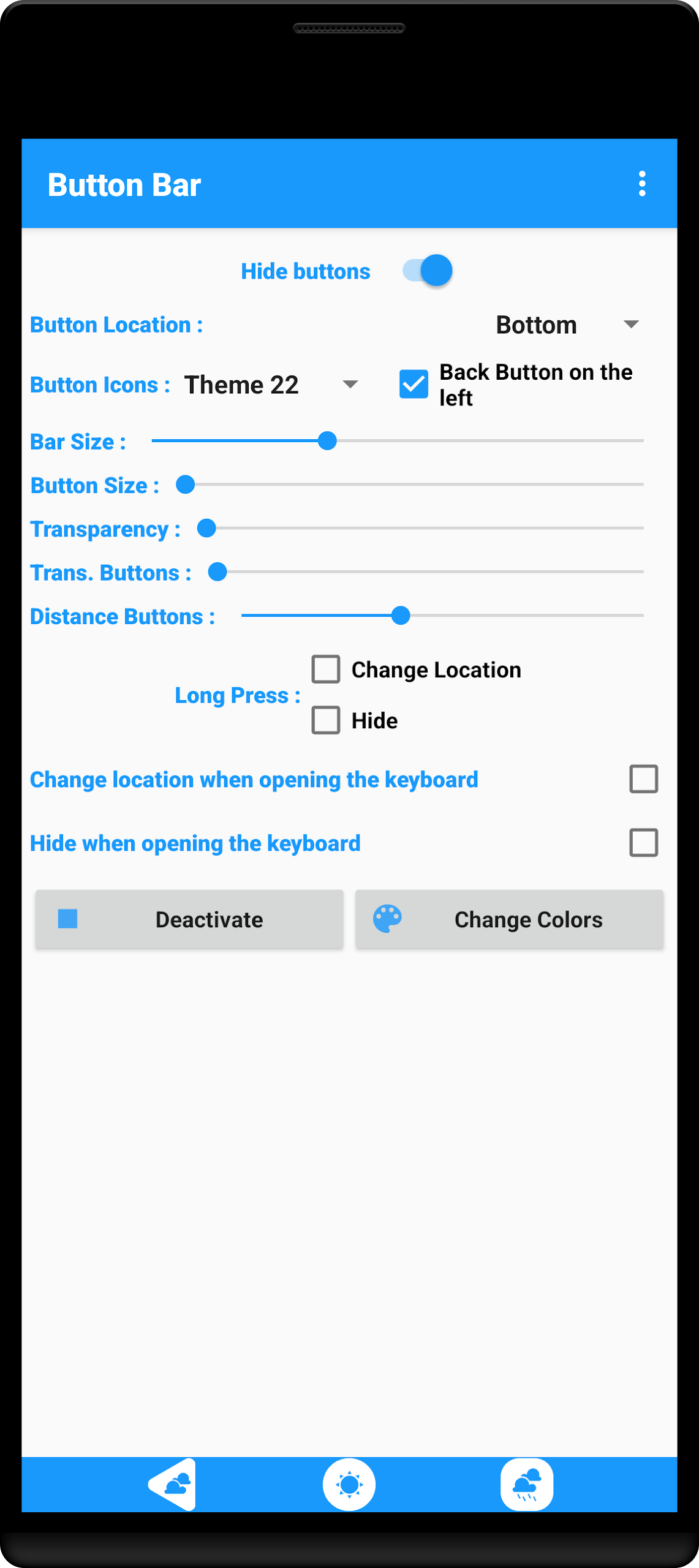
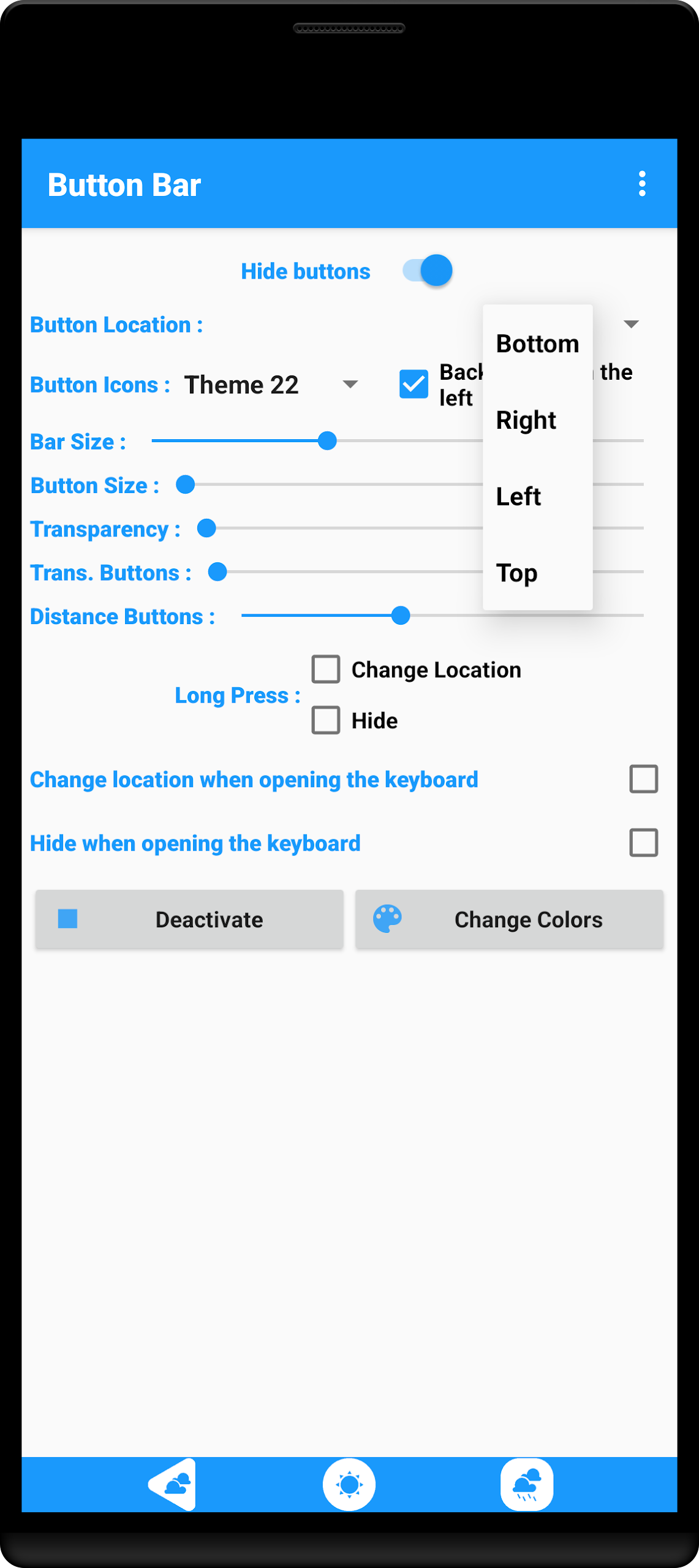
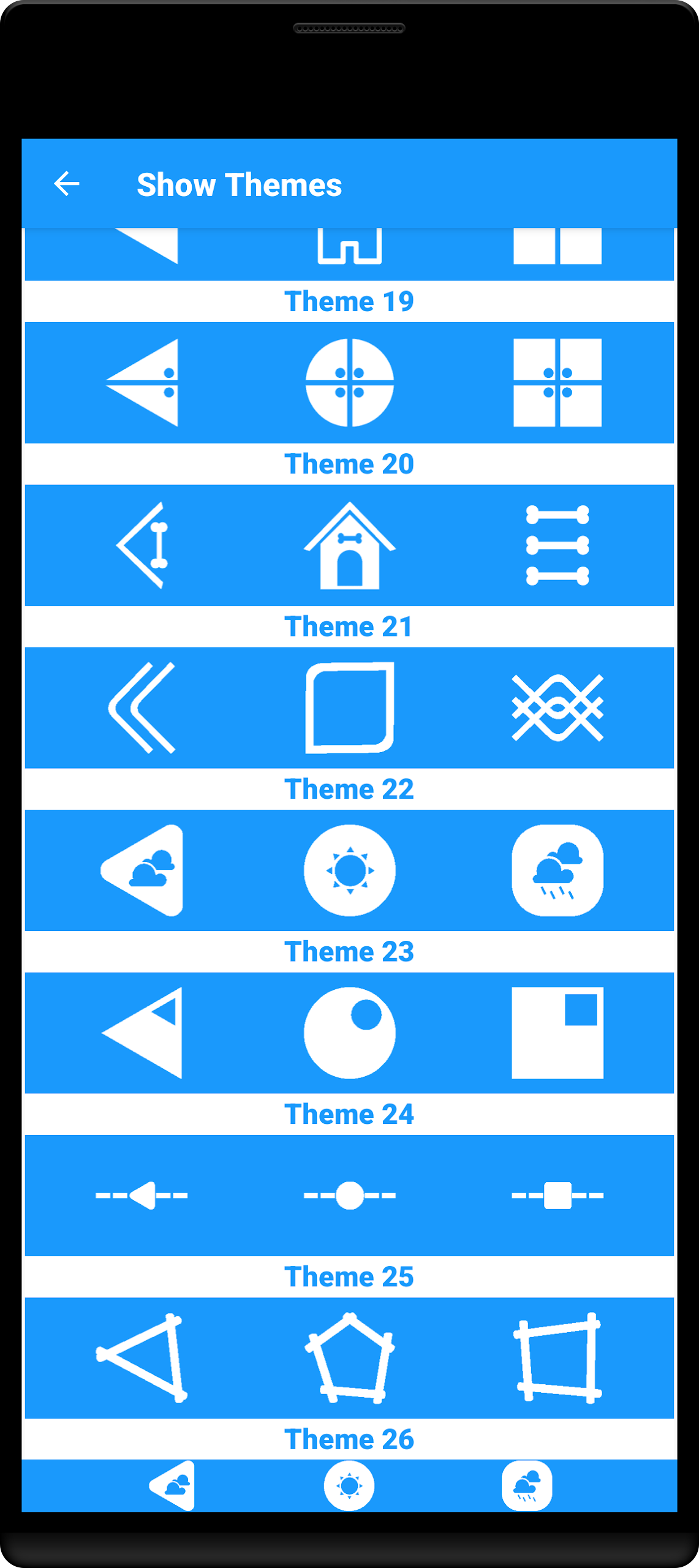
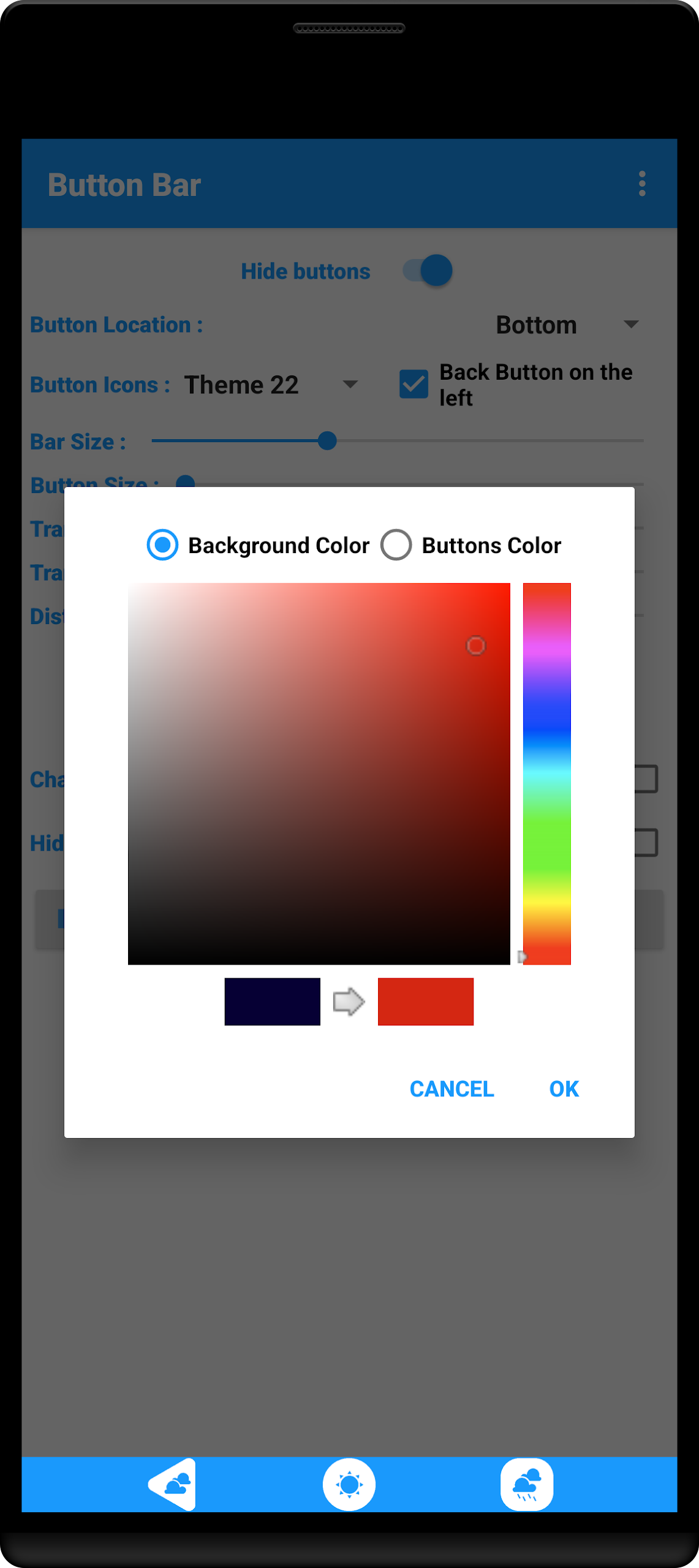
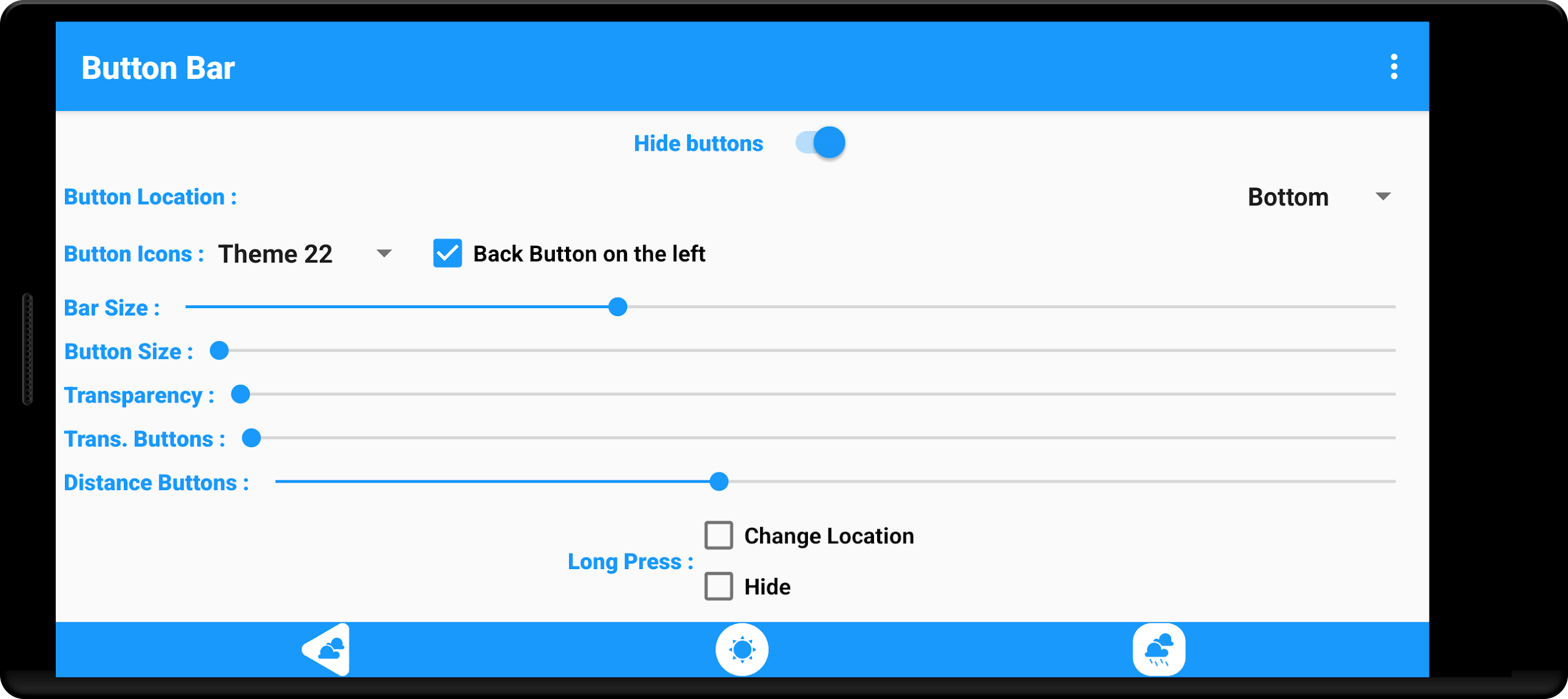
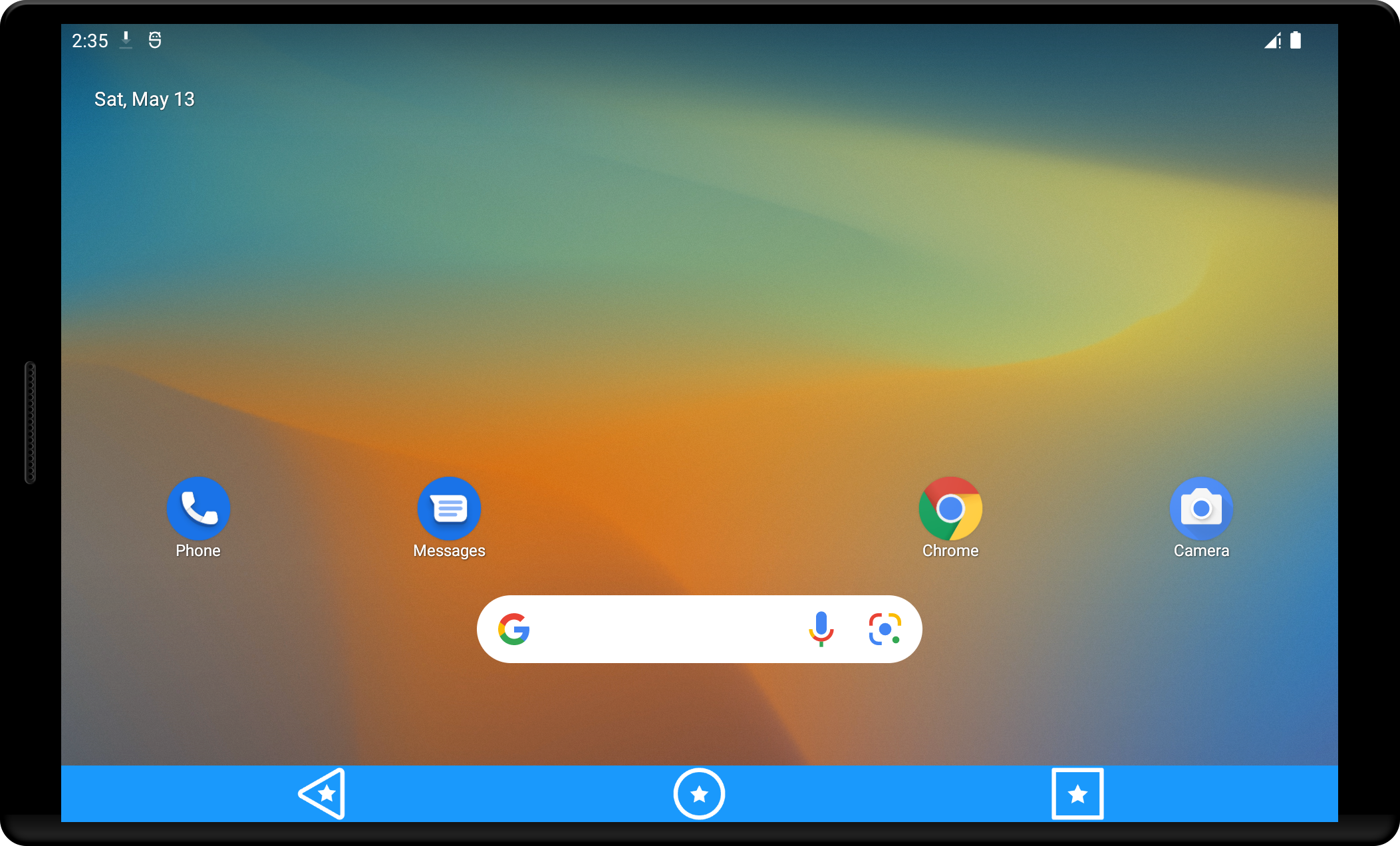
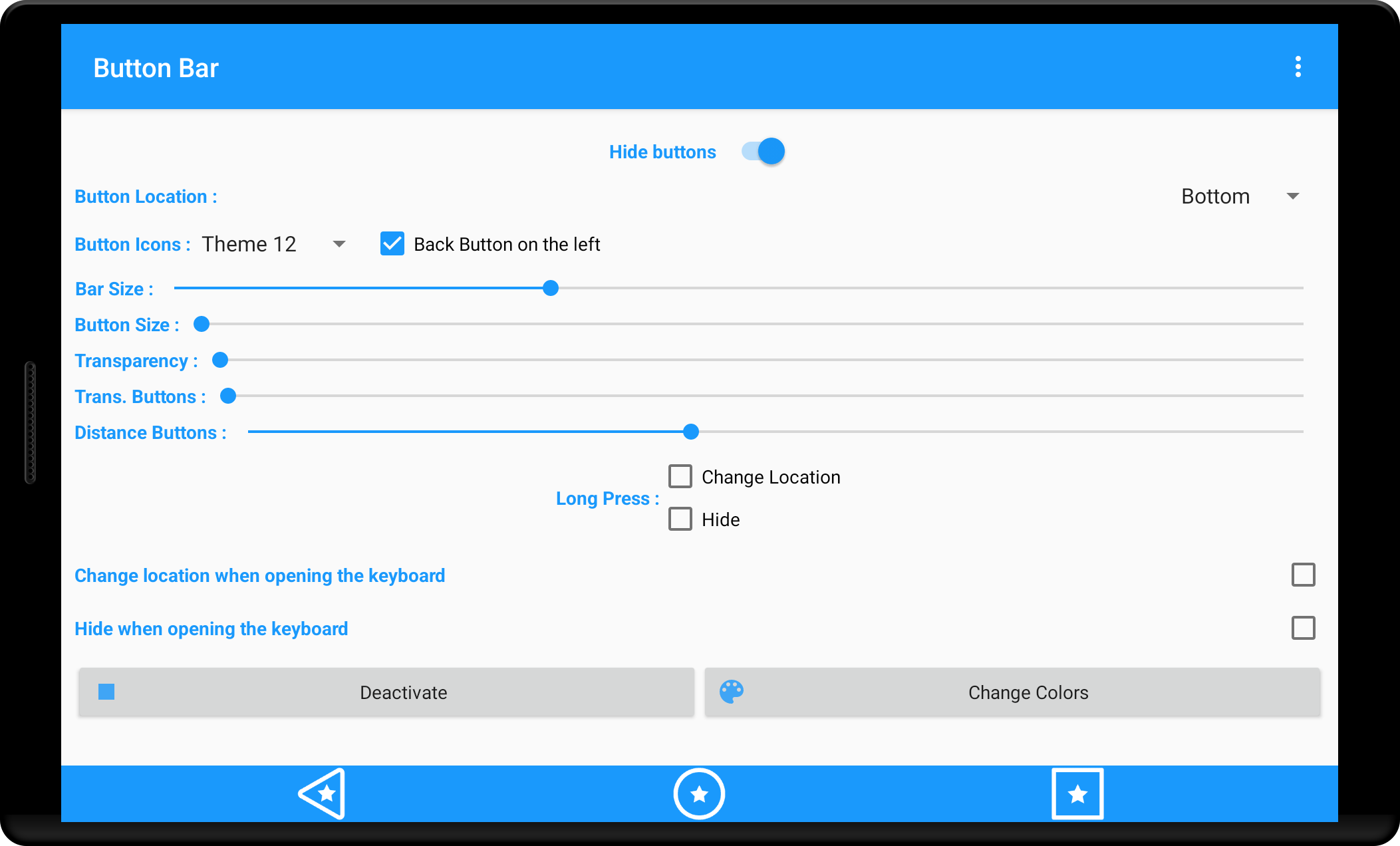
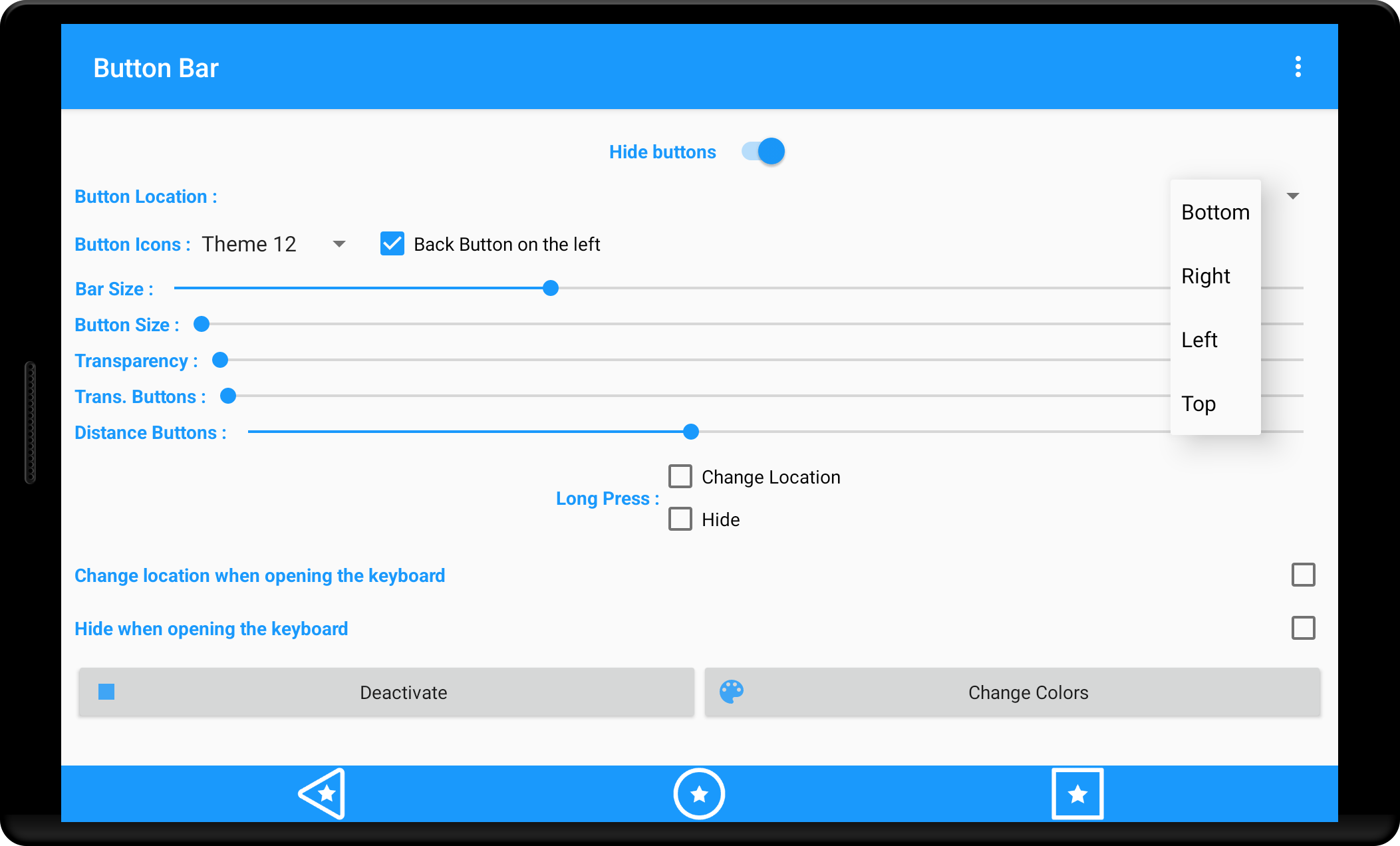
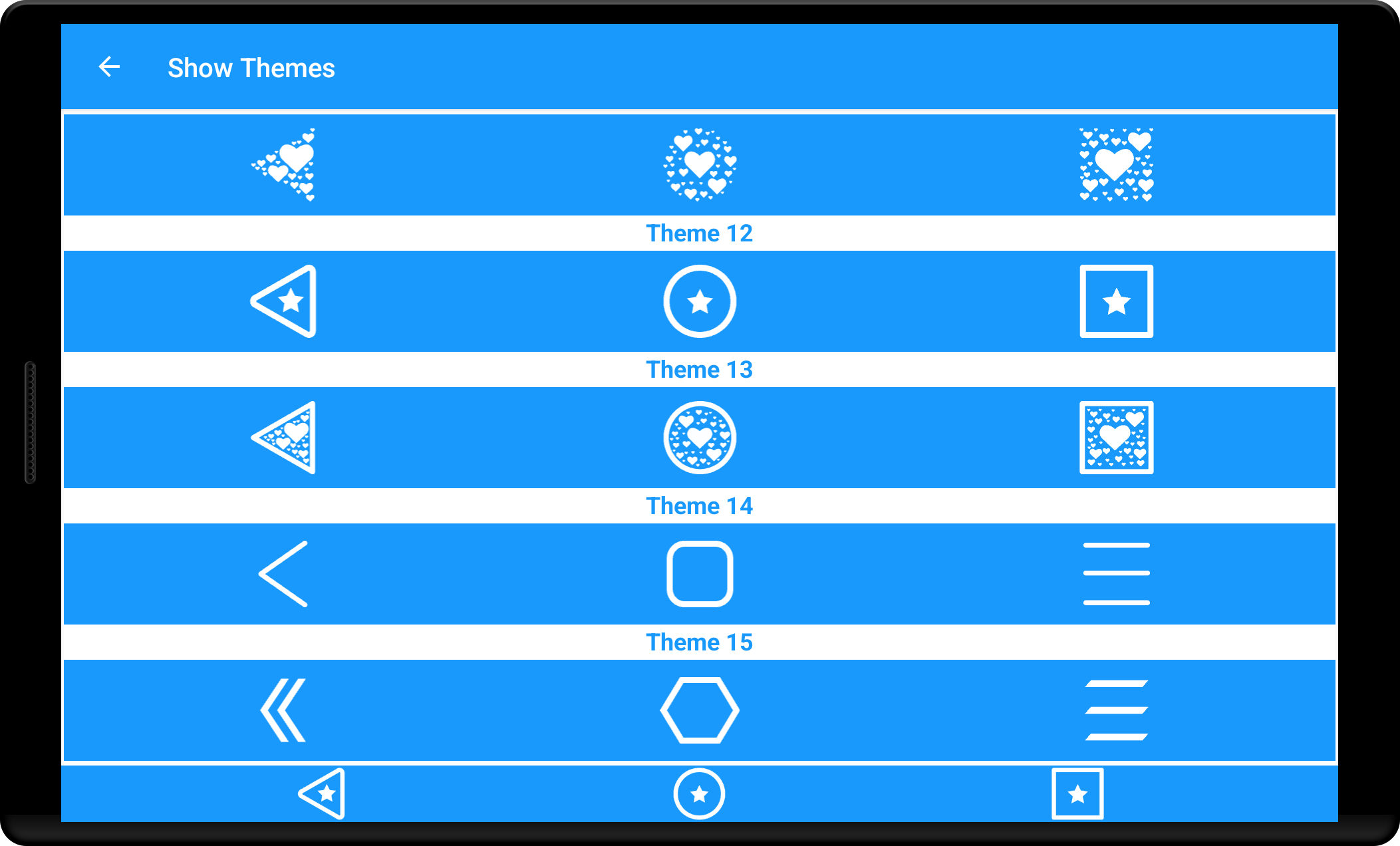
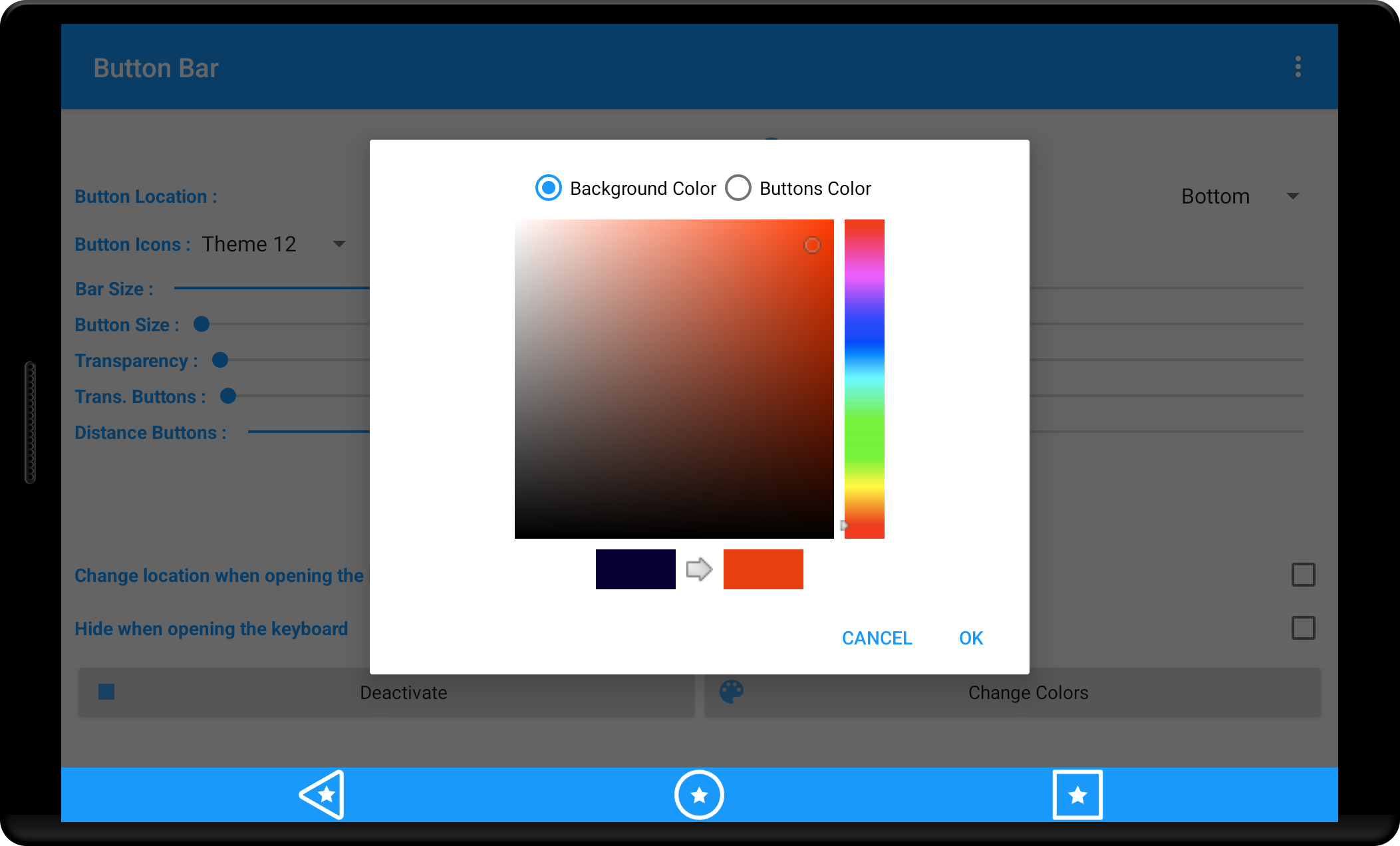
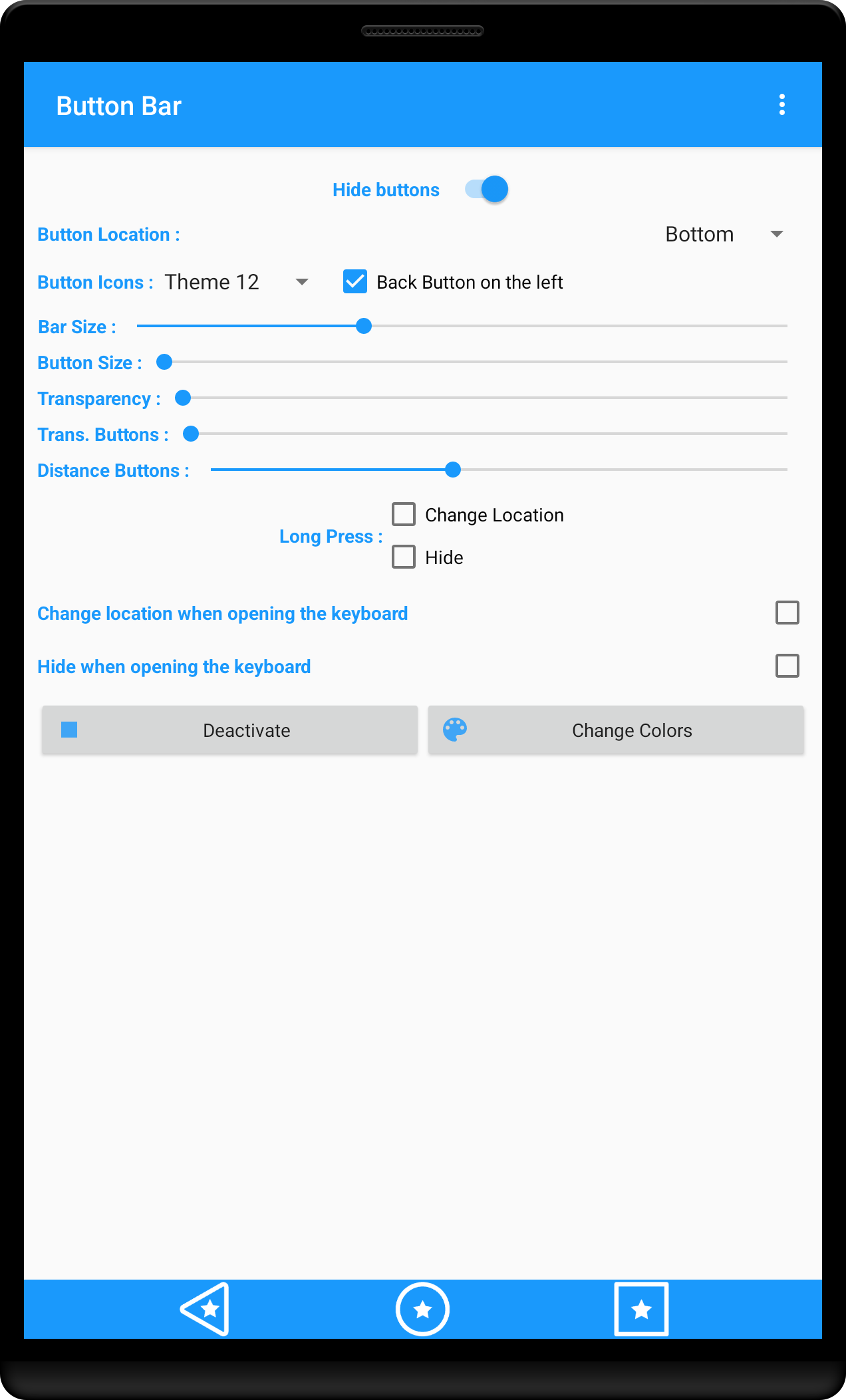
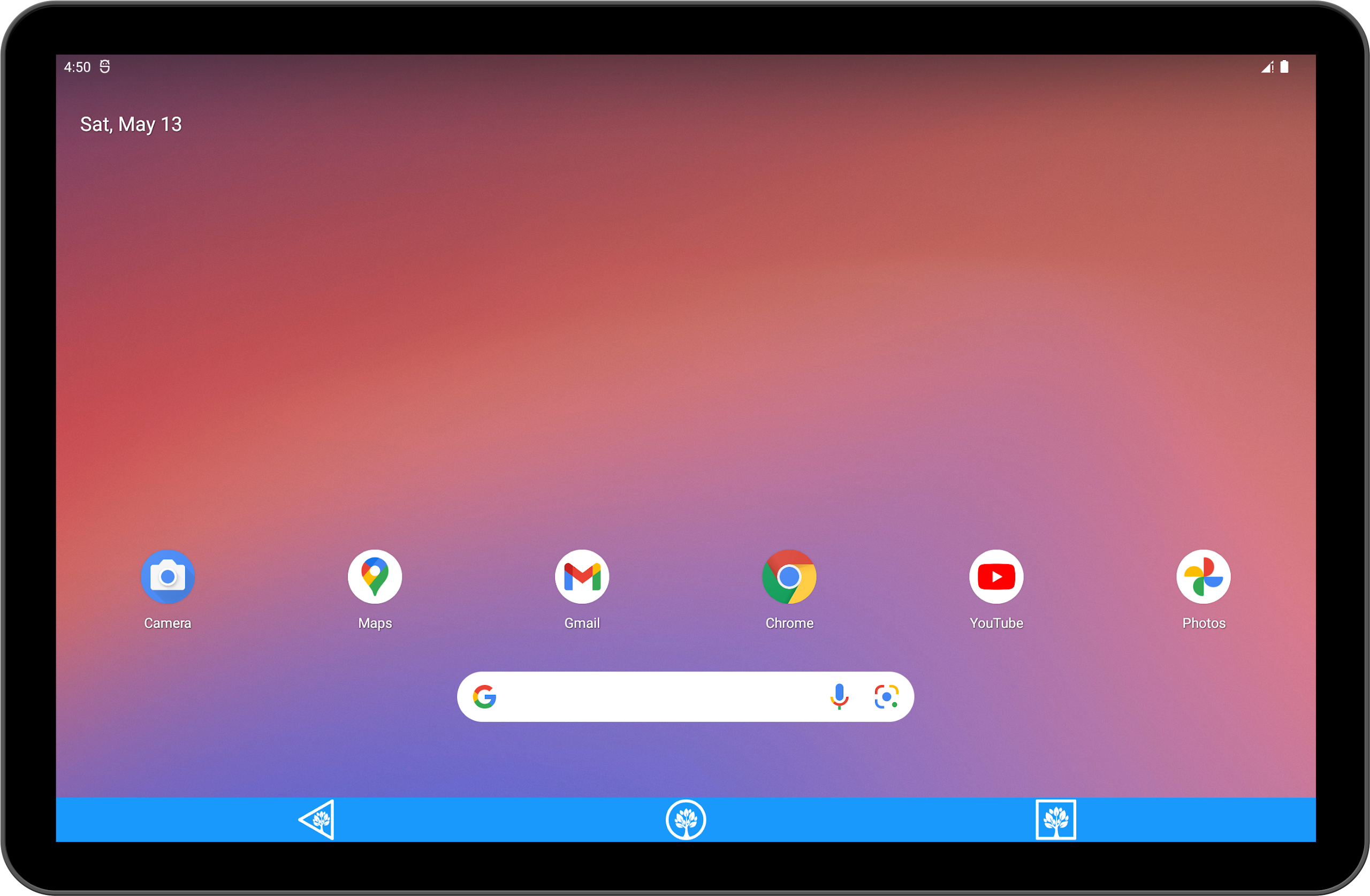
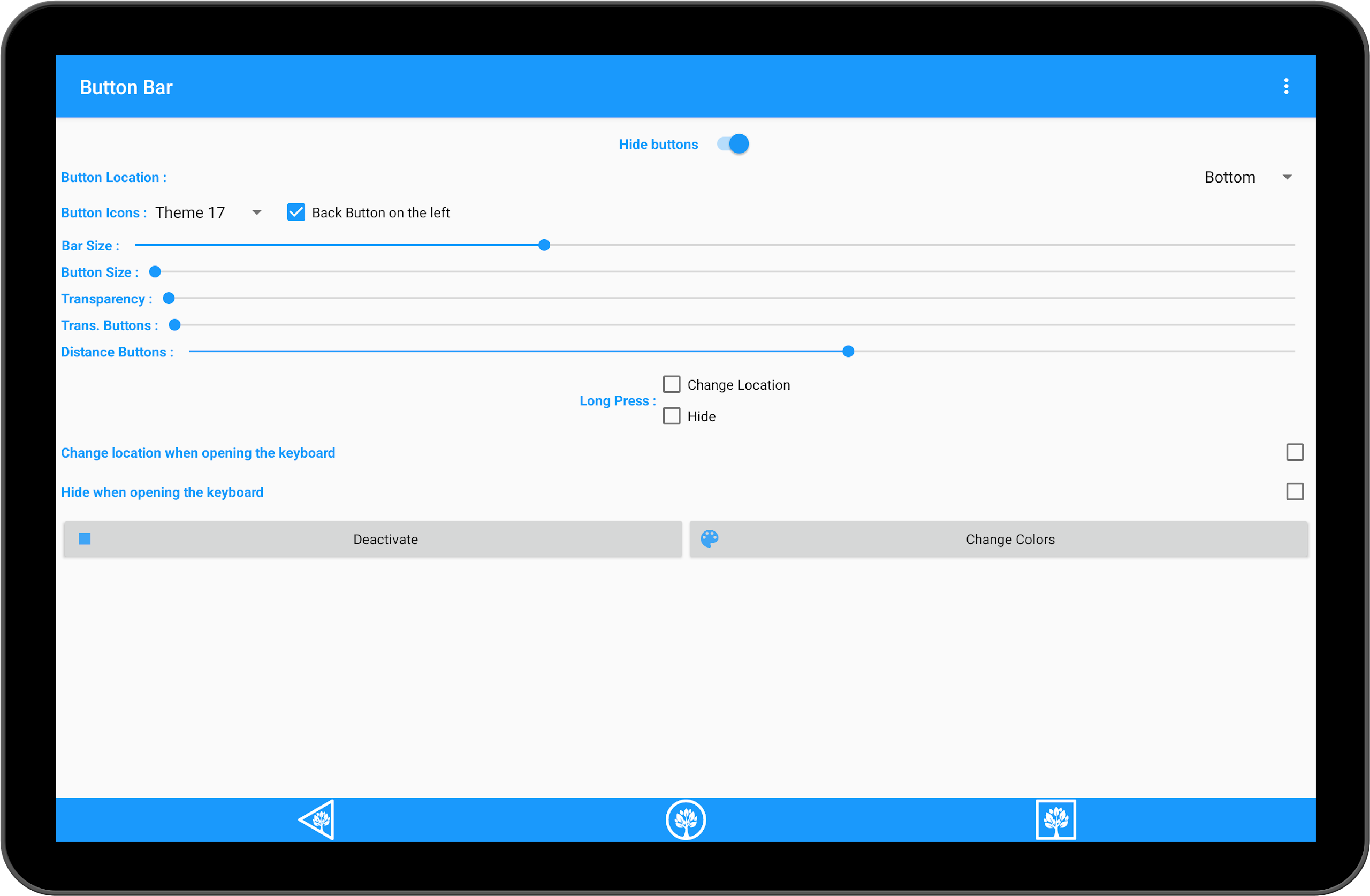
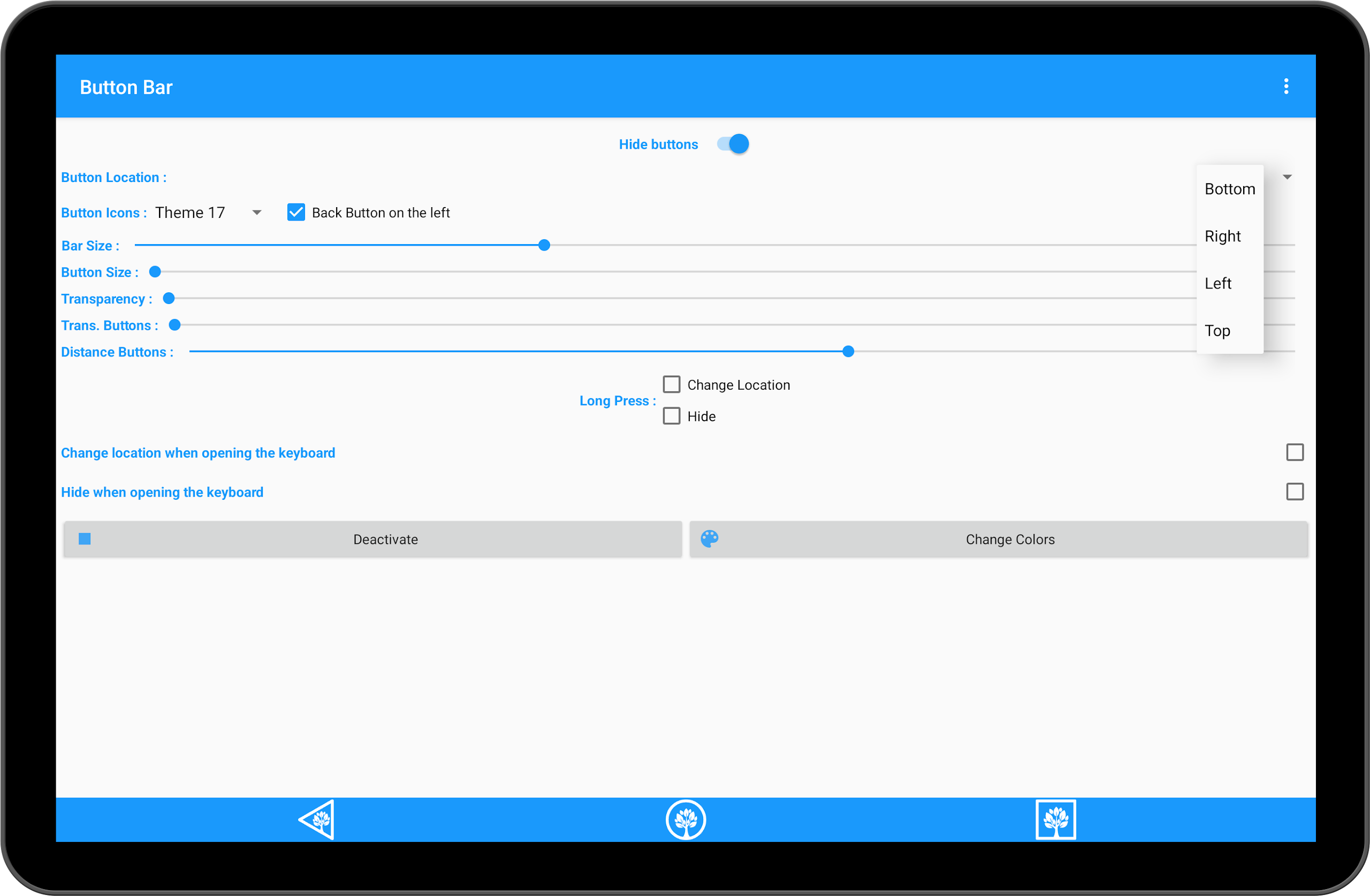
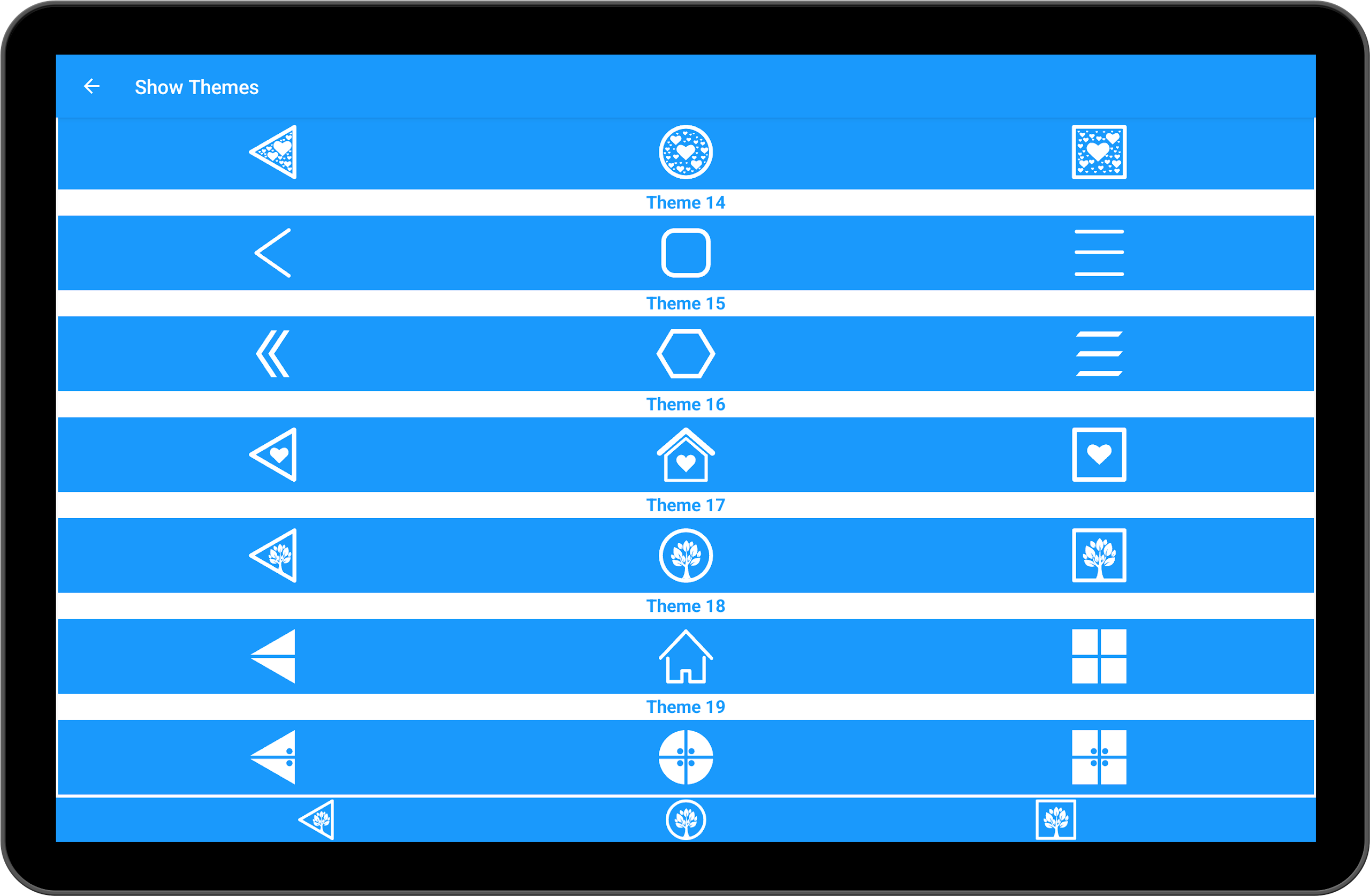
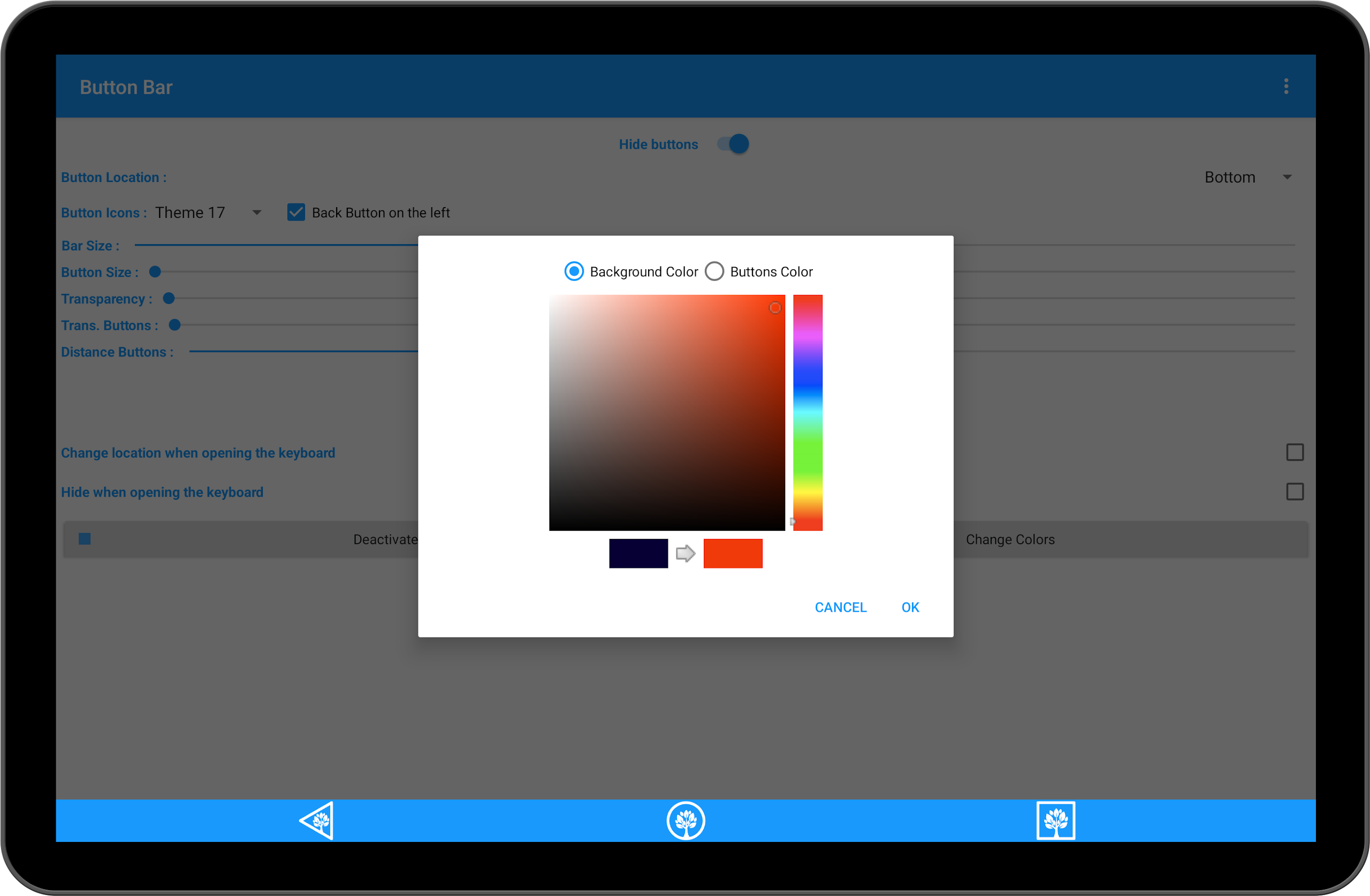
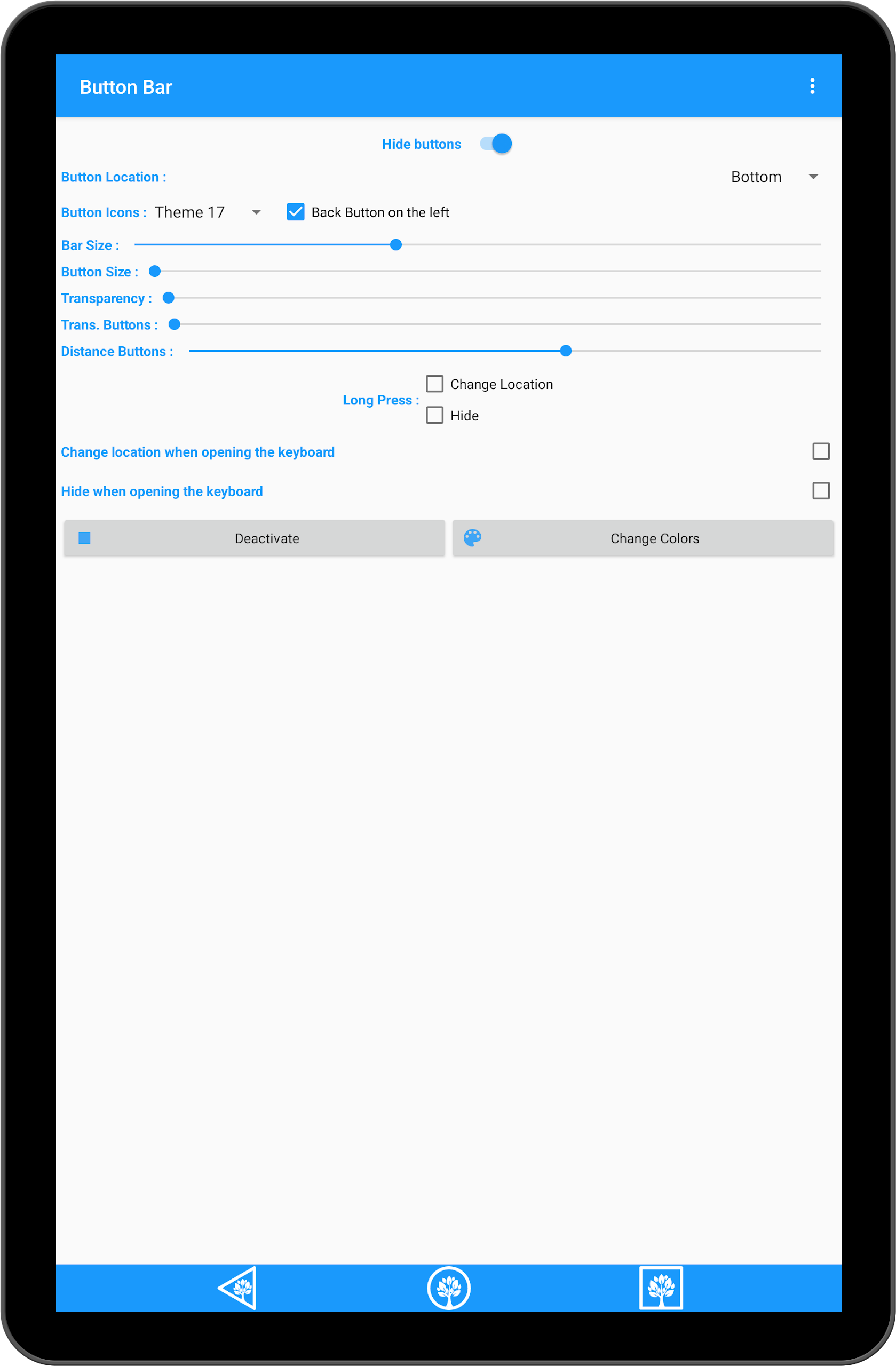
The Button Bar offers a nearly automatic installation to replace a malfunctioning button.
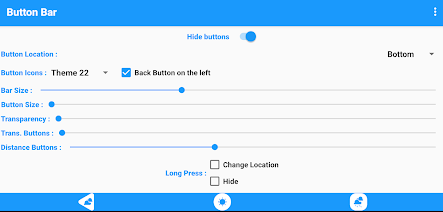
This tool does not require a physical button for setup and is specifically designed for devices with broken buttons, such as phones and tablets.
The images provided are genuine and not digitally altered!
Features:
• Adjusts position when the keyboard is on (placed above the keyboard).
• Can be hidden when the keyboard is in use.
• Allows color changes for an enhanced navigation bar experience.
• Option to switch the back button between left and right.
• Customizable button colors.
• Ability to make the bar invisible.
• Location adjustment options.
• Hiding capability.
• Deactivation option.
Core Value:
- Emergency Hardware Failure Rescue: No need to repair or replace physical buttons; software can quickly replace them, extending device lifespan and reducing repair costs.
- Zero-Throughput Operation: After installation, it can be activated through the accessibility service. The simple setup steps require no technical expertise, making it easy for ordinary users to get started.
- Low-Distraction Experience: Supports hidden and transparent settings, solving button issues while minimizing screen space, ensuring both practicality and visual simplicity.
- This application utilizes Accessibility Services to offer Home, Back, and Recent functions.
Usage Process:
1. After installation, enable Accessibility Services. Setup can be completed without physical buttons, adapting to phones/tablets with damaged buttons.
2. Customize the button bar: Adjust position, set hidden/transparent mode, change button colors, and switch the left and right positions of the back button as needed.
3. When the keyboard pops up, the button bar automatically moves above the keyboard (it can also be manually hidden), without affecting input.
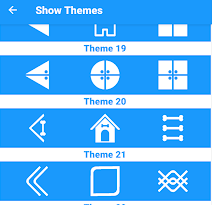
4. When not in use, click the "Disable" option within the app to disable the function, preventing it from occupying screen space or running in the background.
5. No technical skills required; one-click replacement of damaged physical buttons, providing core functions such as home, back, and recent apps.
Related Questions and Answers:
1. **Q**: My phone's physical buttons are broken. Can I use this app directly?
A: Yes, it's designed specifically for devices with broken buttons. It can be set up without physical buttons and can directly replace the broken buttons.
2. **Q**: When I open the keyboard and type, will the button bar block the screen?
A: No. When the keyboard pops up, the button bar automatically adjusts its position (towards the top of the keyboard). It can also be manually hidden without affecting typing.
3. **Q**: Can I change the color of the button bar or make it invisible?
A: Yes, you can customize the button and button bar colors and set them to transparent or completely hidden to suit different visual needs.
4. **Q**: If I'm left-handed, can I move the Back button to the left?
A: Yes, there's an option to switch the Back button's position between left and right, allowing you to adjust it to your grip.
5. **Q**: Do I need any permissions to use this app?
A: You need to enable Accessibility Services to use the three core functions of Home, Back, and Recent.
- Version7.5.8.2
- UpdateOct 28, 2026
- DeveloperViltoolsApps
- CategoryTools
- Requires AndroidAndroid 5.0+
- Downloads310K+
- Package Namecom.aplications.adimov.home
- Signature051ada79bf072dc1fe551766b539c173
- Available on
- ReportFlag as inappropriate
-
NameSizeDownload
-
5.33 MB
-
4.79 MB
-
4.62 MB




















Practical hardware for emergency situations
Interference-free operation
Strong adaptability
Depends on accessibility permissions
Single functionality
Adaptation may be inaccurate