
Floatee - Floating All In One - Floating multitasking toolkit
Experience effortless multitasking with instant access to translations, ChatGPT, and custom app shortcuts—all in one floating interface!

- 1.9.0 Version
- 2.3 Score
- 590K+ Downloads
- In-app purchases License
- 3+ Content Rating

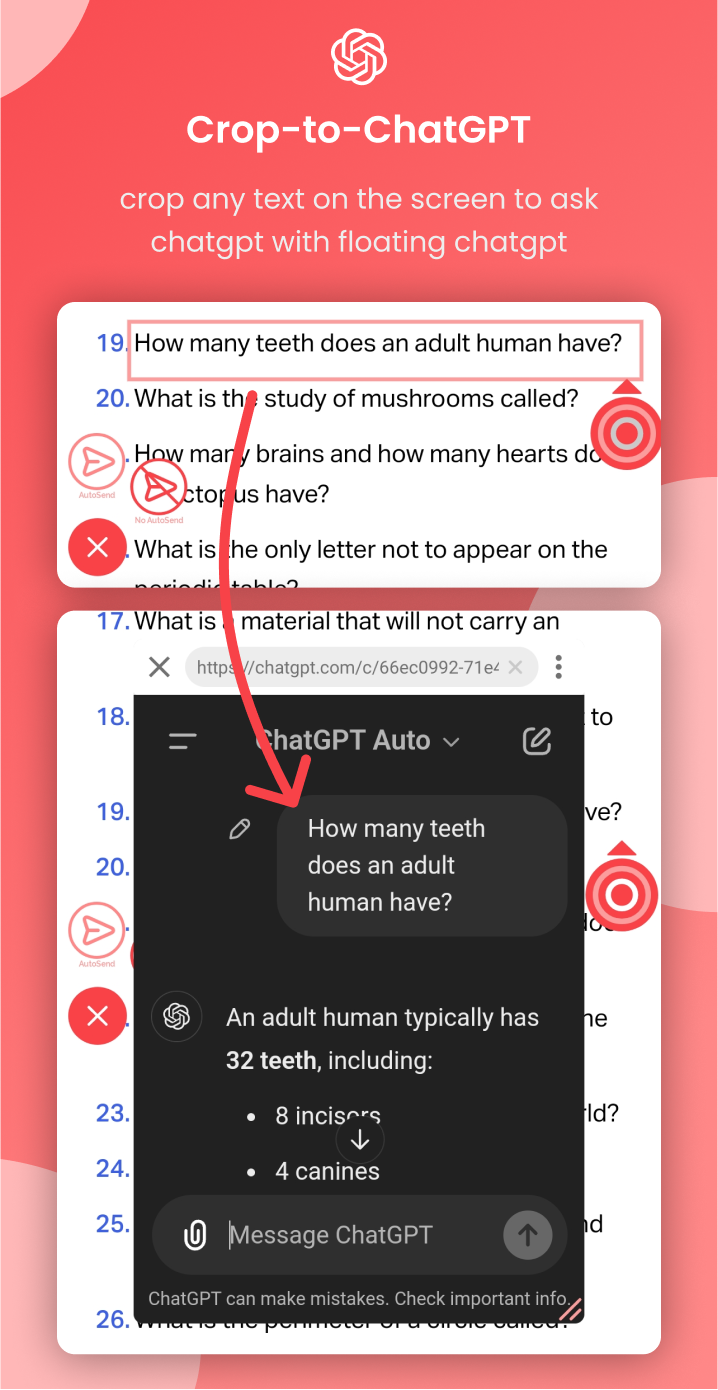
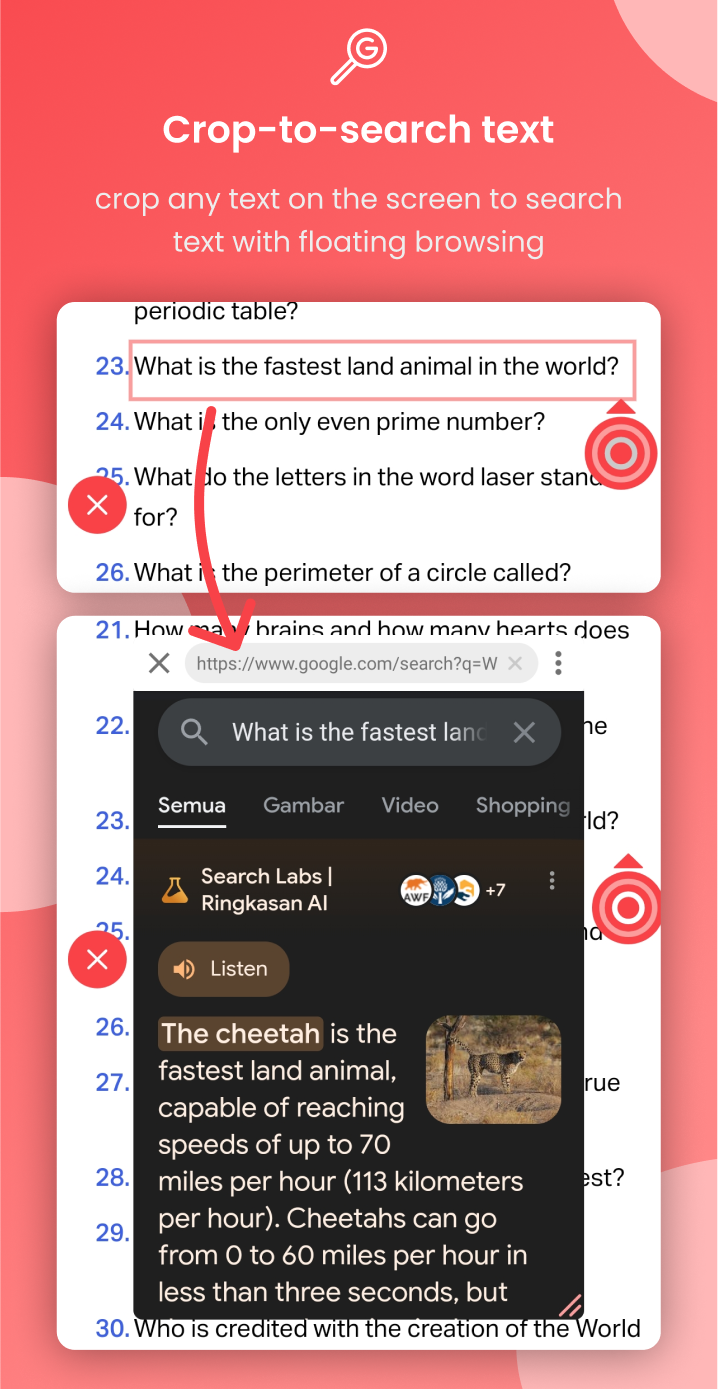
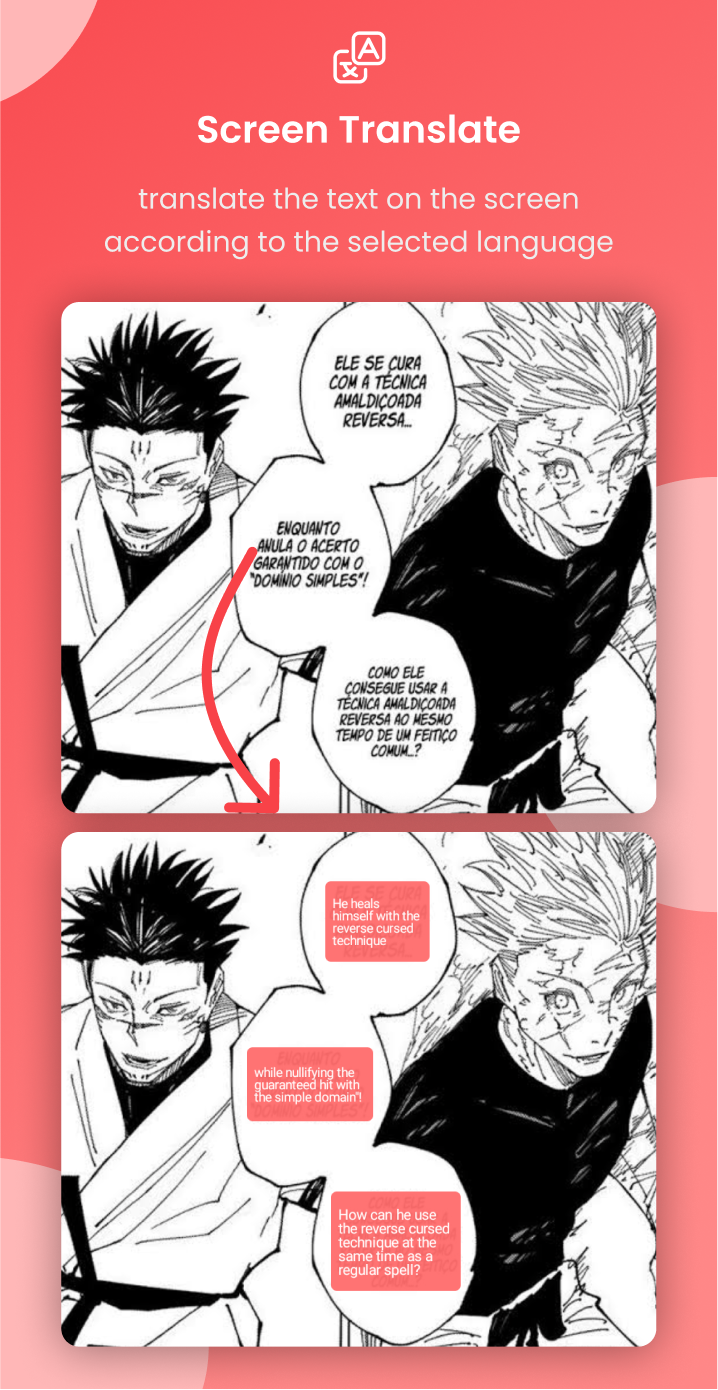
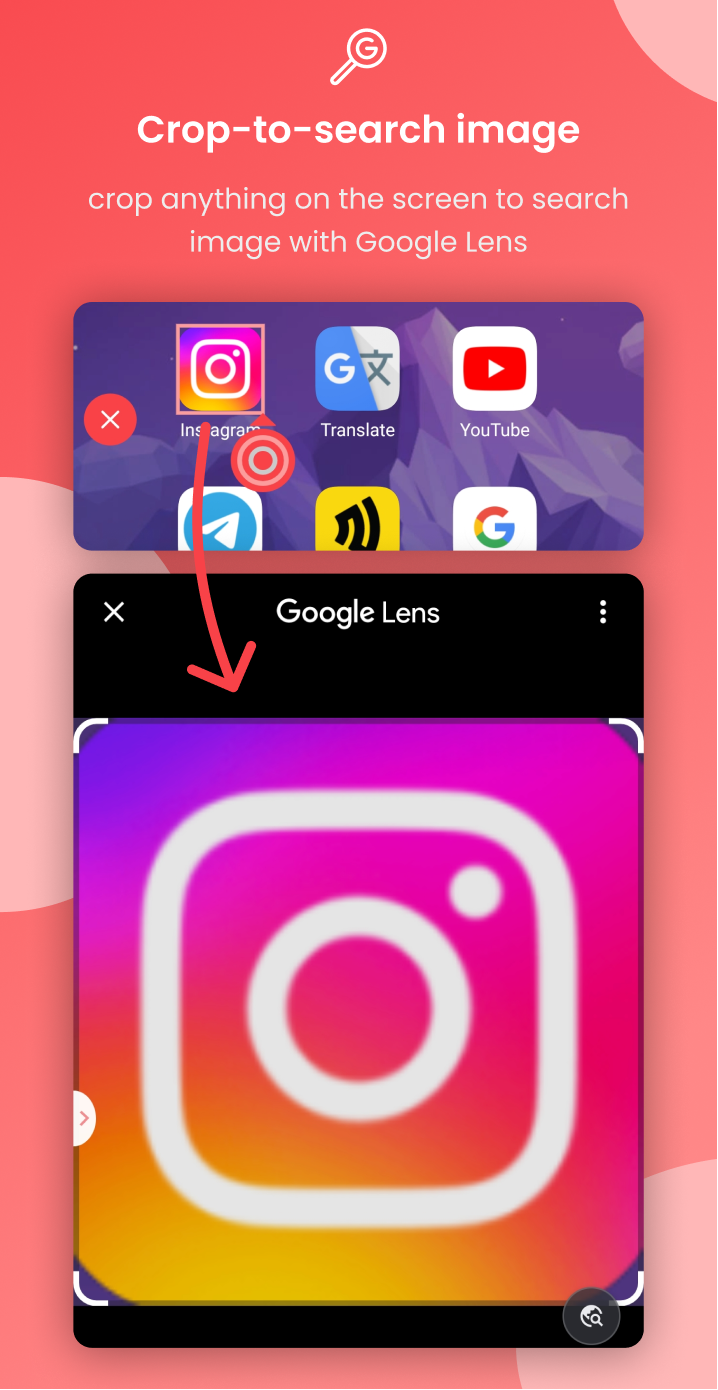
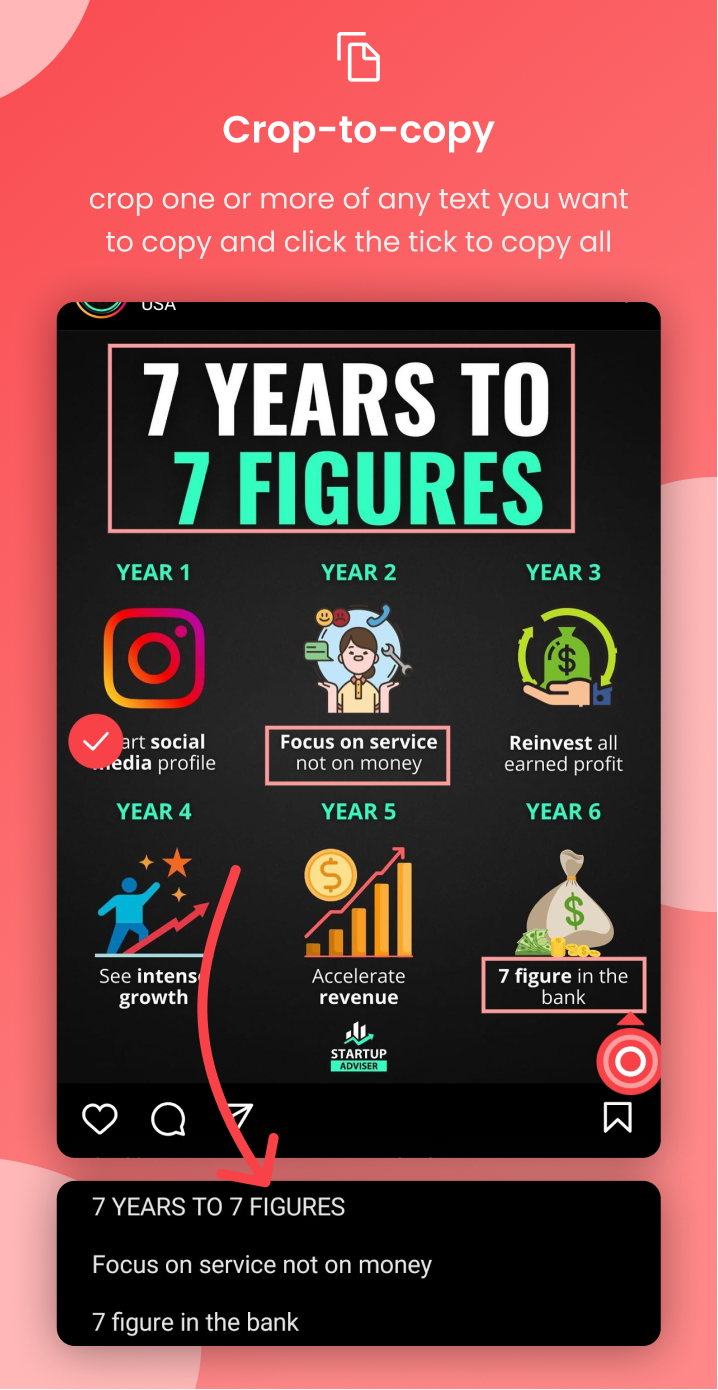
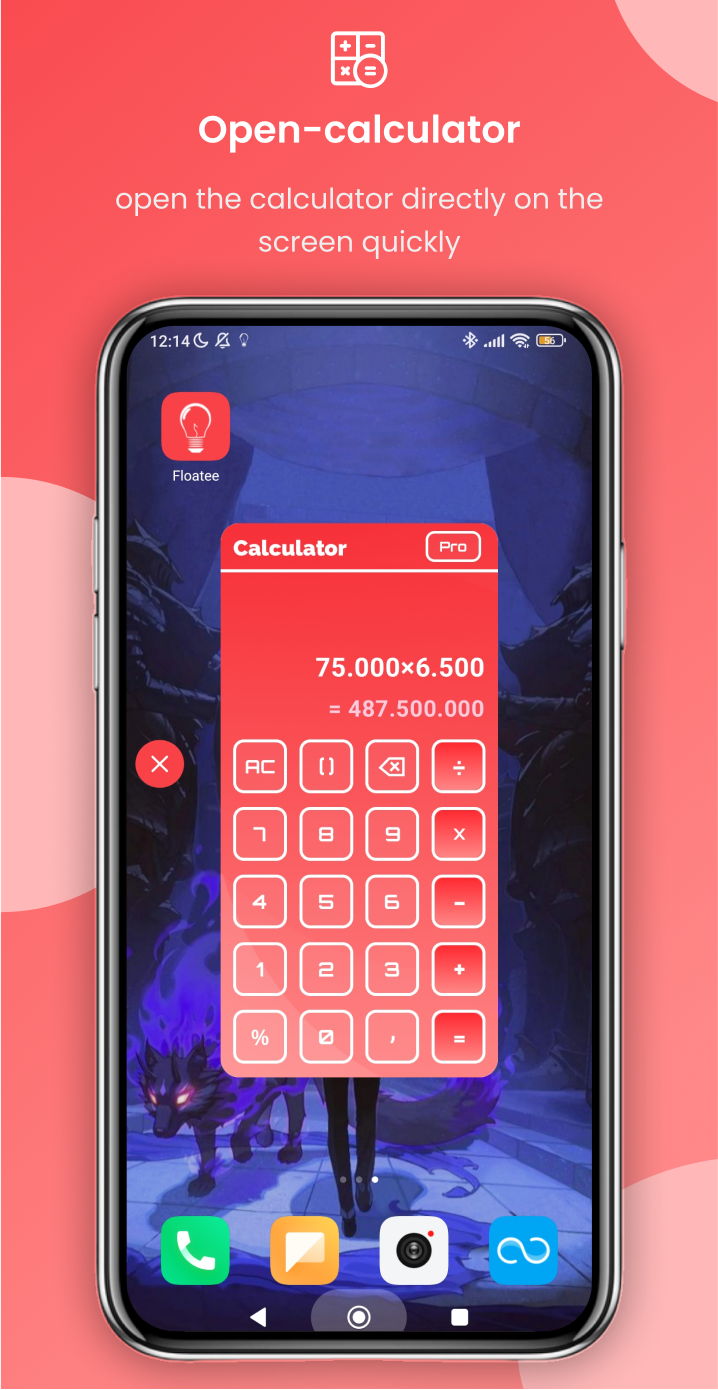
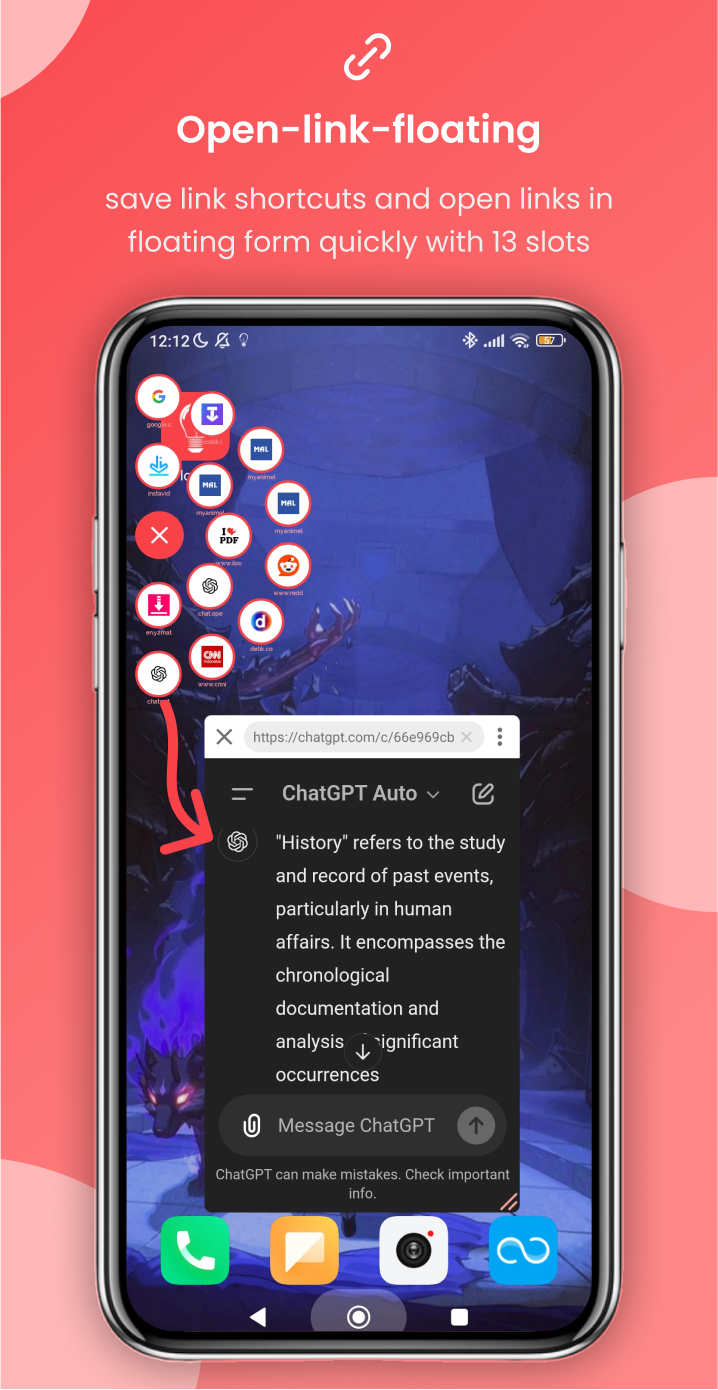
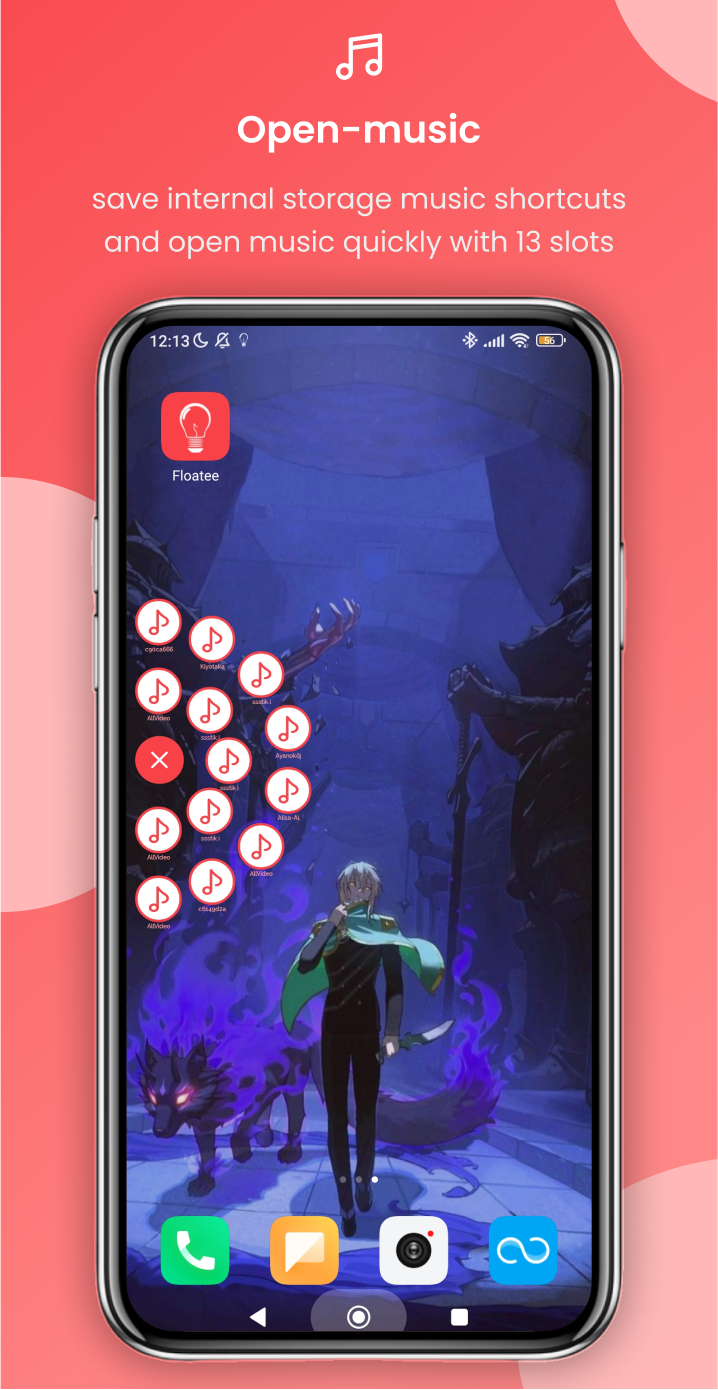
Enhance your multitasking experience with Floatee, the comprehensive floating application that gathers essential tools all in one place.
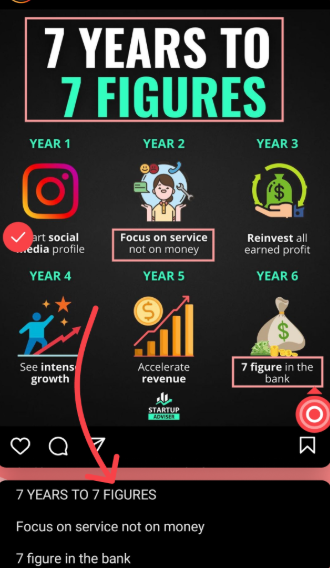
Whether you need to quickly consult ChatGPT, translate text on your screen, browse in a floating window, or utilize Google Lens without having to take a screenshot, Floatee has got you covered!
[Why choose Floatee?]
Floatee transforms your mobile usage through its unique floating interface. Say goodbye to the hassle of switching between applications—now you can access everything you require with just a single tap!
[Key Features]
• Crop to ChatGPT: Effortlessly crop any text displayed on your screen and send it to ChatGPT for immediate responses within a floating window.
• Crop to Search: Select any text on your screen and search it using Google via a floating browser, all without leaving your current view.
• Screen Translate: Instantly translate any text visible on your screen in real time.
• Search Image: Utilize Google Lens to search for images directly without needing to screenshot.
• Open Music Shortcuts: Quickly reach your favorite music stored on your device with a convenient 13-slot menu.
• Custom Floating Apps: Personalize your experience by selecting floating apps according to your preferences.
[Additional Features]
• Tap text for dictionary access (includes definitions, examples, synonyms, antonyms).
• Another Crop Feature (options include copy, translate, subtitle creation, image search, text-to-speech, saving/sharing images, screen recording).
• Additional Open Shortcuts (for apps, links, files, and system settings).
• Assistive touch features (navigate back, recent apps, home screen, lock screen, notifications, quick settings, capturing screenshots, recording screens, rotating display, power dialog options, adjusting volume and brightness, split-screen mode).
• Floating Apps (calculator, dictionary, translation tool, browser, customizable applications).
• Auto Clicker (functions including tapping, long pressing, and swiping).
Our application may utilize Accessibility Service API to facilitate certain assistive touch functions (such as going back, accessing recent apps, notifications, and split screen) along with the auto clicker feature. Please rest assured that this application does not collect any personal information nor infringe on your privacy.
[User Guide]
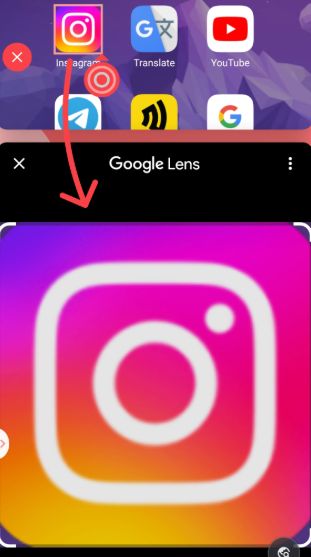
- Floating Invocation: After opening the app, trigger tools with a single click via a floating window (no need to switch apps);
- Text Processing: Crop screen text and send it directly to ChatGPT to get a reply/use Google search/real-time translation;
- Image Recognition: No need to take a screenshot, directly select an area of the screen image to invoke Google Lens search;
- Quick Operations: 13-slot music shortcut, customizable floating applications (calculator/dictionary, etc.), assisted touch controls (back/split screen/screenshot, etc.).
FAQs:
**Q**: What type of app is Floatee? Does it support iOS?
**A**: Floatee is a versatile floating tool app focused on multitasking. It integrates a variety of useful tools, such as ChatGPT consultation, screen translation, and floating browsing, into a floating interface, aiming to reduce app switching and improve operational efficiency. Currently, the app primarily runs on Android and can also be used on PC via the Gameloop emulator, but iOS is not yet supported.
**Q**: The app prompts that the "Accessibility Service Permission" needs to be enabled. Is it mandatory? Will my privacy be protected if it is enabled?
**A**: This permission isn't required for all features, but it is required to enable Assistive Touch (such as back and split screen) and the Auto-Clicker feature. These features rely on the Accessibility Service API. There's no need to worry about privacy; the app officially states that it does not collect any personal information and will not infringe on user privacy.
**Q**: How do I use the "Crop to ChatGPT" feature? Can you give me an example?
**A**: To use it, simply select any text on the current screen (i.e., "crop"). The app will automatically send the selected text to ChatGPT and display the response in a floating window, without leaving the current app. For example, when reading English literature, you can select a paragraph you don't understand and use this feature to get a translation or interpretation of the content.
**Q**: What's the difference between "Search Image" and regular Google Lens?
**A**: The key difference is that there's no need to take a screenshot. Regular Google Lens requires taking a screenshot and then uploading it for recognition. Floatee's "Search Image" feature allows you to directly select an area of the image on the screen and instantly launch Google Lens for search, significantly simplifying the process.
- Version1.9.0
- UpdateOct 29, 2026
- DeveloperMA I KA
- CategoryTools
- Requires AndroidAndroid 6+
- Downloads590K+
- Package Namecom.maika.floatee
- Signature58b526b63929fb0188487a66f8ada533
- Available on
- ReportFlag as inappropriate
-
NameSizeDownload
-
47.91 MB
-
47.12 MB
-
47.11 MB














Highly integrated functionality
Easy to use
Personalized customization
Privacy-focused
Contains ads
Features rely on permissions
May conflict with some apps