
Recover Deleted Photos & Msgs - File Recovery Tool
Easily restore lost photos, videos & important documents with just one tap—no rooting required!

- 1.6.5 Version
- 1.2 Score
- 152K+ Downloads
- In-app purchases License
- 3+ Content Rating

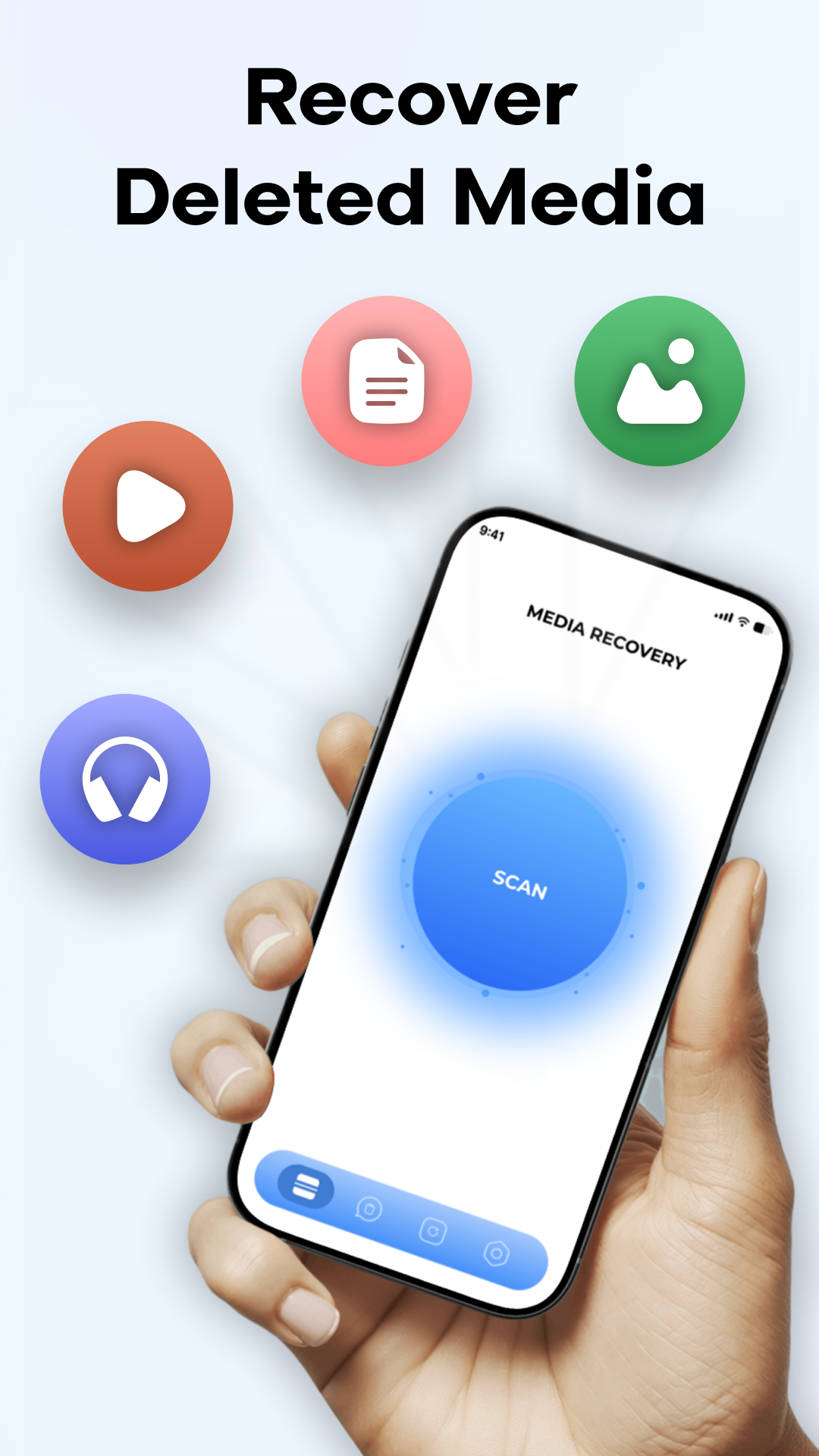
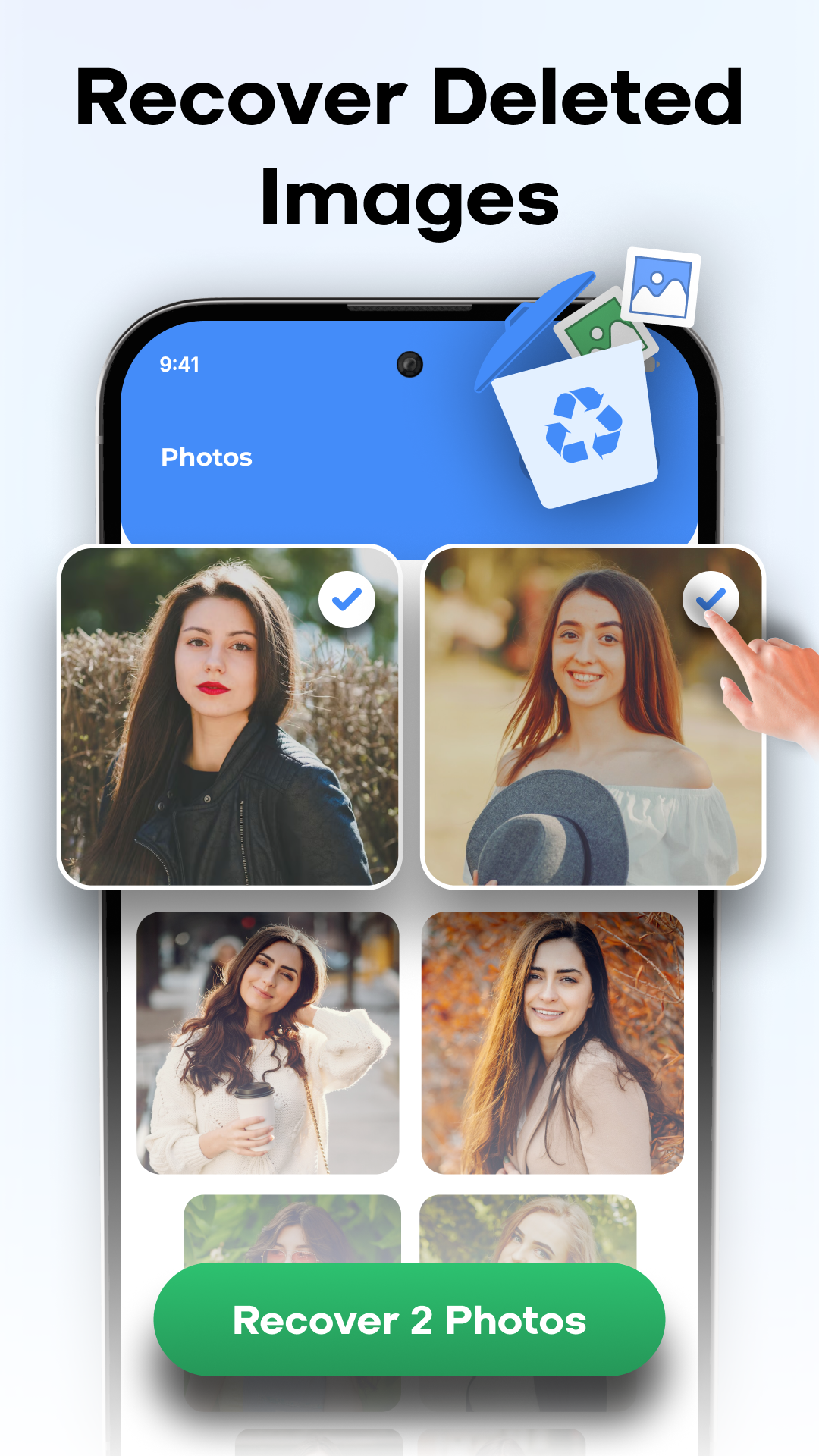
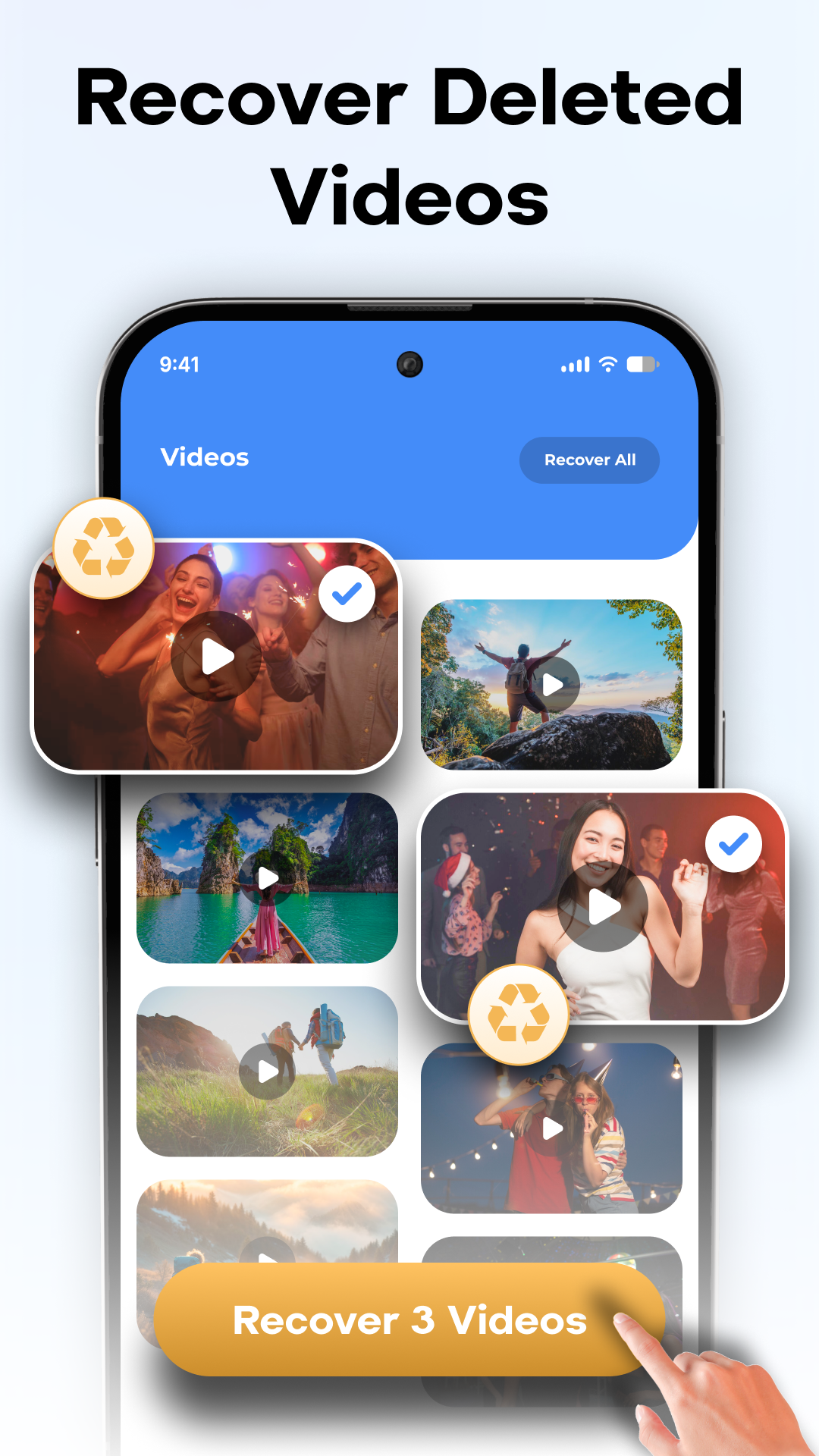
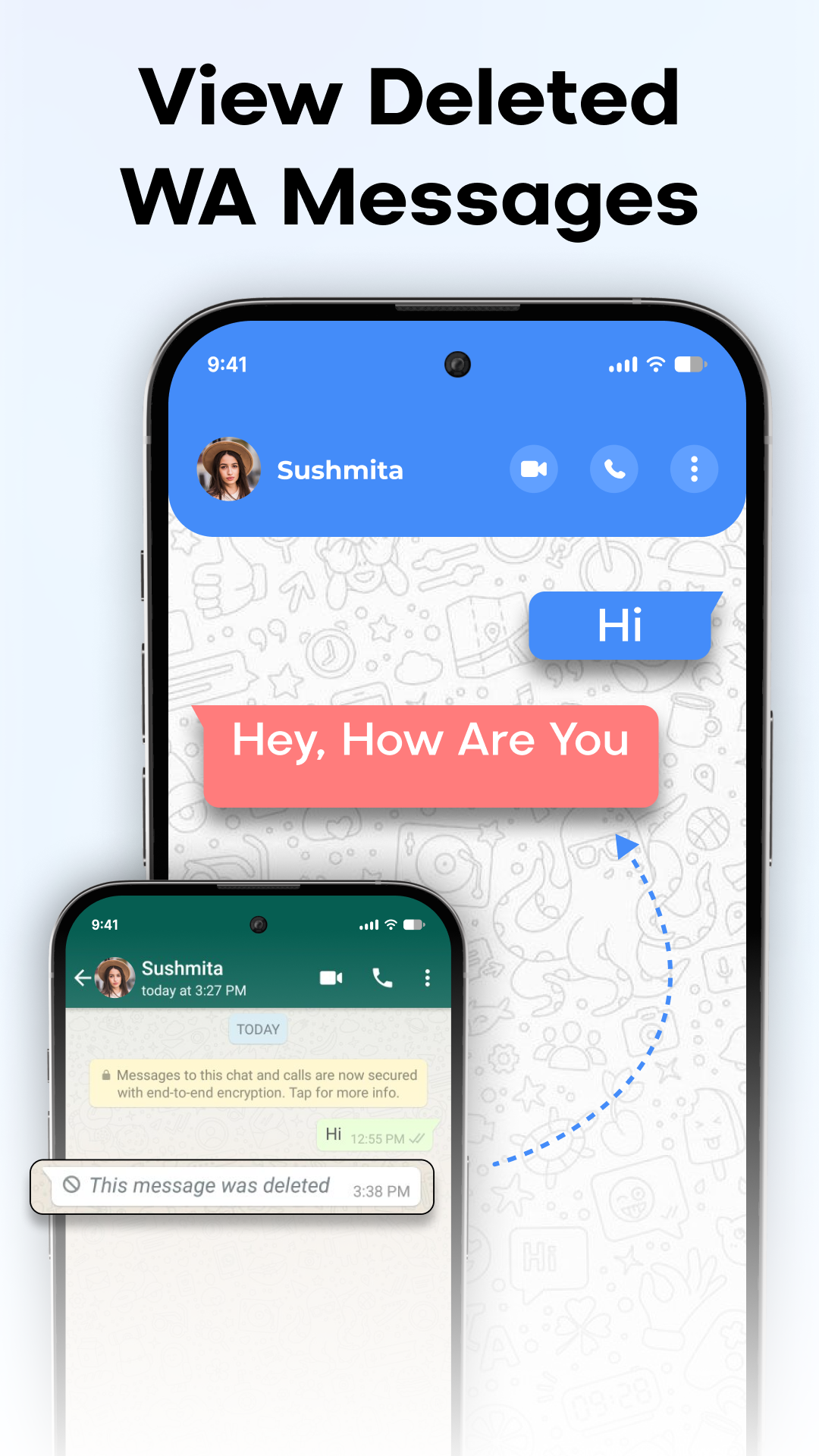
Lost Critical Files? Retrieve Them Instantly!
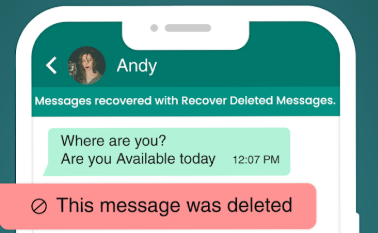
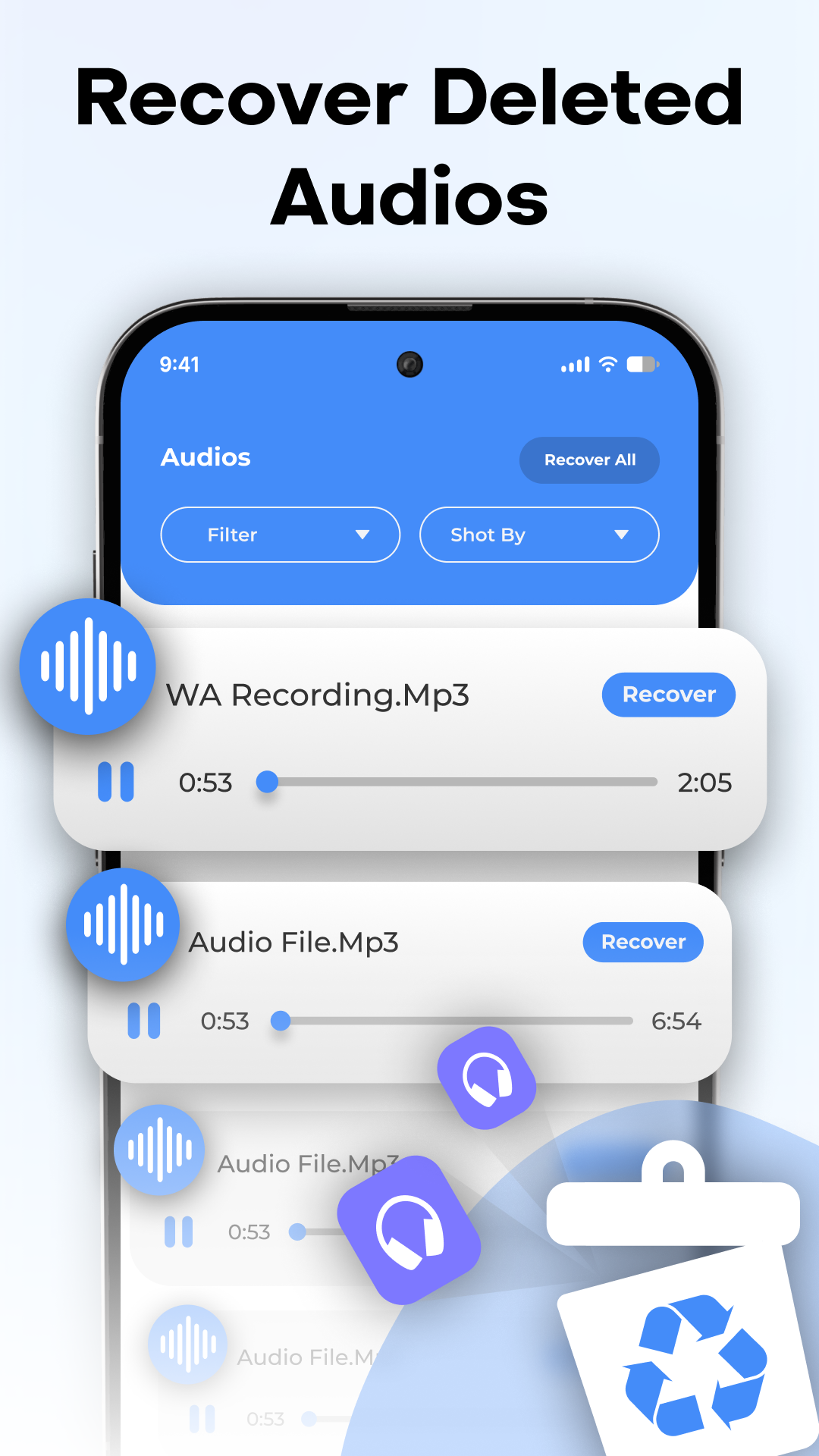
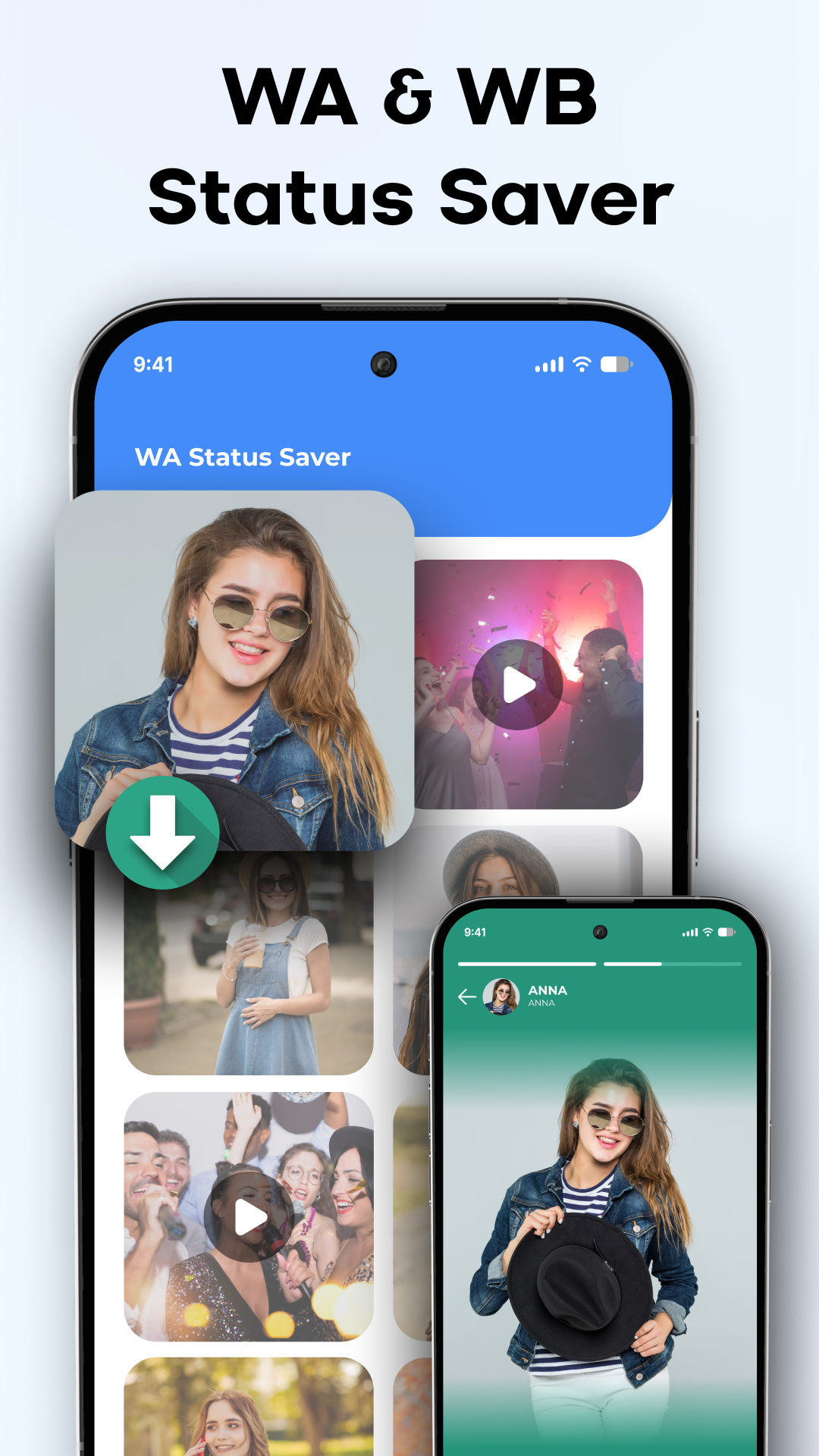
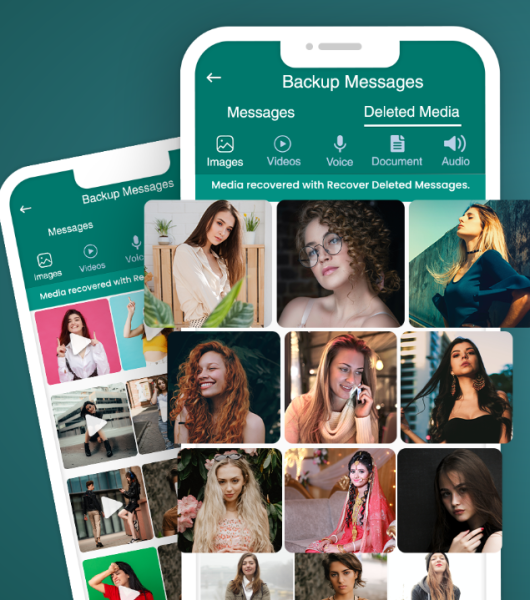
Deleted Video & Photo Recovery allows you to effortlessly recover lost photos, videos, audio files, documents, contacts, and messages from your smartphone or SD card. It functions like a recycle bin for Android devices, restoring essential files with just a single tap. There's no need for rooting!
Why Choose Our Application?
1.Comprehensive Recovery:Restore images, high-definition videos, audio files, documents, contacts, and messages。
2.Thorough Scanning:Identifies all deleted or concealed files, regardless of when they were lost。
3.Preview Before Restoring:View your files prior to the recovery process。
4.Organized Interface:Files are sorted methodically, making it easy to locate them using filters。
5.Contact Management:Effortlessly eliminate duplicate contacts。
6.User-Friendly:Anyone can easily recover their files。
Stop Worrying and Begin Recovering!
Mishaps occur, but with Deleted Video & Photo Recovery, you can feel at ease knowing that your vital files and memories are secure and readily retrievable.
Restore your lost files now!
This application requires permission to "Access all files" in order to scan your device for files that can be recovered. We use this solely for data recovery and prioritize your privacy.
Operation Process (Root-Free):
1. Installation and Authorization: After installing from the app store, open the app and grant "Access All Files" permission (only for scanning and recovery, protecting privacy). Root access is not required.
2. Select Scan Target: On the homepage, select "Phone Memory" or "SD Card," then select the file types to recover (photos/videos/audio/documents/contacts/SMS messages), and click "Start Scan."
3. Preview and Filter: After the scan is complete, filter by type/time; click on a file to preview it, and select it after confirming it is the target file.
4. One-Click Recovery: After selecting, click "Recover," and the file will be restored to its original directory or the specified folder; progress can be viewed in "Recovery History."
5. Additional Functions: Enter "Contact Management" to clean up duplicate contacts with one click and optimize your address book.
Core Questions and Answers:
1. **Q**: What is the core function of this app?
**A**: The core function is to help users recover lost files from their smartphones or SD cards, including photos, videos, audio, documents, contacts, and text messages. It also supports contact deduplication management.
2. **Q**: What useful accessibility features does the app support?
**A**: It supports pre-recovery file previews, organizes files by category, and provides filtering functions, making it easy for users to accurately find the target file. The app is simple to use, with one-click recovery, no technical expertise required.
3. **Q**: Does this app require rooting my phone to recover files?
**A**: No, rooting is not required to use the app's core recovery features, which reduces the operational barrier and device risk.
4. **Q**: Can the app recover files that were lost long ago?
**A**: The app has a deep scan feature that identifies all deleted or hidden files. Regardless of how long ago they were lost, there's a chance they can be found and recovered.
5. **Q**: What is the purpose of the "Access all files" permission requested by the app?
**A**: This permission is only used to scan the device for recoverable files. The app clearly states that this permission is only used for data recovery operations and that it prioritizes user privacy.
6. **Q**: Is there a risk of user data being leaked during the file recovery process?
**A**: According to the app description, user privacy is prioritized and the permission is only used for the recovery function. However, users are advised to download the app through legitimate channels to further mitigate potential risks.
- Version1.6.5
- UpdateOct 29, 2026
- DeveloperMaida Publishing Corp.
- CategoryTools
- Requires AndroidAndroid 5.0+
- Downloads152K+
- Package Namecom.tas.unseen.noseen
- Signaturec06bbaf109b4c38e03450e6b7c131f6c
- Available on
- ReportFlag as inappropriate
-
NameSizeDownload
-
18.16 MB
-
18.88 MB
-
12.15 MB















Easy to use and low barrier to entry
Wide recovery coverage and practicality
Thoughtful features ensure a seamless user experience
Recovery success rate is limited
Potential functional limitations
System compatibility is limited