
Theme for Galaxy S8 Plus - Galaxy S8 Plus theme & launcher
Transform your device with stunning icons & HD wallpapers for a personalized Galaxy-like experience effortlessly.
- 1.0.2 Version
- 2.9 Score
- 181K+ Downloads
- Free License
- 16+ Content Rating

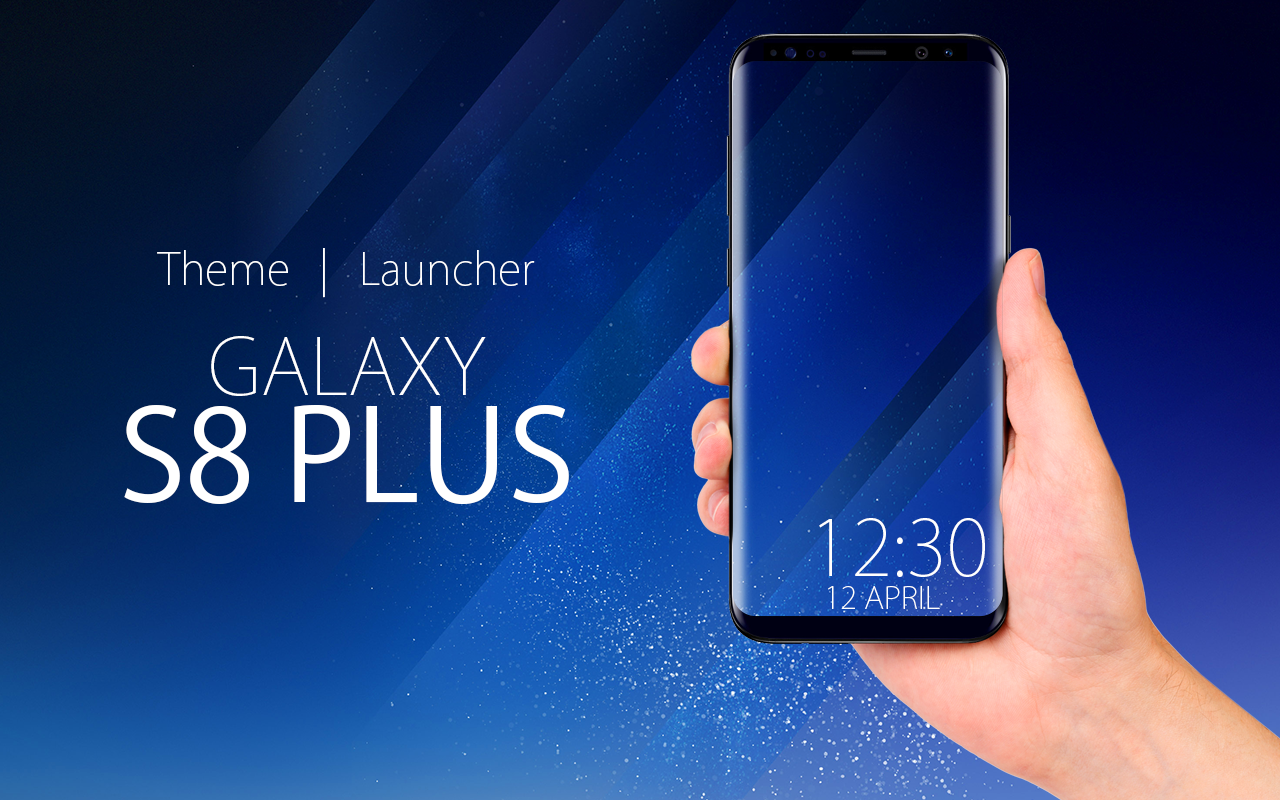
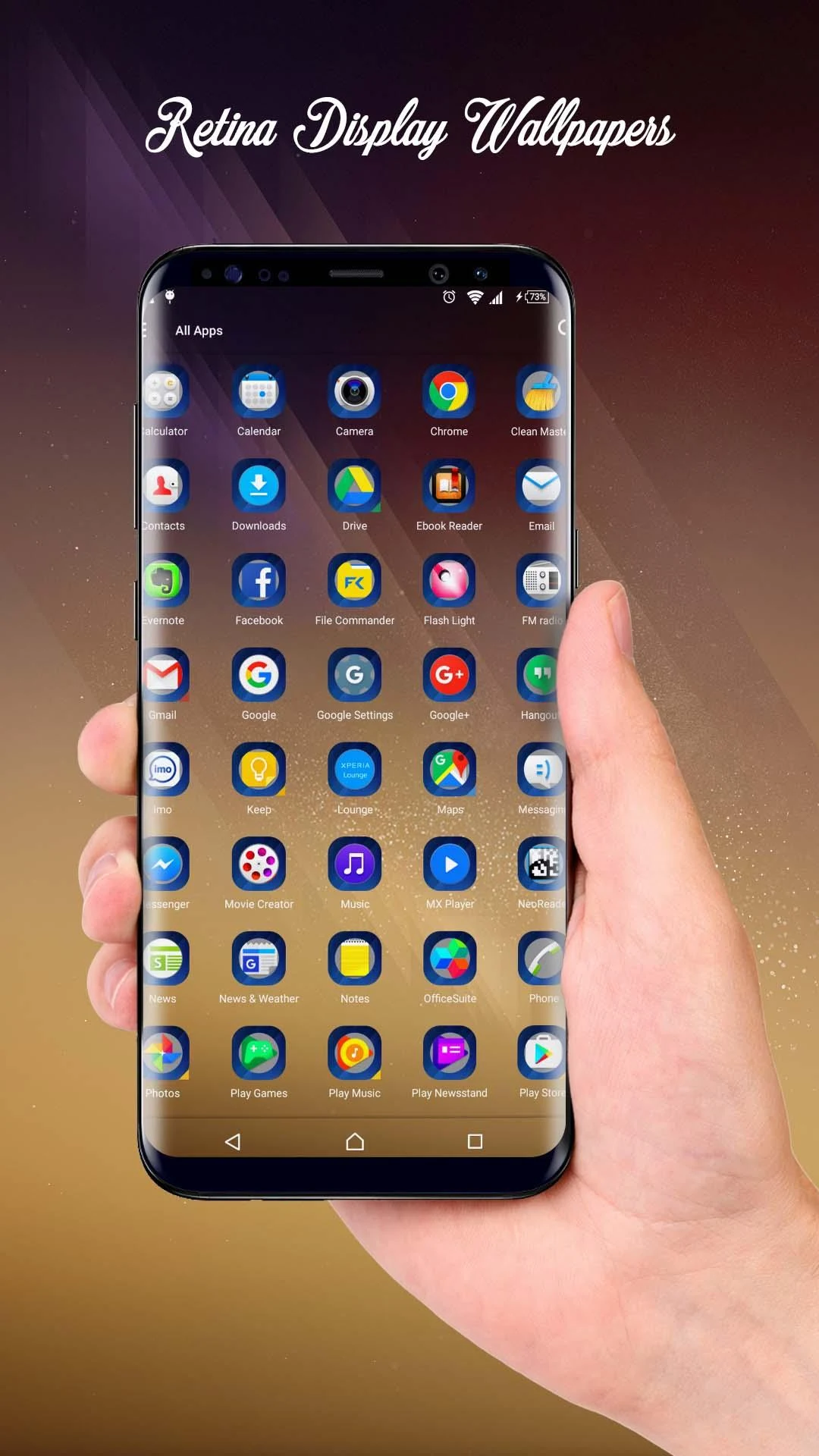
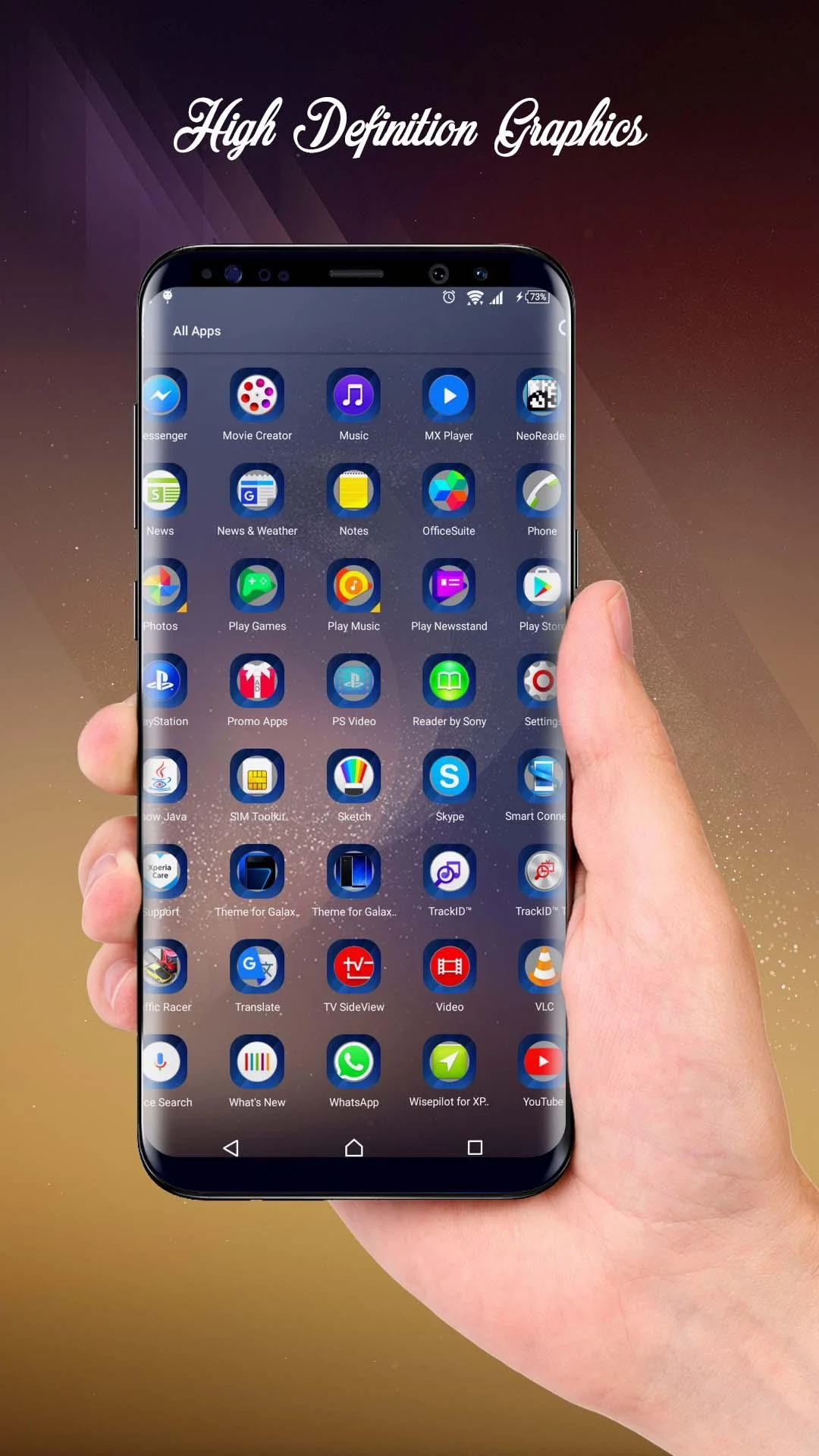
THEME FOR GALAXY S8 PLUS
The Theme and Launcher for Galaxy S8 Plus offers a contextual theme that combines a user-friendly interface with minimal battery usage, allowing for quick mobile searches while safeguarding your privacy. This makes it an excellent choice for those seeking a personalized launcher experience on Android.
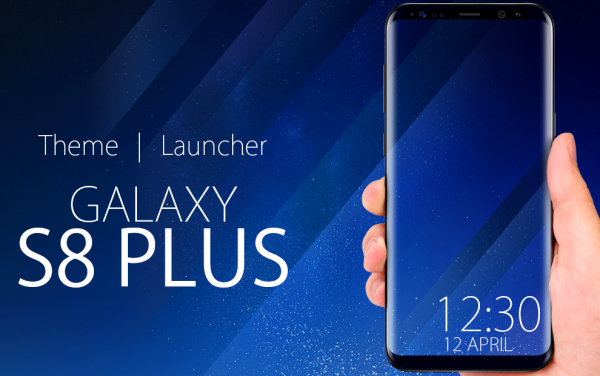
If you're tired of the default icons and themes, simply download our app to enjoy beautifully designed icons and stock wallpapers inspired by the Galaxy S8 and S8 Plus. Transform your device into a style reminiscent of these models and delight in the elegant visuals on your screen.
This theme is designed to work seamlessly across all mobile screen sizes, including small, medium, large, and extra-large devices, as well as accommodating both landscape and portrait orientations. It is easy to navigate, especially for those who appreciate nature-inspired green wallpapers and attractive icons.
TO CHANGE THE THEME
1. On the home screen, press and hold an empty area.
2. Tap "Wallpapers & Themes."
3. If prompted, tap "Allow."
4. Tap "Themes."
5. Swipe up to view all available themes.
6. Select the theme you want to download and apply.
7. Tap "Download." Once the download is complete, tap "Apply."
FEATURES OF GALAXY S8 PLUS THEME
% Stunning and Attractive HD Graphics
% Over a dozen free HD Wallpapers available
% A wide variety of beautifully designed icons
% Preview the theme before applying it
% Change wallpapers whenever you wish
% Simple to use and manage
% Low memory consumption
We appreciate your feedback!
EXPERIENCE REVIEW
The Galaxy S8 Plus theme application offers an excellent user experience, adapting to all sizes of Android devices and running smoothly in both portrait and landscape modes. It not only recreates the classic visual style of the Samsung Galaxy S8 series but also provides over ten free high-definition wallpapers and numerous exquisite custom icons. The interface design is simple and elegant, with a built-in preview function that allows users to intuitively see the application's effects. It supports individual wallpaper changes and is easy to use. Furthermore, the application has low memory usage and low power consumption, running smoothly without slowing down the phone. Changing the theme only modifies the interface style, without losing original device data, thus protecting privacy. It is an excellent choice for Android users to create a personalized desktop and replace the native theme, especially friendly to users who prefer natural green wallpapers and pursue a clean and beautiful desktop.
FAQs
1. **Is this theme compatible with Android devices other than the Galaxy S8 Plus? **
Yes. This theme is designed to work with a variety of Android device screen sizes (small, medium, large, and extra large) and is compatible with both landscape and portrait modes. It's not limited to the Galaxy S8 Plus, but can also be used on other Android phones and tablets.
2. **Will my existing phone data be lost after applying the theme? **
No. Changing themes only changes the phone's interface (such as icons, wallpaper, layout style, etc.) and does not affect contacts, photos, app data, or other stored content. Feel free to use it.
3. **How do I preview the theme before applying it? **
Open the app, find the theme you want, and tap the theme icon to enter preview mode. You can visually see how the icons and wallpaper will look on your phone. Once you're satisfied, tap "Apply."
4. **Can I change the wallpaper within a theme individually? **
Yes. After applying a theme, if you want to change the wallpaper, simply go to the "Wallpaper" option in the app and select your preferred HD wallpaper to replace it. It's a simple process without having to reapply the entire theme.
5. **Will using this theme cause my phone to slow down?**
Generally not. This theme is designed to be low-memory and resource-efficient. As long as your device is functioning normally, it shouldn't significantly affect the phone's performance under normal use.
- Version1.0.2
- UpdateOct 12, 2026
- DeveloperBareera Inc
- CategoryPersonalization
- Requires AndroidAndroid 4.0.1 – 4.0.2+
- Downloads181K+
- Package Namebi.galaxy.s8plus.j7.s8.j6.j5emerge.wallpaper.theme.launcher
- Signature20529b50555c3995498a585d9dedd5ee
- Available on
- ReportFlag as inappropriate









Highly adaptable, supporting various screen sizes and both landscape and portrait orientations.
Rich resources and a high degree of personalization.
Easy to use, with the ability to change wallpapers individually and a useful preview function.
Low memory consumption, minimal impact on device performance.
This may not be suitable for users seeking novel designs.
The functionality is relatively basic and lacks deep customization options.