
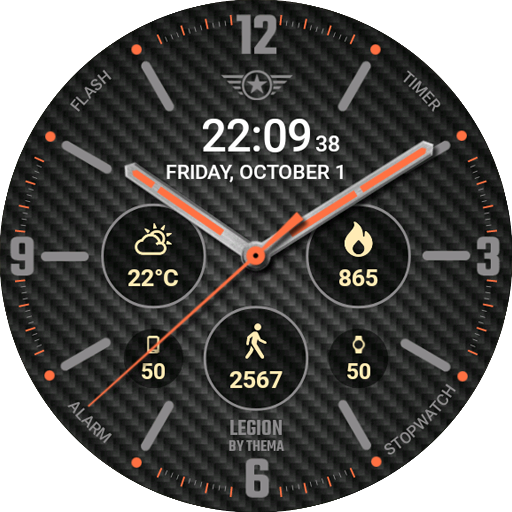
Legion Watch Face - Customizable watch face
Transform your Wear OS experience with vibrant colors, smart notifications, & real-time weather updates at a glance!
- 1.22.01.0112 Version
- 1.5 Score
- 302K+ Downloads
- In-app purchases License
- 3+ Content Rating

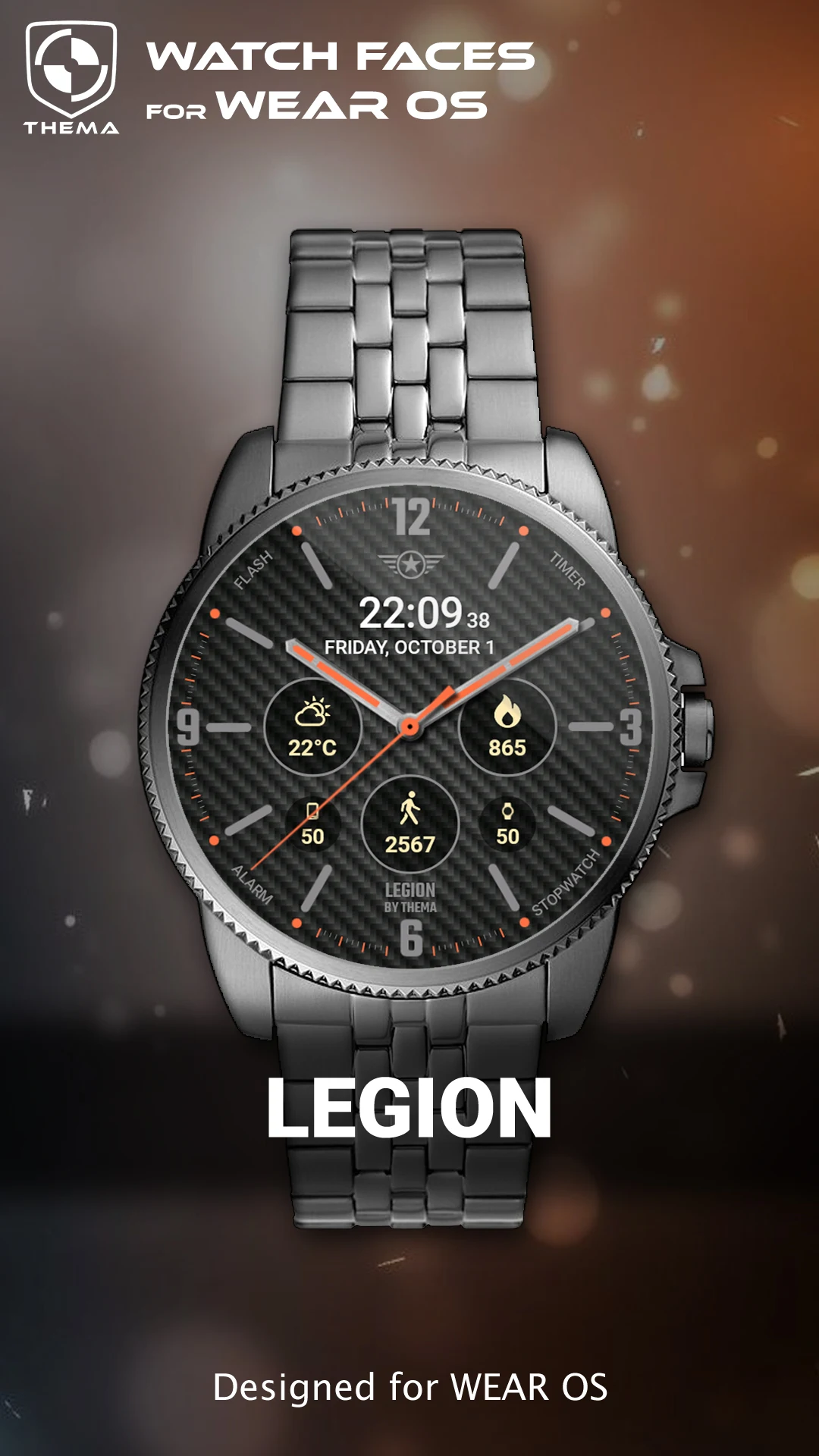
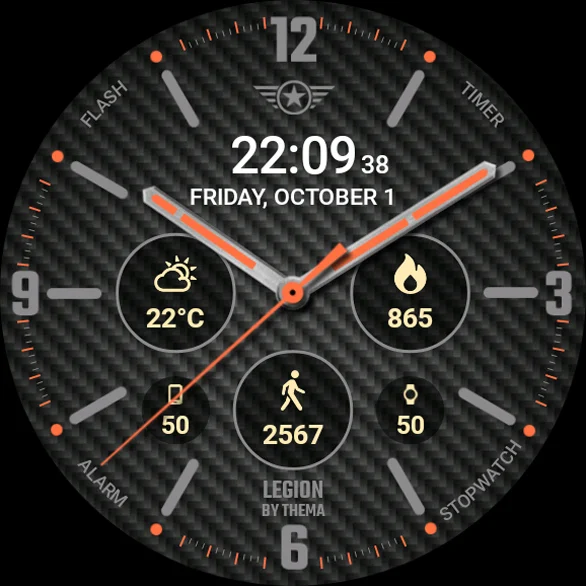
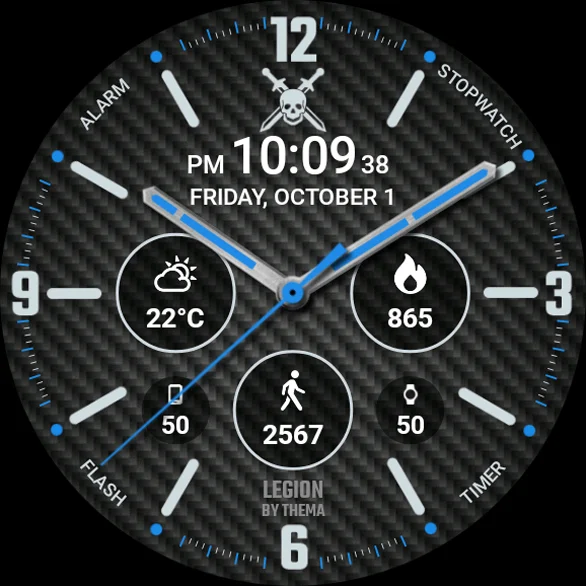
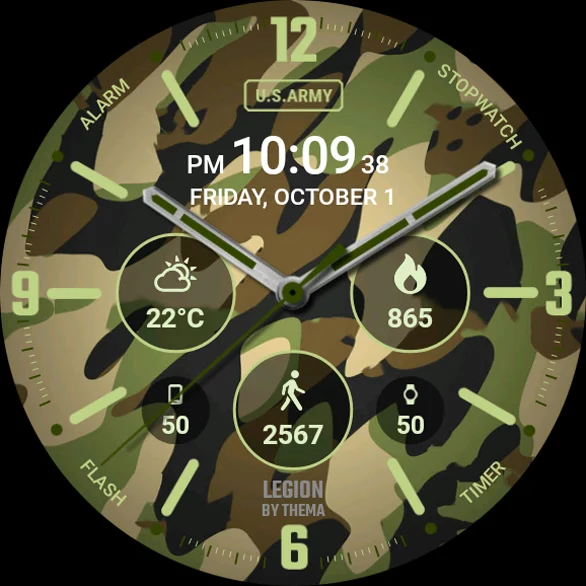
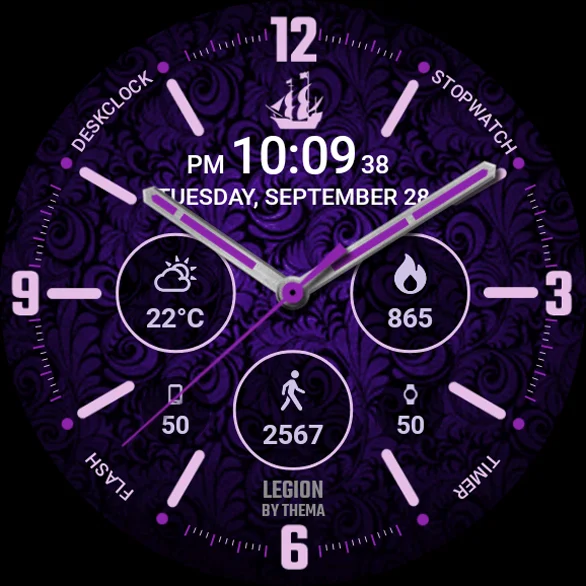
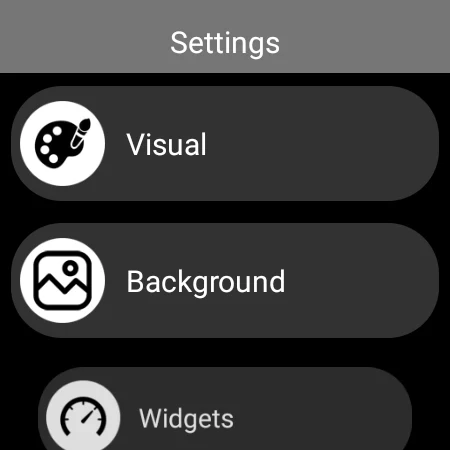
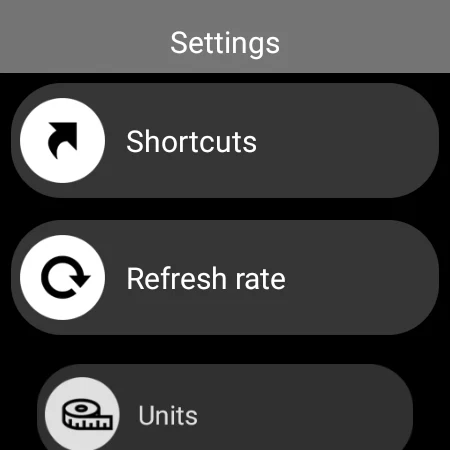
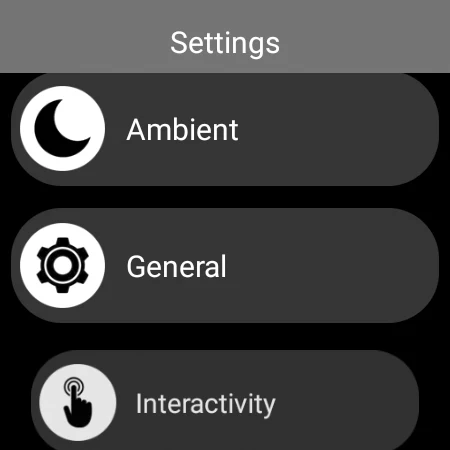
Introducing the Legion Watch Face designed for Wear OS!
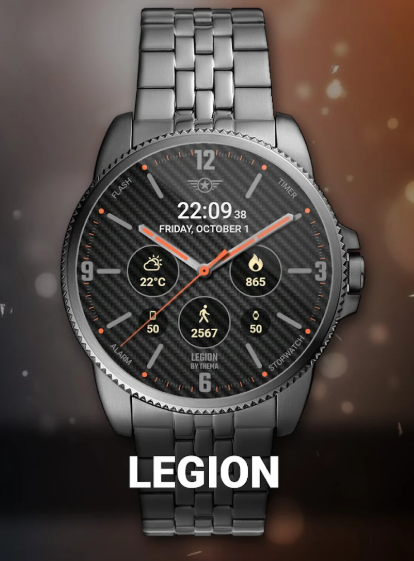
★ Features of the Legion Watch Face ★
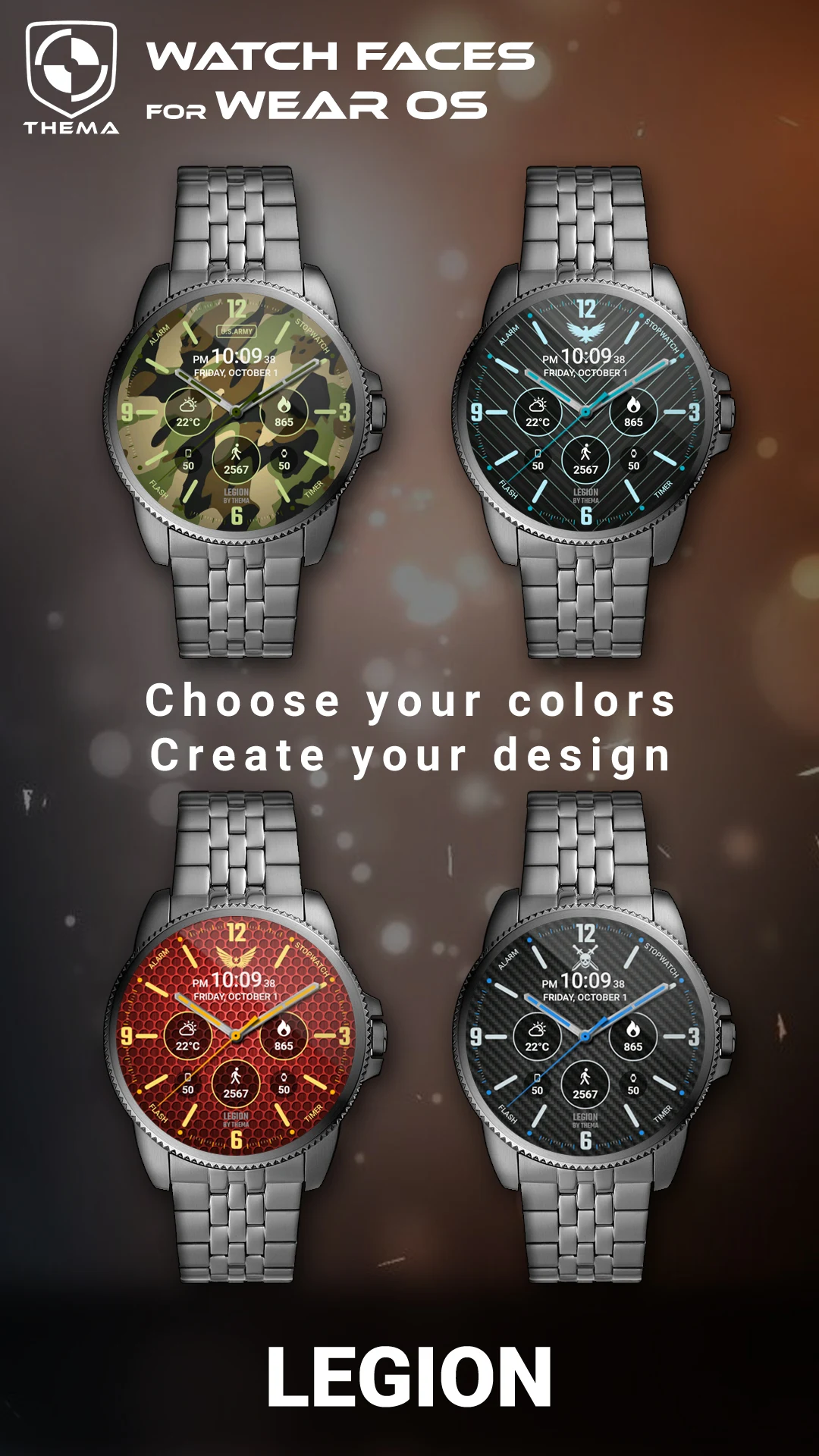
- Select your design colors
- Day and Month display
- Watch battery status
- Mobile battery information (requires companion app)
- Weather updates (requires companion app)
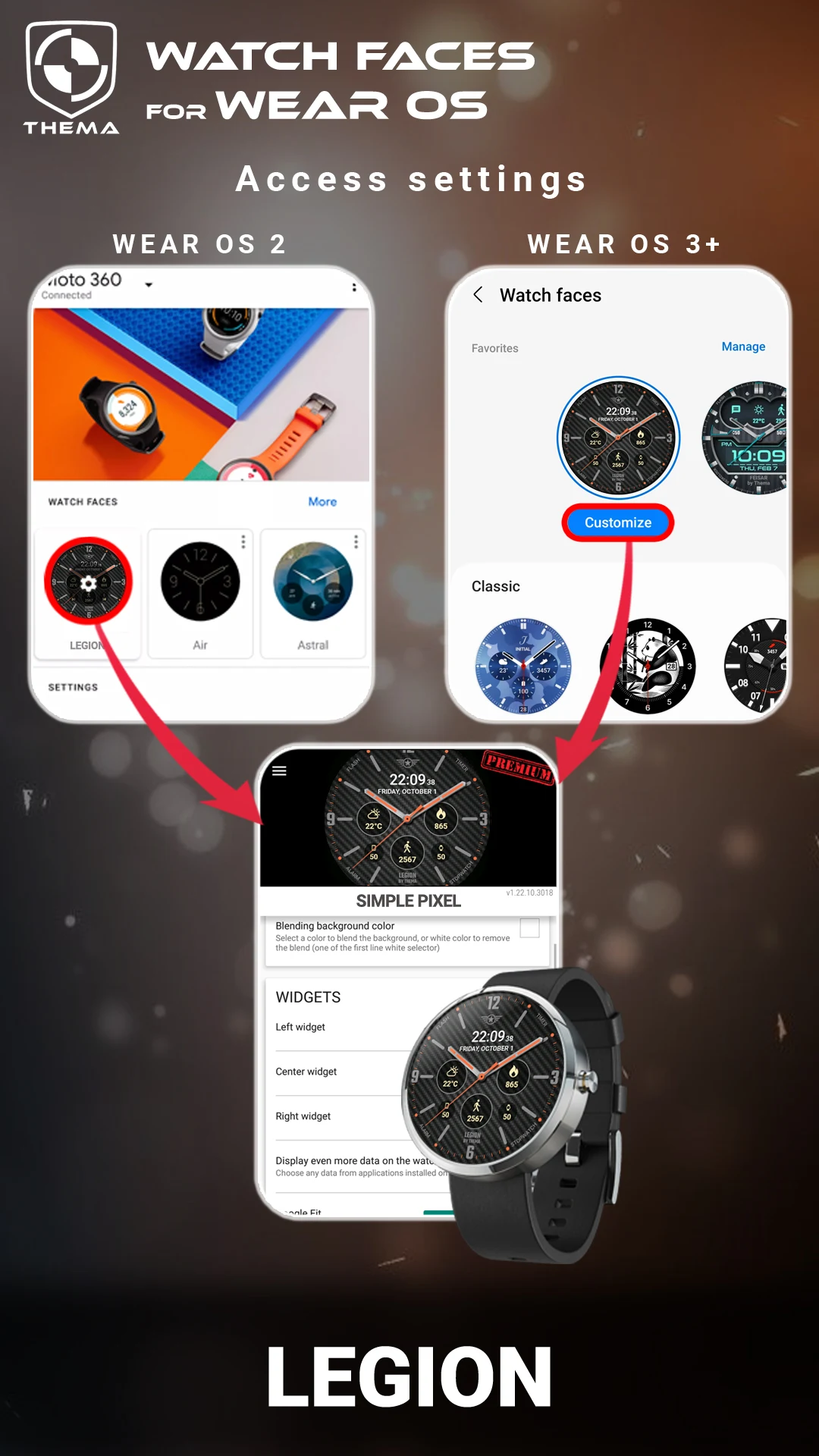
You can find the watch face settings in the "Wear OS" application on your mobile device.
Simply click the gear icon above the watch face preview to access the settings screen!
★ FREE Settings ★
- Customize design colors on both watch and mobile
- Set heartbeat frequency refresh rate
- Adjust weather refresh rate
- Choose weather units
- Switch between 12/24-hour format
- Set the duration for interactive mode
- Select ambient mode options: black & white or eco luminosity
- Decide whether to show leading zeros on hours
- Option to display brand name or not
- Decide if seconds dots should be shown
★ PREMIUM Settings ★
- Personalize your own title instead of "LEGION"
- Toggle between eco, simple black & white, and full ambient modes
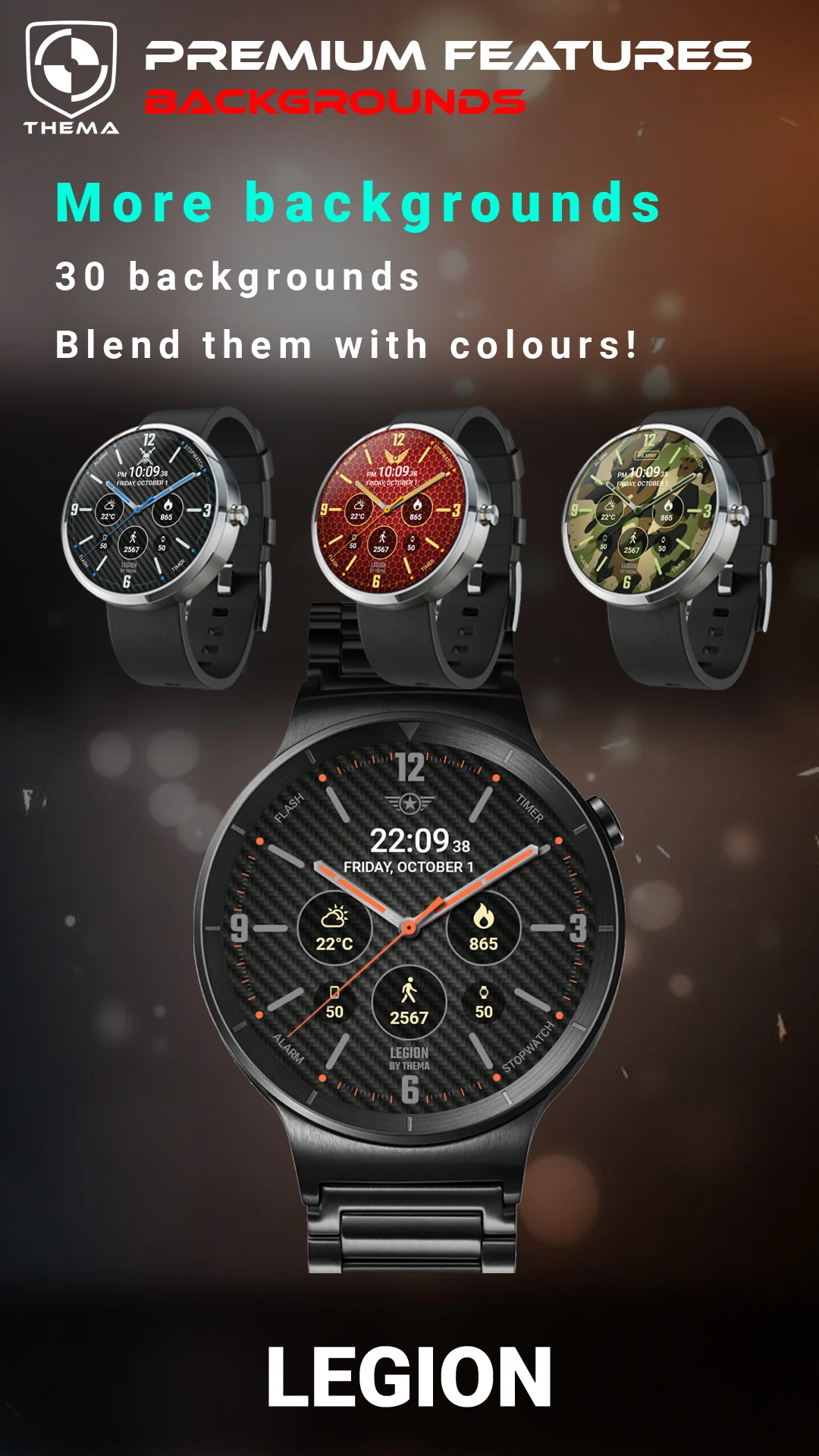
- Select from various background styles
- Blend backgrounds with colors
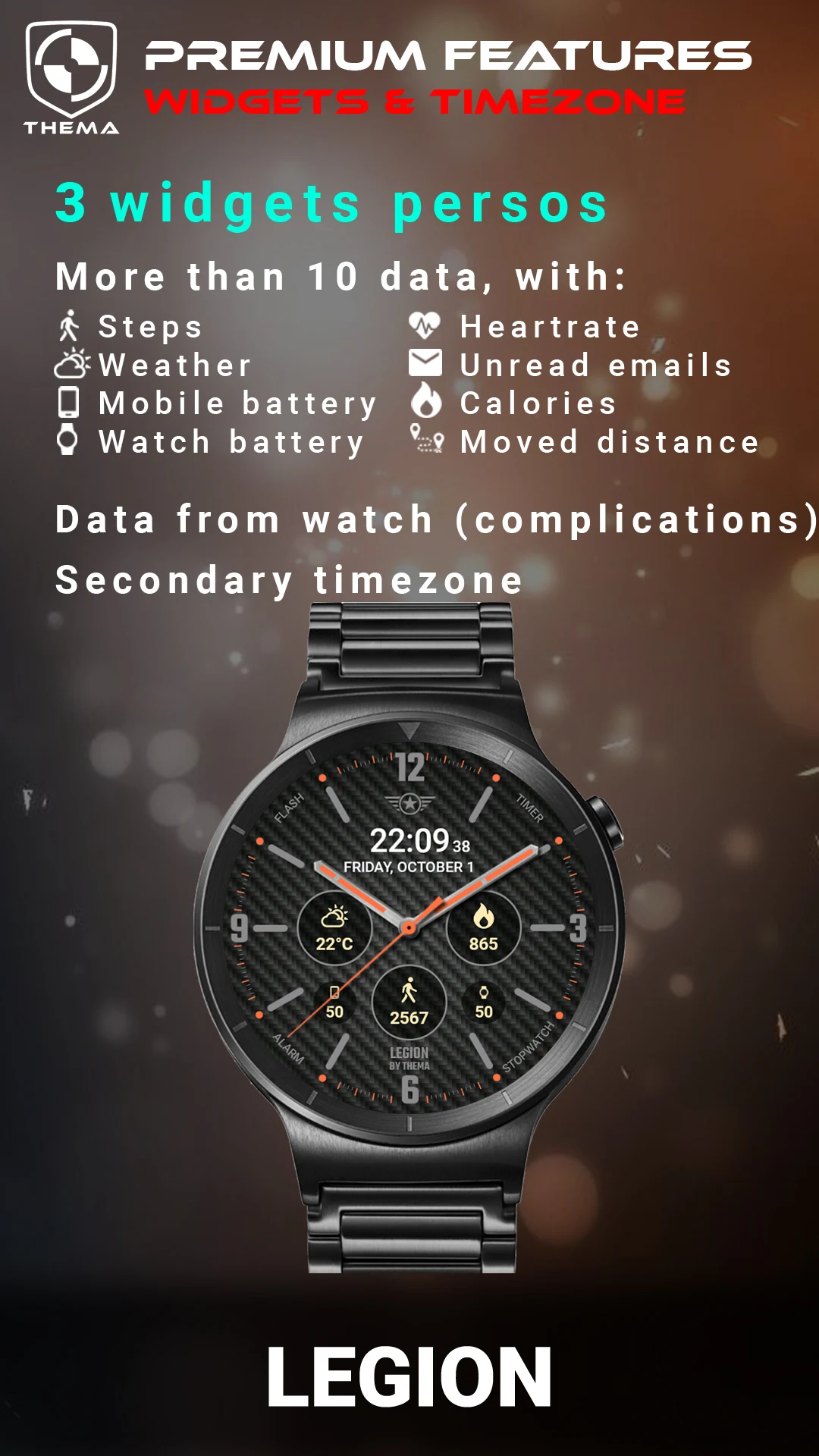
- Set a secondary timezone for digital display
- Data:
+ Change indicators displayed in three positions
+ Choose from up to 8 indicators (e.g., Daily step count, Heartbeat frequency, Unread Email from Gmail, etc.)
+ Complication support (wear 2.0 & 3.0)
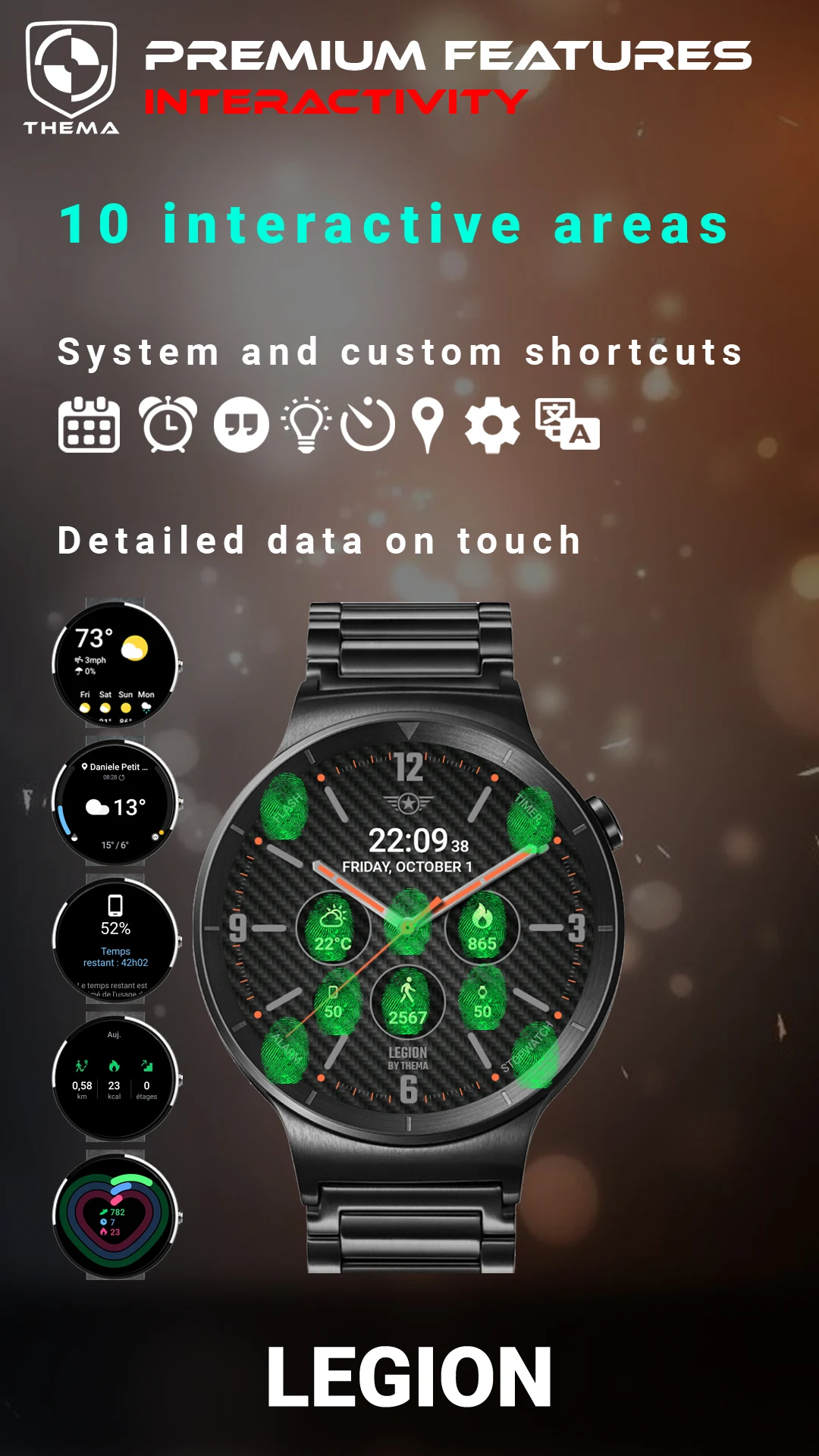
- Interactivity
+ Access detailed data by tapping a widget
+ Cycle through displayed data by tapping a widget
+ Modify shortcuts assigned to the four positions
+ Select shortcuts from all installed applications on your watch!
+ Option to show interactive areas
★ Additional settings via phone ★
The optional phone application is an easy way to personalize the watch face further. It provides some extra settings and data.
- Switch between small/big/translucent/opaque cards (Wear 1.5x only)
- Pick between two weather providers (Yr & OpenWeatherMap)
- Specify manual or automatic location
- Receive notifications for new designs
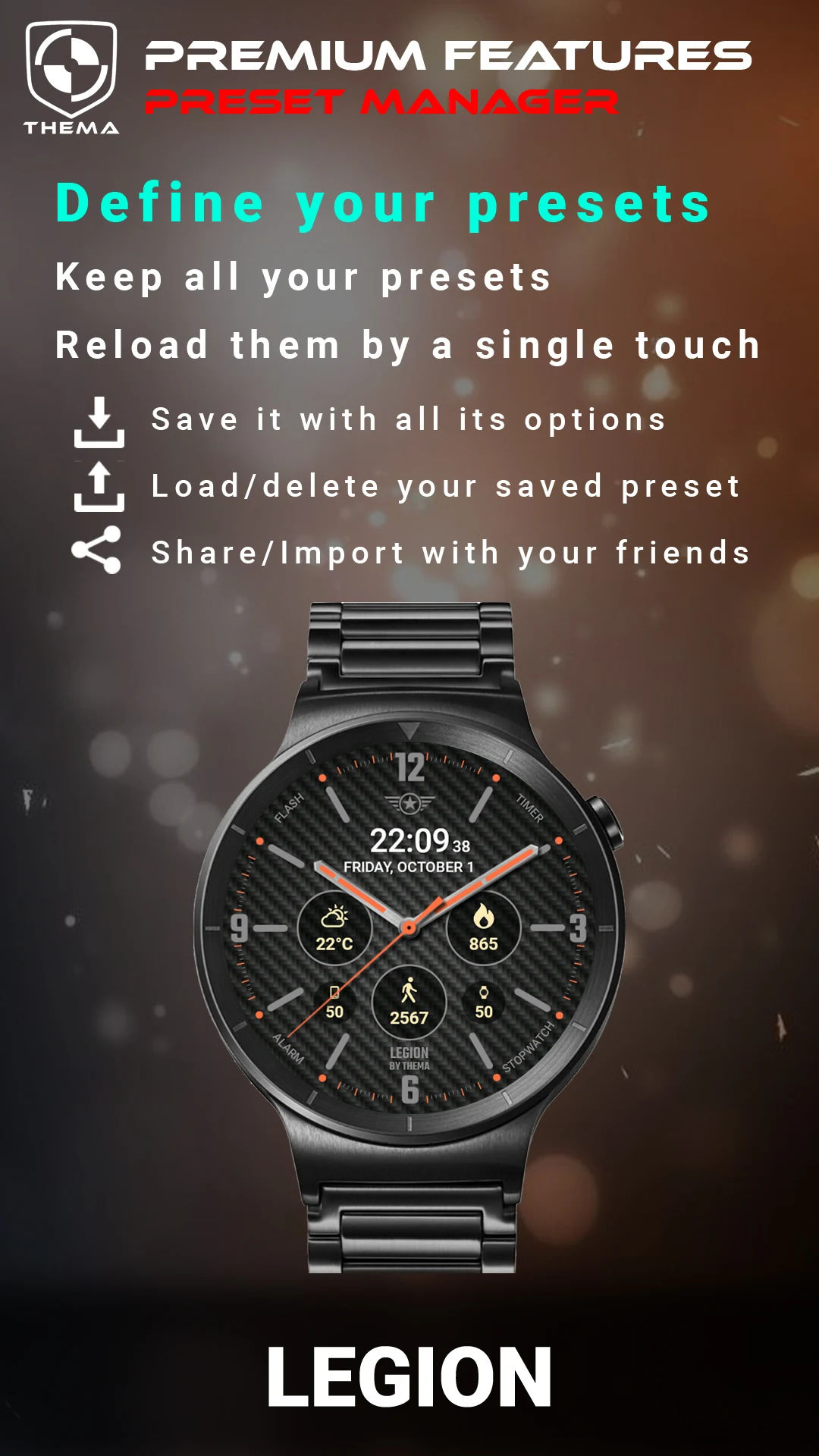
- Presets management:
+ Save your preset with all configurations (colors, backgrounds, data, features - EVERYTHING is stored!)
+ Load or delete any previously saved preset
+ Share or import presets
★ Installation Instructions ★
For Wear OS 1.X:
This watch face will automatically install from your paired phone.
If it does not appear, go to the Wear OS App > Settings and resync all apps.
For Wear OS 2.X:
A notification will pop up on your watch after installation on your mobile. Just tap it to begin installing the watch face.
If the notification does not appear for any reason, you can still install it via the Google Play Store on your watch by searching for the watch face by name.
For Wear OS 6.X:
Install the watch app to manage the watch face; the free version installs automatically. Then use the "MANAGE" button in the top right shortcut of the watch face to update or upgrade your watch face.
★ Explore More Watch Faces ★
Check out my collection of watch faces for Wear OS on the Play Store!
** If you encounter any problems or have questions, please reach out for assistance before leaving a negative review. Thank you!
★ Application Experience Review ★
Legion Watch Face is a highly customizable watch face application adapted to Wear OS, offering a flexible and feature-rich experience. It is compatible with multiple system versions and easy to use. Basic functions are complete, displaying the date and watch/phone battery level. It syncs weather with the companion app. The free version supports basic customizations such as color, time format, and heart rate/weather refresh rate. The paid premium version unlocks custom titles, multiple backgrounds, dual time zones, and allows adding eight data metrics including steps and heart rate. It also supports advanced features such as widget click interaction and customized watch shortcuts. The companion mobile app allows for additional operations such as selecting weather service providers, saving/sharing/importing watch face presets, and fine-tuning interaction/environment modes and various display details. Only some functions require the companion app, meeting the personalized and practical needs of different users.
FAQs
1. **What Wear OS versions does the Legion Watch Face support? **
Wear OS versions 1.X, 2.X, and 6.X are supported. Installation methods vary slightly between versions. For example, 1.X will install automatically from a paired phone, 2.X may be triggered by a watch notification, and 6.X requires installing the watch app before managing watch faces.
2. **What are the key differences between the Free and Premium versions? **
The Free version allows for basic customization, such as color, time format, and heart rate refresh rate. The Premium version adds advanced features, such as personalized titles, multiple background styles, secondary time zone display, more data metrics (such as steps and unread emails), and interactive features (such as tapping widgets to view details).
3. **How do I sync battery information between my phone and watch? **
You need to install the companion app to synchronize battery information with the watch. This feature requires the companion app.
4. **What are the requirements for weather updates? **
You need to install the companion mobile app. You can choose Yr or OpenWeatherMap as your weather data provider. Manual or automatic positioning is supported, and you need to adjust the weather refresh rate and unit (e.g., Celsius/Fahrenheit) in the settings.
5. **Can I save my own watch face settings? **
Yes. Using the "Presets management" feature in the mobile app, you can save presets containing all settings, including colors, backgrounds, and data configurations. This allows you to easily load and delete presets later, share them with other users, and import presets from others.
- Version1.22.01.0112
- UpdateOct 10, 2026
- Developerthema
- CategoryPersonalization
- Requires AndroidAndroid 4.4+
- Downloads302K+
- Package Namefr.thema.wear.watch.legion
- Signature4c63d3e61b057430b20f749ec8b0f387
- Available on
- ReportFlag as inappropriate

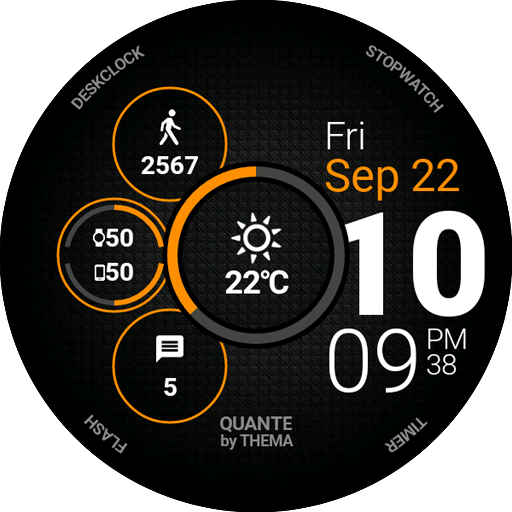
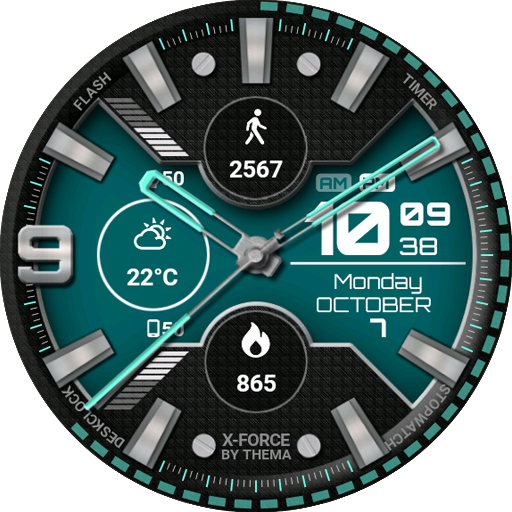
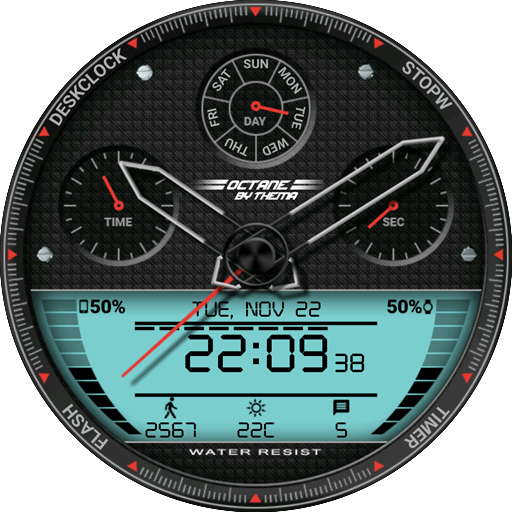
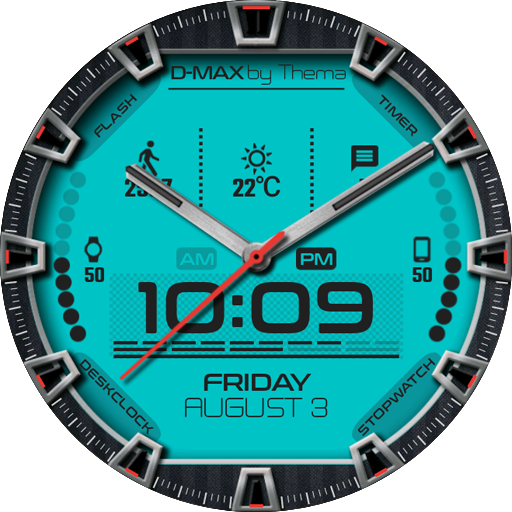













Easy to set up with excellent instructions
Highly customizable options available
Responsive developer for support and updates
Attractive and clean design
Integrates well with health tracking (Samsung Health, Google Fit)
Ability to save and recall custom designs
Low battery usage compared to other watch faces
Allows external complication data setting
Reputable developer noted for thoughtful design
Limited functionality when syncing with Samsung Health
Some premium features locked behind a paywall
Complications sometimes slow to update and respond
Inconsistent appearance of widgets on the watch face
Difficulty using custom photos as backgrounds
Issues with fonts being too small on smaller watches
Some users report problems with step counter accuracy
Occasional glitches in connectivity after updates
Lack of customization for certain elements like the hands and ticks