
Thai Keyboard : Thai Typing - Thai typing & emojis
Unlock seamless Thai typing with stylish themes, smart suggestions, and fun emojis for effortless communication.
- 1.1 Version
- 1.3 Score
- 370K+ Downloads
- In-app purchases License
- 3+ Content Rating

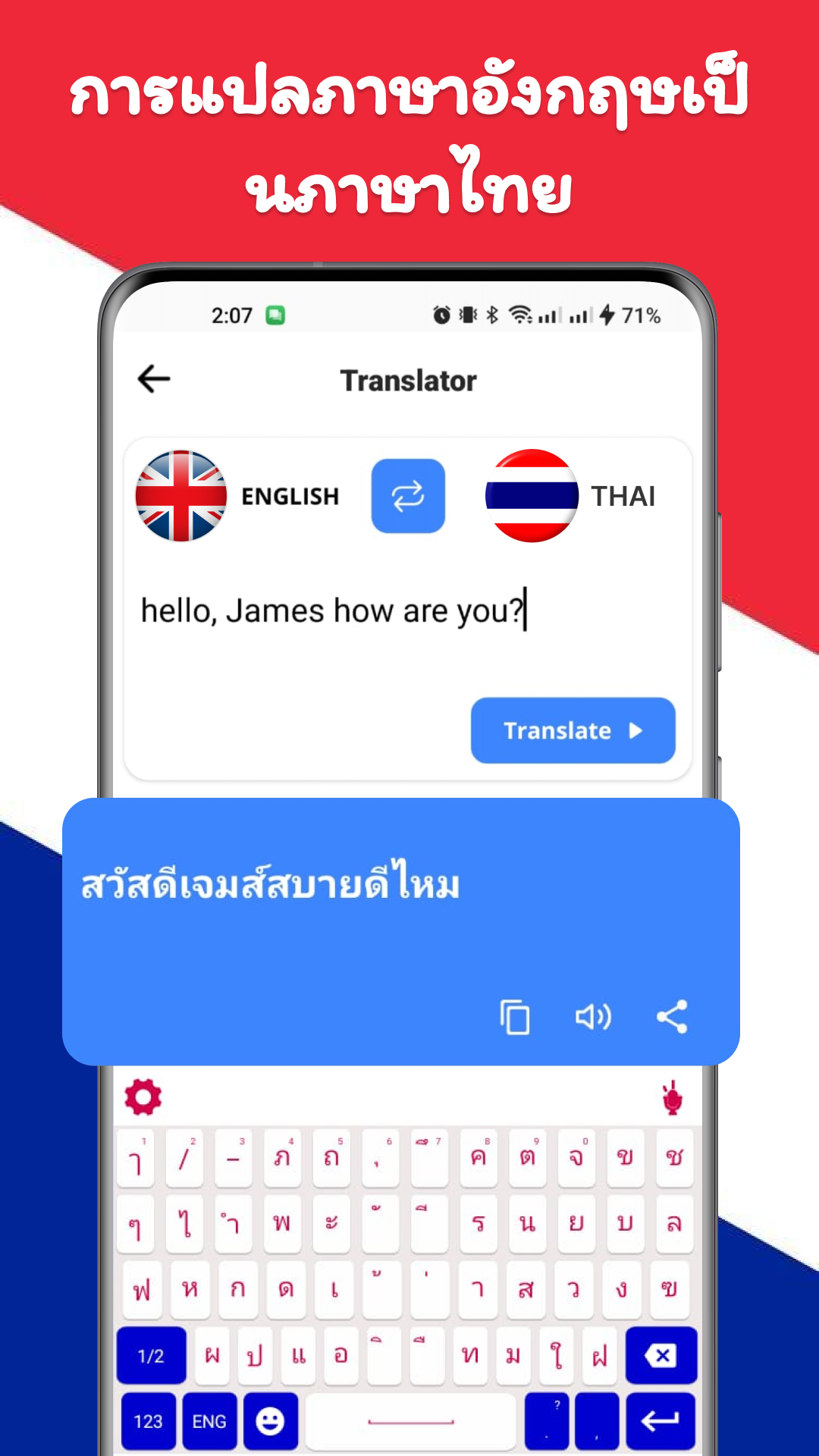
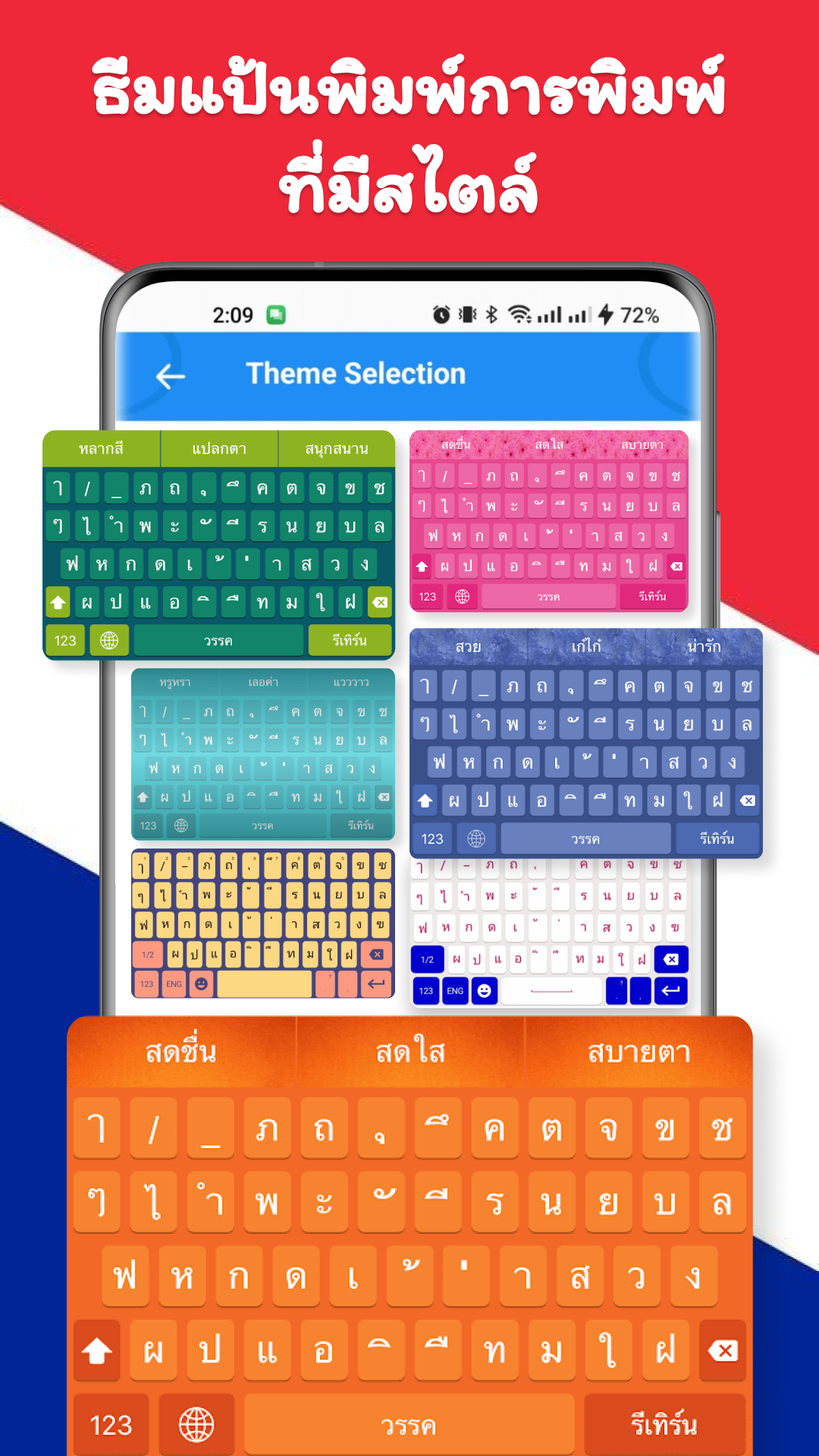
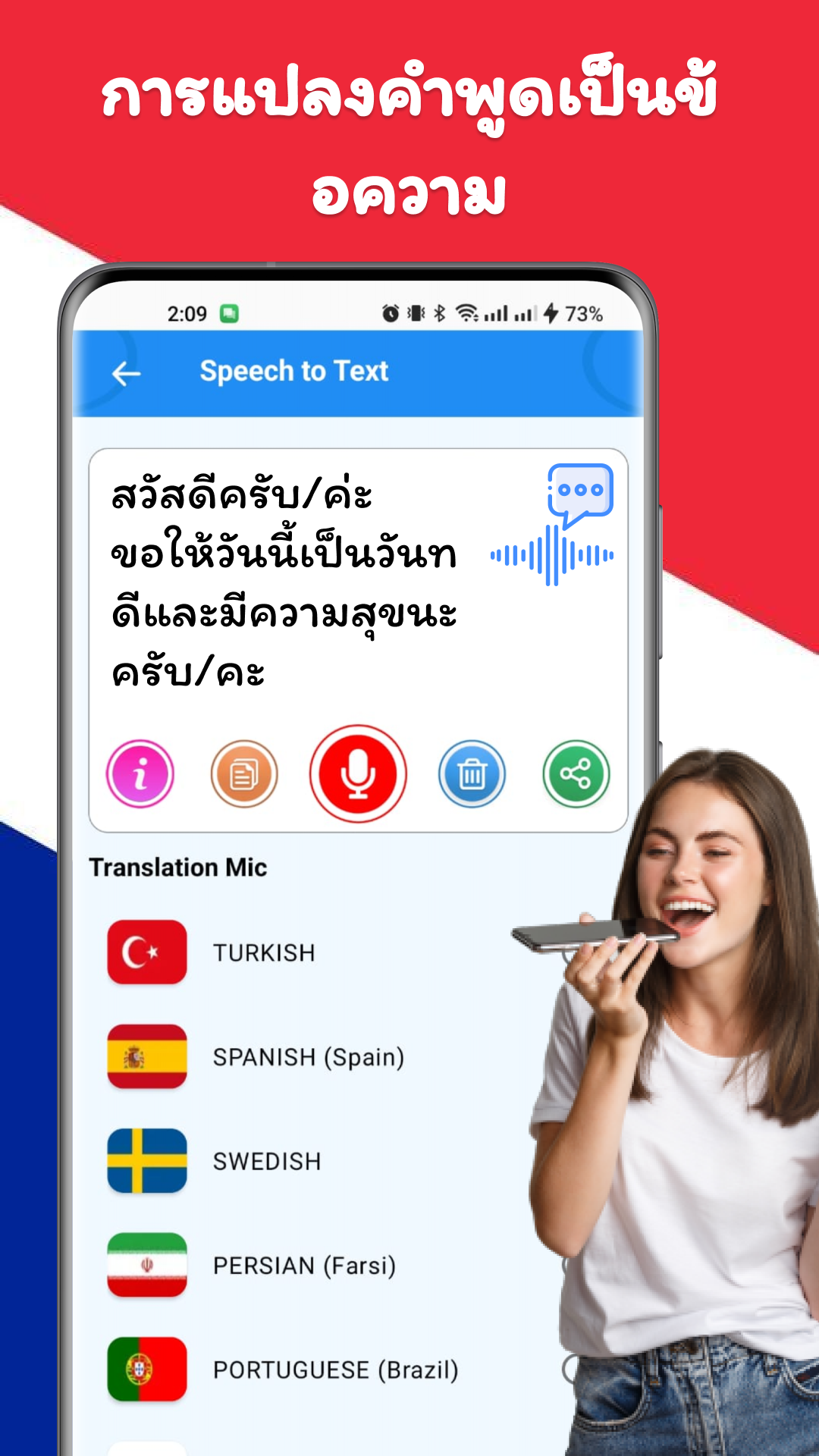

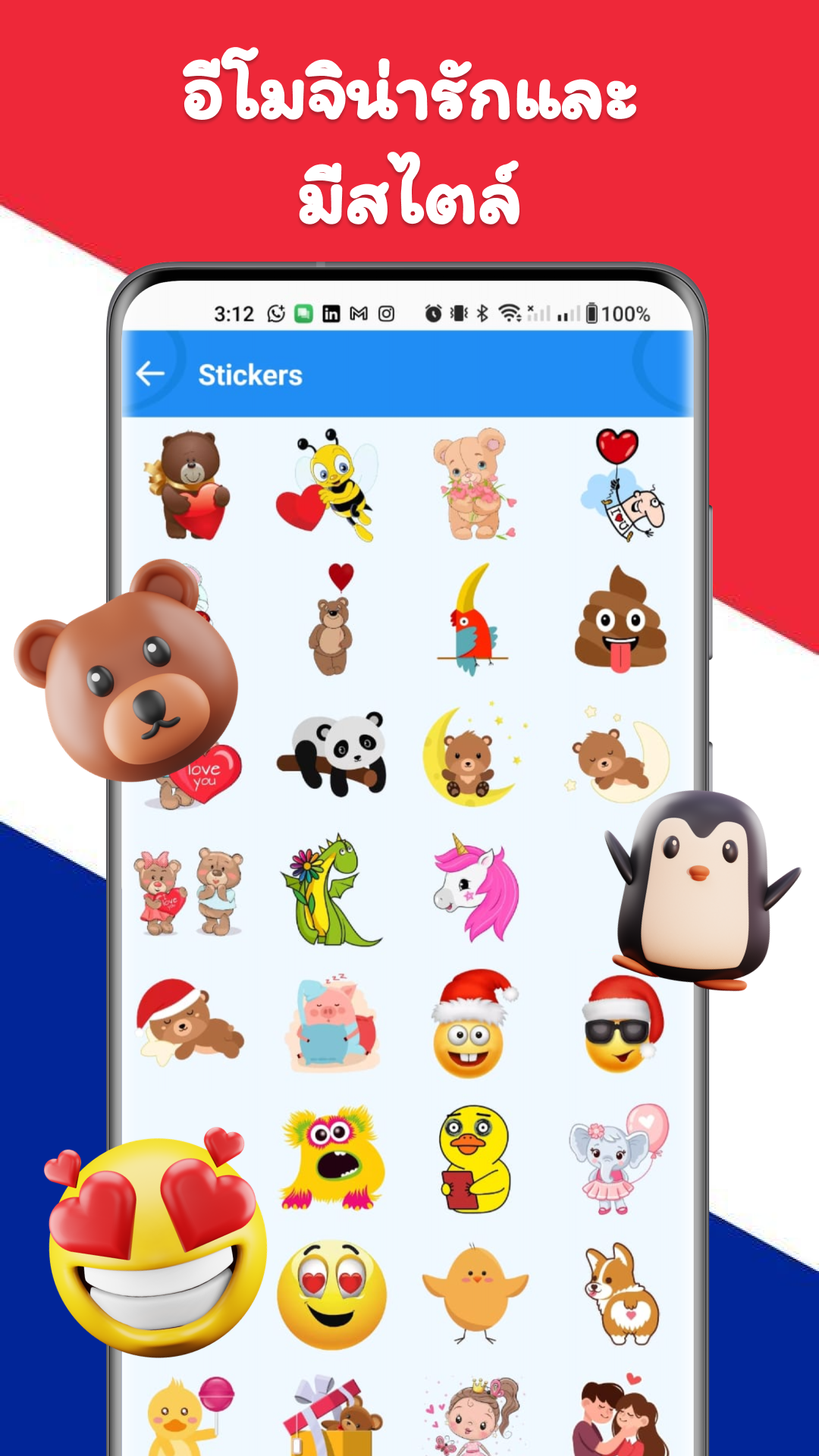
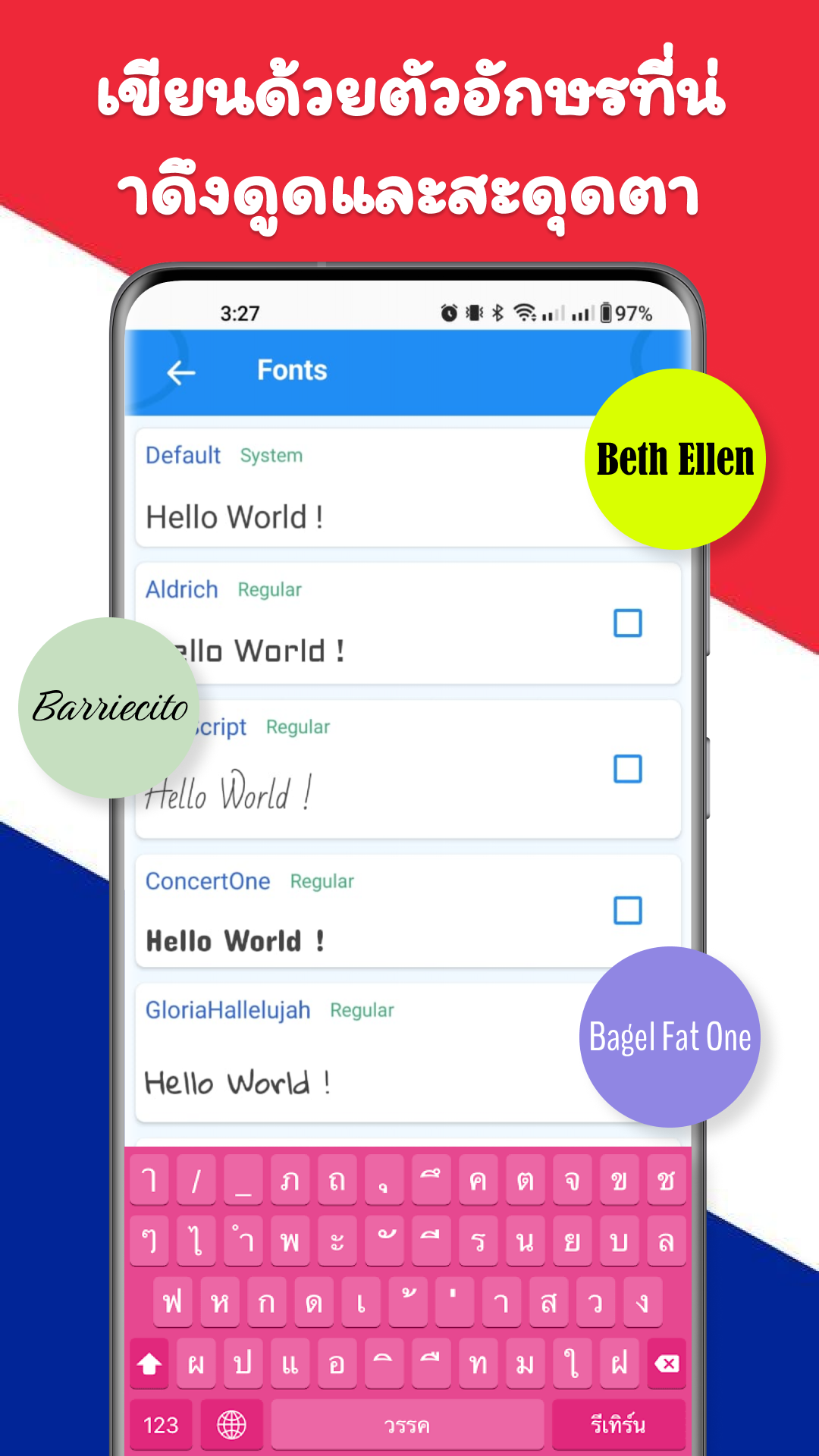
The Thai Keyboard is an ideal solution for typing in the Thai language, featuring elegant themes and a variety of emojis. This intuitive keyboard allows users to effortlessly switch between English and Thai, catering specifically to enthusiasts of the Thai language. It provides a seamless typing experience, suitable for both novices and advanced users alike.
When it comes to mobile typing in Thai, this keyboard stands out as the top choice. It enables you to compose messages, Thai text, and much more with ease. With the Thai Typing Keyboard, connecting with friends globally becomes a breeze.
Highlights of Thai Keyboard
✔ Effortless Thai Typing: A straightforward and accessible interface designed for smooth Thai text entry.
✔ Rapid Performance: Experience quick and responsive typing thanks to the latest updates of the Thai Typing Keyboard.
✔ Offline Capability: Type in Thai anytime and anywhere without needing an internet connection.
✔ Intelligent Typing Features: Includes a built-in dictionary and auto-correction tools for precise and easy typing.
✔ Enhance Your Communication: Use emojis, stylish stickers, and delightful emoticons to liven up your conversations.
✔ Predictive Suggestions: Benefit from word predictions in Thai to convey feelings and streamline your writing process.
✔ Language Switching: Effortlessly toggle between Thai and English with just a tap.
✔ Personalized Themes: Select vibrant themes to customize the background of your keyboard.
Enjoy quicker, more engaging, and personalized typing experiences with the Thai Keyboard on Android.
This application is designed for Thai users and those who speak Thai around the globe. It enhances typing speed with smart word recommendations and enables fast writing of all Thai letters and characters.
The Thai Keyboard ensures you can communicate effectively and stay connected in your preferred language.
User Guide
1. Direct Thai input, supports all Thai letters/characters
2. One-click switching between Thai and English for convenient bilingual input
3. Offline Thai input available even without internet access
4. Smart dictionary + automatic error correction + word prediction for faster and more accurate input
5. Add emoticons and stickers to enrich your expression
6. Customize your keyboard with themes and backgrounds.
FAQs
### 1. What is Thai Keyboard?
It's a keyboard app designed specifically for Thai input. It supports easy switching between Thai and English, providing a smooth typing experience for Thai speakers and enthusiasts.
### 2. What are the core features of Thai Keyboard?
It includes easy Thai input, offline use, a smart dictionary and auto-correction, word prediction, one-touch switching between Thai and English, and support for emojis, stickers, and personalized themes.
### 3. What are the advantages of its typing experience?
It has an intuitive and responsive interface, with smart recommendations to speed up typing. It can be used without an internet connection, making it perfect for typing Thai anytime, anywhere.
### 4. How do I switch between Thai and English?
Quickly switch between Thai and English with just one tap, making it convenient and suitable for bilingual input.
### 5. Can I customize the keyboard appearance?
Yes, a variety of vibrant themes are available, and users can customize the keyboard background to create a personalized typing interface.
### 6. Who is this app suitable for?
It is mainly aimed at Thai users and Thai-speaking people around the world. Whether you are a novice or an experienced user, you can use it to input Thai efficiently.
- Version1.1
- UpdateSep 30, 2026
- DeveloperBizcraft Apps
- CategoryPersonalization
- Requires AndroidAndroid 4.4+
- Downloads370K+
- Package Namecom.thai.keyboard.thai.language.keyboard.typing
- Signature856e051ecfab425fbf6b82c1b3e3aa7c
- Available on
- ReportFlag as inappropriate






















Switching between Thai and English is easy and intuitive, making it suitable for both beginners and experienced users.
Offline support allows you to smoothly input Thai even without an internet connection.
Intelligent error correction and predictive typing improve typing efficiency. Customizable themes and emoticons add fun.
This feature is primarily focused on Thai input, so it may not be comprehensive enough for users with multilingual needs.
Personalized themes and stickers may increase the complexity of the interface, and some users may find them redundant.