
ABC (Home Launcher) - Fast & customizable launcher
Effortlessly organize your apps with quick access, personalized layouts & smooth navigation for a simplified Android experience.

- 3.0.8 Version
- 3.0 Score
- 315K+ Downloads
- Free License
- 3+ Content Rating

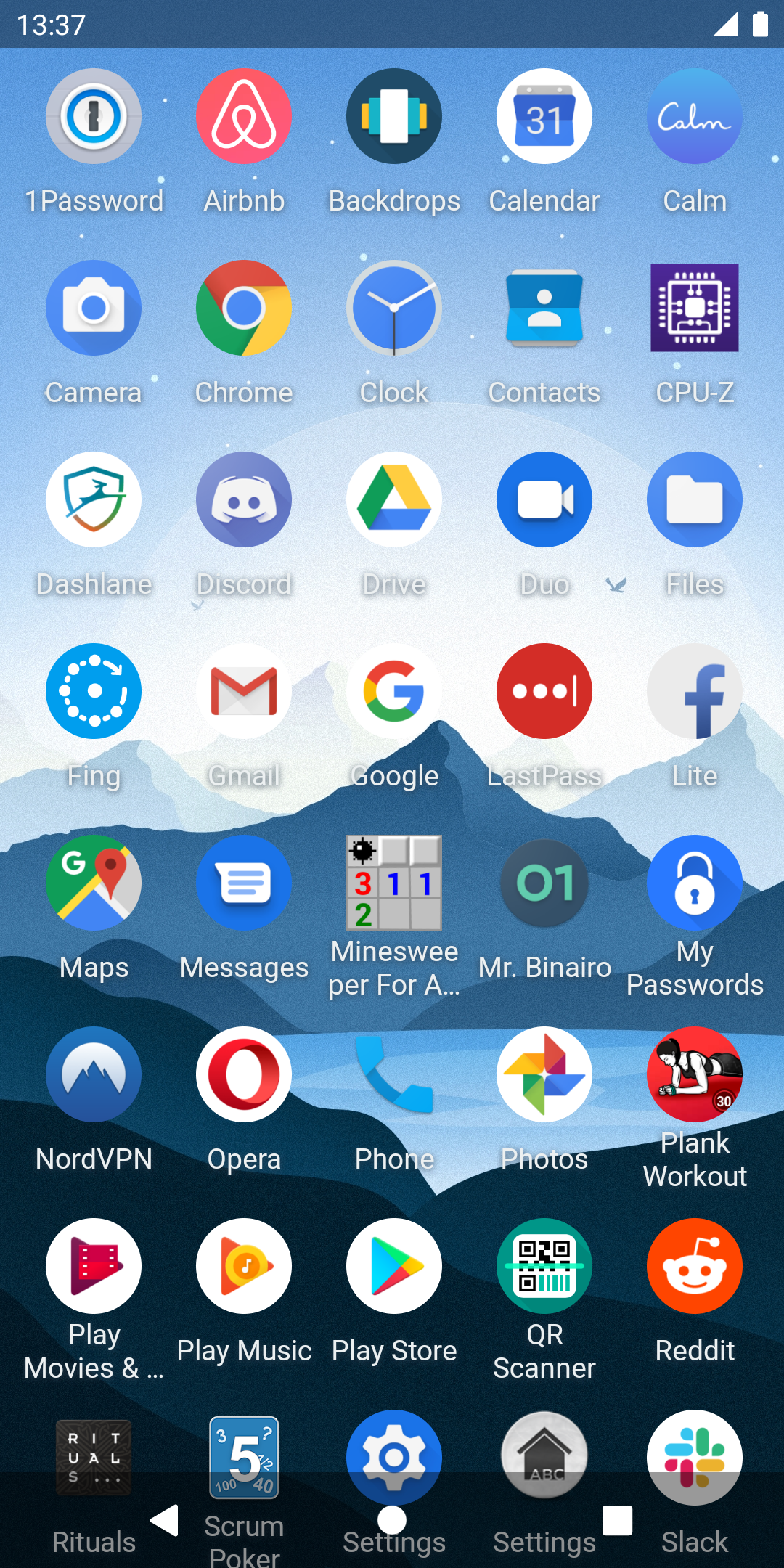
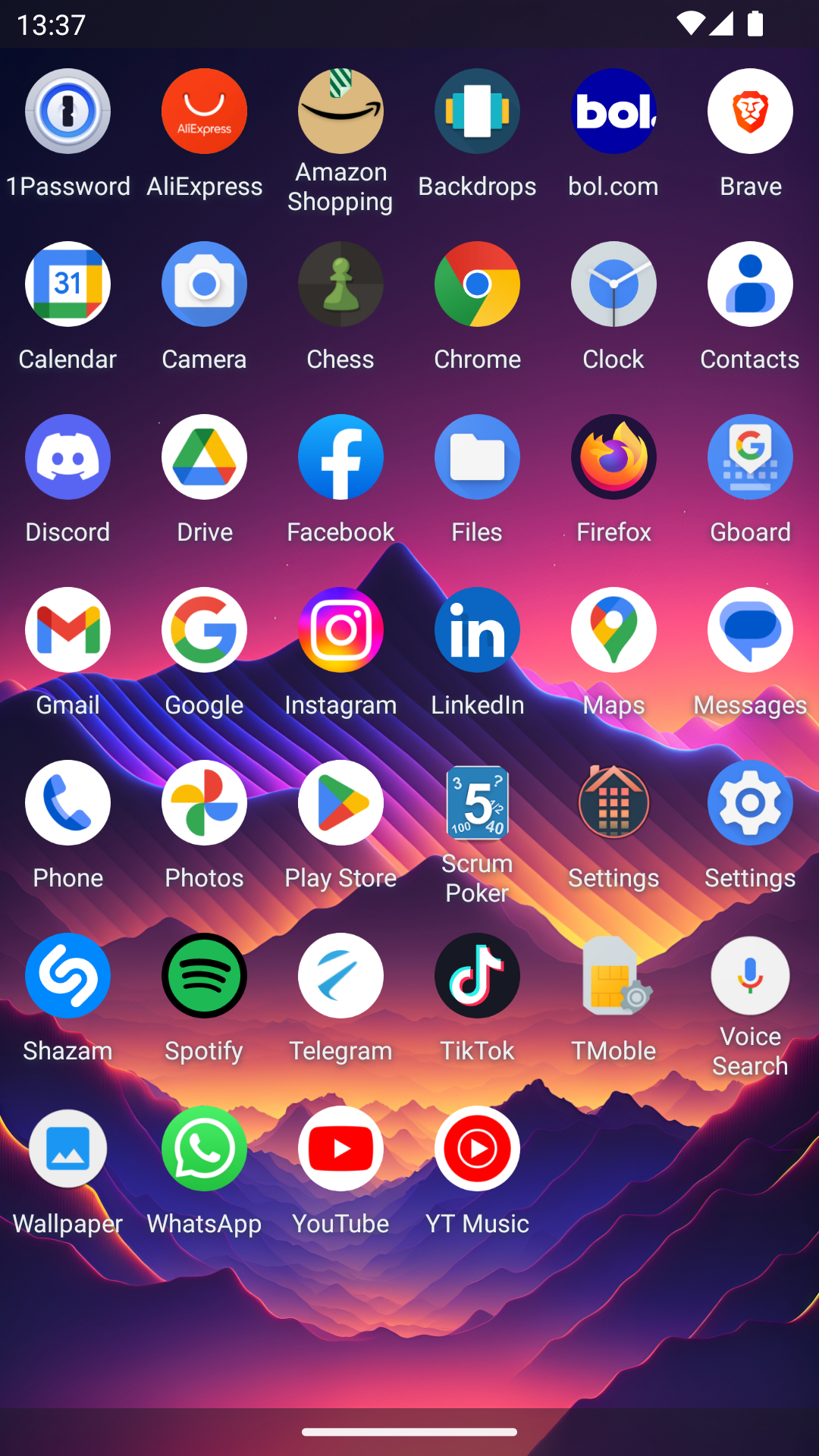
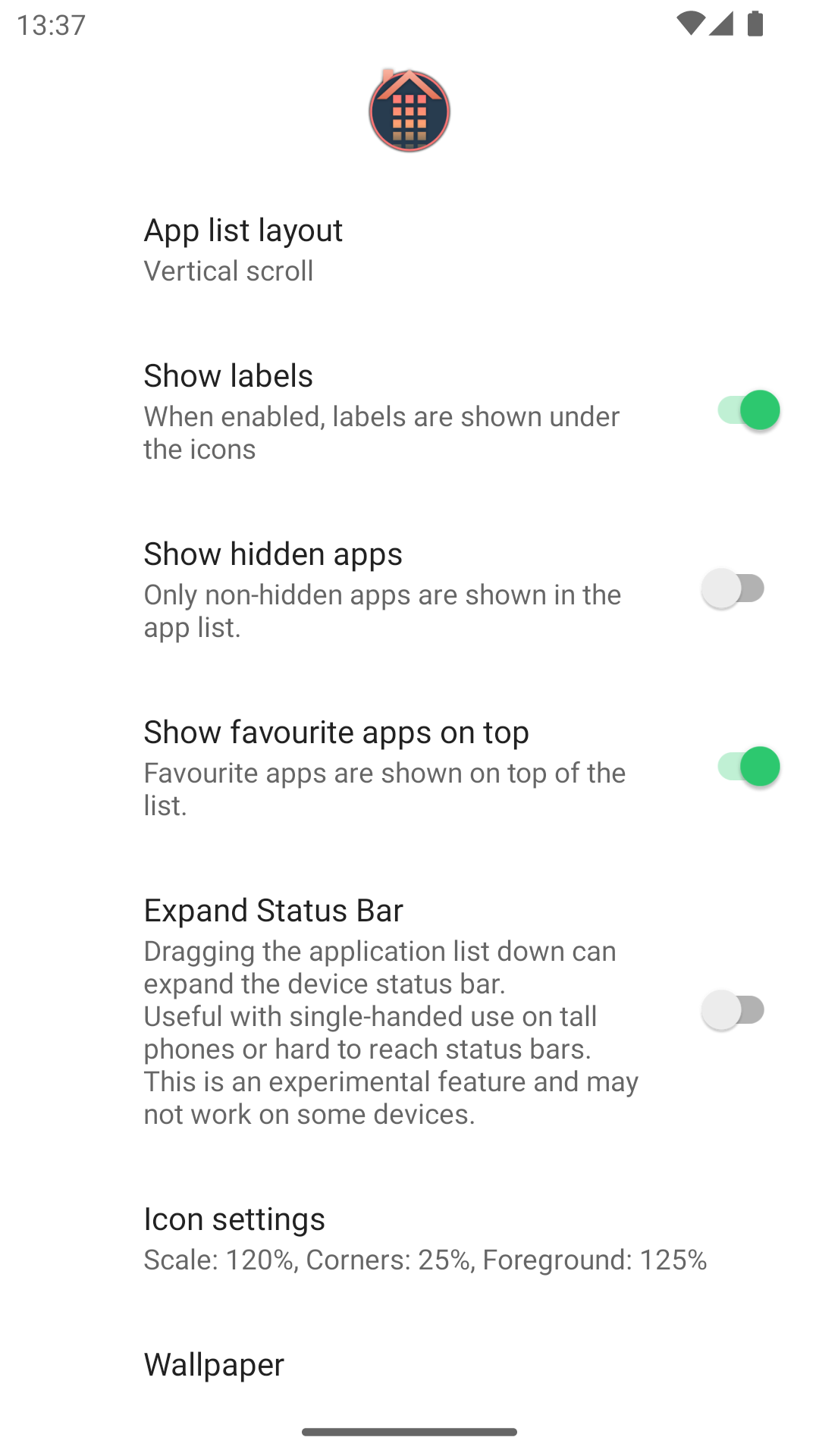
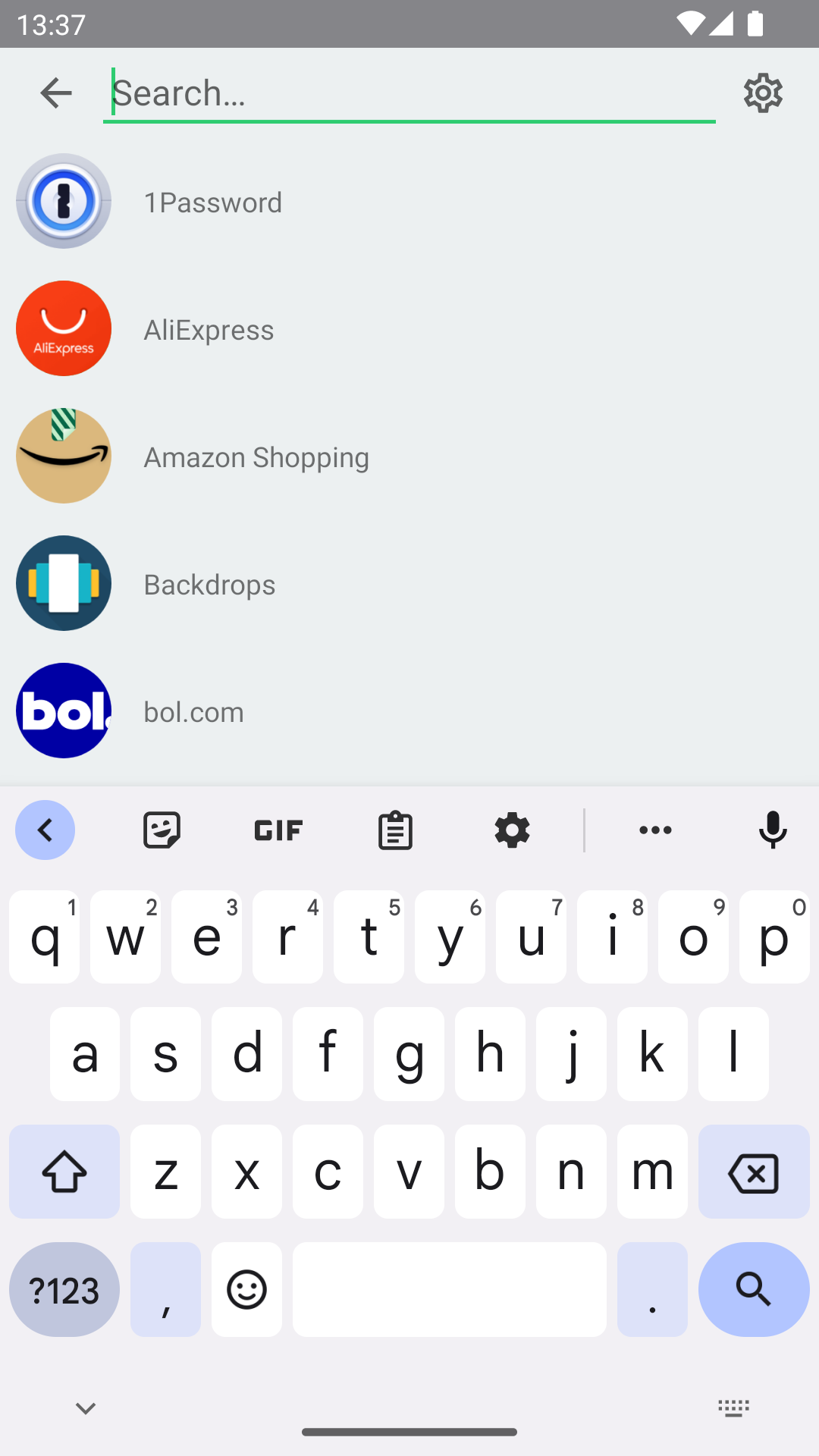
ABC (Home Launcher): Fast, Customizable, Ad-Free Android Launcher
Overview — Why choose ABC (Home Launcher)?
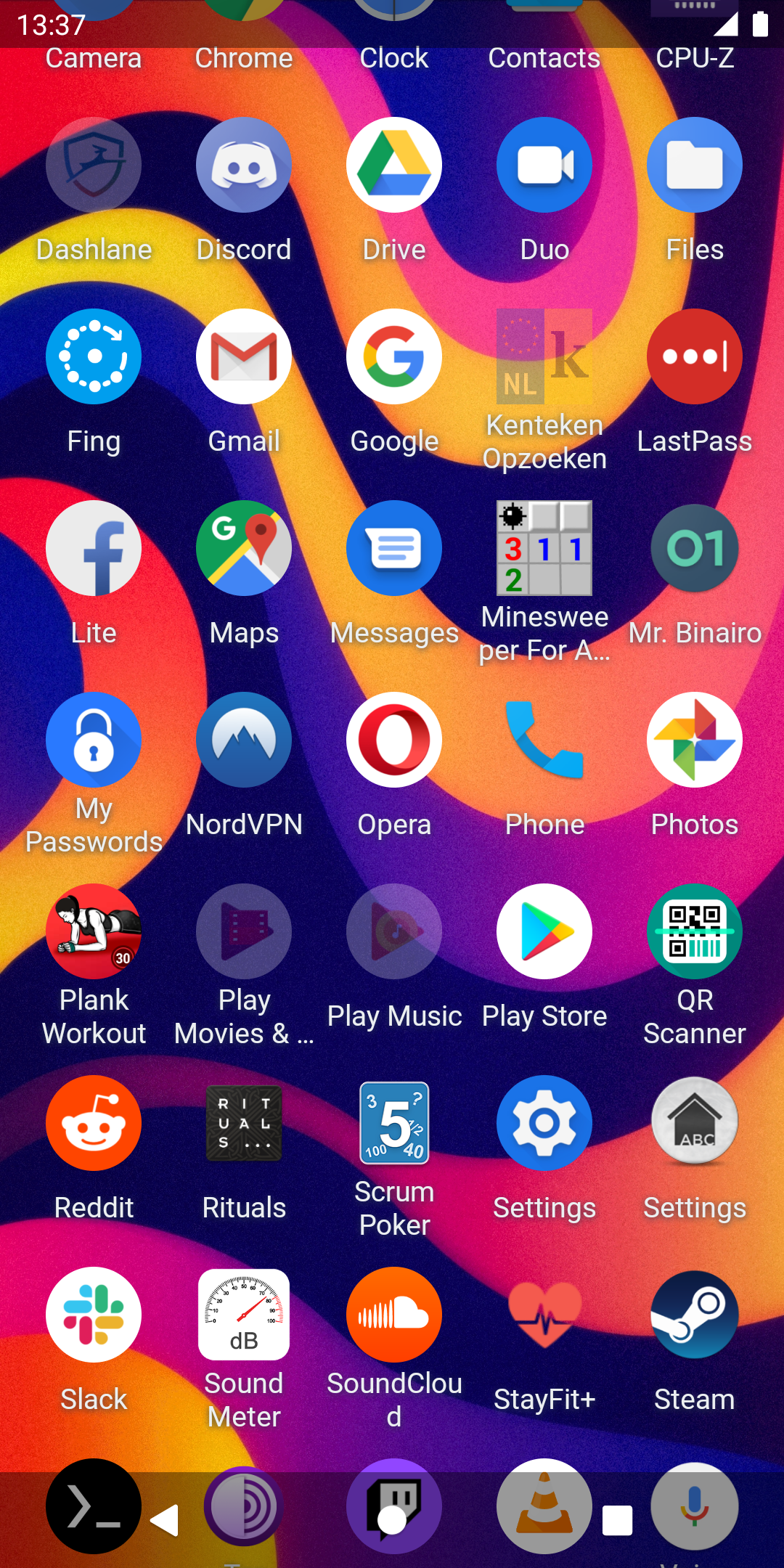
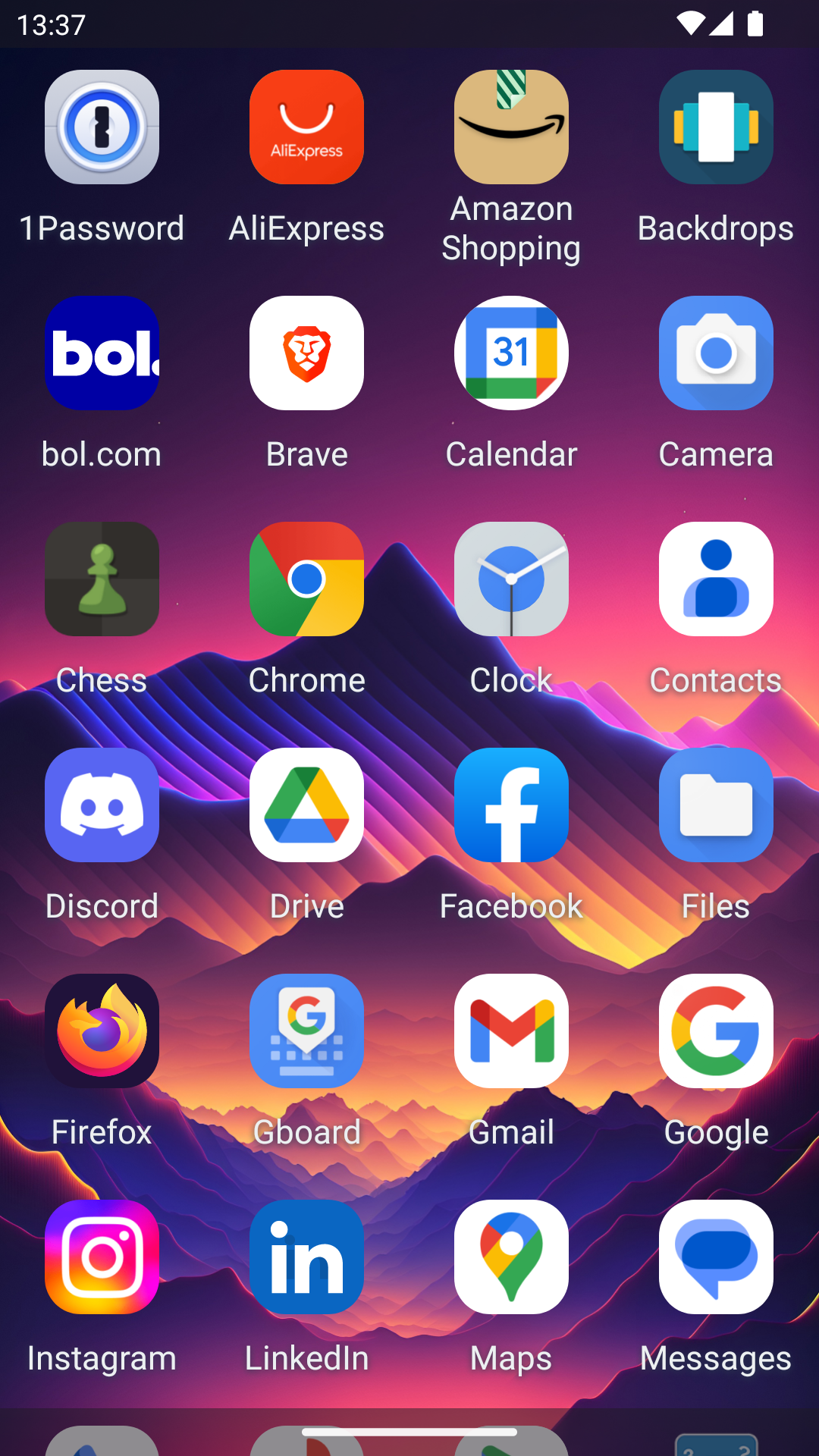
ABC (Home Launcher) is a fast, customizable, and ad-free Android home launcher built for simplicity and speed. If you want a clean app drawer instead of a bloated home screen, ABC (Home Launcher) puts your apps at your fingertips with a lightning-fast alphabetical grid.
Key features of ABC (Home Launcher):
•Fast app drawer — near-instant app list, loaded from local cache and refreshed in the background.
•Alphabetical grid — vertical scrolling or horizontal paging, with smooth animations and a translucent status bar.
•Quick search — find any app with one tap.
•Smart sorting — alphabetical, install time, or last updated.
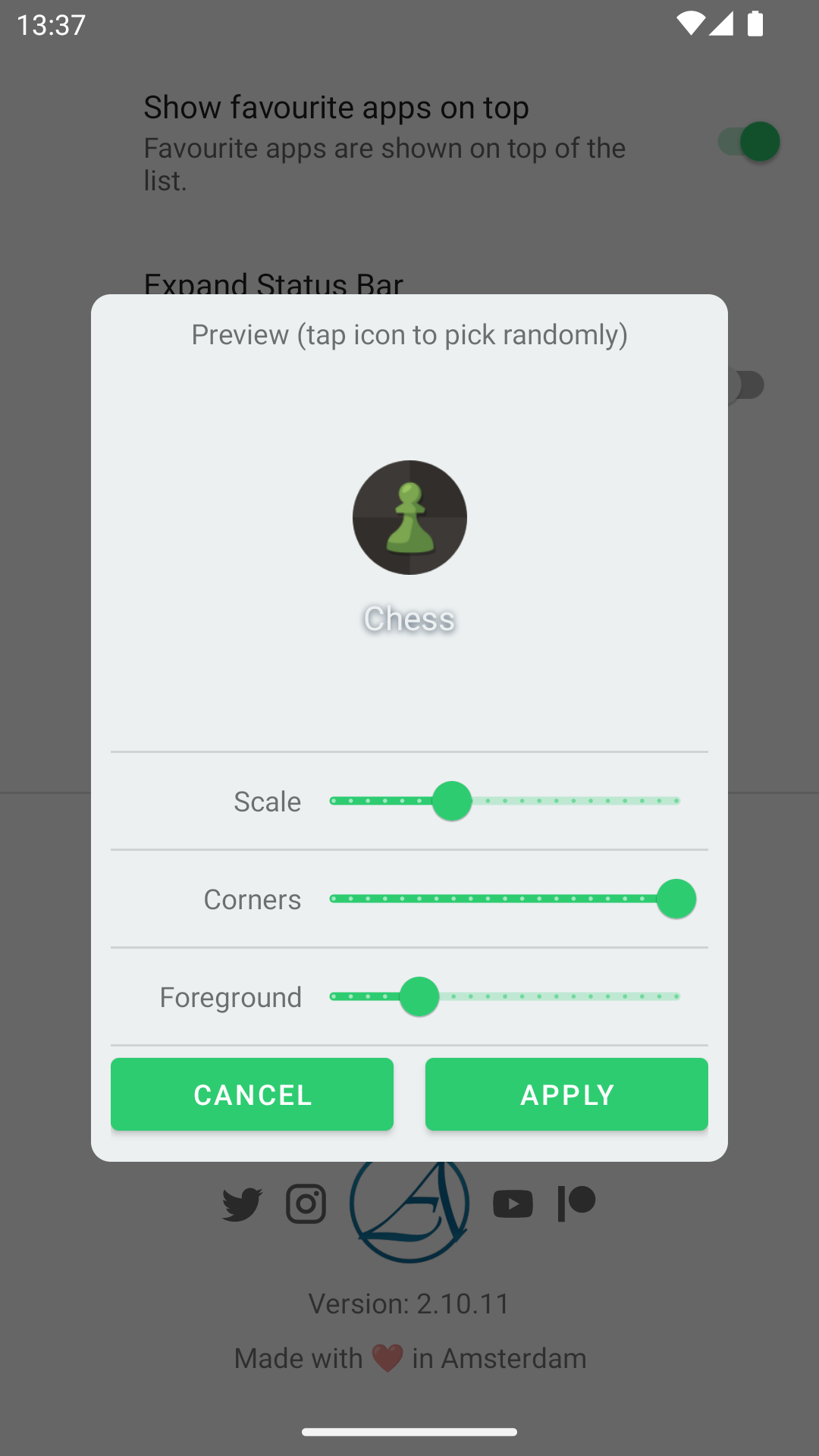
•Real customization — icon size, corner radius, wallpaper, side spacing, and row spacing with live preview.
•Widget page — swipe left from the app list to add clock, calendar, music, and other home-screen widgets; resize to small, medium, or large; reorder or remove.
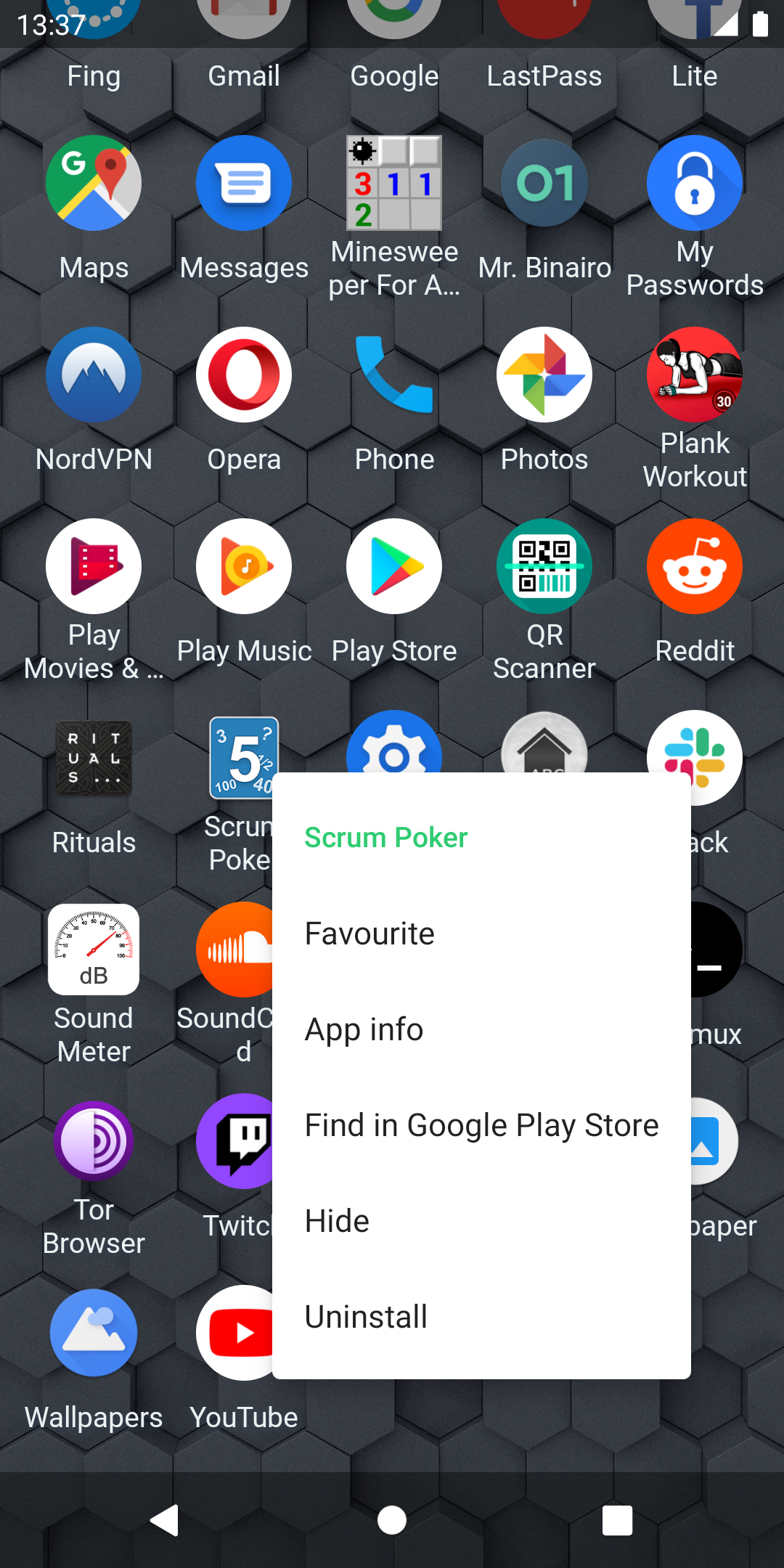
•Long-press actions — favorite, app info, open in Google Play, hide, or uninstall.
•Ad-free and privacy-friendly — no ads, no account required. Favorites, hidden apps, and app list are stored encrypted on your device using the Android Keystore. Only standard anonymous analytics and crash reports are used, encrypted in transit.
•Wide compatibility — works on many Android devices, including handheld gaming devices. Supports mouse, keyboard, game controllers, RTL layouts, TalkBack, and other screen readers.
ABC (Home Launcher) is free, with no paid features. It is made by artArmin, the same developer behind Scrum Poker Cards, Board Games VR, Vista Drive Icon, and Luminous Drive.
Getting Started — ABC (Home Launcher) tips and setup guide
Use these ABC (Home Launcher) tips to get the fastest, cleanest setup.
1.Set ABC (Home Launcher) as default
Install ABC (Home Launcher) from Google Play, then tap Always when asked to set it as your default launcher. Keep your old launcher installed so you can switch back later.
2.Open search and settings
On the main screen, press the back button or look for the search and settings entry. Many users miss this: the back gesture often reveals search and launcher options.
3.Make a true app drawer
ABC (Home Launcher) is drawer-first. Keep your home view minimal and let the alphabetical grid handle every installed app.
4.Pin favorites for speed
Long-press any app and mark it as a favorite. Your most-used apps launch instantly instead of scrolling.
5.Sort the way you think
Choose alphabetical for stability, install time for trying new apps, or last updated to spot recently changed apps.
6.Tune icon size and spacing
Use the two spacing sliders for side and row gaps, plus icon scale and corner radius. Watch the preview and stop when it feels calm, not crowded.
7.Add a widget page
Swipe left from the app list. Add clock, calendar, or music widgets. Resize each to small, medium, or large, then reorder them so the first widget is the one you check most.
8.Hide messy or sensitive apps
Long-press an app and hide it without uninstalling. Hidden apps stay on your device but leave your drawer clean.
9.Optimize for gaming handhelds
ABC (Home Launcher) supports mouse, keyboard, and game controllers. Pair your controller, open the drawer, and navigate without touching the screen.
10.Keep privacy local
You do not need an account. Launcher settings stay on your device, and favorites or hidden apps are encrypted with the Android Keystore.
FAQ — ABC (Home Launcher) common questions
1、Is ABC (Home Launcher) really ad-free?
Yes. ABC (Home Launcher) has no ads, ever. It is also free with no paid features.
2、Do I need to create an account?
No. ABC (Home Launcher) works without an account. Your launcher settings remain on your device.
3、Where are my favorites and hidden apps stored?
They are stored locally on your device and encrypted using the Android Keystore. They are not uploaded to a server for launcher sync.
4、How do I open settings in ABC (Home Launcher)?
From the main drawer, use the back button or the search/settings entry. That reveals search and launcher settings.
5、Can I change icon size, corners, and spacing?
Yes. You can customize icon scale, corner radius, wallpaper, side spacing, and row spacing. The spacing sliders update live.
6、Does ABC (Home Launcher) support widgets?
Yes. Swipe left from the app list to open a dedicated widget page. Add clock, calendar, music, and other installed home-screen widgets, then resize, reorder, or remove them.
7、Can I hide apps without uninstalling them?
Yes. Long-press an app and choose hide. The app stays installed but leaves your drawer.
8、Can I sort apps manually?
ABC (Home Launcher) focuses on fast, predictable access. It supports alphabetical, install time, and last updated sorting. It is not designed around fully manual drag-and-drop arrangement.
9、Does it work on gaming handhelds?
Yes. ABC (Home Launcher) has wide device compatibility and supports mouse, keyboard, and game controllers.
10、Is ABC (Home Launcher) accessible?
Yes. It supports right-to-left layouts and works with TalkBack and other screen readers.
Latest Notes on ABC (Home Launcher)
The Google Play listing for ABC (Home Launcher) shows an update dated September 11, 2026. The current store description highlights the features above: a fast alphabetical app drawer, live icon and spacing customization, encrypted local privacy storage, no ads, no account, and a dedicated widget page.
The biggest recent usability improvement for ABC (Home Launcher) is the widgets page. Instead of forcing widgets onto a busy home screen, ABC (Home Launcher) lets you swipe left from the app list, add the widgets you already use, resize them to small, medium, or large, and reorder them. The launcher also notes improved reliability: a misbehaving widget should no longer close the launcher.
For device coverage, ABC (Home Launcher) continues to target broad Android compatibility, including handheld gaming devices, with mouse, keyboard, and game controller input. For accessibility, it keeps RTL support and works with TalkBack and other screen readers.
No separate Patreon post text was verifiable in the source check, so the safest store copy stays with the official Google Play and developer site details. If you want the newest ABC (Home Launcher) build, install or update from Google Play and check the version shown there.
- Version3.0.8
- UpdateSep 29, 2026
- DeveloperartArmin
- CategoryPersonalization
- Requires AndroidAndroid 5.0+
- Downloads315K+
- Package Namecom.artarmin.launcher
- Signaturecb54b83ec9368cc4304fdb3aa87e0dc6
- Available on
- ReportFlag as inappropriate
-
NameSizeDownload
-
3.70 MB
-
3.69 MB
-
2.36 MB















Simple and minimalistic design
No ads for a cleaner experience
Easy app removal process
Customizable icon sizes
Efficient navigation for elderly users
Fast and responsive performance
Acts as a functional app drawer
Access to settings through back button
Lacks customization options for icons
Bug with hidden apps on home screen
Limited to alphabetical and update-based arrangement
No support for icon packs
Minimal feature set may feel too simple for some
Inability to use widgets like Google search
Default layout may not appeal to all users
Issues with showing all installed apps