
C-Void Watch Face - Customizable watch face
Transform your Wear OS experience with a vibrant, customizable watch face that offers interactive data & stylish designs
- 1.24.01.1621 Version
- 1.5 Score
- 283K+ Downloads
- In-app purchases License
- 3+ Content Rating

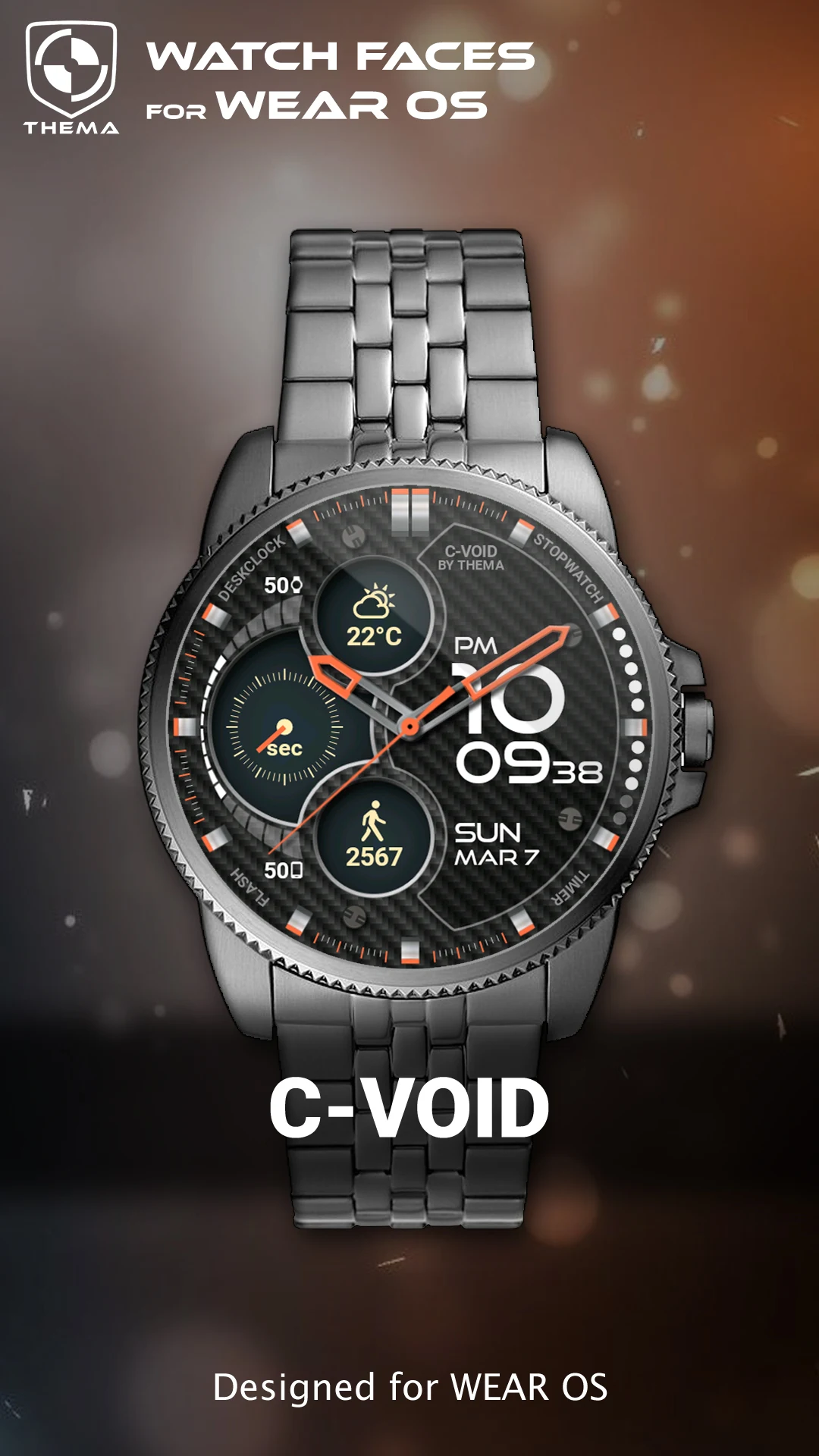
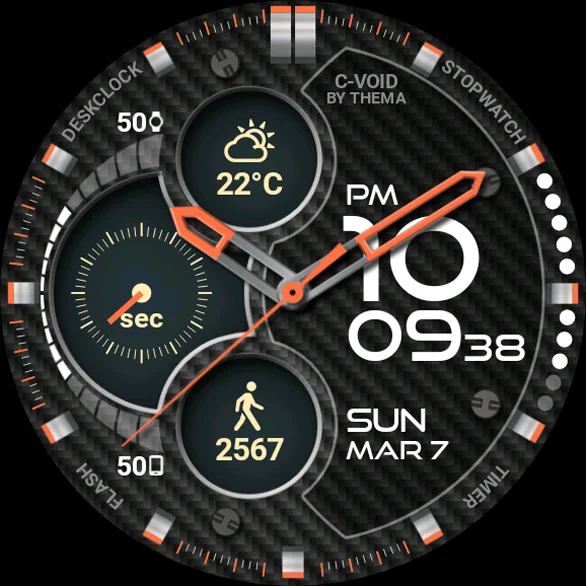
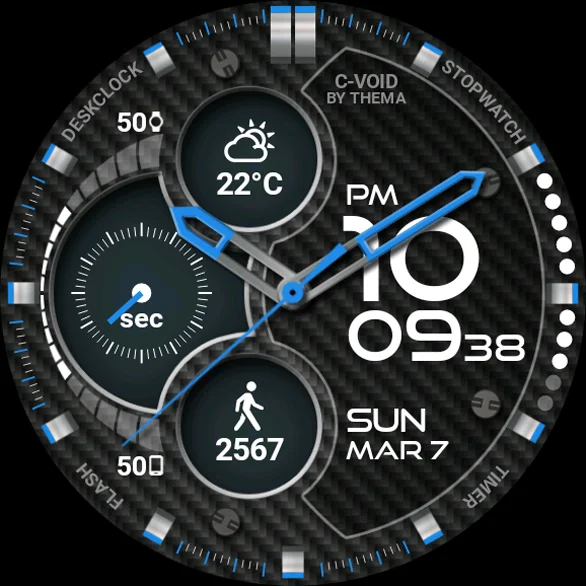
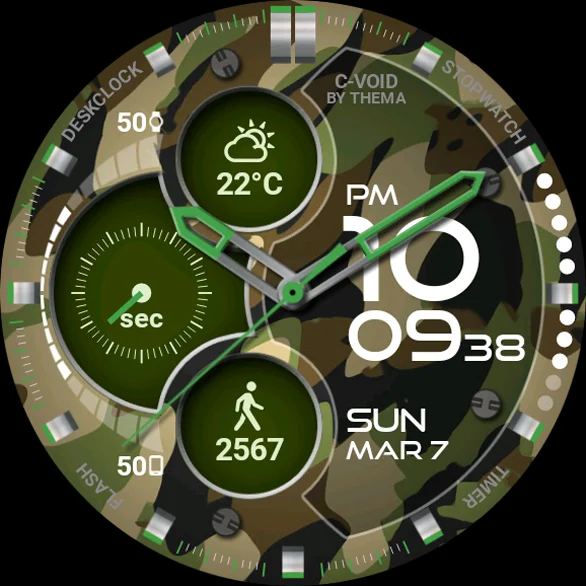
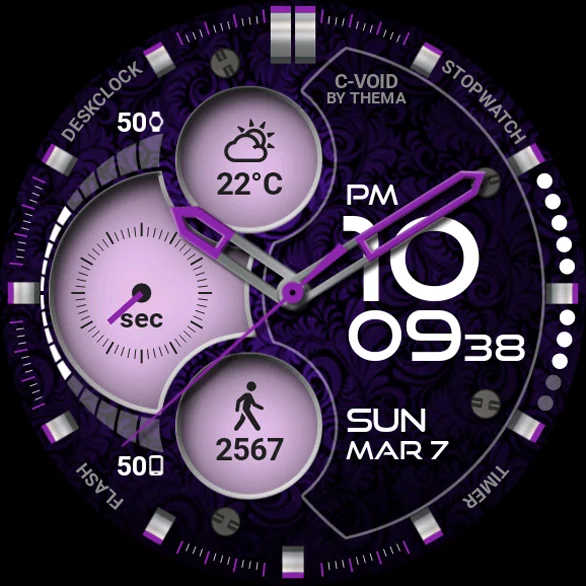
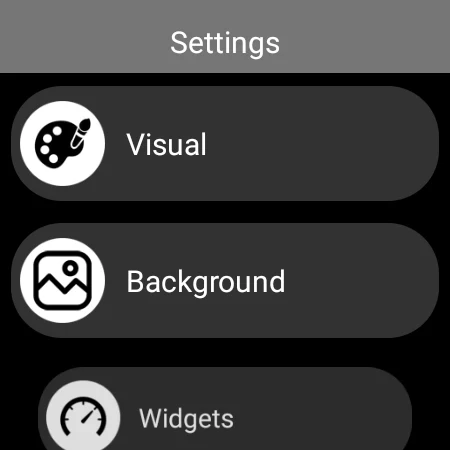
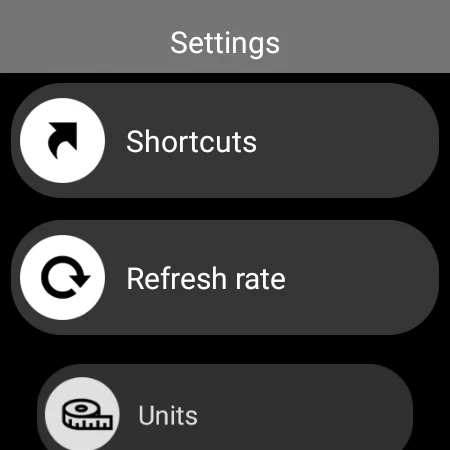
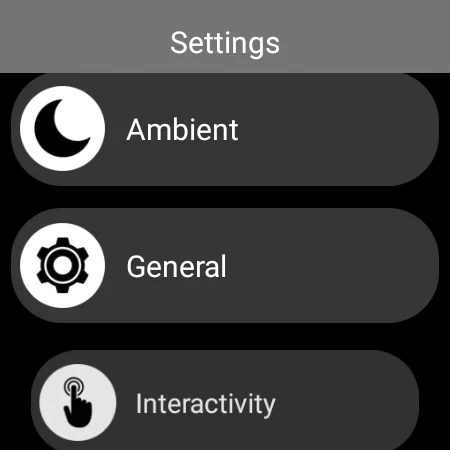
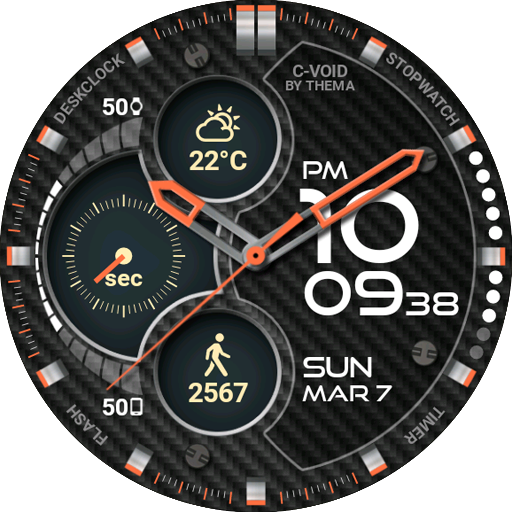
C-Void Watch Face for Wear OS!
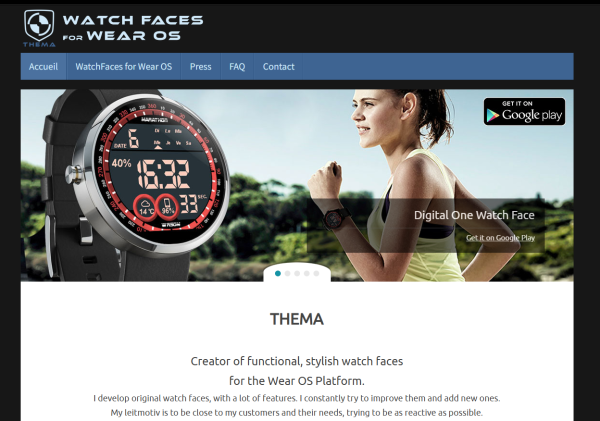
★ Features of C-Void Watch Face ★
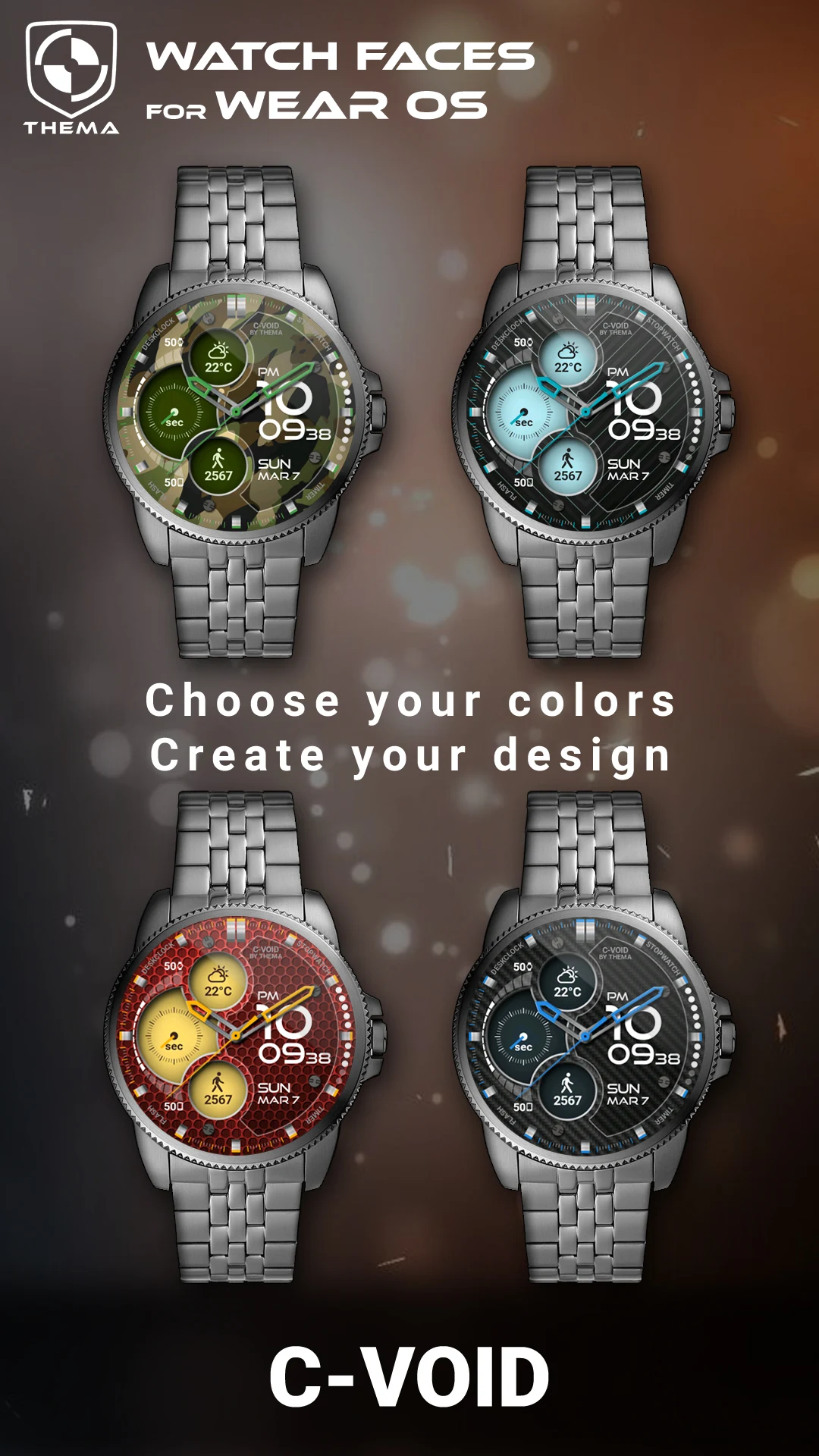
- Customize design colors
- Displays Day & Month
- Shows watch battery level
- Displays mobile battery status (requires complementary phone application)
- Weather information (requires complementary phone application)
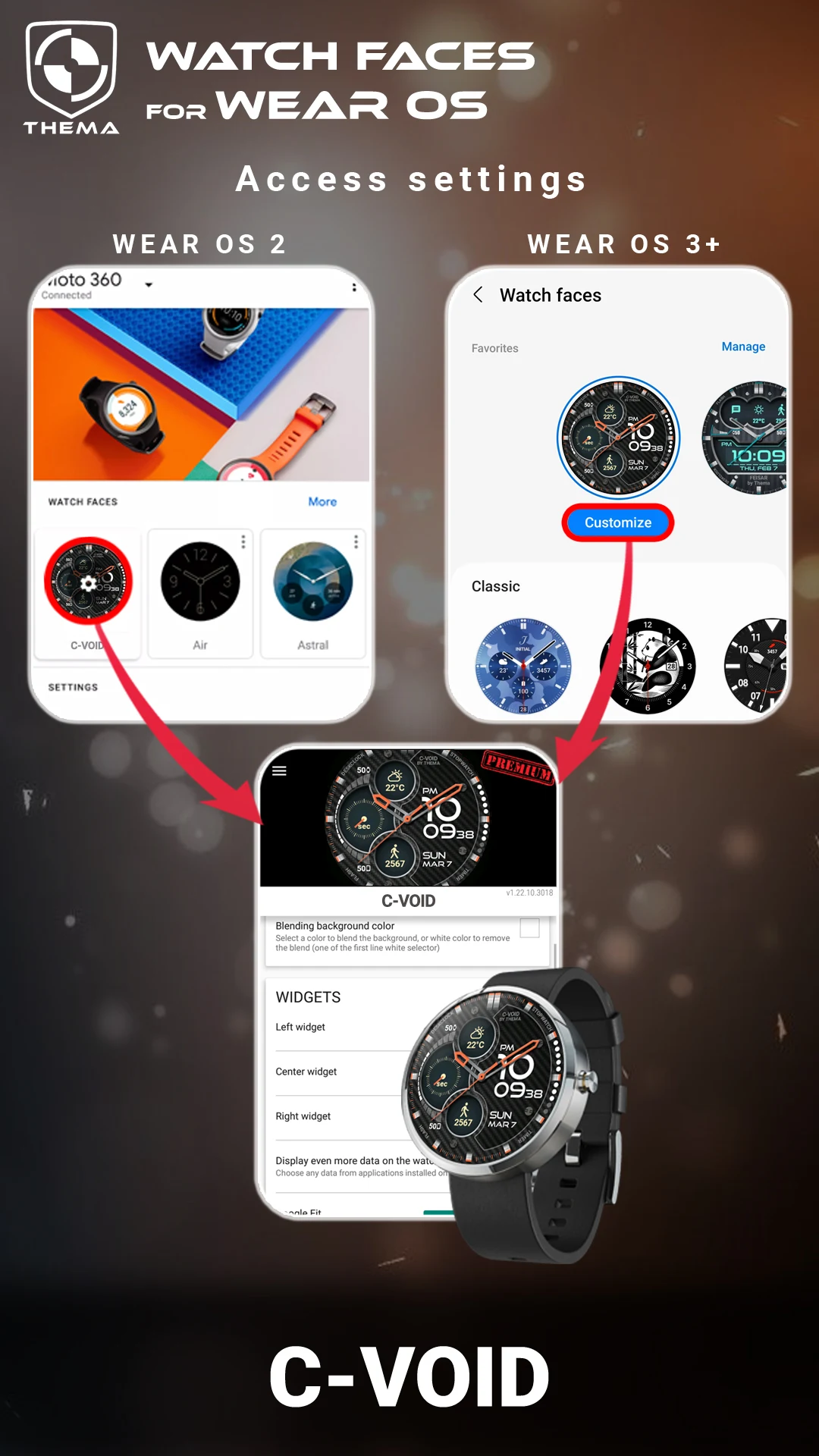
To access the watch face settings, open the "Wear OS" application on your mobile device.
Tap the gear icon above the watch face preview to access the settings menu!
★ FREE Settings ★
- Select design colors on both watch and mobile
- Set heartbeat frequency refresh rate
- Set weather update frequency
- Choose weather measurement units
- 12-hour or 24-hour format
- Configure the duration of interactive mode
- Opt for ambient mode in black & white and adjust eco brightness
- Decide whether to show a leading zero on the hours
- Option to display brand name or not
- Select whether or not to show seconds dots
★ PREMIUM Settings ★
- Replace "C-VOID" with your personalized title
- Toggle between eco / simple black & white / full ambient modes
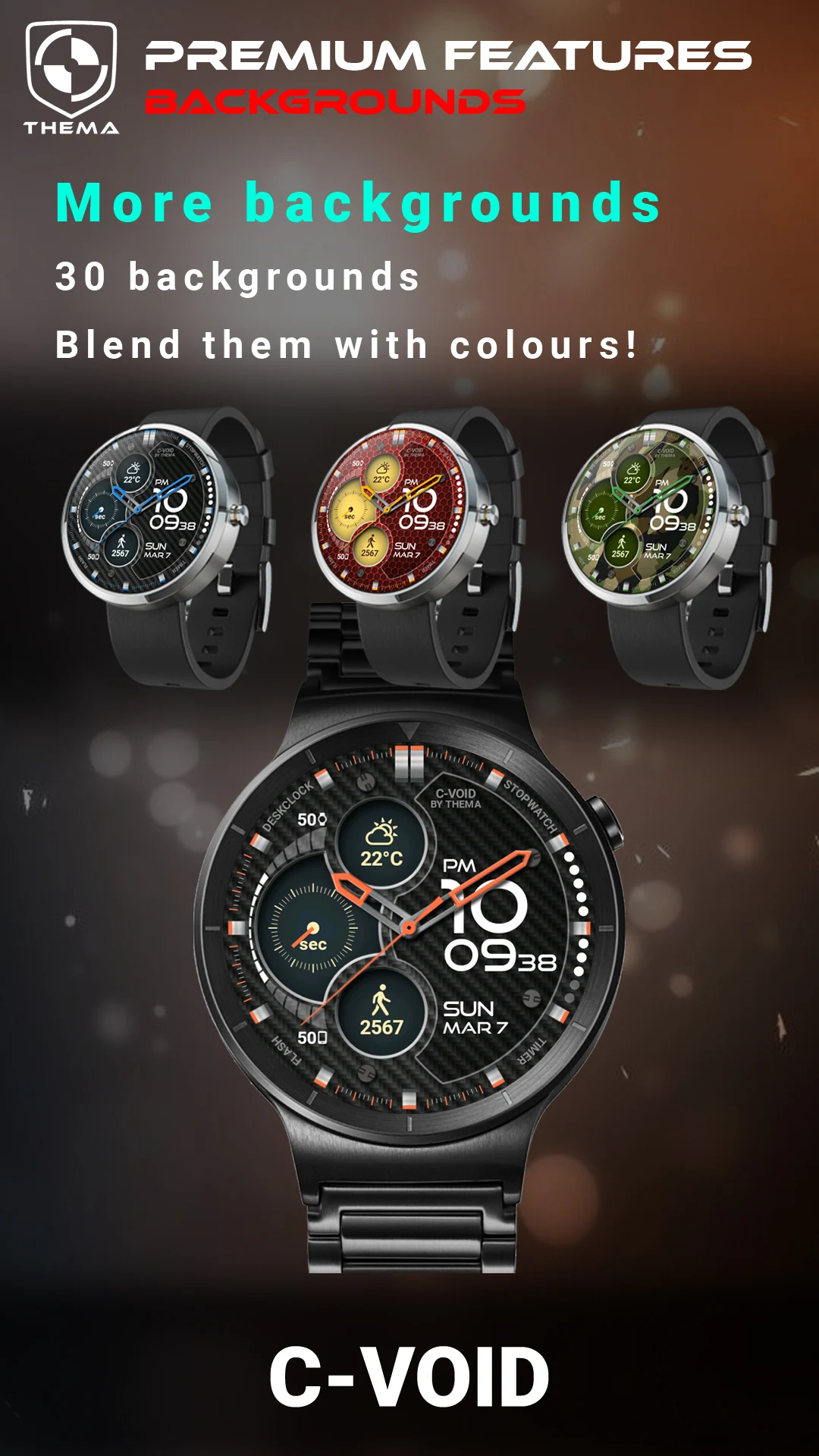
- Pick from various background styles
- Blend backgrounds with selected colors
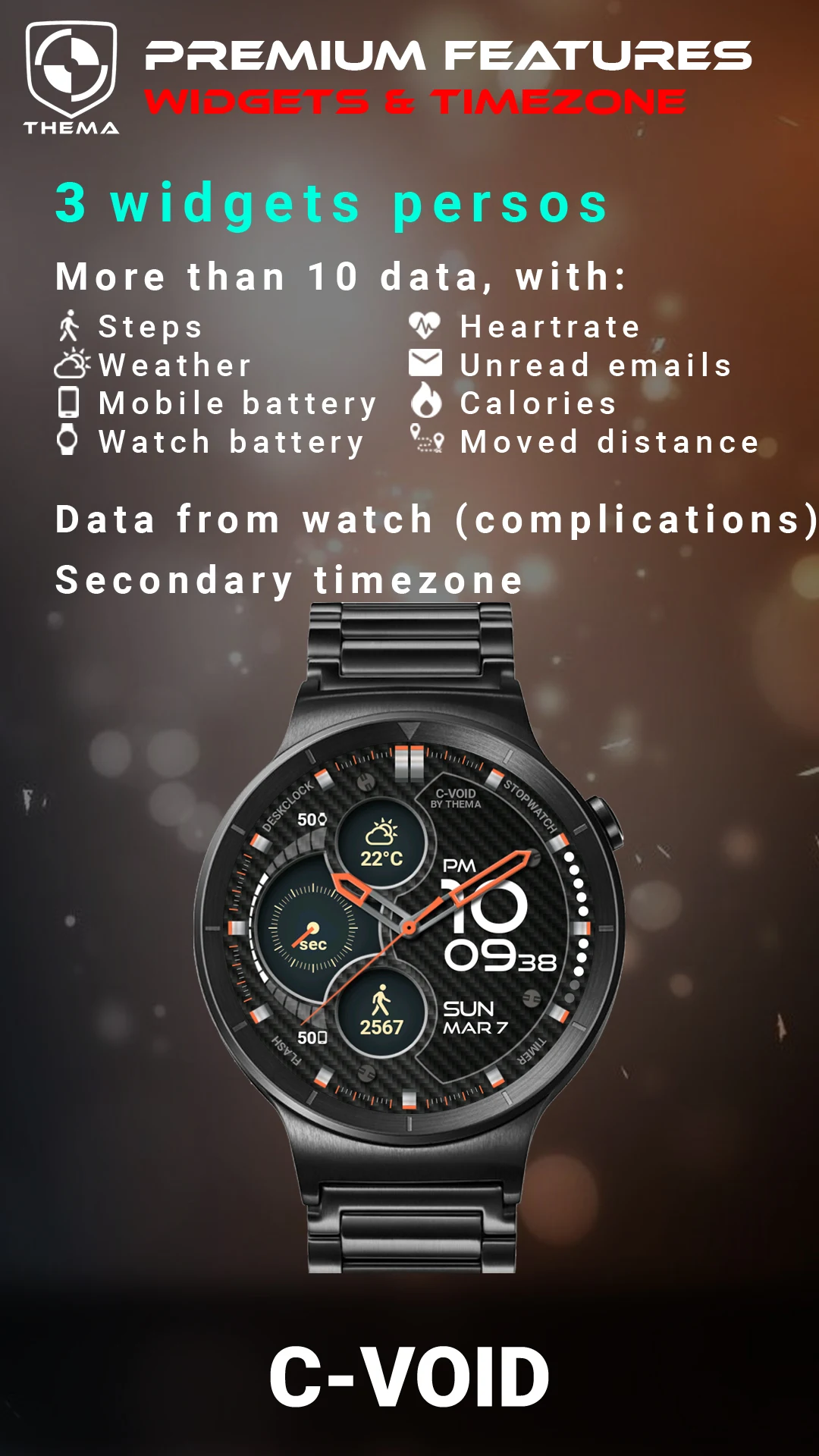
- Set a secondary timezone for digital time display
- Data options:
+ Change what indicators show in the three designated positions
+ Choose from up to 8 different indicators (Daily step count, Heartbeat rate, Unread Gmail emails, etc.)
+ Complications (Wear 2.0 & 3.0+)
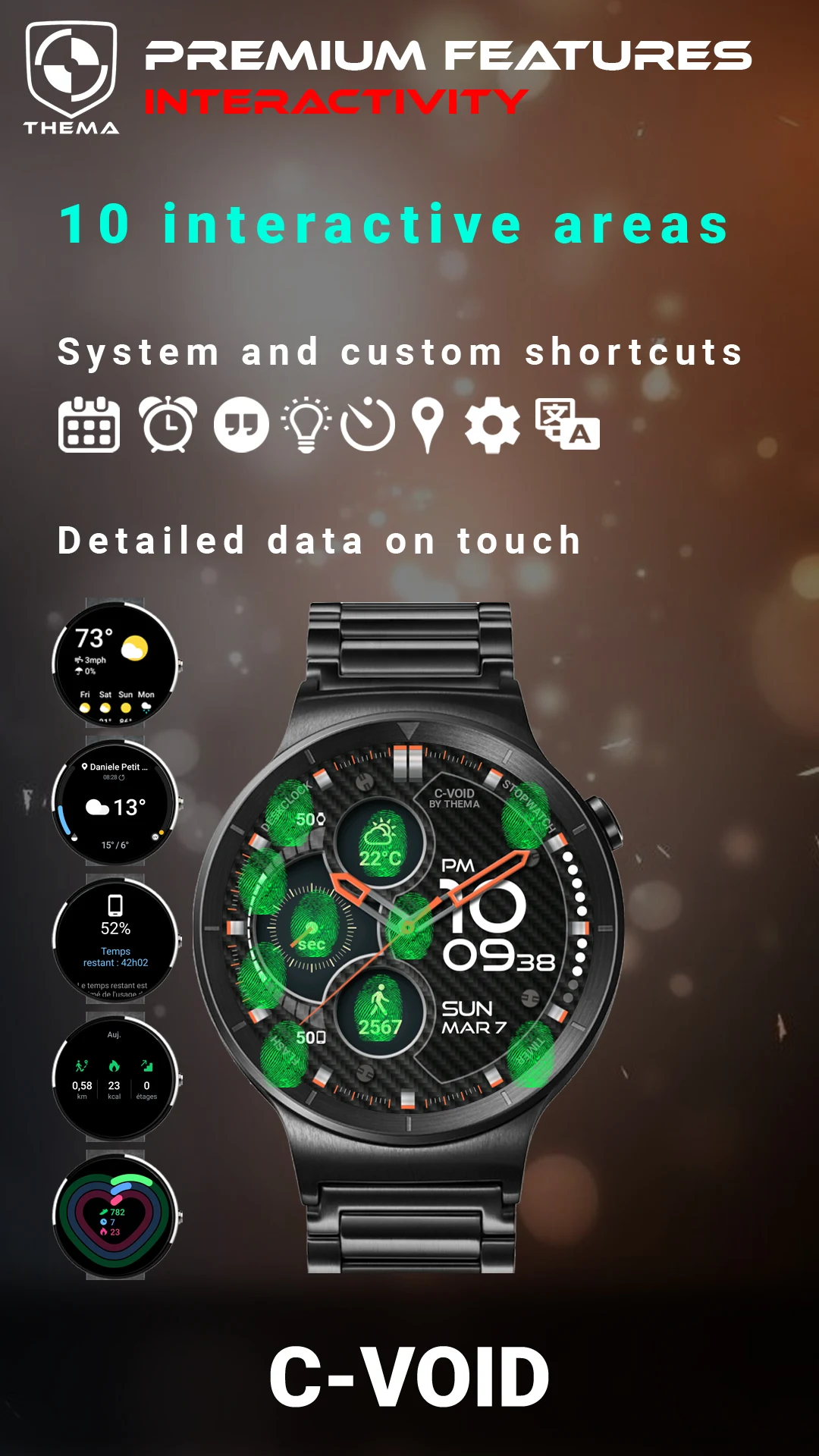
- Interactivity features:
+ Access detailed information by tapping a widget
+ Change displayed data through widget interaction
+ Modify shortcuts assigned to the four positions
+ Select your shortcut from all apps installed on your watch!
+ Toggle visibility of interactive areas
★ Additional settings via phone ★
The optional companion app simplifies customization of the watch face and offers extended settings and data.
- Switch between small/big/translucent/opaque cards (Wear OS 1.5x only)
- Choose from two weather providers (Yr & OpenWeatherMap)
- Define location settings as manual or automatic
- Get notified about new designs
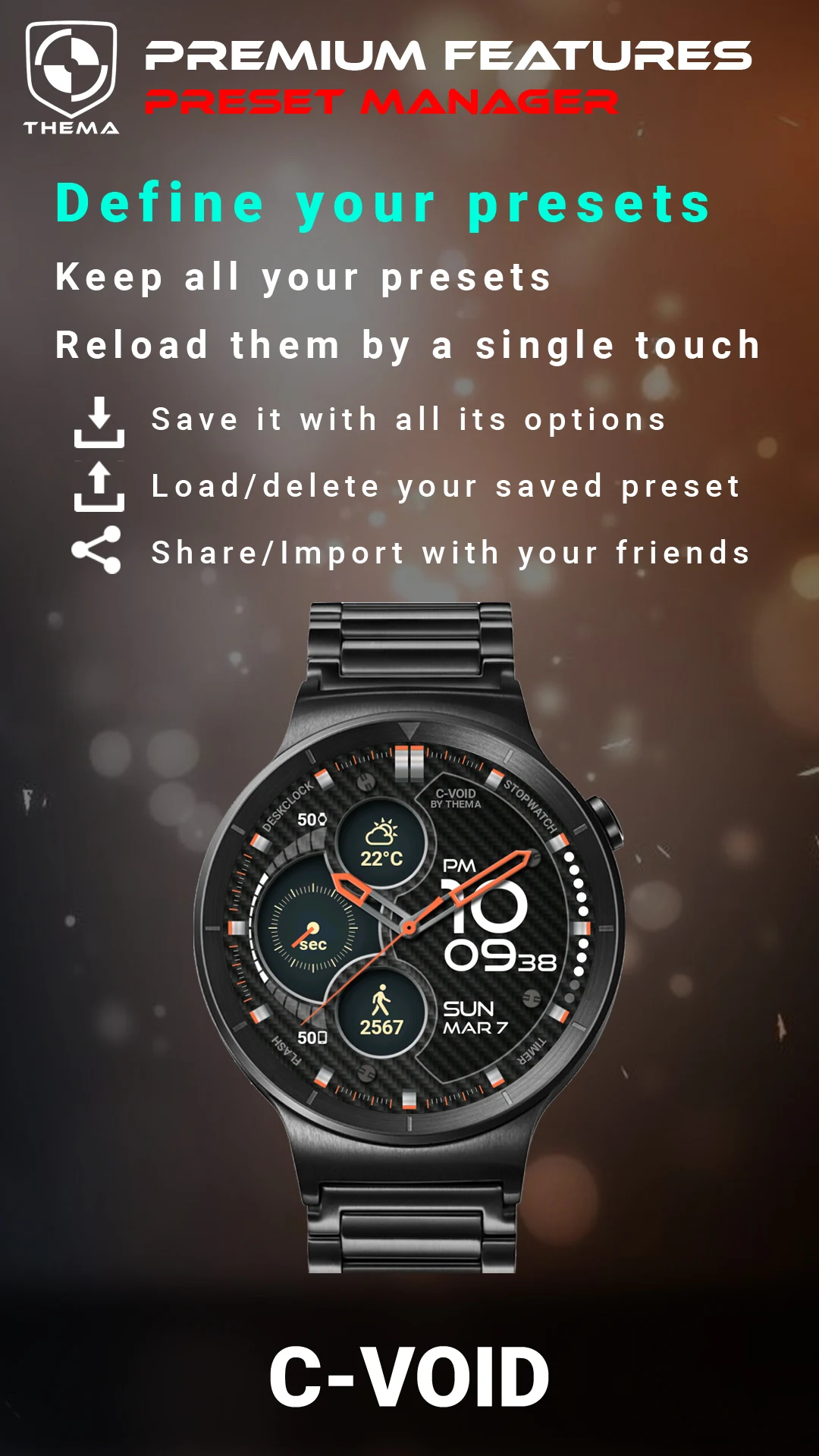
- Manage presets:
+ Save presets containing all configurations (colors, backgrounds, data, features—everything!)
+ Load or delete previously saved presets
+ Share or import presets
★ Installation ★
Wear OS 1.X
The watch face will automatically install when paired with your phone.
If it doesn't appear, go to the Wear OS App > Settings and resync all applications.
Wear OS 2.X
A notification will prompt on your watch immediately after installing on your mobile device. Simply tap it to start the installation process.
If the notification fails to appear, you can also install the watch face via the Google Play Store on your watch by searching for its name.
Wear OS 6.X
Install the accompanying app to manage the watch face; the free version installs automatically. Then use the "MANAGE" button located in the top right corner of the watch face for updates/upgrades.
★ More watch faces ★
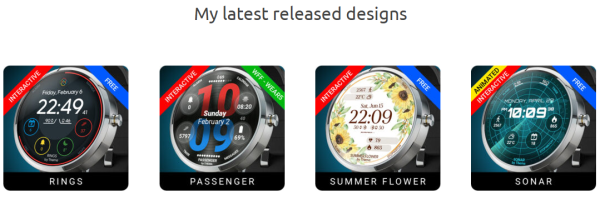
Explore my collection of watch faces for Wear OS available on the Play Store.
FAQs
1. **Which Wear OS versions can the C-Void watch face be used on? **
Wear OS versions 1.X, 2.X, and 6.X are supported. Installation methods vary depending on the version. For example, 1.X will automatically install upon phone pairing, 2.X may be triggered by a watch notification, and 6.X requires installing the companion app before managing watch faces.
2. **What are the main differences in functionality between the Free and Premium versions? **
The Free version allows for basic customization, such as color, time format, and heart rate refresh rate. The Premium version adds advanced options, such as personalized titles, multiple background styles, a secondary time zone display, more data metrics (such as steps and unread emails), and interactive features (such as tapping widgets to view details).
3. **How can I display my phone's battery status on my watch? **
You need to install the companion app to synchronize phone battery information with your watch. This is a feature that relies on the companion app.
4. **What settings are required to update weather information? **
You need to install the companion app on your phone. Within the app, select a weather data provider (Yr or OpenWeatherMap), set automatic or manual location, and adjust the weather update frequency and unit (e.g., Celsius/Fahrenheit).
5. **Can I save my own watch face settings? **
Yes. Using the "Preset Management" feature in the companion app, you can save presets containing all settings, including colors, backgrounds, and data configurations. This allows you to easily load and delete presets later, share them with other users, and import their own presets.
6. **What should I do if my watch face isn't showing on my watch? **
For Wear OS 1.X, go to "Wear OS Apps > Settings" on your phone to resync all apps. For 2.X, if you don't receive an installation notification, you can manually install the watch face by searching for the name in the Google Play Store on your watch. For 6.X, check if the companion app is installed and update it using the "Manage" button in the top-right corner of the watch face.
App Experience Review
C-Void Watch Face is a highly customizable watch face app adapted for Wear OS. It offers a smooth experience and rich customization options, catering to both basic practicality and advanced personalization needs. The free version allows users to customize watch face colors, adjust heart rate/weather refresh rates, switch time formats, and display the date and watch battery level. The accompanying app can sync phone battery and weather data. The paid premium version unlocks personalized titles, multiple background styles, dual time zones, and supports adding eight data metrics including steps and heart rate. It also features widget click interactions and customizable watch shortcuts. The accompanying mobile app allows users to further configure weather service providers and location modes, as well as save, share, and import watch face presets, making it convenient to use.
- Version1.24.01.1621
- UpdateOct 10, 2026
- Developerthema
- CategoryPersonalization
- Requires AndroidAndroid 4.4+
- Downloads283K+
- Package Namefr.thema.wear.watch.cvoid
- Signature9c0fe1fb53900cc9f1afd2f55150a964
- Available on
- ReportFlag as inappropriate
-
NameSizeDownload
-
23.28 MB
-
17.84 MB
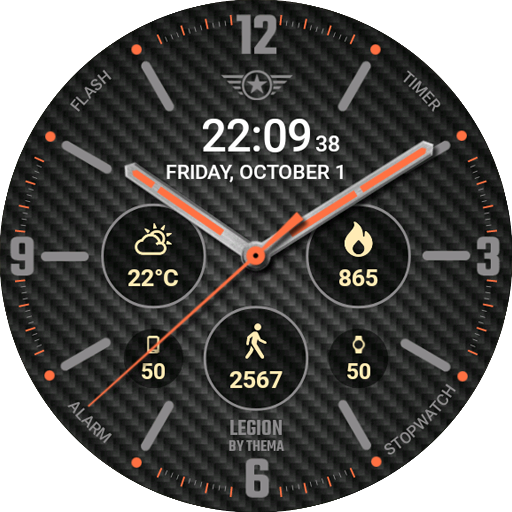

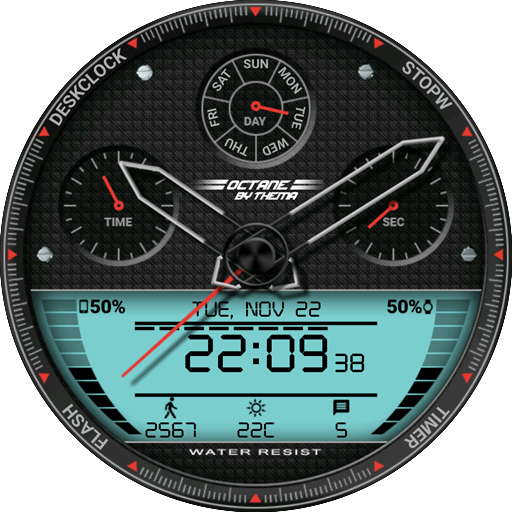
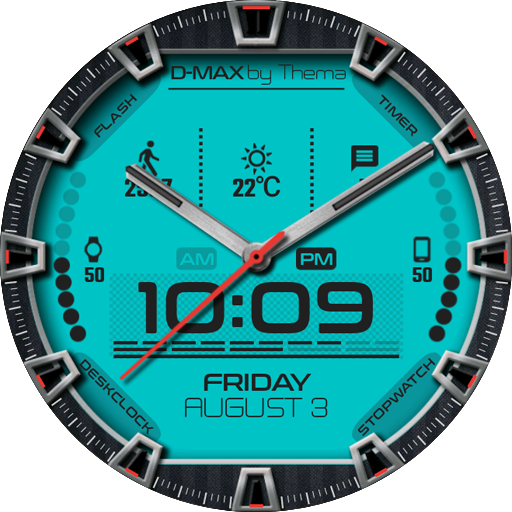









Highly customizable with various options
Excellent developer support and responsive communication
Aesthetic design appealing to users
Multiple shortcuts and widgets available
Low power consumption and efficient battery usage
Clean and readable display
Ability to match colors with outfits
Free version available for initial testing
Interactive features enhance user experience
Complications often do not work correctly
Some features may be locked behind a paywall
Difficulty syncing or configuring on certain devices
Inaccurate data tracking for steps and calories
The app interface can be cluttered or confusing
Initial problems with setup and customization
Limited compatibility with some smartwatches
Users report reliance on third-party apps for full functionality
User frustration over premium payment discrepancies