
Hindi Writing Apps - Hindi typing & emojis
Experience seamless Hindi typing with stylish fonts, emojis & custom themes for a personalized messaging experience.
- 1.1.8 Version
- 1.3 Score
- 338K+ Downloads
- In-app purchases License
- 3+ Content Rating

Introduction
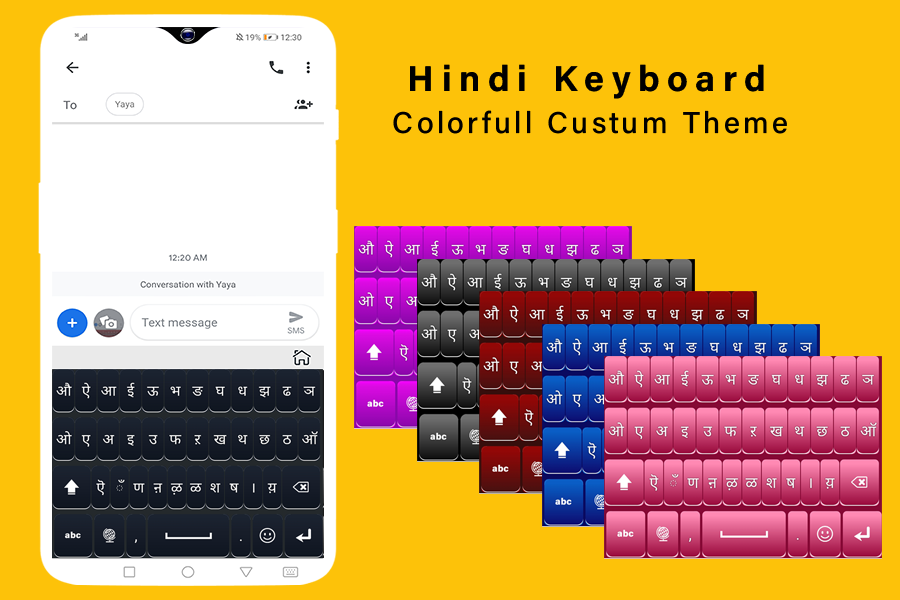
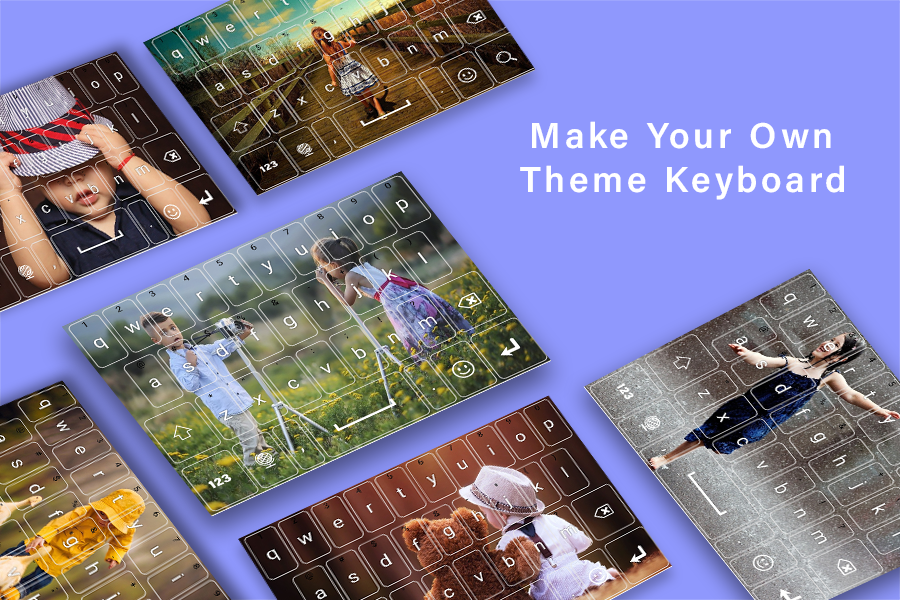
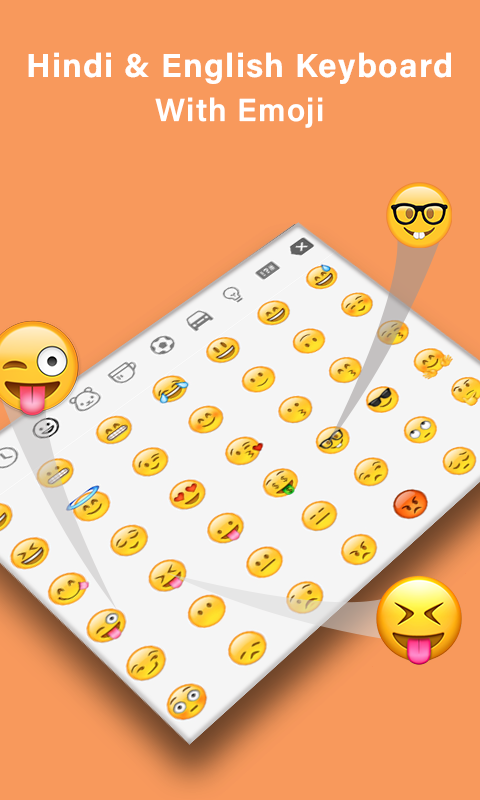
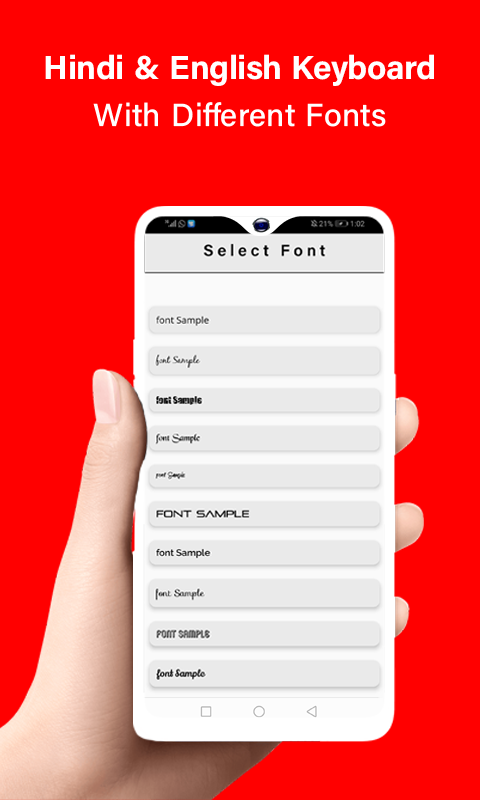
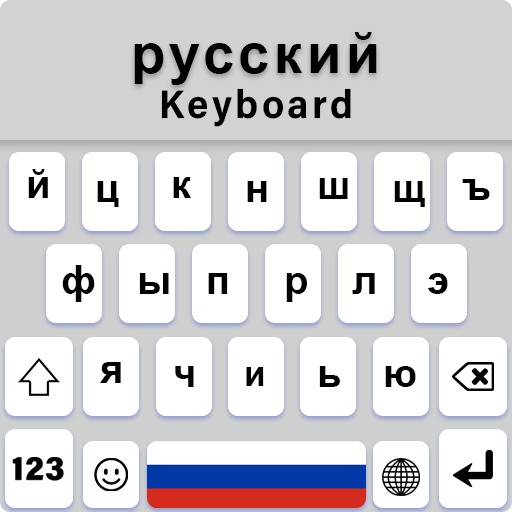
The Hindi keyboard for Android devices comes equipped with Hindi characters, numerical digits, stylish stickers, and adorable emojis. It features attractive themes alongside background images that enable users to type effortlessly in the Hindi language. The Hindi keyboard includes remarkable functionalities, such as text font options that allow users to choose their favorite style for a more fashionable typing experience. This keyboard also offers a dictionary feature, enabling users to save frequently used words when typing in Hindi. It's recognized as a multilingual keyboard available in various app stores.
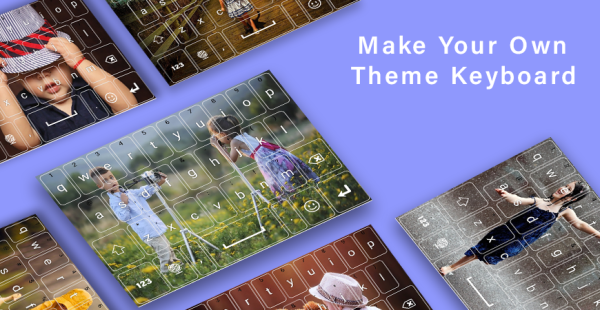
This Android keyboard is designed as a multilingual theme that integrates various keyboard applications. It serves as a convenient language keyboard suitable for different linguistic needs. Users can enjoy multiple backgrounds tailored for Hindi language themes within the application. Additionally, these keyboard apps can function as emoji keyboards, providing stylish typing options for messages.
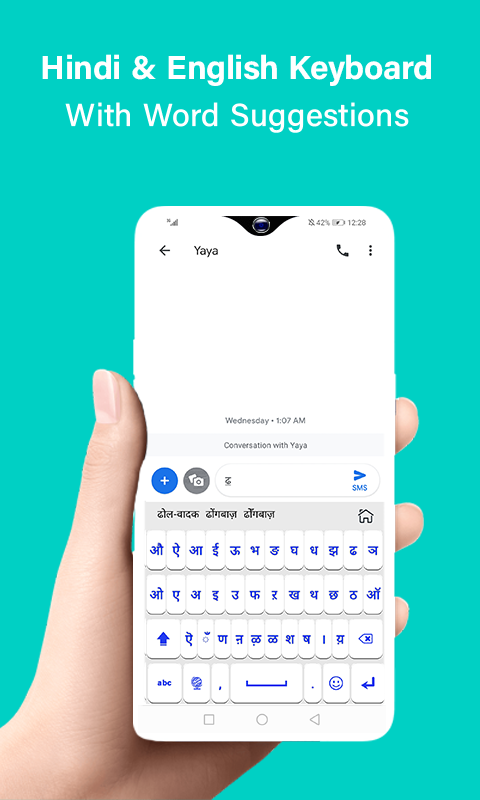
This easy-to-use texting keyboard for Android combines Hindi and English typing capabilities. The Smart Keyboard Pro presents itself as a trial version featuring beautiful designs particularly appealing to female users. The multilingual keyboard boasts custom themes and stylish sticker options. It supports gesture typing and swiping across the interface. The Hindi keyboard is equipped with advanced features like autocorrection, autosuggestion, fast typing, and next-word predictions, consolidating its functionality with all language support, including an emoji keyboard stocked with GIFs and smileys.
Features
- Supports over 90 languages along with dictionaries.
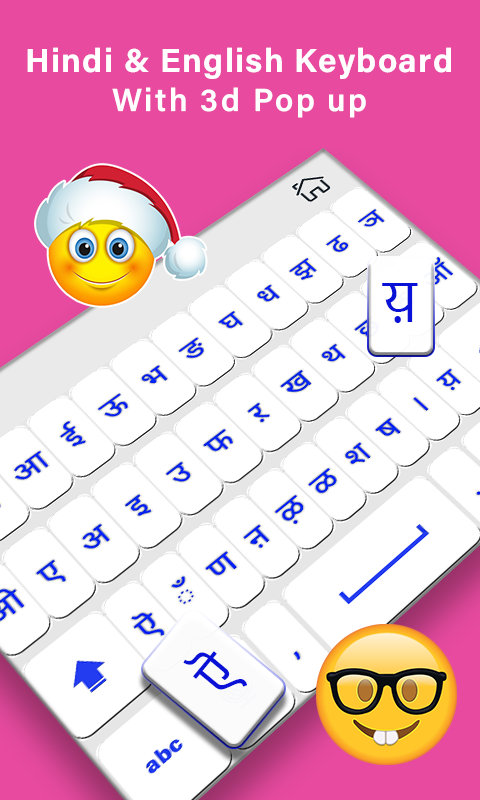
- Offers 3D keyboard themes and customizable designs.
- Includes gradient and landscape themes.
- Dual language functionality included.
- Provides emojis, stickers, smileys, and GIFs.
- Enables glide gesture typing.
- Designed for fast typing.
- Features DIY neon blue themes and emoticons.
- Incorporates voice typing capabilities.
- Supports one-handed typing and multiple sound options.
- Automated correction, next-word prediction, and auto-suggestions added.
- Features a variety of attractive fonts.
- Allows for QWERTY and AZERTY keyboard layouts.
Instructions for using the Hindi keyboard:
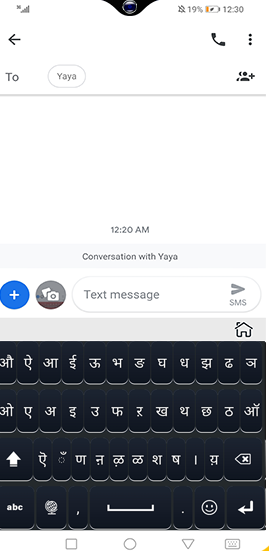
- Activate the Hindi keyboard.
- Select the Hindi keyboard option.
Your thoughts are valued; feel free to share this with friends and family.
FAQs
1. **How many languages does this Hindi keyboard support? **
It supports over 90 languages and comes with its own dictionary, meeting the needs of multilingual users. Whether switching between Hindi and English or typing between multiple languages, it's easy.
2. **What personalization options does this keyboard offer? **
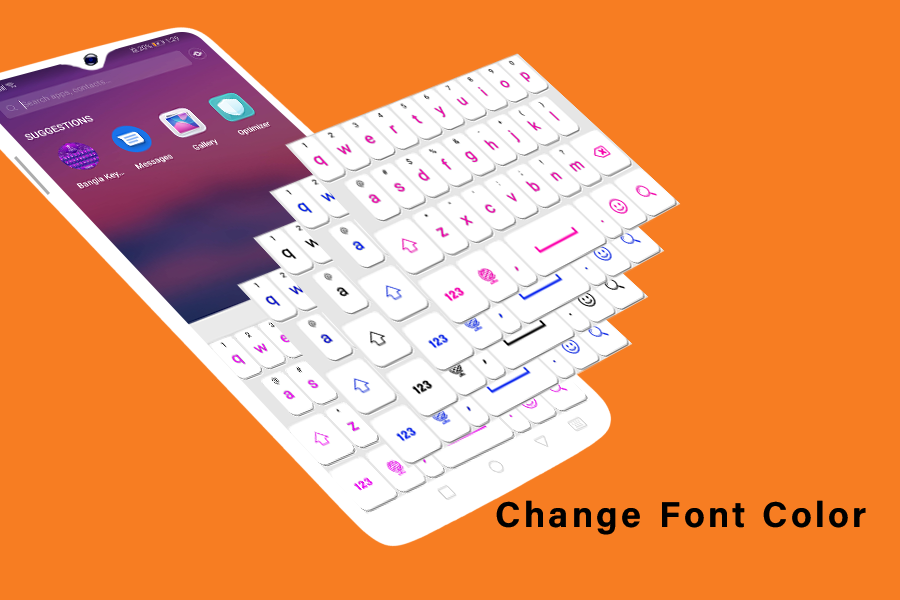
You can choose from a variety of themes, including 3D keyboard themes, gradient themes, landscape themes, and a DIY neon blue theme, allowing you to customize your design to your liking. You can also set a variety of backgrounds, fonts, and a large collection of emojis, stickers, and animated GIFs. Furthermore, you can adjust the color and size of the characters and set your own images as custom themes to give your keyboard a unique touch.
3. **How do I enable the Hindi keyboard on my phone? **
First, download the app and open it. During the setup process, first enable the Hindi keyboard and then select it as the active keyboard. To easily switch keyboards during daily use, simply long-press the space bar. On some phones, you can also enable the Hindi keyboard by navigating to "Language & input" in the settings and selecting it there.
4. **How can I improve typing efficiency on the Hindi keyboard?**
It supports gesture typing (gesture swipe typing), allowing you to quickly enter text by sliding your finger over the letters you want to use. It also features auto-correction, auto-suggestion, and next-word prediction, reducing typing errors and increasing typing speed. It also supports voice input, allowing you to easily input text when typing is inconvenient. Furthermore, you can save frequently used words in the dictionary for quick input of high-frequency vocabulary.
5. **Does this keyboard support one-handed operation?**
Yes, this keyboard supports one-handed typing and offers a variety of sound effects, making it convenient for everyday one-handed use and in various environments.
App Experience Review
This Hindi keyboard app is a high-quality input tool for Android devices that balances practicality and personalization. The overall experience is smooth and convenient, perfectly meeting input needs in various scenarios. It not only perfectly supports Hindi and English bilingual input but also covers over 90 languages and includes a dictionary function. Intelligent features such as autocorrection, vocabulary prediction, and gesture input significantly reduce input errors and improve typing efficiency. Voice input and one-handed operation modes are well-suited for convenient input scenarios such as commuting, balancing efficiency and practicality. Meanwhile, the rich personalization options are a major highlight. Multiple themes such as 3D, gradient, and landscape, combined with a DIY neon blue design, along with a vast library of emojis, stickers, GIFs, and diverse fonts, allow for free customization of the keyboard appearance. This caters to the aesthetic preferences of female users and also meets the personalized needs of different groups, making the typing process more fun.
The app has an extremely low barrier to entry. Activation and switching processes are simple and easy to understand, allowing beginners to quickly get started. Simply long-press the space bar to easily switch input methods. It is compatible with various Android models. The only drawback is that, as a trial version, there may be some functional limitations, and some personalized themes or advanced features may require unlocking later. However, the core input functions are perfectly adequate, with no noticeable lag or compatibility issues. Overall, it is both an efficient Hindi input tool and a multilingual keyboard that combines aesthetics and practicality. Whether for daily chat, office input, or multilingual switching, it provides an excellent input experience, making it suitable for Hindi speakers and those with multilingual input needs.
- Version1.1.8
- UpdateOct 12, 2026
- DeveloperNenoSoft Technologies
- CategoryPersonalization
- Requires AndroidAndroid 5.0+
- Downloads338K+
- Package Namecom.keyboardshub.englishkeyboard.hindikeyboard.indiankeyboard
- Signature665bc3d61f398b41b24d3adda1cf1b04
- Available on
- ReportFlag as inappropriate







Rich language features
High degree of personalization
Efficient and intelligent input
Convenient operation
Some features are not fully functional.
Uses a certain amount of system resources.
Some users may have difficulty getting started.