
Night Clock - Smart Clock - Vibrant & customizable clock
Illuminate your space with stunning neon designs, full customization, and smart alarm features for ultimate timekeeping.
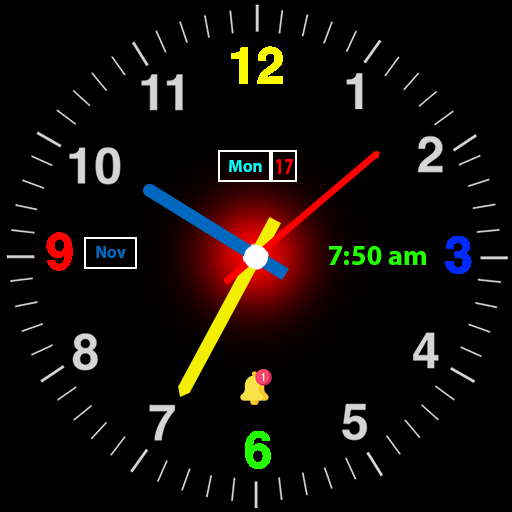
- 1.3.0 Version
- 1.4 Score
- 304K+ Downloads
- In-app purchases License
- 3+ Content Rating

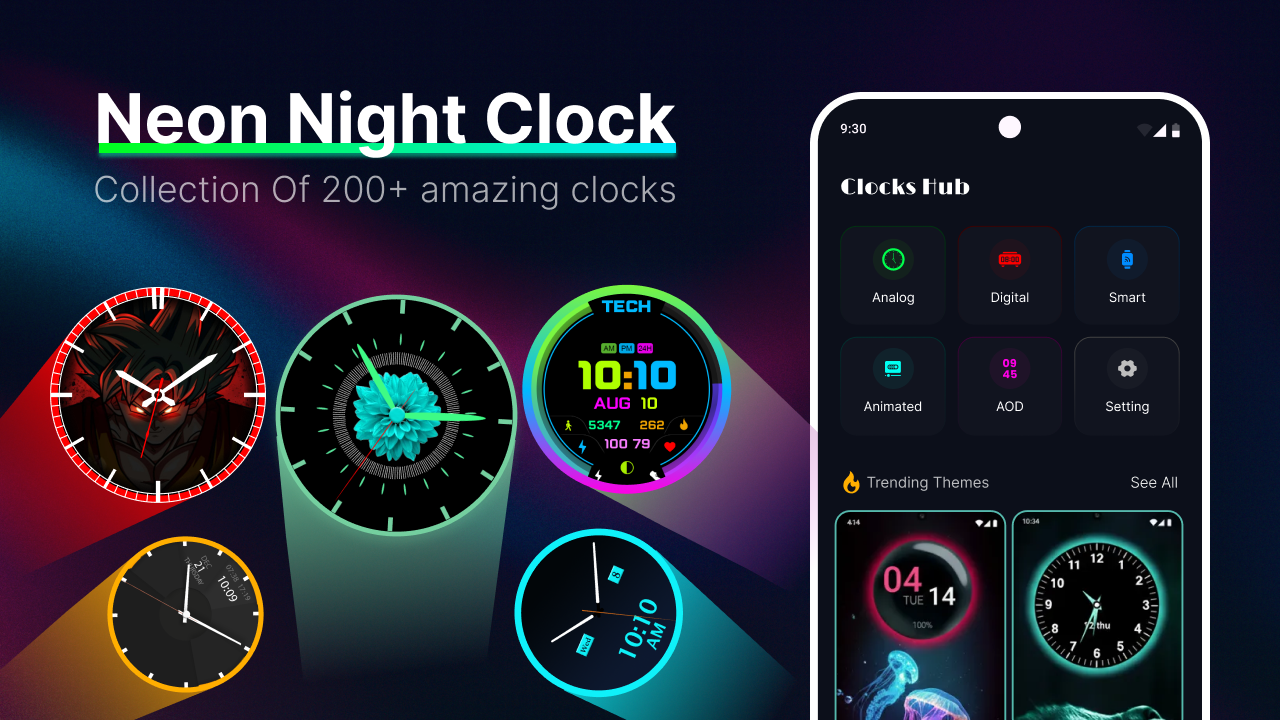
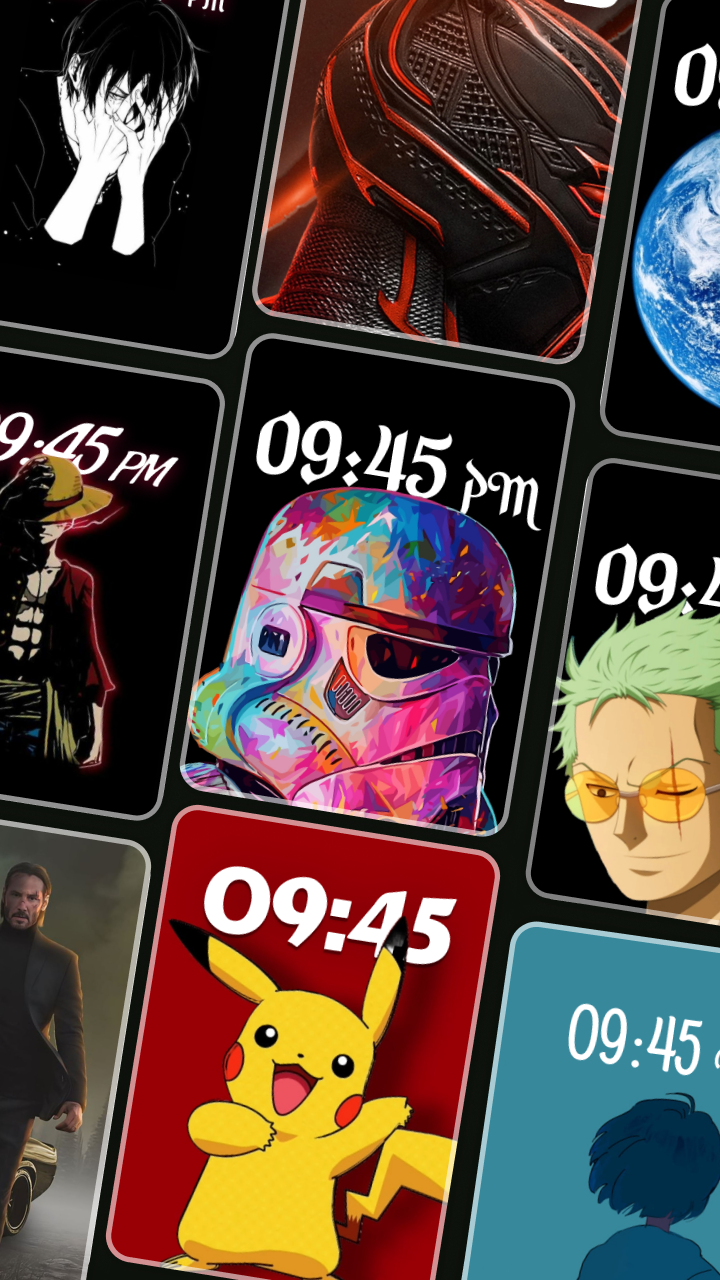
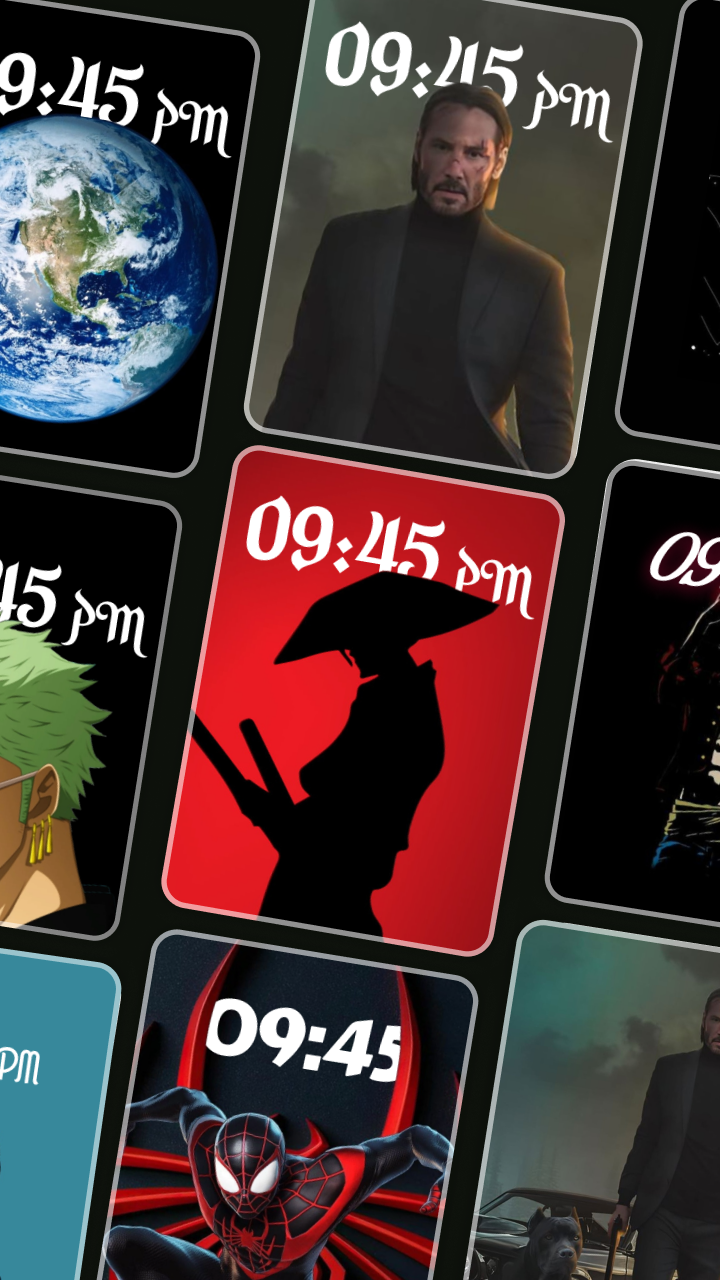
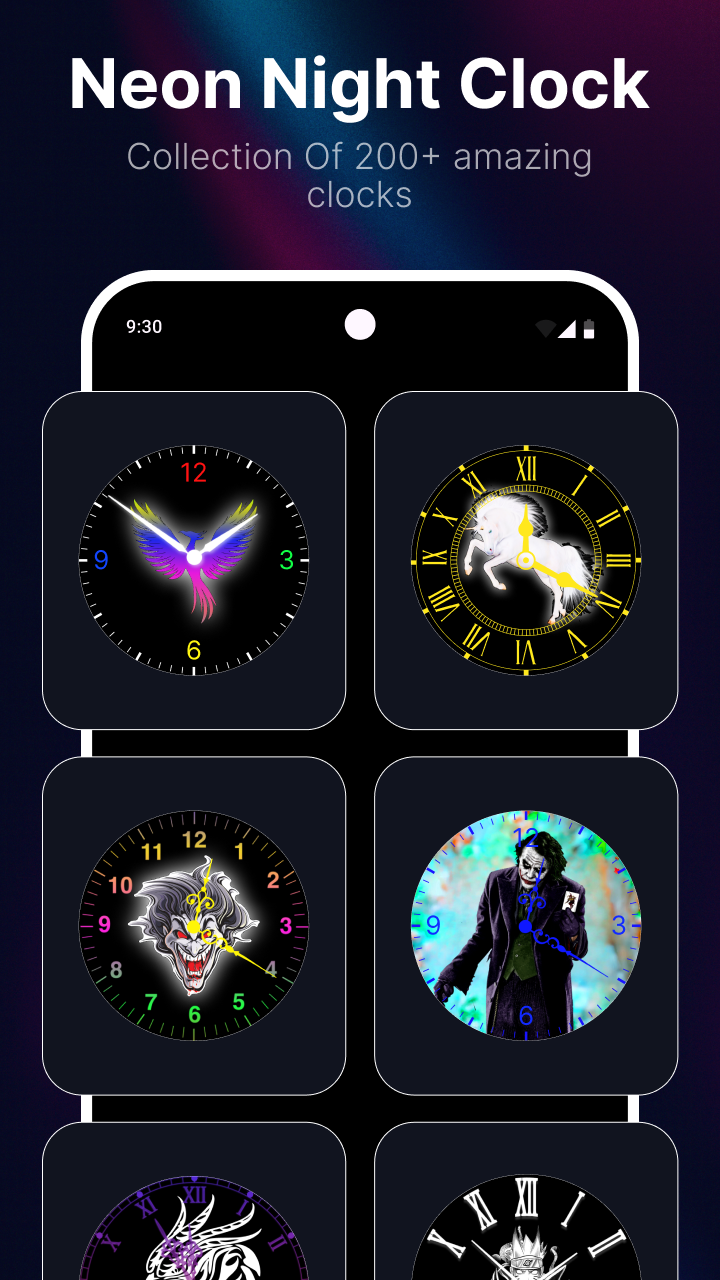
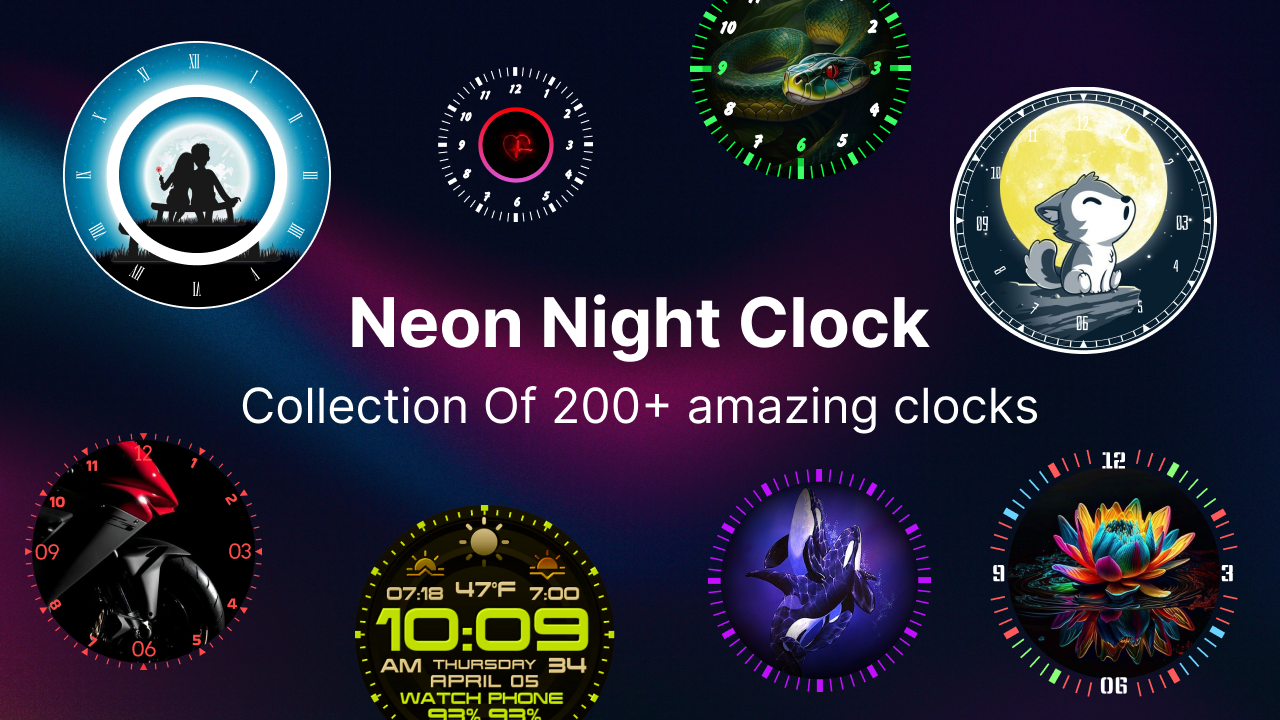


Neon Night Clock – Illuminate Your Space with the Premier LED Clock Application
Vibrant. Distinctive. Personalized. All the features you desire in a clock, now available in neon.
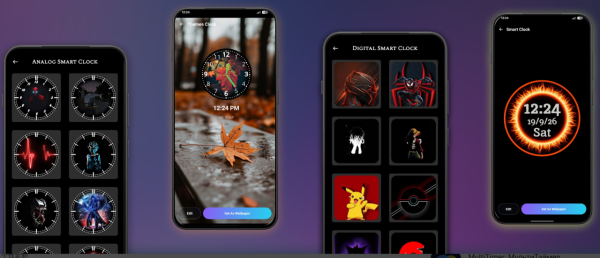
Revitalize your display with Neon Night Clock, the most dynamic and customizable neon timekeeping app on the market. Tailored for those who value both aesthetics and practicality, this luminous digital clock transforms your smartphone or tablet into a striking timepiece.
Features:
🕒 Breathtaking Neon Clock Designs
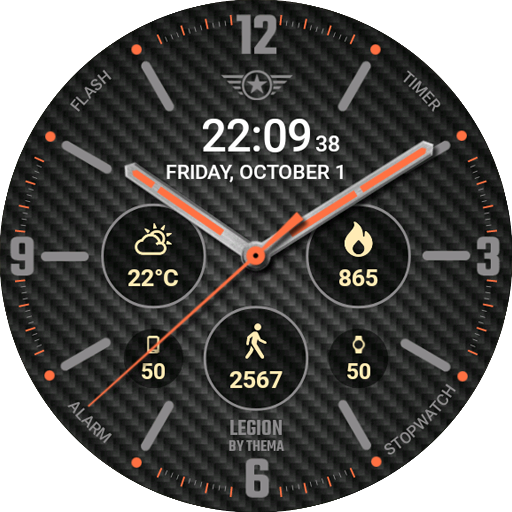
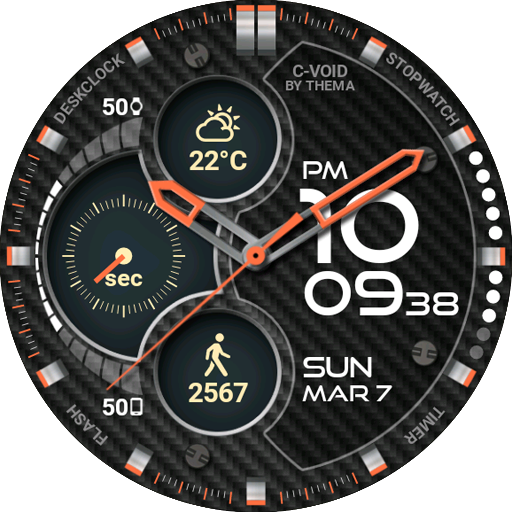
Add a touch of futuristic elegance to your home screen or bedside table with bright LED-style clock faces that glow brilliantly, regardless of the hour. Whether you prefer digital formats, traditional analog designs, or glowing combinations, you can select the ideal style that reflects your identity or complements your wallpaper.
🎨 Full Customization of Your Clock
Tailor it to your liking with user-friendly options:
• Select from various neon colors and themes
• Toggle between digital and analog styles
• Modify brightness for optimal visibility in any lighting condition
• Add glowing clock widgets directly to your home screen
⏰ Intelligent Alarm Features
This app offers more than just visual appeal; it helps keep you organized:
• Set multiple alarms with snooze functions, repetition, and personalized tones
• Utilize the stopwatch for workouts, tasks, or activities
• Activate a countdown timer for better time management during events or breaks
⚡ Efficient & Battery Optimized
Engineered for optimal performance, Neon Night Clock operates seamlessly without draining your device’s battery. Perfect for long-term use as a bedside clock, always-on display, or desk accessory.
📱 Ideal for Any Environment
Whether you utilize it as a radiant night clock, an impressive wall display, or a sleek widget, Neon Night Clock integrates well with any decor. Perfect for minimalists, thematic enthusiasts, gamers, and everyone who seeks their time to look as good as it feels.
🔻 Why Users Appreciate Neon Night Clock:
• User-friendly LED-style clock interface
• Lightweight and efficient functionality
• Comprehensive clock customization with real-time previews
• Fully operational offline – devoid of ads or interruptions
Experience Neon Night Clock now – the premier neon time application.
Enhance your time. Brighten your screen. Embrace the glow.
How to Use:
1. Opens and syncs time instantly. Switch between **digital/analog/hybrid** neon clock styles, choose your preferred neon color, adjust brightness, and adapt to different environments.
2. Long-press on an empty area of your phone's home screen to add a clock widget for quick timekeeping and home decor enhancement.
3. Enter the alarm clock section to create multiple alarms, customize snooze, repetition period, and ringtone; you can also use the stopwatch and countdown functions for time management.
4. Fully supports **offline use**, no network required, and no ads.
Related Questions and Answers:
1. **What are the specific clock design styles of Neon Night Clock? **
It comes in a variety of styles, including a bright LED digital format for a clean and modern look; a traditional analog design with retro and classic hands; and a luminous combination design that combines digital and analog elements. Whether you prefer a minimalist and stylish style or a retro feel, you can find a clock style that suits your personality and complements your phone wallpaper.
2. **How do I personalize Neon Night Clock? **
It's easy. You can choose from a variety of neon colors and themes, such as a cool sci-fi theme or a warm and romantic pink theme. You can switch between digital and analog display styles to suit different scenes and moods. You can also adjust the clock brightness based on the surrounding lighting conditions, making it clear in bright sunlight and soft and non-glaring in low light. Furthermore, you can directly add the luminous clock widget to your phone's home screen to quickly check the time while also beautifying your home screen.
3. **Is Neon Night Clock's alarm function powerful? **
Very powerful. It allows you to set multiple alarms, each with a snooze function, so you can sleep in a few extra minutes when you don't want to wake up early. It also supports recurring reminders, which can be set daily or on specific days of the week to accommodate regular schedules. You can also choose your own personalized ringtone to make waking up less monotonous. It also features a stopwatch and countdown function. The stopwatch can be used for timing exercise and work tasks, while the countdown helps you better manage your time during activities or rest.
4. **How does this app use battery?**
Neon Night Clock has been carefully optimized to run efficiently while not consuming a large amount of your device's battery. Even if you use it for extended periods as a bedside clock, with the always-on display on, or as a desktop accessory, you don't have to worry about the battery draining quickly. It provides stable and long-lasting clock service.
5. **Does Neon Night Clock still work when you're offline?**
Yes. It supports full offline use, and core functions such as the clock display, alarm setting, stopwatch, and countdown function even without an internet connection. Moreover, the entire application has no advertising interference, allowing you to focus on using the clock function and enjoy a pure and undisturbed experience.
- Version1.3.0
- UpdateOct 12, 2026
- DeveloperWapex Apps Studio
- CategoryPersonalization
- Requires AndroidAndroid 6+
- Downloads304K+
- Package Namecom.analogclock.digitalclock.fancyclock
- Signature6c2a78b5d49e8784a5b27134cadb965c
- Available on
- ReportFlag as inappropriate
-
NameSizeDownload
-
15.11 MB
-
10.32 MB
-
11.64 MB













Excellent visuals
Highly customizable
Practical features
Good battery optimization
The functionality is relatively simple and integrated.
Compatibility issues may exist.
Advertising and charging issues may occur.