
Shaders Texture for Minecraft - Shaders & Textures Enhancer
Transform your Minecraft experience with stunning shaders & vibrant texture packs for immersive gameplay.
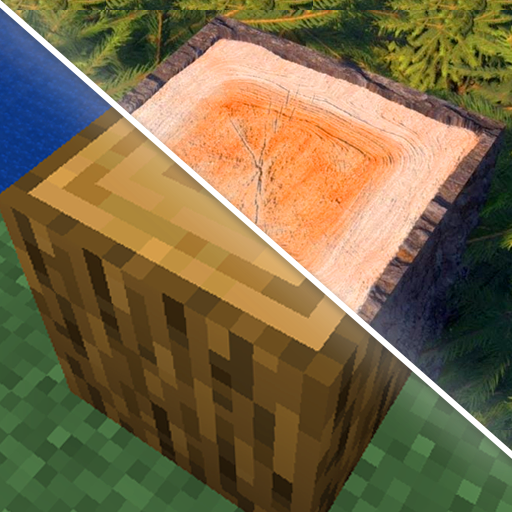
- 2.0.5 Version
- 3.0 Score
- 368K+ Downloads
- In-app purchases License
- 3+ Content Rating

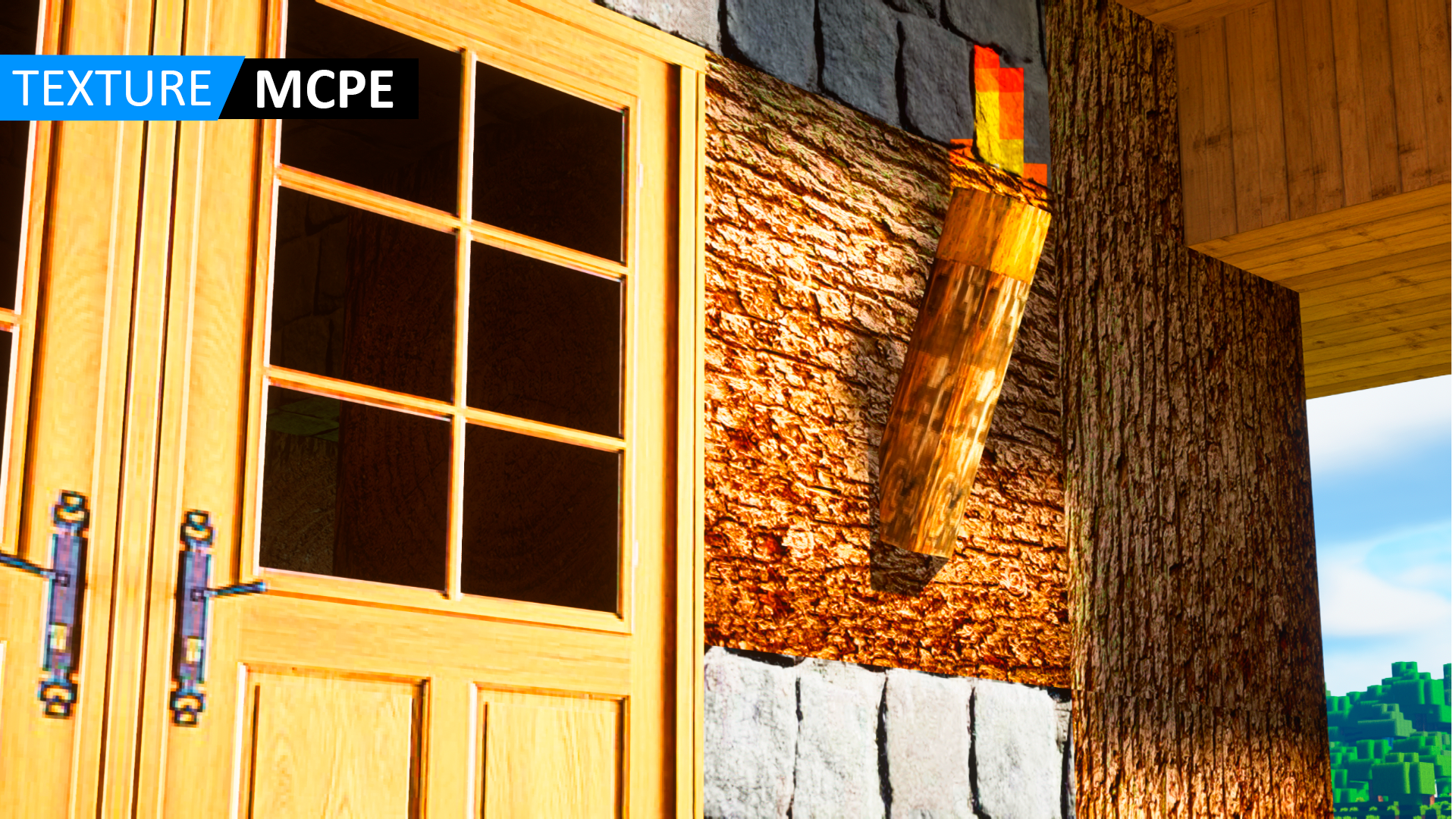
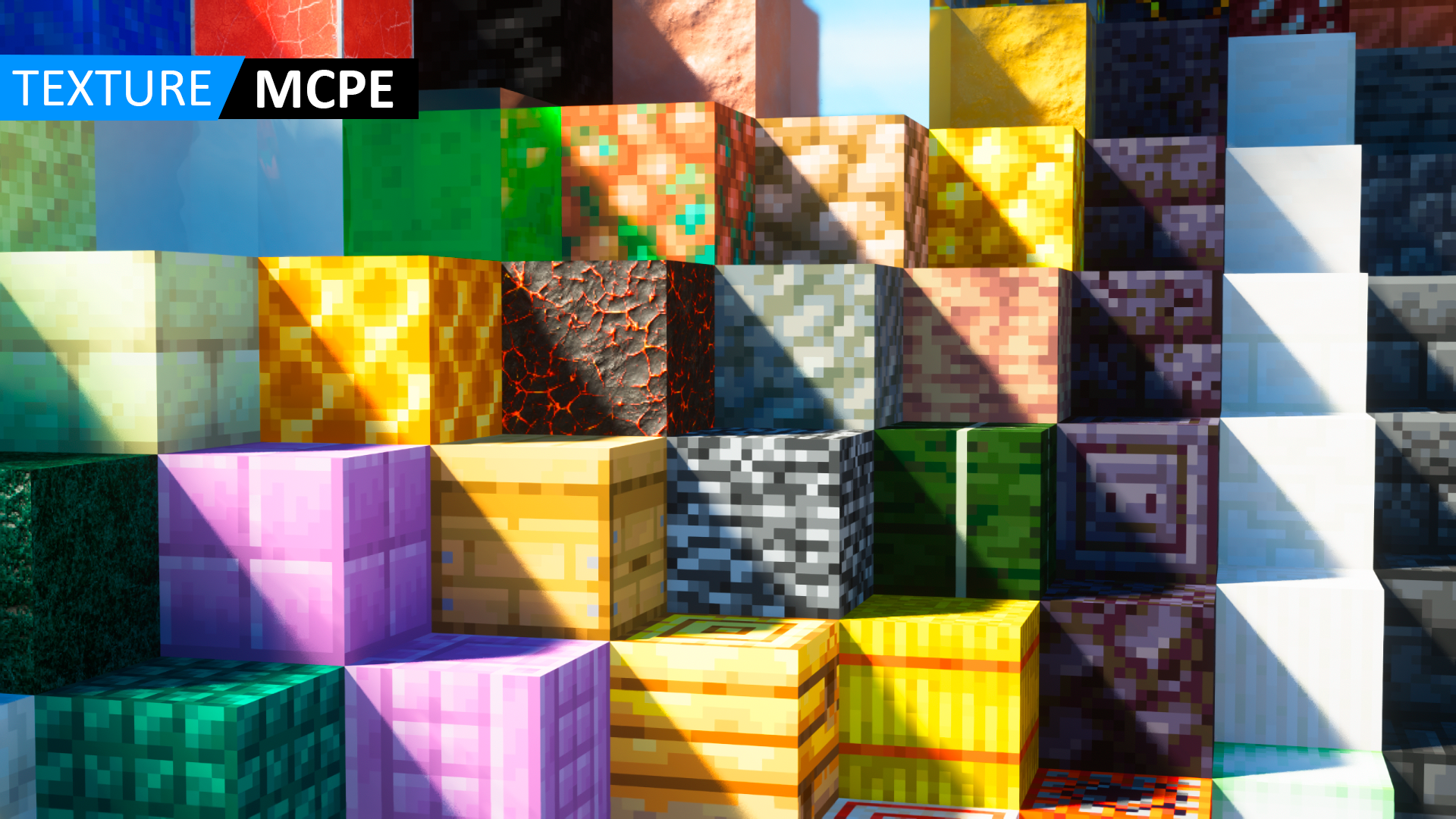
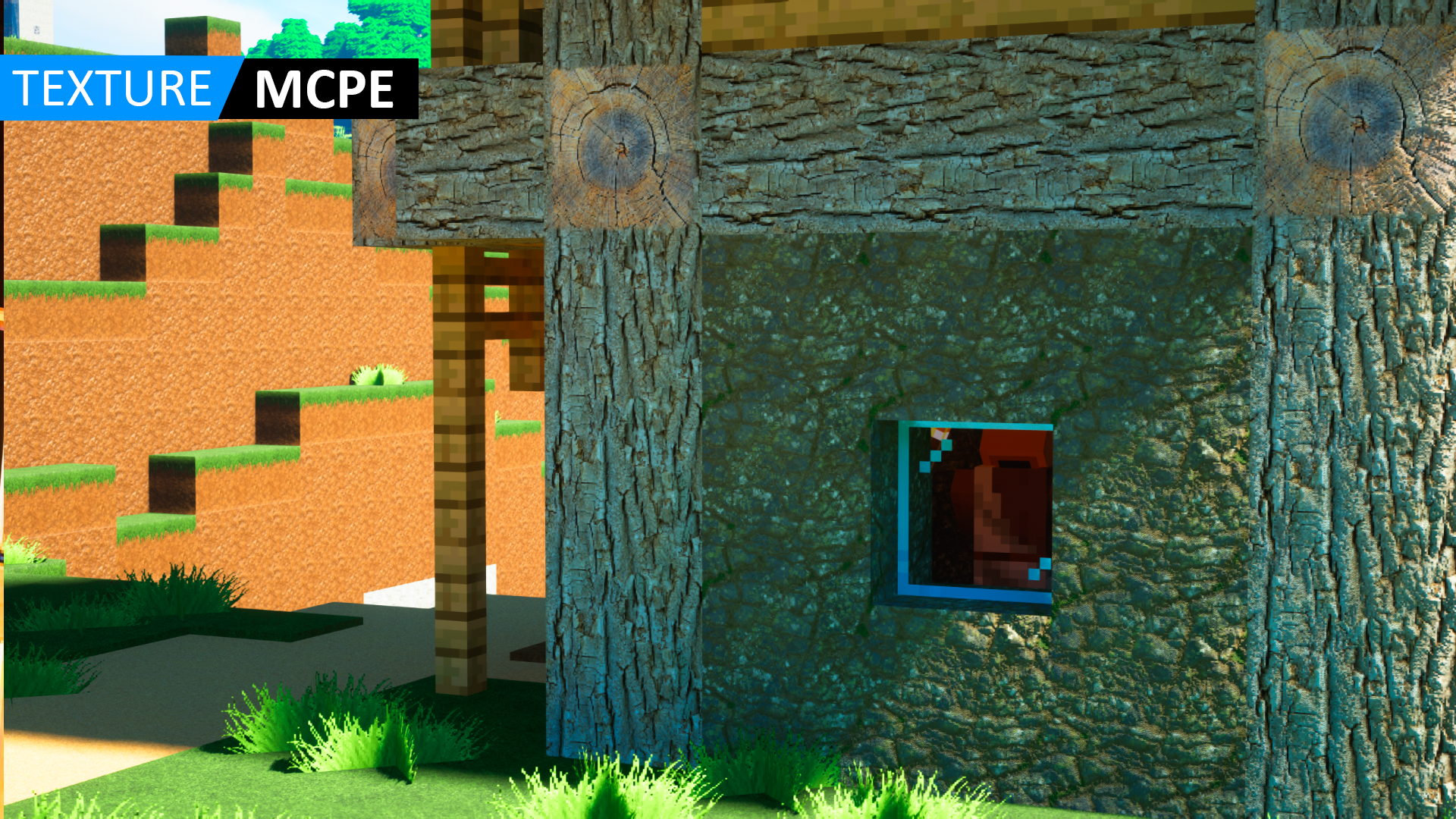
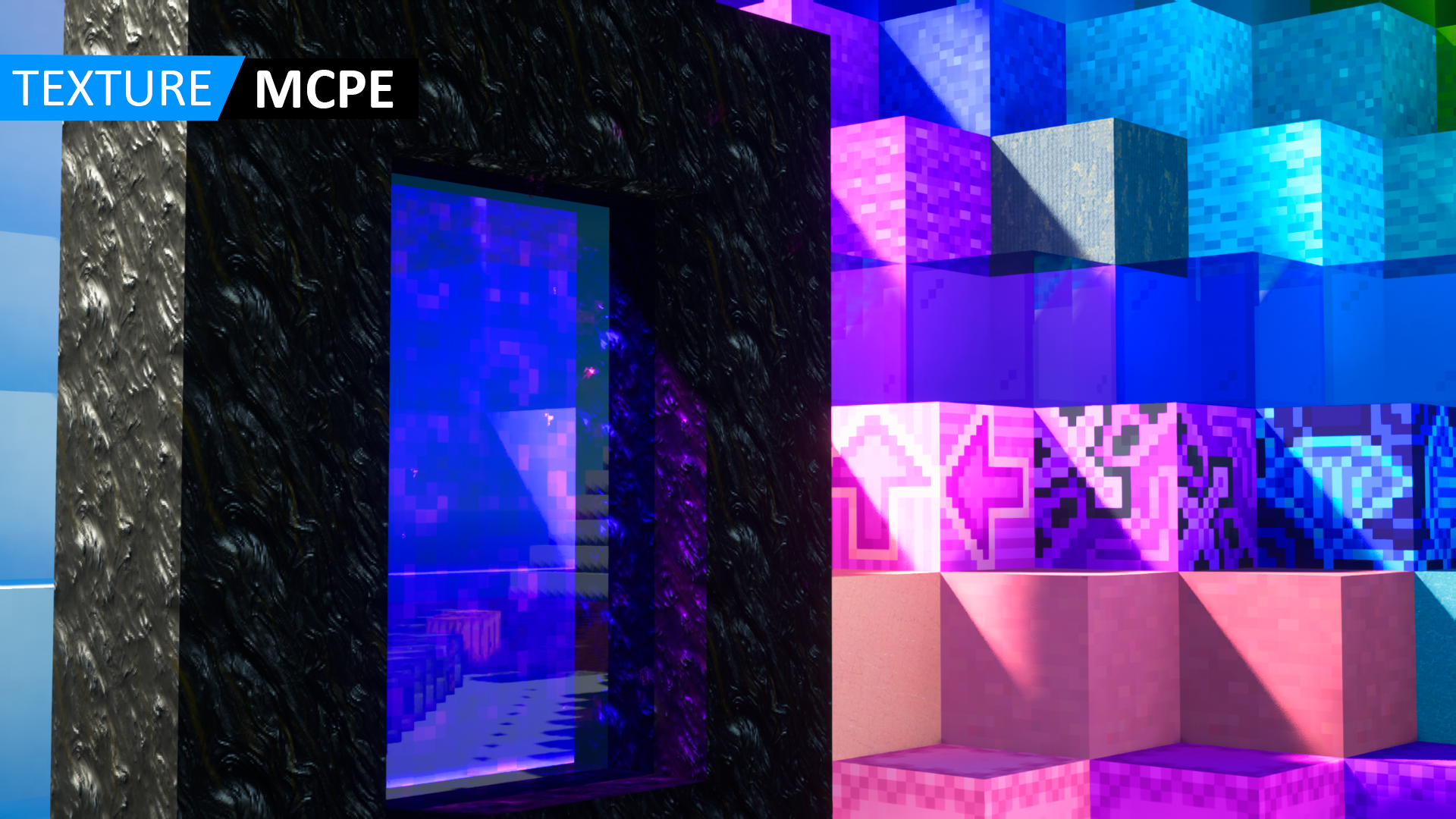
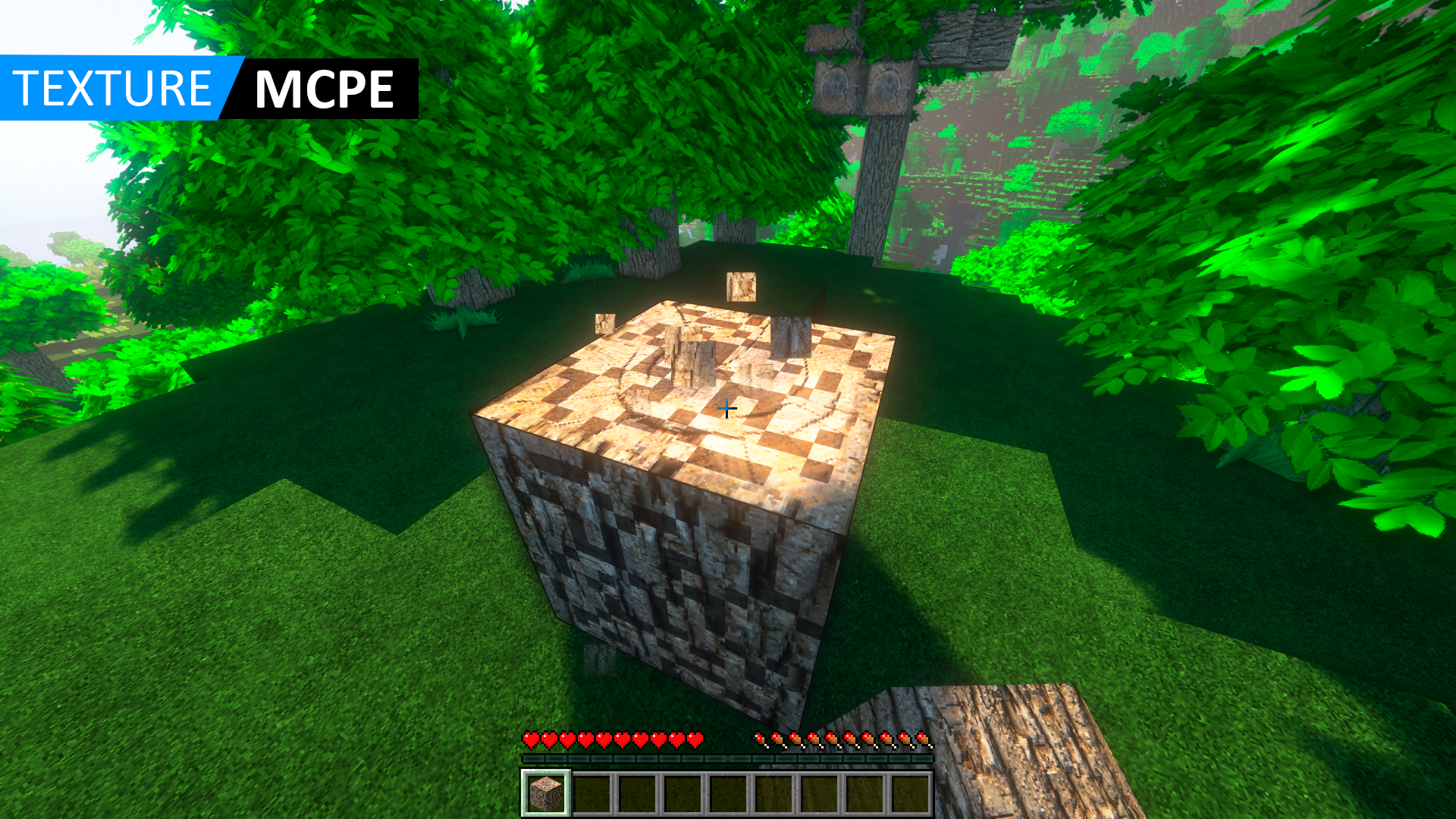
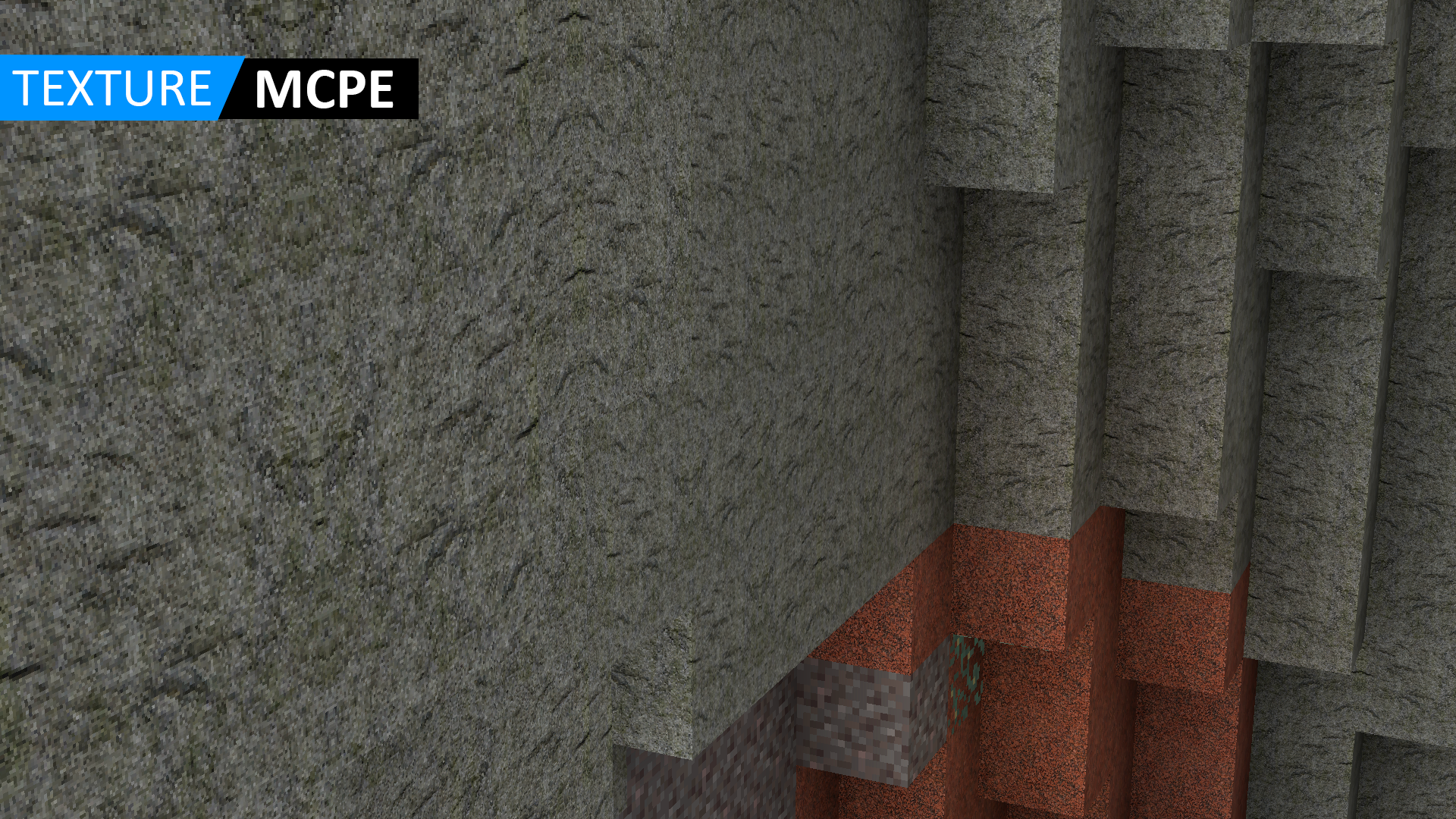
Shaders Texture Packs for MCPE
1. App Overview
Shaders Texture Packs for MCPE is a resource collection app for Minecraft Pocket Edition (MCPE) and Bedrock Edition players who want to customize the game's graphics. It provides a selection of shader mods and texture packs, covering styles from simple visual adjustments to more detailed environmental effects.
The collection includes popular resources such as SEUS PE, ESBE 2G, EVO Shader, ESTN Shader, RUSPE Shader, YSSBE Shader, Faithful Texture Pack, Bare Bones, MultiPixel, and RTX Realistic Texture Pack. Depending on the selected pack, players can change lighting, water effects, shadows, colors, and environmental textures to give their Minecraft worlds a different appearance.
Texture packs come in various resolutions, including 16x16, 32x32, 64x64, and 128x128. These options allow players to choose between simpler textures and more detailed graphics based on their preferences and device capabilities. The app also provides download and import options for transferring compatible resources into Minecraft. Previously downloaded packs remain accessible offline.
2. Key Features
• Shader Collection: Browse popular shaders such as SEUS PE, ESBE 2G, OSBES, RUSPE, and YSSBE, each offering different visual effects.
• Diverse Texture Styles: Explore realistic, colorful, minimalist, HD, and classic-inspired textures.
• Multiple Resolutions: Choose from 16x16, 32x32, 64x64, 128x128, and other available texture resolutions.
• Visual Enhancements: Find resources featuring improved lighting, water reflections, ripples, cloud shadows, sunlight, and detailed textures.
• Direct Minecraft Import: Transfer compatible downloaded packs into Minecraft using the built-in import feature.
• Offline Access: Revisit previously downloaded shaders and texture packs without an internet connection.
• Mobile and Tablet Support: Browse and download resources on supported smartphones and tablets.
• Updated Resource Collection: Explore additional shader and texture options as new content is added.
3. Main Functions
Browse Shader and Texture Packs
Explore the resource library, view available categories, and compare different visual styles before choosing a pack.
Download Resources
Open a selected resource to check its details, available versions, and resolution options. Download the pack that best matches your preferences and device capabilities.
Import Packs into Minecraft
Use the app's import feature to transfer downloaded files into Minecraft. Successfully imported resources become available in the game's resource settings.
Apply Visual Changes
Activate imported packs to customize Minecraft worlds. Depending on the resource, changes may include lighting, shadows, water effects, colors, and environmental textures.
Access Downloaded Resources
Find previously downloaded packs within the app and access their files offline without downloading them again.
4. How to Use
1. Install Minecraft: Make sure Minecraft Pocket Edition or Bedrock Edition is installed on your device. This app provides additional resources rather than a standalone game.
2. Browse the Collection: Open Shaders Texture Packs for MCPE and explore the available shaders and texture packs.
3. Select a Pack: Choose a resource based on its visual style, resolution, and stated Minecraft version compatibility. Lower-resolution packs may be more suitable for devices with limited processing power.
4. Download and Import: Tap the download option and follow the instructions to import the selected resource into Minecraft.
5. Activate the Pack: Open Minecraft and navigate to the resource settings. Depending on the pack, activate it under Global Resources or the settings of an individual world.
6. Check the Results: Enter your world to view the changes. If the game runs slowly, try a lower-resolution texture pack or a less demanding shader.
5. Frequently Asked Questions
Q1: Do I need Minecraft installed to use this app?
Yes. Shaders Texture Packs for MCPE is a resource collection app, not a standalone game. You need a compatible version of Minecraft Pocket Edition or Bedrock Edition to import and use the downloaded packs.
Q2: Which Minecraft versions are supported?
The app lists compatibility with Minecraft Bedrock Edition versions 1.14 through 1.20 and later. Individual resources may have different version requirements, so check the compatibility details before downloading.
Q3: Can I use RTX shaders on my phone?
Not all mobile devices support RTX or hardware-accelerated ray tracing. Compatibility depends on your device's hardware and graphics capabilities, as well as the selected resource. If an advanced shader causes performance issues, consider trying a lighter option such as Bare Bones or MultiPixel.
Q4: Why won't my downloaded texture pack import into Minecraft?
Check whether the pack is compatible with your Minecraft version and whether your device has enough available storage. If the issue continues, try downloading the resource again and repeating the import process.
Q5: Can I use downloaded packs offline?
Yes. Previously downloaded shaders and texture packs remain accessible within the app without an internet connection. You need an active connection to browse and download new resources.
Q6: Is Shaders Texture Packs for MCPE an official Minecraft app?
No. Shaders Texture Packs for MCPE is an independent third-party application. It is not affiliated with, authorized, or endorsed by Mojang AB or Microsoft. Minecraft and its related names, trademarks, and assets belong to their respective owners.
- Version2.0.5
- UpdateNov 09, 2026
- DeveloperBlastly Studio
- CategoryTools
- Requires AndroidAndroid 4.4+
- Downloads368K+
- Package Namecom.blastlystudios.hdtextureformcpe
- Signature29531d6ded025267f924fabaf311f8ba
- Available on
- ReportFlag as inappropriate
















Abundant resources
Easy installation
Available offline
Version compatible
Excessive advertising
High barrier to entry for paid services
Poor stability
Unofficial application