
ETA Smart - Smart home control & management
Revolutionize your home with smart appliance control, scheduling, & effortless sharing for every household member.
- 1.0.8 Version
- 1.1 Score
- 156K+ Downloads
- Free License
- 3+ Content Rating

ETA SMART
1. App Overview
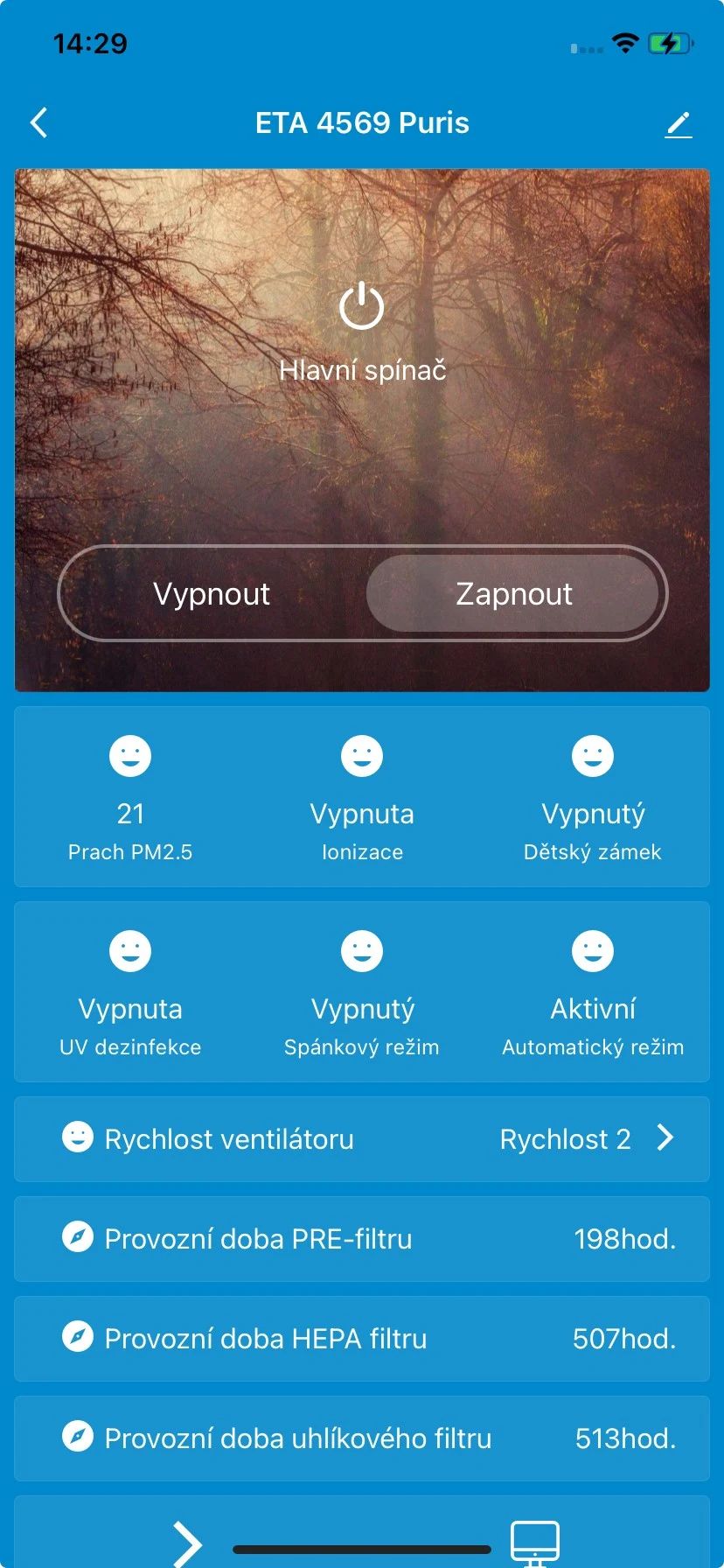
ETA SMART is a smart home app for controlling compatible household appliances from a smartphone. It brings multiple connected devices into one interface, allowing users to manage their appliances remotely, schedule operations, and share device access with family members.
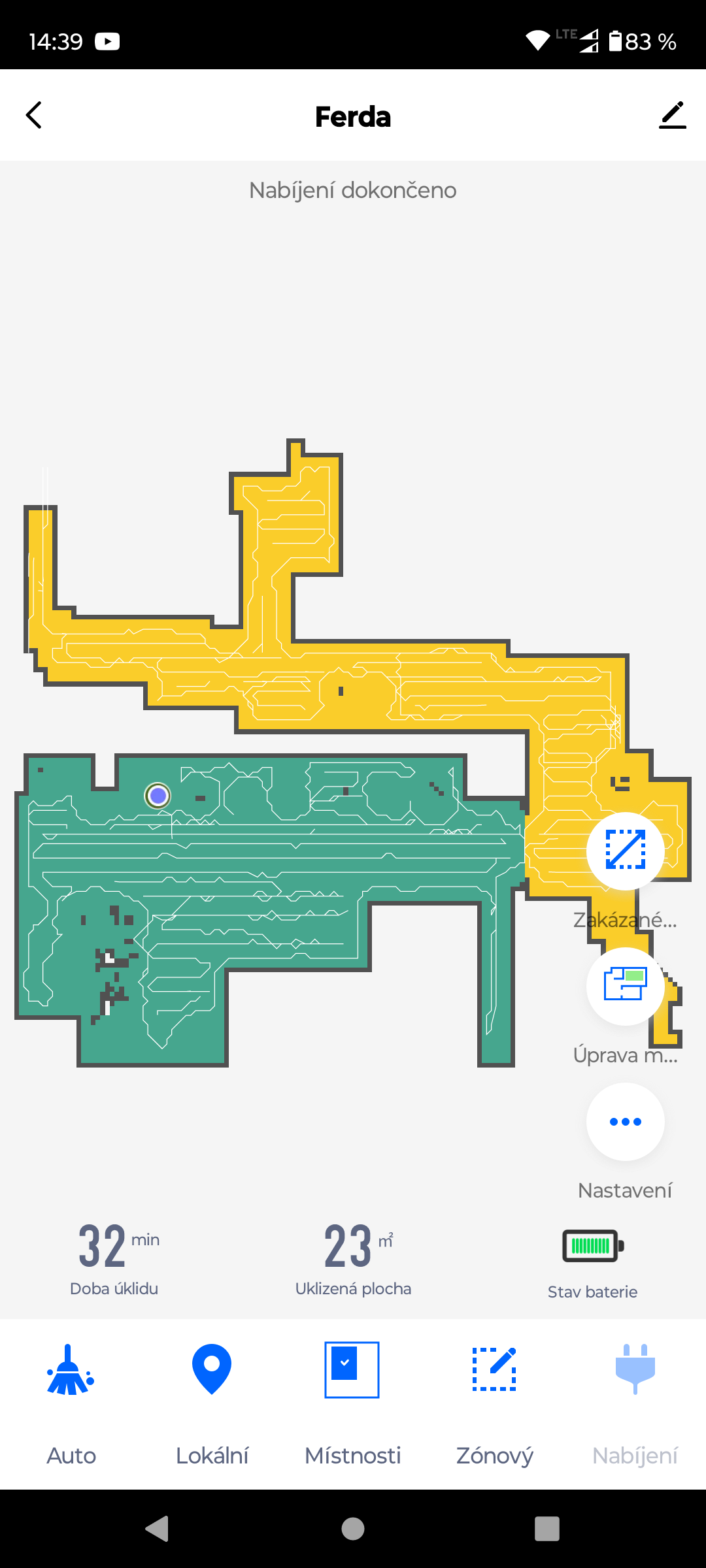
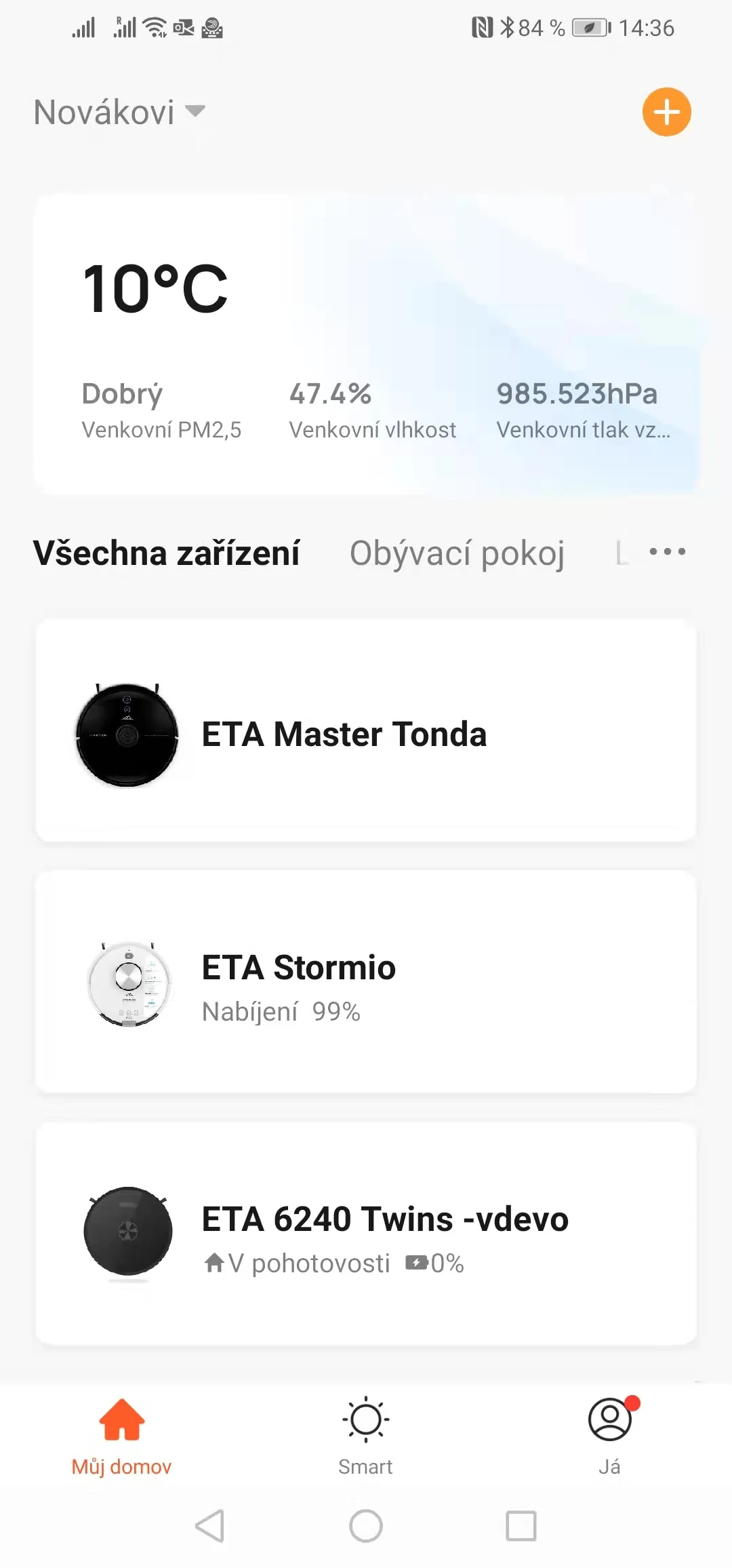
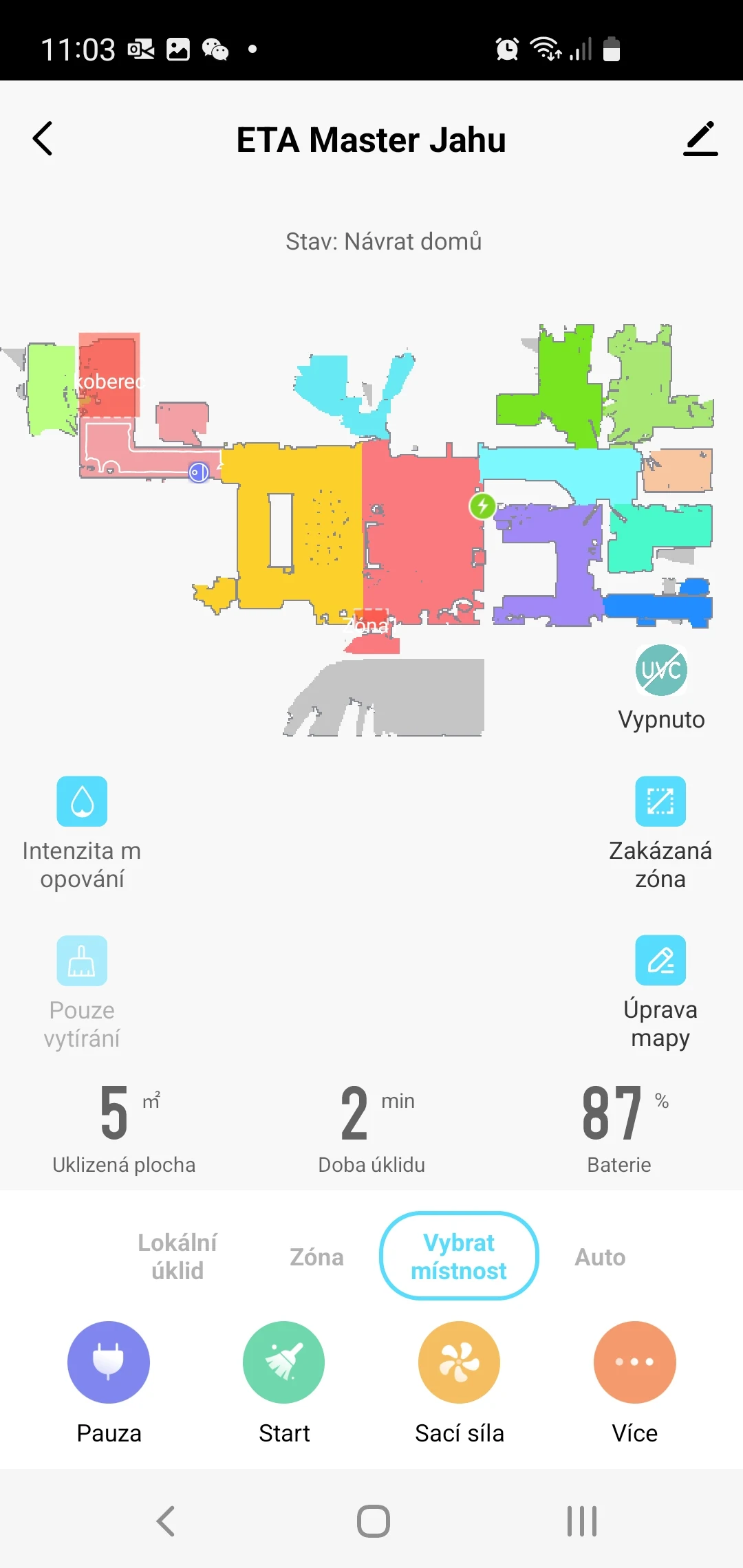
With remote control, users can operate connected appliances even when they are away from home. For example, they can start a robot vacuum while at work or adjust a compatible device without being at home. This is particularly useful for households with several smart appliances, as users can access their controls without switching between different apps.
ETA SMART also supports scheduled operations for compatible devices. Users can set a robot vacuum to clean at a specific time or arrange for a humidifier to start before bedtime. Device-sharing options allow other household members to access shared appliances through their own permissions.
The app includes a guided setup process for connecting compatible products. Once a device is paired, users can access its available controls and settings directly from their phones. Whether managing a single appliance or several connected products, ETA SMART provides a centralized way to handle everyday smart home operations.
2. Key Features
Remote Device Control: Operate compatible household appliances through a smartphone, even when away from home.
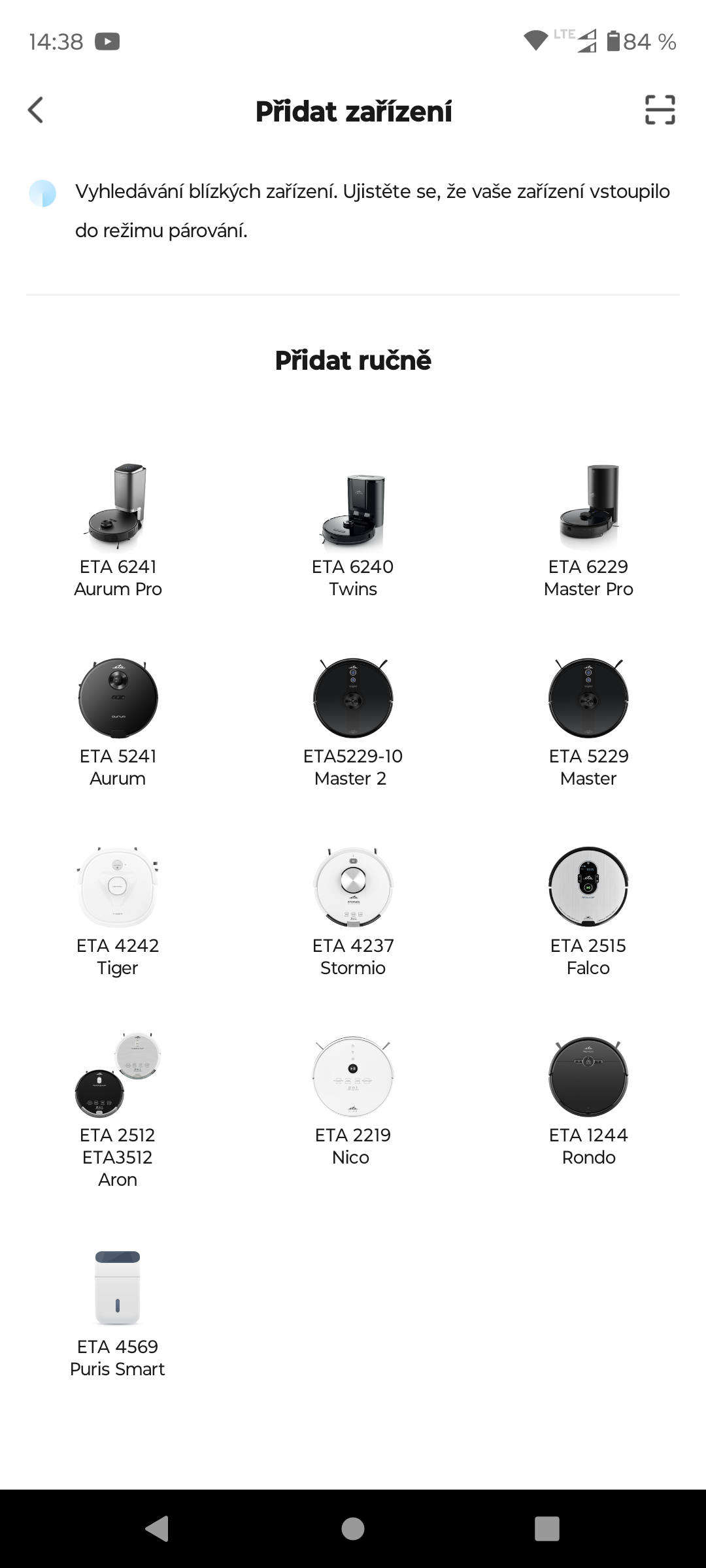
Centralized Device Management: Access multiple connected products, including robot vacuums and humidifiers, through one app.
Scheduled Operations: Set cleaning schedules, delayed starts, and other supported tasks to run at selected times.
Shared Device Access: Grant family members permission to operate connected appliances through their own access.
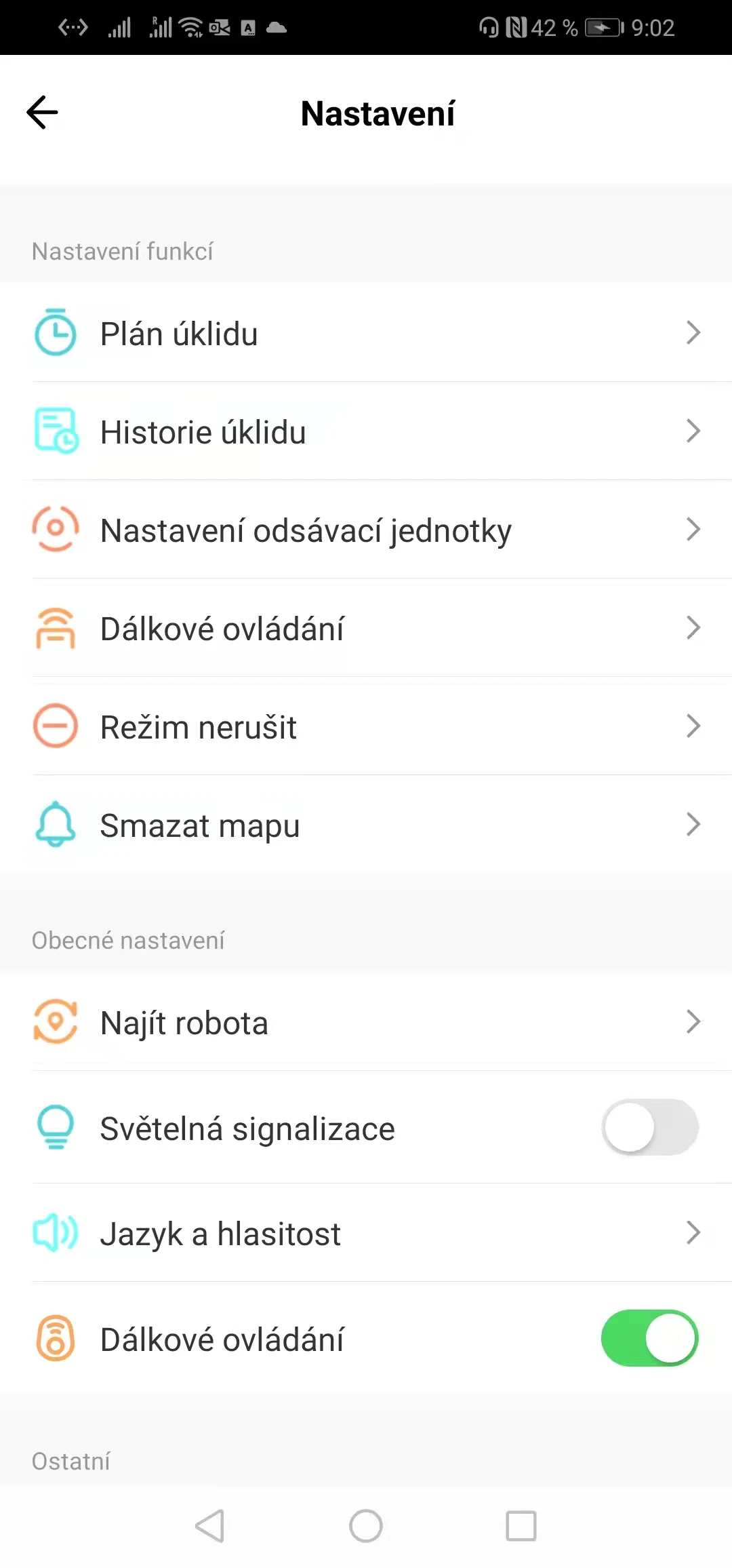
Guided Device Setup: Follow in-app instructions to connect compatible appliances and configure their available settings.
3. Common Usage Scenarios
Remote Appliance Operation
Start a connected robot vacuum while at work or operate another compatible appliance without being at home. Remote commands require the appliance to have an active internet connection.
Managing Multiple Devices
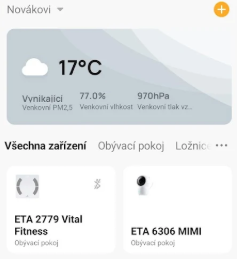
Switch between connected appliances, such as robot vacuums and humidifiers, within ETA SMART. Users can access each device's available controls without opening separate applications.
Setting Appliance Schedules
Configure a robot vacuum to clean at specific times or schedule a humidifier to start before bedtime. Once configured, supported operations can run according to the selected schedule.
Sharing Devices with Family
Grant other household members access to shared appliances so they can operate them through their own permissions. This is useful when several people in the household use the same connected devices.
Adding a New Appliance
When connecting a new compatible product, open the device setup section in ETA SMART and follow the on-screen pairing instructions. After completing the connection, the appliance will appear in the app with its supported controls.
4. Frequently Asked Questions
Q1: Which devices are compatible with ETA SMART?
A: ETA SMART supports compatible household appliances, including certain robot vacuums and humidifiers. Compatibility and available functions depend on the device model. Check the app's device list or pairing options to see whether your appliance is supported.
Q2: Do my phone and appliance need to be connected to the same Wi-Fi network?
A: No. Your phone can access ETA SMART through Wi-Fi or mobile data, while the connected appliance needs an active internet connection for remote control.
Q3: Can I share access to my devices with family members?
A: Yes. ETA SMART supports shared device access, allowing you to grant other household members permission to operate compatible appliances. Available permissions may vary by device and app version.
Q4: What should I do if my appliance cannot connect to ETA SMART?
A: Check that the appliance is powered on and connected to a stable Wi-Fi network. Make sure you have the latest app version, then restart the appliance and try pairing it again by following the in-app instructions.
Q5: Will scheduled operations continue if the internet connection is interrupted?
A: This depends on the appliance model and its scheduling system. Some devices can store schedules locally and continue operating offline, while others require an active internet connection. Refer to your appliance's instructions for details.
- Version1.0.8
- UpdateNov 09, 2026
- DeveloperETA a.s.
- CategoryTools
- Requires AndroidAndroid 6+
- Downloads156K+
- Package Namecom.ETArobots.smart
- Signature7758598a42c90e6fc67aaa93128abb8f
- Available on
- ReportFlag as inappropriate











Remote control is convenient, allowing you to operate devices anytime, anywhere;
Centralized management is highly efficient, with one app handling everything without switching apps;
Supports scheduled/automated tasks to improve life efficiency;
Multi-user collaboration facilitates shared management among family members; Simple setup and operation, easy for beginners.
Relies on a stable network; functionality is limited during network outages or poor signal.
Privacy risks exist; data transmission and storage require security measures.
Device compatibility is limited; only devices supporting specific protocols are supported; incompatible devices cannot connect.
Software updates and maintenance may be required; otherwise, stability will be affected.