
Bill Checker Online - Gas Bill - Gas bill viewer & tracker
Easily view & track your gas bills with detailed insights on current charges & billing history in one convenient app!

- 1.19 Version
- 1.7 Score
- 282K+ Downloads
- Free License
- 3+ Content Rating

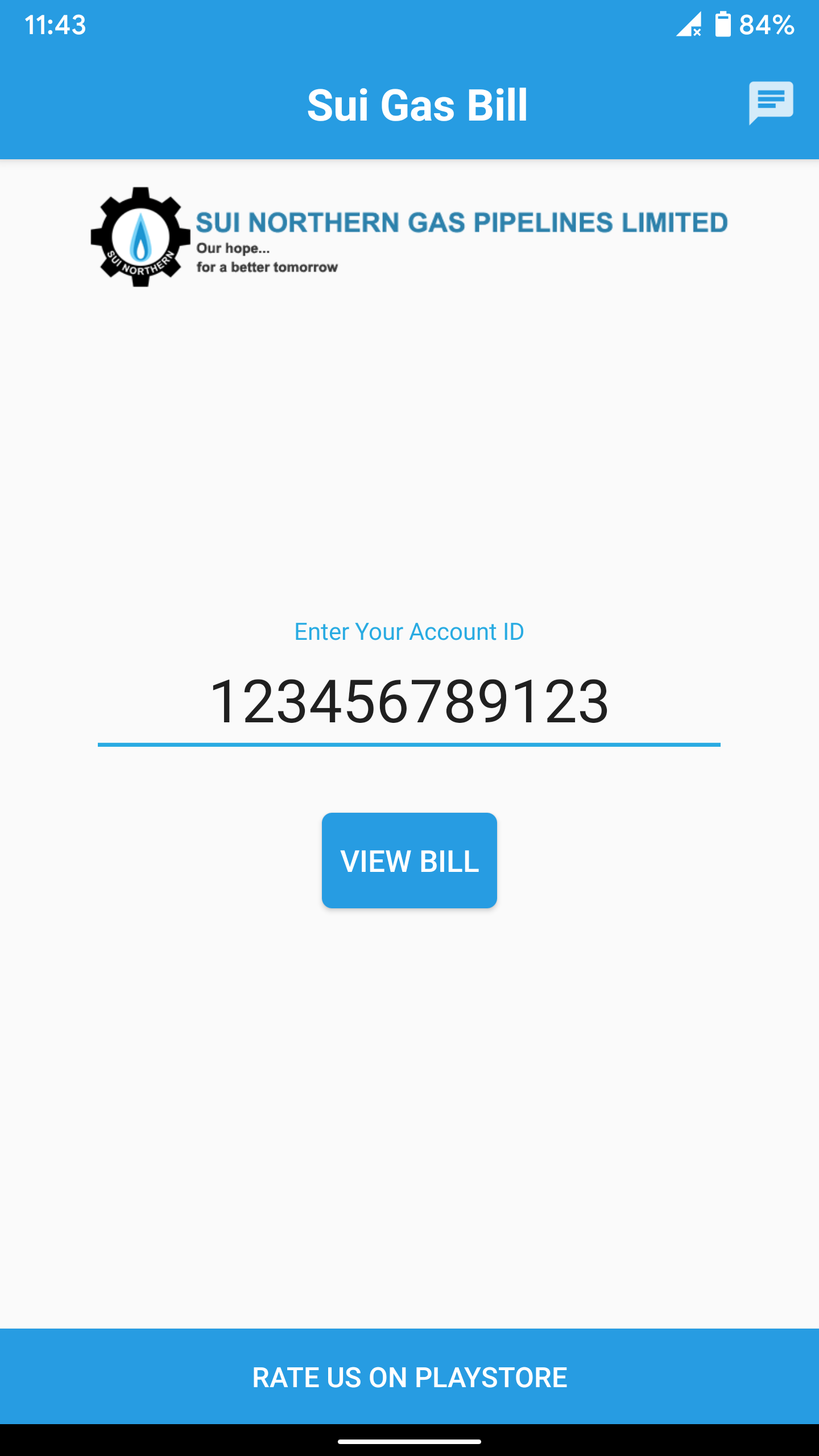
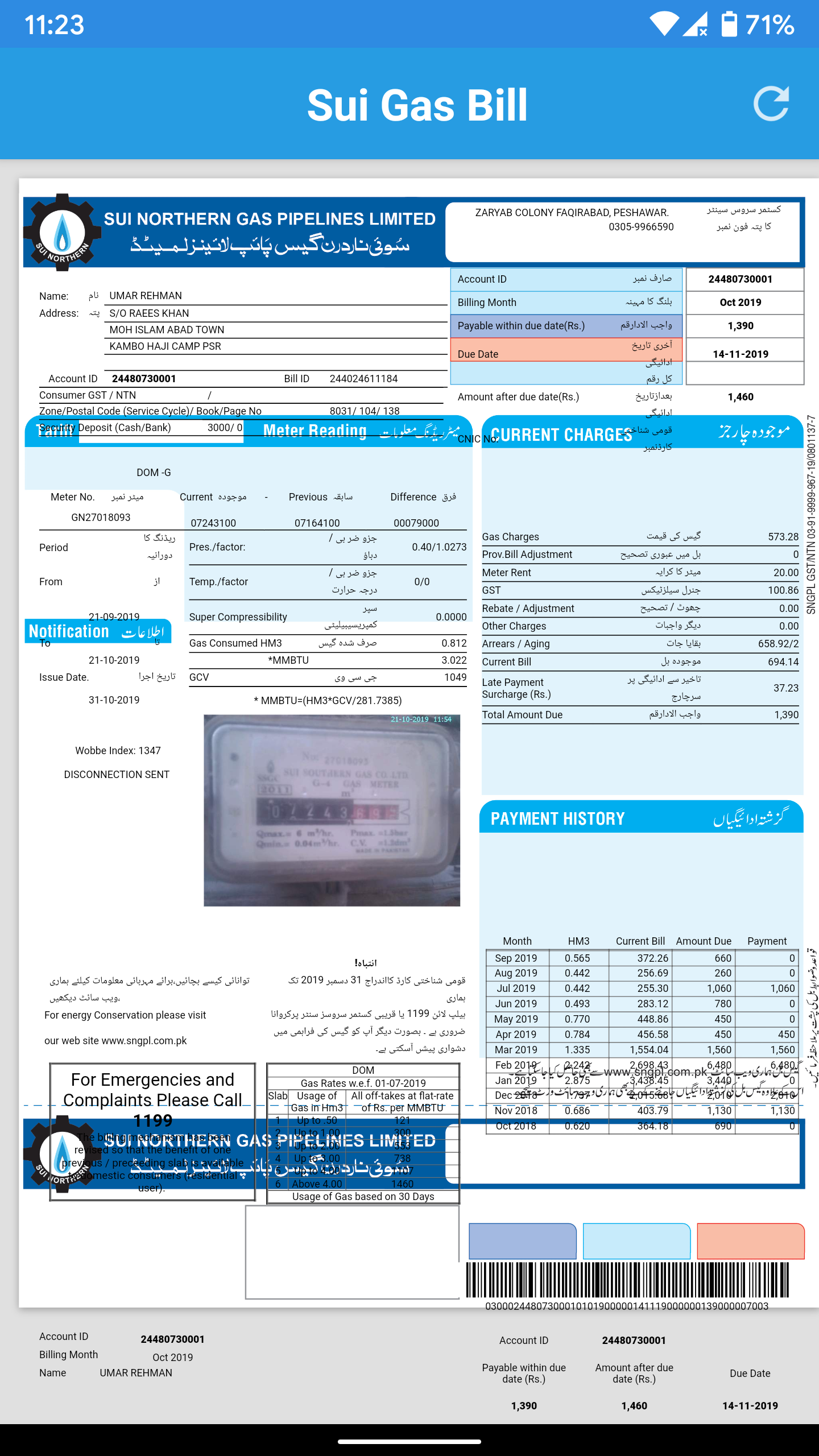
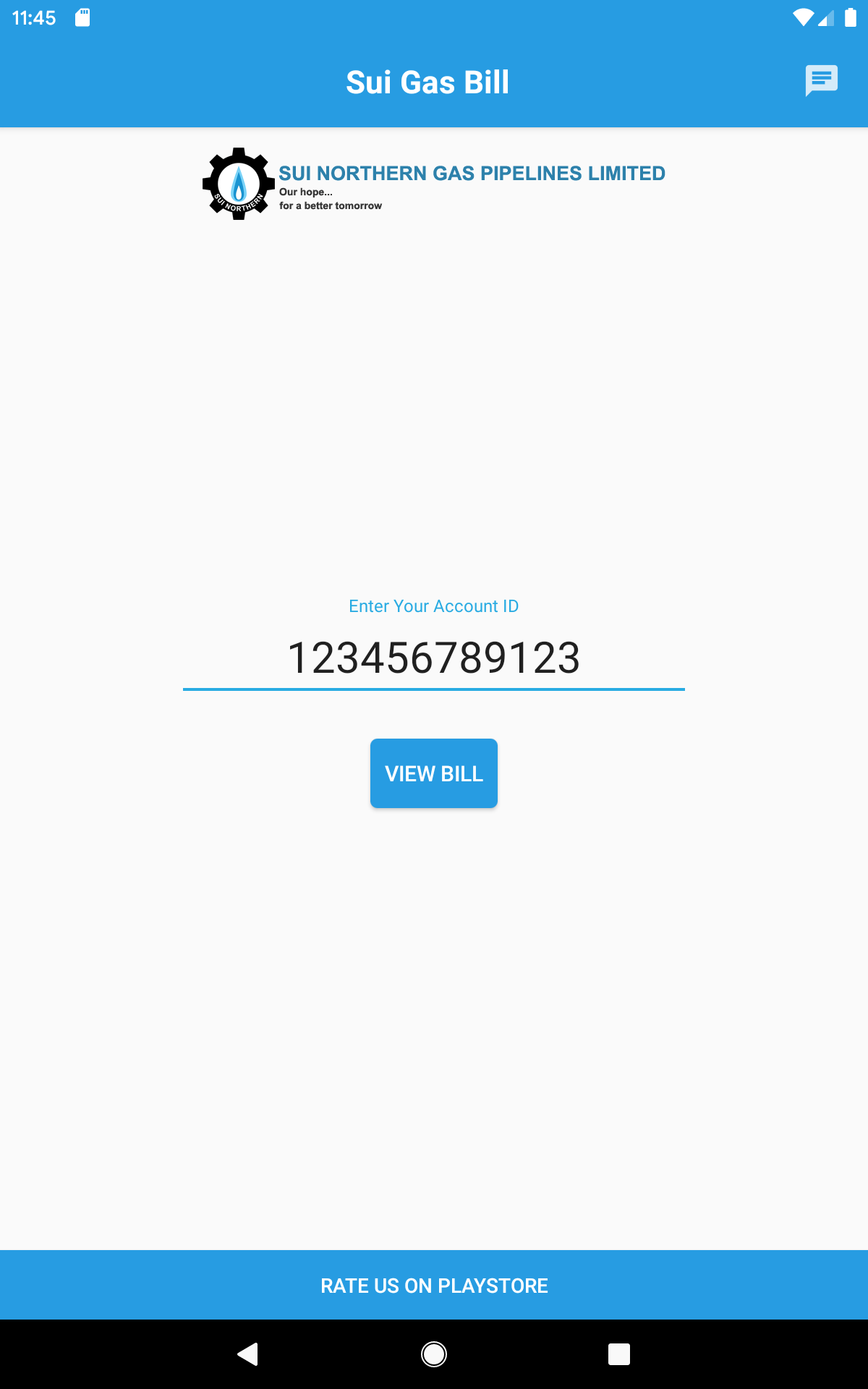
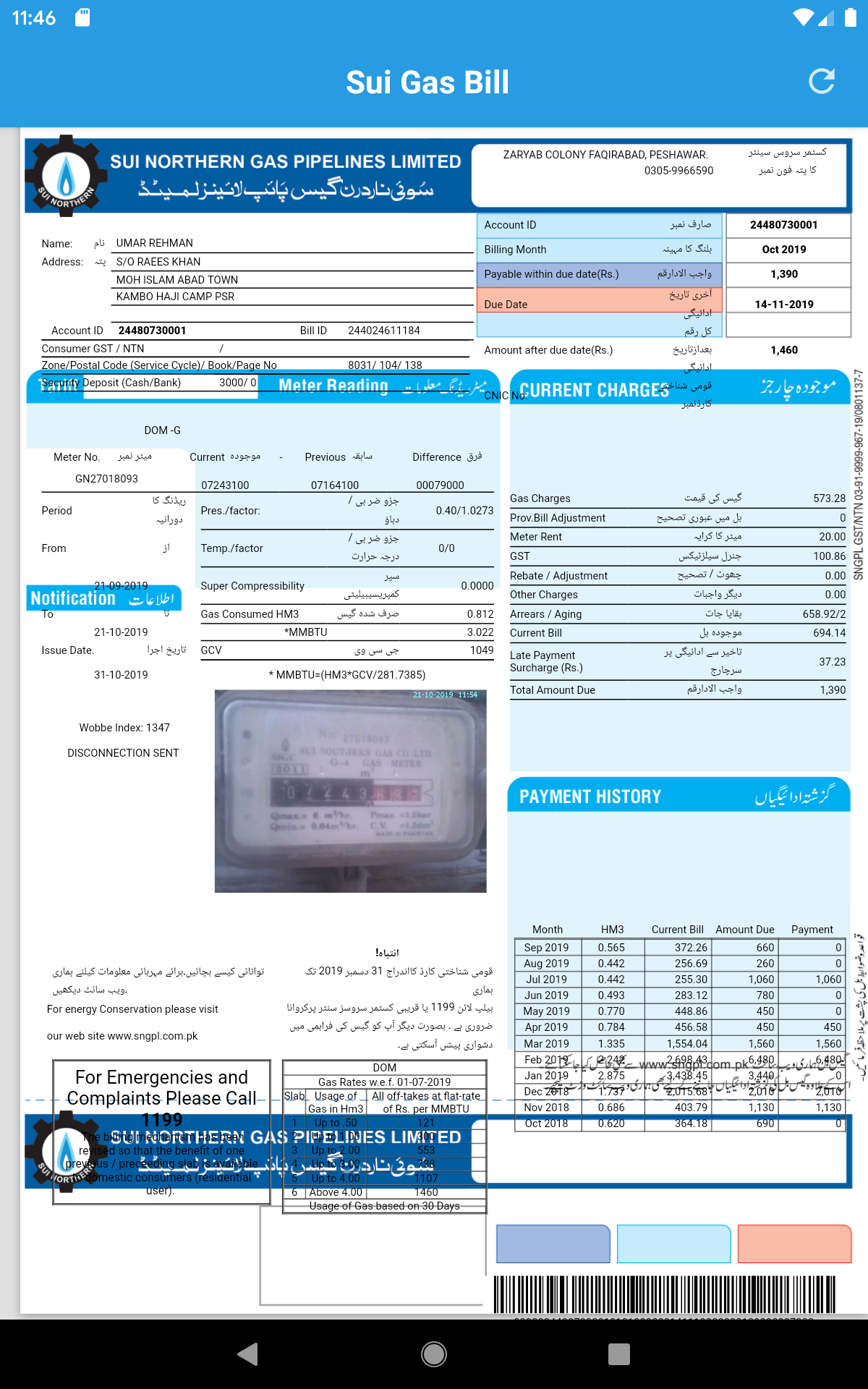
Bill Checker Online
1. App Overview
Bill Checker Online is a utility app for checking gas bills online in Pakistan. It supports two major gas providers, SNGPL (Sui Northern Gas Pipelines Limited) and SSGC (Sui Southern Gas Company), allowing customers to view their billing information without visiting a service office.
To check a bill, users select their gas provider and enter the required consumer details. The app retrieves available billing information, including the latest bill and previous records. These records make it easier to review monthly charges, compare bills from different billing periods, and monitor household gas expenses.
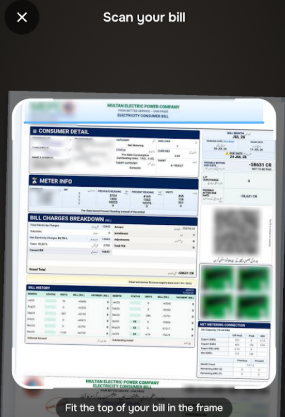
No separate account registration is generally required. Users can access the bill-checking service directly by entering their consumer ID and any additional information requested by the app.
Bill Checker Online is an independent bill-viewing application and is not affiliated with SNGPL, SSGC, or any government organization. The billing information displayed in the app is obtained from publicly available online sources. The app does not claim ownership of third-party data or related copyrights.
2. Key Features
Online Gas Bill Lookup
Retrieve the latest available gas bill by selecting a provider and entering the required consumer information.
Support for SNGPL and SSGC
Check billing information from Pakistan's two major gas providers through a single application.
Previous Bill Records
Access available billing history to review earlier charges and compare them with the latest bill.
No Account Registration Required
Check gas bills without creating a separate account or completing a registration process.
Simple Interface
The straightforward layout keeps the main bill-checking options easy to find, making the lookup process simple and direct.
3. User Guide
1. Install and open the app: Download Bill Checker Online and launch it on your device.
2. Select your gas provider: Choose SNGPL or SSGC according to your gas connection.
3. Enter consumer details: Provide your consumer ID and any additional information requested by the app.
4. Submit your information: Follow the on-screen instructions to retrieve your billing details.
5. View your bills: Check the latest available gas bill and browse previous billing records if provided.
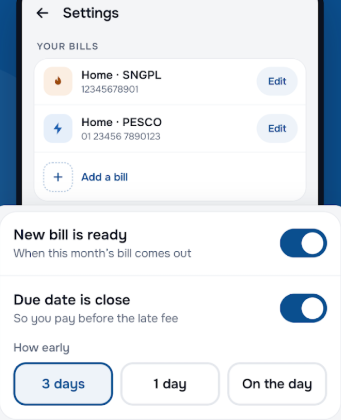
For bill payments, account corrections, or personal information updates, contact SNGPL or SSGC through their official service channels. These account management services are not provided by Bill Checker Online.
4. Frequently Asked Questions
Q1: Which gas providers are supported by Bill Checker Online?
A: The app supports SNGPL (Sui Northern Gas Pipelines Limited) and SSGC (Sui Southern Gas Company). Bills from other providers are not currently supported.
Q2: Do I need to register an account to check my gas bill?
A: No separate registration is generally required. Select your gas provider and enter the requested consumer information to retrieve your bill.
Q3: Can I check my previous gas bills?
A: Yes. The app provides access to available billing records, allowing you to review earlier charges alongside your latest bill.
Q4: Why is my latest gas bill not showing up?
A: Check that you have selected the correct gas provider and entered your consumer ID accurately. If the bill still does not appear, the latest record may not yet be available from the source platform. Try again later or visit your provider's official website.
Q5: Can I pay my gas bill through the app?
A: No. Bill Checker Online is designed for viewing gas bill information and does not process payments. Use a payment method officially supported by SNGPL or SSGC to pay your bill.
Q6: What should I do if my gas bill contains incorrect information?
A: The app does not allow users to edit billing details or correct account information. Contact your gas provider's customer service department directly to report incorrect charges or account details.
- Version1.19
- UpdateNov 06, 2026
- Developerhrsali
- CategoryTools
- Requires AndroidAndroid 4.4+
- Downloads282K+
- Package Namecom.ali.harris.bill
- Signatureb850399ded468065807550992e040f3d
- Available on
- ReportFlag as inappropriate
-
NameSizeDownload
-
8.01 MB
-
4.18 MB
-
2.17 MB
















Convenient bill checking with reference number
User-friendly application interface
Accurate results for gas bills
Fast and easy to use
Time-saving for users
Positive feedback on overall performance
Mobile accessibility for bill updates
Lack of printing option available
App fails to show gas bill as advertised
Errors with entering consumer numbers and captcha
Limited facilities for saving or sharing bills
Some users report the app not functioning properly
Negative experiences overshadowing positive comments
Unclear official affiliation with utility companies