
Go Translate All Language App - Translate voice & text
Experience seamless communication with instant text, voice, and photo translation in any language at your fingertips!

- 3.9 Version
- 1.6 Score
- 670K+ Downloads
- In-app purchases License
- 3+ Content Rating





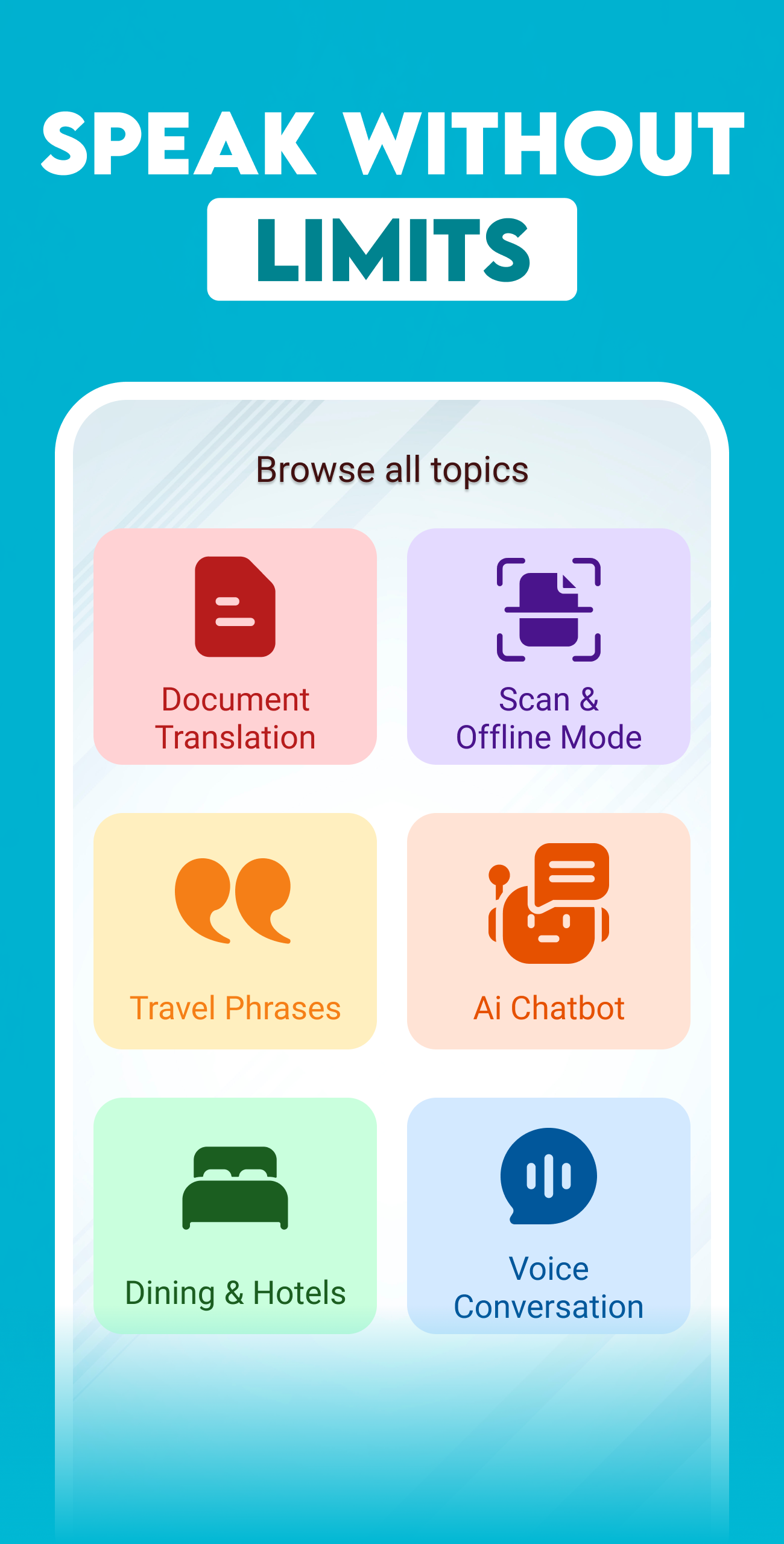
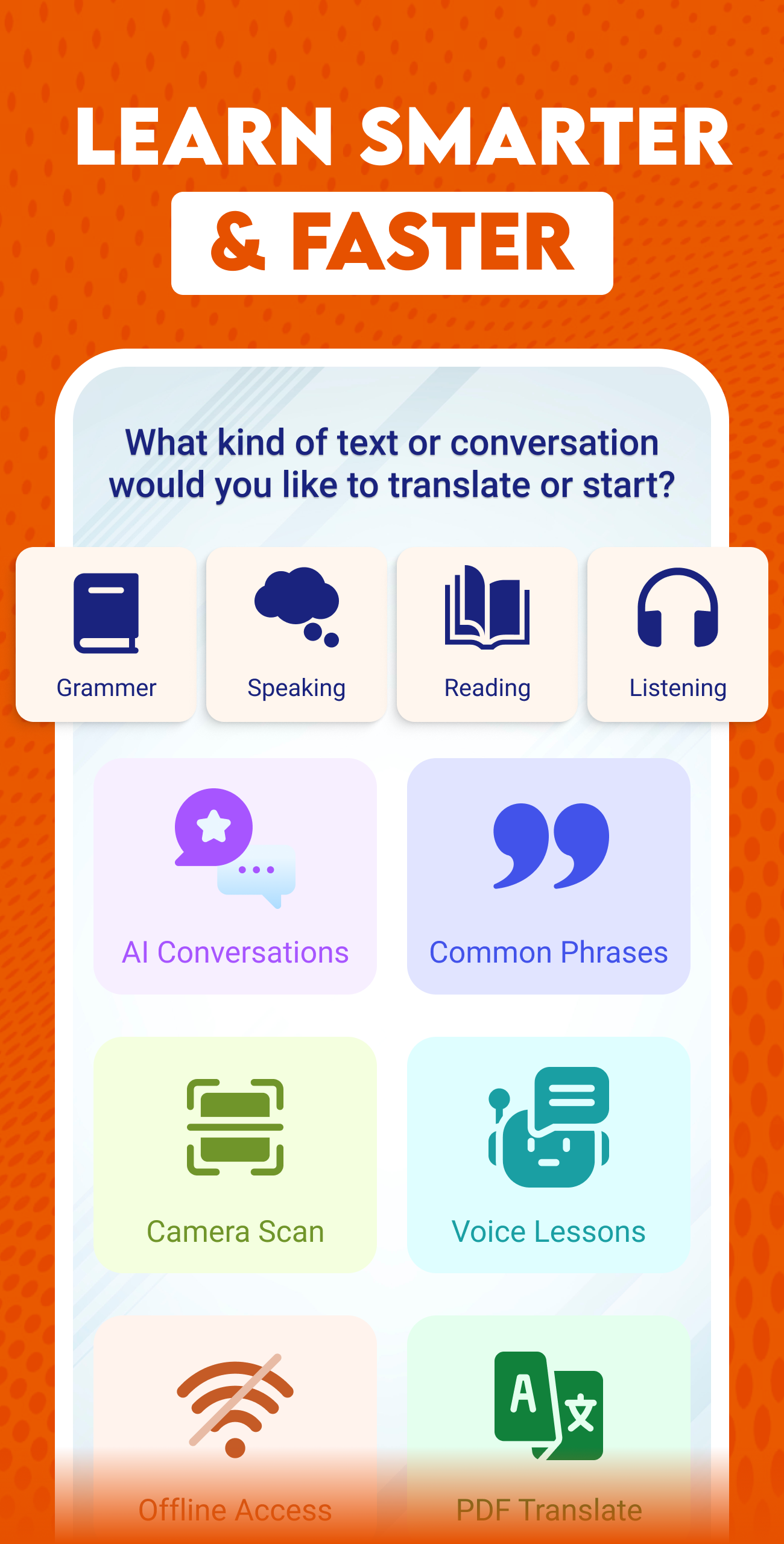
Language Translator
1. Features
Text Translation
Translate text between multiple languages by typing or pasting content into the translation field. Select the source and target languages to view the translated result. The function supports everyday translation of messages, articles, and other written content.
Photo Translation
Recognize and translate text in images and printed materials using your device's camera. Capture a restaurant menu, road sign, document, or other written content to obtain its translation. This feature converts text in visual materials into readable translated content.
Voice Translation
Translate spoken words into another language through your device's microphone. Select the languages involved, speak into the microphone, and view the translated result. Previous voice translations can be accessed through the conversation history.

Built-in Dictionary
Look up unfamiliar words and check their definitions using the integrated dictionary. Audio pronunciation is also available for supported words and languages, allowing users to hear how individual words are pronounced.
Everyday Phrasebook
Browse commonly used expressions related to travel, daily activities, and general conversations. Each entry includes a corresponding translation, providing ready-made expressions for common communication needs.
Translation History
Access previously translated text and voice conversations in the history section. Users can revisit earlier results or delete records they no longer need.
2. Use Cases
1. International Travel: Understand foreign-language menus, public signs, directions, and local information when visiting another country.
2. Work and Business: Read overseas business materials, handle foreign-language correspondence, and communicate with international colleagues or clients.
3. Language Learning: Build vocabulary, check word definitions, and practice pronunciation when studying another language.
4. Daily Communication: Understand messages, social media posts, and online content written in other languages, particularly when communicating with international friends and acquaintances.
3. How to Use
1. Translate Text: Select the source and target languages, then enter or paste the text into the translation field. View the result and copy it if needed.
2. Translate Photos: Open the photo translation function, point your camera at the text, and capture the image. Ensure the text is clearly visible and in focus.
3. Translate Voice: Choose the languages involved, activate the microphone, and speak clearly into your device. View the translated result once processing is complete.
4. Look Up Words: Open the dictionary, enter a word, and check its definition. Select the audio option to hear its pronunciation when available.
5. Browse Phrases: Open the phrasebook and browse expressions by situation. Select an entry to view its translation.
6. Manage Translation History: Open the history section to review previous text and voice translations. Use the available options to revisit or delete records.
4. Frequently Asked Questions
Q1: Can I translate spoken conversations with this app?
Yes. The voice translation function captures speech through your device's microphone and displays the translated content. Select the languages you want to use and activate the microphone to begin.
Q2: Can the photo translation feature recognize handwriting?
The feature is primarily designed for printed text. Handwriting, decorative fonts, blurry images, and complex backgrounds may affect recognition accuracy. Clear images with good lighting generally produce better results.
Q3: Where can I find my previous translations?
Open the translation history section to access previous text translations and voice conversations. You can review earlier results without entering the same content again.
Q4: Does the built-in dictionary include audio pronunciation?
Yes. Audio pronunciation is available for supported words and languages. Search for a word and select the audio option to hear its pronunciation.
Q5: Can I use the app offline?
Offline availability depends on the translation function and selected language. Some services may require an internet connection. Check the app's language and download settings to see whether offline translation is available.
- Version3.9
- UpdateNov 06, 2026
- DeveloperVisionary AI
- CategoryTools
- Requires AndroidAndroid 6+
- Downloads670K+
- Package Nametranslate.all.language.translator.text.voice.translation
- Signature215e0aed79d652267c4b2e832091333d
- Available on
- ReportFlag as inappropriate













Comprehensive functions
Highly practical
Simple operation
Limited recognition capabilities
Reliance on networks
Insufficient support for less commonly spoken languages