
My Kids Family - Child Registration & Safety
Easily register children & guardians, print ID tags, ensuring safety during drop-off & pick-up at Children's Ministry.

- 1.53 Version
- 2.0 Score
- 299K+ Downloads
- Free License
- 3+ Content Rating

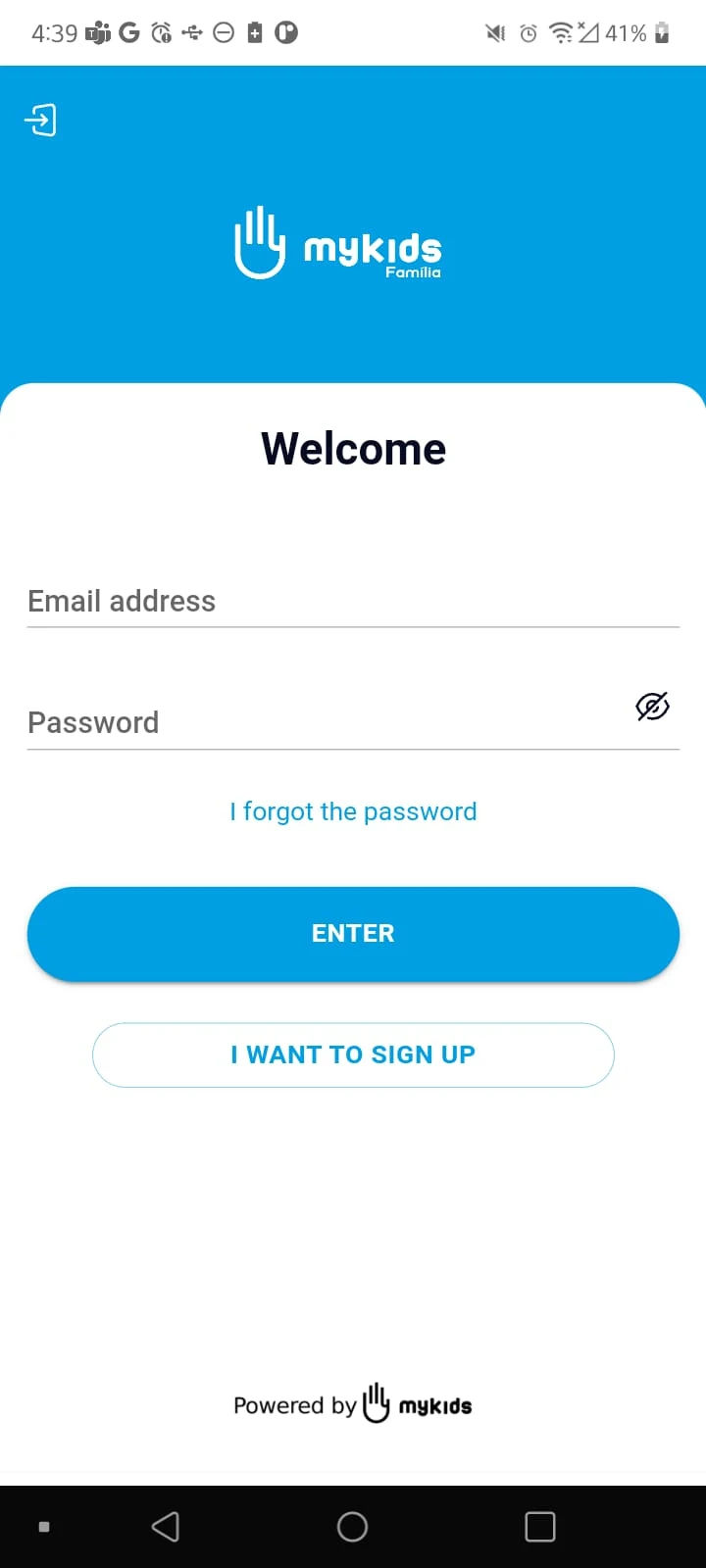
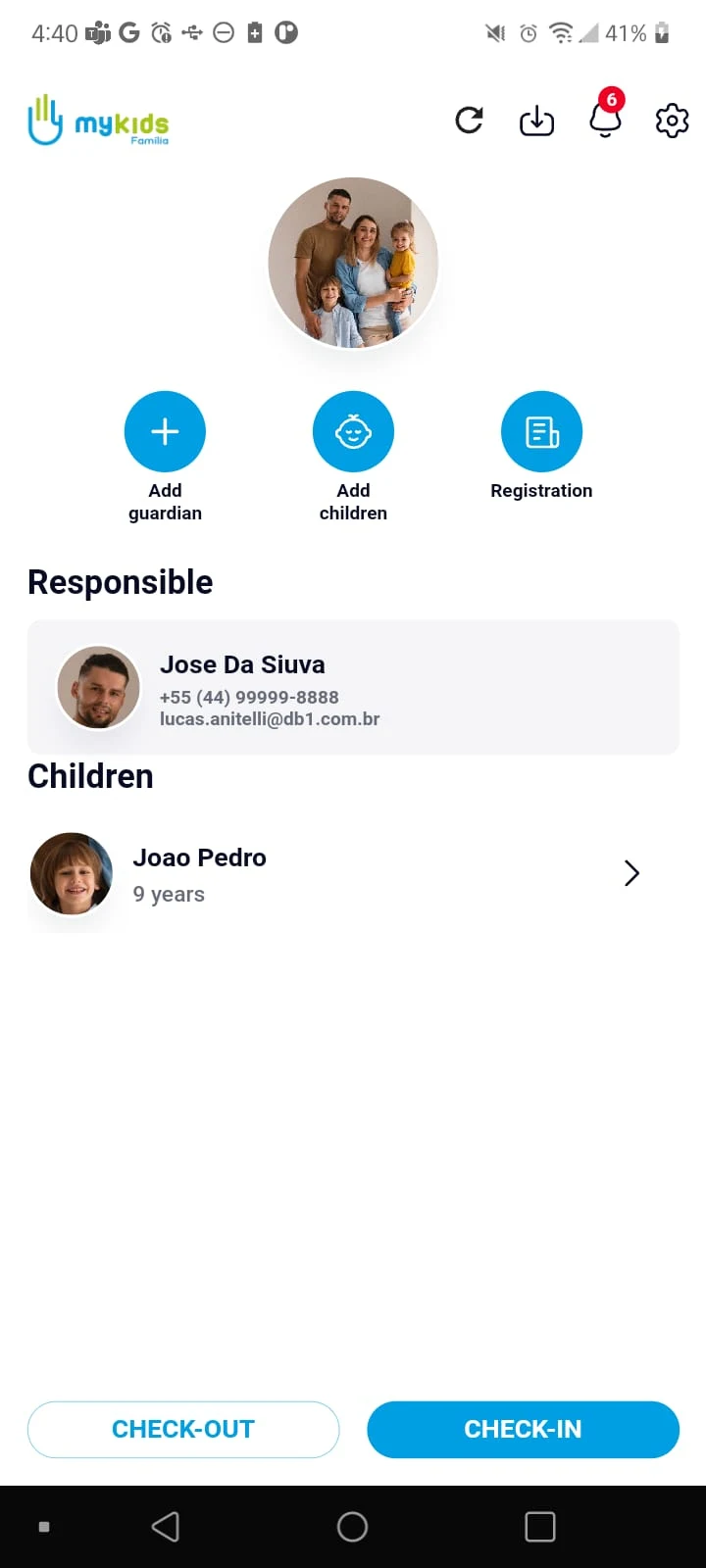
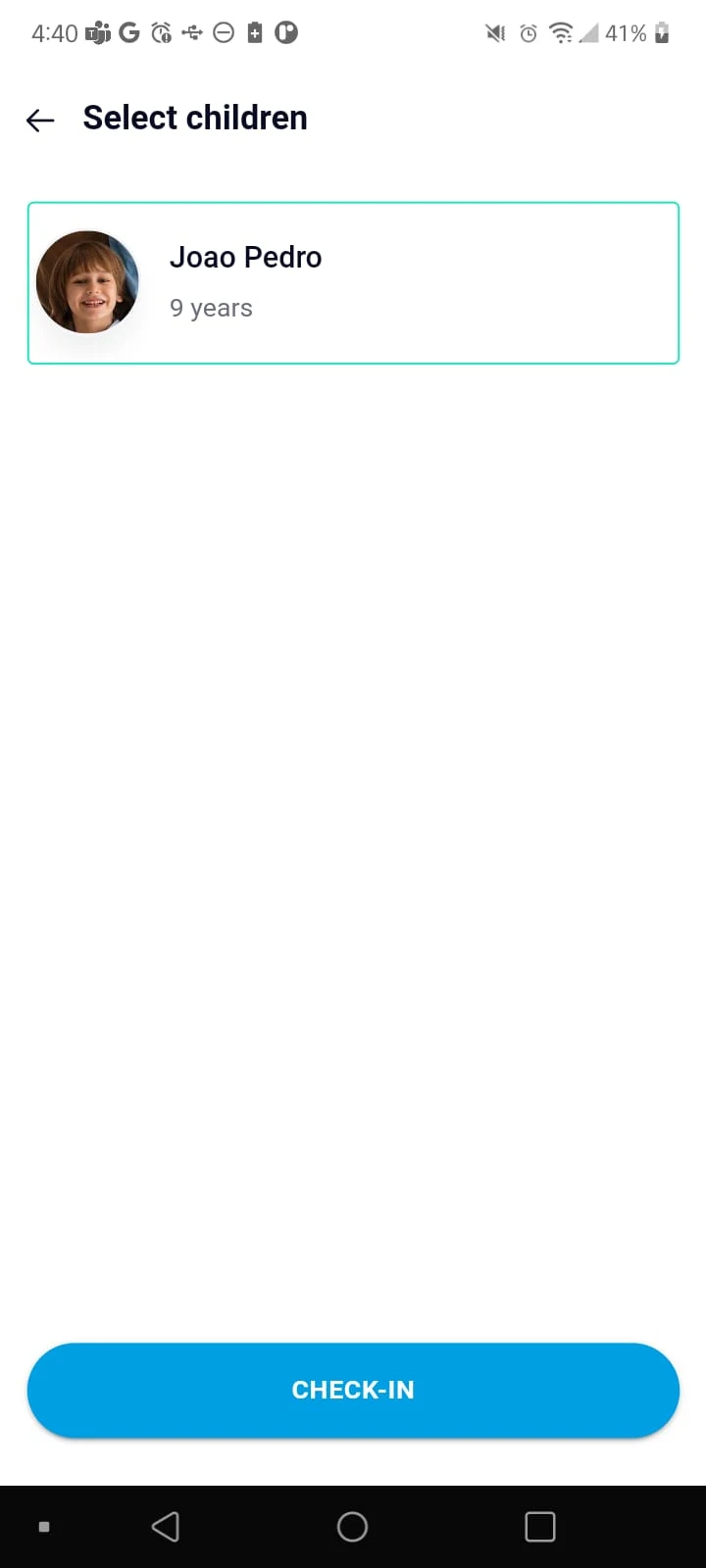
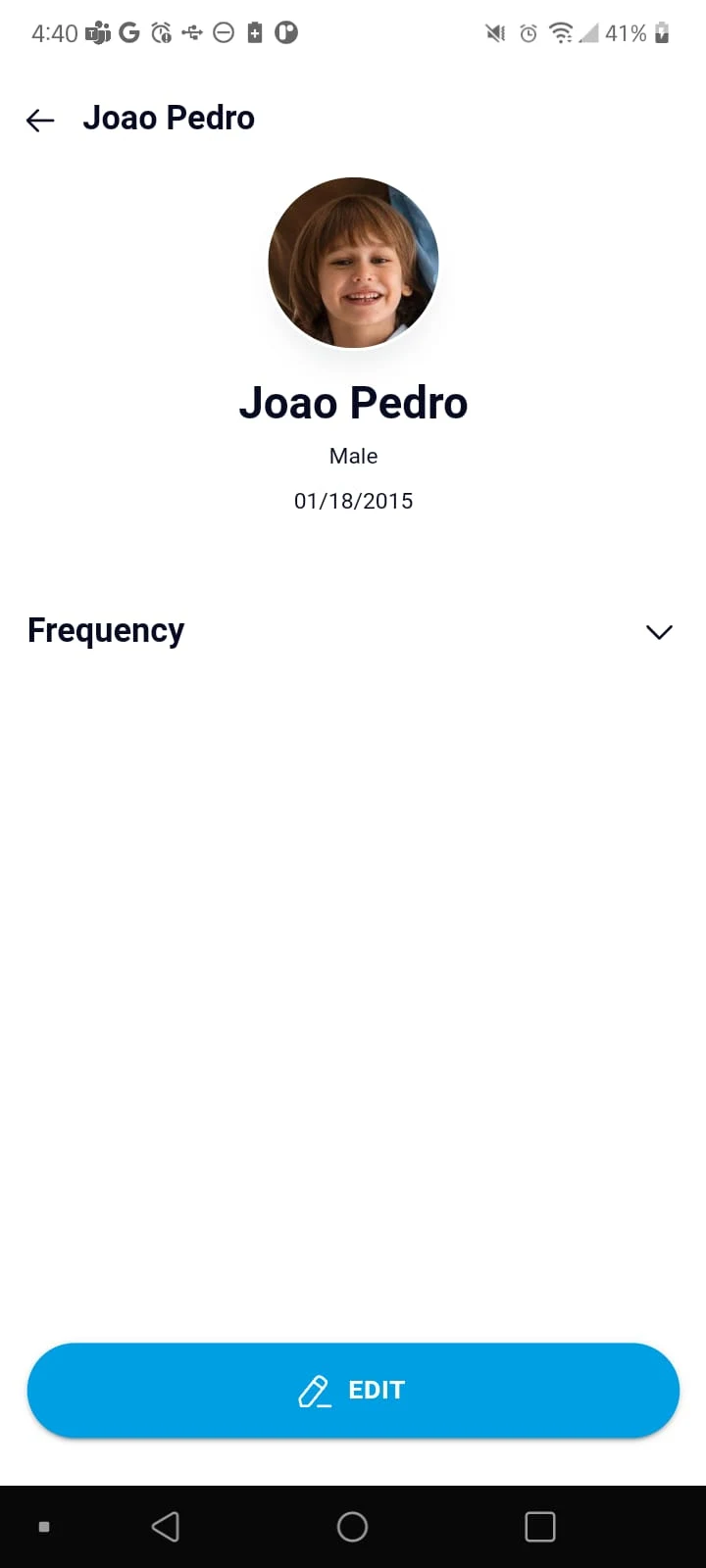
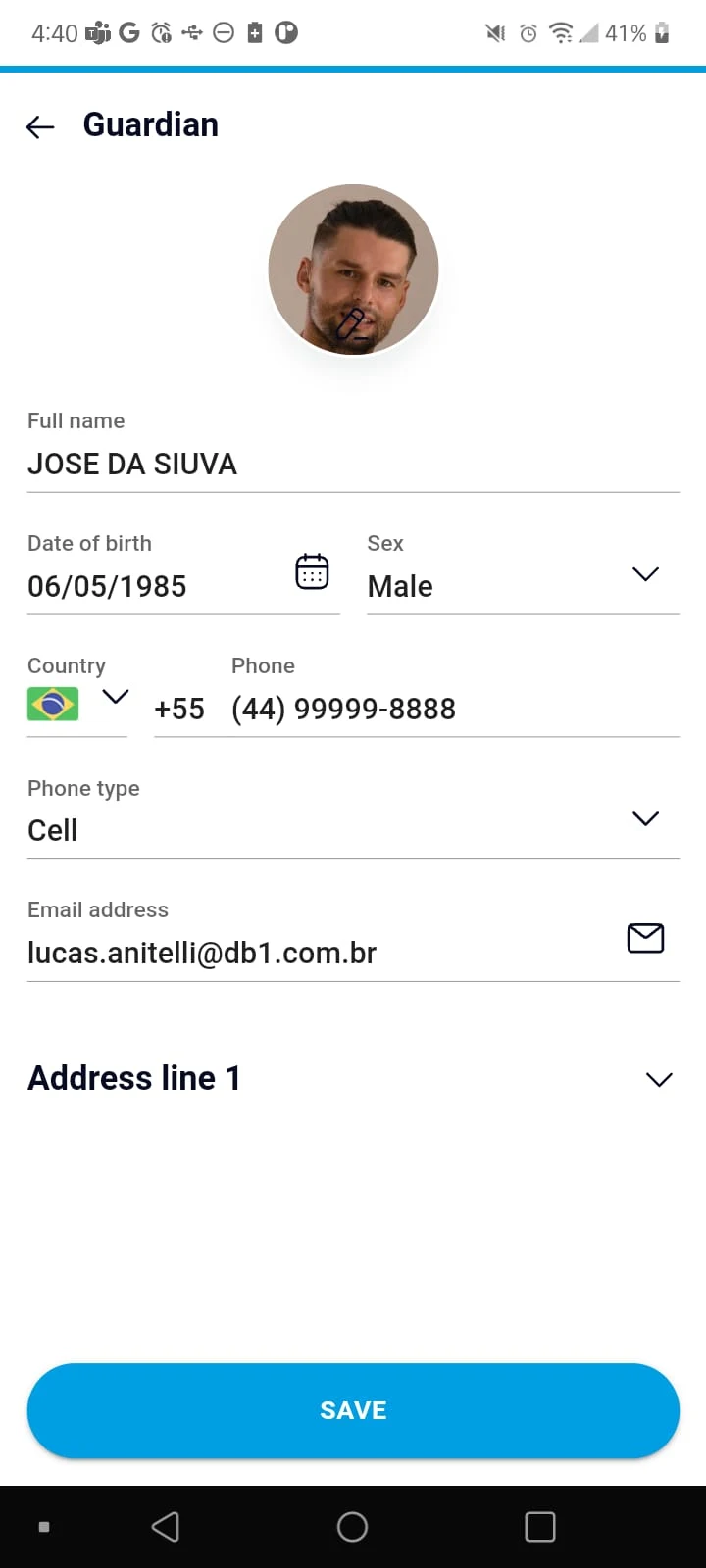
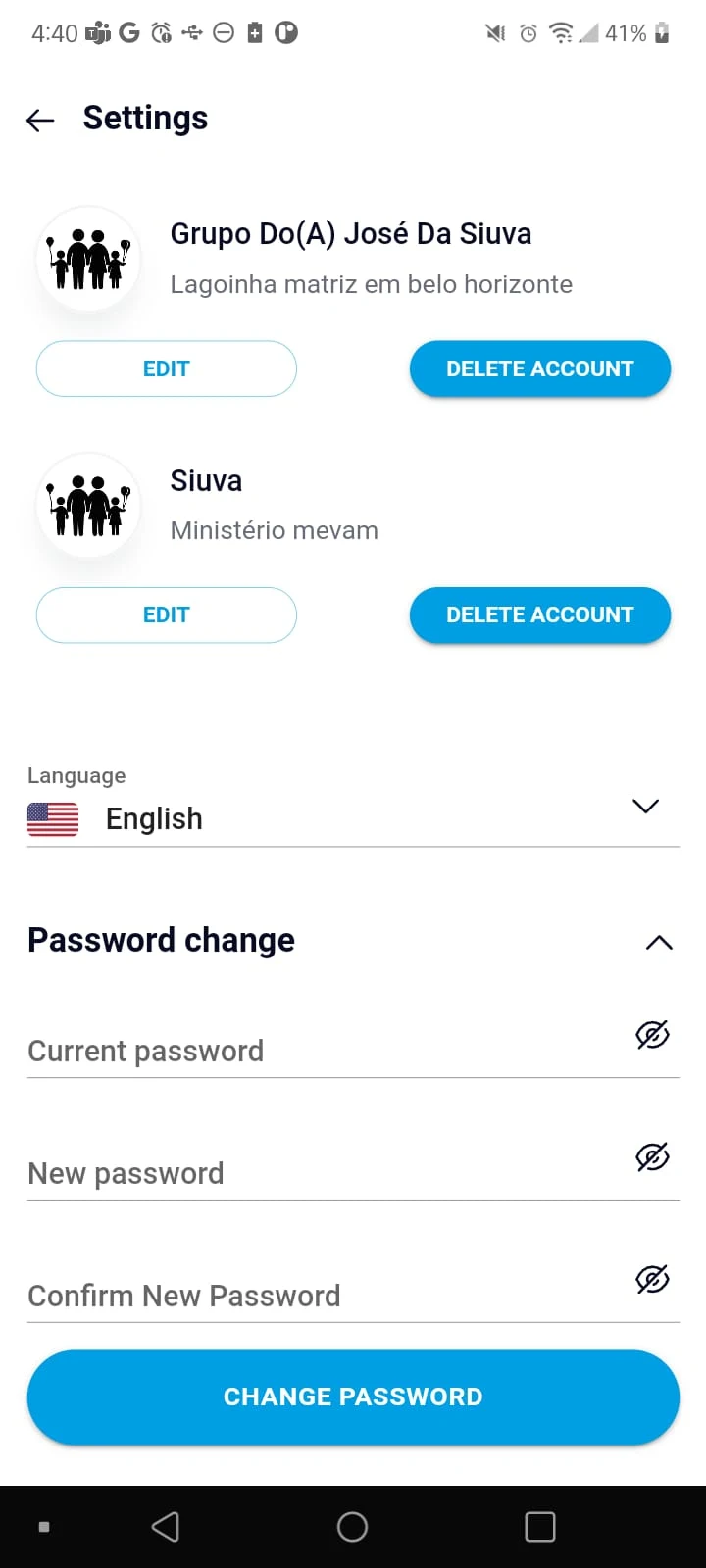
Application for Parents or Guardians
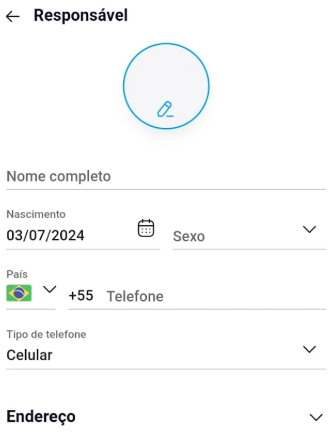
Features:
Enrolling Children and Guardians
You have the ability to enroll your children and specify the guardians authorized to drop them off and/or pick them up from the Children's Ministry. This includes providing essential details about the child, such as their date of birth and any allergies to specific products or foods.
Creation of identification tags or wristbands
On the day of participation in the Children's Ministry, you can choose the children involved and print their identification tags or wristbands using the Church's printer through your mobile device.
Usage Process:
1. **Preliminary: Register + Link to a Church**
Download and register your account and link to an existing church. If you can't find one, contact us for more information.
2. **Core: Fill in your information and assign a guardian**
Go to "Child Management" to add your child's information (name, birthday, allergies), and then add an authorized guardian who can pick them up.
3. **On the Day of the Event: Identify your child**
Select the participating child, connect to the church printer, and print a label/wristband for your child to wear.
4. **Follow-up: Update Information + Check Notifications**
Update your information at any time. For event notifications, check the "Message Center" on the homepage.
If you are yet to find your Church, please reach out to request further information.
Target Audience:
1. Parents/legal guardians of children participating in church children's ministry: Need to register their child's information and authorize pick-up and drop-off for easy management on activity days;
2. Families requiring multiple pick-up and drop-off guardians (e.g., parents, grandparents, nannies): Clearly define the scope of authorization to ensure child safety during pick-up and drop-off;
3. Parents of children with allergies or other special health conditions: Need to accurately enter their child's health information to ensure church staff are promptly informed;
4. Parents who wish to simplify the activity day process: Quickly print their child's identification tag/wristband via the app to avoid queuing at the registration site;
5. Parents who need to receive real-time notifications about church children's activities: Receive activity updates through the message center to stay informed about relevant arrangements.
App Experience:
This is a dedicated app for parents/guardians designed specifically for church children's ministries. It's simple and efficient to use. Parents can first register an account and link it to their church, then add their child's name, birthday, allergy history, and other information. They can also authorize a designated guardian (parent, grandparent, etc.) to handle pick-up and drop-off. On the day of the event, parents can connect their phone to the church's designated printer to quickly print identification tags or wristbands for participating children, avoiding queues on-site.
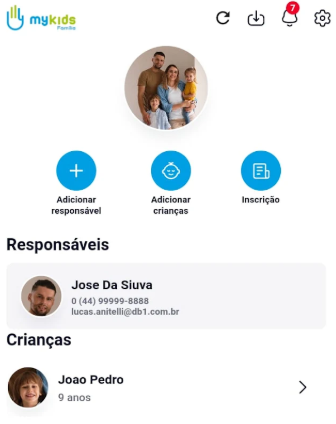
Children's information can be updated at any time afterward, and event notifications can be received through the homepage message center. Authorized guardians can only view basic pick-up and drop-off information; they cannot modify or view private information such as allergy history. If information is modified, the tags must be reprinted to ensure validity, ensuring children's safety while simplifying the event participation process.
Related Questions and Answers:
1. **Q:** Can I add information for multiple children in batches, or do I have to fill it in one by one?
A: Currently, you need to add children's information one by one. Each child's birthday, allergy history, etc., are different. Filling in information one by one ensures accuracy and avoids errors caused by batch operations.
2. **Q:** After authorizing a guardian, can they see all the child's information? Can they modify it?
A: Authorized guardians can only view basic information related to pick-up and drop-off (such as the child's name), and cannot see private information such as allergy history; they also do not have modification permissions. Information modifications must be made by the primary guardian within their own account.
3. **Q:** When printing identification labels, is it mandatory to use the church's printer? Can I use my own printer?
A: Usually, you need to use the church's designated printer. The application is compatible with church printers to ensure label format and information compliance; your own printer may cause labels to malfunction due to settings or model issues.
4. **Q:** If I fill in the child's information incorrectly, can I modify it later? Will the previous label still be valid after modification?
A: Yes, you can edit it on the "Child Management" page. After editing, the previous label will become invalid, and you will need to reprint the new label to avoid inconsistencies in information that could cause pick-up and drop-off problems.
- Version1.53
- UpdateNov 03, 2026
- DeveloperGileade Sistemas
- CategoryTools
- Requires AndroidAndroid 5.0+
- Downloads299K+
- Package Namebr.com.gileade.kidsfamilia
- Signature7f2720b3b726d693a9036aaf64030d23
- Available on
- ReportFlag as inappropriate
-
NameSizeDownload
-
34.05 MB
-
34.05 MB
-
33.90 MB











Safety Focus
Easy to Use
Smooth Learning Process
Single function
No batch operations