
xShare- Transfer & Share files - Fast & free file transfer
Experience seamless offline file sharing with lightning-fast speeds and simple app interface for all your data needs!

- 1.0 Version
- 1.7 Score
- 137K+ Downloads
- Free License
- 3+ Content Rating

About the app:
- Xshare is an excellent application for sharing, serving as a free tool for file transfers that operates without the need for an internet connection!
- It features a user-friendly interface, making it easy to navigate for daily file sending and receiving, regardless of their file type or size.
- Transferring data has never been more straightforward with any sharing app. Take advantage of unlimited data transfer completely free of charge. Transfer all types of files from one phone to another without requiring Wi-Fi. Sharemy serves as an efficient tool for file transfers that functions without internet access.
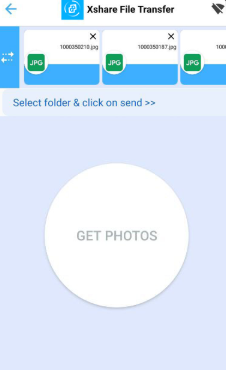
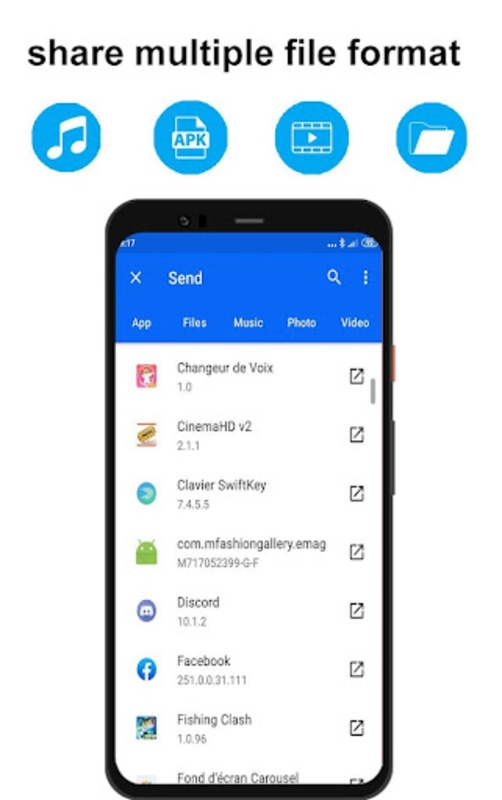
- You have the option to share files individually or as a collection, which can include apps, videos, photos, music, documents (like PDFs and Word files), and more.
- Connect and transfer any kind of file effortlessly.
- Exchange files, applications, movies, videos, and pictures between Android devices while offline, without any restrictions.
Functional Description:
💨 Experience lightning-fast file transfers
Sharemy offers speedy transfers that are up to 300 times quicker than Bluetooth, ensuring high quality and convenience. Share and transfer your content without compromising on quality.
📁 Transfer various files without limitations
Send all kinds of files including apps, music, PDFs, Word and Excel documents, ZIP files, and folders.
Easily share music, videos, photos, and other files in just a few taps.
Transfer large folders effortlessly—share multiple substantial files with a single click!
📤 Easily send sizable files
This intuitive file sharing and transfer app is designed for quick and efficient file management. Transfer and receive music, images, videos, documents, and more.
Share photos, music, videos, applications, documents, and any other file types without any size limits.
No cables, no internet connectivity, and no data usage required! You can send files to friends anytime and anywhere.
📱 Effortless mobile data transfer:
Transfer all files from your old device to your new one in a single step (Smart Replication).
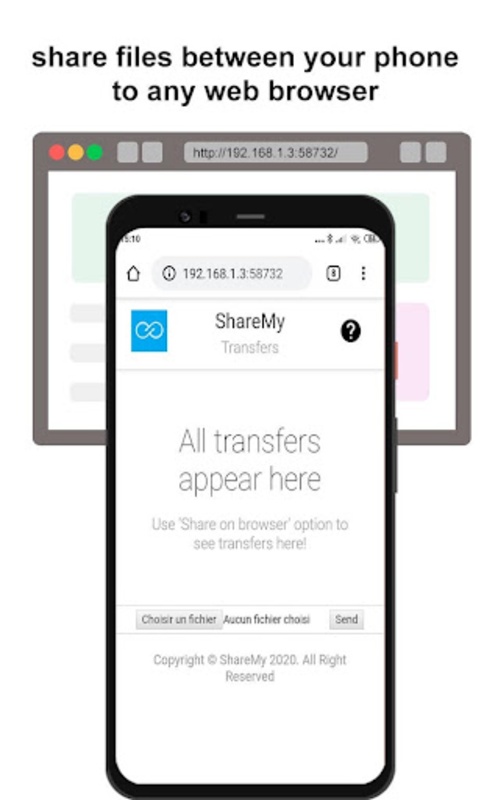
🌐 Web Browser File Sharing:
Send files from your web browser to any mobile device.
XShare Features:
* Completely free to use.
* Compatible across platforms: supports all Android devices.
* Continues the sharing process even when the screen is closed or locked.
* Enjoy sharing your personal photos, videos, and music.
* Discover users nearby.
* Quickly copy data from another phone.
* Individual file sharing available (bucket sharing).
* Send large files without internet access or mobile data costs.
* Exchange all types of files seamlessly.
* High-speed transfers (200 times faster than Bluetooth, reaching speeds up to 20 MBPS).
* Send files directly from your web browser to any device.
* Share files with just one tap—no complicated procedures involved.
* No USB required! No internet necessary!
* No cables needed.
How to Use:
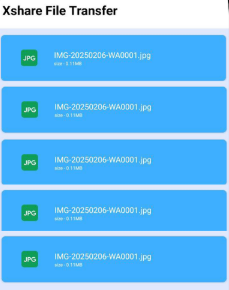
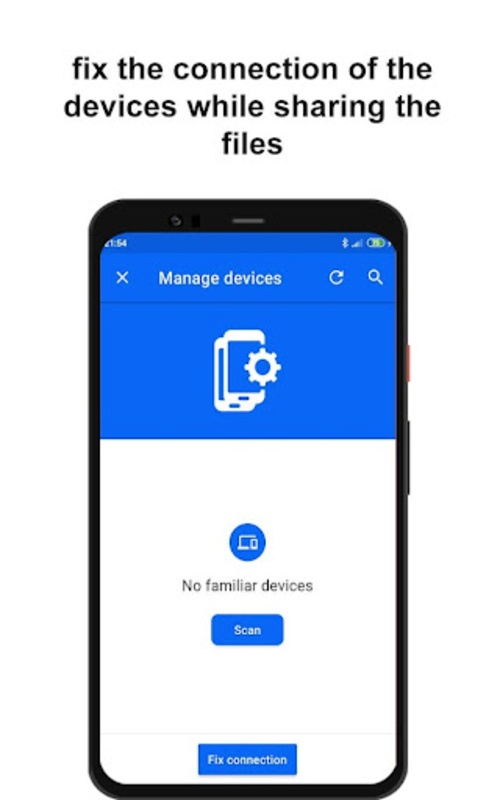
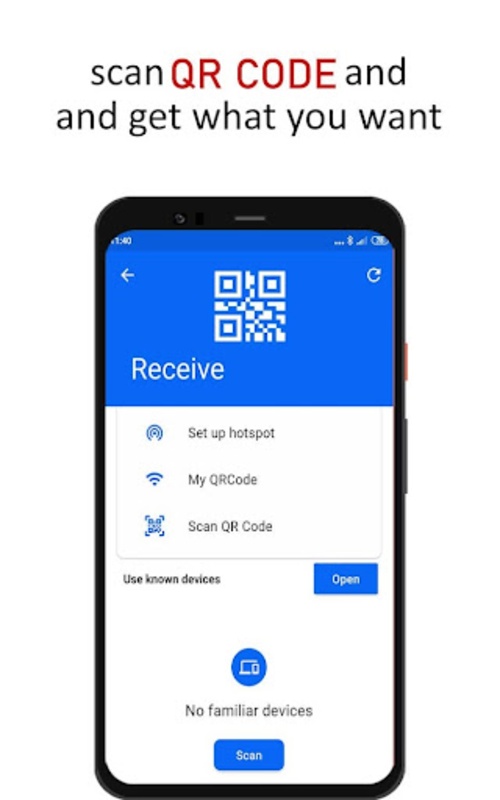
1. **Basic File Transfer**: Install XShare on both Android devices. The sender opens the app, selects the file to transfer (single file/folder is fine), and clicks "Send." The receiver opens the app, scans the sender's QR code (or manually pairs the device). Once connected, offline transfer begins and continues even when the screen is locked.
2. **Data Migration Between Old and New Phones**: Install XShare on both old and new phones. After opening the app, find the "Smart Replication" function and follow the prompts to migrate all files (apps, photos, videos, etc.) from the old phone to the new phone with one click.
3. **File Transfer via Web**: Use XShare's web-based function in a computer browser. After establishing a connection with the XShare app on your phone, you can directly send various files from the browser to your phone without a data cable or network connection.
Related Questions and Answers:
### Basic Questions
1. **Q: What type of app is XShare? **
A: XShare is a free file transfer app that allows file sharing between devices without an internet connection. It features offline, high-speed file sending and receiving.
2. **Q: Is XShare free? **
A: It's completely free, free to download and use, and free for unlimited file transfers.
### Compatibility Questions
1. **Q: What devices does XShare support? **
A: The core app supports all Android devices, and some versions will also be compatible with iOS devices after updates, enabling offline transfers across operating systems.
2. **Q: Can non-Android devices use XShare? **
A: Yes, the updated version has added support for iOS devices, and currently supports file transfers between Android and iOS devices.
### Feature-Related Questions
1. **Q: What types of files can XShare transfer? ** **
A: Almost all file types are supported, including apps, videos, photos, music, documents (PDF, Word, Excel), compressed files (ZIP), and folders.
2. **Q: How fast is XShare's transfer speed? **
A: Transfer speeds are 200 times faster than Bluetooth, reaching up to 20MB/s. Even large files or folders can be transferred quickly without compromising quality.
3. **Q: Can XShare transfer files in the background? **
A: Yes, even if the device screen is off or locked, ongoing file transfers can continue without the screen remaining on.
### Usage-Related Questions
1. **Q: How do I transfer files using XShare? **
A: First, install XShare on both devices. The sender selects the file and clicks "Send." The receiver scans the sender's QR code (or manually matches). Once connected, the transfer can begin.
2. **Q: Can I transfer files from my computer browser to my phone? **
A: Yes, we support file transfers via a web browser. Simply operate your computer browser to send files to connected devices.
3. **Q: When I change phones, can I transfer all my files from my old phone to my new one all at once? **
A: Yes, we have a "Smart Migration" feature that allows you to transfer all files (including apps, photos, documents, etc.) from your old device to your new one in one go, without having to transfer them one by one.
- Version1.0
- UpdateNov 02, 2026
- DeveloperYves Apps
- CategoryTools
- Requires AndroidAndroid 6+
- Downloads137K+
- Package Namecom.xshare.sharefiles1
- Signature3f5fadeb60fb409eeddcff8fd5f2e00a
- ReportFlag as inappropriate








Offline high-speed transfer
Unlimited transfers
Easy to use
Free and cross-platform
Devices must be installed together
Relies on close proximity