
GFiber: The Google Fiber App - Manage GFiber Service & Payments
Easily control your GFiber Internet with speed tests, network adjustments, and account management at your fingertips!

- 2.8.32 Version
- 4.7 Score
- 289K+ Downloads
- Free License
- 3+ Content Rating

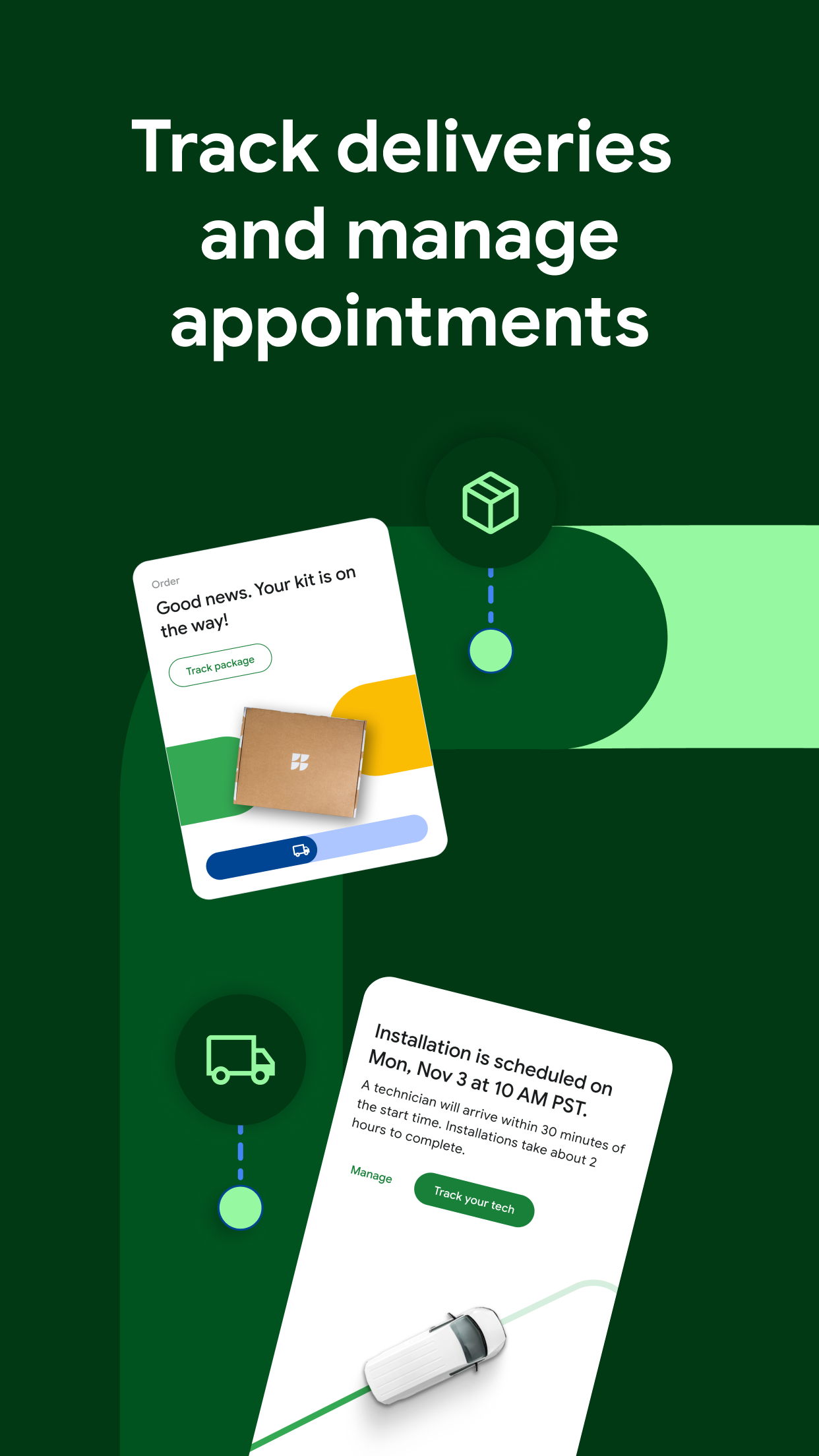

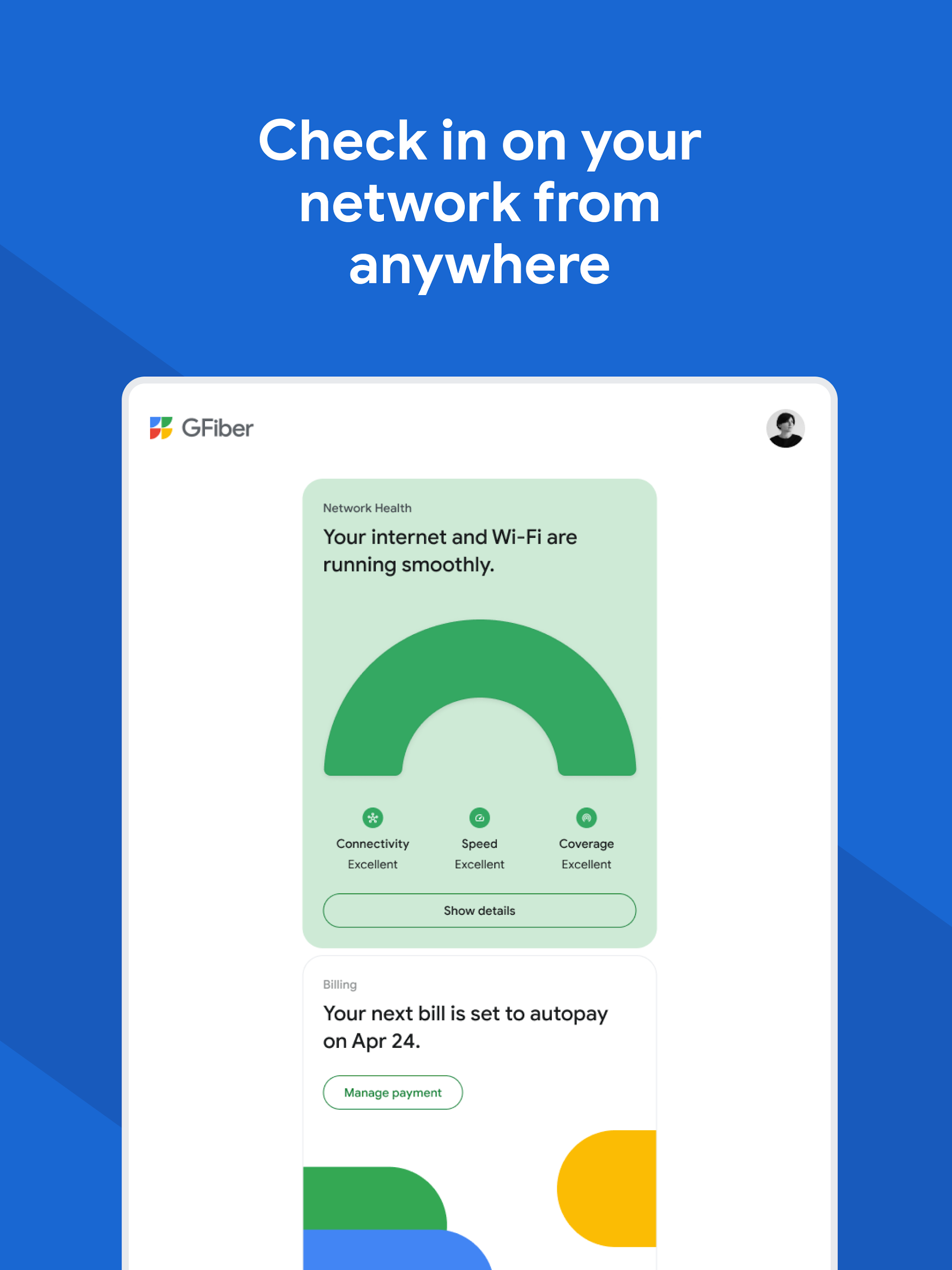

Features:
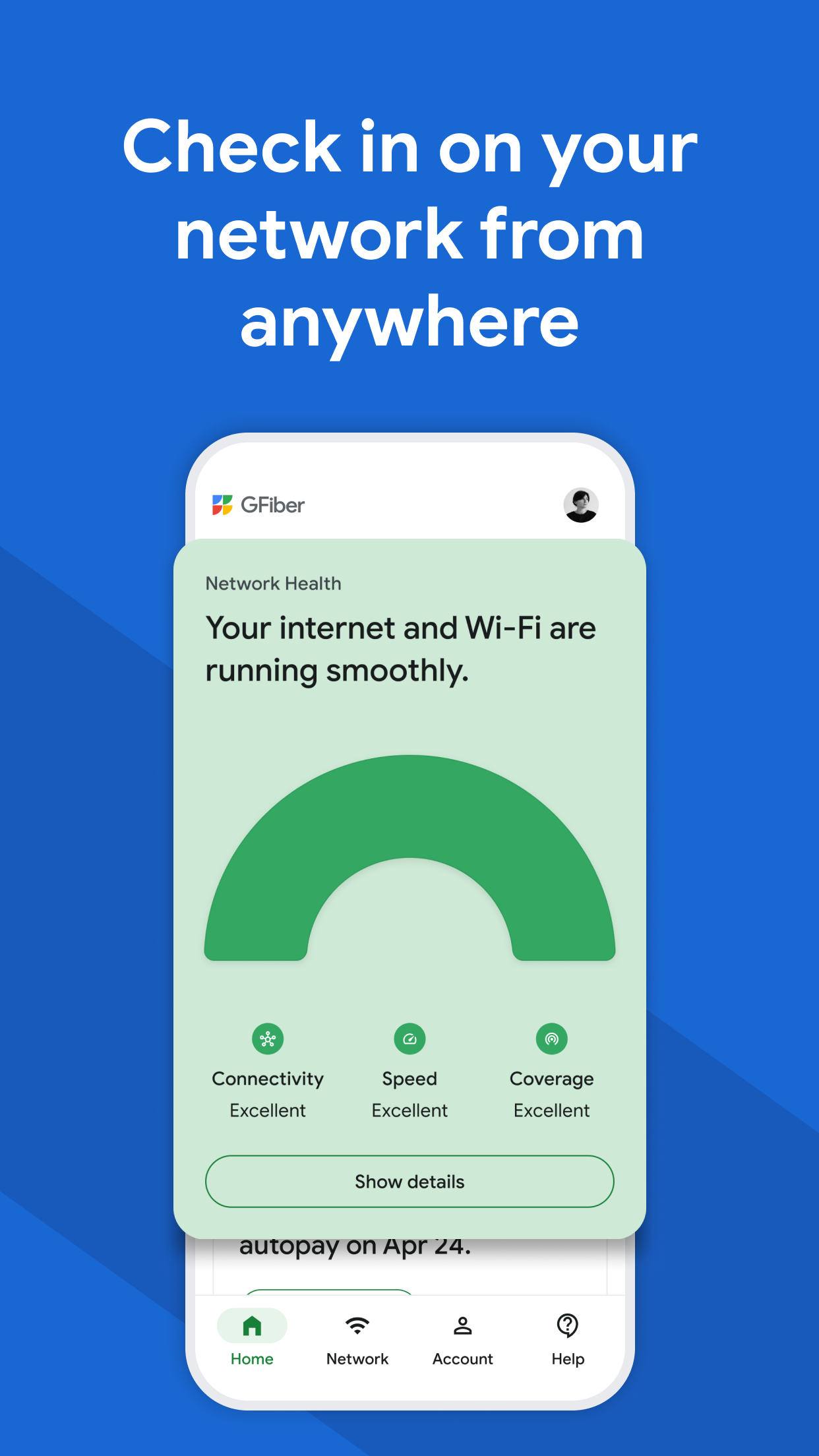
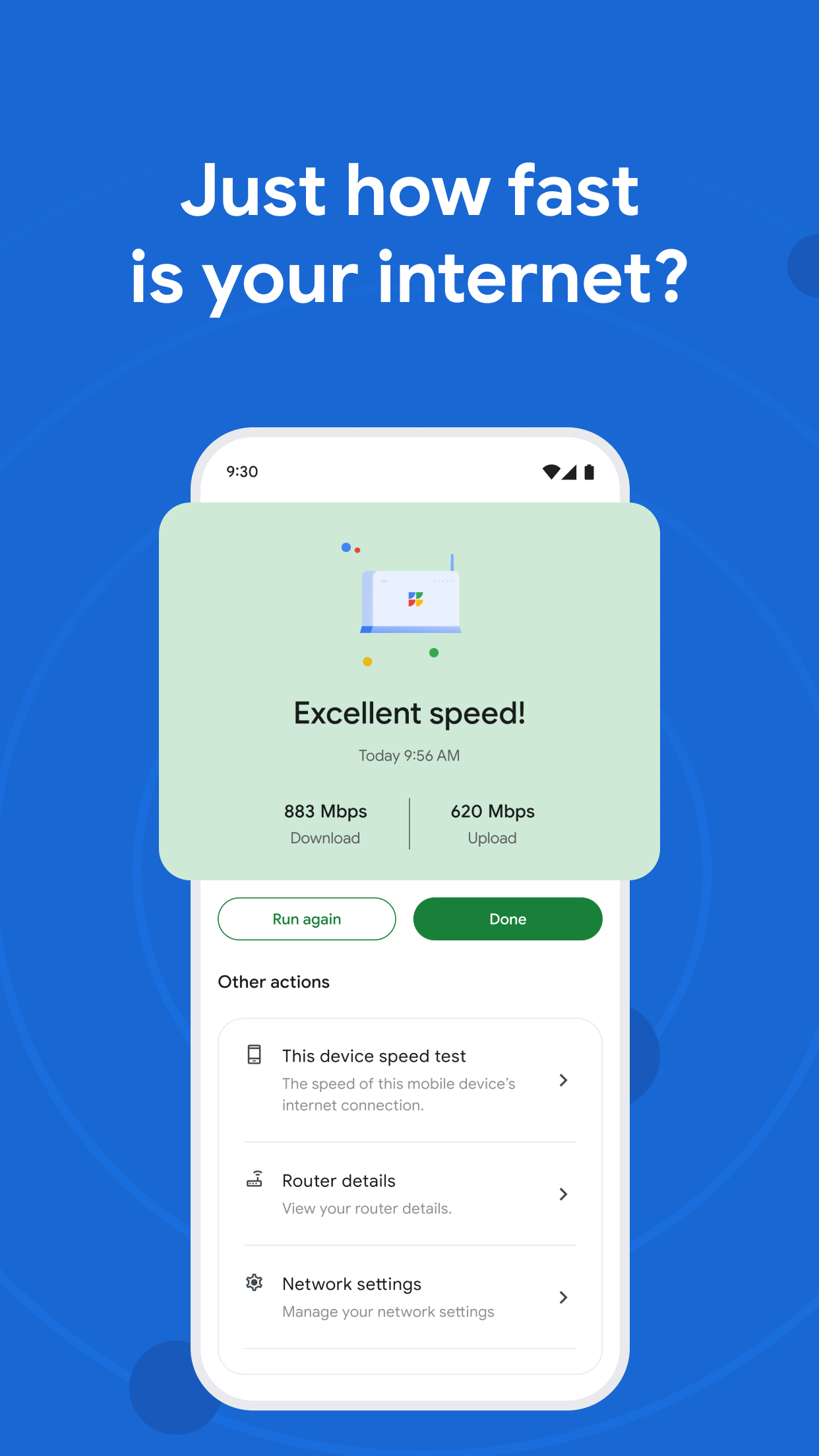
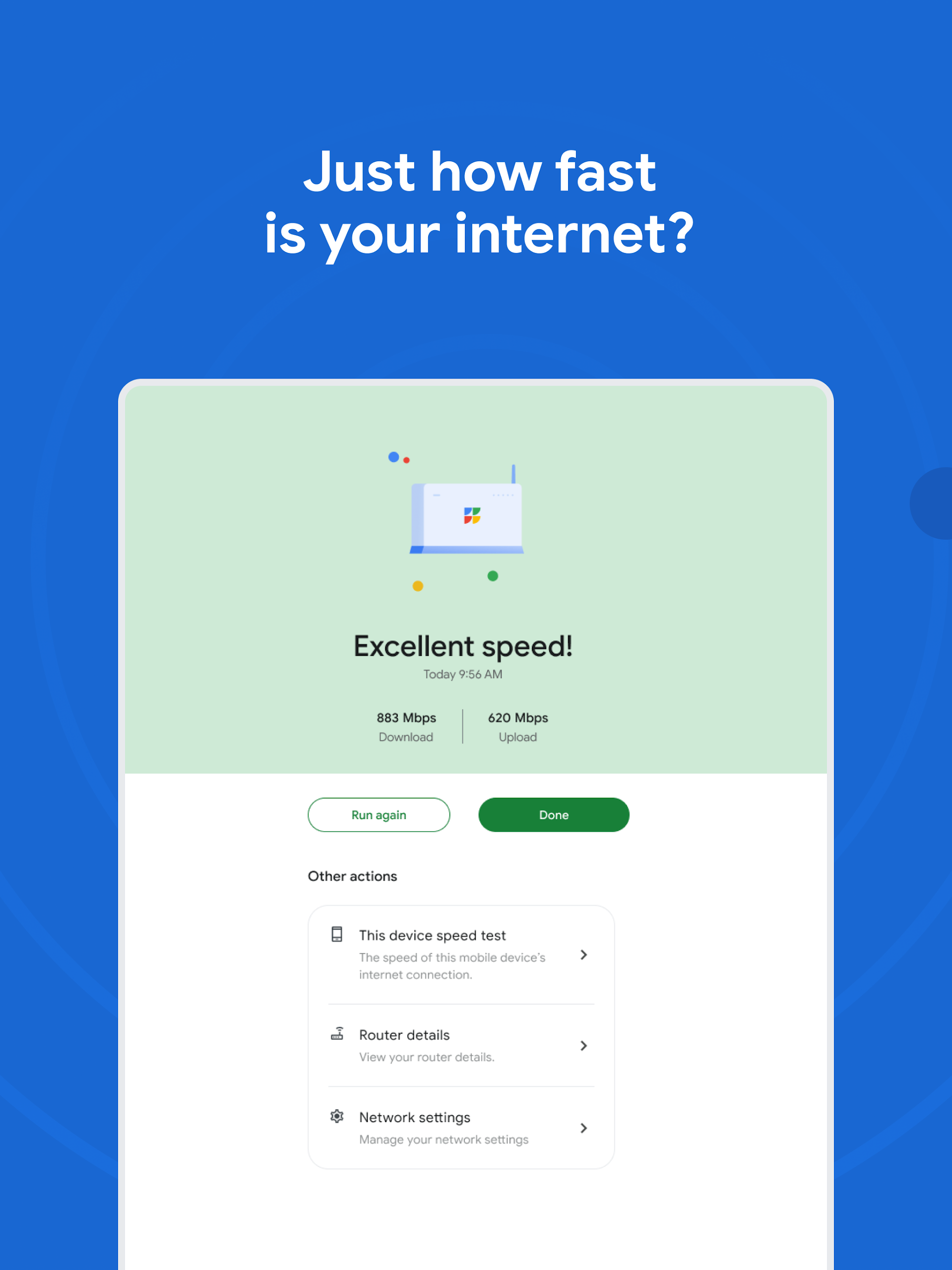
- Effortlessly oversee your GFiber Internet Service. Conduct speed tests, modify your network configurations, reboot your router, and distribute your Wi-Fi password to loved ones.
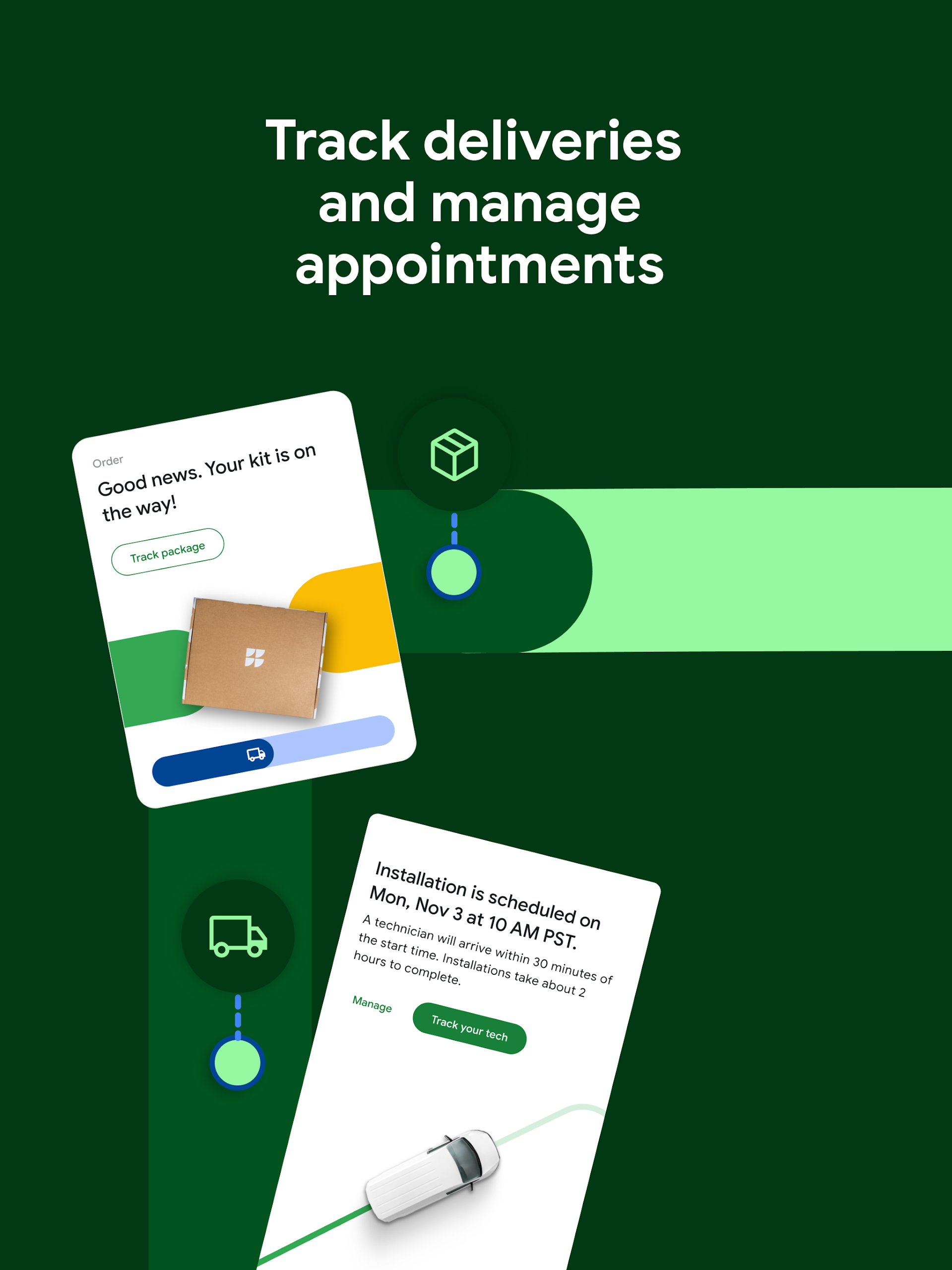
- Oversee your GFiber account effortlessly. Check your current balance and past statements, and manage your payments with ease.
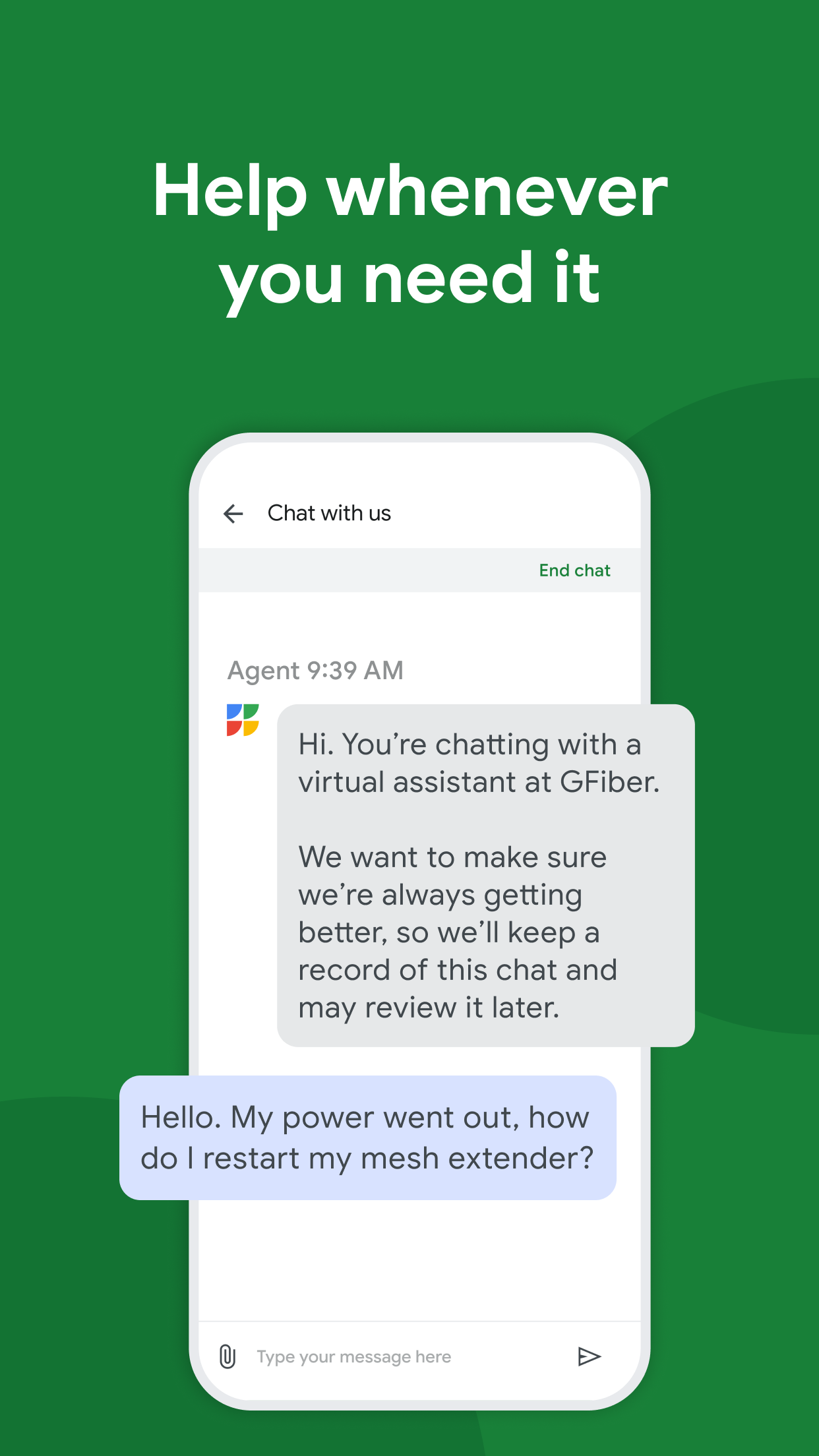
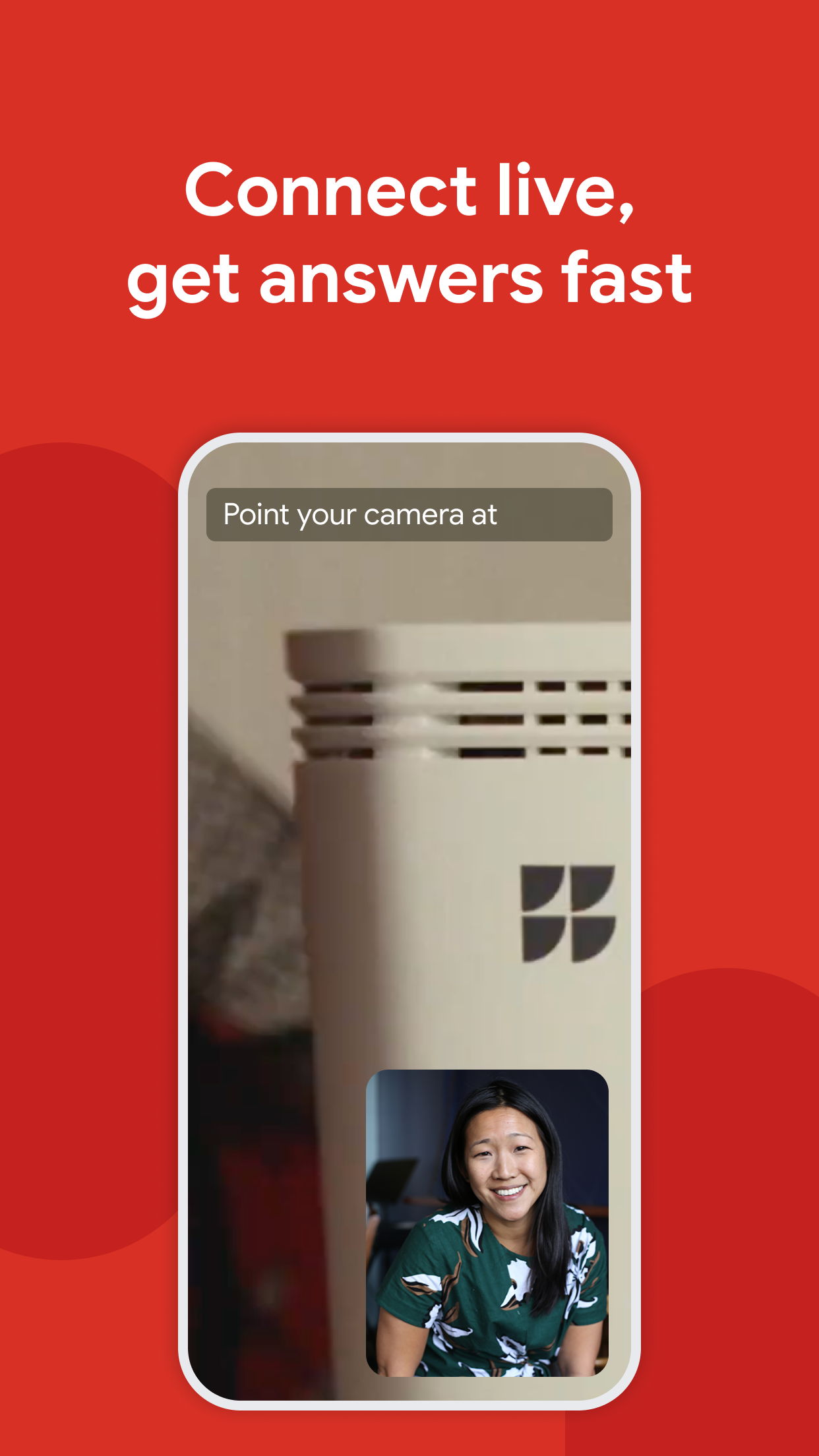
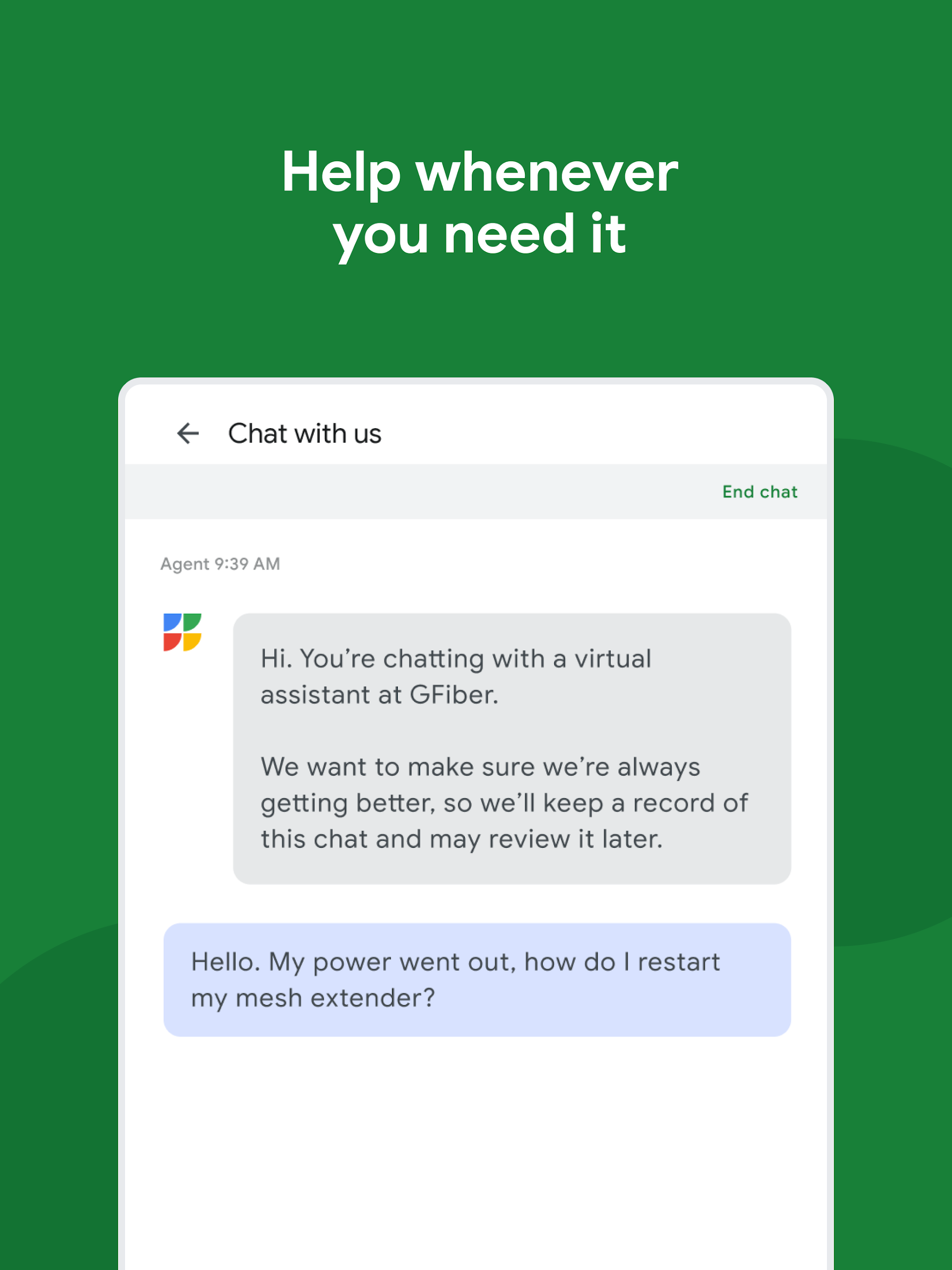
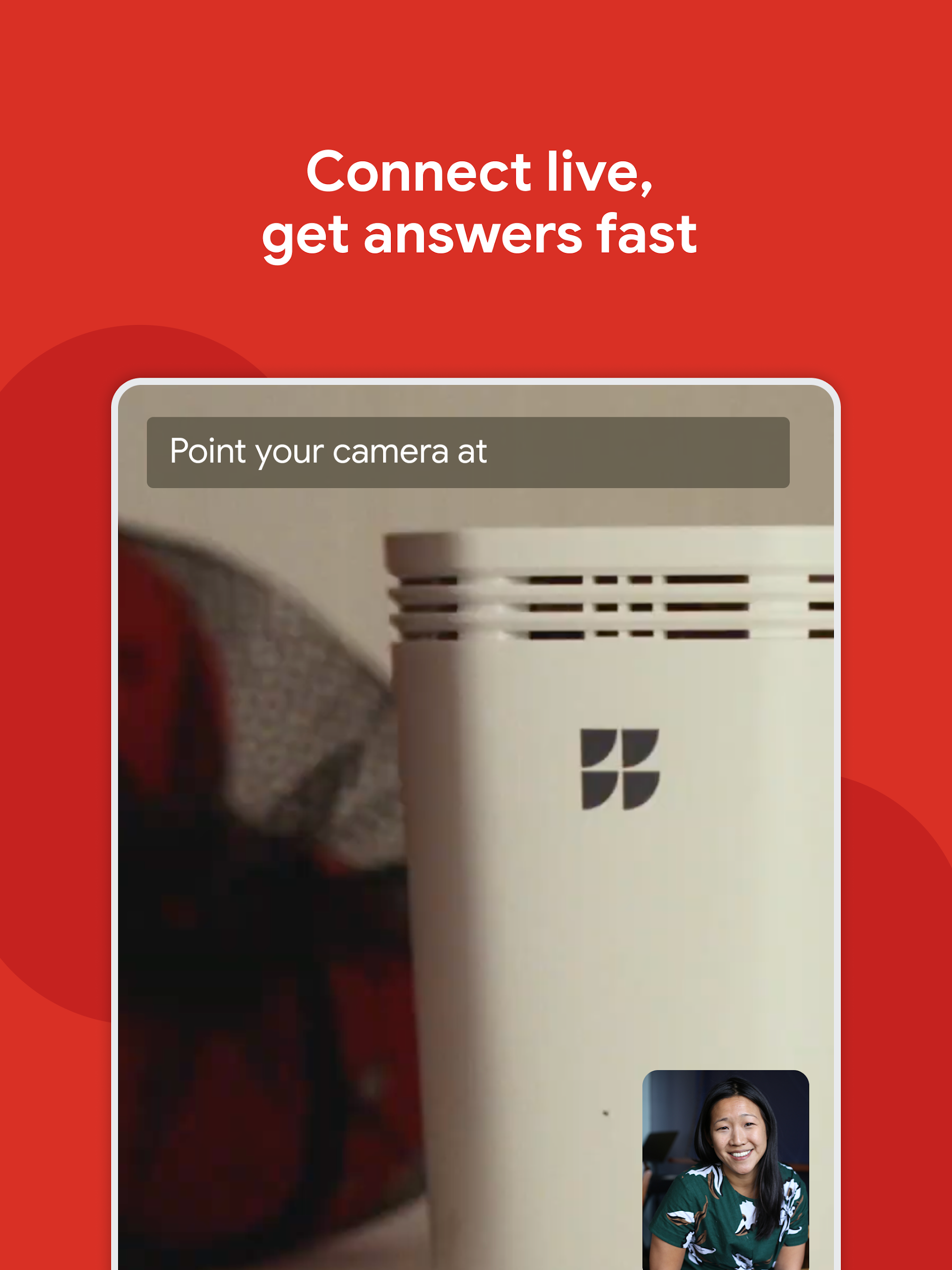
- Utilize the GFiber Help Center. Discover solutions to frequently asked questions and reach out to the GFiber team for assistance.
Important:
This application is intended solely for GFiber customers and is not available for Webpass users.
User Experience:
1. **Easy Operation**: Core functions like speed testing, changing network settings, and checking bills are clearly accessible and can be completed in just a few steps. Sharing your WiFi password and restarting your router are quick and easy.
2. **Fit Your Needs**: Manage your network, check your accounts, and find help all in one place, without switching to other platforms. For example, if your network is slow, you can test your speed and restart your device directly in the app, which is very convenient.
3. **Easy Help**: The built-in help center provides access to frequently asked questions and allows you to contact us directly, shortening the path to problem resolution.
How to Use:

1. **Network Management**: After opening the app, go to the network section to directly test network speed and modify network configurations. Click on router details and select "Restart Router" to restart your device. You can also share your WiFi password with others in this section.
2. **Account Management**: Go to your account page to view your current balance and historical bills with one click. You can also complete payment directly on the page.
3. **Seeking Help**: Open the in-app help center to first check for solutions to frequently asked questions. If the problem persists, you can contact the GFiber customer service team directly in this section.
FAQs:
1. **Q: Who can use the GFiber app? Can Webpass users use it? **
A: The app is only available to GFiber (Google Fiber) users and is not available to Webpass users. There are clear user restrictions.
2. **Q: How do I restart my router using the GFiber app? Is it difficult? **
A: Not difficult, the steps are very clear. After entering the app, first click "Network," then "Router Details," then click "Restart Router" and confirm. The restart process may take up to 5 minutes. Once the device has restarted and is connected to the network, the indicator light will turn a corresponding color (for example, a GFiber Wi-Fi 6e router will light up solid green).
3. **Q: What account do I need to log in to the GFiber app? What should I do if the login fails? **
A: You need to log in using the Google account you registered for GFiber service. After opening the app, you can select an existing account on your device or add a new one to log in. If login fails, you can find troubleshooting tools related to "Unable to Login" within the app or on the official support page. Follow the prompts (such as checking your account and password, or updating the app version) to resolve the issue.
4. **Q: Can I install the GFiber app if my phone's operating system is too low? **
A: It depends on the specific operating system version. For example, on iOS devices, the app requires at least iOS 17.0 or higher; on iPads, it requires iPadOS 17.0 or higher. Android devices also need to meet the corresponding operating system requirements; if the version is too low, the app may not install or function properly.
5. **Q: Besides routers, can I restart mesh extenders in the app? **
A: Yes. In the app, tap "Network," select "Manage Extenders," find the desired extender, tap "See Details," select "Restart Mesh Extender," and confirm. If the issue persists after rebooting, try again or contact customer service.
- Version2.8.32
- UpdateNov 02, 2026
- DeveloperGoogle Fiber Inc.
- CategoryTools
- Requires AndroidAndroid 7.0+
- Downloads289K+
- Package Namecom.google.android.apps.fiber.myfiber
- Signature7fa3aa35ff5fa0f0e1a4f8b36011f743
- Available on
- ReportFlag as inappropriate
-
NameSizeDownload
-
60.97 MB
-
60.97 MB
-
60.62 MB
















Efficient management
Convenient assistance
Practical features
Limited users
Simple functionality
Network reliance