
File Manager : Media Recovery - File organization & recovery
Streamline your file management with recovery tools, secure hiding, & intuitive interface for effortless organization.
- 102 Version
- 1.4 Score
- 149K+ Downloads
- In-app purchases License
- 3+ Content Rating

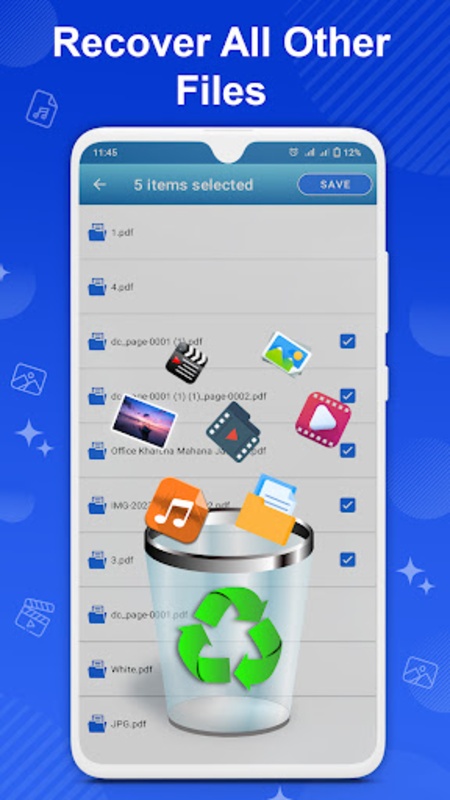
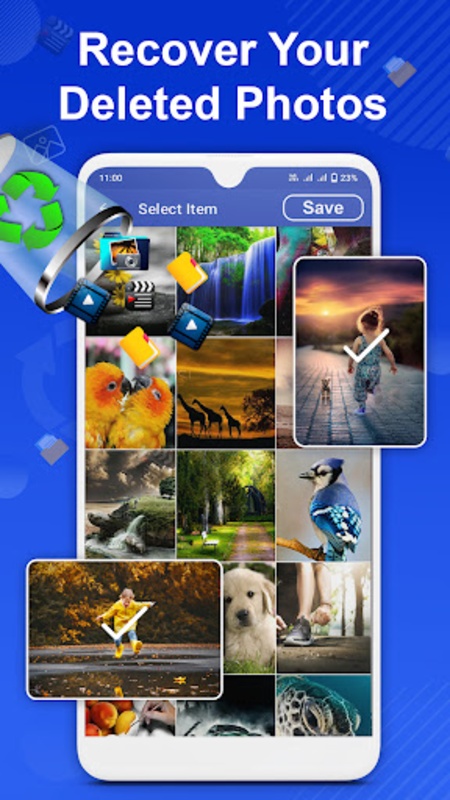
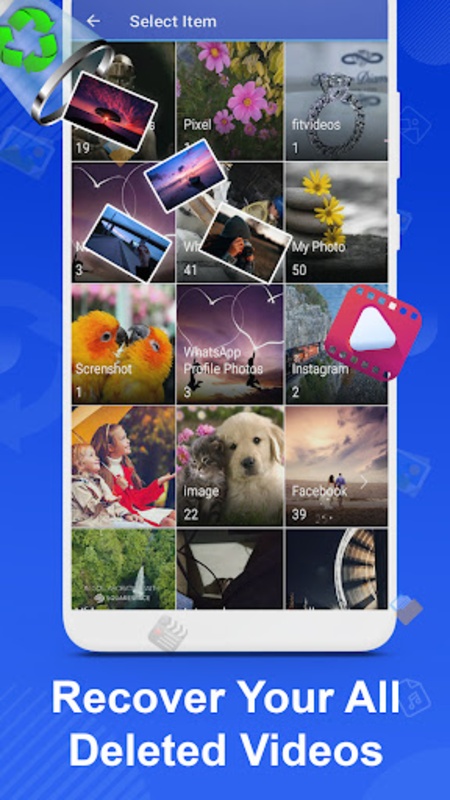
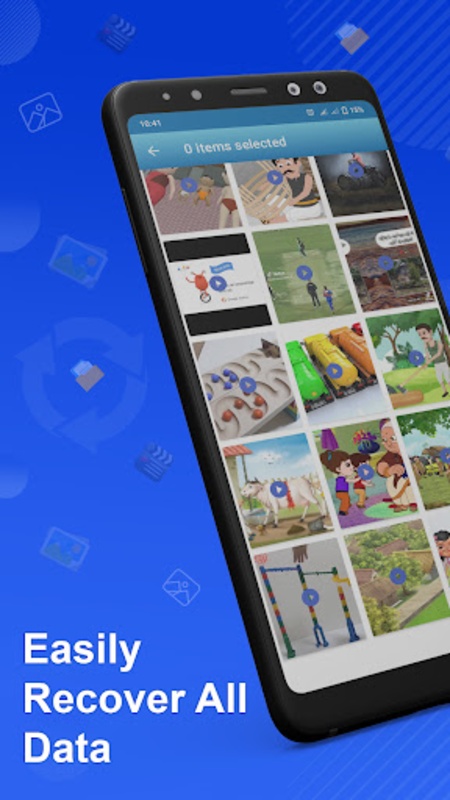
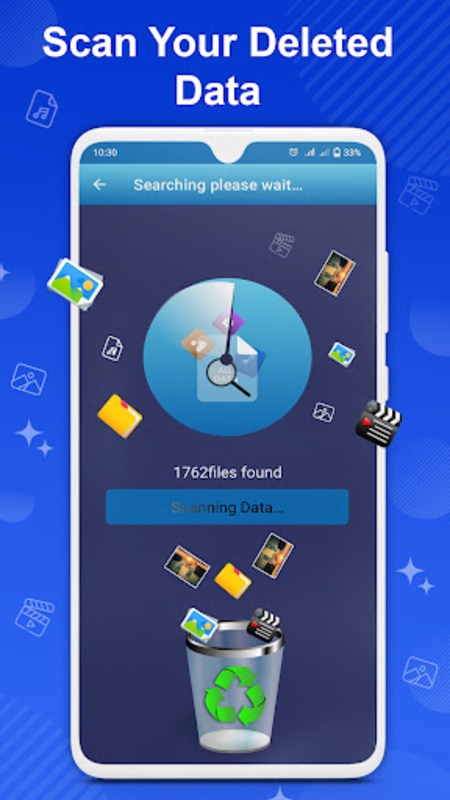
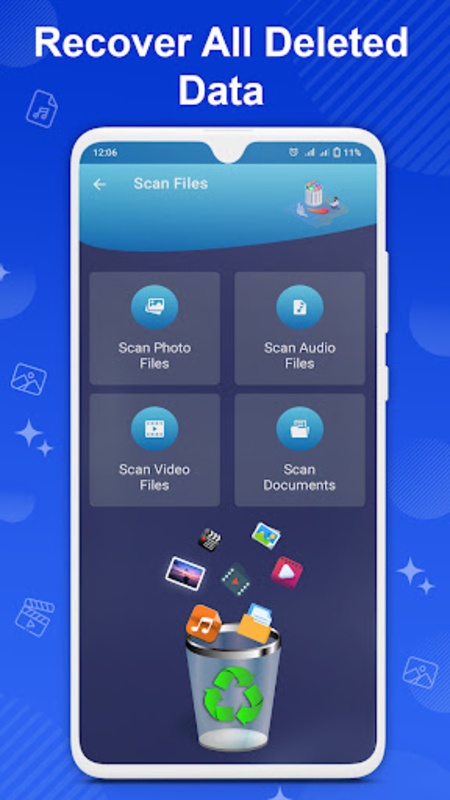
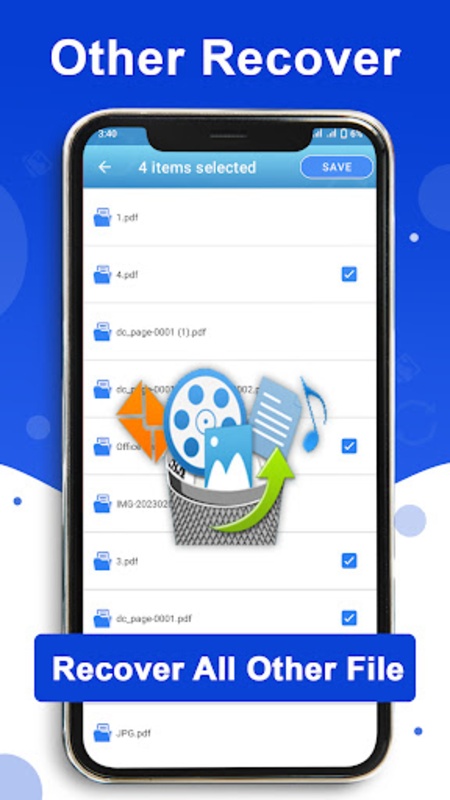
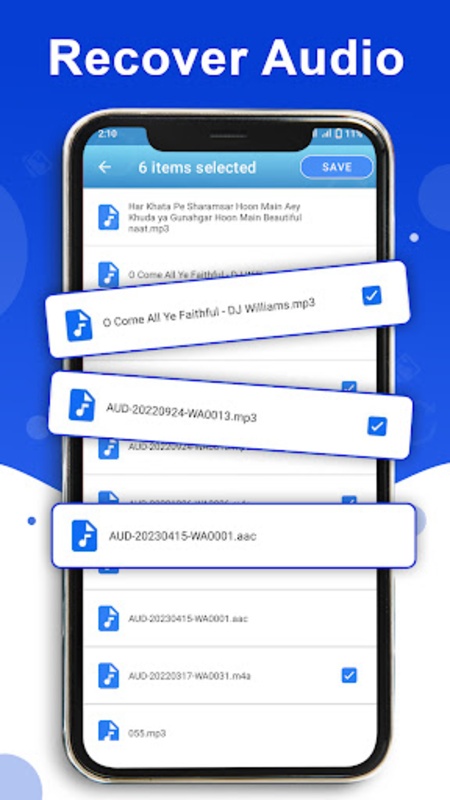
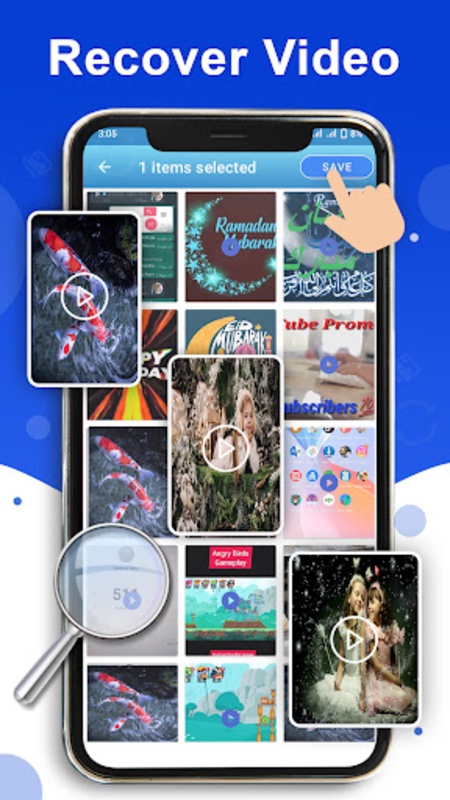
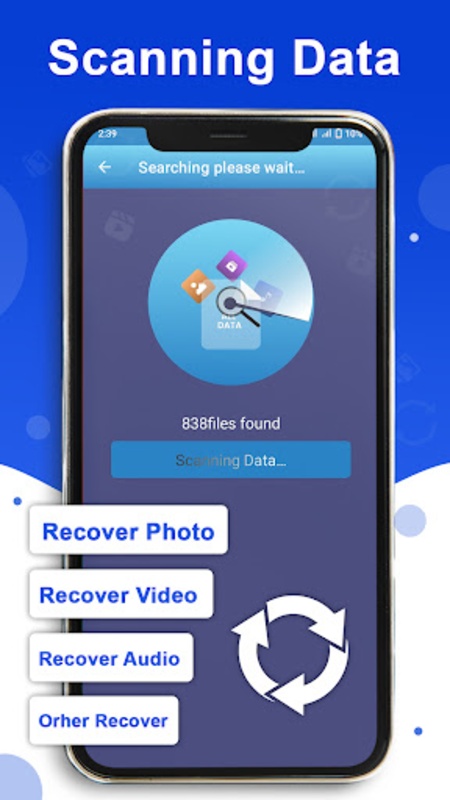
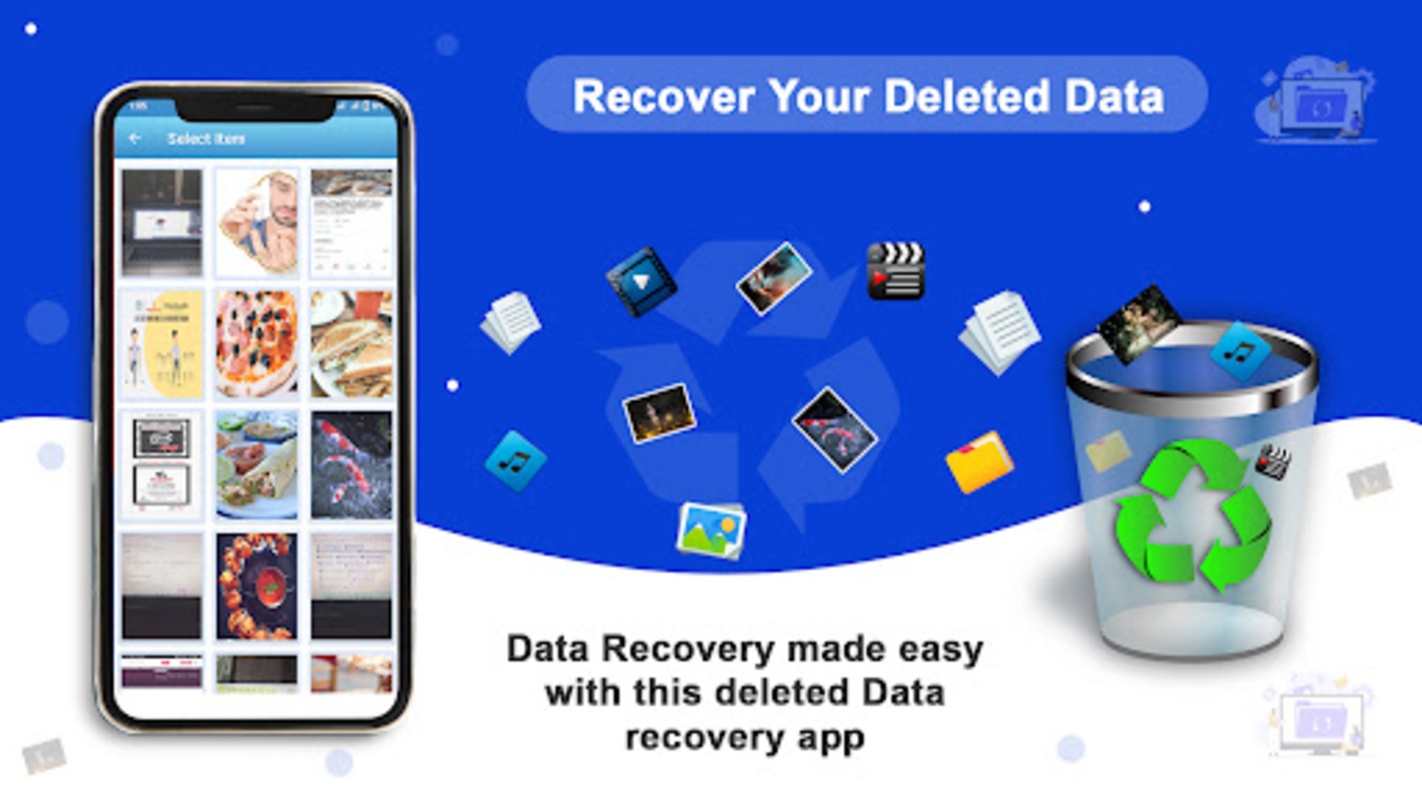

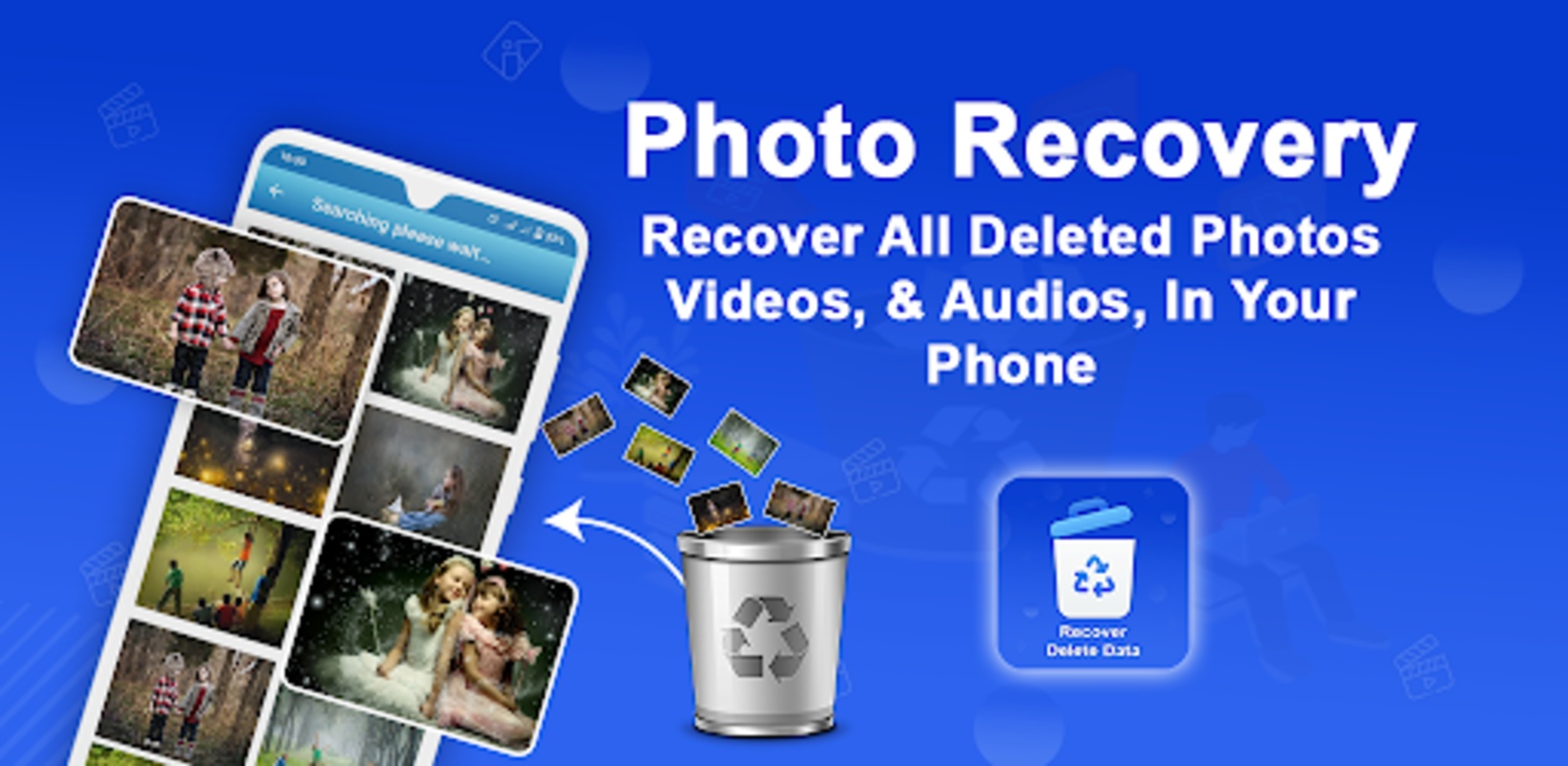
Experience the ultimate tool for managing your files with File Manager: Media Recovery Master.
This comprehensive application is crafted to simplify the organization, recovery, and safeguarding of your files like never before. Whether you need to arrange documents, retrieve lost images, videos, or audio files, or protect sensitive information, this app meets all your requirements.
Key Features:
- Enhanced File Management: Effortlessly organize, move, copy, delete, and rename your files without hassle. Our user-friendly interface allows you to quickly locate and handle various types of files stored on your device.
- File Restoration: If you've mistakenly deleted crucial photos, videos, or audio, don't panic! Our robust recovery tools will enable you to restore those lost files with just a few taps.
- Private File Protection: Ensure your sensitive photos, videos, and documents stay private by utilizing our file hiding feature. The app guarantees that your personal files are secure and accessible only to you.
- All-in-One Media Management: Keep all your media files organized in one location, encompassing photos, videos, and audio. Benefit from seamless playback and effective management features for your media collection.
- User-Friendly Design: Glide through your files easily thanks to our streamlined and intuitive interface. Enjoy a smooth experience tailored for users at any skill level.
- Intelligent Search & Sorting: Find what you need instantly with our advanced search and sorting capabilities. Filter your files by name, date, size, and type for quick access.
- Robust Security: The protection of your data is paramount. Our application employs sophisticated encryption methods to safeguard your files consistently.
Usage Scenarios:
1. **Daily File Organization**: Quickly optimize the file storage structure when you need to categorize, move, copy, or rename documents, media, and other files on your phone.
2. **Accurately Deleted File Recovery**: Recover lost data after accidentally deleting important photos, videos, or audio files.
3. **Private File Protection**: Hide or encrypt sensitive documents and private photos to prevent information leakage.
4. **Centralized Media Management**: Centrally organize audio, video, and images on your phone for quick search and playback.
5. **Quick File Search**: Filter files by name, date, size, and other criteria to efficiently locate target content.
Core Usage Process:
#### 1. Daily File Organization Process
1. Open the app and enter the file list;
2. Filter target files (e.g., documents, images) by type/date;
3. Long-press a selected file and select an action like "Move," "Copy," or "Rename";
4. Confirm the path to complete the file organization.
#### 2. Accidentally Deleted File Recovery Process
1. Access the "File Recovery" function in the app;
2. Select the file type to be restored (photo/video/audio);
3. Wait for the app to scan your device for recoverable files;
4. Select the target file, click "Restore," and select a save location.

#### 3. Private File Protection Process
1. Find the "Privacy Protection" or "File Hide" function;
2. Select the files to be encrypted/hidden (batch selection is supported);
3. Set a protection password (or verify biometrics);
4. Confirm the action. The file will be hidden from the normal list and will only be viewable after verification.
#### 4. Quick File Retrieval Process
1. Tap the "Search" icon in the app;
2. Enter keywords for the file name, or set filter criteria (type/size/date);
3. Click directly from the search results to view or manipulate the file.
File Manager & Recovery Master is your essential app for file management, recovery, and maintaining your privacy.
FAQs:
1. Q: What are the core functions of this file management app?
A: It mainly helps you organize various files on your phone, recover accidentally deleted photos, videos, and audio files, hide and encrypt private files, centrally manage media resources, and quickly find the content you need using search and filtering.
2. Q: I accidentally deleted important photos, how do I recover them using this app?
A: Open the app, find the "File Recovery" function, select the file type you want to recover (e.g., photos), wait for the app to scan your device, select the photos you want to recover, click "Recover," and choose the save location.
3. Q: How do I hide private files to prevent others from seeing them?
A: Find the "Privacy Protection" or "File Hiding" function in the app, select the files you want to encrypt, set a password or use fingerprint verification. After confirmation, these files will disappear from the normal list, and can only be viewed after successful verification.
4. Q: My phone has too many files and they are messy, how do I organize them using this app?
A: Open the app, go to the file list, filter the files you want to organize by type or date, long-press to select, then choose to move, copy, or rename. Confirm the target path, and the files will be categorized and organized.
5. Q: How can I quickly find a file from a long time ago?
A: Click the search icon in the app, enter keywords from the filename, or set filter criteria such as file type, size, or creation date. You can then directly find and open the file from the search results.
6. Q: Is this app suitable for beginners?
A: Absolutely. Its interface is very intuitive, and the operation steps are simple. Whether organizing files, recovering data, or encrypting privacy, it can be done in just a few steps, making it user-friendly for users of all skill levels.
- Version102
- UpdateOct 30, 2026
- DeveloperHardik software Lab
- CategoryTools
- Requires AndroidAndroid 5.0+
- Downloads149K+
- Package Namecom.phto.recover.images
- Signature236acff69d525b21fbb575f31749b246
- ReportFlag as inappropriate
-
NameSizeDownload
-
16.18 MB
-
8.71 MB
-
8.79 MB











Comprehensive functions
Easy to operate
Safe and practical
Limited recovery
Privacy vulnerability risk
Performance bottleneck