
MTools - Mifare ACR122 PN532 - Mifare Card Reader & Charger
Unlock new possibilities with innovative reading, charging, & data exploration for Mifare cards, all in one powerful app

- 20231210_R1 Version
- 3.1 Score
- 223K+ Downloads
- In-app purchases License
- 3+ Content Rating

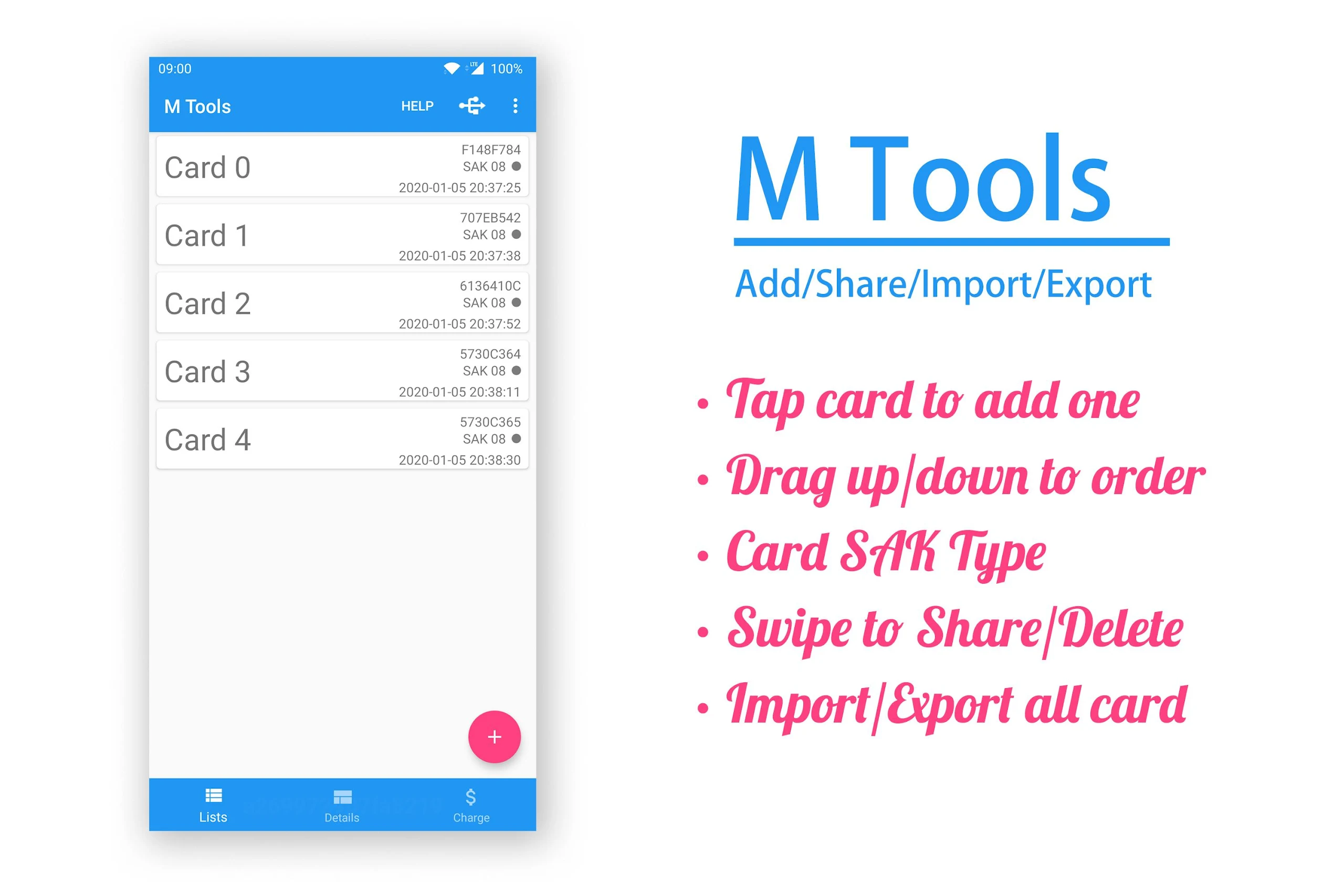
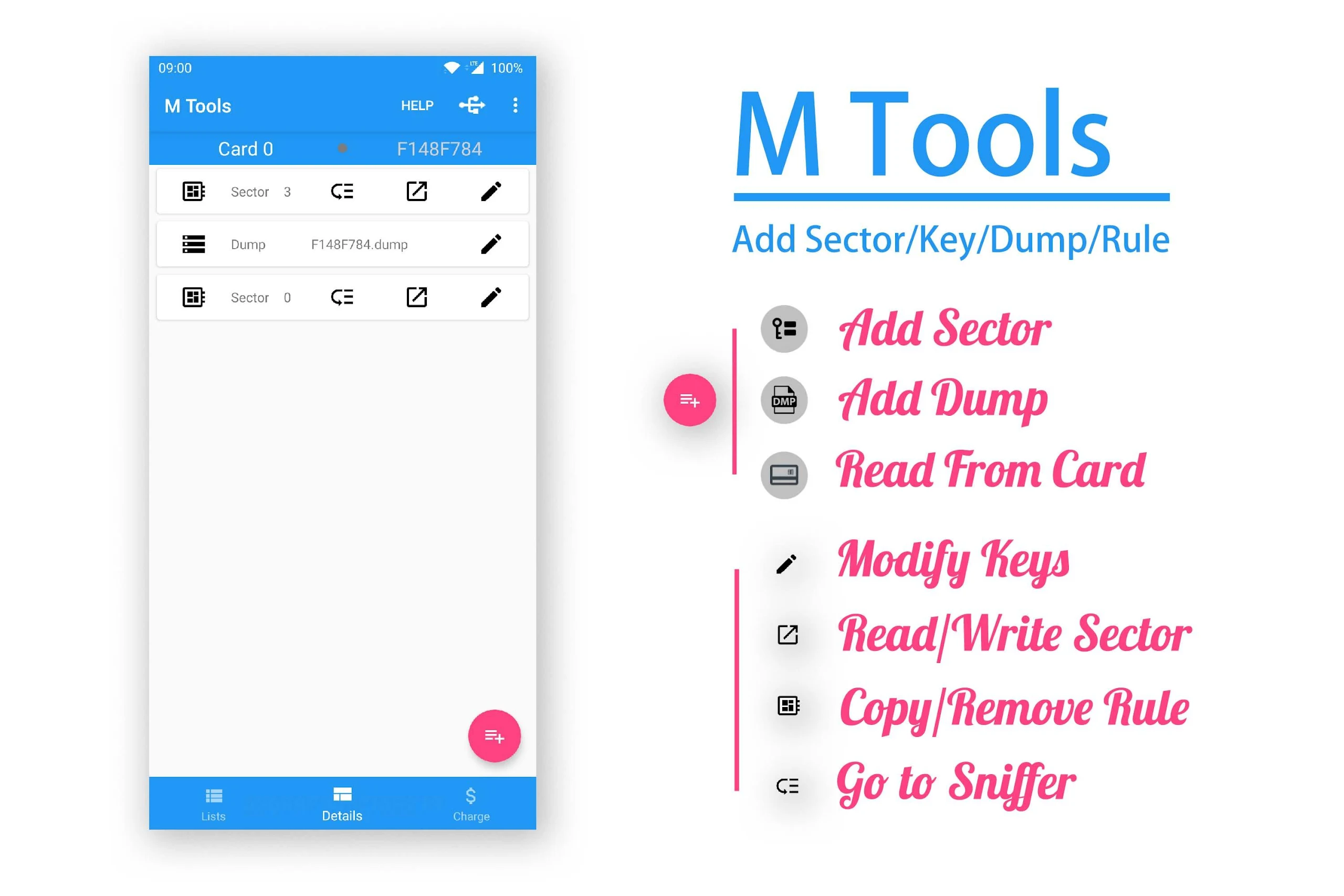
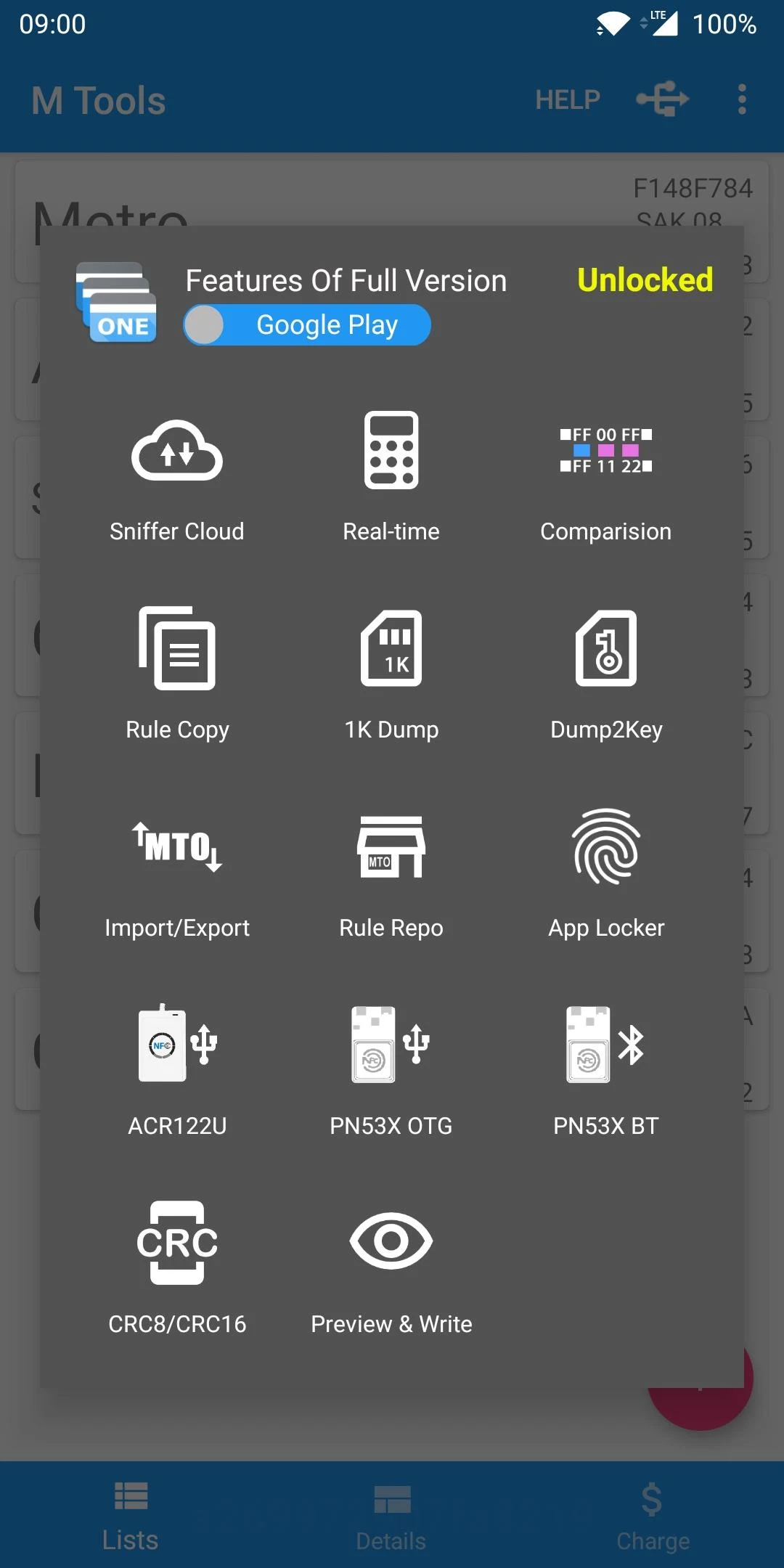
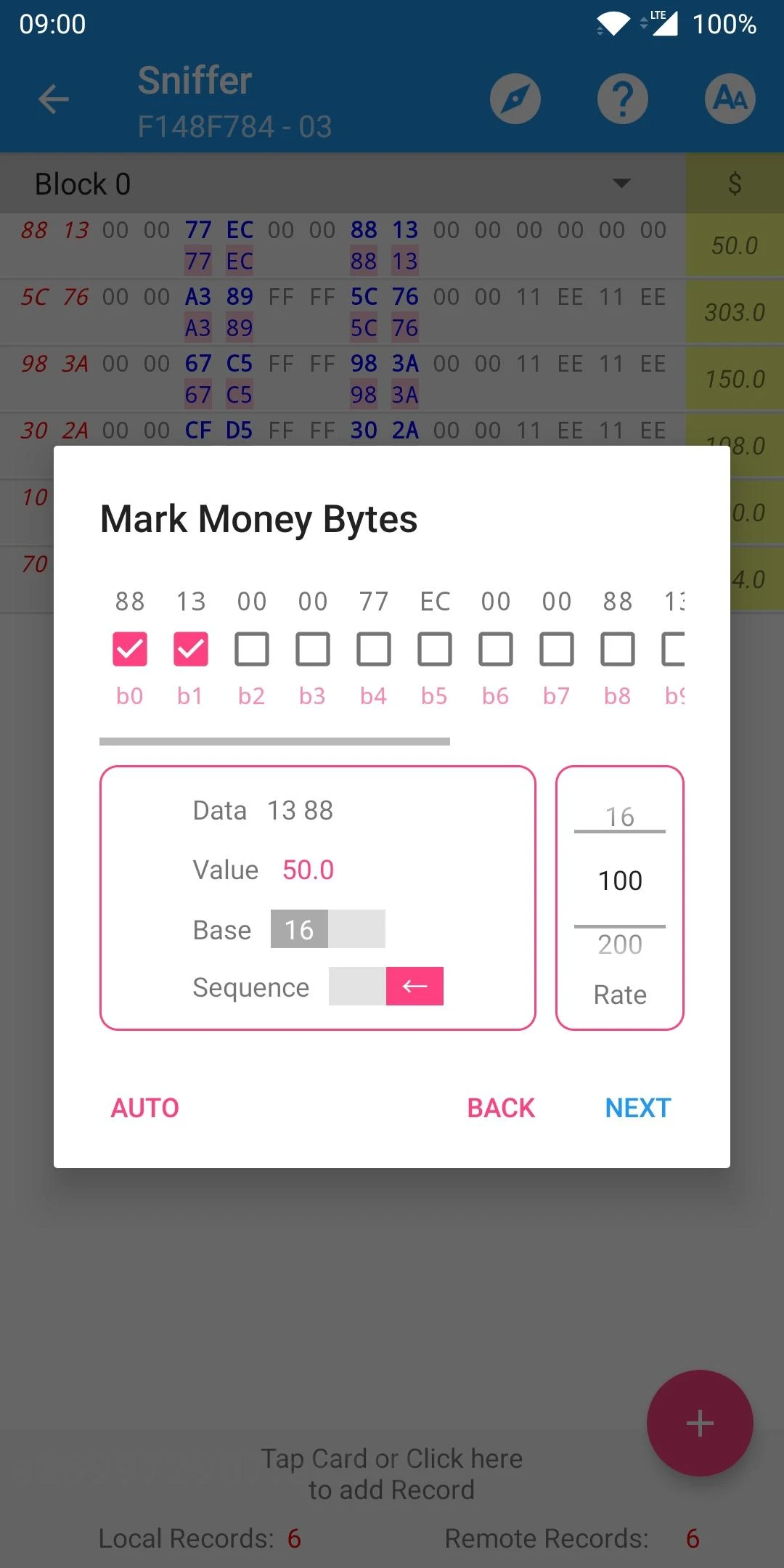
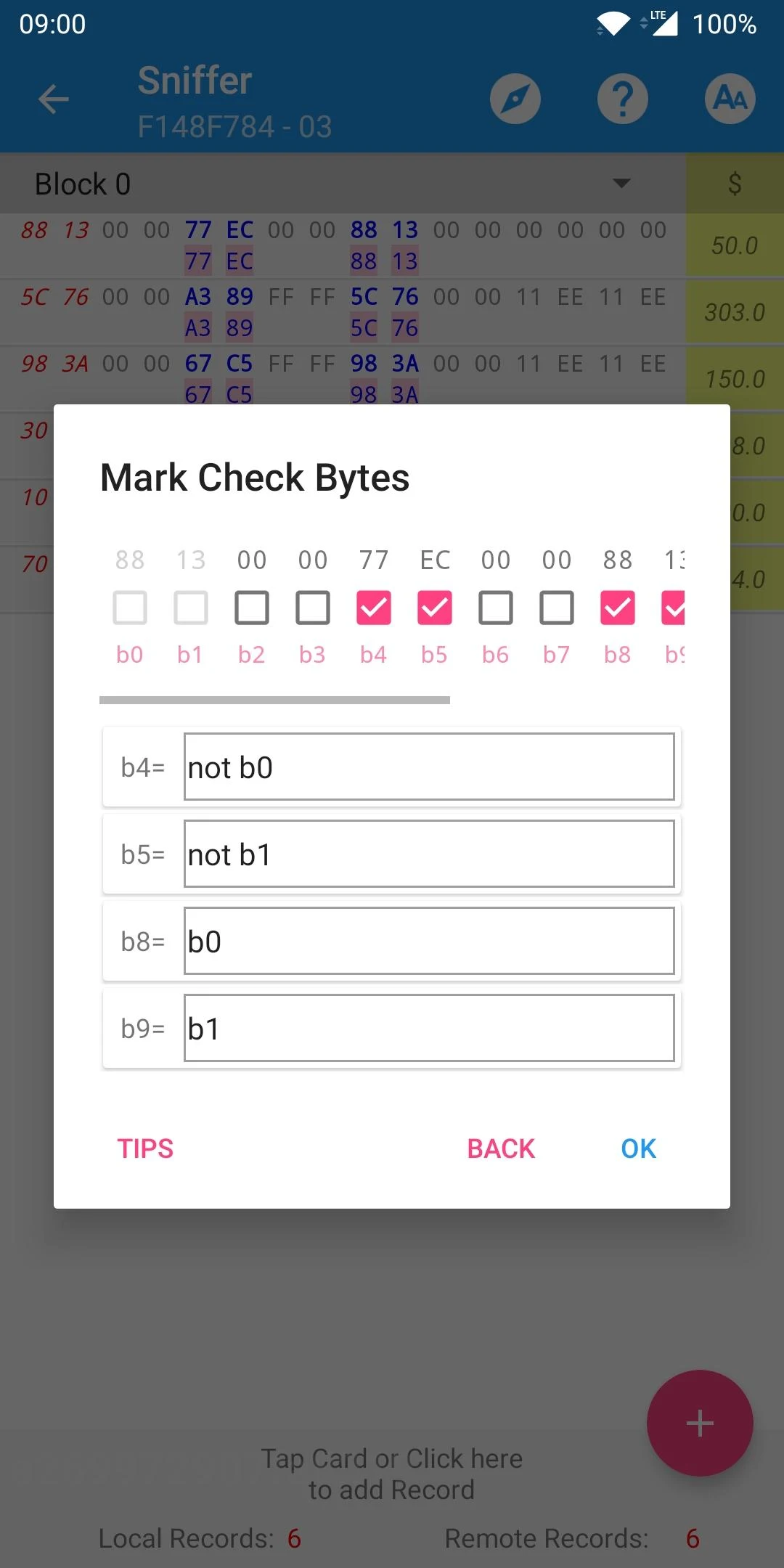
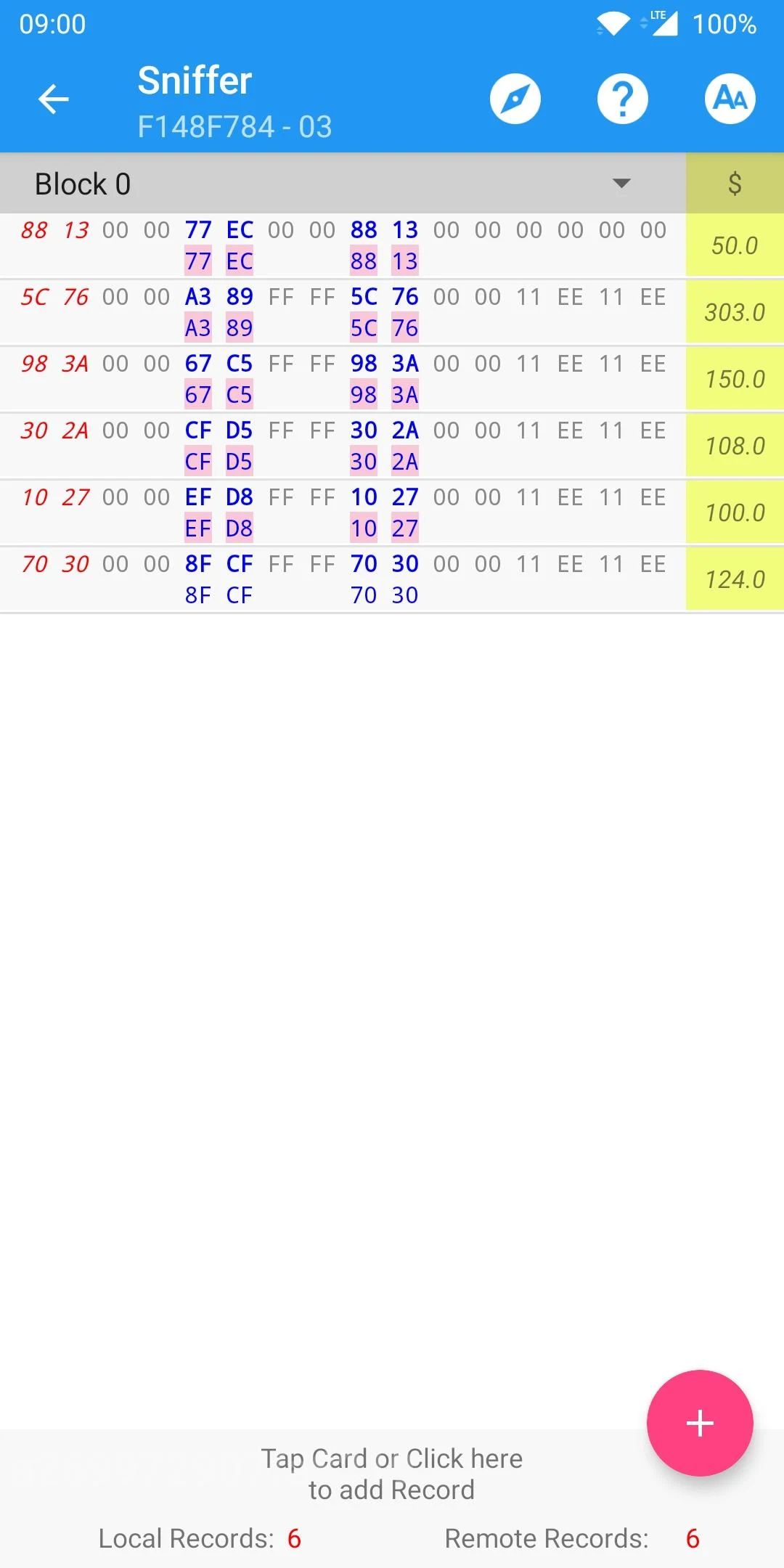
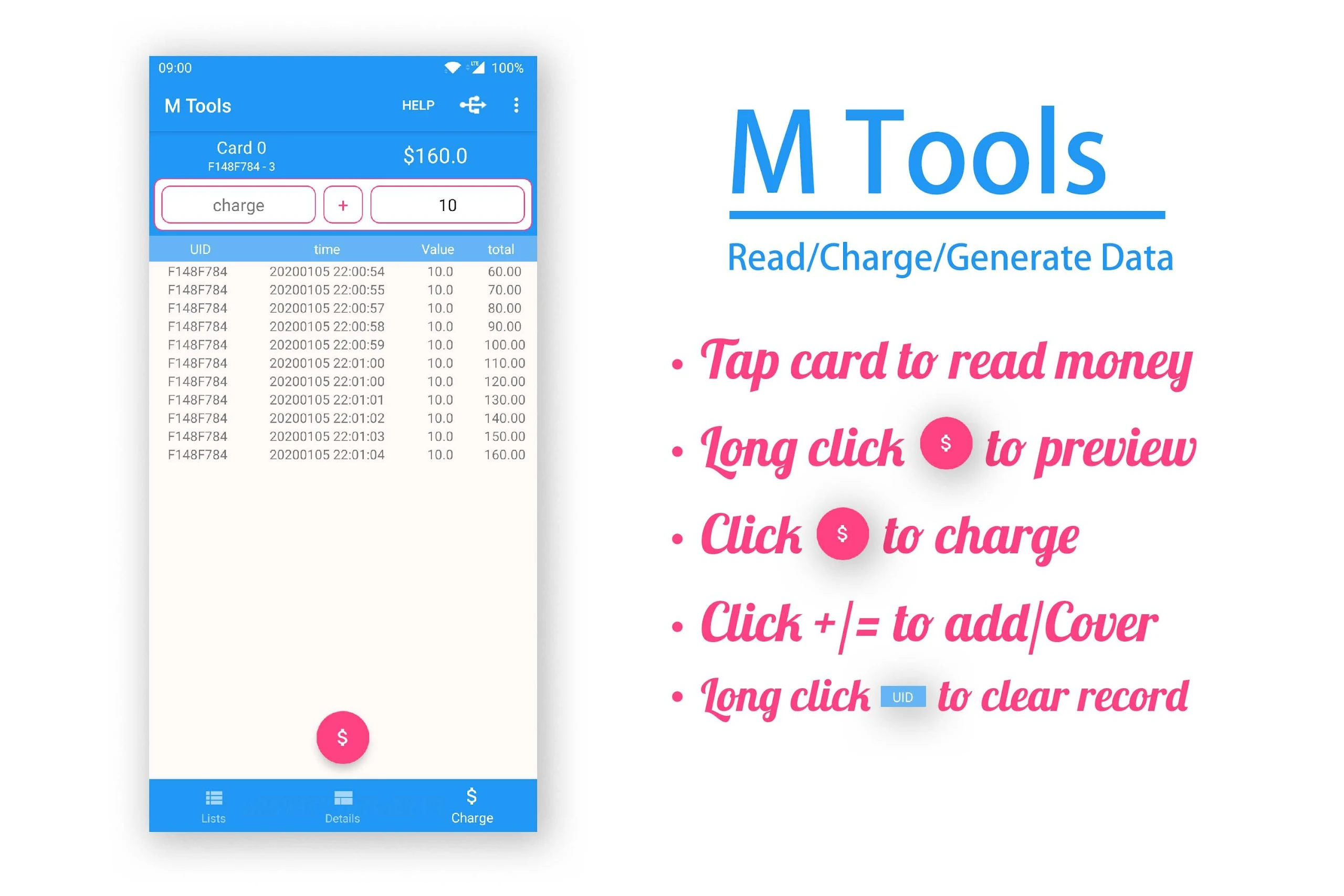
M Tools is the first application globally capable of directly reading and charging your Mifare Classic and Ultralight cards.
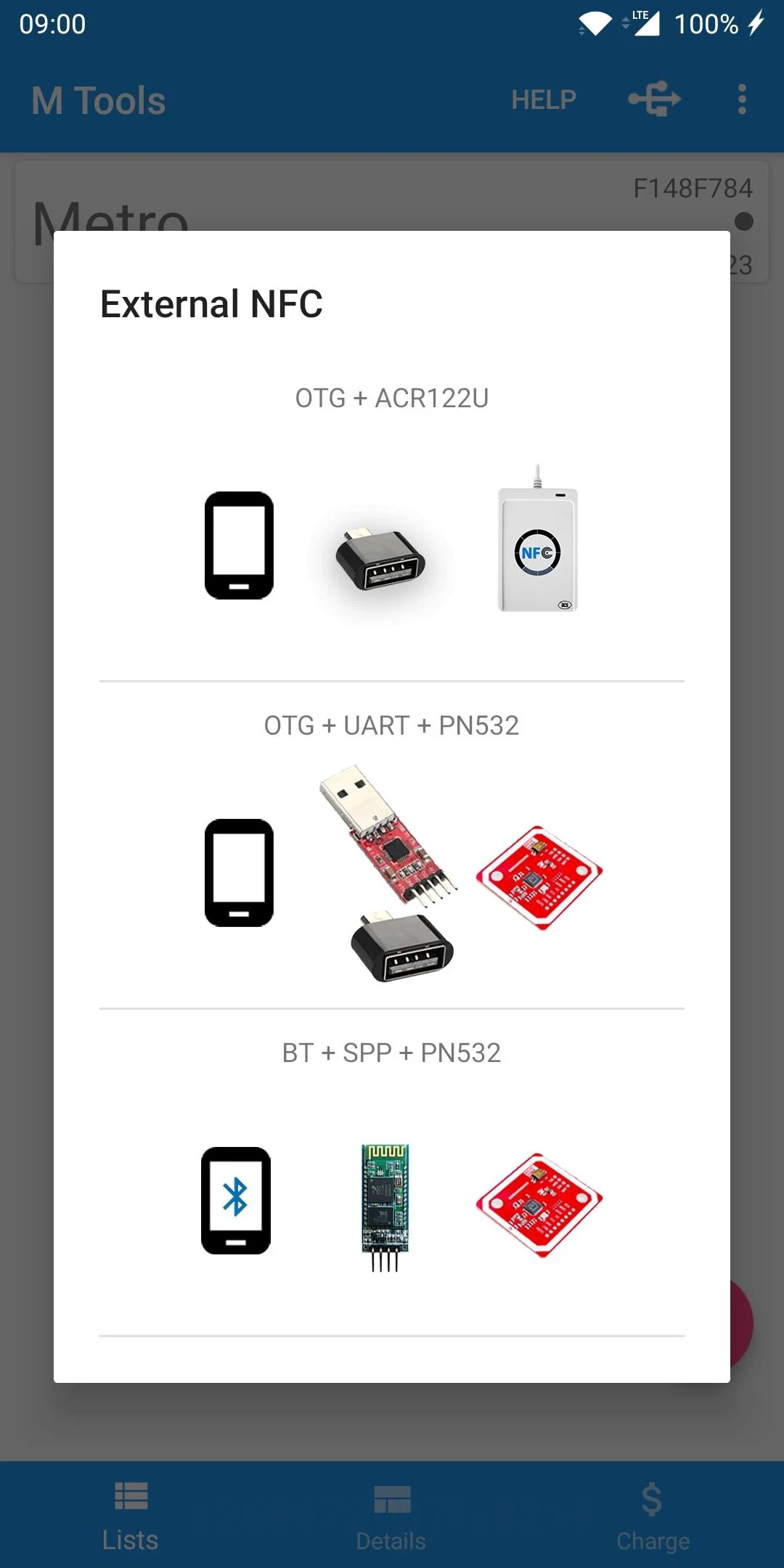
Additionally, it is the pioneering mifare card charger compatible with NFC, PN53X, and ACR122U.
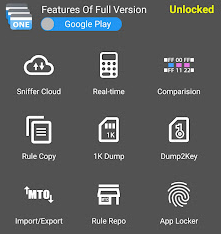
With M Tools, users can compare and analyze data rules effectively.
It is essential to understand the keys and data rules beforehand.
Features include:
1.Direct reading and writing to sectors.
2.Automatic saving of keys when they are modified.
3.Data comparison with highlighted displays.
4.Emulation calculations.
5.Support for multiple cards and rules.
6.Crc8 and Crc16 calculation capabilities.
User Guide:
1. **Preparation**
Know the **key** and **data rules** of the target Mifare card beforehand. This is a prerequisite for operation; without this information, read and write operations are impossible.
2. **Device Connection**
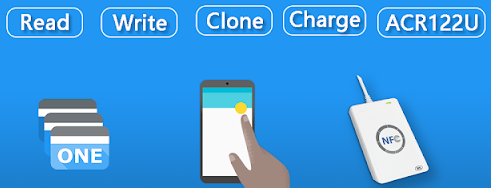
Ensure your device supports NFC, PN53X, or ACR122U card readers. Enable the corresponding function and hold the Mifare card close to the sensing area.
3. **Core Operations**
- **Read/Write Sectors**: Directly read and write sectors on the card. After modifying the key, the app will automatically save the new key.
- **Data Comparison**: Import or read data from two cards for comparison. Differences will be highlighted for quick analysis.
- **Calculation Function**: Use the built-in CRC8 and CRC16 calculation tools to perform data verification; you can also perform simulation calculations to verify rules.
4. **Multi-Card Management**
Add different types of Mifare cards and match them with corresponding operation rules to achieve multi-card classification management and batch operations.
FAQs:
**Q: What type of app is M Tools? What are its core advantages?**
A: M Tools is a tool focused on Mifare card operations. Its core advantage lies in the world's first direct reading and top-up capabilities for Mifare Classic and Ultralight cards. It is also the first Mifare card top-up tool compatible with NFC, PN53X, and ACR122U.
**Q: What key information should users know before using M Tools?**
A: Before using this app, users must understand Mifare card keys and related data rules; otherwise, card operations will not be possible.
**Q: What core card operation functions does M Tools support?**
A: Its core functions include direct sector read and write, automatic key change saving, data comparison and highlighting, simulation calculations, multi-card and multi-rule support, and CRC8 and CRC16 calculation capabilities.
**Q: What practical data processing features does M Tools offer? **
A: This app helps users efficiently compare and analyze data rules. The comparison results are highlighted, allowing users to quickly identify differences. It also includes built-in CRC8 and CRC16 calculation functions to meet data verification needs.
**Q: Does M Tools support users who need to manage multiple cards? **
A: Yes, the app supports multi-card and multi-rule management, meeting the needs of users who need to simultaneously operate different types of Mifare cards and adapt to different data rules.
- Version20231210_R1
- UpdateOct 30, 2026
- DeveloperMTools Tec
- CategoryTools
- Requires AndroidAndroid 7.0+
- Downloads223K+
- Package Nametk.toolkeys.mtools
- Signatureec2d853d90abbb04a58ffc2670d8aed0
- Available on
- ReportFlag as inappropriate
-
NameSizeDownload
-
10.37 MB
-
11.06 MB
-
10.88 MB











Easy to use for DIY learners
Great support from developers
Productive tools for researchers
Intuitive interface when functional
Good reputation among security researchers
Helps expand knowledge on technology
Often resolves issues quickly
Bugs and inconsistencies in functionality
Difficulties obtaining refunds
Poor documentation and unclear instructions
Bait and switch tactics with in-app purchases
Annoying push notifications for ratings
Limited features unless paid for
Occasional app crashes or force closes
Problems with device activation across multiple phones
Data privacy concerns regarding advertisements