
Screen Cast: Bluetooth Manager - Screen Mirroring & Bluetooth Management
Effortlessly stream your screen & organize Bluetooth devices with this user-friendly app designed for seamless connectivity.

- 13.2.2.13.2.2 Version
- 1.1 Score
- 210K+ Downloads
- Free License
- 3+ Content Rating

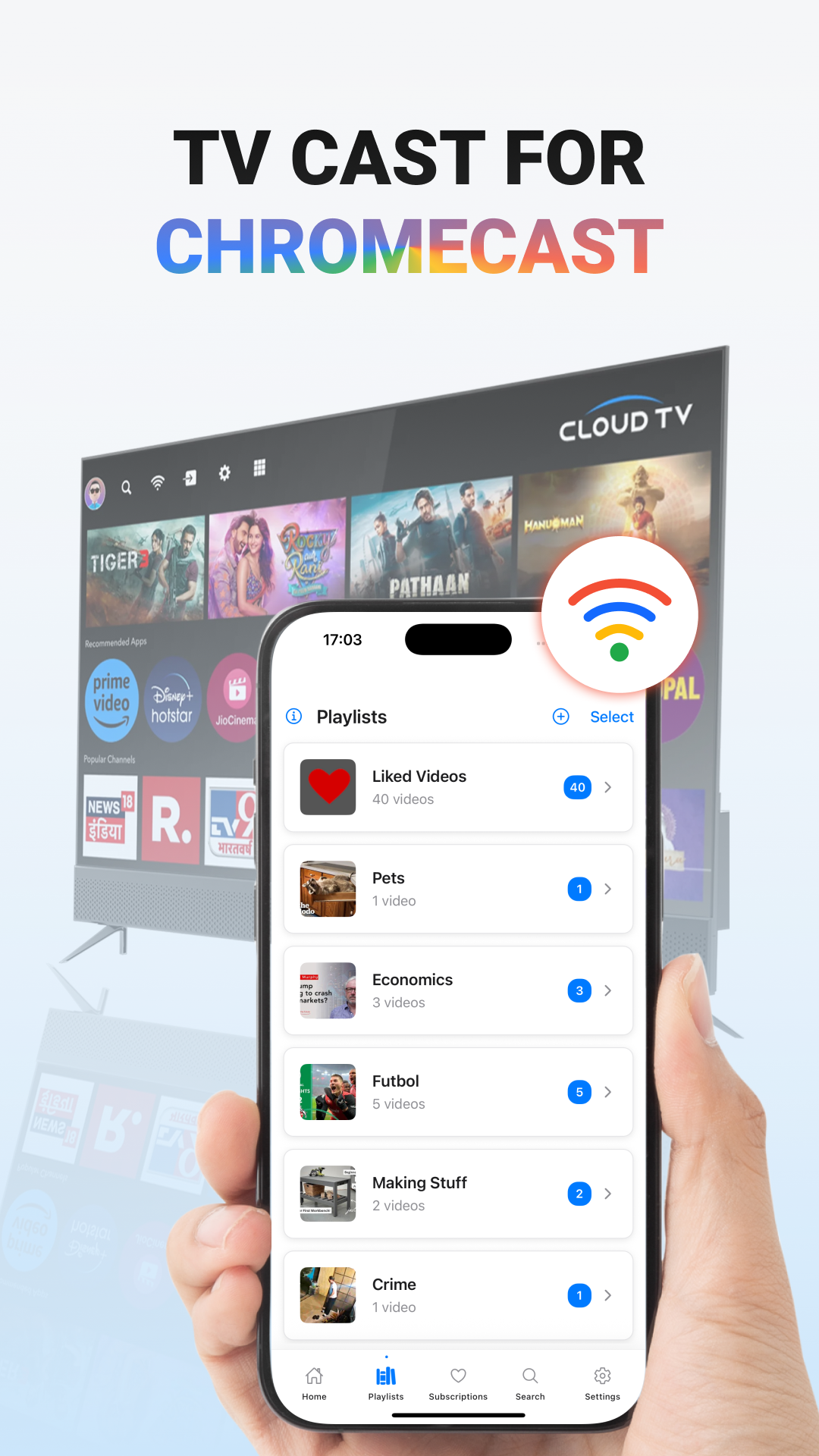
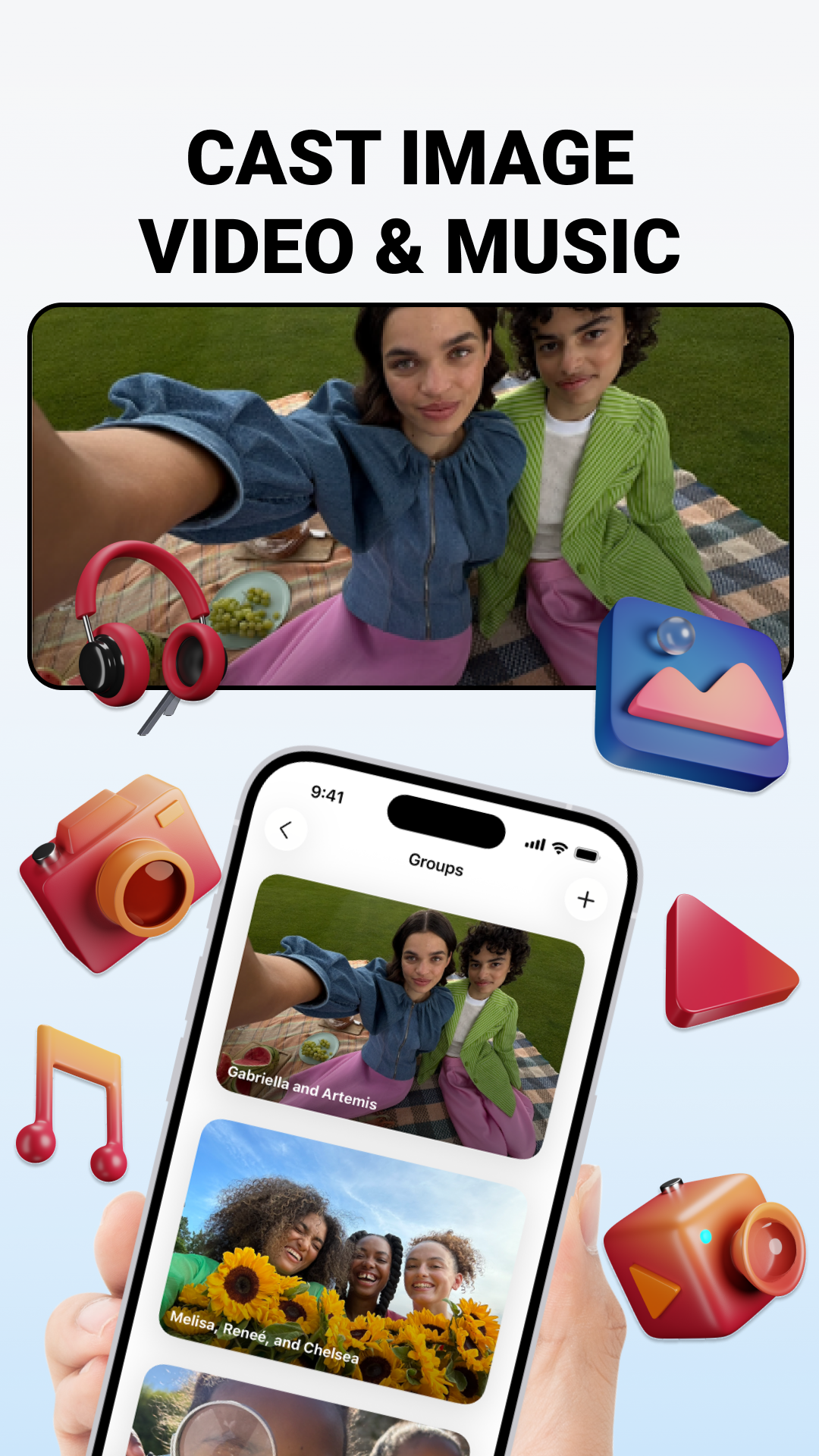
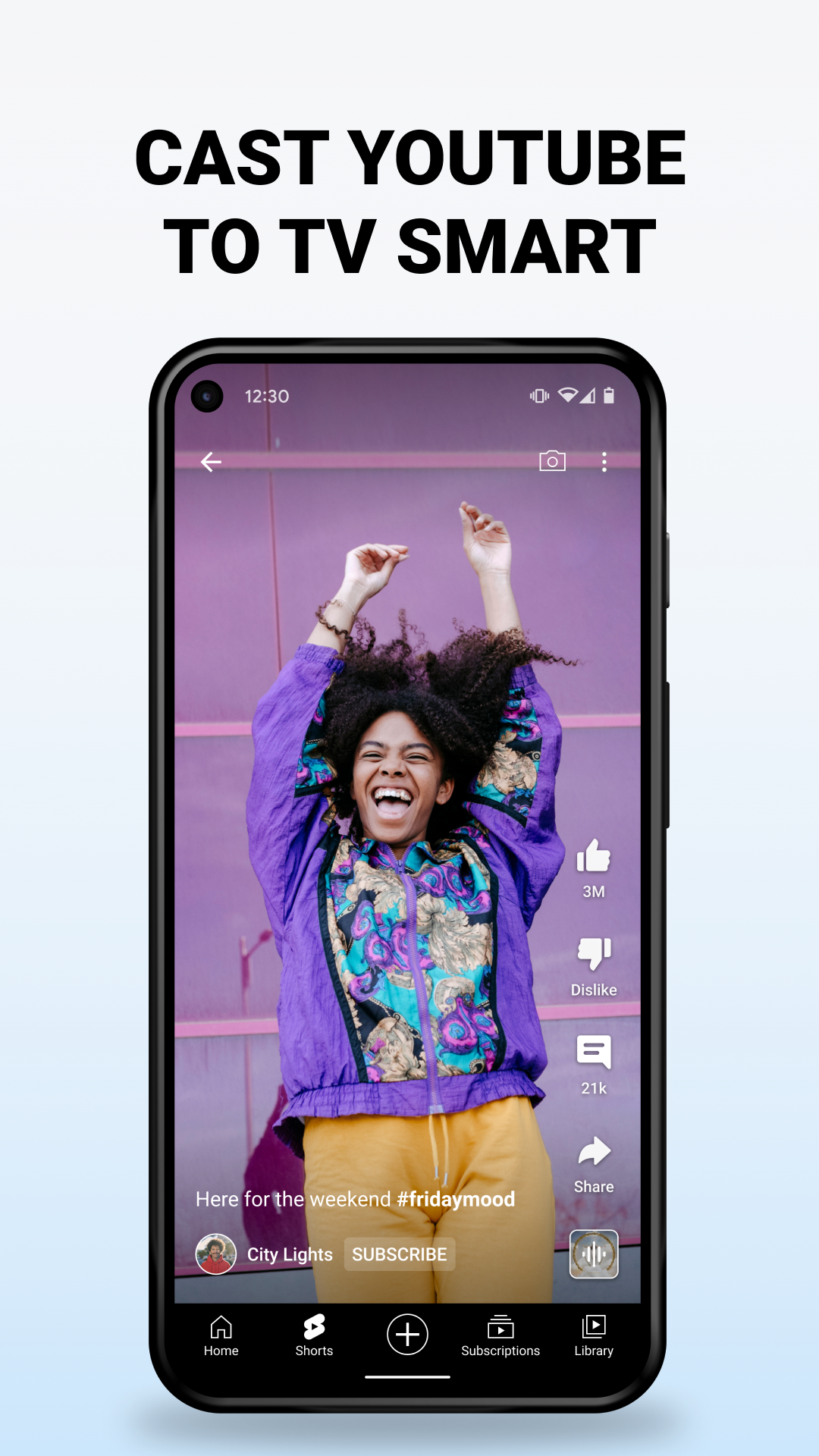
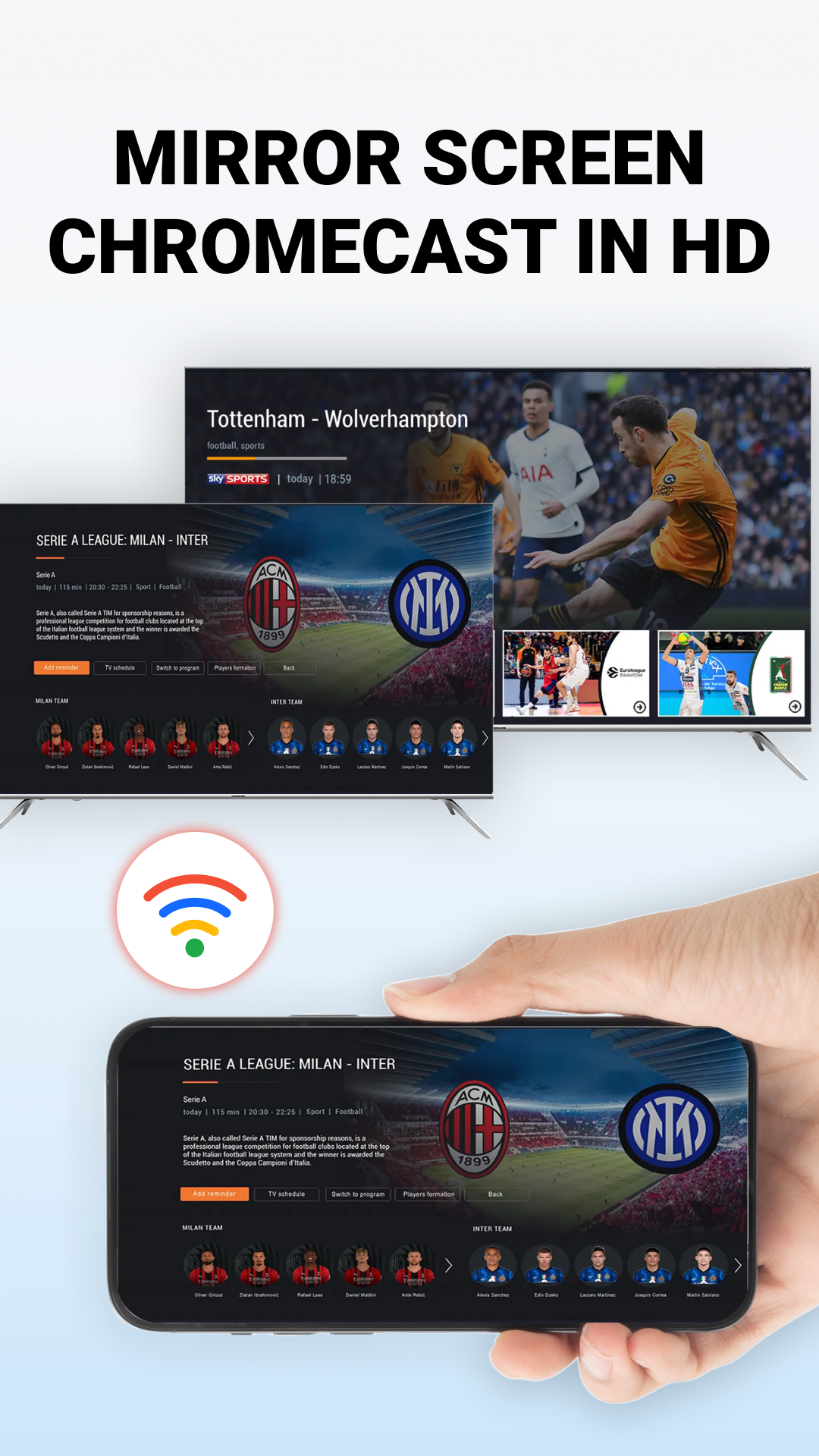
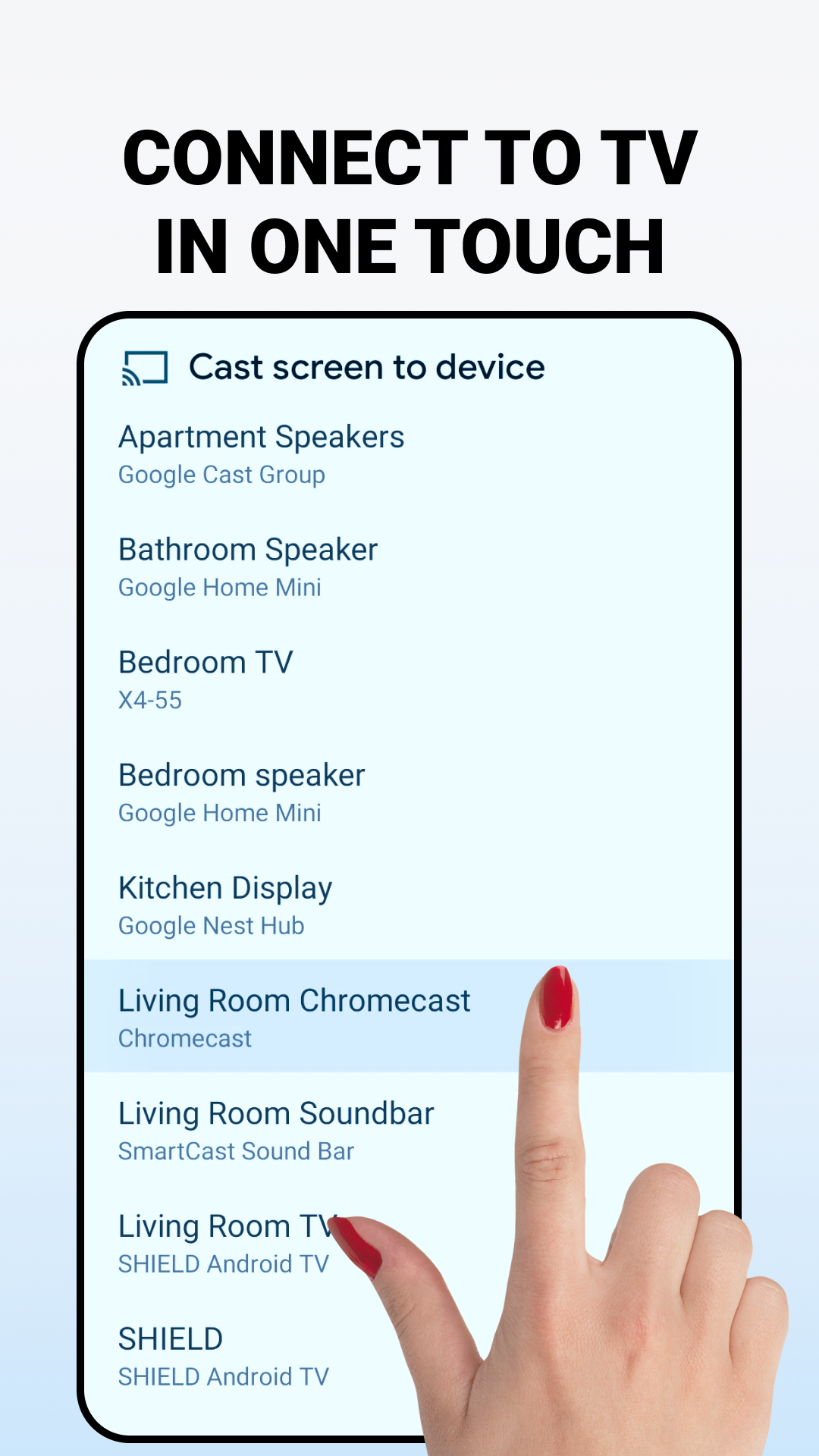
A user-friendly application designed to help you mirror your screen, photos, and videos across various devices.
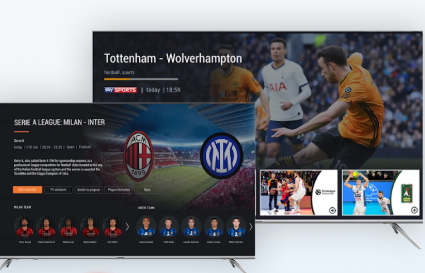
Additionally, it facilitates the management of your Bluetooth devices. Whether your goal is to share your display or organize your connected Bluetooth gadgets, this app streamlines the process effectively.
Application Features:
Screen Mirroring & Casting
This function allows you to project your phone's screen onto compatible devices. This encompasses video streaming, displaying images, or duplicating your entire screen. Regardless if you’re casting to a smart television, computer, or another compatible gadget, this app simplifies the experience without any complications.
• Screen Mirroring: This feature offers straightforward steps to project your mobile screen to other compatible devices.
• Image and Video Mirroring: Access your photos and videos from within the app while casting your mobile screen.
• How-to Guide: Receive detailed instructions on connecting for screen casting and mirroring.
Bluetooth Device Management
Easily oversee all your Bluetooth devices, whether you're pairing new ones or adjusting current connections.
• Find Bluetooth Devices: Quickly search for and detect all Bluetooth devices in your vicinity.
• List of Paired Devices: Review all Bluetooth devices that are currently paired with your mobile device.
• Bluetooth Device Information: Obtain specific details regarding each Bluetooth device’s connection status.
• Pair & Unpair Devices: Seamlessly connect or disconnect any Bluetooth device.
• Add to Favorites: Save your frequently used Bluetooth devices by adding them to a favorites list for quicker access.
• Rename Paired Devices: Personalize and modify the names of your paired Bluetooth devices for enhanced organization.
• View Device Details: Explore comprehensive details about each Bluetooth device, including connection status, name, MAC address, and more.
User Guide:
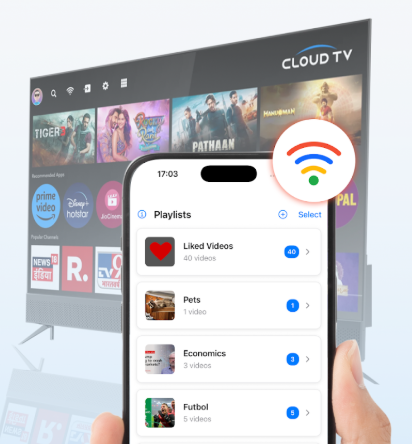
1. **Screen Casting**
Open the app, access the screen casting function, and follow the built-in connection instructions to cast your phone screen, photos, or videos to compatible devices such as smart TVs and computers. The entire process is simple and requires no complicated setup.
2. **Bluetooth Device Management**
- **Search and Pair**: Access the Bluetooth management page, search for nearby Bluetooth devices with one click, and select the target device to complete pairing or unpairing.
- **Device Organization**: View detailed information about paired devices (connection status, MAC address, etc.), add frequently used devices to your favorites, and rename devices for easy identification.
Related Questions and Answers:
1. **Q**: What is the core function of this app?
**A**: It has two main functions: one is to enable cross-device screen, photo, and video mirroring; the other is to conveniently manage Bluetooth devices, making device connections and resource sharing more efficient.
2. **Q**: What devices can the screen mirroring function be used to mirror to? What specific operations can be performed?
**A**: It can be used to mirror to compatible devices such as smart TVs and computers. Specifically, it can stream videos, display images, or sync the entire phone screen to the target device. The app also provides detailed connection instructions.
3. **Q**: What practical functions does it have for Bluetooth device management?
**A**: It supports searching for nearby Bluetooth devices, viewing a list of paired devices, and obtaining detailed information such as device connection status. It can quickly pair and unpair devices. Frequently used devices can also be added to favorites and renamed for easy categorized management.
4. **Q**: Is this app difficult to use?
**A**: The operation is not difficult, the application design is user-friendly, the screen mirroring function steps are simple, the Bluetooth management operation process is clear, and it is also equipped with a special connection guide, so novices can easily get started.
- Version13.2.2.13.2.2
- UpdateOct 30, 2026
- DeveloperJSK Developer's
- CategoryTools
- Requires AndroidAndroid 6+
- Downloads210K+
- Package Namecom.tritech.screen.mirroring
- Signaturedda9eeea9c127952f5c721594d9f35c8
- Available on
- ReportFlag as inappropriate
-
NameSizeDownload
-
14.80 MB
-
13.90 MB
-
13.79 MB













Convenient screen mirroring feature
Easy app navigation
Compatible with multiple TV brands
Utilizes phone hotspot for connection
User-friendly interface design
Unique integration of Bluetooth element
Potential for growth with user base
Excessive and intrusive ads
Connection issues during use
Limited functionality for Bluetooth users
Poor customer support experience
Frustrating user experience due to interruptions
Difficulty connecting to specific devices
Misleading advertising claims about Bluetooth capabilities
Overall low satisfaction among users