
Checker for Type-C Video - Check USB-C video
Easily verify your mobile's USB-C video capabilities before purchasing cables & adapters for seamless TV connections.
- 1.6.7 Version
- 1.2 Score
- 273K+ Downloads
- Free License
- 3+ Content Rating

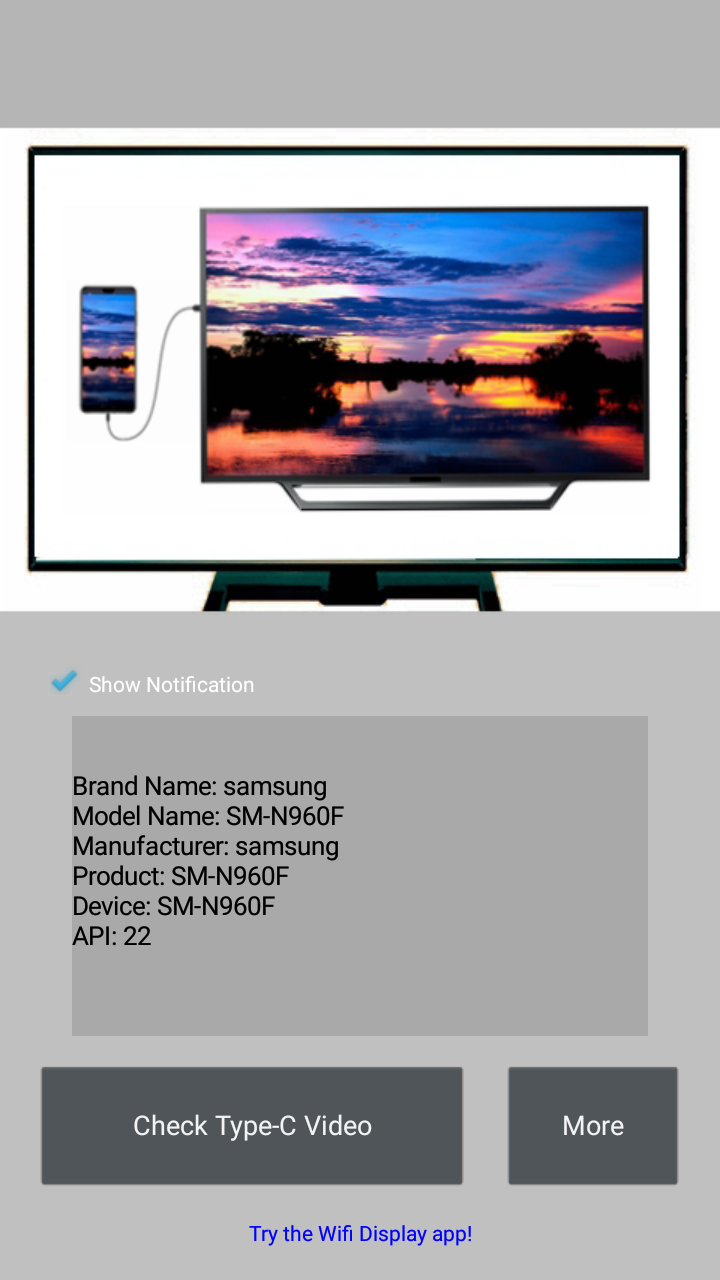
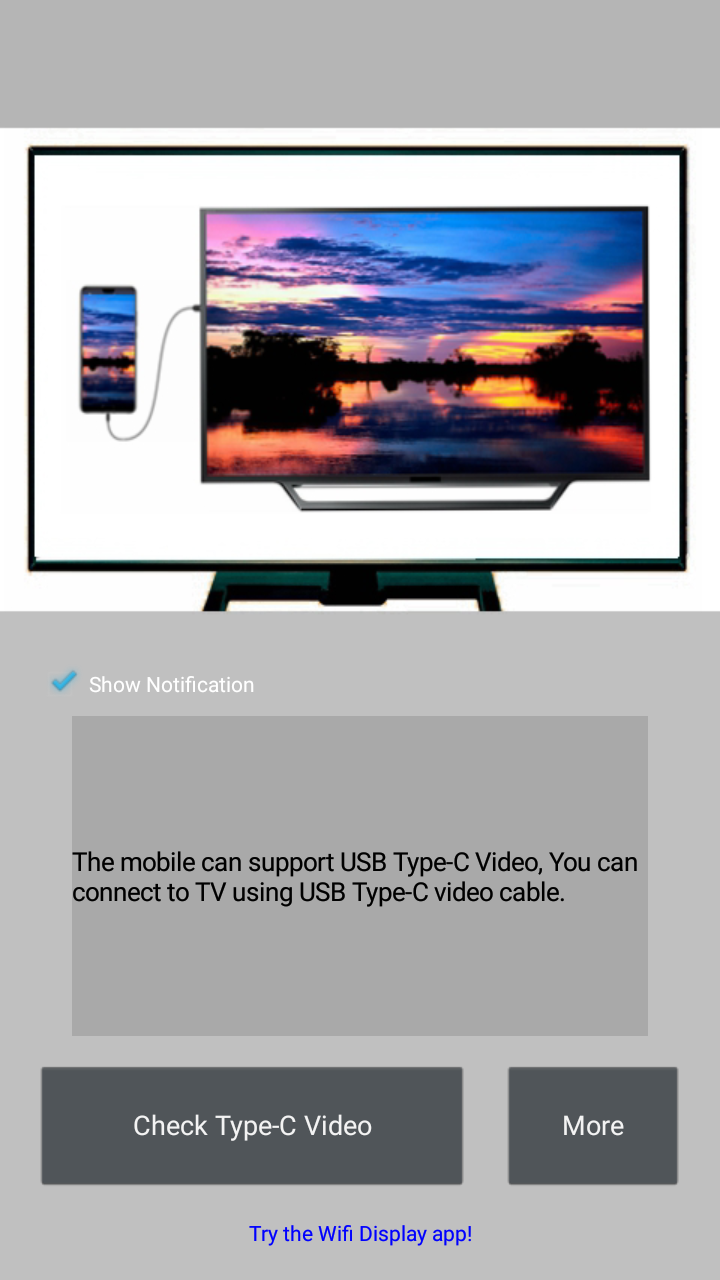
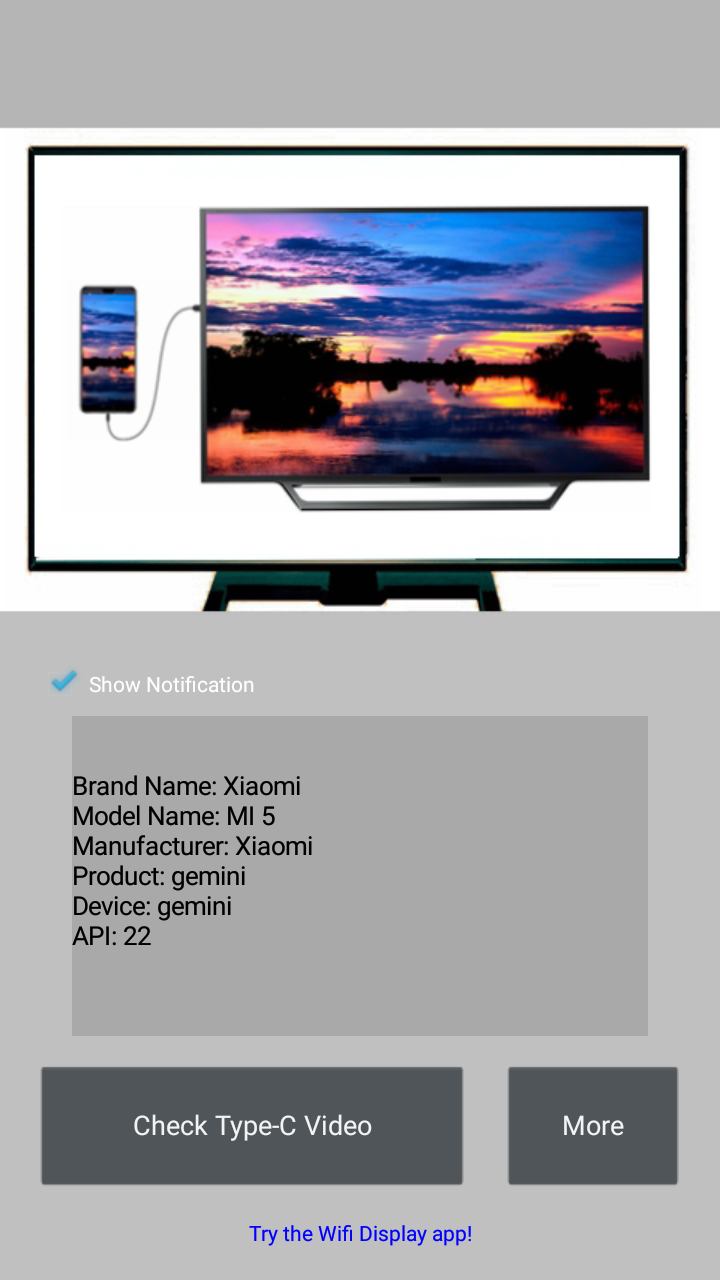
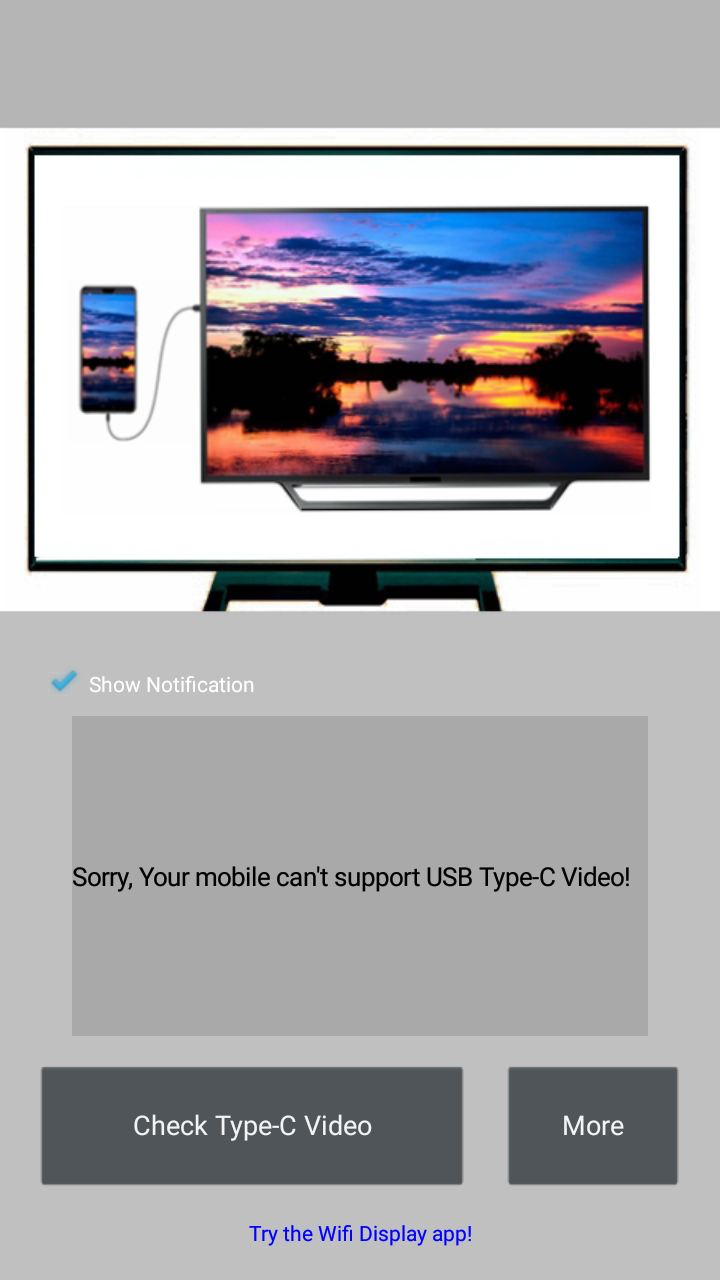
The Type-C Video Checker is a tool that helps you determine whether your mobile device can send video through USB Type-C to a television.
Before purchasing a USB Type-C to TV cable or adapter, it's advisable to check the compatibility of your mobile device!
This application is very user-friendly; if you have any inquiries, please reach out for assistance!
A list of known compatible mobile devices includes:
- Samsung Galaxy S8/S8+/S9/S9+/S10/S10+ and Note8/Note9
- Huawei Mate10/Mate10 Pro/Mate20/Mate20 Pro/Mate20 X/Mate20 RS/Mate X, as well as P20/P20 Pro/P30/P30 Pro
- Honor Note10 and V20
- HTC models such as U Ultra, U11, 10, and M9
- LG G5 and V30
- OPPO R17 Pro
- Essential PH-1(P)
Features:
1. **Focused Function**: Specifically designed to detect whether a mobile device supports video transmission to a TV via the USB Type-C port, providing compatibility reference before purchasing a Type-C to TV cable or adapter, helping users avoid blind purchases.
2. **Easy to Use**: The tool is designed with user needs in mind, offering a low barrier to entry, making it easy for even non-technical users to operate. It also provides a consultation and assistance channel to resolve any usage questions.
3. **Clear Compatible Devices**: Known compatible devices from major brands (including Samsung, Huawei, Honor, HTC, and others) are clearly listed, allowing users with these devices to quickly confirm compatibility.
4. **Clear Technical Principle**: Based on USB Type-C's Alt Mode technology, it supports non-USB signal transmission such as DisplayPort. This explains how compatible devices can directly output video via a single cable, eliminating the need for additional adapters, demonstrating the practicality of the technology.
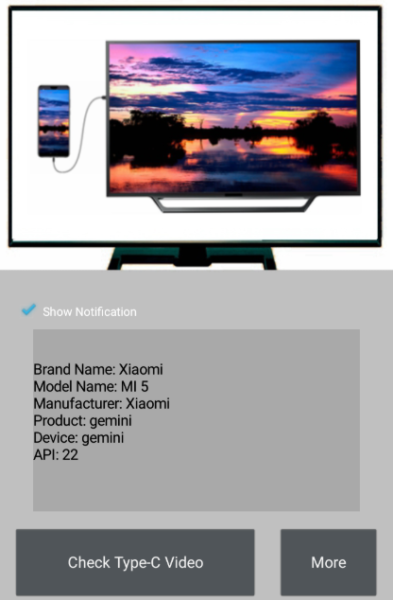
The standard allows for the creation of USB Type-C cables that do not require additional dongles or converters, enabling supported devices to directly transmit video from a USB-C-compatible device to a TV display using a single cable.
Alternative Mode, often abbreviated as Alt Mode, permits non-USB signals to be transmitted over a USB-C cable. Other Alt Modes for USB-C include DisplayPort, MHL, and Thunderbolt. Devices with USB-C that support these Alt Modes can transfer these signals along with standard USB data when used with the appropriate cable.
FAQs:
1. Q: What is the Type-C Video Checker app used for?
A: It's a testing tool specifically designed to determine whether mobile devices like smartphones can transmit video signals to a TV via a USB Type-C interface. It provides compatibility information before users purchase adapters or cables, preventing unauthorized purchases.
2. Q: Is this app difficult to use?
A: Not at all. Its design is user-friendly and has a low learning curve, making it easy for even non-technical users to use. Users can also seek help through consultation channels if they encounter problems.
3. Q: Which brands and models are confirmed to be compatible with Type-C video output?
A: Known compatible models cover many mainstream brands, such as Samsung Galaxy S8/S9/S10 series, Note8/Note9, Huawei Mate10/Mate20 series, P20/P30 series, Honor Note10, V20, HTC U Ultra, U11, etc.
4. Q: What is the technical principle behind the Type-C interface's ability to transmit video signals?
A: The core technology is **Alt Mode** based on USB Type-C. This technology allows non-USB signals, such as DisplayPort, MHL, and Thunderbolt, to be transmitted over Type-C cables. Devices supporting this mode, when paired with a suitable cable, can directly output video.
5. Q: Do I need an additional adapter to connect a Type-C device that supports video output to a TV?
A: If the device supports the corresponding Alt Mode, it can be directly connected to the TV to transmit video using a standard USB Type-C cable. No additional adapter or docking station is required.
- Version1.6.7
- UpdateOct 30, 2026
- DeveloperWidget7
- CategoryTools
- Requires AndroidAndroid 2.3.0 – 2.3.2+
- Downloads273K+
- Package Namecom.widget7.check.typec.hdmi
- Signatureeec425349b1c08ce980e33f0c190d569
- Available on
- ReportFlag as inappropriate
-
NameSizeDownload
-
6.59 MB
-
8.72 MB
-
8.72 MB











Accurate compatibility check for USB-C to HDMI
Saves users from unnecessary purchases
Quick download and response time
Easy to use interface
Reports phone limitations without misleading claims
Compact design with straightforward functionality
Incorrect information about device compatibility
Excessive ads that detract from user experience
Request for numerous permissions raises privacy concerns
Misleading app performance on multiple devices
Inconsistent results causing frustration
Potential issues with adult content in advertisements