
Compass - Digital Compass - GPS & Qibla Compass
Navigate outdoors easily with an accurate GPS & Qibla compass that guides your adventures and prayers.
- 2.2.0 Version
- 2.2 Score
- 1M+ Downloads
- Free License
- 3+ Content Rating

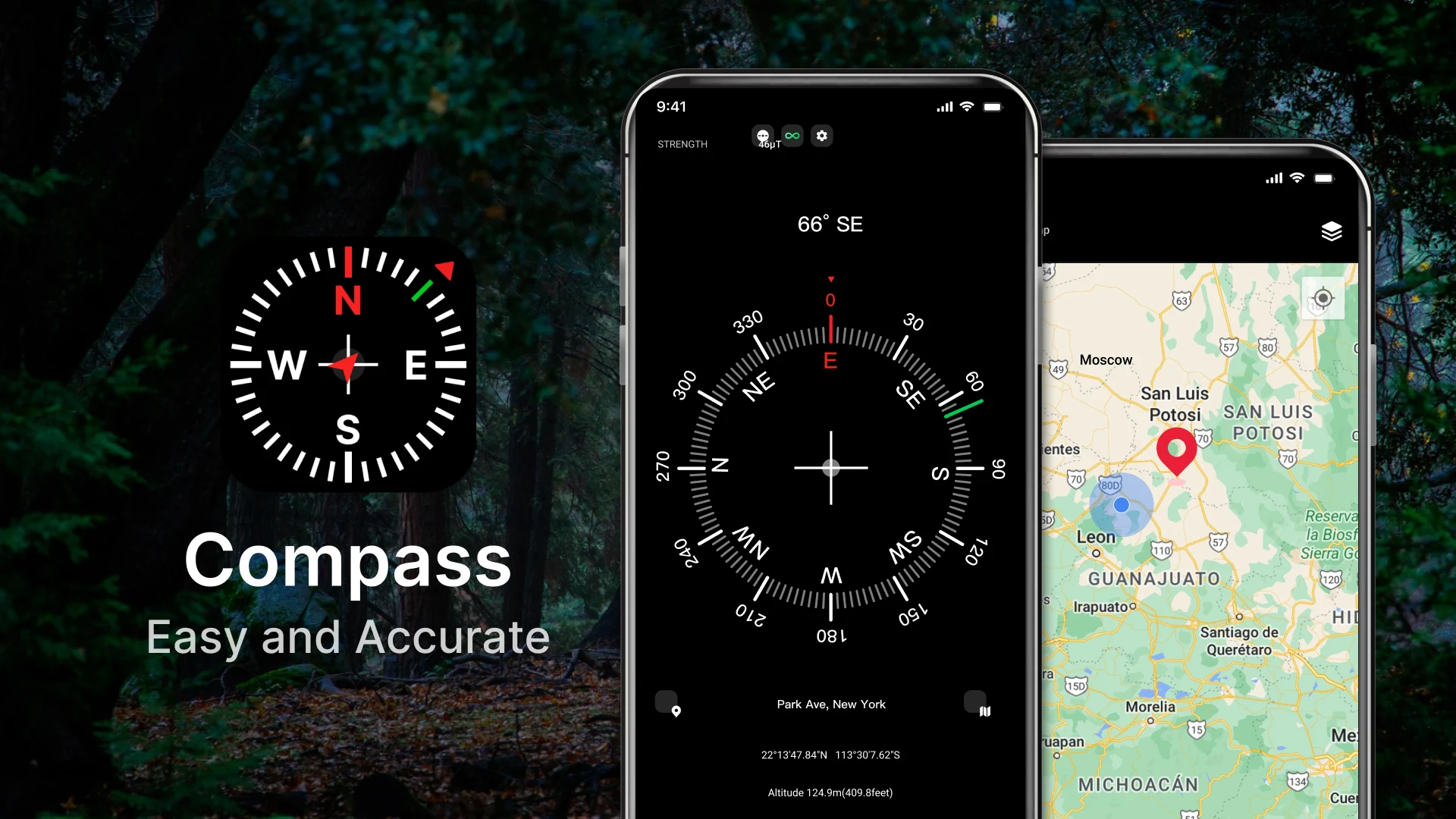
GPS Compass & Qibla Compass
1. App Overview
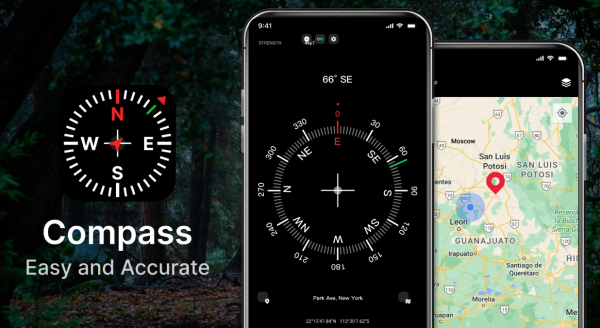
GPS Compass & Qibla Compass is a utility app that combines a digital compass, GPS positioning, a Qibla direction finder, and a bubble level. It provides tools for outdoor navigation, locating prayer directions, and checking surface alignment.
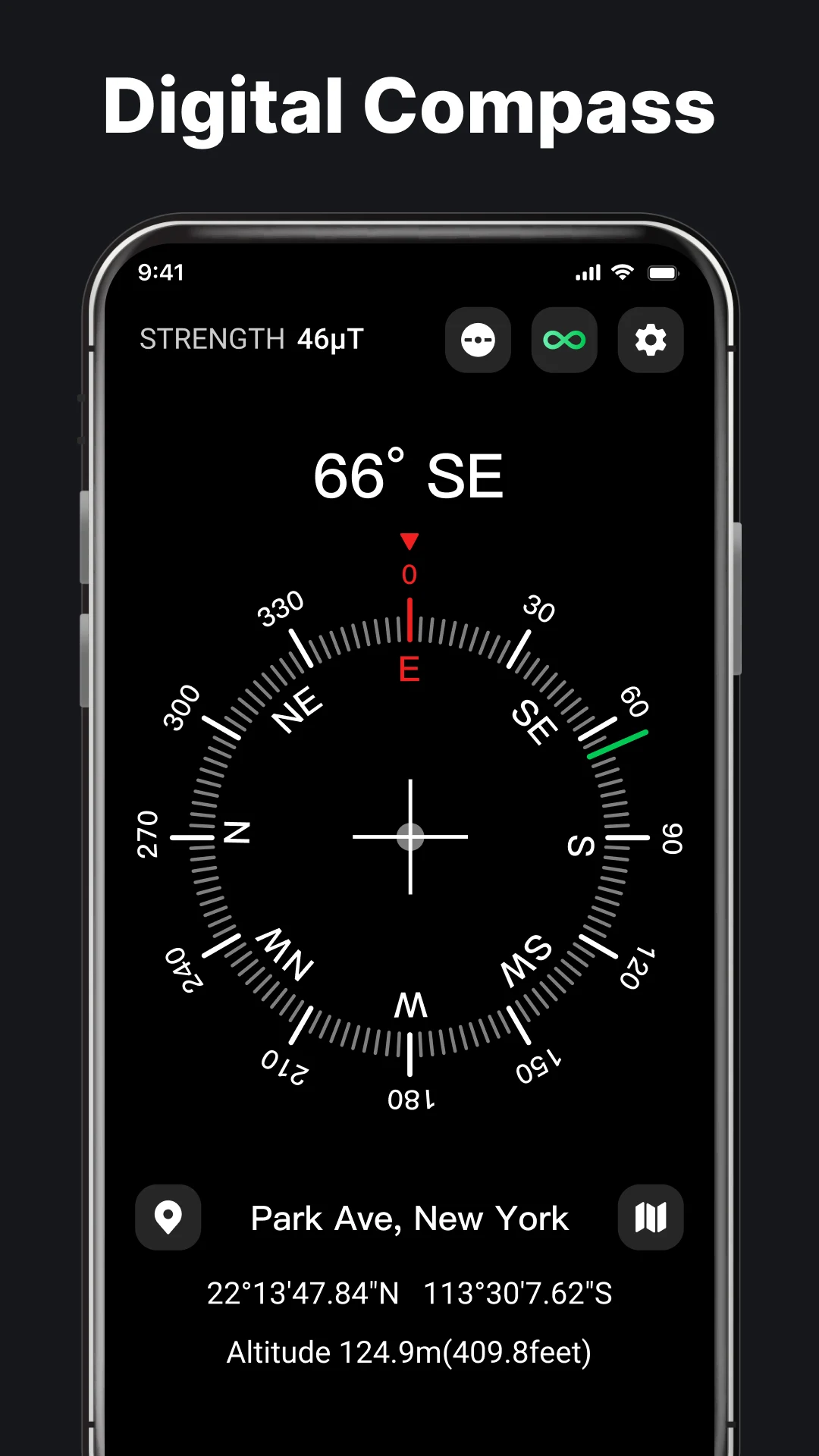
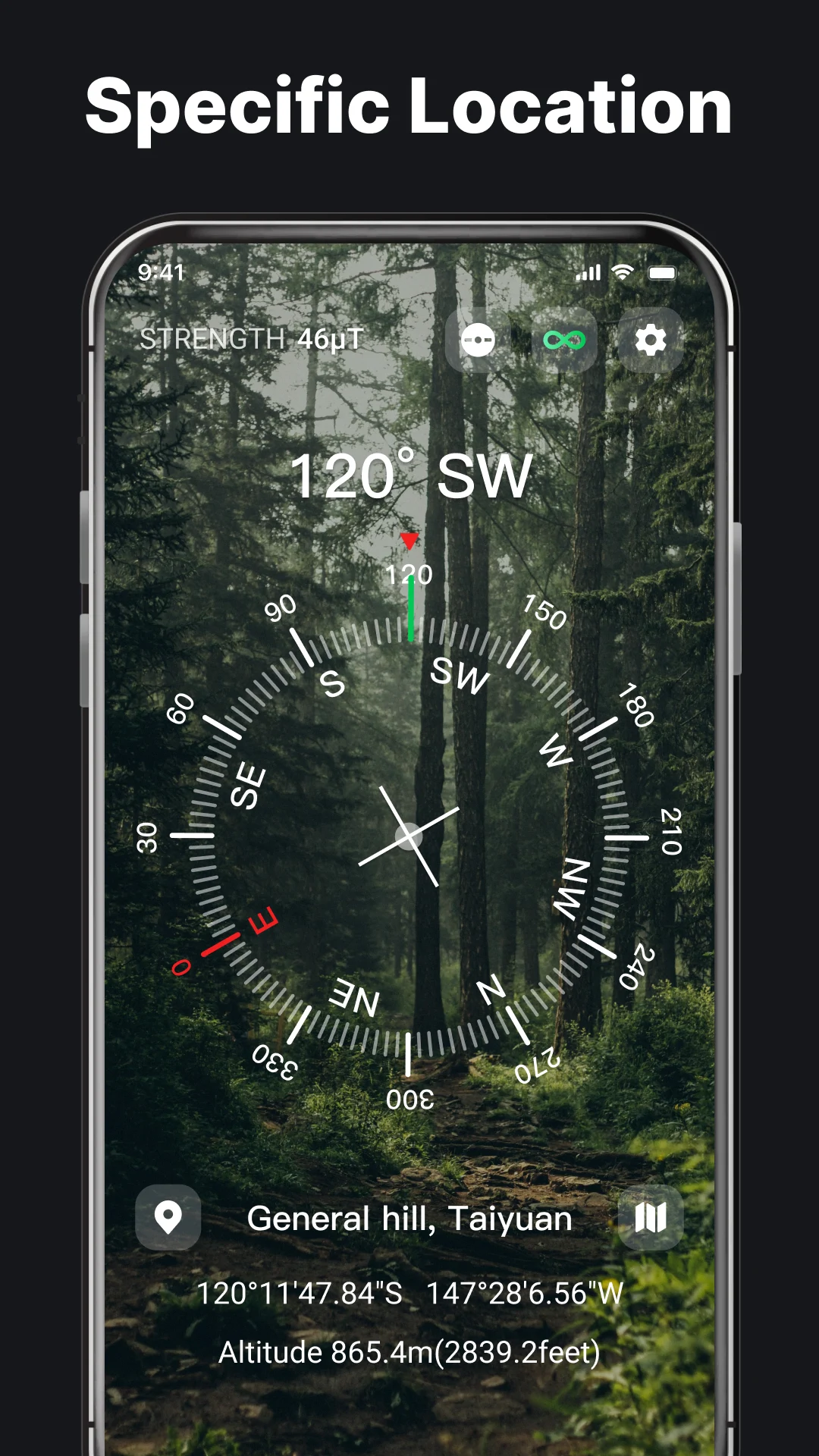
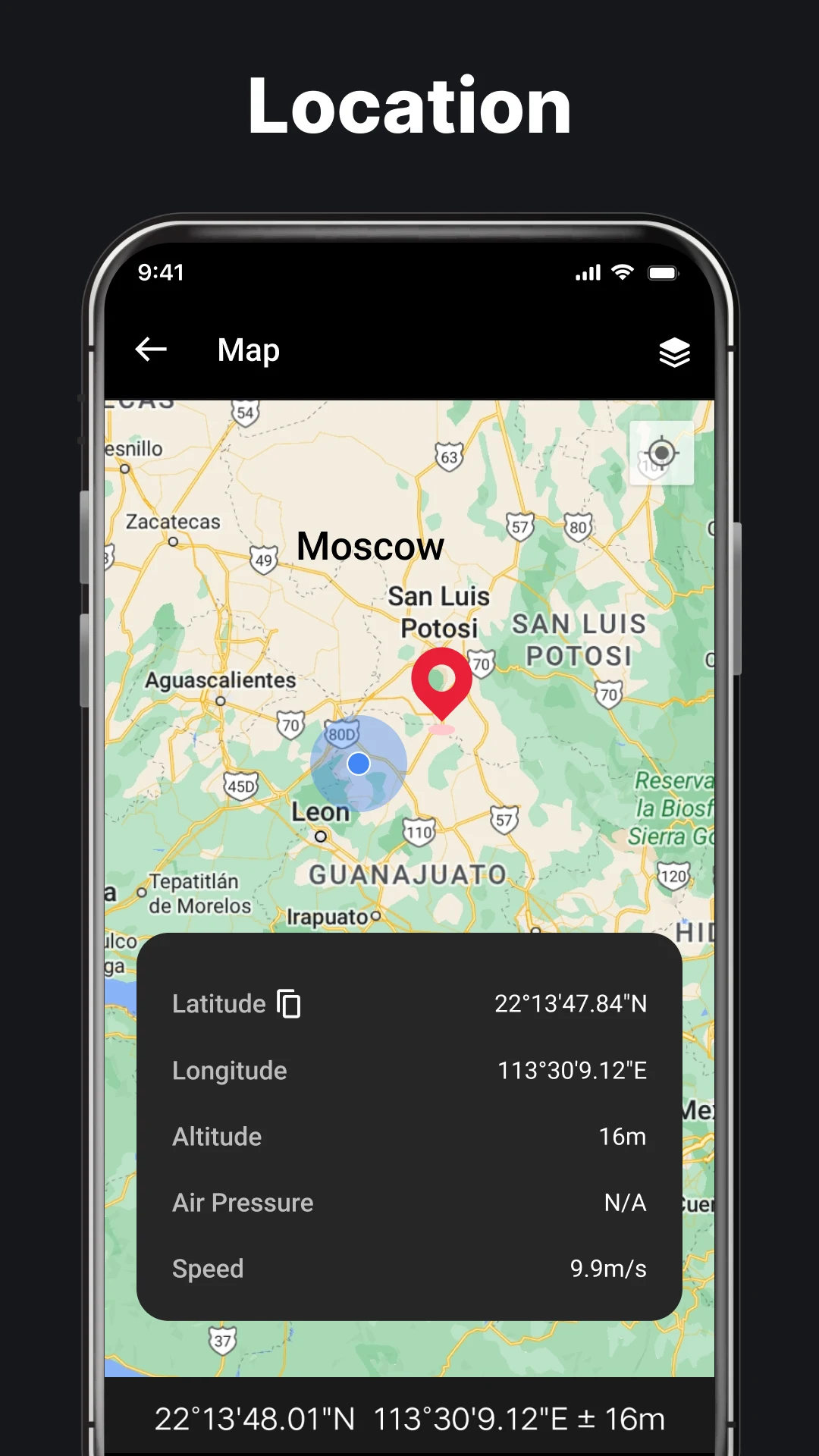
The digital compass displays cardinal directions alongside geographic information, including latitude, longitude, altitude, air pressure, magnetic field strength, and gravitational acceleration. Users can also open Google Maps to view their current location. The dedicated Qibla compass calculates the direction of the Kaaba based on the user's location, helping Muslim users determine the correct prayer direction when traveling or visiting unfamiliar places.
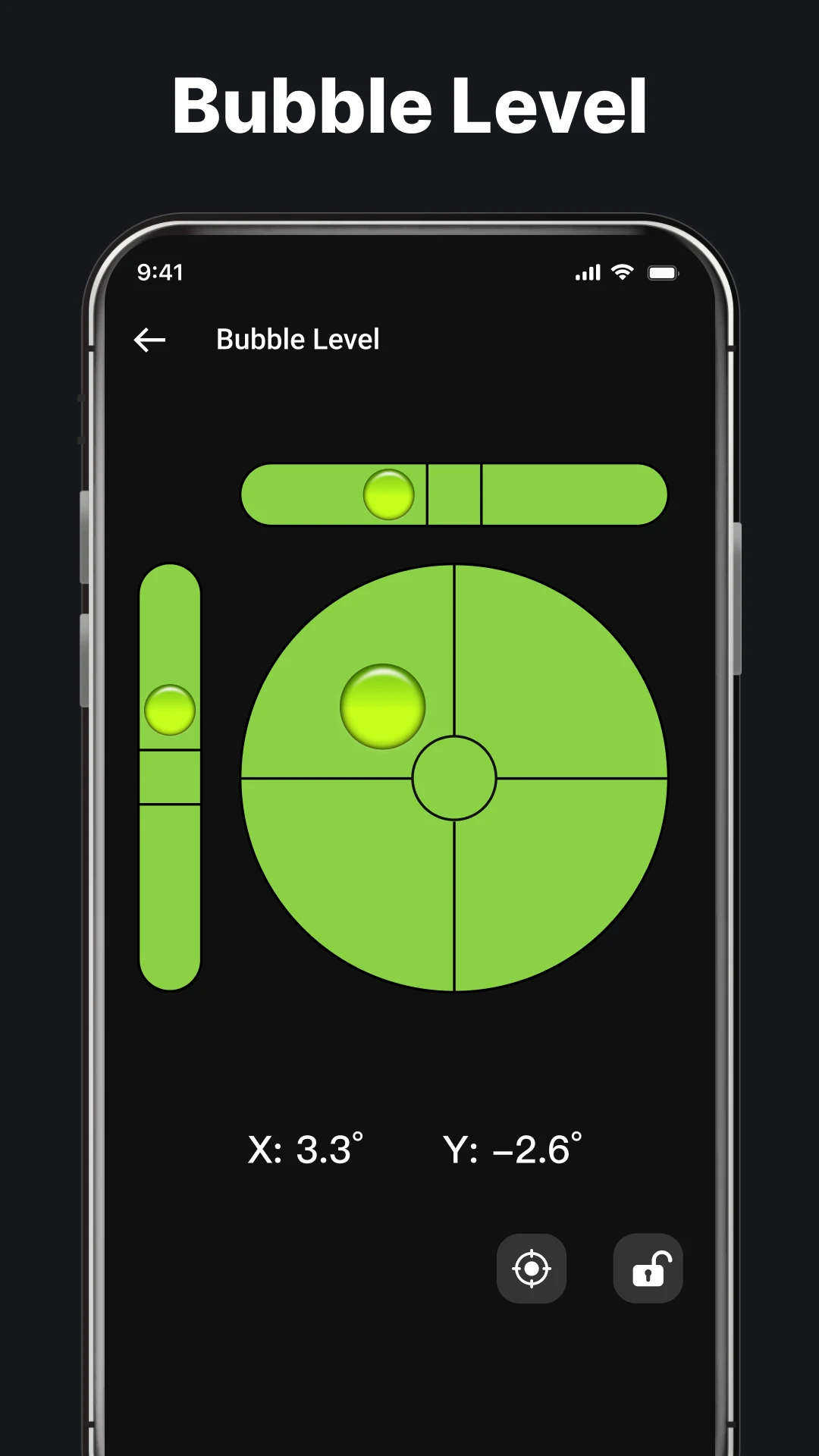
The app also includes a bubble level with X, Y, and X+Y measurement modes for checking horizontal and vertical alignment. It can be used for tasks such as installing shelves, positioning furniture, and leveling household objects. Additional functions include compass calibration and orientation lock, which help maintain stable readings and selected measurement positions.
By combining navigation, location data, Qibla direction detection, and leveling tools, GPS Compass & Qibla Compass provides several practical utilities in one application. Some functions can also be used offline, depending on location availability and the device's built-in sensors.
2. Key Features
Digital GPS Compass: Displays cardinal directions for orientation and outdoor navigation.
GPS Coordinates: Provides current latitude and longitude.
Location Measurements: Displays altitude, air pressure, magnetic field strength, and gravitational acceleration.
Qibla Direction Finder: Identifies the direction of the Kaaba using location data and the device's magnetic sensor.
Google Maps Integration: Opens a full-screen map to view geographic locations and current positioning.
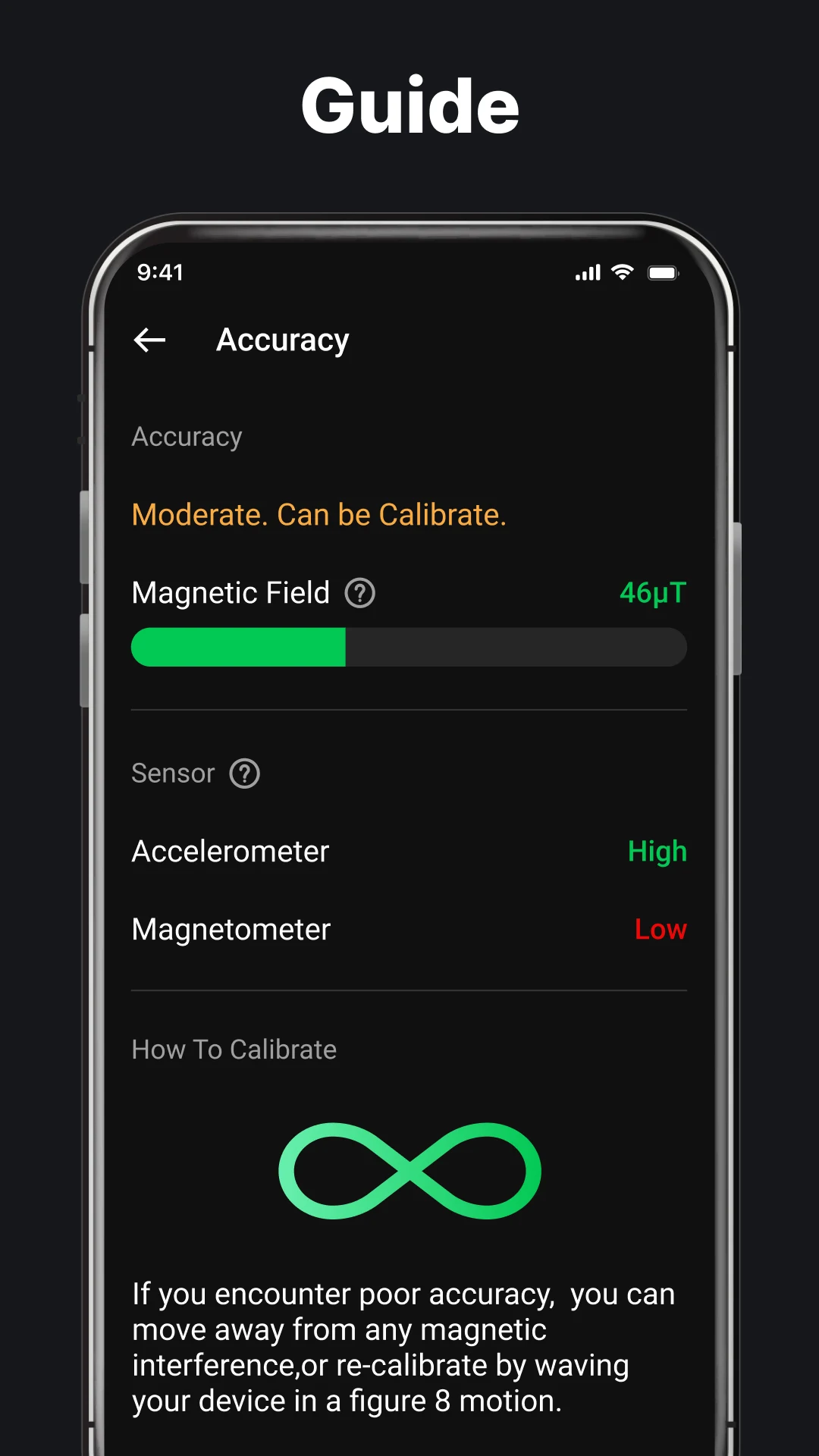
Compass Calibration: Helps improve compass readings when the magnetic sensor produces unstable results.
Multi-Mode Bubble Level: Offers X, Y, and X+Y modes for checking horizontal and vertical alignment.
Orientation Lock: Maintains the selected measurement orientation when using the bubble level.
3. How to Use
Using the GPS Compass
Open the app and grant location permission.
Hold your phone horizontally with the screen facing upward.
Check the compass display to identify north and other cardinal directions.
Rotate your phone until the compass needle settles.
Use the displayed direction as a navigation reference.
If the needle fluctuates, move away from magnets, electronic equipment, and metal objects. You can also use the calibration option to improve sensor readings.
Finding the Qibla Direction
Open the Qibla compass section.
Enable location access to obtain your current coordinates.
Hold your phone flat and allow the compass sensor to stabilize.
Follow the on-screen indicator to locate the Qibla direction.
Recalibrate the compass if the direction indicator behaves erratically.
Using the Bubble Level
Open the bubble level tool.
Select X, Y, or X+Y mode.
Place your phone against the surface or object you want to measure.
Adjust its position until the bubble reaches the center.
Enable orientation lock if you need to maintain a particular measurement direction.
4. Usage Tips
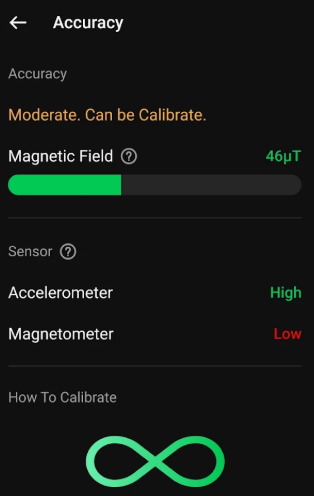
For more reliable compass and Qibla readings, keep your phone relatively flat and allow the magnetic sensor to stabilize before following the direction indicator. Magnets, electronic devices, batteries, and metal structures can affect compass accuracy, so recalibration may be necessary in areas with magnetic interference.
When using the bubble level, place your phone firmly against the target surface and select the appropriate measurement mode. The accuracy of GPS and environmental readings also depends on the sensors and location services available on your device.
5. FAQs
Q1: Can I use the Qibla compass without an internet connection?
The Qibla compass uses location information and the phone's magnetic sensor. Once your location is available, direction readings may work offline. Google Maps and certain location services may require an internet connection.
Q2: Why does the compass show an incorrect direction?
Magnets, electronic devices, and nearby metal structures can interfere with the magnetic sensor. Move away from potential sources of interference and recalibrate the compass before checking the direction again.
Q3: Can I view my altitude and air pressure?
Yes. The app displays altitude, air pressure, magnetic field strength, and gravitational acceleration, alongside latitude and longitude. The availability and accuracy of these measurements depend on your device's hardware.
Q4: How do I calibrate the digital compass?
Open the calibration option and follow the on-screen instructions. This usually involves moving or rotating your phone to help the magnetic sensor establish a more reliable reading.
Q5: How can I check whether a surface is level?
Open the bubble level and select X, Y, or X+Y mode. Place your phone against the target surface and adjust its position until the bubble reaches the center.
- Version2.2.0
- UpdateNov 09, 2026
- Developer1 Bit
- CategoryTools
- Requires AndroidAndroid 6+
- Downloads1M+
- Package Nametools.compass.bubblelevel
- Signature098b07f7b6fb4cf8f5e9fde821aff38e
- Available on
- ReportFlag as inappropriate
-
NameSizeDownload
-
7.31 MB
-
3.54 MB















Comprehensive and practical functions
Guaranteed accuracy
Free and easy to use
Susceptible to interference
Depends on device conditions
Limitations of application scenarios