
Seoul Metro Subway Map - Seoul Metro navigation app
Navigate Seoul’s subway effortlessly with interactive maps, offline access, & step-by-step journey planning for stress-free travel

- 4.0.0 Version
- 1.3 Score
- 190K+ Downloads
- In-app purchases License
- 3+ Content Rating

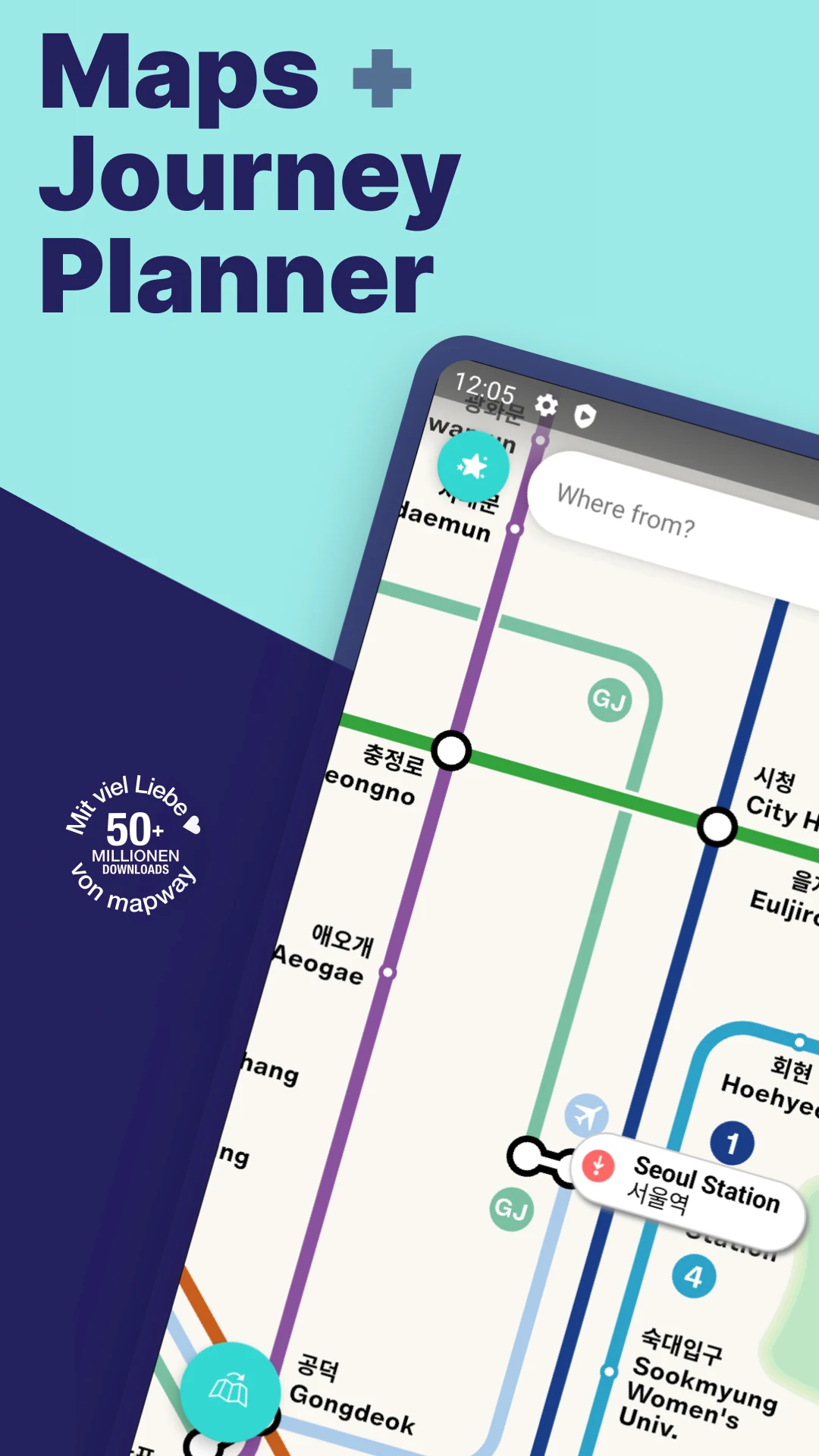
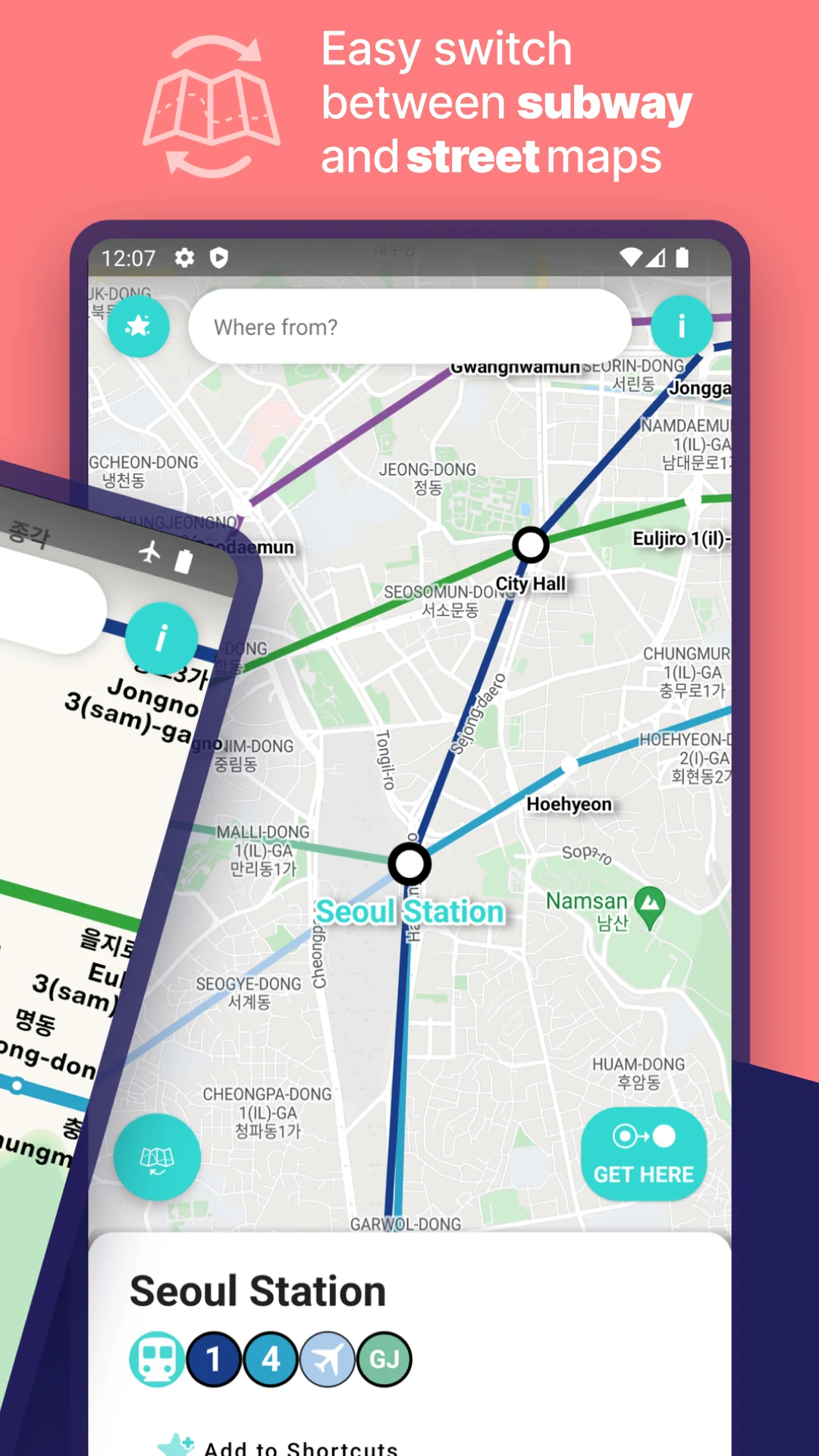
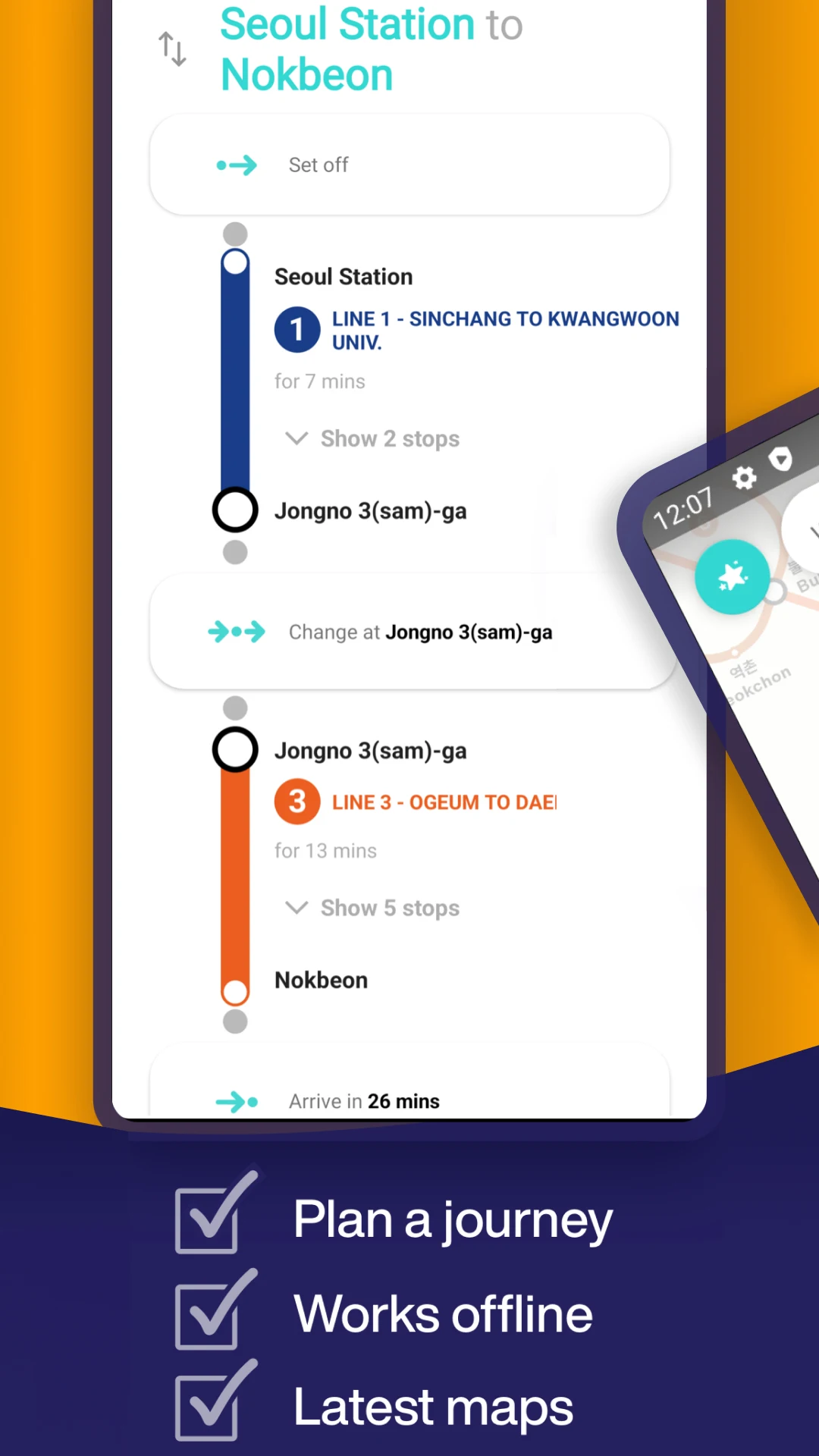
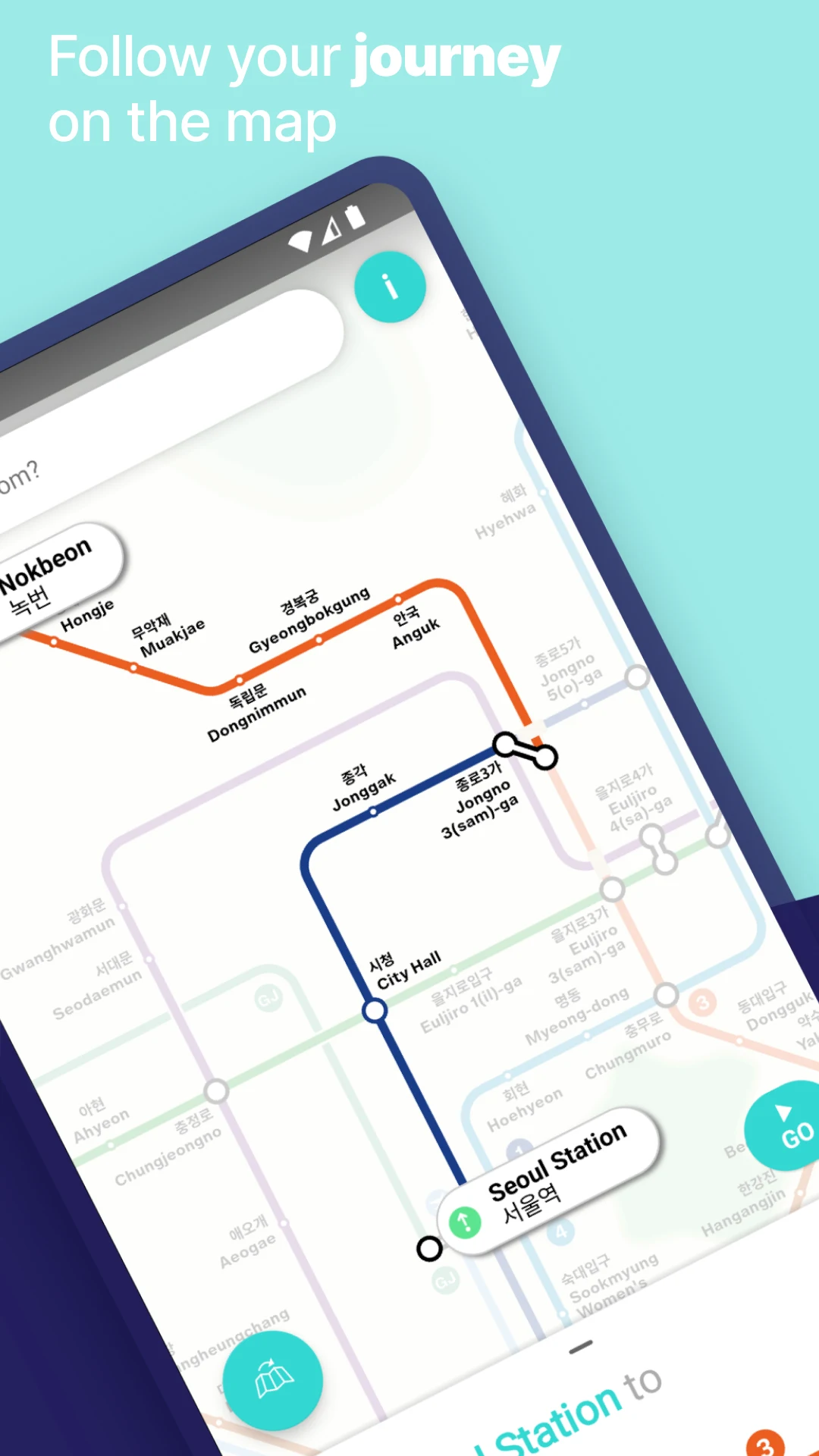
The Seoul Metropolitan Subway app simplifies navigating the Seoul Metro transit system 🚇
Whether you're visiting landmarks like Gyeongbokgung Palace or Dongdaemun Market, cheering for FC Seoul, or supporting the Doosan Bears, we aim to guide everyone—be it a local commuting to work or a newcomer arriving from Incheon International Airport—on how to efficiently reach their destination in Seoul. We make subway travel straightforward, and soon you’ll master T-money tapping.
Features:
🗺 Tap, tap, tap!
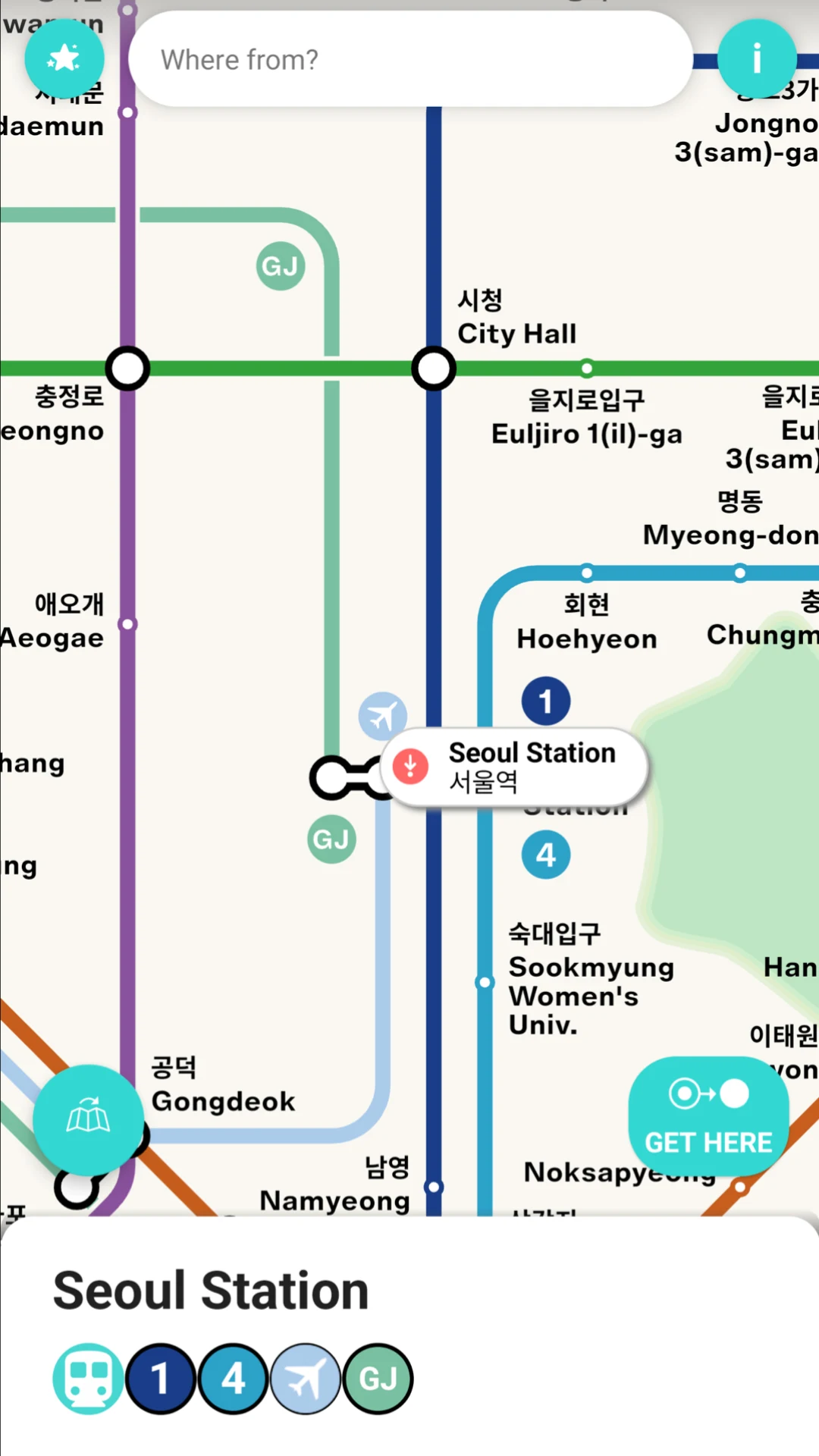
Easily pan and zoom throughout Seoul with our user-friendly, interactive maps. Your route will be clearly displayed on the map.
🚝 Quick journey planning
Utilize the fastest route planner in the world to search for stations and navigate your way.
🌍 Offline capabilities
Maps and journey planning functions are available without an internet connection.
🔄 Frequent map updates
Automated updates ensure that our maps are current and reliable.
📍 Detailed guidance
Our step-by-step directions guarantee you won’t lose your way again.
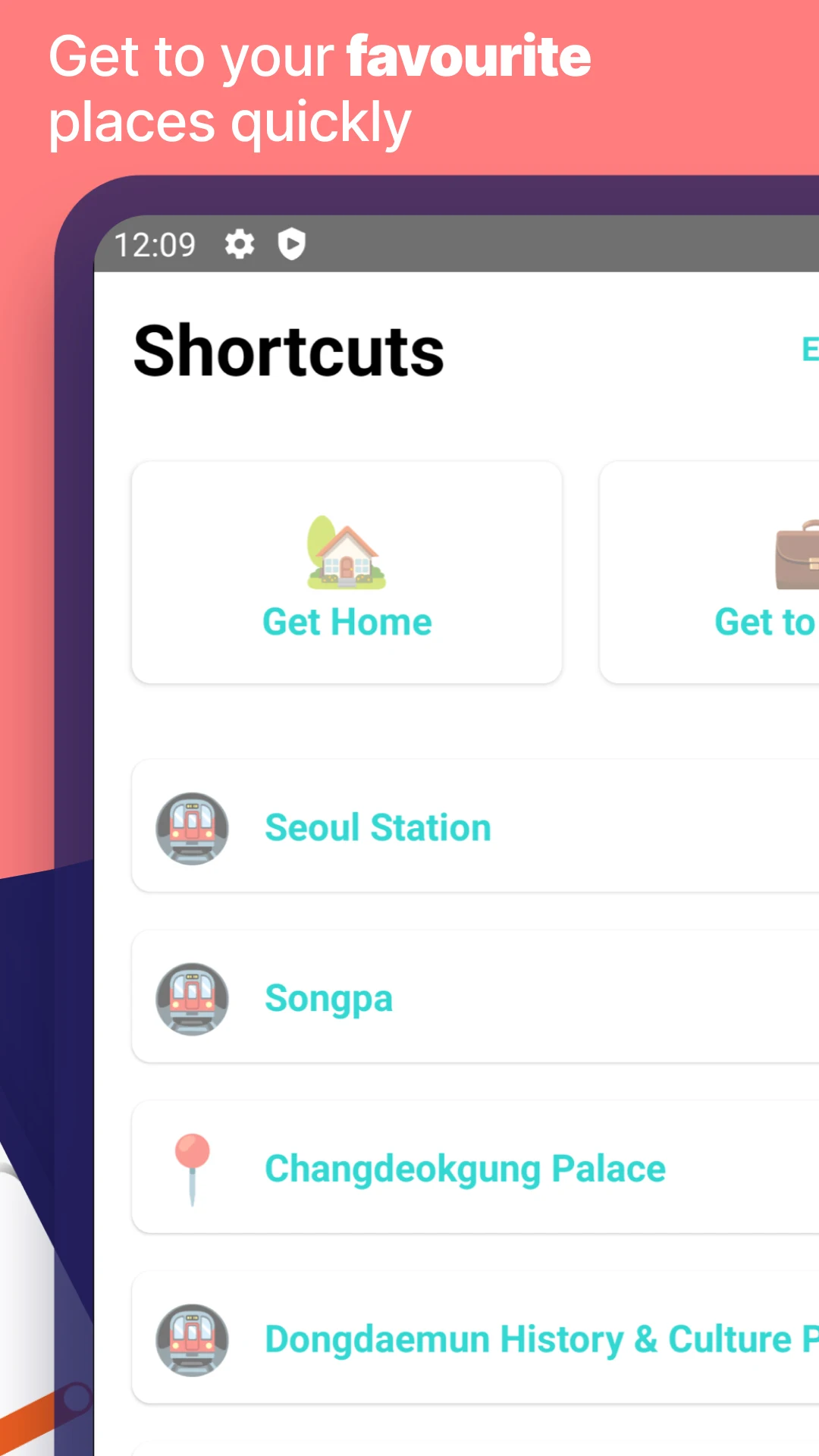
🌟 Favorite destinations at your fingertips
From returning home to easing your daily commute, your personalized Shortcuts are always just a swipe away.
Special features for Seoul Metropolitan Subway users:
📣 An ad-free environment
Enjoy a premium experience with no advertisements whatsoever.
🏃♂️ Enhanced support
If you encounter issues with the app, we're here to assist you.
We lead the world in transit applications, so explore our renowned Tube Map London, New York Subway Map, and Paris Metro Map apps!
Download our applications by searching for Mapway on Google Play.
How to Use:
1. **Preparation in Advance**
Open the app while connected to Wi-Fi. It will automatically load offline maps and route planning, allowing you to use it even without an internet connection.
2. **Route Search**
Enter your starting point and destination. The app will generate the fastest route, clearly displayed on the interactive map, and provide detailed step-by-step instructions.
3. **Frequently Used Functions**
Add frequently used destinations as shortcuts for quick access with a swipe. Map zoom and panning are supported for easy station location viewing.
4. **Important Notes**
Keep the app automatically updated to get the latest subway line information. Contact customer service for assistance if you encounter any problems. This application does not support T-money card balance inquiries or top-ups.
FAQs:
Q: If I don't have local data in Korea and there's no internet connection in the subway, can I still use the app for navigation?
A: Yes, it can. The offline functionality fully covers your core needs. The app's maps and route planning don't require an internet connection. Before your trip, I recommend opening the app in a place with WiFi (such as a hotel or airport) and letting it load an offline map of the Seoul subway. Afterward, even if you lose internet connection, you can still enter your starting and ending points and view route directions without any issues. This is especially useful in areas with weak signal, such as subway tunnels.
Q: When planning a route using the app, does it display transfer times and the first and last subway train times?
A: Although the original text doesn't mention it directly, as an "efficient navigation tool," this kind of useful information is typically included. Based on the logic of similar subway apps, the route planner will likely include the walking time to the transfer station (e.g., "Transfer takes 5 minutes") and the first and last train times (to avoid missing the last train). If these aren't directly displayed, you can check them through the "More Information" option on the route details page to ensure a more reliable itinerary.
Q: Can I share the route in the app with friends traveling with me? For example, let's say we're going to Gyeongbokgung Palace together and I want to have a friend follow my route.
A: The original text doesn't mention a sharing function, but given its positioning as "improving travel efficiency," it's likely supported. Generally, you can use the "Share" button within the app to send a route link (or screenshot) to friends via social media platforms like WeChat and Kakao Talk. If there's no direct sharing function, you can manually take a screenshot of the route map, marking the starting point, end point, and transfer stations, so your friends can easily follow along.
Q: If I use a T-money card to ride, can the app check the card balance or top up the card?
A: No. The original text clearly states that the app's core function is "subway navigation," helping users find routes and identify stops. However, checking and topping up T-money card balances fall under the transportation card management function and typically require the official T-money app or self-service kiosks at subway stations. This navigation app currently doesn't support these financial functions.
Q: What if the route displayed in the app differs from the actual subway line (for example, due to a temporary maintenance diversion)?
A: This can be resolved with the help of the app's "Updates" and "Customer Support." First, the app has an "Automatic Map Updates" feature, which will likely synchronize temporary reroutes promptly. It's recommended to keep your phone's WiFi enabled to keep the app up to date. If the app isn't updated, or if you encounter an emergency, you can contact the app's "Dedicated Customer Service" to report the issue. Customer Service will provide temporary route suggestions to avoid delays.
- Version4.0.0
- UpdateOct 23, 2026
- DeveloperMapways
- CategoryMaps & Navigation
- Requires AndroidAndroid 8.0+
- Downloads190K+
- Package Nameuk.co.mxdata.seoulsubway
- Signature0a4d9fcc84a927c3b891a323a133361b
- Available on
- ReportFlag as inappropriate













Offers multiple navigation options
Offline functionality for subway navigation
User-friendly interface in English
Provides detailed route planning and transfers information
Ability to select starting point using GPS or map
Useful for both tourists and residents
Clean and straightforward design
Quick access to necessary train information
Frequent intrusive pop-up ads
Inaccurate train route and timing information
Missing parts of the subway map
Limited visibility of full rail map while planning trips
Requires manual ad closure, slowing down the app
Subscription fees for an ad-free experience may be high
Lacks updated routes and new connections
Overly complex instructions at times
Non-intuitive stop selection method from the map