
Aqua Map Boating - Nautical charts & navigation
Navigate effortlessly with official nautical charts, route planning, safety features & community sharing for boating enthusiasts.
- 30.0 Version
- 1.1 Score
- 146K+ Downloads
- In-app purchases License
- 3+ Content Rating

Free trial available for 14 days for all subscription plans
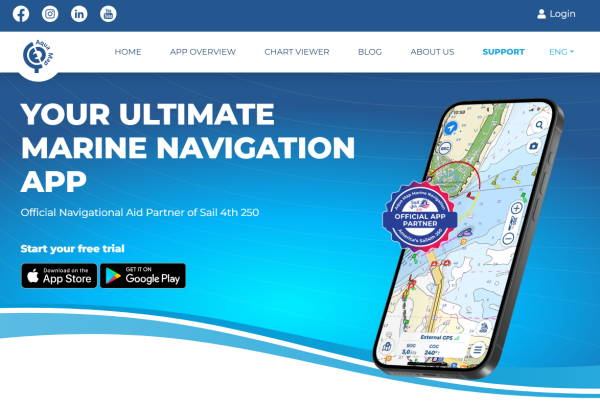
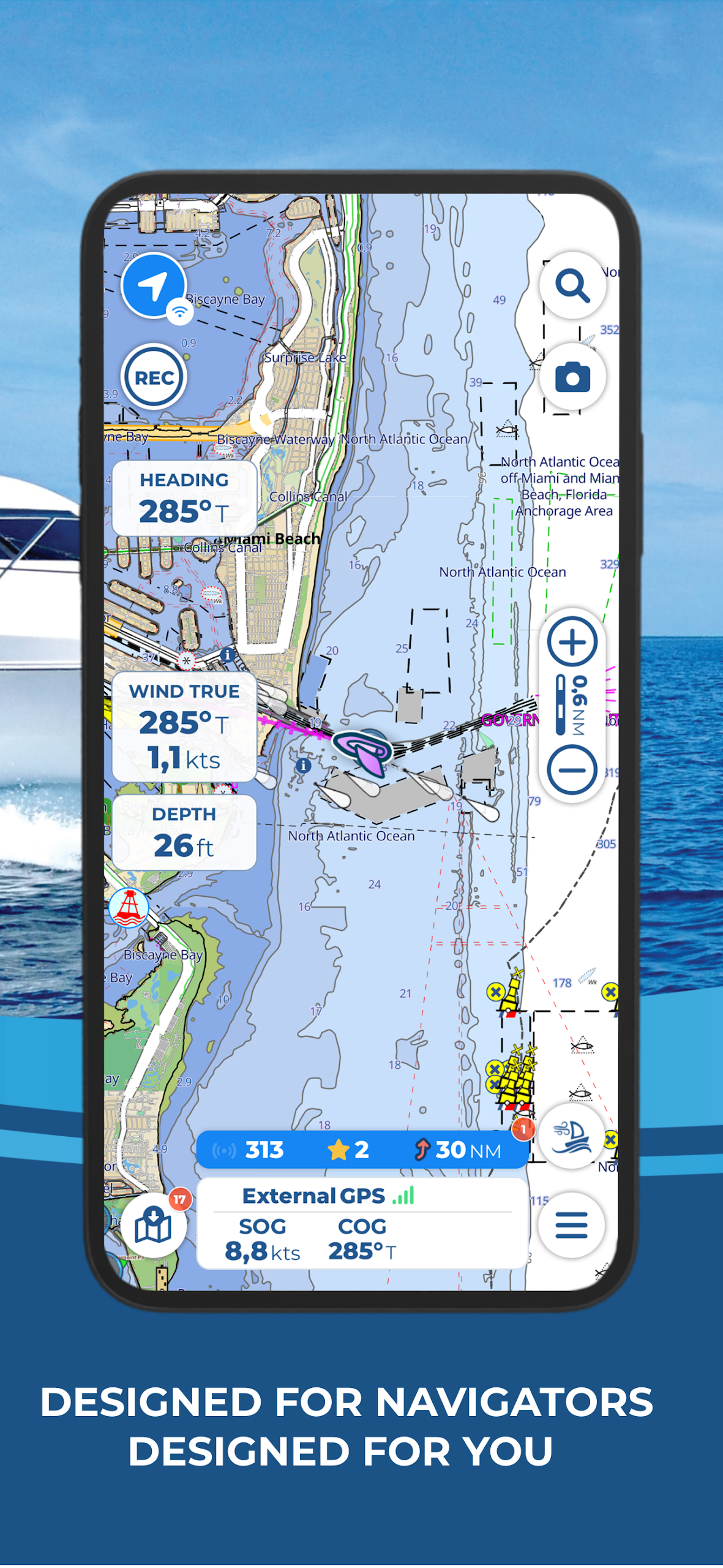
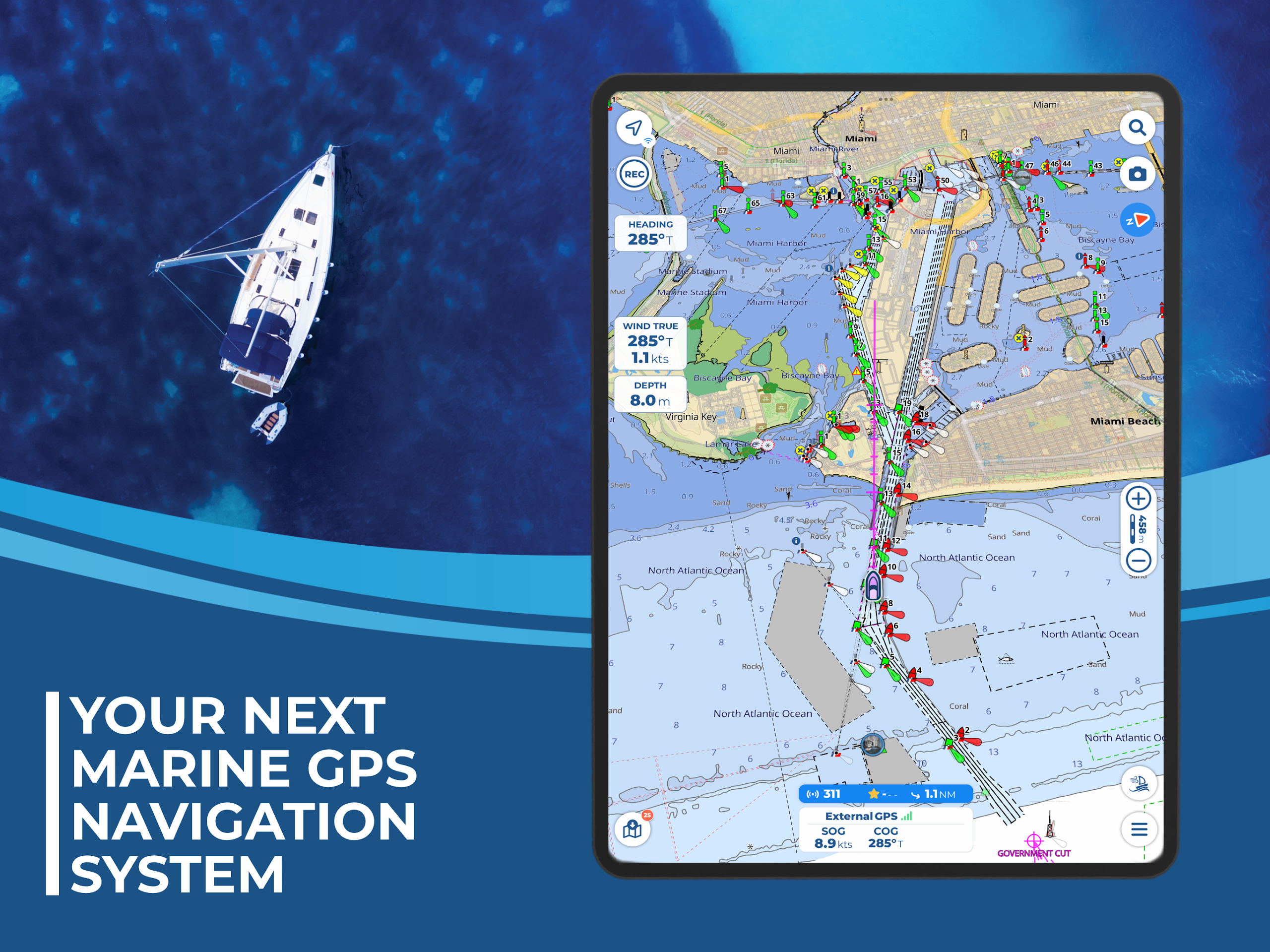
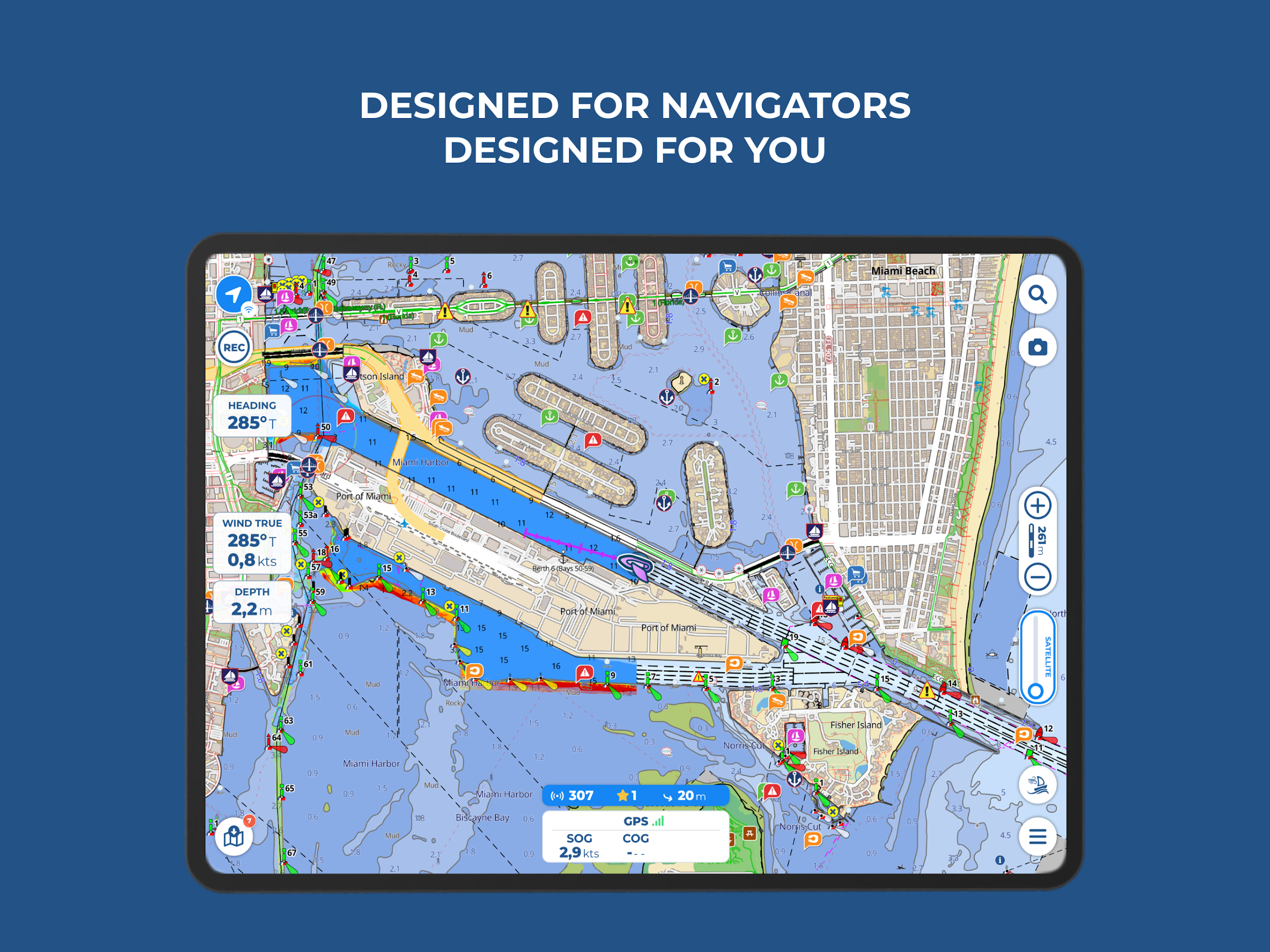
Aqua Map provides regularly updated official nautical charts (NOAA) for maritime navigation. You can obtain a chart subscription for your desired area, download the maps for offline access, and link your onboard devices to enhance your experience.
● BASIC FEATURES:
- Toggle between manual routing and automatic planning modes
- Record GPS tracking information
- Save and share your navigation details, such as markers, routes, and recorded paths
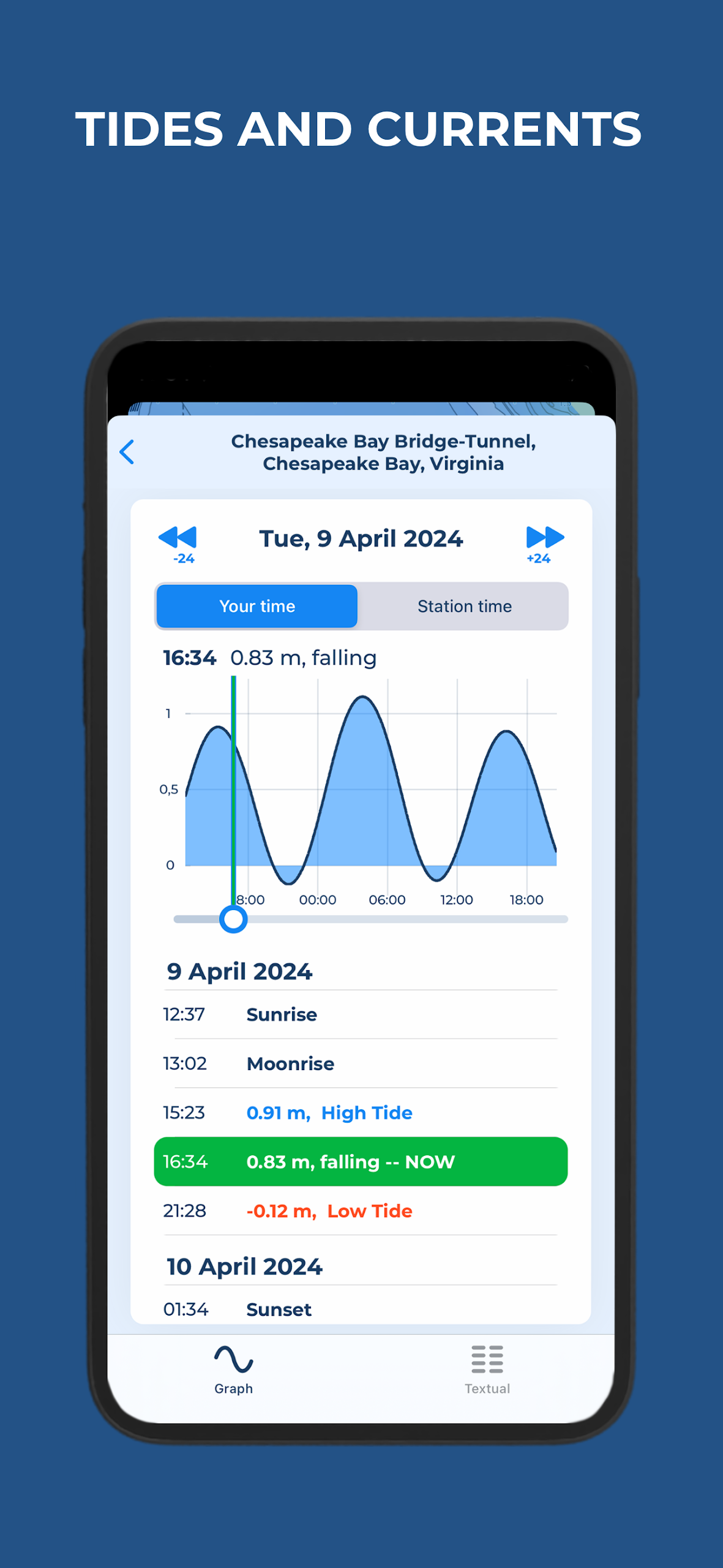
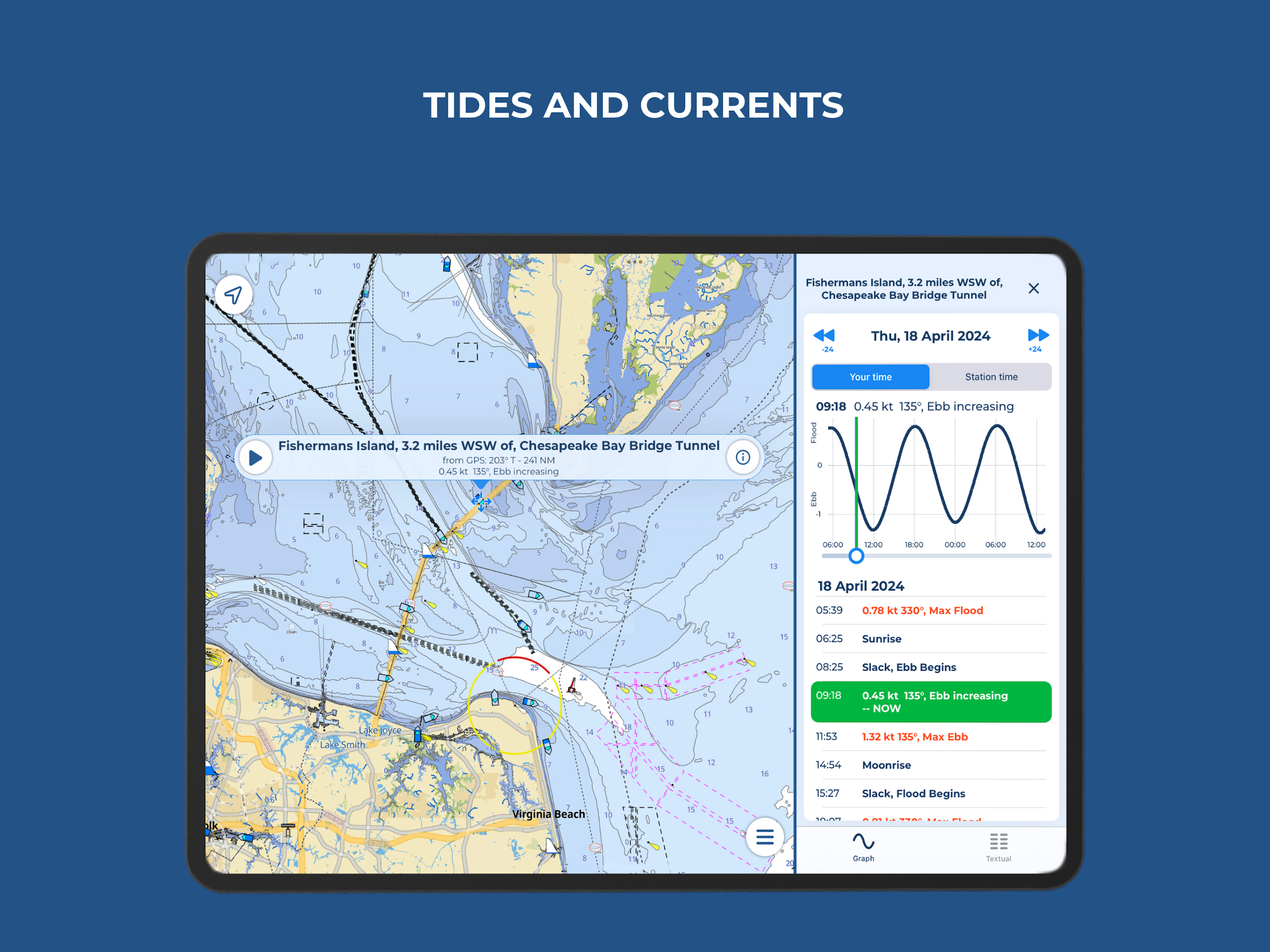
- View predictions and simulations for tides and currents
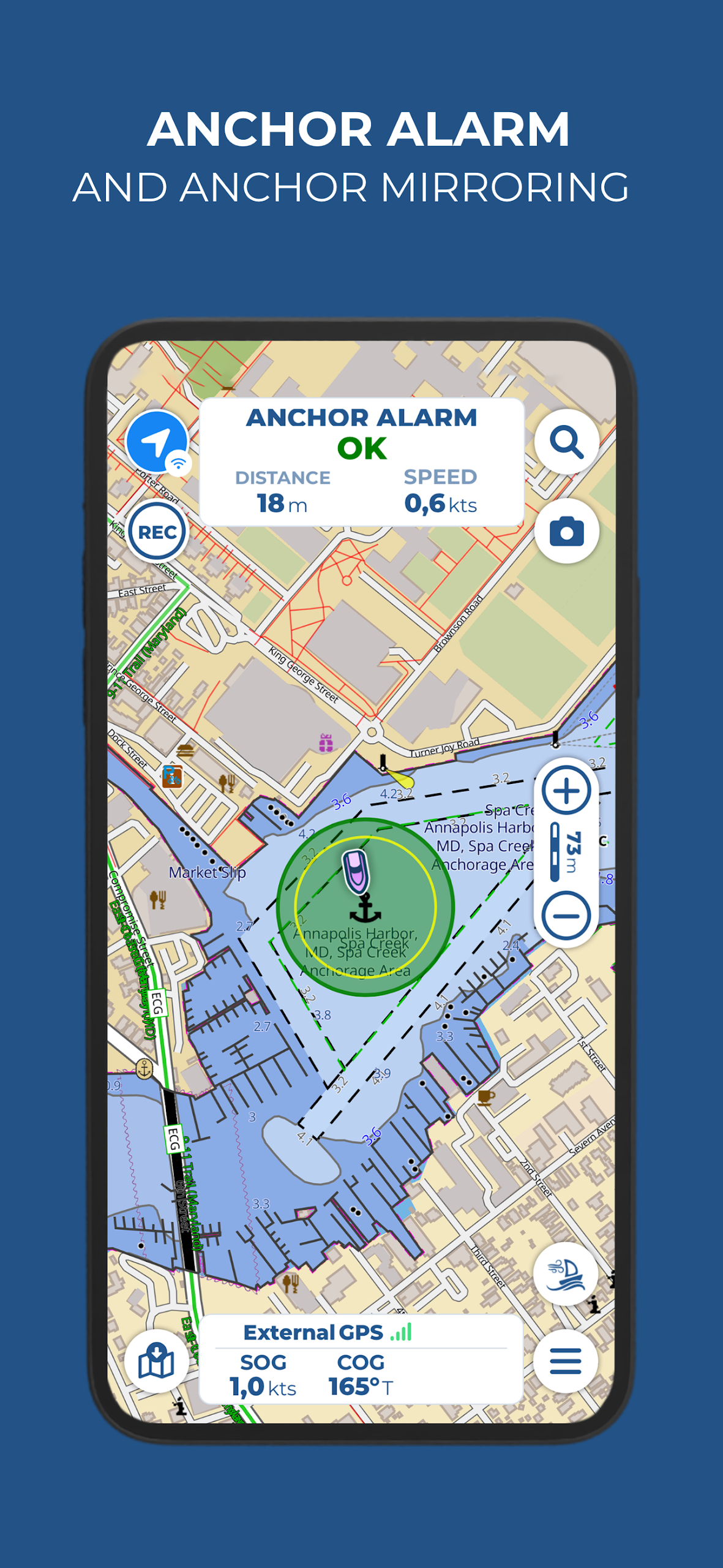
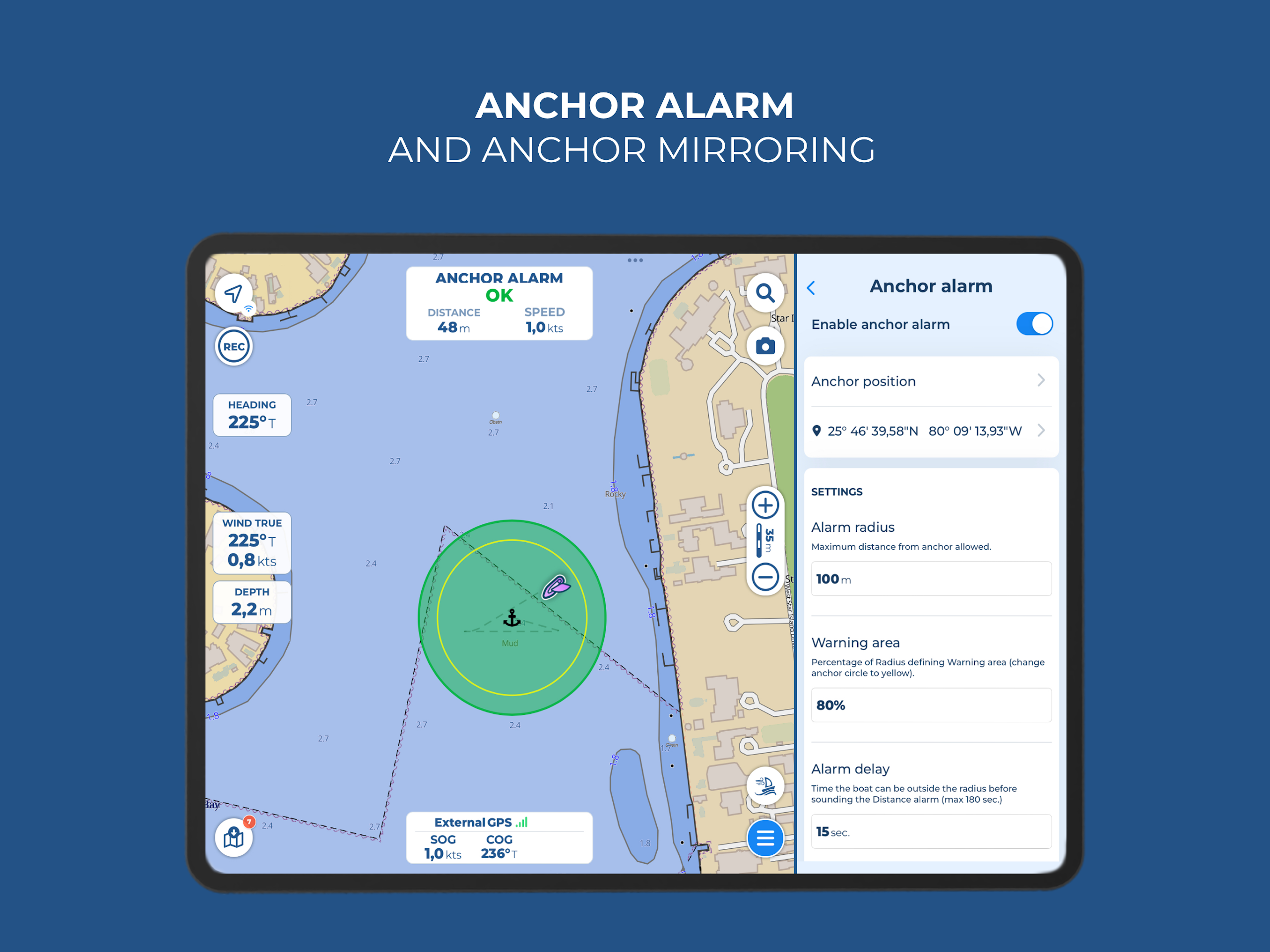
- Enhance your safety with an Anchor Alarm feature
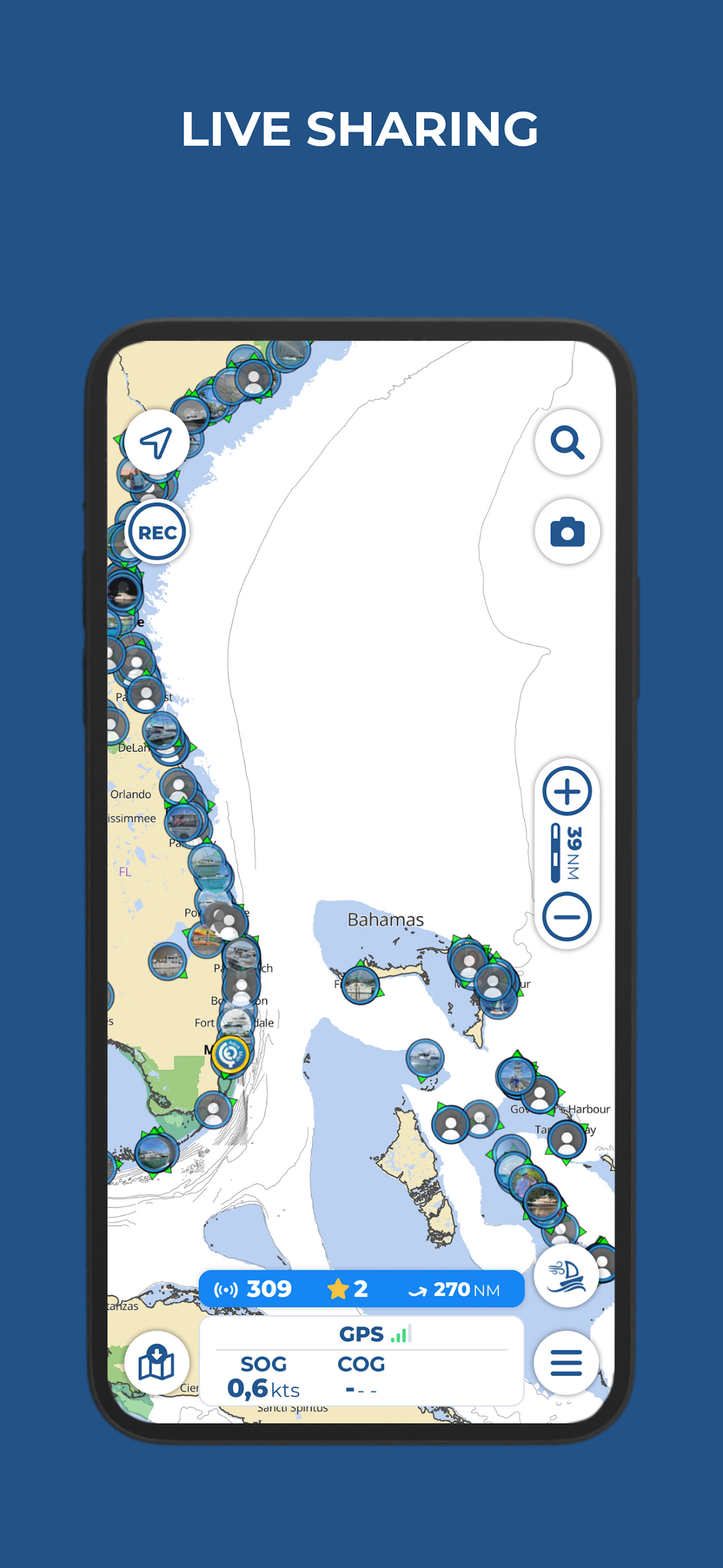
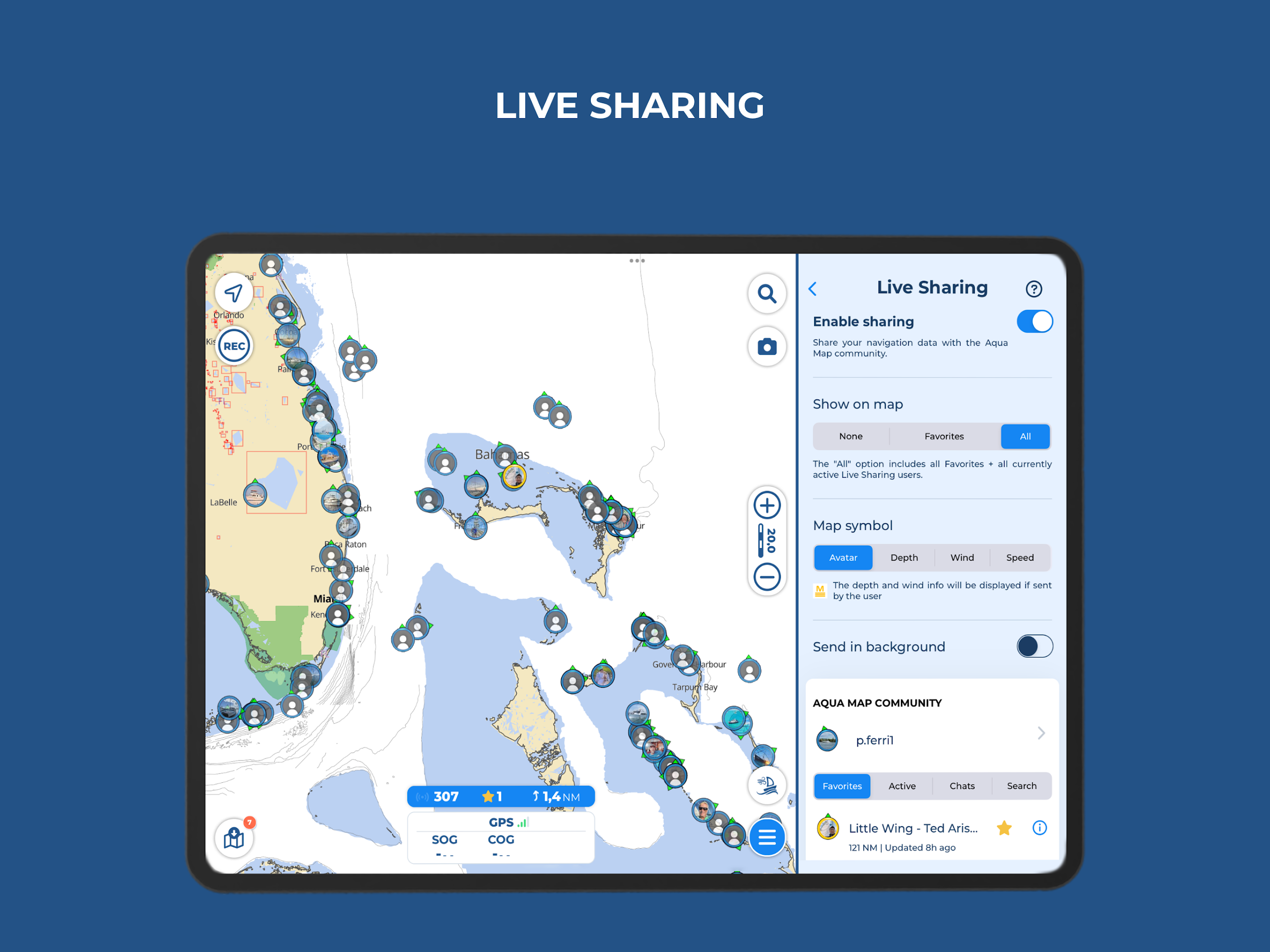
- Utilize Live Sharing to connect with the Aqua Map community
- Access points of interest from the "ActiveCaptain" and "Waterway Guide" platforms
● How to try Aqua Map for free? (3-step guide)
If you want to try the Aqua Map marine navigation app for free, just follow these 3 simple steps to start your risk-free trial:
1. **Download the App**
On your smartphone or tablet, go to the App Store (iOS, Google Play for Android), search for and download the "Aqua Map" app.
2. **Select a Subscription Plan**
After opening the app, choose the subscription plan that best suits your sailing needs (e.g., different plans for coastal and offshore sailing) based on your sailing areas and frequency of feature usage.
3. **Start a 14-day free trial**
Once you confirm your subscription plan, your 14-day risk-free trial will be activated. During this trial, you can fully experience the app's core features (e.g., route planning, hazard detection, etc.) and cancel at any time without incurring any fees.
*Note: Only in Sweden, due to restrictions imposed by the local hydrological institute, cancellations must be completed within 3 days. All other regions follow the 14-day trial rule.
● EXPERT SUBSCRIPTION:
Please note: this subscription does not include charts; it must be used alongside a chart subscription.
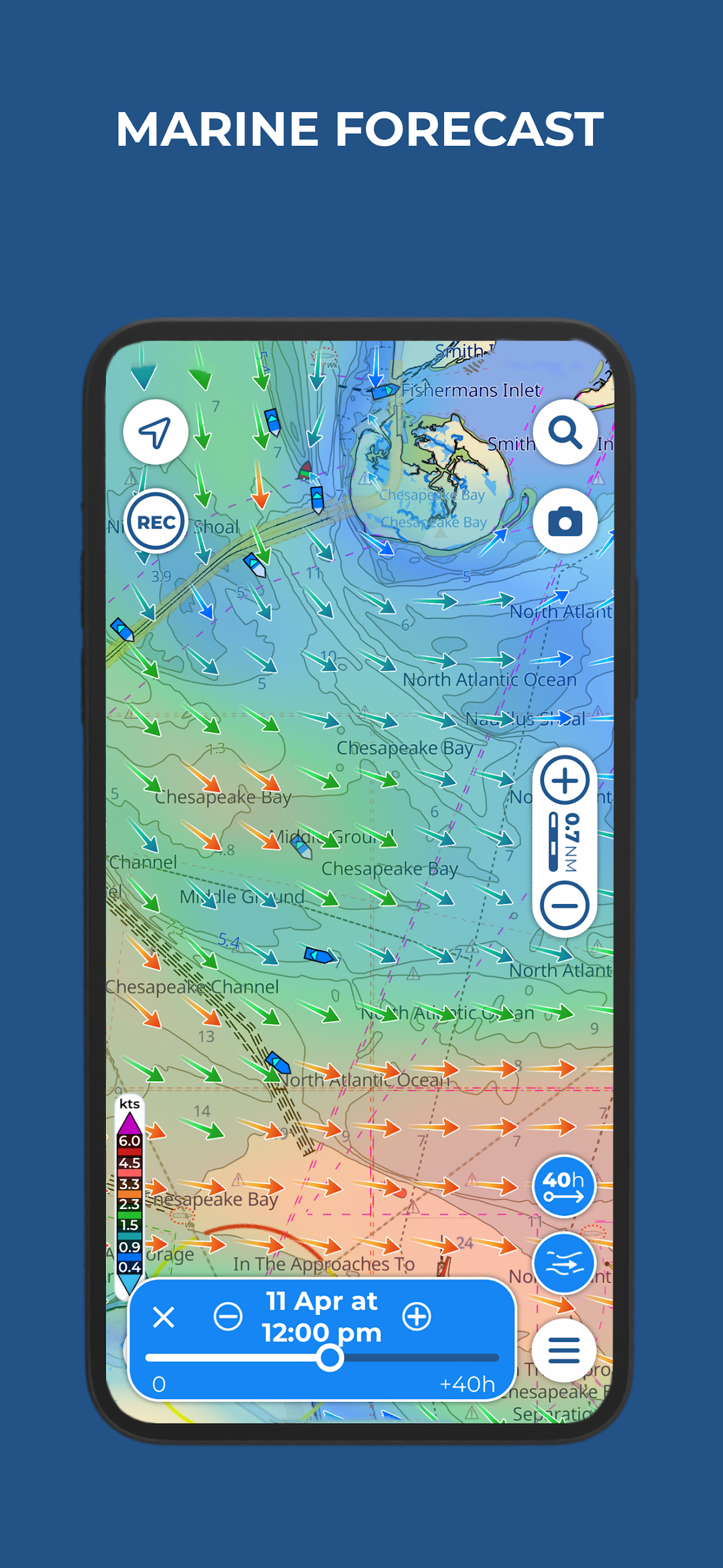
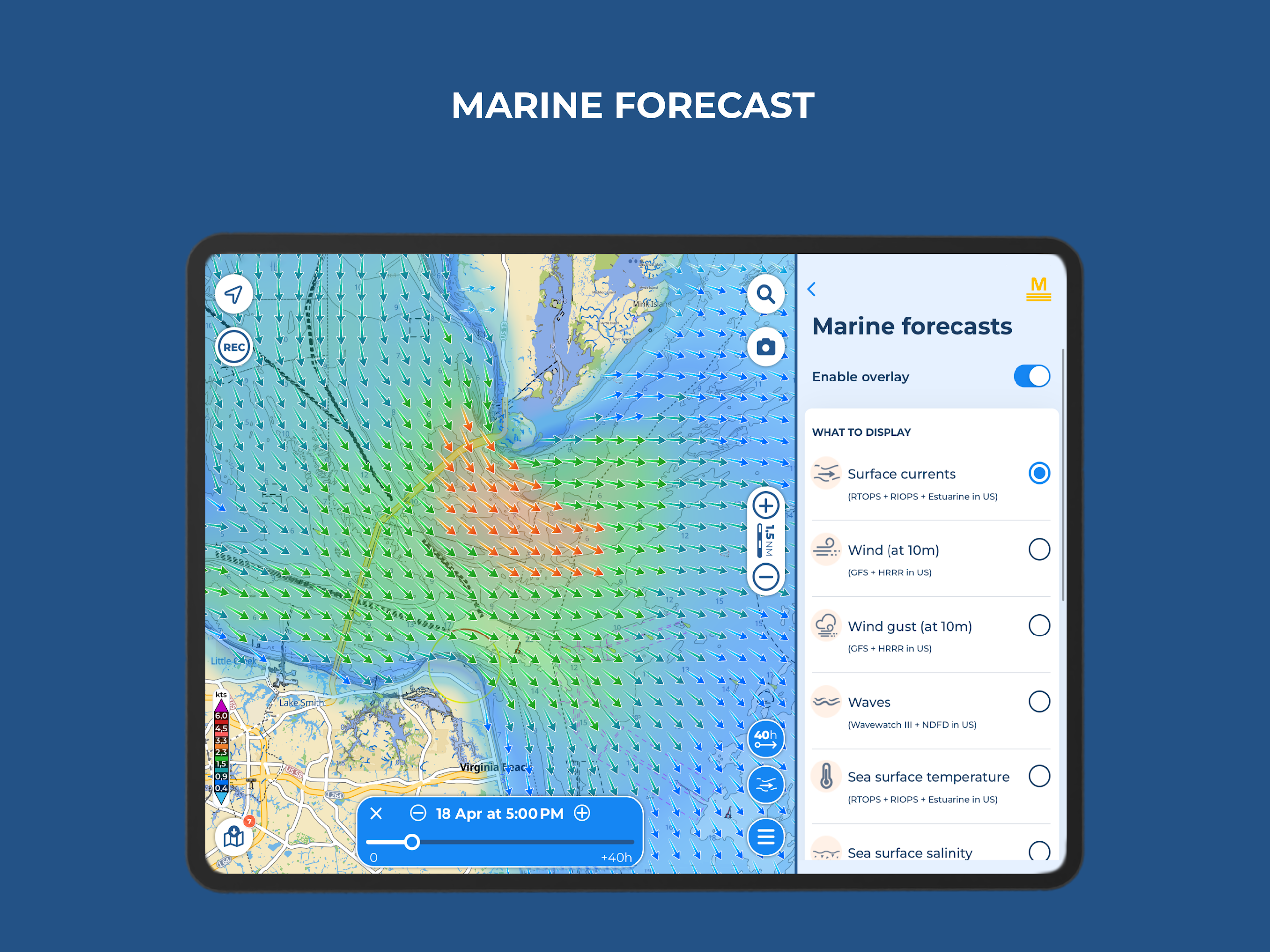
- Access marine forecasts including wind, waves, currents, gusts, salinity, sea surface temperature, and weather updates for any location on the map
- Superimpose satellite imagery onto the charts
- Advanced AnchorLink features with anchorage mirroring and notifications via email/telegram, offering reassurance while anchored even when you’re away from your vessel
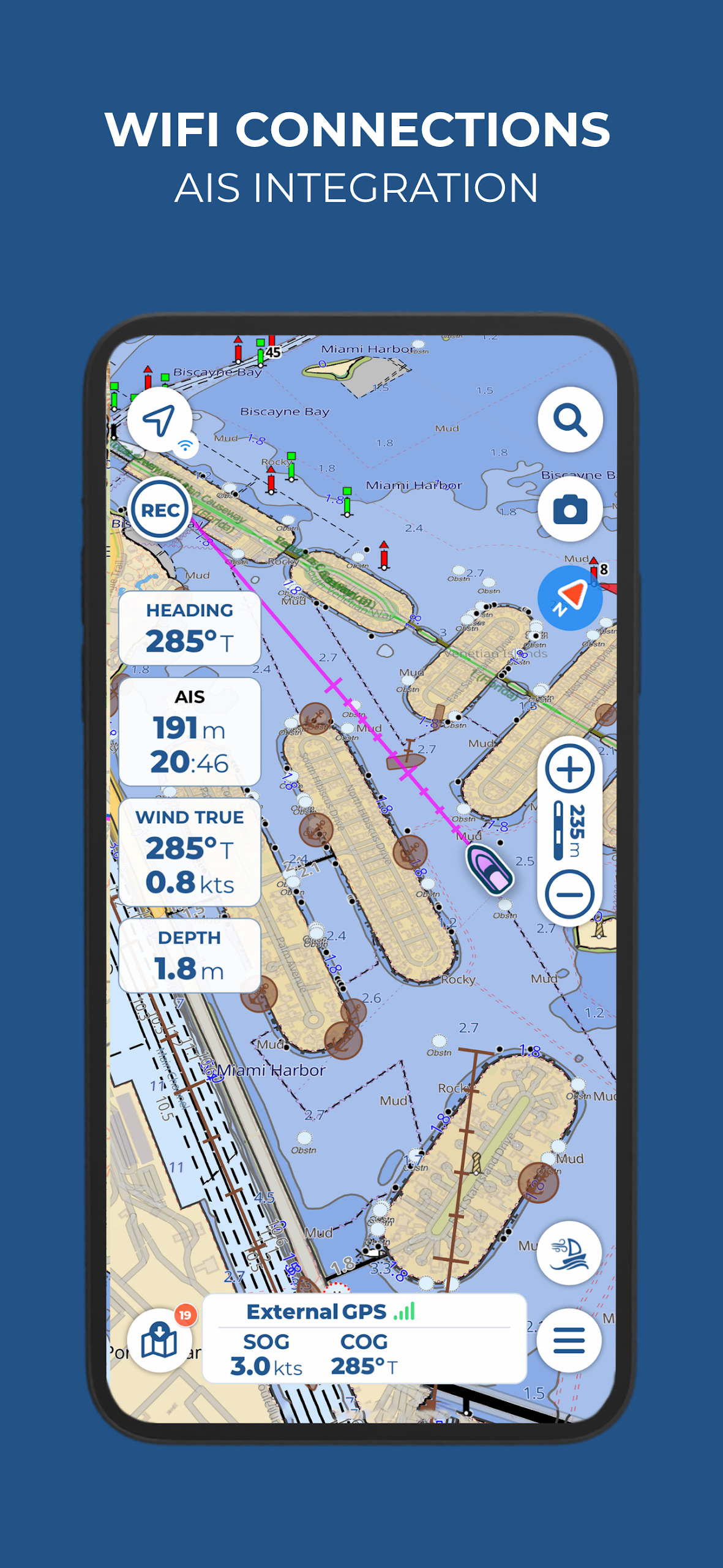
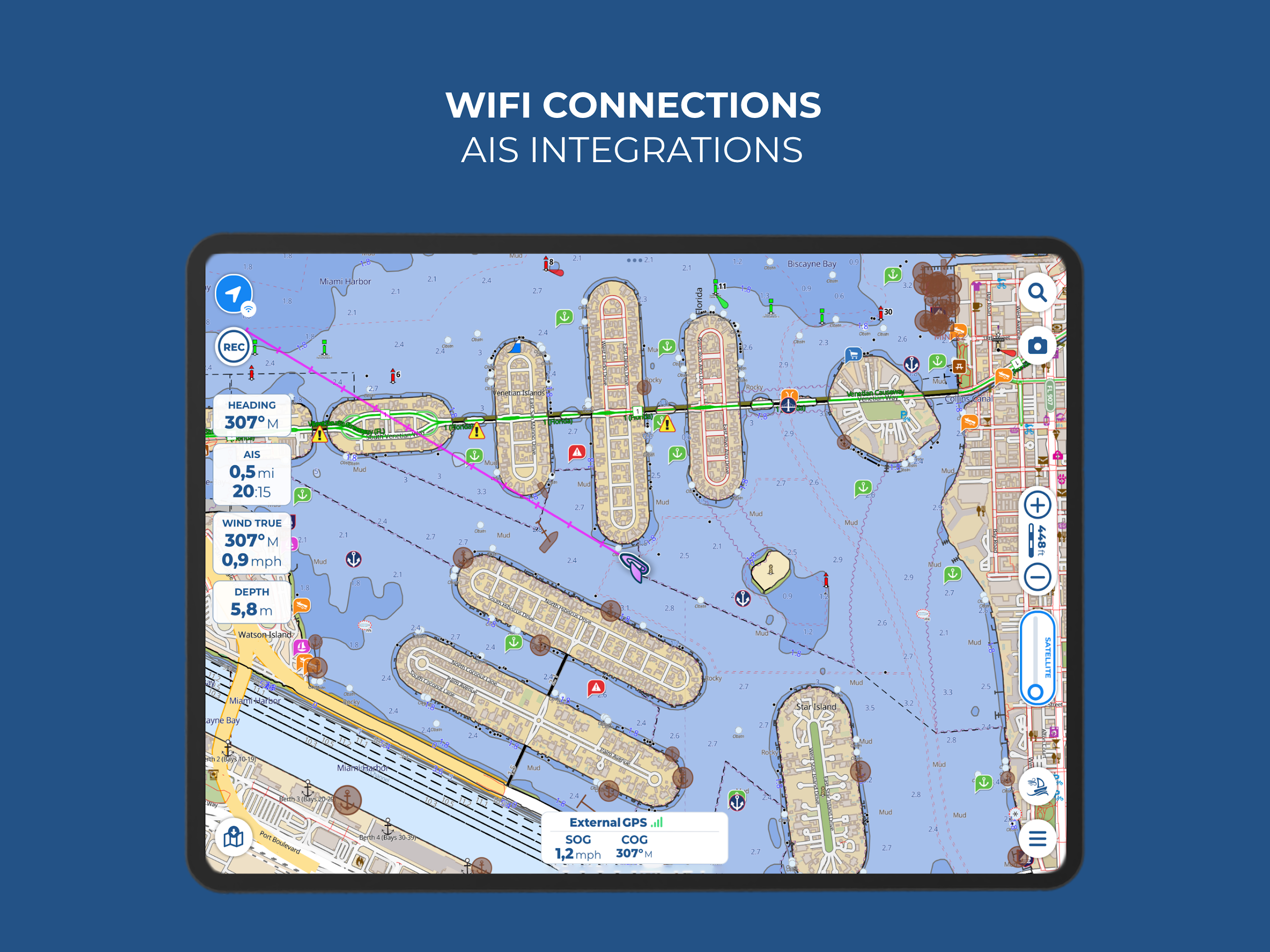
- Connect NMEA instruments through WiFi (such as autopilot, depth sounder, wind sensor, compass, GPS) and make use of their data within the app
- AIS featuring automatic collision detection
- Route Explorer providing real-time data on all elements along your journey
● MASTER SUBSCRIPTION FOR OPTIMAL NAVIGATION EXPERIENCE:
Please note: this subscription also does not include charts; it requires pairing with a chart subscription.
- All features offered in the EXPERT subscription are included in the MASTER subscription.
- LOCAL DATA FOR THE U.S.:
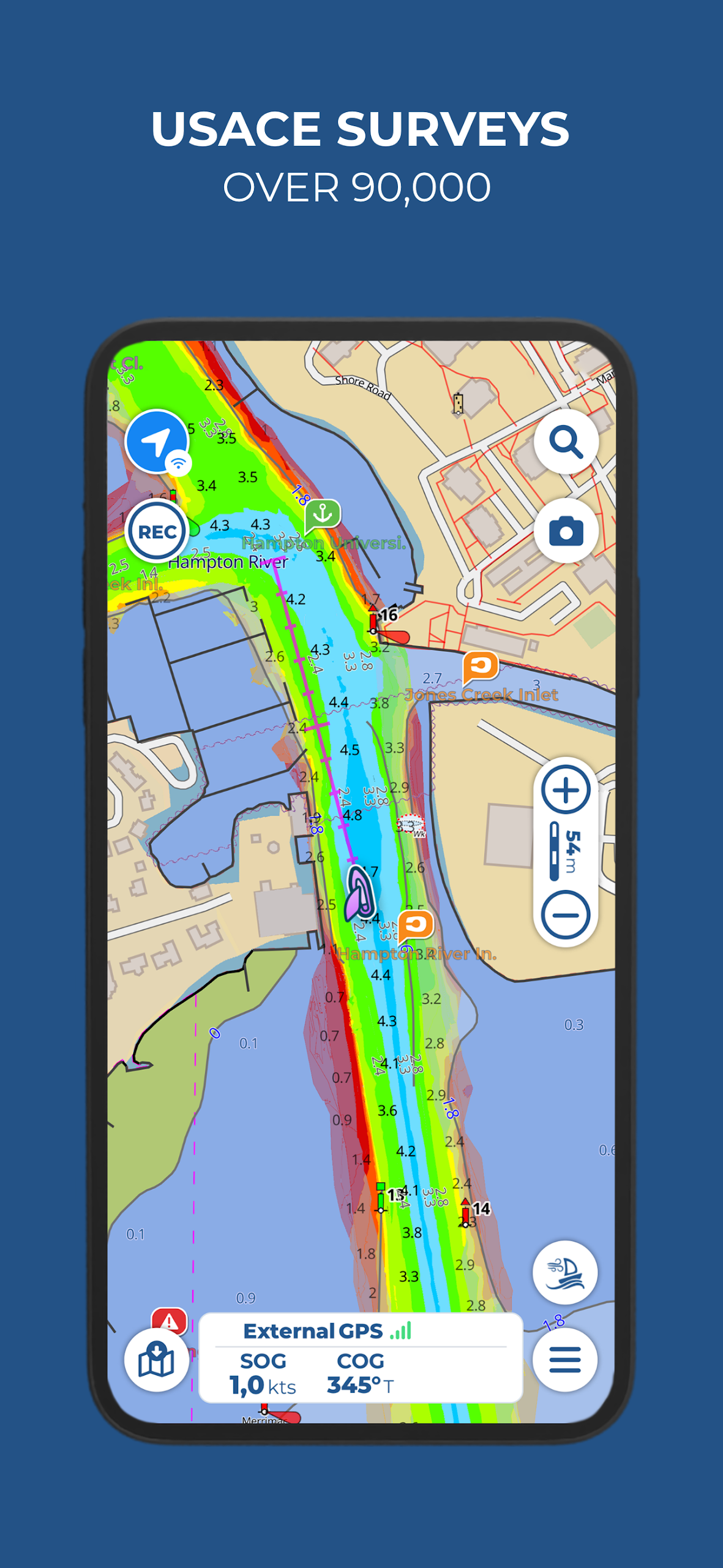
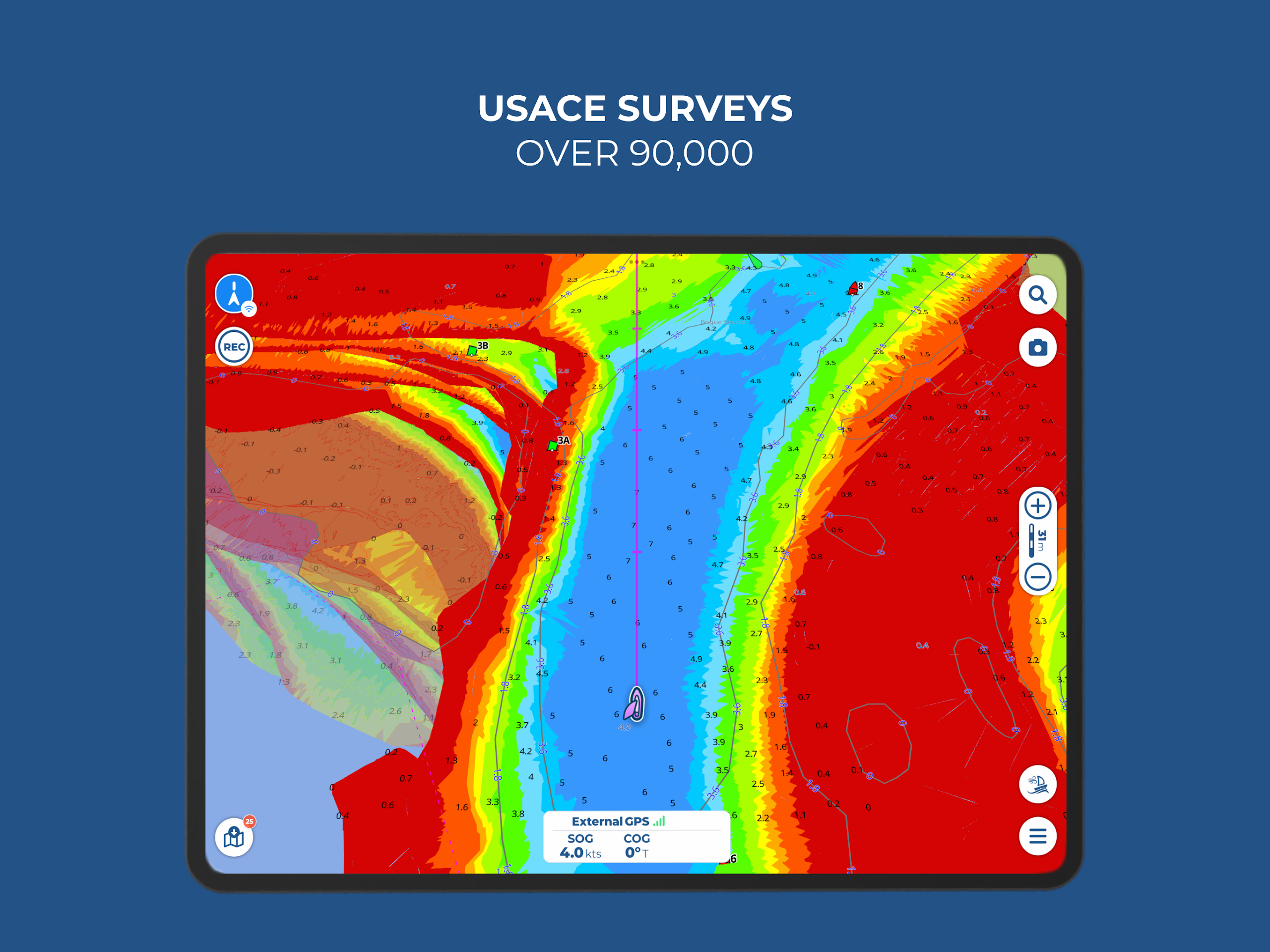
> Surveys by the U.S. Army Corps of Engineers that ensure safe navigation in shallow waters
> Listings from the U.S. Coast Guard regarding navigational lights and local notices for mariners
● PAYMENT OPTIONS:
To gain access to the charts, purchasing a chart subscription for the selected area is necessary. Optionally, you may add either the Expert or Master subscription to unlock more navigation features and additional information. Payments for subscriptions will be processed through your Google account. The annual subscription will automatically renew unless canceled at least 24 hours prior to the end date. After purchase, you have the option to manage your subscription and disable automatic renewals in the account settings section.
TARGET AUDIENCE :
1. **Captains and crew members** of coastal/open-sea vessels, and recreational sailing and yachting enthusiasts.
2. **Navigation professionals** who need tide and weather data, or connections to onboard equipment.
3. **Navigators** who rely on offline charts and multi-device synchronization.
4. **Overseas sailors** planning cross-border cruises to the Mediterranean, Northern Europe, etc.
FAQs:
### 1. Can I experience all features during the free trial? Will offline navigation and device connectivity work properly?
You can experience most core features, including offline navigation and device connectivity. During the trial, you can download charts for designated areas for offline use. You can also connect to your vessel's AIS, depth sounder, and other equipment to obtain real-time data. Key features such as route planning, anchor alarms, and marine weather forecasts all work properly. However, please note that subscriptions are divided into "Chart Subscriptions" and "Feature Subscriptions" (such as the Master Subscription). If the trial package you choose does not include charts for a specific area, detailed navigation data for that area may not be unlocked. Details on inclusions can be found on the subscription selection page.
### 2. If I forget to cancel after the 14-day trial, will I be automatically charged? Will I receive a refund?
The subscription will be automatically charged and extended. Refunds must be requested according to the platform's policies. Auto-renewal is enabled by default. If you do not cancel 24 hours before the end of the trial, the corresponding subscription fee will be deducted from the linked account. Typically, cancellations during the trial period are free. However, if a subscription has already been automatically charged, some regions offer refunds within 7 days of the charge by contacting customer service. For details, please refer to the "Terms and Conditions" in the app or email support@aquamap.app.
### 3. Can I use my subscription on multiple devices? For example, I might want to log in simultaneously on my phone and a tablet on board.
Yes, a single subscription supports sharing on up to five devices. Whether using iOS or Android devices, simply log in with the same GEC account to synchronize your subscription benefits, downloaded charts, and route data. You can also share markers, tracks, and photos between devices, making it ideal for collaboration on board or switching between multiple devices. No additional device licenses are required.
### 4. Will chart data expire when used offline? Do I need to update it online regularly?
Downloaded basic chart data does not expire immediately, but it is recommended to update it online regularly for security reasons. Offline charts can be used permanently after downloading, but we will continue to update key information such as navigation channel changes and danger zone markings. If you don't update for a long time, there may be navigation risks due to outdated information. We recommend syncing your data online before each trip; updating only consumes a small amount of data.
### 5. How does the Anchor Alert function work? Can I still receive drift alerts after leaving the vessel?
The Anchor Alert monitors the vessel's position using GPS and supports offline triggering and remote alerts. After setting the anchor point and drift radius, the app will immediately sound an audible and visual alarm if the vessel exceeds the range. Enabling the advanced "Anchor Link" feature also allows you to receive drift alerts via email or Telegram, ensuring timely notifications even when leaving the vessel. This is particularly useful when anchoring at night or for short periods of time away from the vessel. However, this advanced feature may require a Master subscription; the basic plan only provides local alerts.
### 6. Besides the US and Canada, what other regions are supported by chart data? Will it be useful if I'm planning a cruise to the Mediterranean?
Chart coverage has been expanded to several popular sailing areas, and it works well in the Mediterranean. In addition to North America, detailed nautical charts are now available for Greece, Turkey, Cuba, Greenland, the Faroe Islands, and Nordic countries like Sweden and Denmark. Users have also reported positive navigation results for areas like Corsica and Sardinia in the Mediterranean. On the subscription selection page, you can directly browse to the "Regional Chart Packages" section and select the corresponding region.
- Version30.0
- UpdateOct 21, 2026
- DeveloperGEC S.R.L.
- CategoryMaps & Navigation
- Requires AndroidAndroid 8.0+
- Downloads146K+
- Package Namecom.gec.MarineApp.WorldViewerLite
- Signature907edac0450cd76aea4221d99081cf6b
- Available on
- ReportFlag as inappropriate
-
NameSizeDownload
-
88.81 MB
-
86.45 MB
-
86.45 MB












Fast chart rendering
Intuitive and responsive user interface
USACE survey data overlay for safety
Regular updates and improvements
Excellent customer support
Affordable initial purchase for maps
Easy to use, even for beginners
Compatible with various devices and platforms
High annual fee for map access
Issues with transferring purchases between devices
Crashes frequently on certain devices
Limited functionality without a subscription
Poor demo version with restrictions
Inaccessible customer support for some users
Complicated download process for charts
Incomplete maps in some regions
Bugs affecting navigation features