
Secure Folder - Secure files - Hidden Files & Media
Protect your privacy with a secret vault disguised as a calculator to hide photos, videos, and important documents securely.
- 1.2.1 Version
- 2.9 Score
- 1M+ Downloads
- In-app purchases License
- 3+ Content Rating

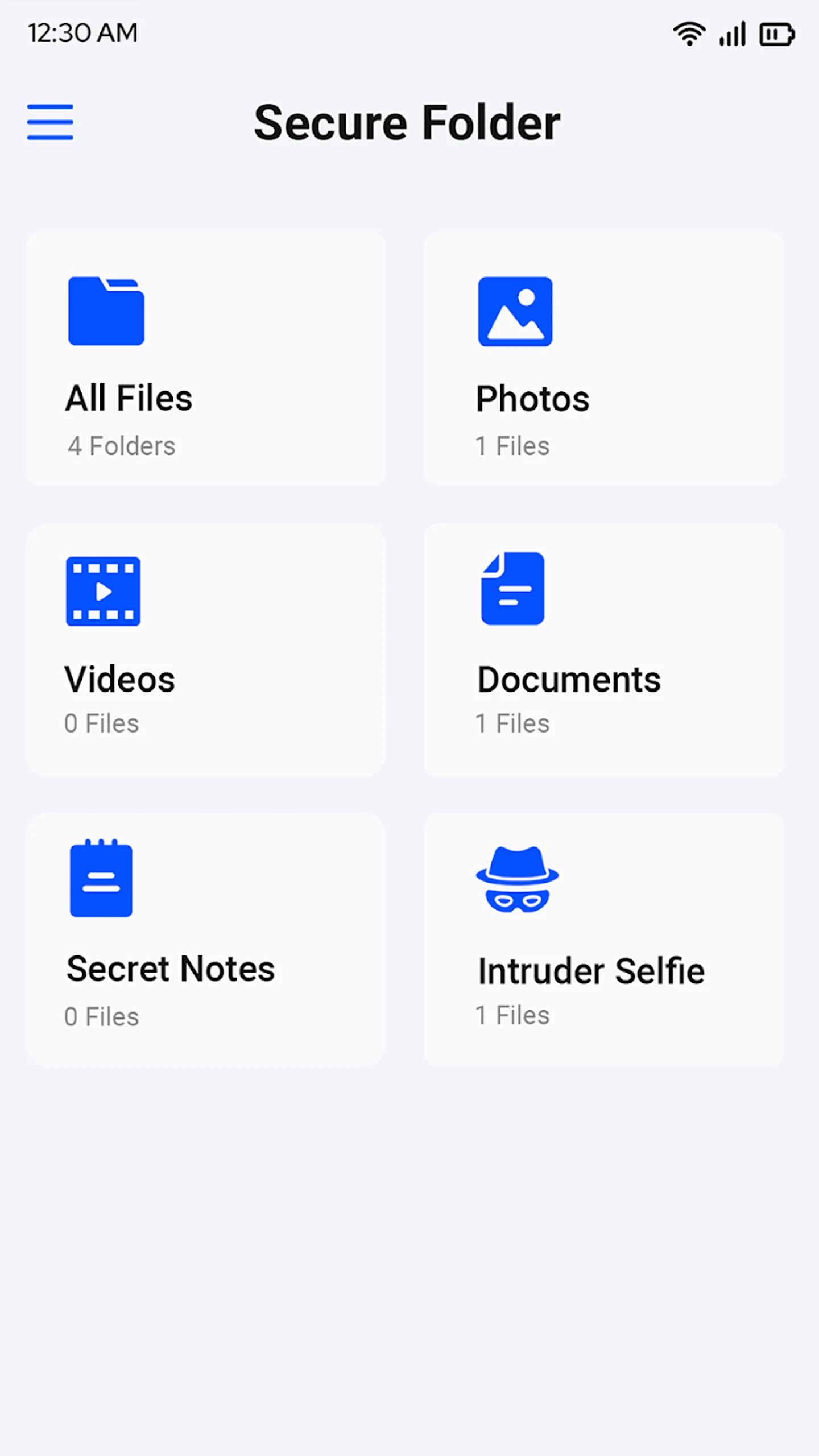
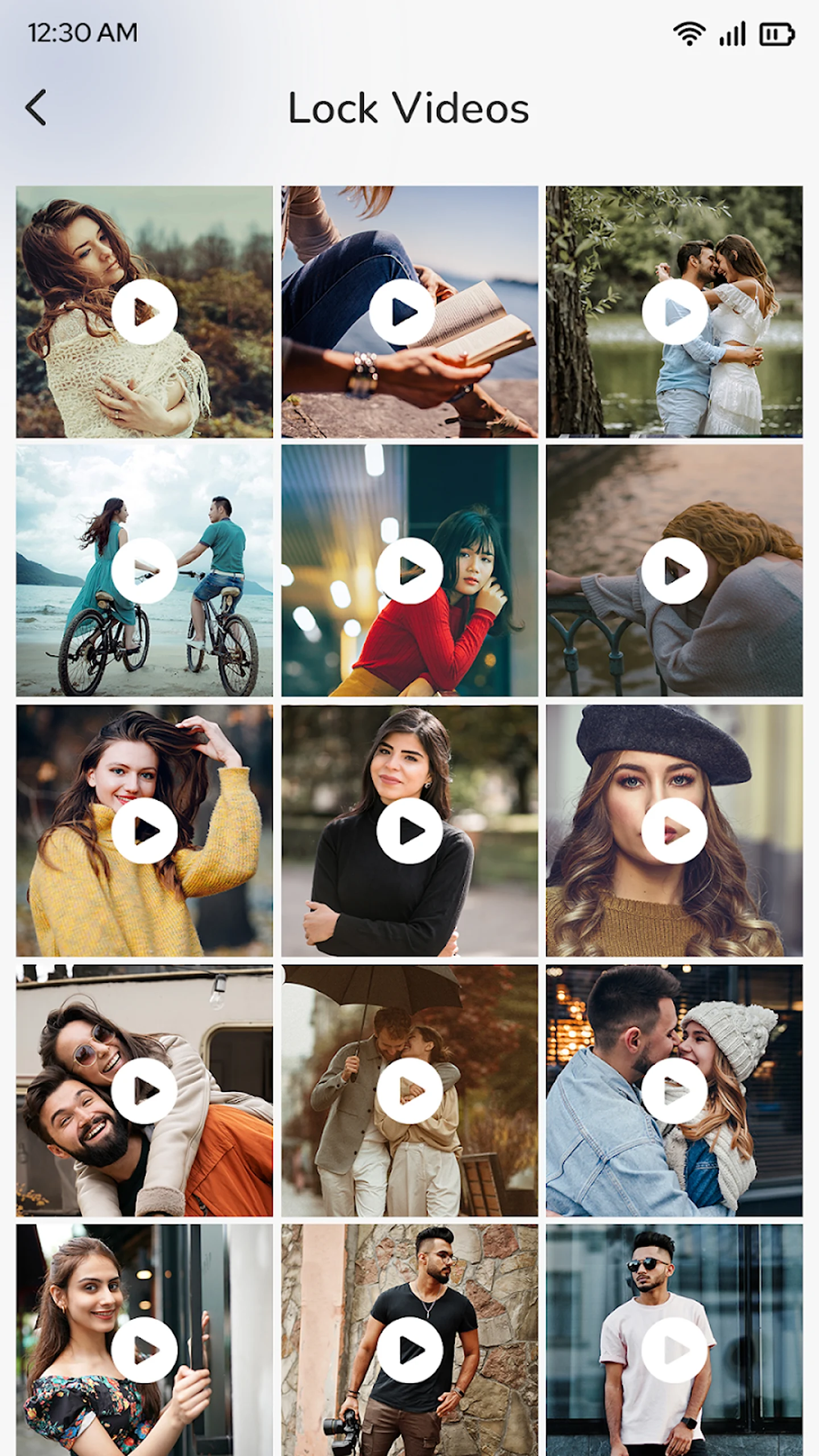
Secure Folder App: Hidden Photo Vault – Ensure Lasting Privacy For Your Files!
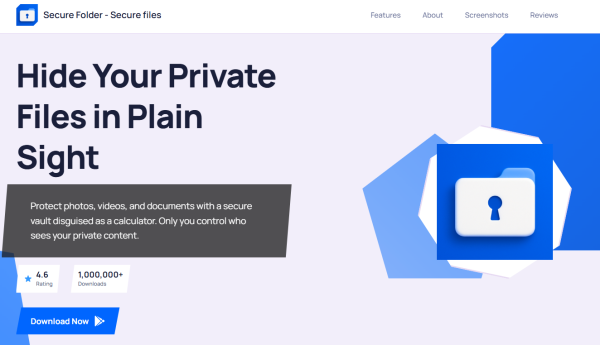
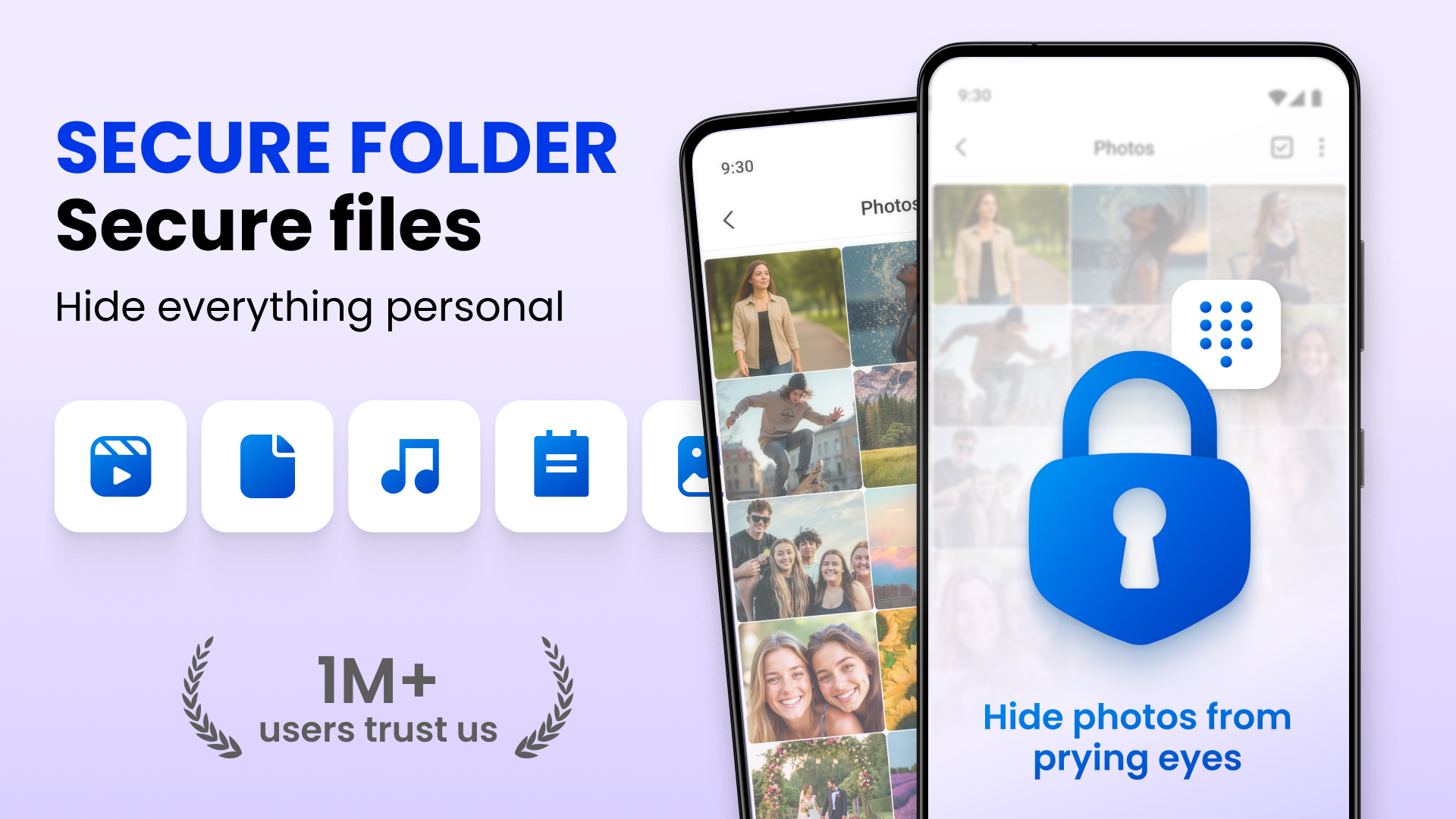
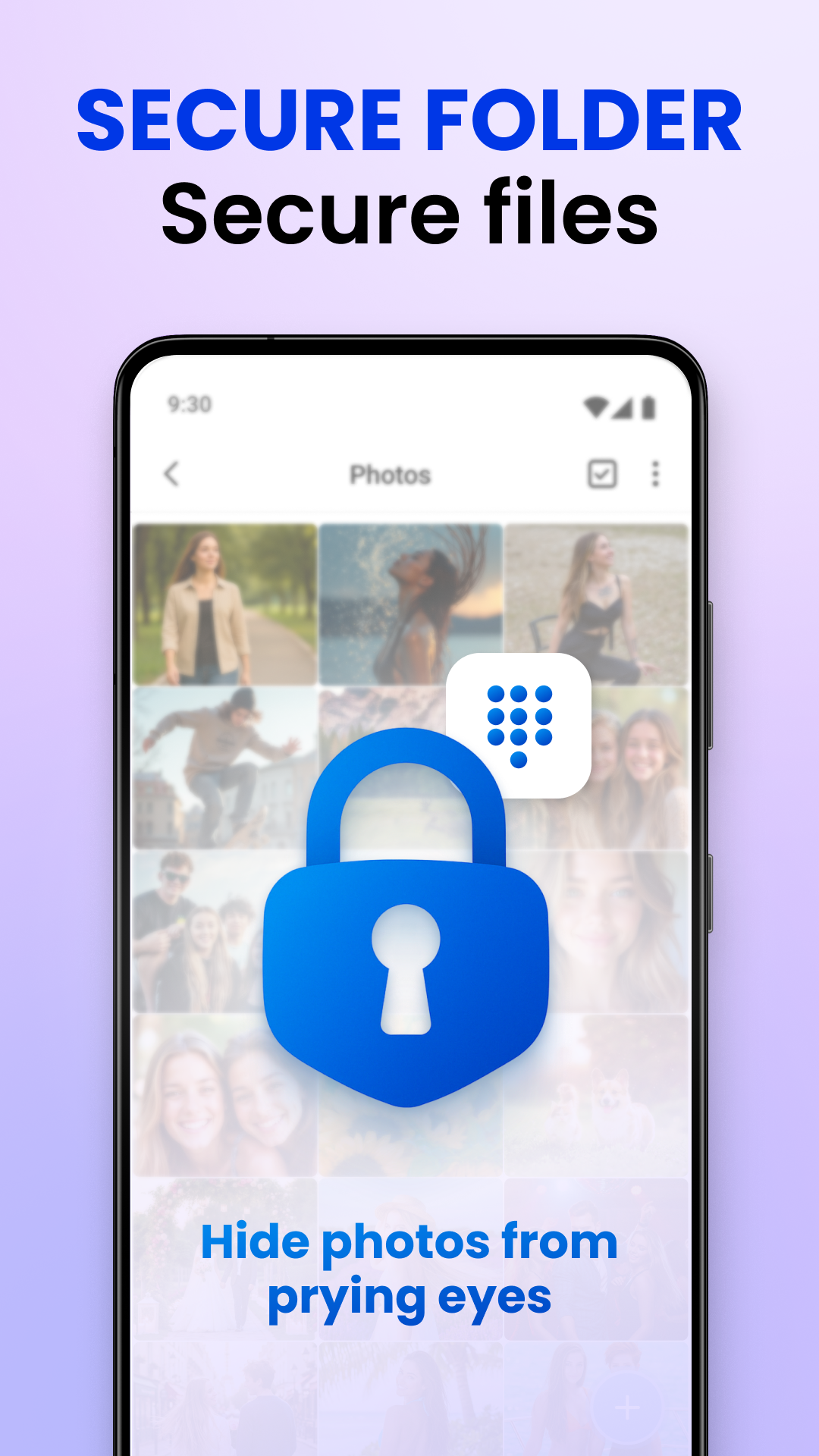
How do you safeguard your private files, personal media, and essential documents? The Secure Folder App: Hidden Photo Vault enables you to hide and secure sensitive media with top-notch protective features. This privacy vault masquerades as a calculator, ensuring that your confidential content stays out of sight from curious onlookers.
Now, take charge of your digital privacy by concealing videos, photos, and documents inside a highly advanced secret vault. Whether you intend to store personal media or highly classified files, the Secure Folder App: Hidden Photo Vault offers unmatched protection and complete confidentiality.
📄 Key features of Secure Folder App: Hidden Photo Vault: 📄
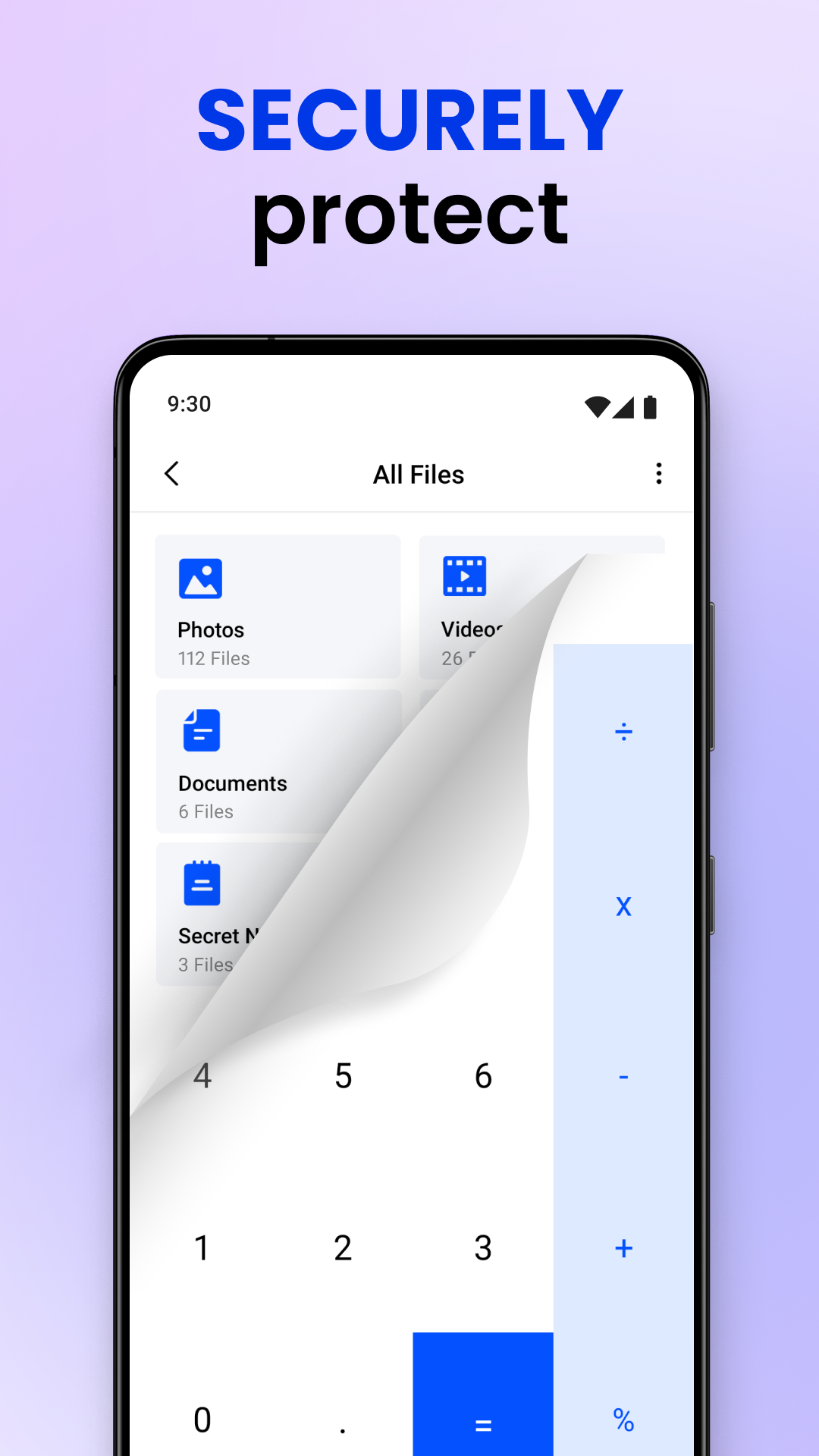
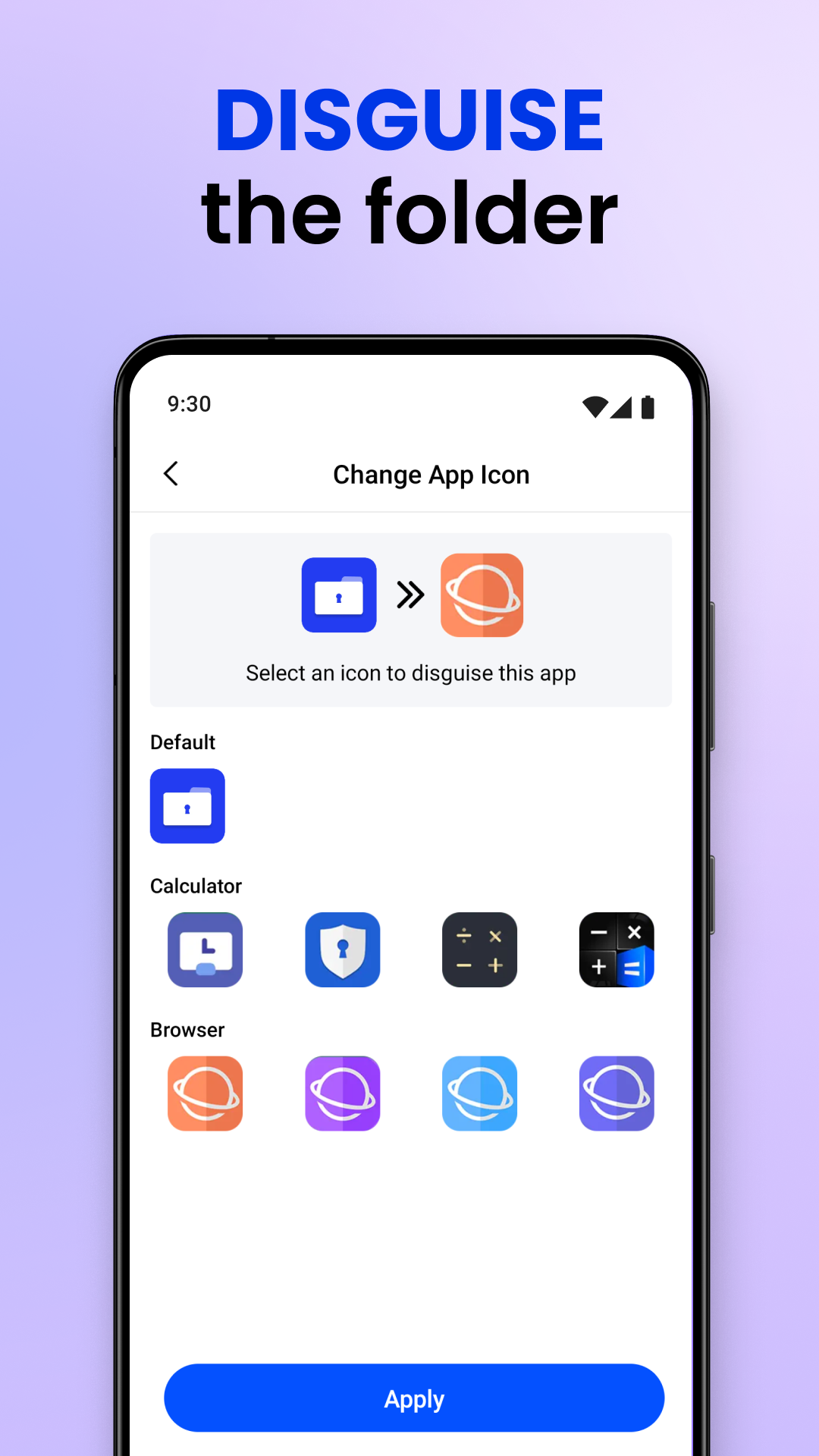
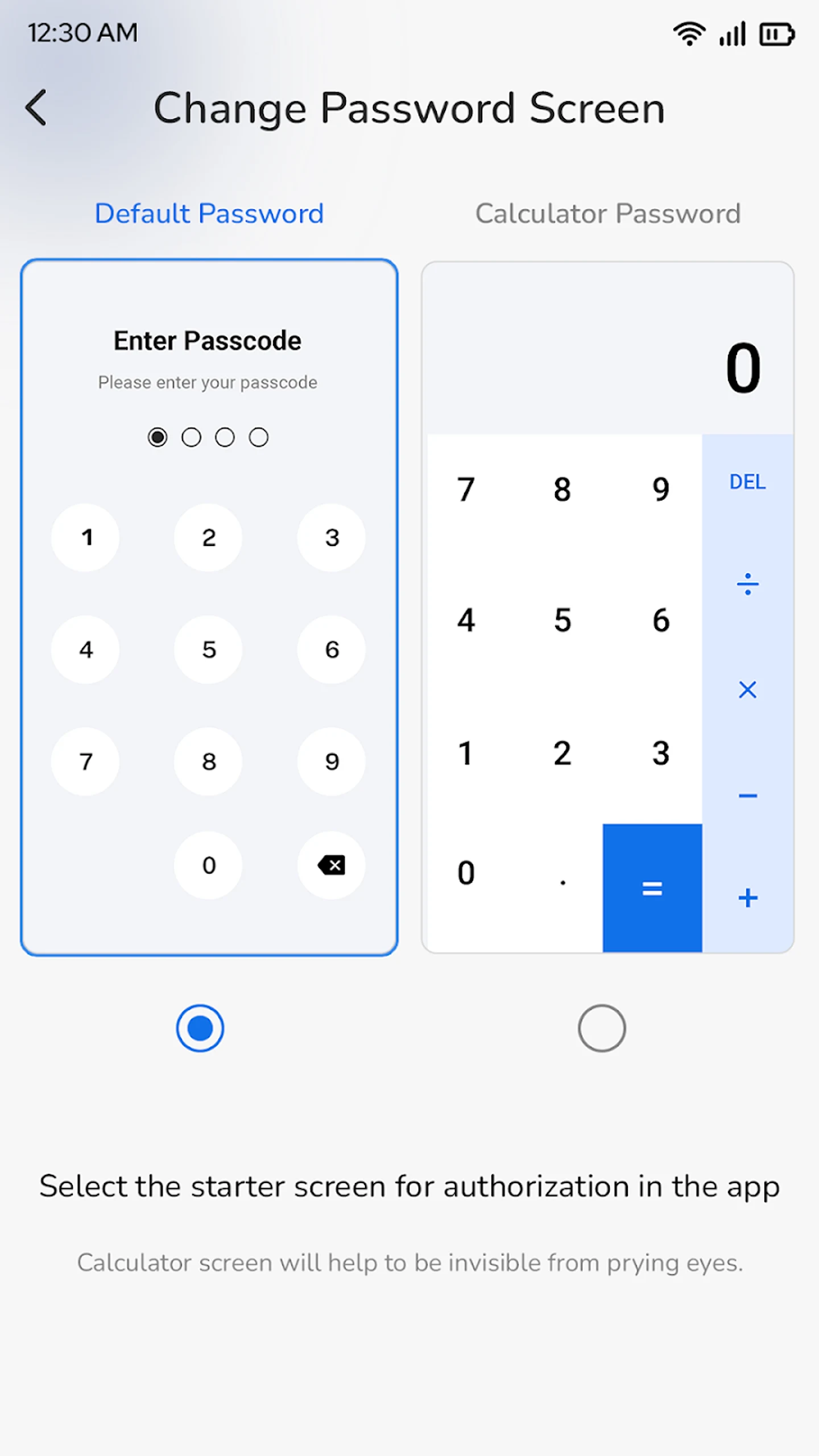
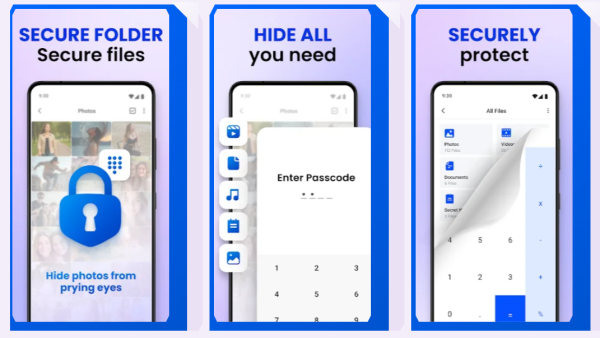
🔒 Secret Folder: Calculator Lock - Conceal your vault as a Calculator;
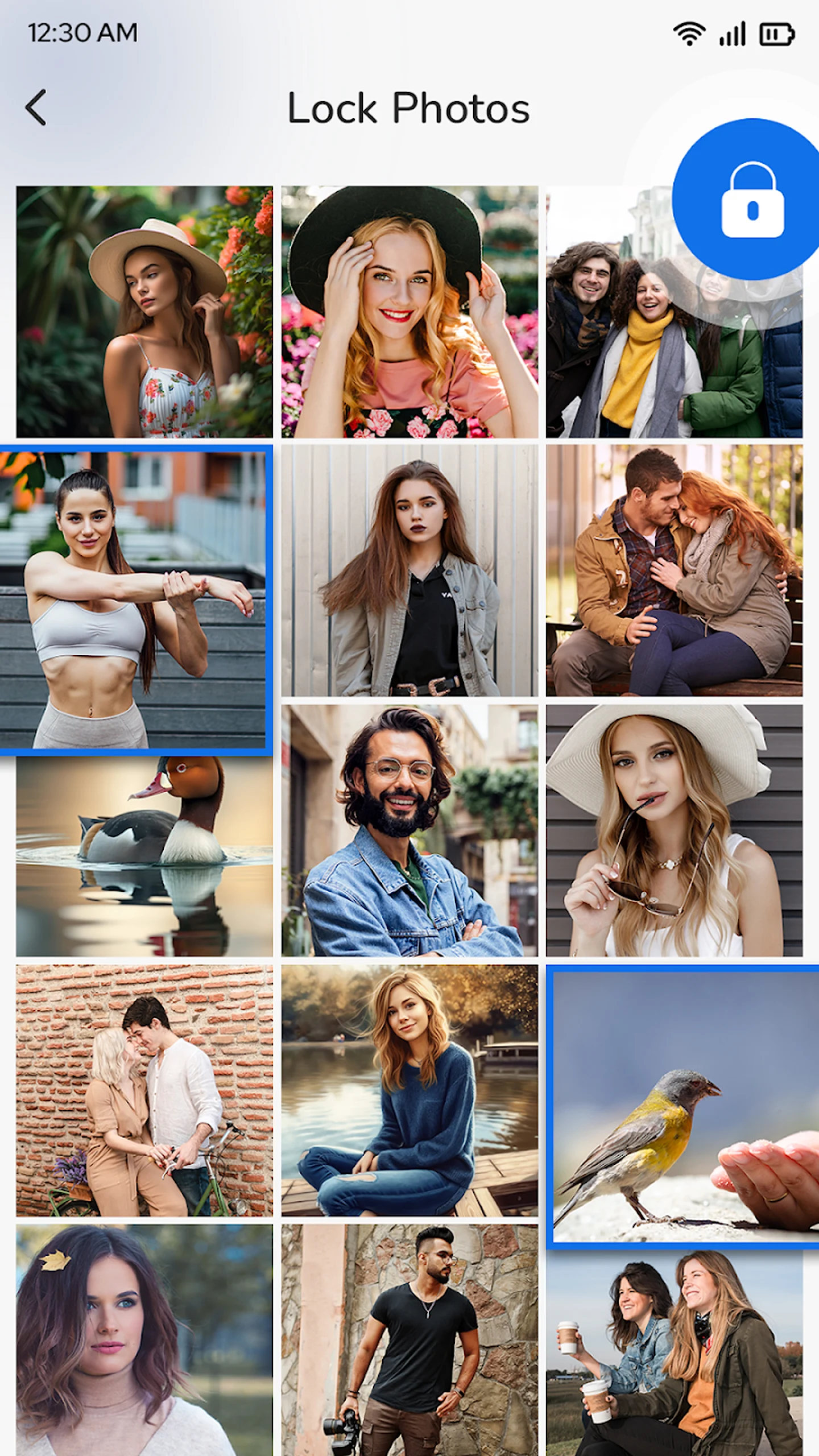
📷 Photo Locker: Hide Photos and Videos from your gallery;
📁 Safe Folder: Calculator Photo Vault - Facilitates the storage of files, images, and documents;
🧩 Hidden Photos: A folder lock designed to completely conceal your albums;
🗂 Hidden Folder: Gallery Vault for preserving your videos, notes, and personal files;
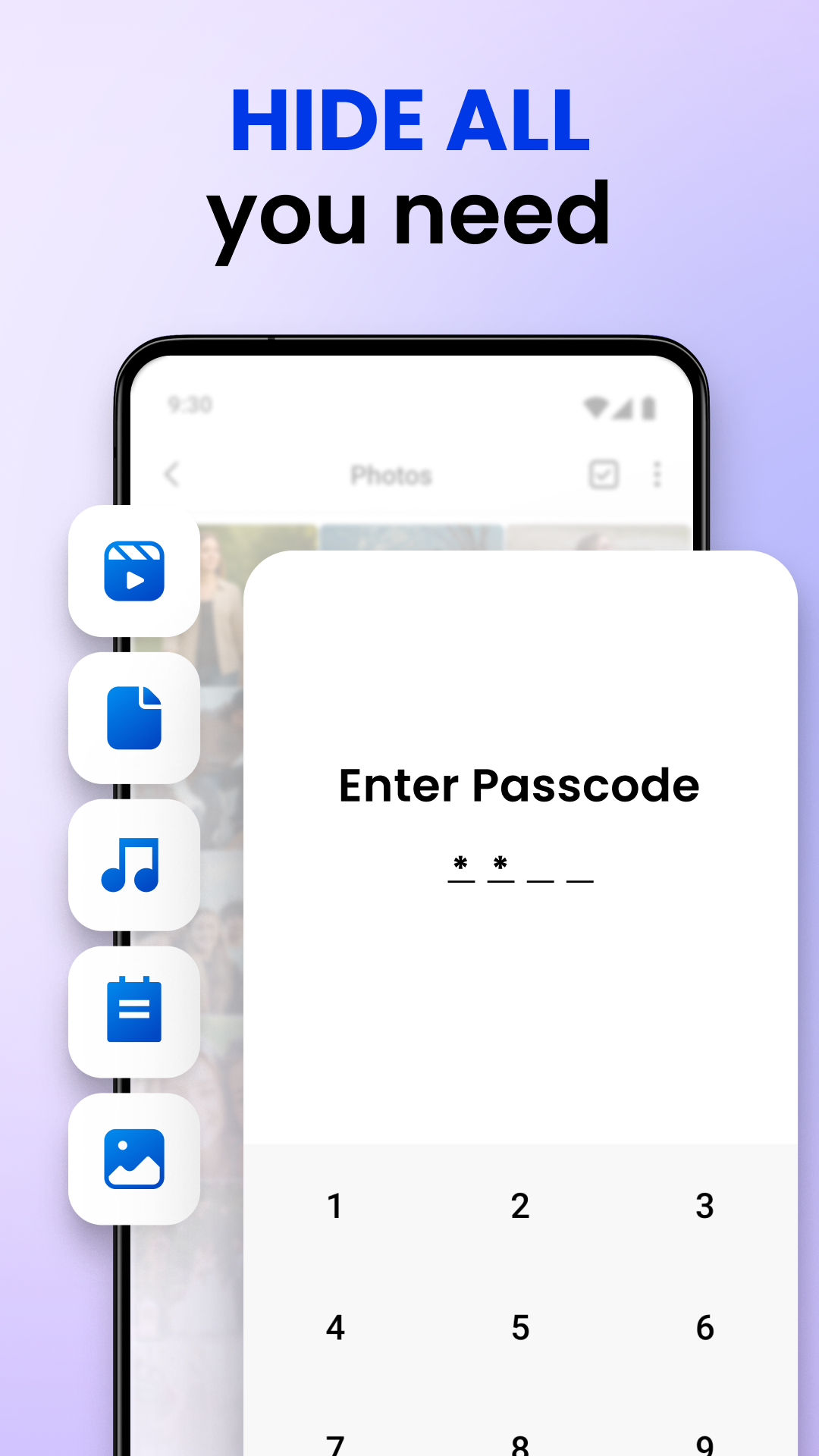
📸 Secret Photo Album: Private Photo Hider provides password protection for hidden items;
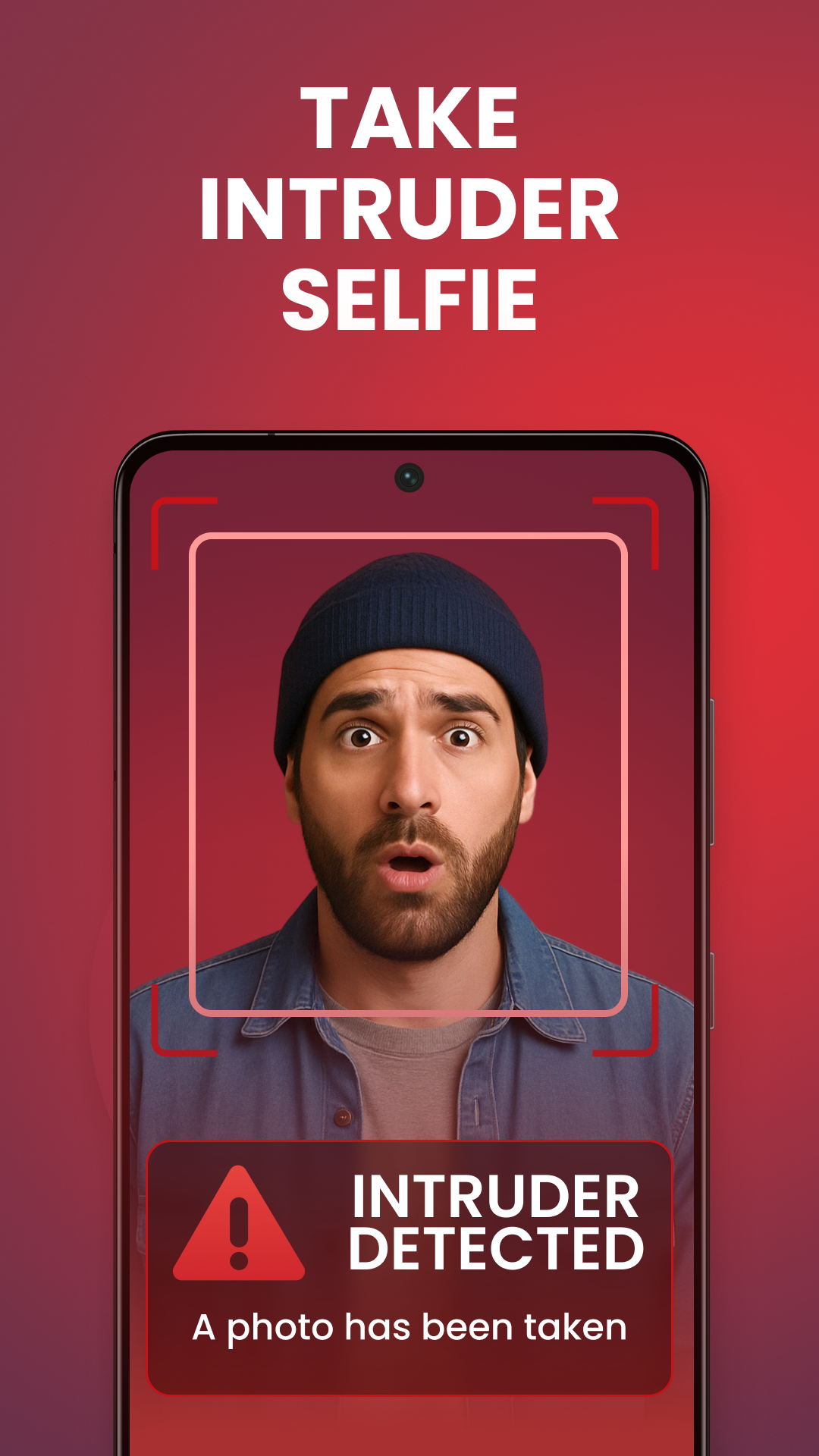
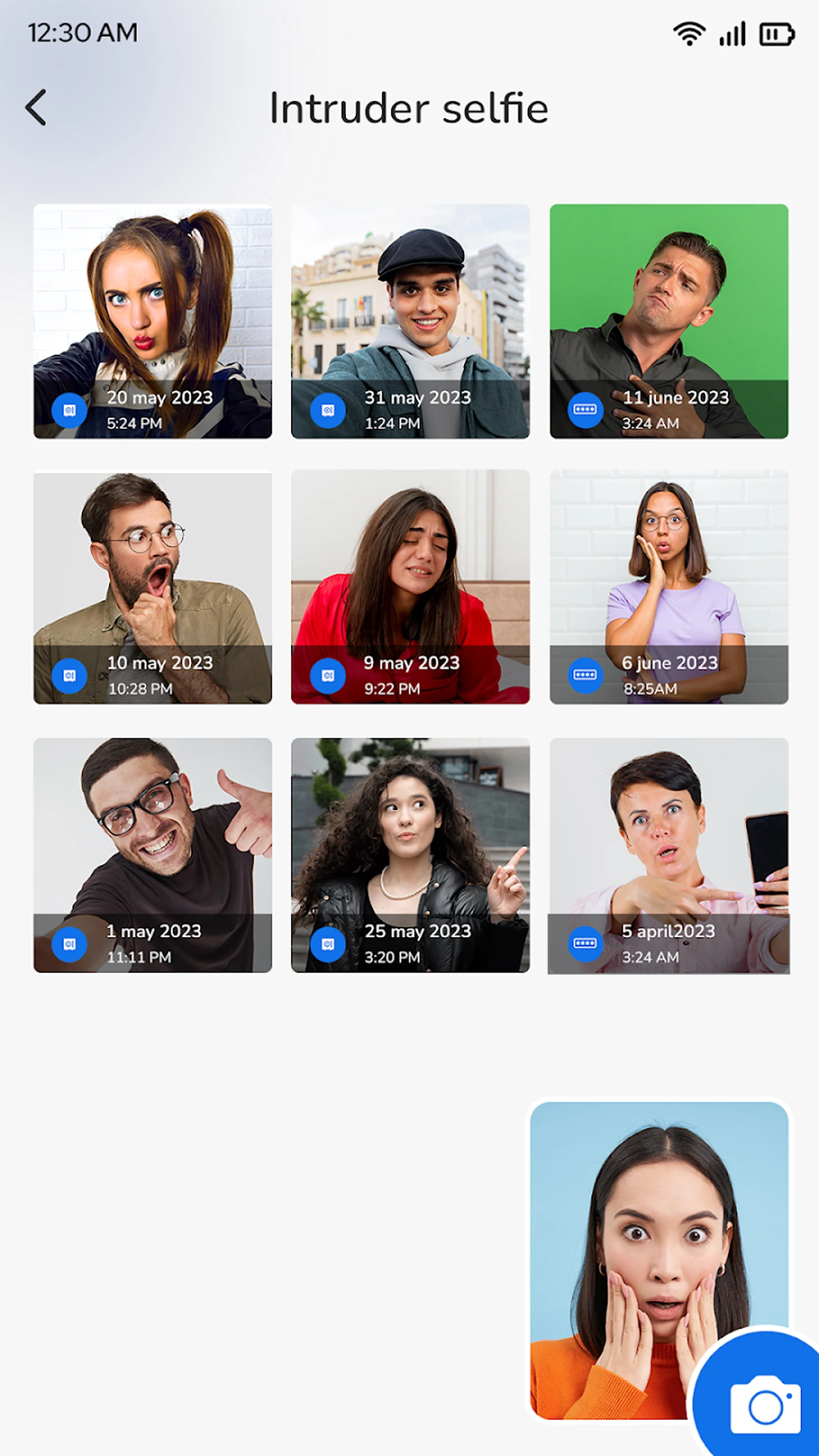
👁 Captures intruder selfies during unauthorized access attempts;
🗒 Ability to lock personal notes in the vault for secure storage;
🔢 Main app icon appears as a calculator;
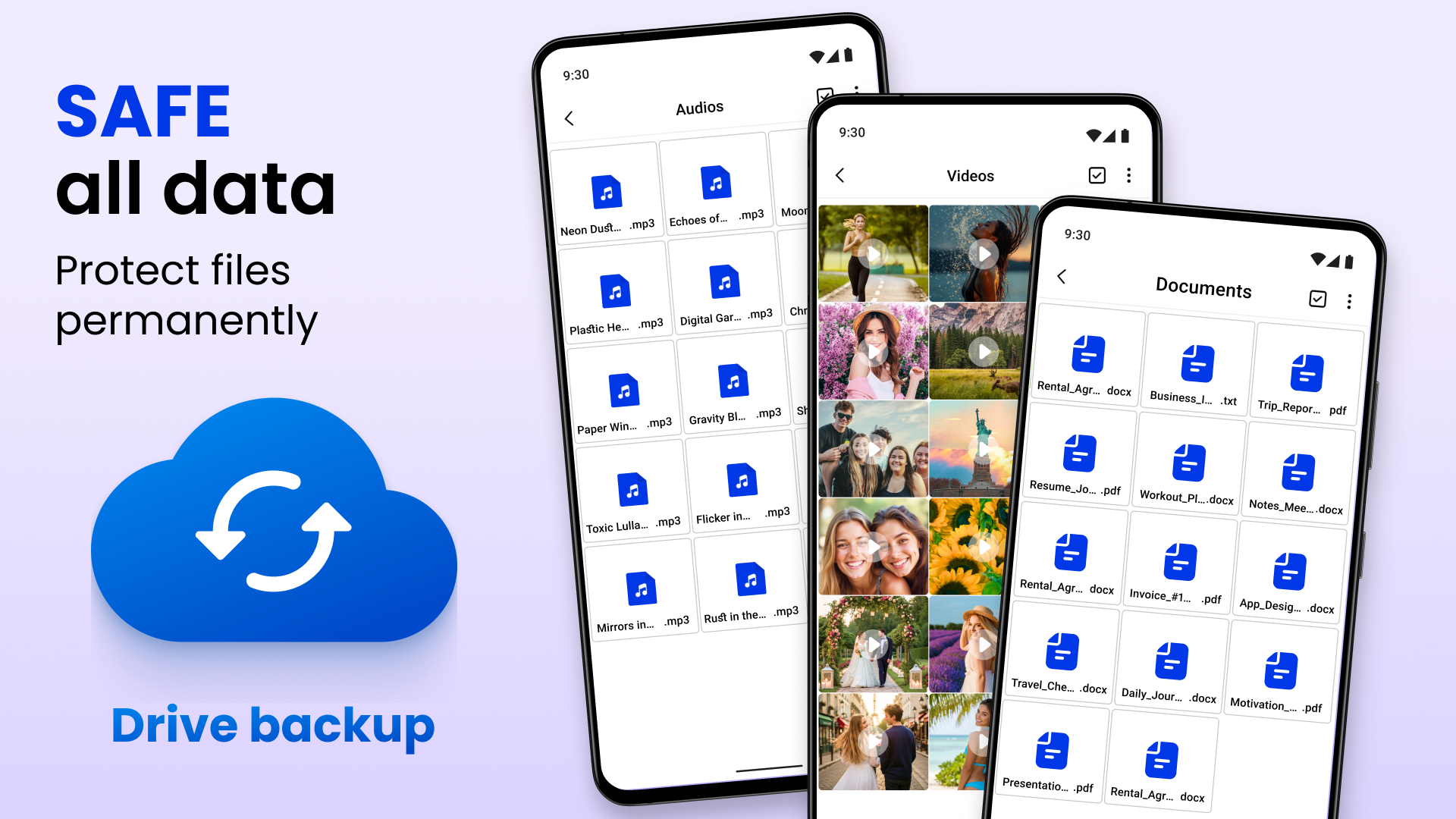
🎞 Supports all file types such as JPG, MP4, PNG, DOC, PPT, etc!
Robust hidden protection! The use of Secret Folder: Calculator Lock offers an ideal disguise for concealing private files beneath a calculator interface. The vault allows users to manage what is hidden and what remains visible, enabling them to keep personal documents, family videos, or confidential work materials safe.
Safe
Secure Your Images All In One Application: 📸
Protect your secrets, memories, and peace of mind simultaneously. Regain control of your privacy with Secure Folder App: Hidden Photo Vault. With the Safe Folder: Calculator Photo Vault, you dictate who accesses your private media. The innovative design and stealth feature of the Photo Locker: Hide Photos Videos make it the perfect solution for those desiring privacy. From vacation snapshots to sensitive business materials, this vault instills trust.
Complete Privacy and Convenience 🗝️
Hidden Photos: Folder Lock grants users full customization while ensuring overall secrecy. Any photo or video can be transferred from the gallery into this secondary storage, making it inaccessible to other applications on the device. You can truly forget about anyone discovering your personal files again.
Maximize Your File Security: 🔏
Effortlessly manage your secret content with Hidden Folder: Gallery Vault. Hidden Photos: Folder Lock serves not just as a hiding place; it’s a fully functional file manager for locked materials. Content can be organized, viewed, or retrieved only when necessary. Secret Photo Album: Private Photo Hider allows you to create password-protected custom folders. Whether it involves personal moments or important records, this feature guarantees that only you can view your private media.
Secure Everything That Matters – Your Digital Privacy Begins Now! Protect every photo, video, or document with the utmost confidentiality using Secure Folder App: Hidden Photo Vault. Sensitive documents remain hidden and secure with Secret Folder: Calculator Lock and Safe Folder: Calculator Photo Vault. This app encompasses everything you require, from a Photo Locker: Hide Photos Videos to a Hidden Folder: Gallery Vault, all within one straightforward Secret Photo Album: Private Photo Hider solution.
Usage
1. Set a password: Settings → Biometrics and Security → Secure Folder → Sign in with your Samsung account → Set a lock.
2. Save files: Open the app → Tap Add → Select Photos/Videos/Documents → Move/Copy into the Privacy Library.
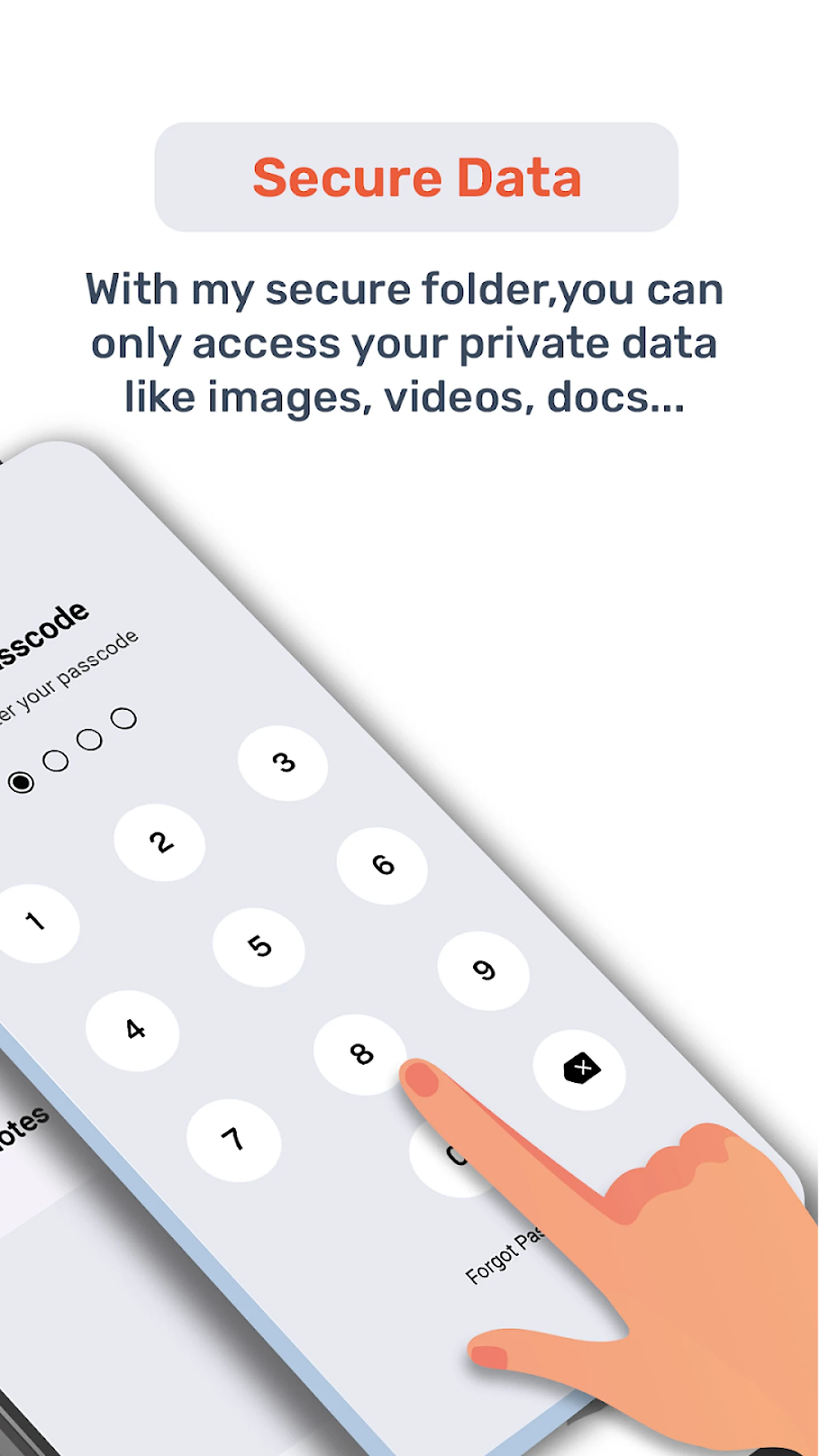
3. Faked unlock: Open with the calculator icon, enter your password and press = to enter.
4. Hide icon: Turn off "Add to app screen" in Settings, or switch it from the notification bar.
5. Retrieve password: On the login page, tap Forgot password → Reset with Samsung account.
Related Questions and Answers
1. **Q: How do I create a Secure Folder? **
A: Open the Settings app, tap "Biometrics & Security," then tap "Secure Folder." You'll need to log in or create a Samsung account. Follow the prompts, select a lock method, and confirm. A shortcut to the Secure Folder will be added to the Home and Apps screens.
2. **Q: What if I forget my Secure Folder password? **
A: On the Secure Folder login screen, tap "Forgot password," then log in with the Samsung account you linked during setup. In the pop-up box, tap "Reset password," and enter your new password.
3. **Q: Can files in Secure Folder be shared with other devices? **
A: Yes. If you want to share with non-Samsung Galaxy devices, you may need to move the files out of Secure Folder before sharing. If you are sharing with a Samsung Galaxy device, you can use the sharing function directly within Secure Folder and choose whether to enable private sharing mode.
4. **Q: Can Secure Folder be hidden? **
A: Yes. Go to "Biometrics & security" in your device's settings, tap "Secure Folder," enter your lock type, and then turn off the toggle next to "Add Secure Folder to Apps screen." You can also hide and unhide Secure Folder from the notification panel.
5. **Q: What are the limitations of Secure Folder? **
A: Content in Secure Folder cannot be accessed externally via USB, Wi-Fi Direct, or other methods. Bluetooth connections are also not supported, so you can't make calls or connect to Bluetooth devices via Bluetooth. Additionally, Secure Folder cannot access SD card storage.
- Version1.2.1
- UpdateOct 16, 2026
- DeveloperOne Music Player
- CategoryTools
- Requires AndroidAndroid 7.0+
- Downloads1M+
- Package Namecom.securefolder.securefiles.vault.file
- Signatureaf13b83e01deecb35b7c3a2c02d7d45e
- Available on
- ReportFlag as inappropriate
-
NameSizeDownload
-
10.90 MB
-
7.95 MB
-
7.81 MB

















Strong security features for sensitive files
User-friendly interface for easy access
Supports fingerprint and PIN protection
Maintains privacy of photos and videos
Helpful customer service with active responses
Keeps data organized for user convenience
Good for long-term use without major issues
Pervasive ads that disrupt user experience
Risk of losing files during use
Compulsive permissions required for functionality
Inability to recover lost or deleted files
Confusing user interface lacking customization options
Buggy performance and crashes during operation
Difficulty in accessing hidden files or folders
No clear option to eliminate ads or switch to a paid version